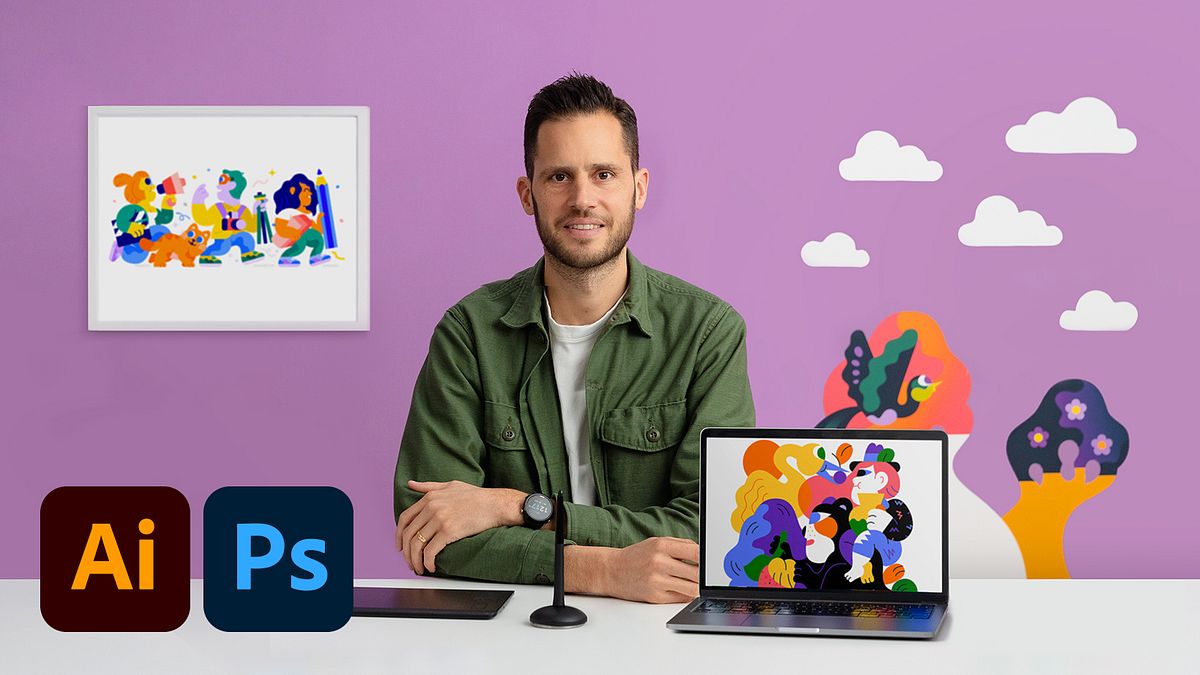
Digital Illustration: When Color Meets Imagination
A course by HedofIllustrator
A course by Hedof, Illustrator

Learn to improve your creative workflow and design vibrant illustrations that capture your unique style using Photoshop and Illustrator
By combining color with creative illustration techniques, you can capture the energy of your favorite place. Illustrator Rick Berkelmans likes to visualize communities, relationships between people, and their surroundings as part of his drawing process. He runs his own studio, Hedof, where he has worked with clients including Google, YouTube, Facebook, and The New York Times.
In this course, Rick teaches you how to train your imagination to be more creative and design colorful illustrations using digital tools. Choose one of your favorite locations and use it to illustrate a bold and powerful art print ready to share with the world. Take your sketches to the next level.
What will you learn in this online course?
18 lessons & 17 downloads
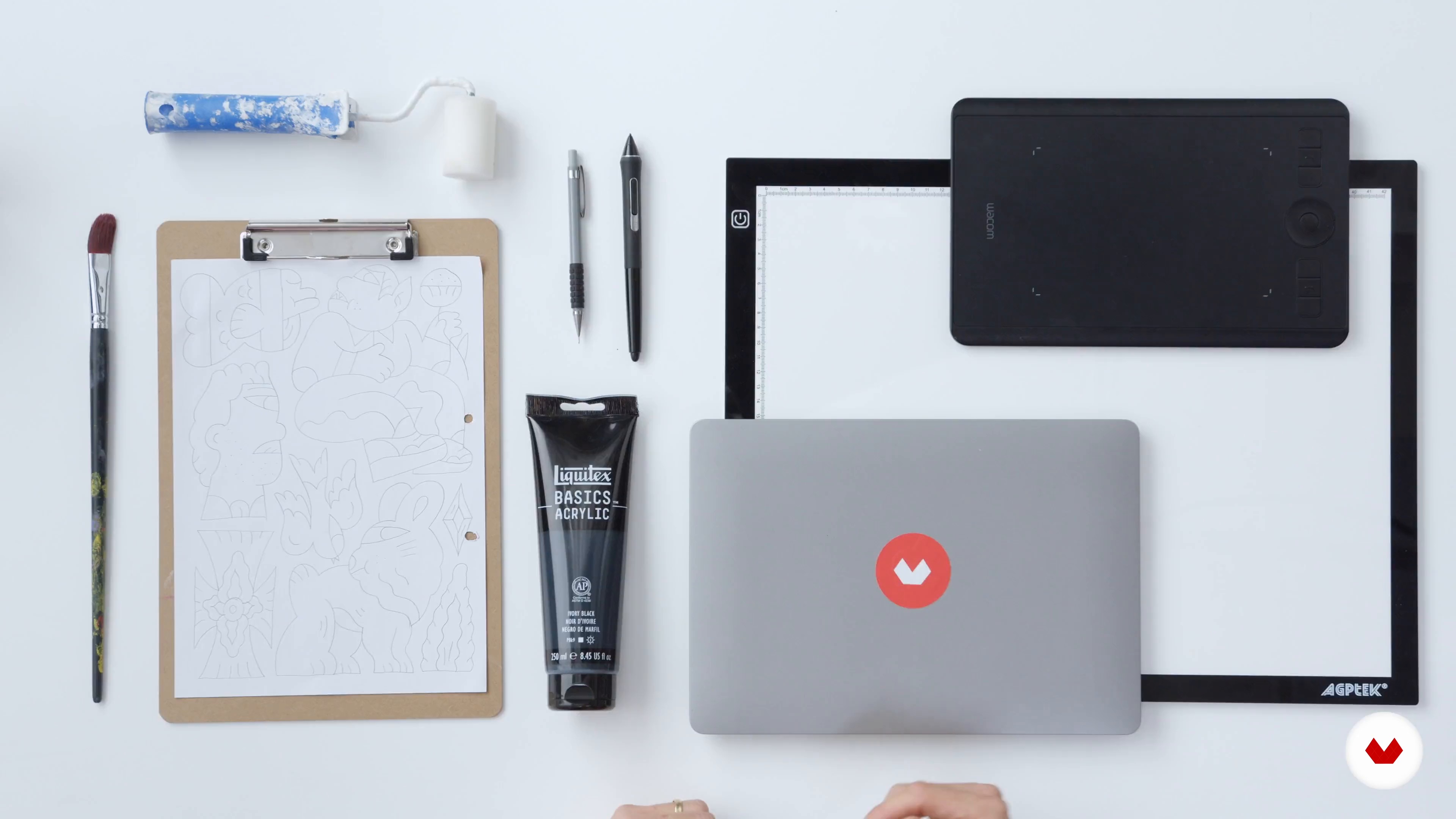
What You Need to Know before You Start
4 minutes, 0 seconds
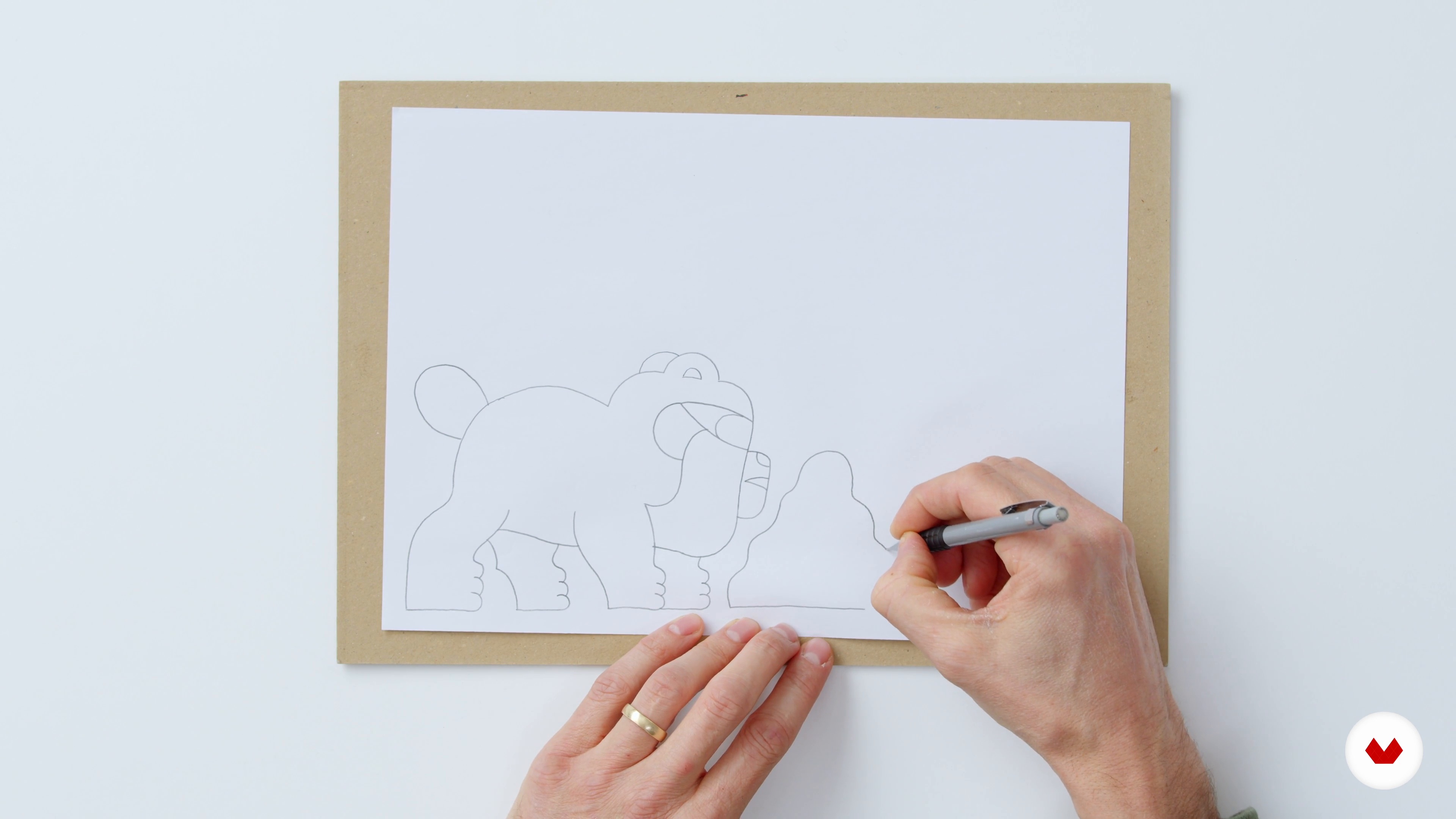
About Sketching
17 minutes, 41 seconds
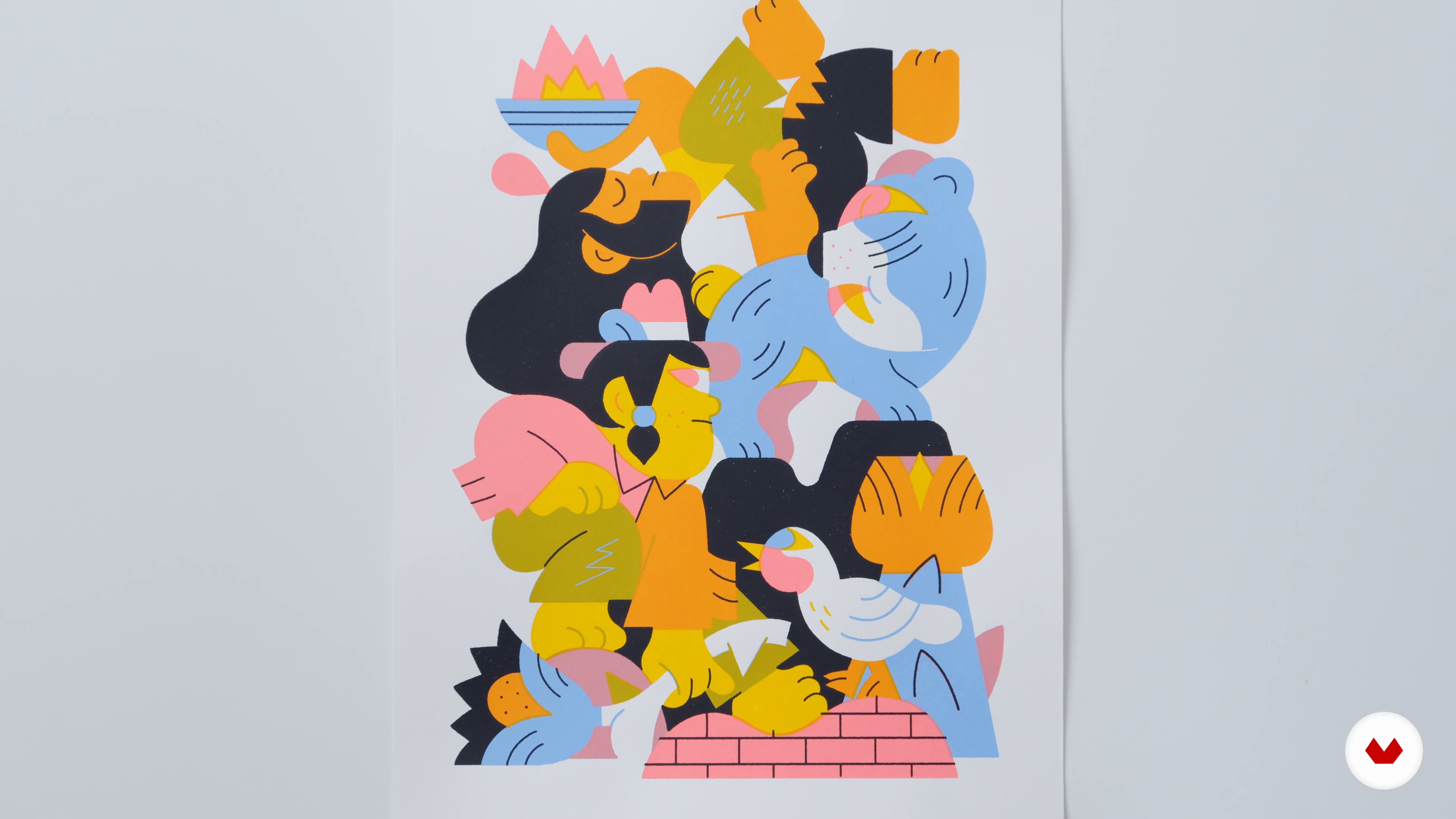
About Style
12 minutes, 29 seconds
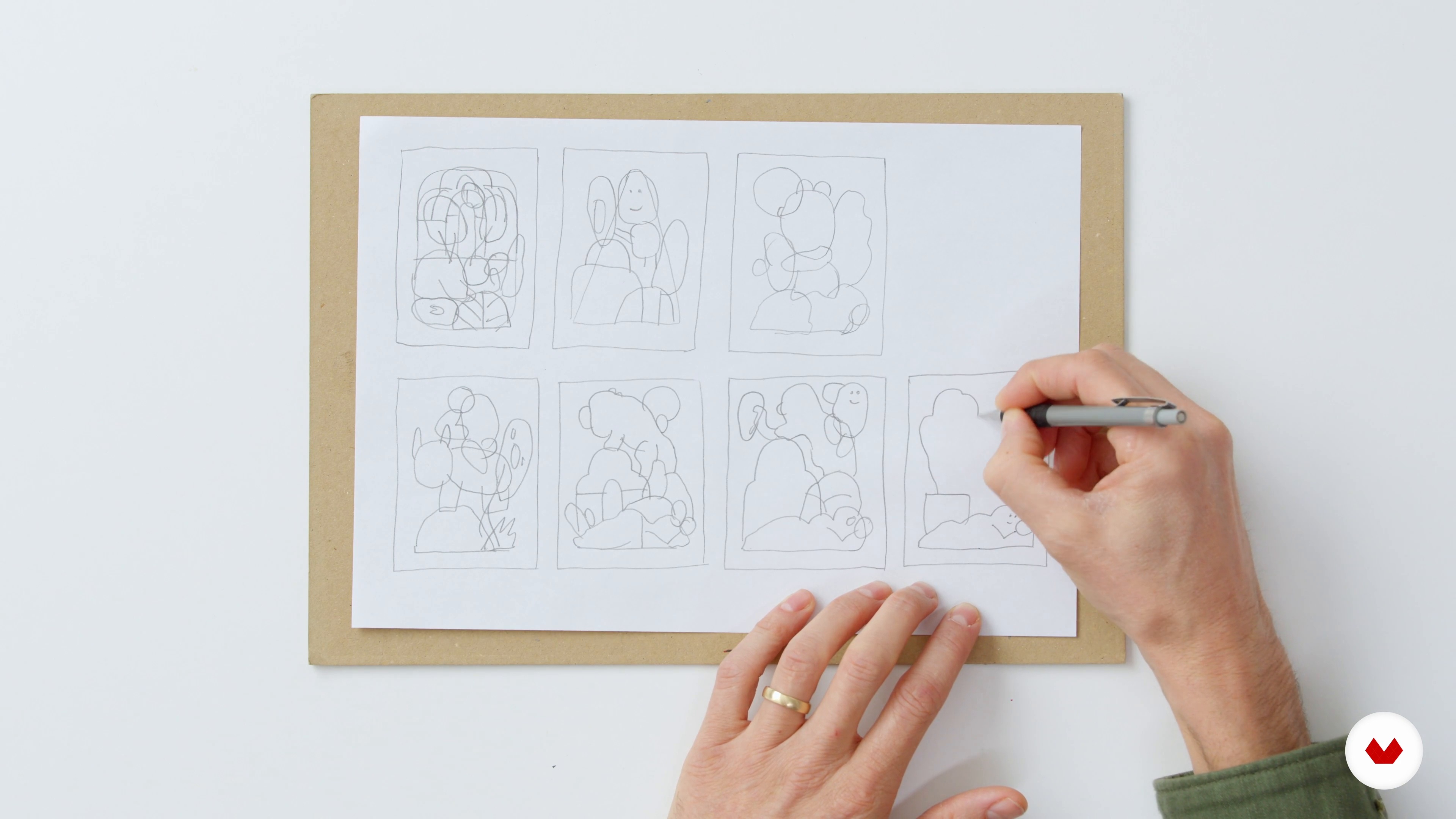
References and Initial Sketches
13 minutes, 36 seconds
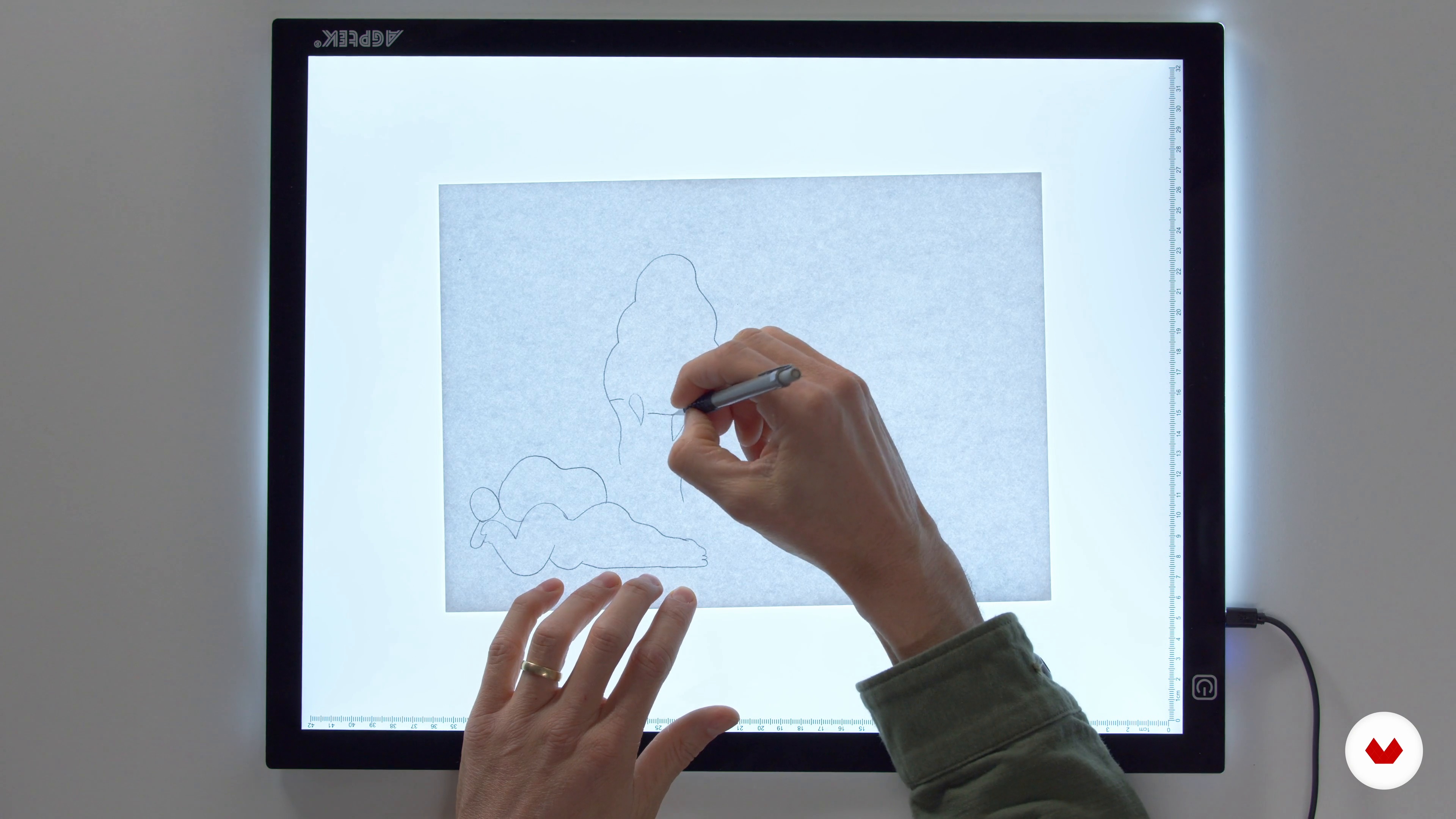
Refining Your Sketches
8 minutes, 57 seconds
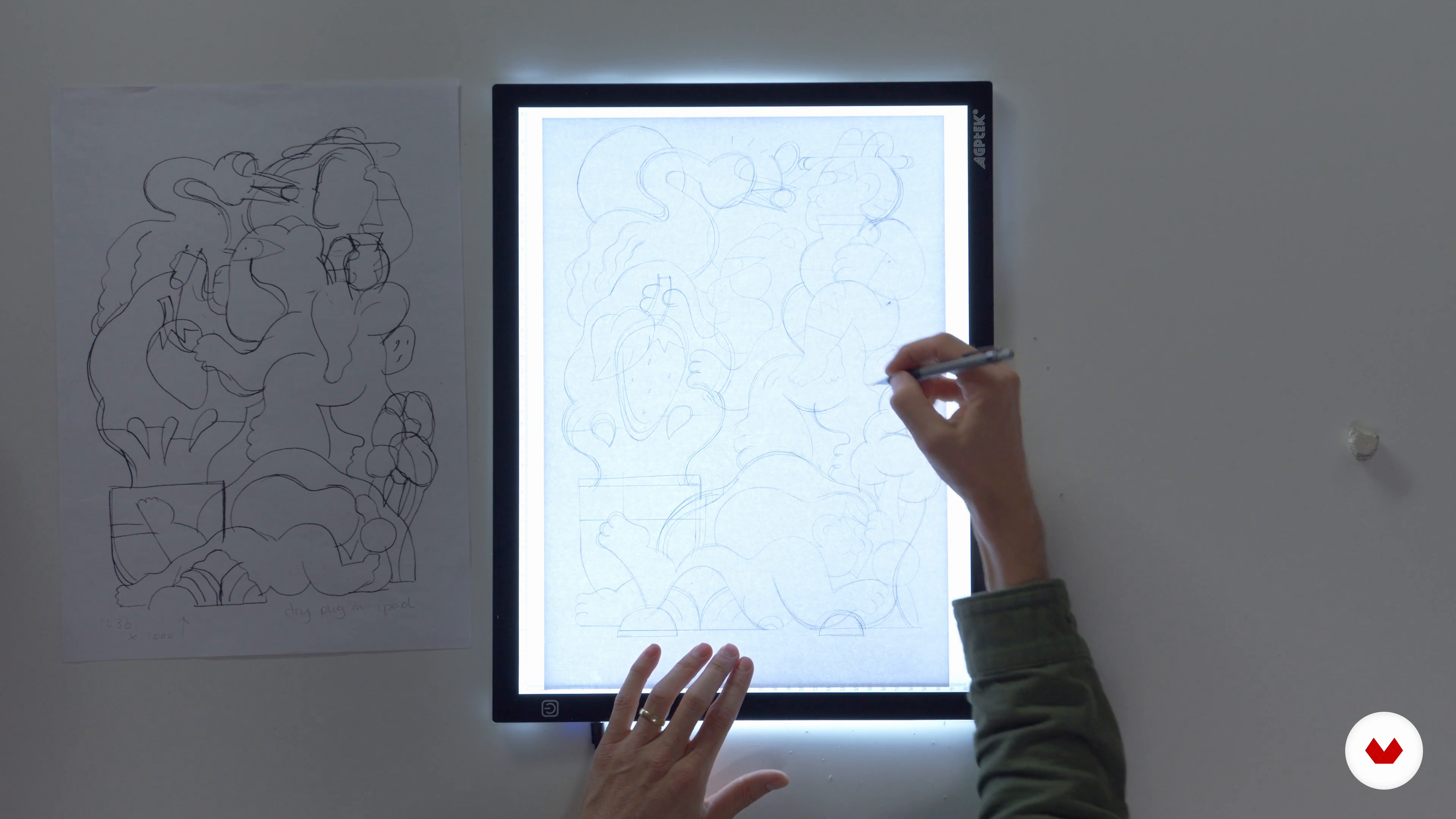
Creating the Final Illustration
13 minutes, 31 seconds
What's included in this course?
Begin the course by getting to know Illustrator Rick Berkelmans. He talks through his creative career, from discovering a passion for drawing as a child to starting his own studio. Discover the influences that inspire the work he creates.
Take a look at the materials, devices, and programs needed for the course. Then learn how to improve your drawing skills and come up with creative ideas for your project. Explore how to develop a visual style that’s recognizably you, taking into consideration your strengths, weaknesses, influences, and more.
Create a mood board and begin working on your initial sketches. Choose your favorite drawing, then refine it, adding details, patterns, and other elements that reflect the mood you want to express.
Scan the finished design into Photoshop and clean up any finer details, before moving on to Illustrator. Learn how to trace your drawing to convert lines into shapes, before building the color palette for your illustration with the principles of screen printing in mind. Rick also shows you various techniques for coloring your work.
See how to enhance your design by adding interesting textures and finishing touches. To finish the course, Rick shares his advice on printing and showcasing your work.
Recommended software & tools for this course
What is this course's project?
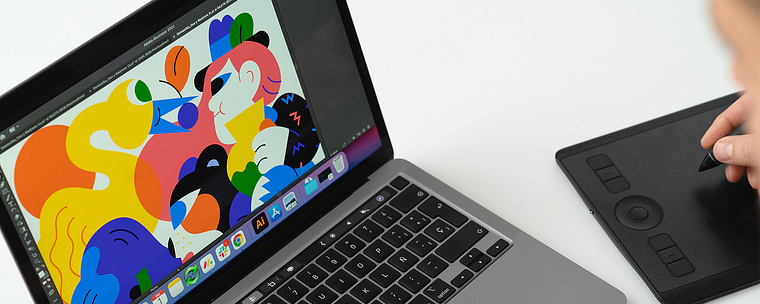
Design your own colorful print that pays homage to your favorite place using digital tools in Adobe Photoshop and Illustrator.
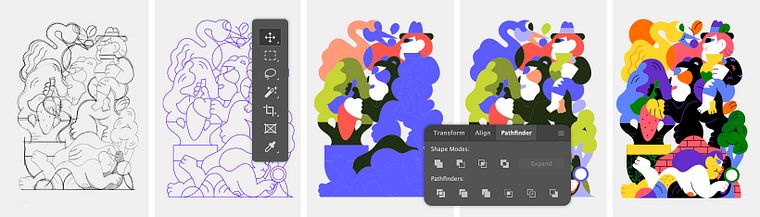
Projects by course students

Who is this online course for?
This course is for anyone with an interest in learning to create vibrant digital illustrations in their own personal style.
Requirements and materials
Previous experience with Adobe Photoshop and Illustrator would be beneficial but is not essential.
In terms of materials, you will need a device with these programs installed, as well as a pencil and paper, and access to a scanner.
Reviews
- 1 year ago
I really liked this course. The instructor guides through the course and helps us navigate easily. Highly recommended.
- 1 year ago
This course is highly recommended for several reasons. First of all for the analogue and digital tools you learn to use, there is a plugin for drawing in Illustrator that is crazy, I love it. And secondly, it's super interesting to learn about the creative process of such a great illustrator, how he thinks about the idea, how he makes it concrete, all the digitizing steps, the comings and goings until you get a finished piece of art.
- 1 year ago
Every time I take courses on here, I learn something new. Thanks Hedof!
- aran_esPLUS2 years ago
He aprendido cosas nuevas. Recomiendo el curso y el profesor.
- 2 years ago
Great course!

Since then, Rick has established his own studio, Hedof, and worked on illustrations for apps, magazines, advertising campaigns, and packaging. He has also painted large-scale murals around the world. Rick’s clients include Nike, The New York Times , Nickelodeon, IKEA, Samsung, KLM Royal Dutch Airlines, Lotte World Mall, Nestlé, Green Man Festival, Red Bull, PlayStation, Snapchat, YouTube, WeTransfer, Google, and Facebook. He also shares his work with over 90K followers on Instagram.
Content
- U1
Introduction
- About Me
- Influences
- U2
Preproduction
- What You Need to Know before You Start
- About Sketching
- About Style
- U3
The Project
- References and Initial Sketches
- Refining Your Sketches
- Creating the Final Illustration
- U4
From Analog to Digital
- Preparation
- Tracing and Converting Lines into Shapes 1
- Tracing and Converting Lines into Shapes 2
- How Screen Printing Affected My Work
- Choosing a Color Palette
- Coloring Your Shapes
- U5
Finalizing Your Drawing
- Refining Your Colors
- Creating Textures and Patterns
- Adding Patterns, Textures, and Final Details
- Final Illustrations and Other Examples
- FP
Final project
- Digital Art: When Color Meets Imagination
What to expect from a Domestika course
Learn at your own pace
Enjoy learning from home without a set schedule and with an easy-to-follow method. You set your own pace.
Learn from the best professionals
Learn valuable methods and techniques explained by top experts in the creative sector.
Meet expert teachers
Each expert teaches what they do best, with clear guidelines, true passion, and professional insight in every lesson.
Certificates
PLUSIf you're a Plus member, get a custom certificate signed by your teacher for every course. Share it on your portfolio, social media, or wherever you like.
Get front-row seats
Videos of the highest quality, so you don't miss a single detail. With unlimited access, you can watch them as many times as you need to perfect your technique.
Share knowledge and ideas
Ask questions, request feedback, or offer solutions. Share your learning experience with other students in the community who are as passionate about creativity as you are.
Connect with a global creative community
The community is home to millions of people from around the world who are curious and passionate about exploring and expressing their creativity.
Watch professionally produced courses
Domestika curates its teacher roster and produces every course in-house to ensure a high-quality online learning experience.
FAQs
This course is designed for intermediate artists with some experience in drawing or illustration but is accessible to motivated beginners eager to develop their printmaking, screen printing, and digital illustration skills.
You’ll need basic drawing supplies, a lightbox or tracing paper, acrylic paints, a smartphone for scanning, and access to Photoshop, Illustrator (with Astute Graphics plugins), and optional Wacom tablet for digital work.
You’ll learn drawing techniques for print, developing an illustration style, digital sketching, creating textures, preparing artwork for print, and building a professional portfolio for selling art prints online.
Yes, the course includes guidance on building an illustration portfolio and strategies for selling your art prints online to expand your professional network.
The course covers screen printing basics, preparing artwork for print, color separation, and integrating analog textures into digital illustrations for professional-quality art prints.
Yes, the course provides strategies for defining your illustration style by channeling personal interests, analyzing influences, and experimenting with visual language.
You don’t need to be highly skilled at drawing. The course emphasizes creative process, using references, and leveraging unique strengths to produce professional illustrations, even with basic drawing skills.