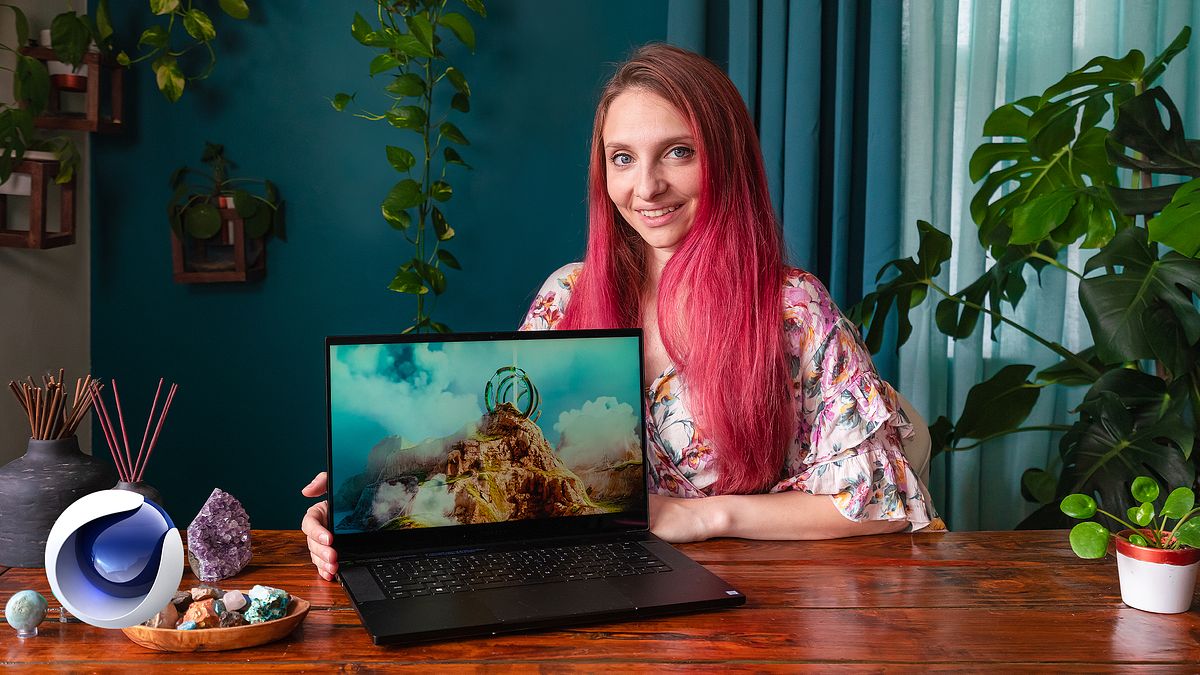
Environment Building in Cinema 4D and Octane
A course by Nina Marie3D Generalist and Retoucher
A course by Nina Marie, 3D Generalist and Retoucher

Design stunning imaginary worlds with World Creator, Cinema 4D, Octane, and Photoshop. Elevate your portfolio with immersive environments.
Discover how to bring your ideas to life by creating stunning 3D landscapes with Nina Marie, an expert in crafting digital worlds that look like they could be real. She’ll guide you every step of the way, from finding the right inspiration to building a fully realized environment in Cinema 4D.
You’ll learn to master key tools like World Creator and Octane to model, texture, and add realism to your landscapes. Throughout the process, you’ll see how small details like lighting and fog can transform your scene into a masterpiece worth showcasing.
By the end, you’ll have a complete workflow that takes an initial idea and turns it into a powerful final image. With Nina, you’re not just creating landscapes—you’re building visual stories that leave a lasting impression.
What will you learn in this online course?
21 lessons & 17 downloads
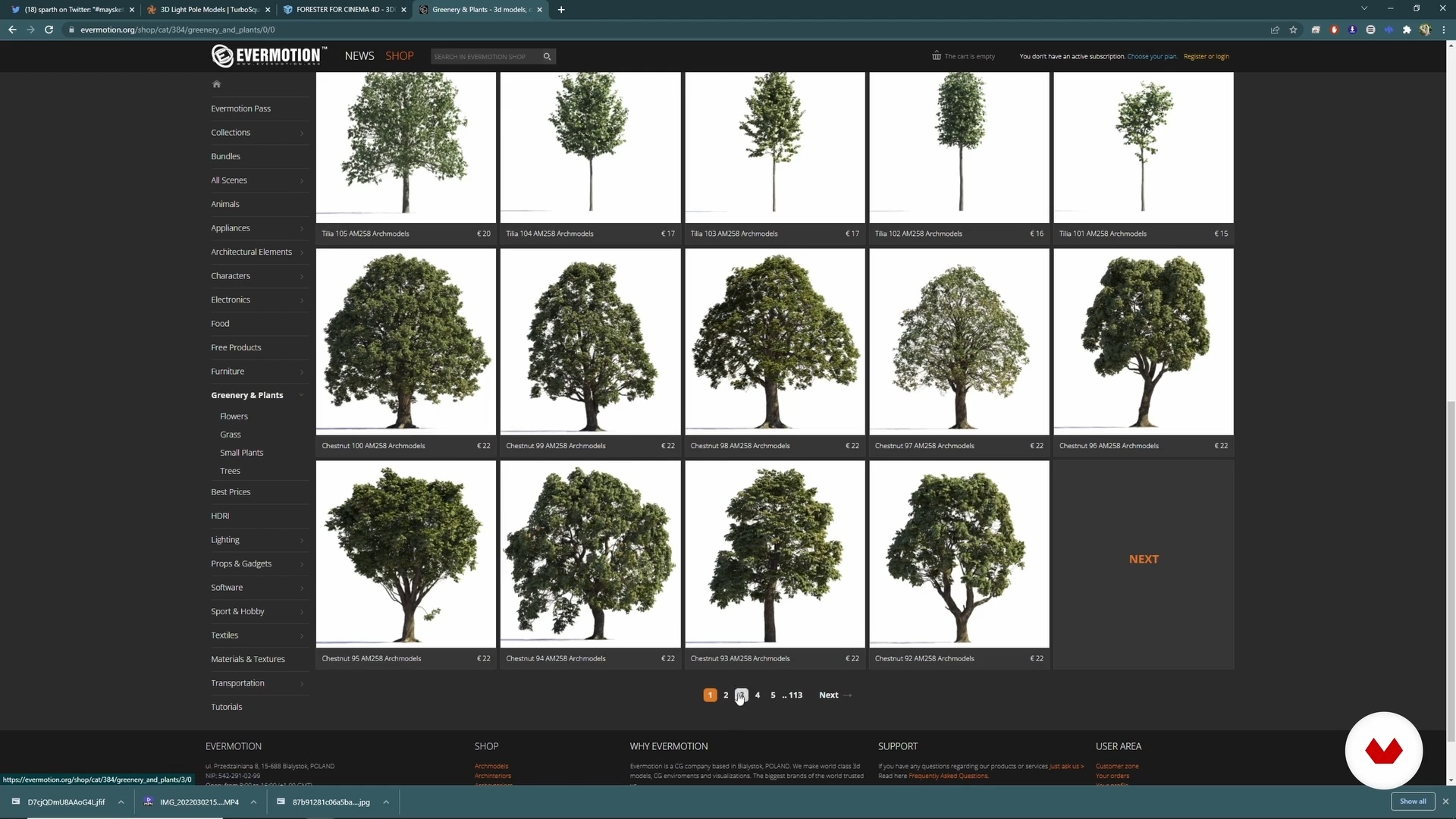
Gathering Materials and Assets
8 minutes, 14 seconds
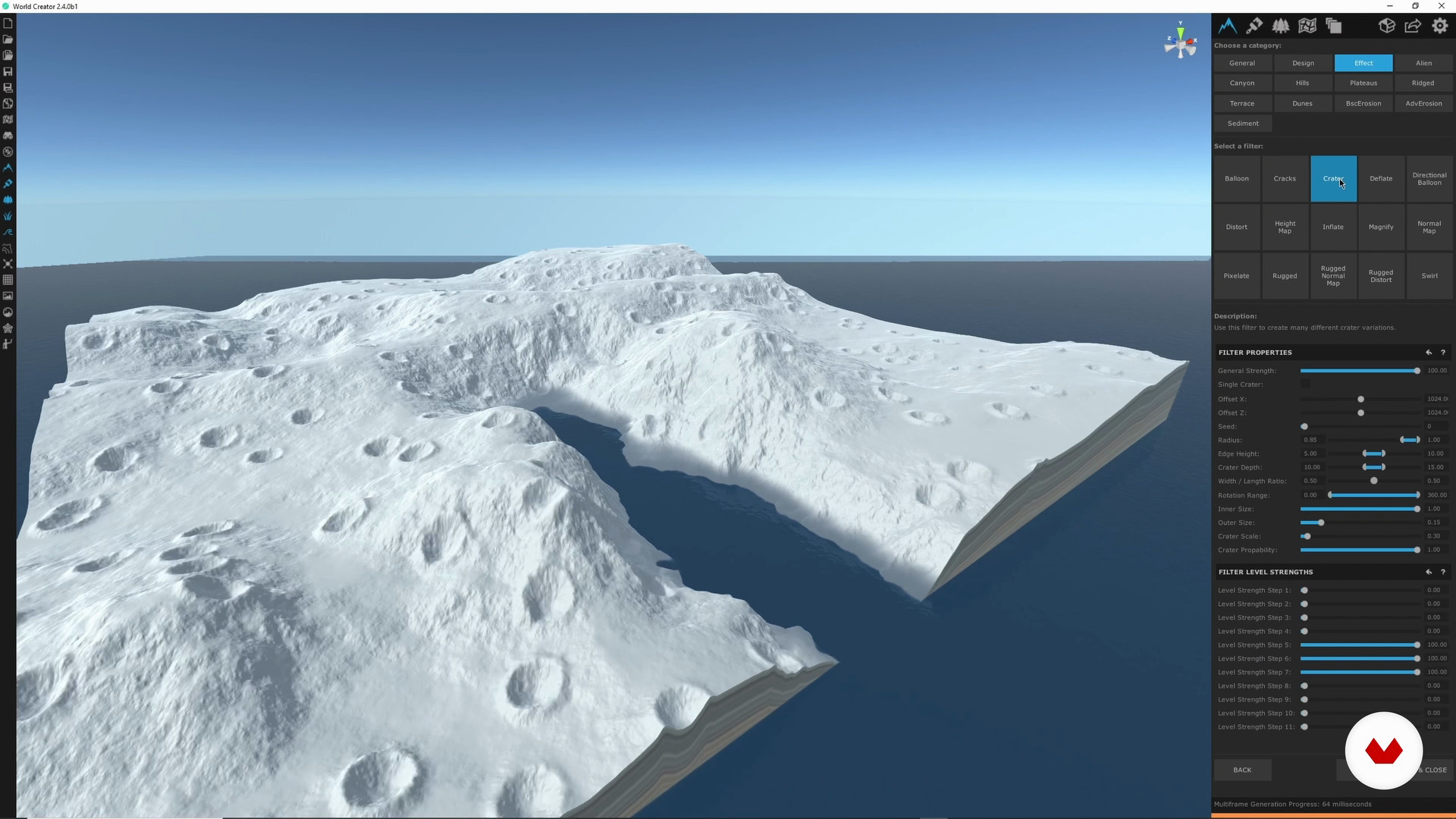
World Creator 1
20 minutes, 38 seconds
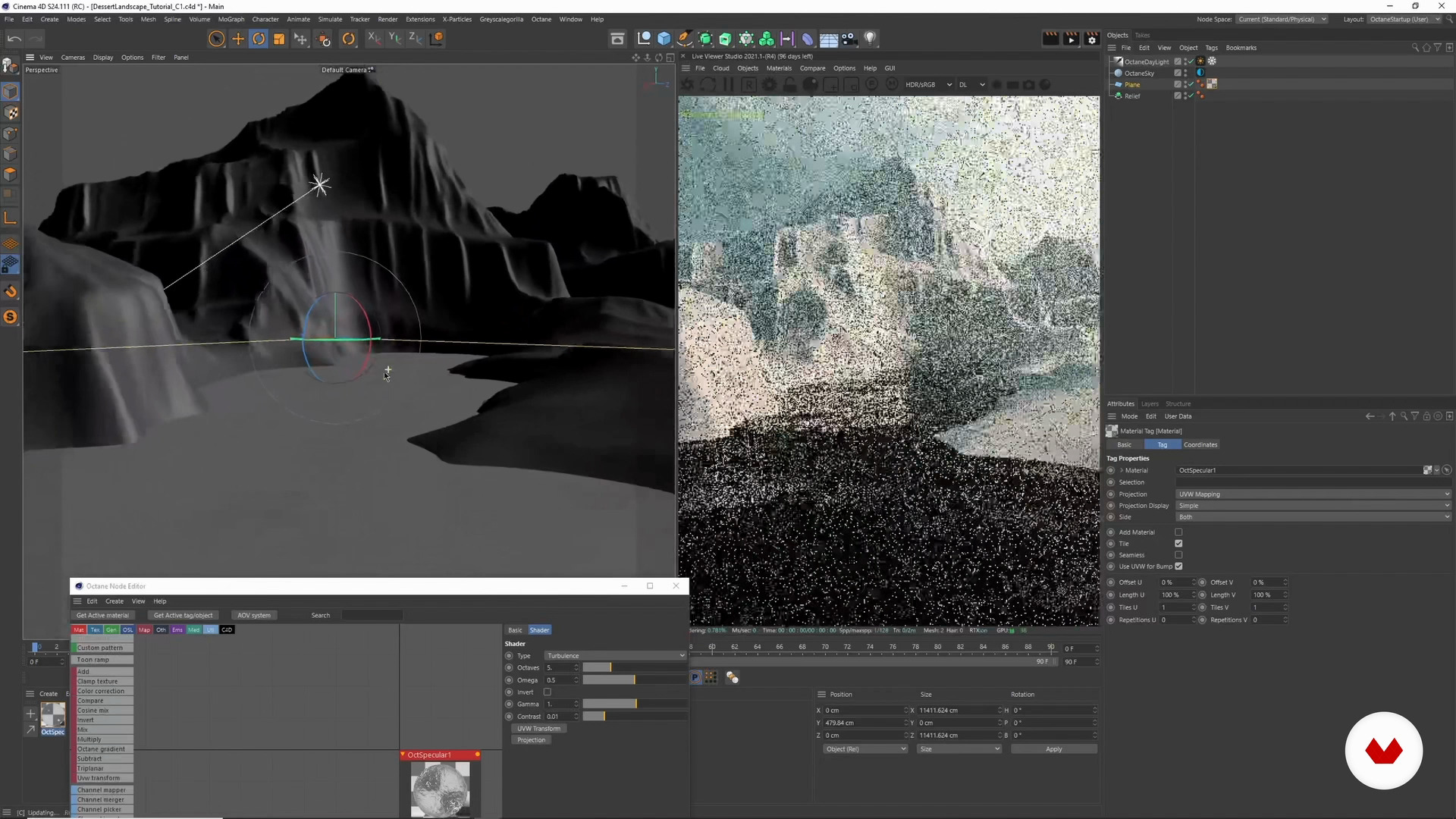
Cinema 4D and Octane: Importing and Texturing 1
20 minutes, 51 seconds
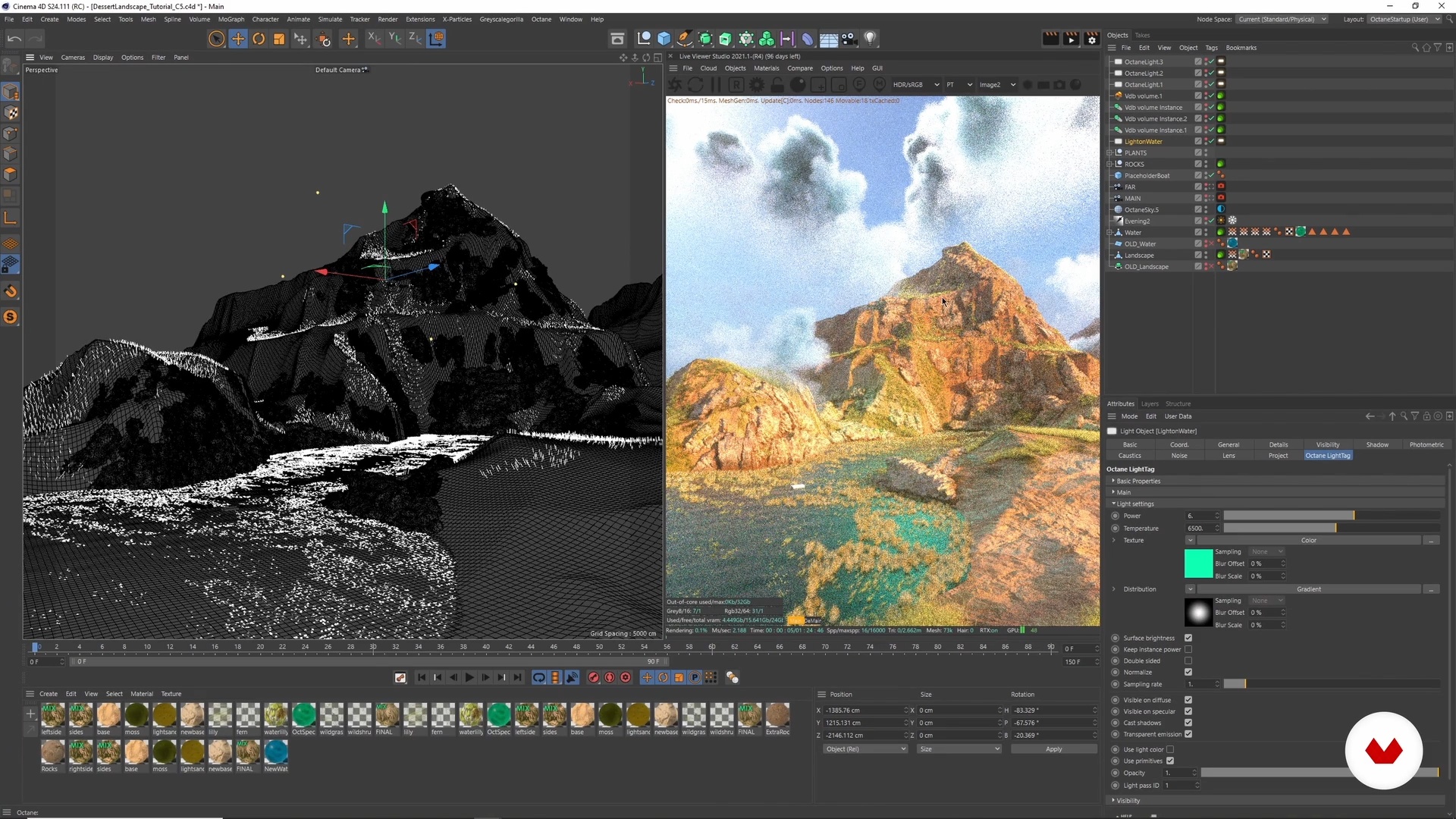
Adding Clouds and Extra Lighting to the Scene 2
7 minutes, 23 seconds
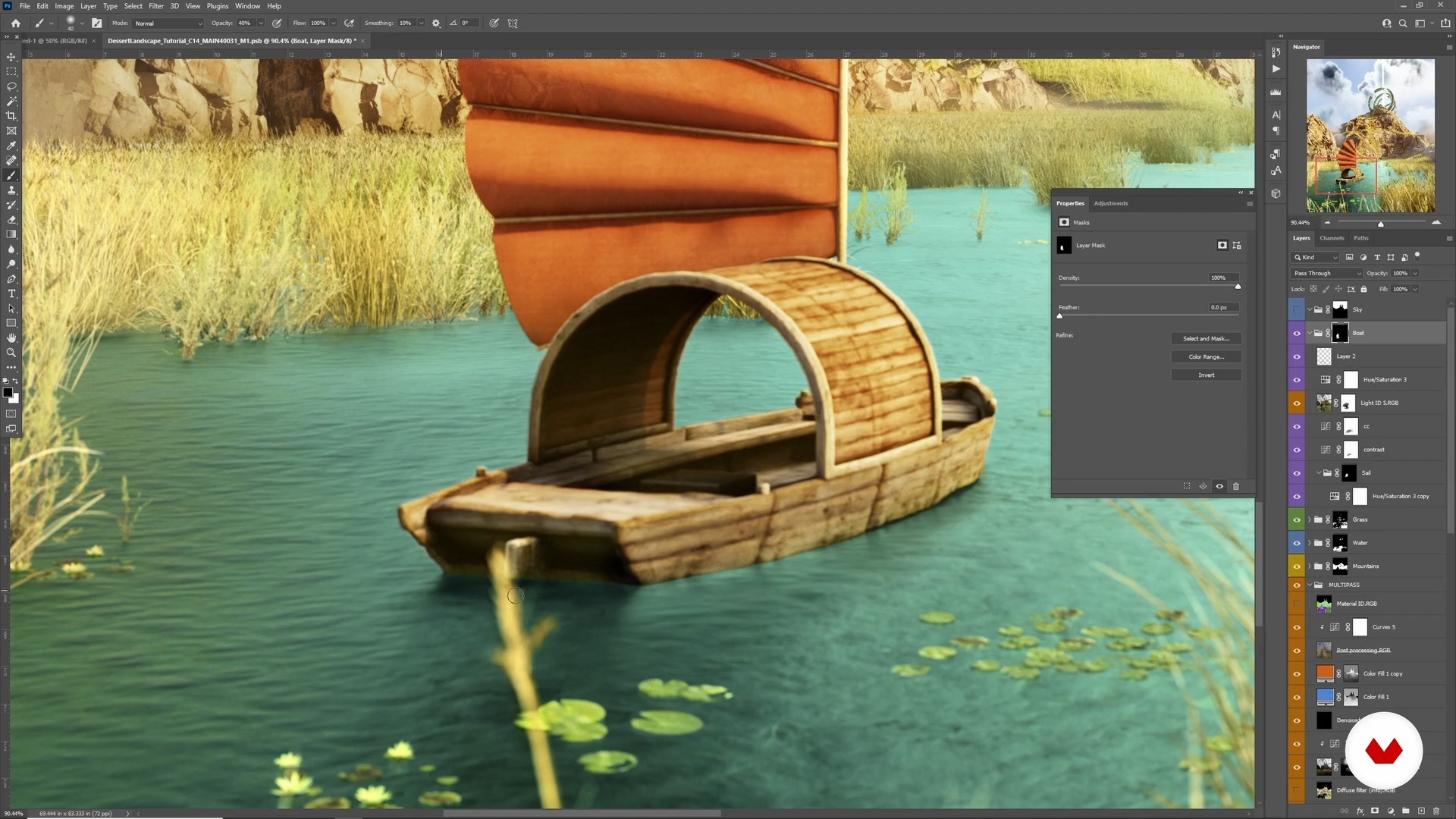
Retouching 2
8 minutes, 56 seconds
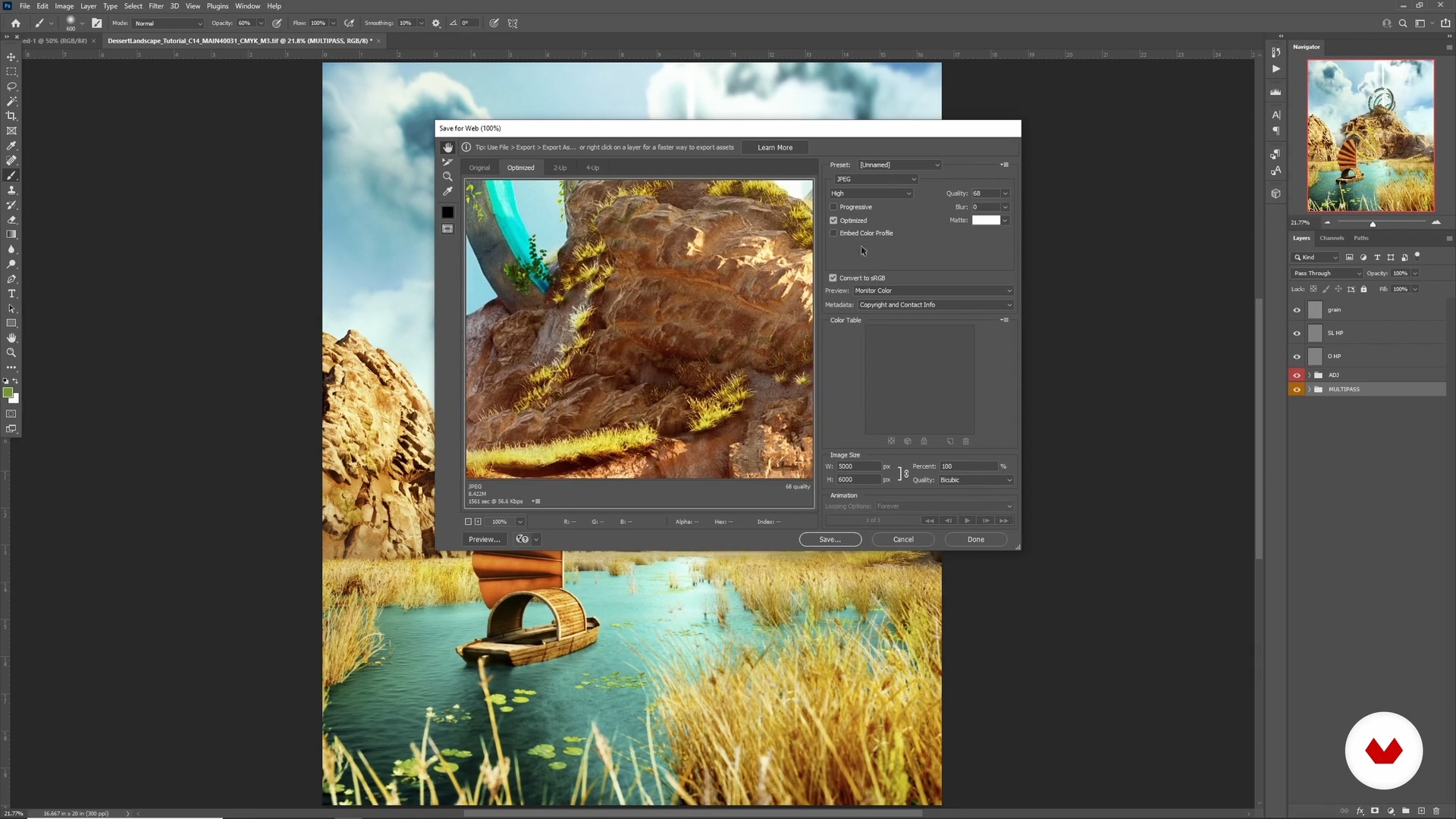
Exporting: Web and Print
6 minutes, 19 seconds
What's included in this course?
To start, you’ll learn how to gather and select inspiration, exploring various styles and visual references that will help shape the creative direction of your project. This foundation is essential for the landscape you’ll be developing.
Next, you’ll dive into sketching, where you’ll begin to translate your initial ideas into a structured environment. You’ll also learn how to source and collect the 3D assets needed to bring the elements of your digital world to life.
Following that, you’ll explore the basics of World Creator, an essential tool for designing terrains and landscapes. Here, you’ll create an initial landscape that you’ll later import into Cinema 4D, where you’ll start modeling and texturing the environment with a realistic approach.
Finally, you’ll focus on lighting and atmospheric effects, such as fog, to add depth and life to your scene. You’ll wrap up the process with a high-quality render, which you’ll then refine in Photoshop, ensuring every detail is polished to perfection.
Recommended software & tools for this course
What is this course's project?
The project involves creating a realistic 3D landscape from concept to final render. You’ll use tools like World Creator, Cinema 4D, and Octane to build a complete virtual environment, which you’ll then refine in Photoshop to perfect the details.
Who is this online course for?
This course is ideal for digital artists, 3D designers, and enthusiasts of virtual environment creation who want to enhance their skills in crafting realistic landscapes. It’s also perfect for those interested in exploring new modeling and rendering techniques using advanced tools like Cinema 4D and Octane.
Requirements and materials
Basic knowledge of 3D modeling and familiarity with software like Cinema 4D are required.
It’s also recommended to have experience with Quixel Megascans and Photoshop to smoothly follow the texturing and final retouching process.
Reviews
- 1 year ago
Me gustó bastante, recomendado!
- smetsPLUS2 years ago
Recomendado, si te encanta el 3D, con cinema y darle realismo, este curso al 100%, me encanto. :D
- 2 years ago
Awesome!
- sebasrioboPLUS2 years ago
genial me encanrto
- andriklepaPLUS2 years ago
Bueno

Specializing in full digital sceneries, product modeling, and creature sculpting, Nina has collaborated with well-known brands, bringing her unique vision and talent to life in visual form. Her focus on realism and visual storytelling has led her to create works that stand out not just for their technical quality, but for their ability to tell captivating stories.
Content
- U1
Introduction
- About Me
- Influences
- U2
Concept Phase
- Research, Inspiration, and Sketching
- Gathering Materials and Assets
- U3
Scene Creation
- World Creator 1
- World Creator 2
- Cinema 4D and Octane: Importing and Texturing 1
- Cinema 4D and Octane: Importing and Texturing 2
- Cinema 4D and Octane: Importing and Texturing 3
- Adding Assets to the Scene 1
- Adding Assets to the Scene 2
- Adding Assets to the Scene 3
- Adding Clouds and Extra Lighting to the Scene 1
- Adding Clouds and Extra Lighting to the Scene 2
- Preparing the Scene for Rendering 1
- Preparing the Scene for Rendering 2
- U4
Post Production
- Photoshop: Using Multipasses 1
- Photoshop: Using Multipasses 2
- Retouching 1
- Retouching 2
- Exporting: Web and Print
- FP
Final project
- Environment Building in Cinema 4D and Octane
What to expect from a Domestika course
Learn at your own pace
Enjoy learning from home without a set schedule and with an easy-to-follow method. You set your own pace.
Learn from the best professionals
Learn valuable methods and techniques explained by top experts in the creative sector.
Meet expert teachers
Each expert teaches what they do best, with clear guidelines, true passion, and professional insight in every lesson.
Certificates
PLUSIf you're a Plus member, get a custom certificate signed by your teacher for every course. Share it on your portfolio, social media, or wherever you like.
Get front-row seats
Videos of the highest quality, so you don't miss a single detail. With unlimited access, you can watch them as many times as you need to perfect your technique.
Share knowledge and ideas
Ask questions, request feedback, or offer solutions. Share your learning experience with other students in the community who are as passionate about creativity as you are.
Connect with a global creative community
The community is home to millions of people from around the world who are curious and passionate about exploring and expressing their creativity.
Watch professionally produced courses
Domestika curates its teacher roster and produces every course in-house to ensure a high-quality online learning experience.
FAQs
Yes, this course is designed for intermediate artists with some experience in 3D art or digital design who want to deepen their skills in CGI, environment creation, and portfolio development.
You’ll need access to software like Cinema 4D, World Creator, Houdini, Substance Painter, Octane Render, Procreate, PureRef, Photoshop, and plugins such as Quixel Bridge, Forester, and Daz 3D.
You’ll learn advanced techniques in 3D modeling, landscape and environment creation, texturing, rendering, photogrammetry, asset integration, and post-processing for portfolio-ready images.
Yes, the course includes modules on portfolio presentation techniques, optimizing your LinkedIn presence, and strategies for showcasing your 3D artwork online.
Absolutely. The course covers modeling realistic landscapes, terrain generation, texturing, lighting, and atmospheric effects to achieve photorealistic environments.
Yes, you’ll learn the basics of photogrammetry, photo scanning, and integrating scanned assets into your 3D environments for added realism.
The course provides guidance on building a professional portfolio, improving your online presence, and tips for finding internships and job opportunities in the 3D art industry.