Animated Illustrations with After Effects for Social Media
A course by Carlos AlegríaAnimation Director and Illustrator
A course by Carlos Alegría, Animation Director and Illustrator

Learn animation techniques to bring your vector illustrations to life using After Effects and discover how to stand out on social media
Want to animate your illustrations for social media? In this online course, see how to do just that with Carlos Alegría, animation director, illustrator, and art director at Los Angeles motion graphics studio Bien.
Learn the basics of animated illustration and the entire production process, from analyzing the brief to posting your piece on social media. Carlos teaches you the ins and outs of Adobe Illustrator and how to animate using different techniques with After Effects to get eye-catching results.
What will you learn in this online course?
22 lessons & 19 downloads
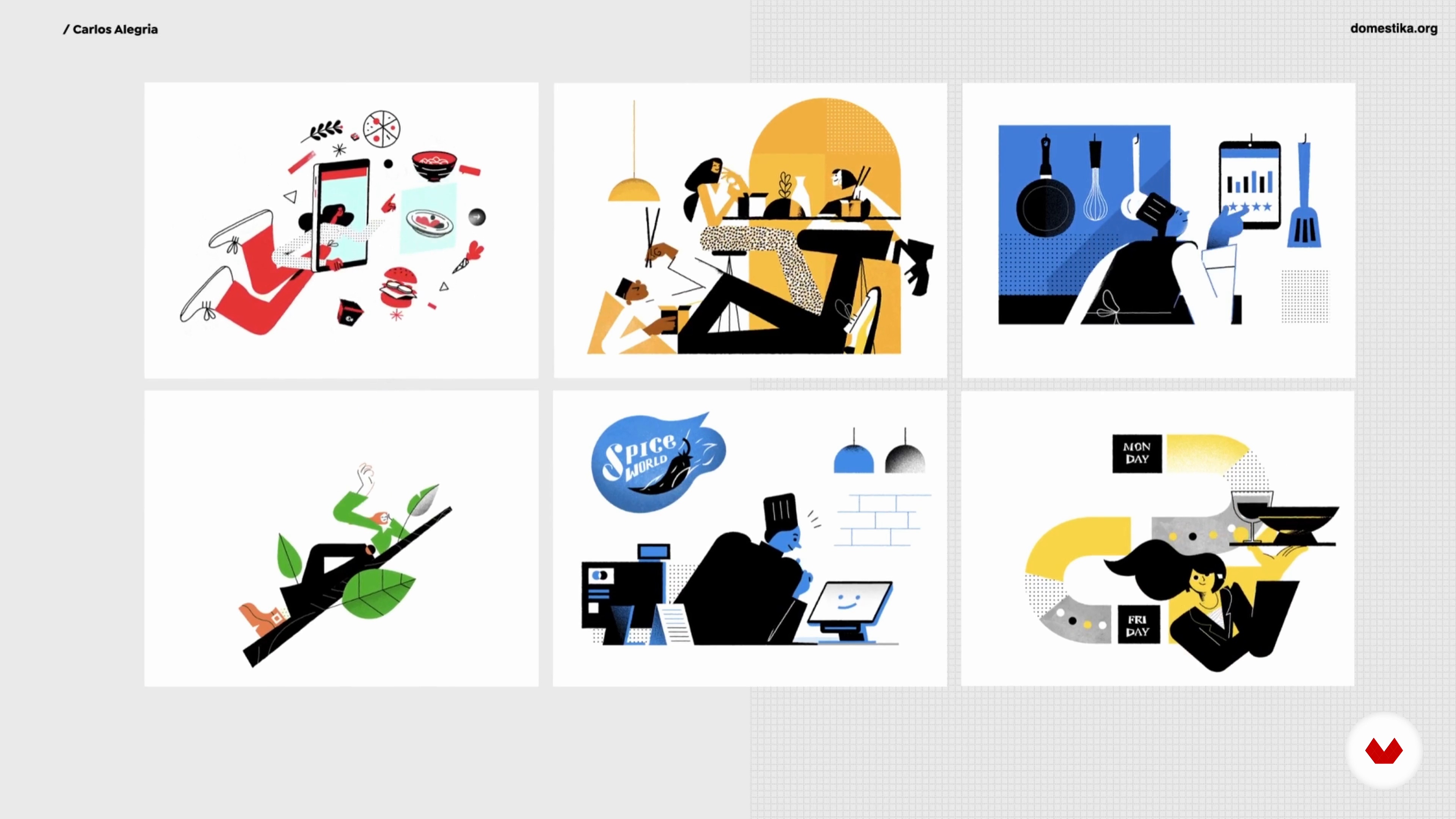
Basics of Animated Illustration
10 minutes, 18 seconds
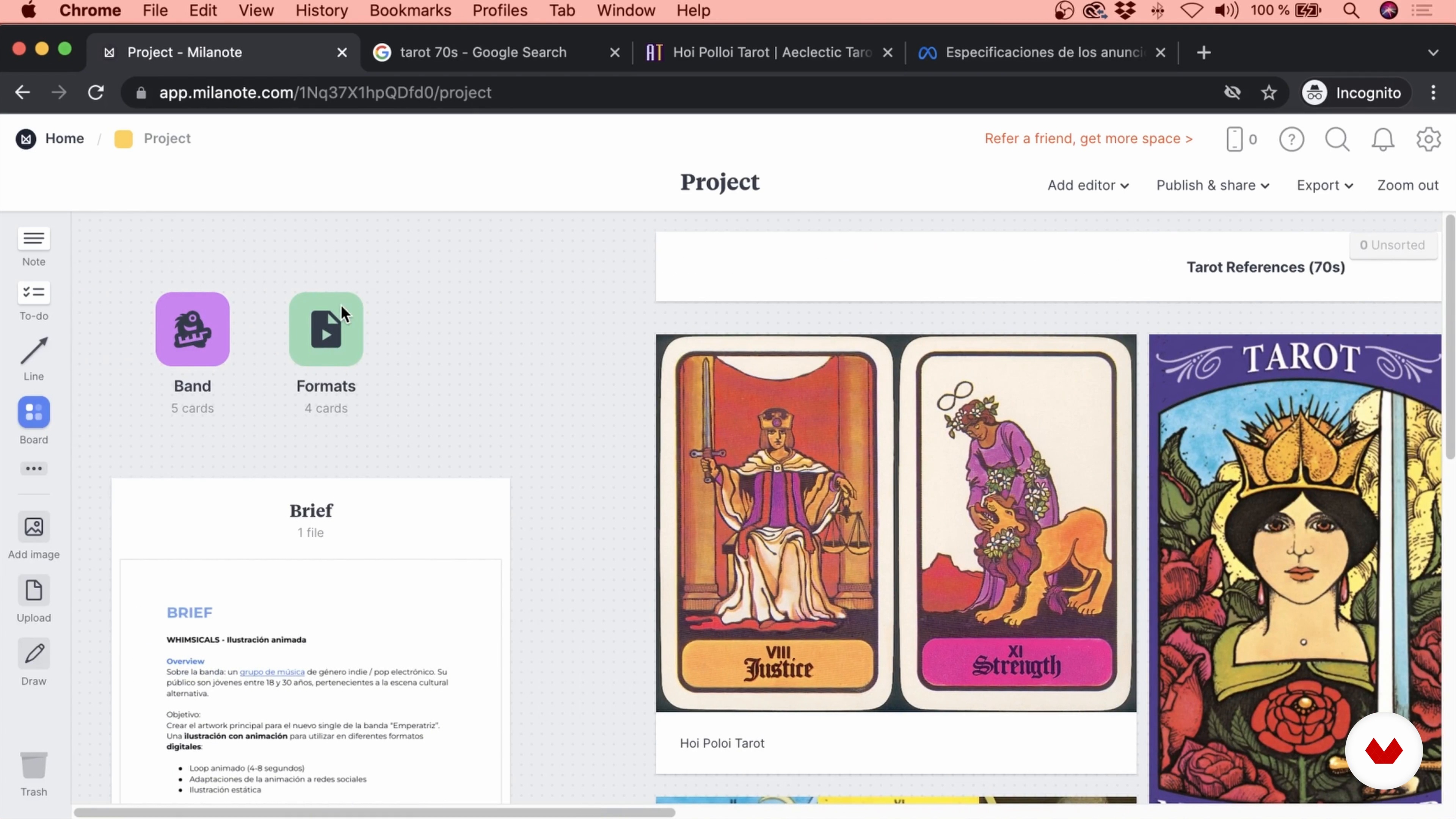
Analysis of the Brief and Creation of the Mood Board
16 minutes, 2 seconds
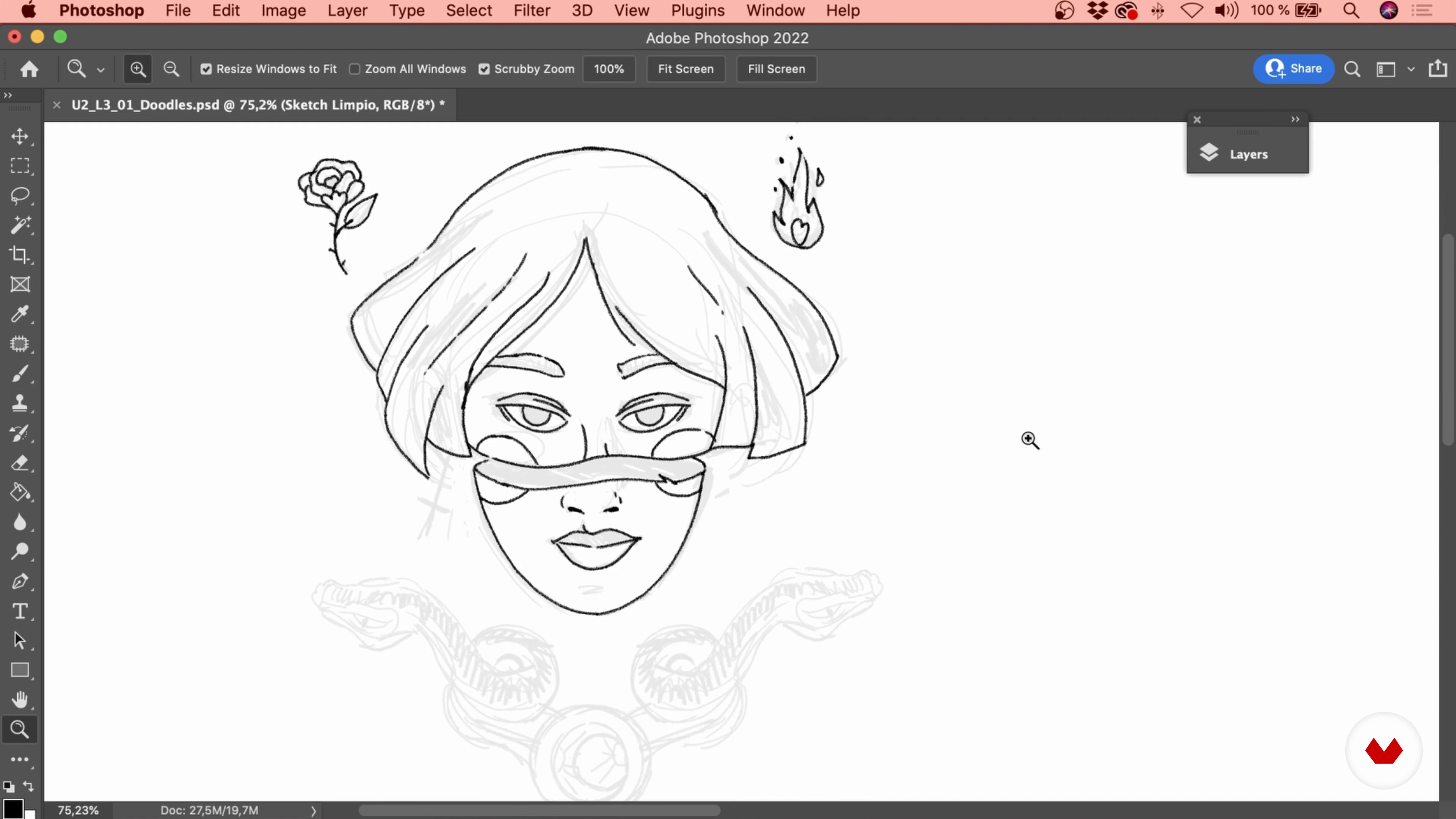
Sketches of Various Ideas 1
16 minutes, 32 seconds

Sketches of Various Ideas 2
16 minutes, 46 seconds
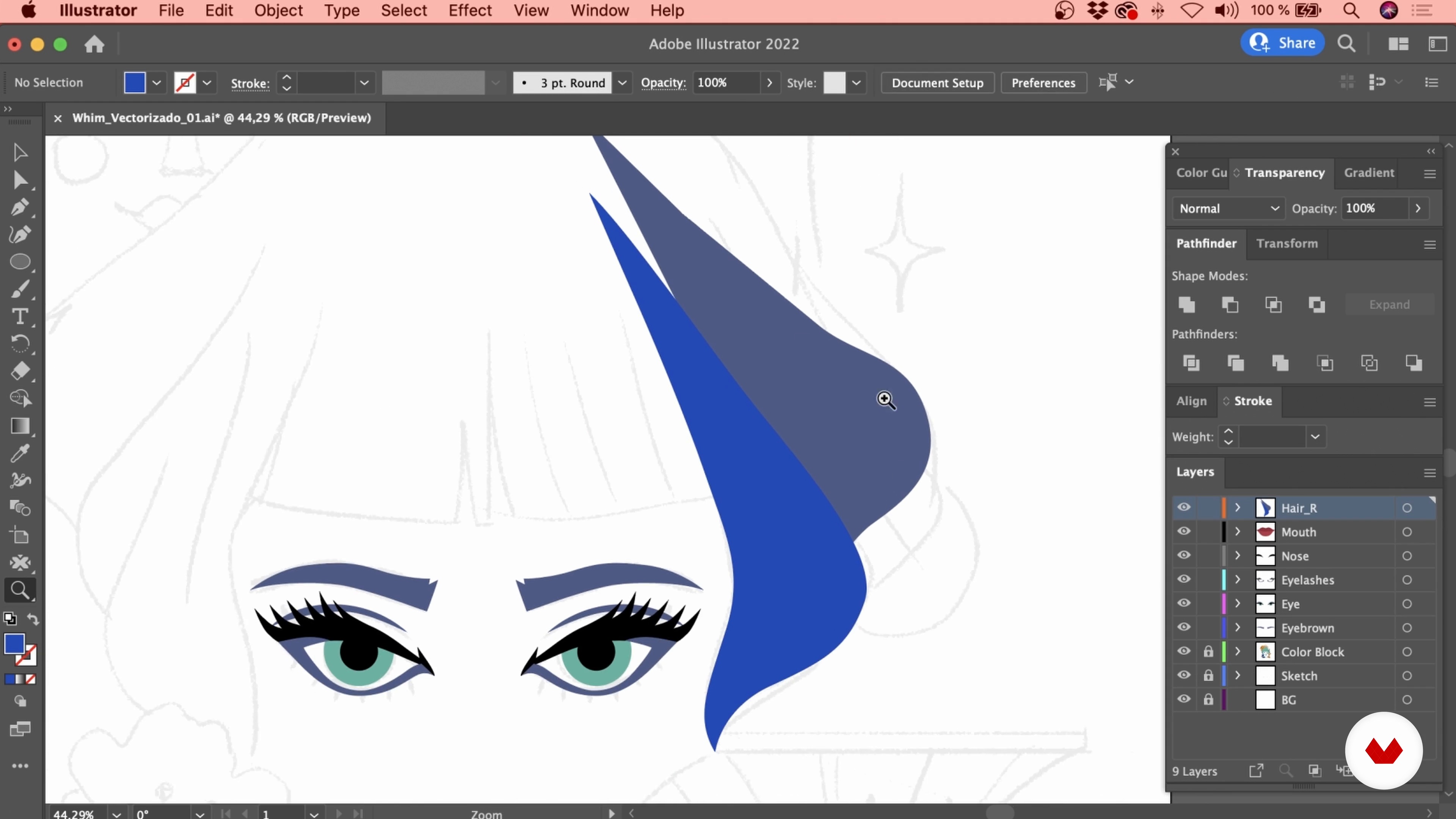
Creating the Illustration 1
15 minutes, 9 seconds
Creating the Illustration 2
13 minutes, 18 seconds
What's included in this course?
Carlos Alegría starts the course by telling you a bit about himself and his career as an illustrator and animator, including his sources of inspiration, his conceptual process, and workflow. He also gives some useful tips about the creative industry.
Review the basics of animated illustration. After analyzing and interpreting a client's brief, put together a visual mood board to use as a guide for your final project.
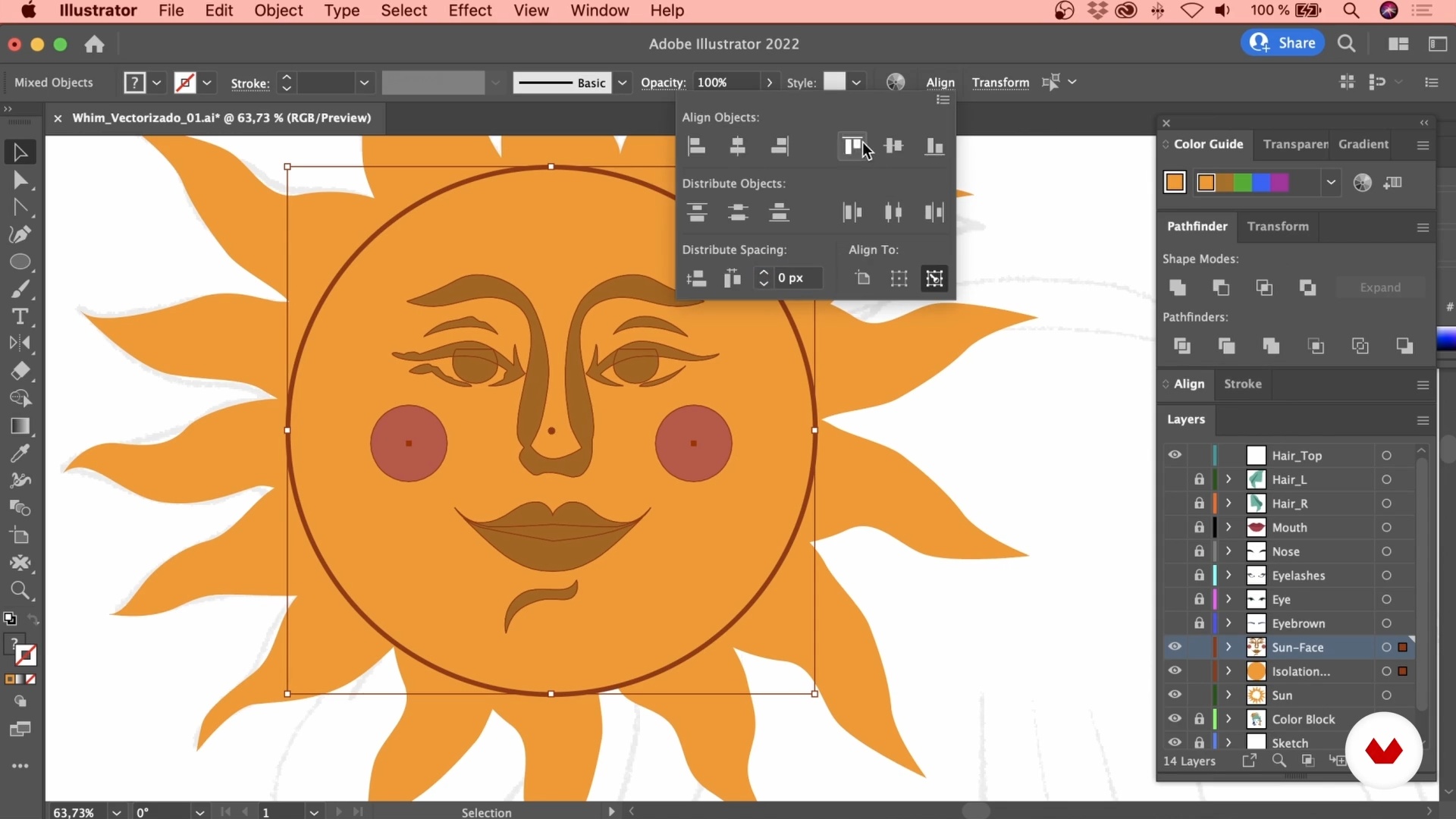
Create a variety of sketches, digitally or on paper, to explore various concepts. Then, develop the final artwork in Illustrator, considering all the animation's different needs.
Import your artwork into After Effects and learn how to animate it with basic tools, such as Shape Layers. Look at how to arrange the elements to generate a hypnotizing infinite loop. Then, work on the final details such as textures and other effects.
To wrap up the course, Carlos shares some advice on how to take your piece to the next level with music and sound before showing you how to export your animation in multiple formats to adapt it to different social media platforms.
Recommended software & tools for this course
What is this course's project?
Create an illustration and animate it in After Effects, generating a looping animated GIF to promote the single of a music band you like on social media.

Projects by course students

Who is this online course for?
All creatives who want to take their designs or illustrations to the next level by animating in After Effects.
Requirements and materials
Although the tools and techniques used in the course are quite simple, it is recommended that you have a basic understanding of Adobe Illustrator and After Effects. The only materials you need are a computer with both of these programs and a graphics tablet, which is not essential but will be very useful.
Reviews
- 9 months ago
bel corso, ottimo insegnante
- 10 months ago
Even though I don’t use same software but I still learned so much from this course.
- 2 years ago
It is okay, okay.
- 2 years ago
Very interesting techniques, very good course. Thank you.
- 2 years ago
explican muy detalladamente, me gusta que es facil de entender y bueno para nivel basico y medio

He has worked for several years as a freelancer for animation studios and international brands, with a particular focus on new technologies. He currently works as an art director at Bien, a motion graphics studio in Los Angeles. His primary focus is the storytelling aspect of the projects they create.
Content
- U1
Introduction
- About Me
- Influences
- U2
The First Steps of the Project
- Basics of Animated Illustration
- Analysis of the Brief and Creation of the Mood Board
- Sketches of Various Ideas 1
- Sketches of Various Ideas 2
- U3
It’s Time to Illustrate and Animate
- Creating the Illustration 1
- Creating the Illustration 2
- Creating the Illustration 3
- Creating the Illustration 4
- Creating the Illustration 5
- Animating the Main Elements 1
- Animating the Main Elements 2
- Animating the Main Elements 3
- Animating the Secondary Elements 1
- Animating the Secondary Elements 2
- Animating the Background and Creating the Final Composition
- U4
Completion of the Animated Illustration
- Generating the Loop
- Final Details: Textures 1
- Final Details: Textures 2
- Adding Sound to the Animation
- Exporting and Publishing
- FP
Final project
- Animated Illustrations with After Effects for Social Media
What to expect from a Domestika course
Learn at your own pace
Enjoy learning from home without a set schedule and with an easy-to-follow method. You set your own pace.
Learn from the best professionals
Learn valuable methods and techniques explained by top experts in the creative sector.
Meet expert teachers
Each expert teaches what they do best, with clear guidelines, true passion, and professional insight in every lesson.
Certificates
PLUSIf you're a Plus member, get a custom certificate signed by your teacher for every course. Share it on your portfolio, social media, or wherever you like.
Get front-row seats
Videos of the highest quality, so you don't miss a single detail. With unlimited access, you can watch them as many times as you need to perfect your technique.
Share knowledge and ideas
Ask questions, request feedback, or offer solutions. Share your learning experience with other students in the community who are as passionate about creativity as you are.
Connect with a global creative community
The community is home to millions of people from around the world who are curious and passionate about exploring and expressing their creativity.
Watch professionally produced courses
Domestika curates its teacher roster and produces every course in-house to ensure a high-quality online learning experience.
FAQs
You’ll learn to blend design, illustration, and digital animation—from sketching to producing professional animations—while optimizing portfolios, reels, and adapting work for social media and agencies.
Yes, the course is designed for people with intermediate knowledge looking to refine digital illustration and animation techniques for professional projects.
Basic experience with Illustrator and After Effects is recommended, as the course moves into more advanced techniques and professional workflows.
You’ll need Adobe Illustrator, Photoshop, and After Effects, plus access to platforms like Milanote and Google Slides for project management and references.
You’ll be able to build a portfolio featuring motion graphics, animated reels, advanced digital illustrations, and animated adaptations for social media and agencies.
The course teaches collaborative workflows, project organization, and how to create visuals tailored to the advertising and digital sectors’ needs.
The course distinguishes motion graphics as graphic animation focused on messaging and branding, while animated illustration emphasizes visual storytelling and character development.