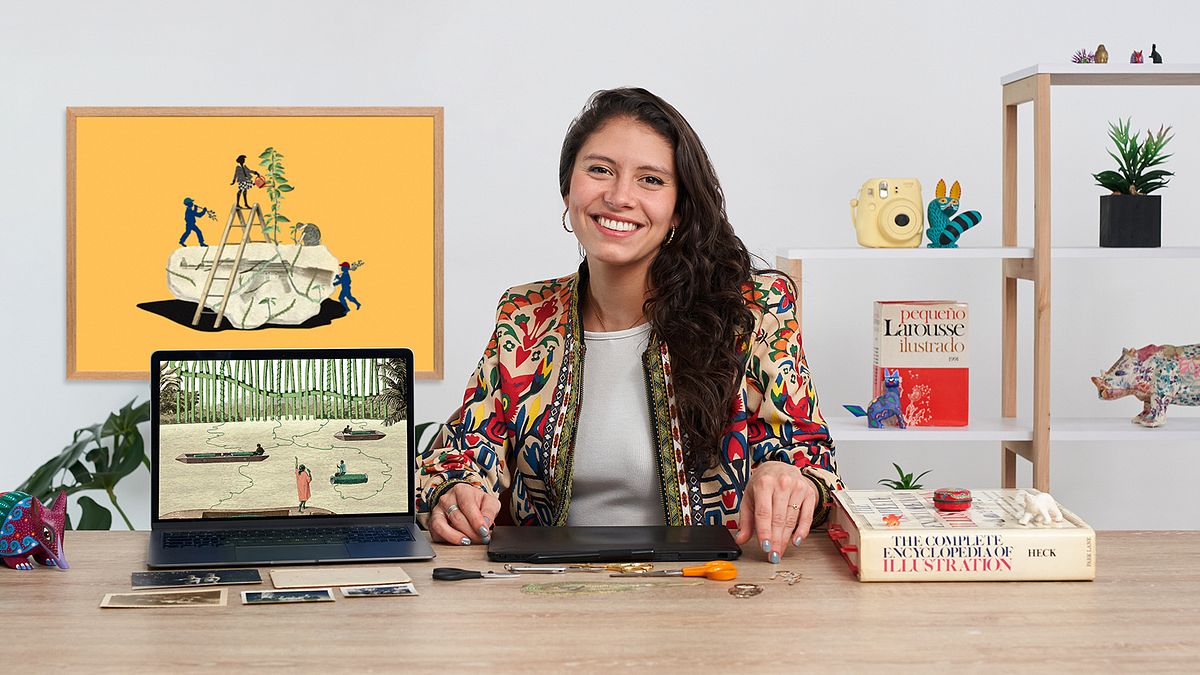
Digital Collage for Vintage Editorial Illustration
A course by Fiorella Ferroni PolchlopekDesigner and Illustrator
A course by Fiorella Ferroni Polchlopek, Designer and Illustrator

Learn how to extract key concepts from a text and translate them to your illustrations in Photoshop
Want to learn how to create a connection between words and images? In this online course, designer and illustrator Fiorella Ferroni teaches you how to translate and interpret key concepts through collage to design editorial illustrations.
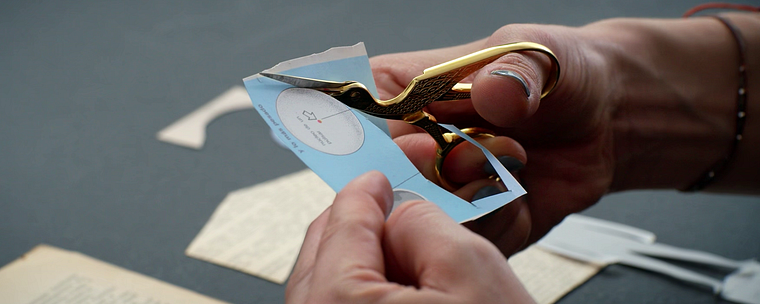
Discover how to draw with scissors and give cutouts from old books, magazines, and encyclopedias a new meaning. Create a contemporary work of art with a vintage touch that captures the essence of the accompanying text.
What will you learn in this online course?
17 lessons & 21 downloads
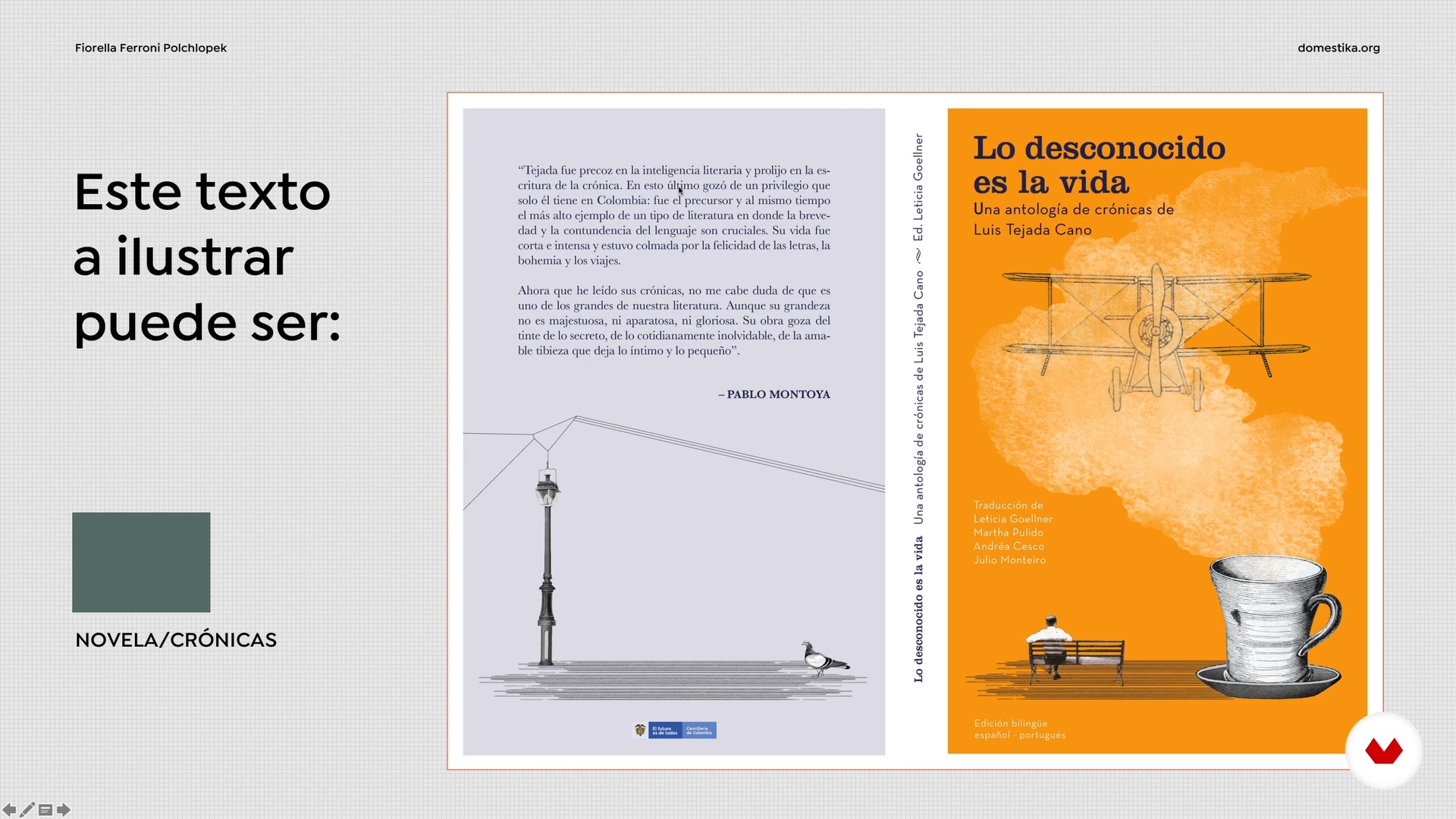
Editorial Illustration
15 minutes, 16 seconds
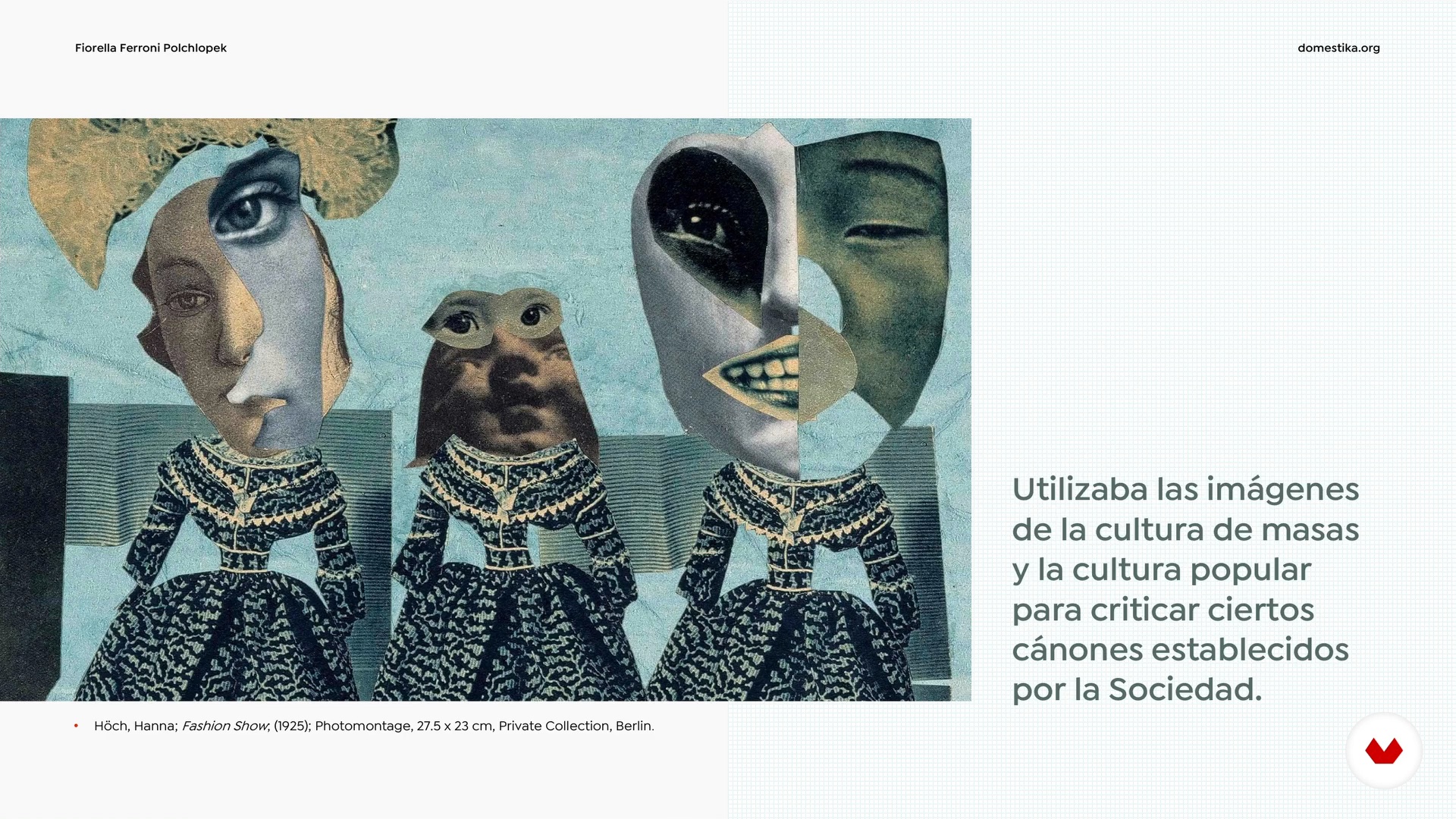
The Collage: A Spark of Poetry
10 minutes, 55 seconds
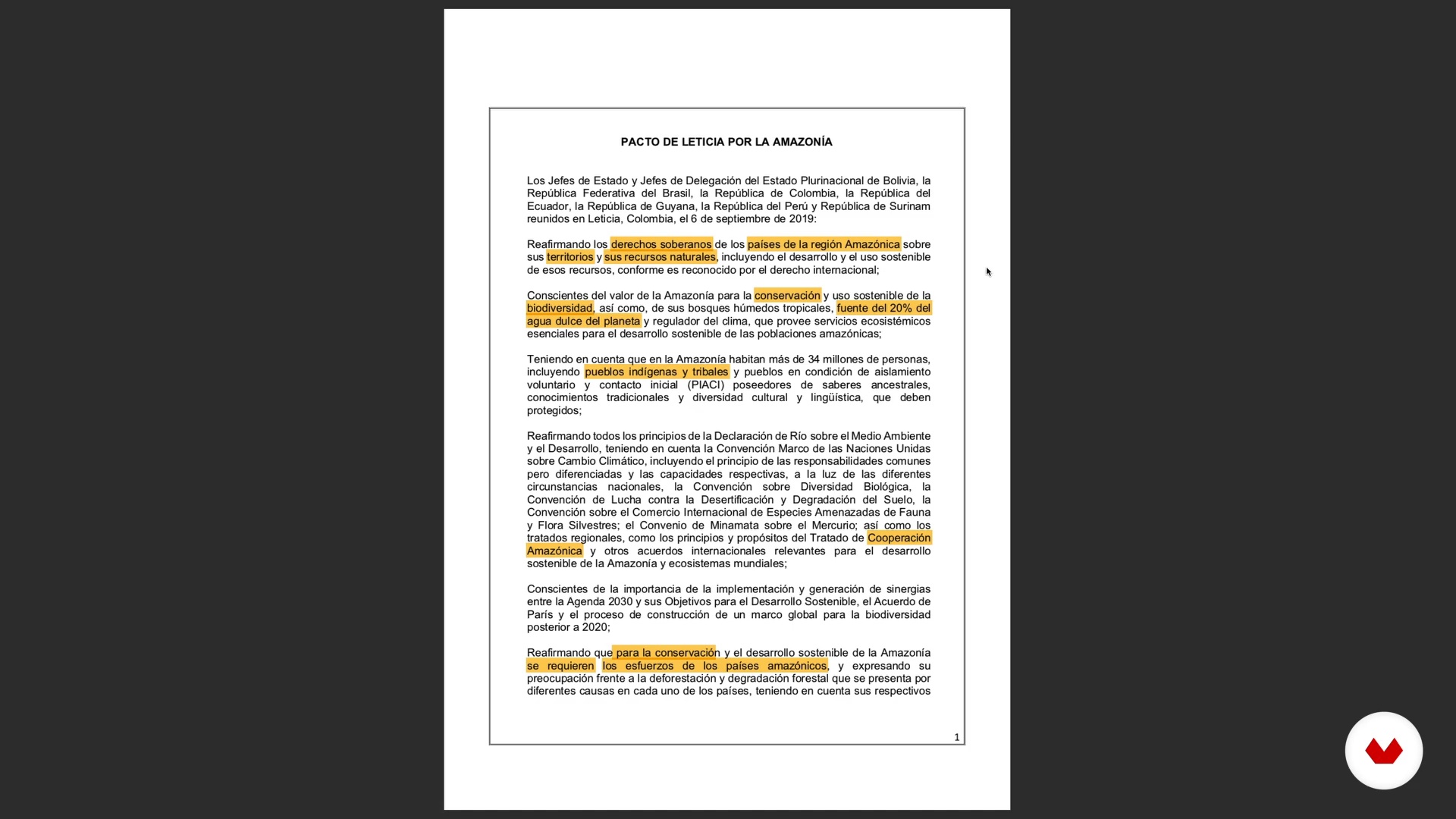
Text Analysis
6 minutes, 17 seconds
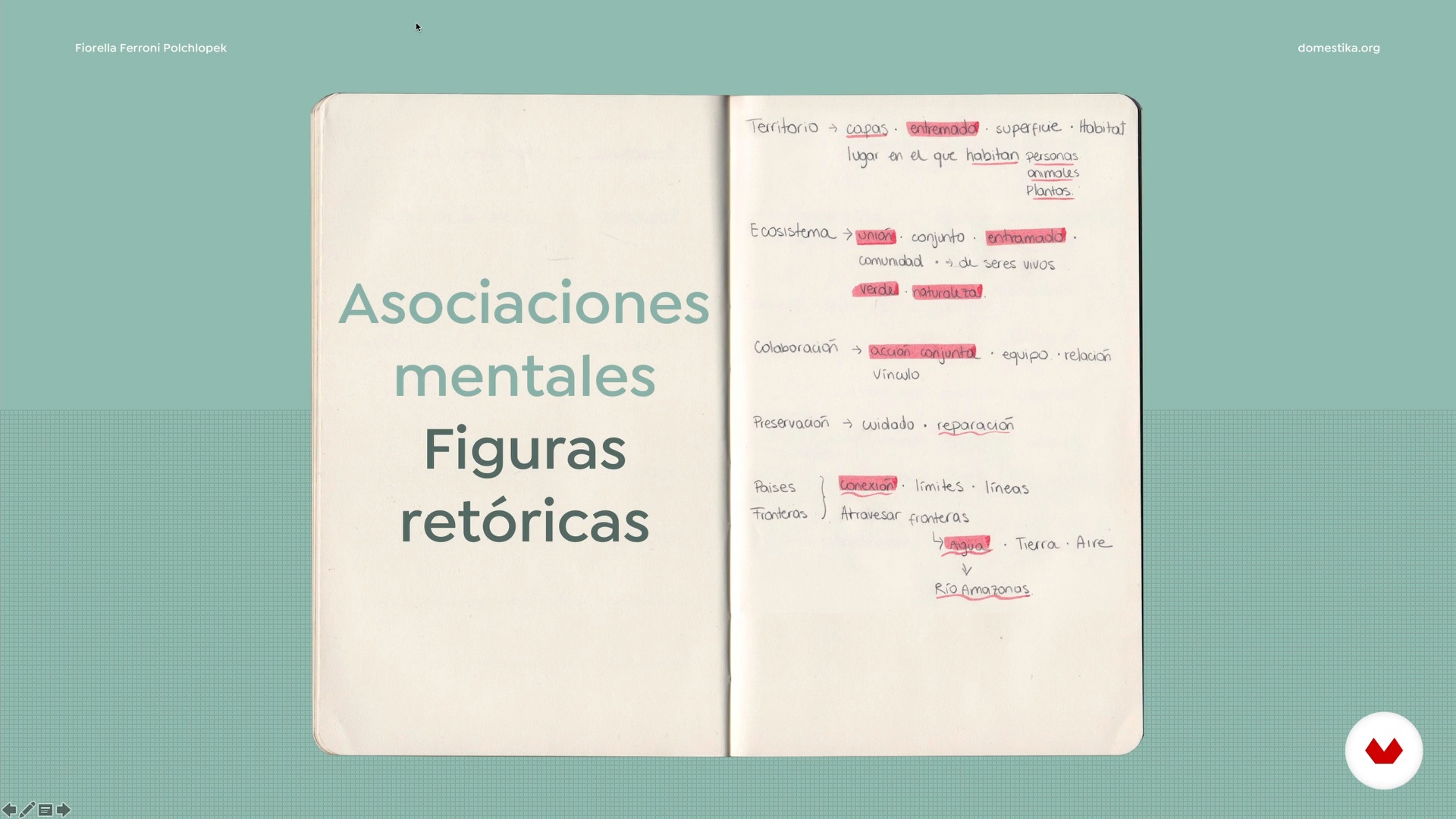
From Written Language to Visual Language
7 minutes, 35 seconds
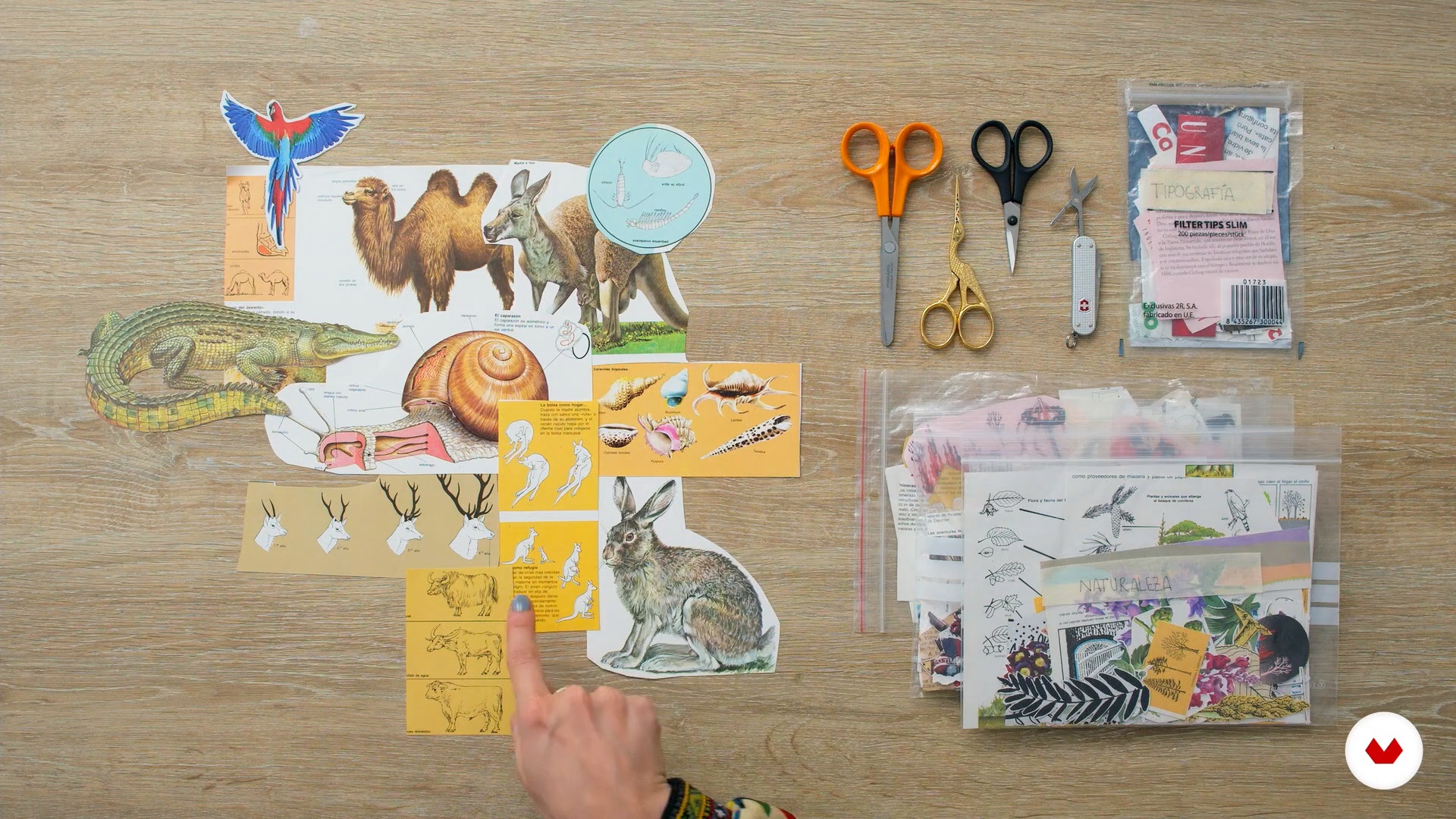
Material Search 1
19 minutes, 19 seconds
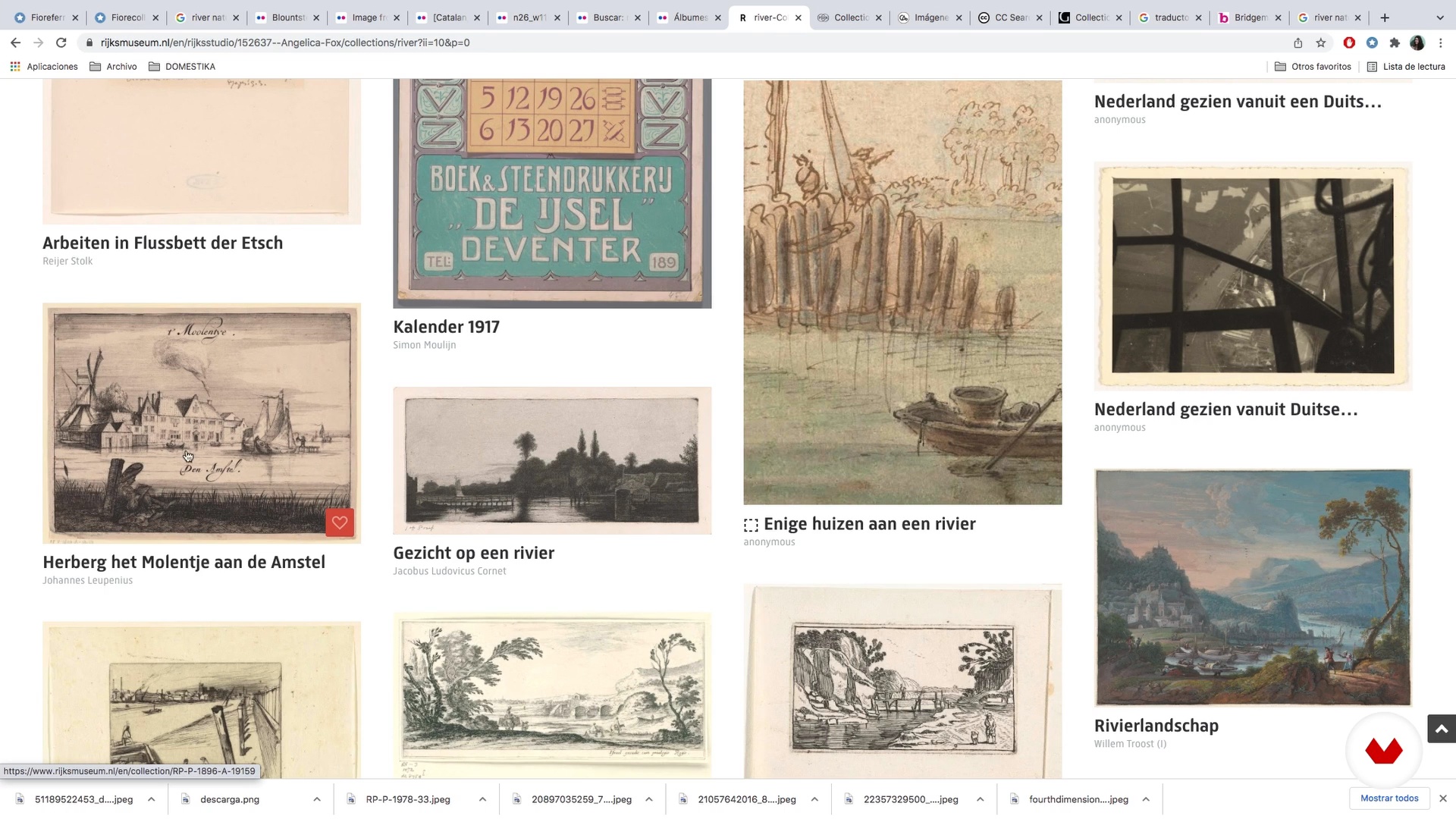
Material Search 2
18 minutes, 50 seconds
What's included in this course?
Fiorella Ferroni begins the course by telling you about herself and how she got started in the world of art and illustration. She also shows you some of the artists she admires and how they've influenced her work.
Take a look at the distinguishing features of editorial illustration before learning about what the collage technique is and where it comes from. Then, analyze a text to extract the main ideas and discover different ways to depict them in an image.
Now grab your scissors and get cutting! Once you've compiled enough material for your collage, Fiorella guides you through the draft process, from creating a Photoshop file to arranging the images into a coherent composition.
Continue cutting out your images with digital tools to give them a polished look before adding color to your illustration. Finish up by retouching the finer details and export your project in the proper format depending on how you plan to publish it.
What is this course's project?
Create a collage composition to accompany a text in a publication.
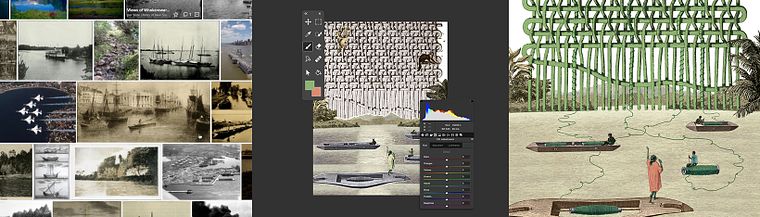
Projects by course students


Who is this online course for?
Anyone interested in illustration, visual communication, and collage.
Requirements and materials
Basic knowledge of Photoshop is recommended for this course, although your teacher explains how to use the program's main features and functions from scratch.
All you need in terms of materials is a computer or tablet with Adobe Photoshop installed.
xxxx
Reviews
- 2 months ago
Excelente!
- 4 months ago
excelente curso
- 8 months ago
Me encanta este curso. Muy buena profesora.
- kurai_koPLUS9 months ago
Excelente curso, aprendí como abordar éste tipo de ilustración y los recursos mencionados son de gran ayuda. Lo recomiendo!
- 1 year ago
Muy completo el contendido y muy clara la forma de explicar!

Fiorella has also collaborated with programs like IDARTES and other independent institutions, sharing her knowledge through workshops. She likes to balance her professional work with personal projects, creating editorial designs and illustrations in her free time. Her work has been awarded at multiple events, including the International Image Festival in Mexico and the Ibero-American Design Biennials in Madrid.
Content
- U1
Introduction
- About Me
- Influences
- U2
From Collage to Editorial Illustration
- Editorial Illustration
- The Collage: A Spark of Poetry
- Text Analysis
- U3
From Concept to Image
- From Written Language to Visual Language
- Material Search 1
- Material Search 2
- Sketch in Collage and Sketch in Drawing
- Sketching Process 1
- Sketching Process 2
- U4
Finishing Touches
- Cropping of Images and Application of Color 1
- Cropping of Images and Application of Color 2
- Cropping of Images and Application of Color 3
- Cropping of Images and Application of Color 4
- Final touches
- File Export
- FP
Final project
- Digital Collage for Vintage Editorial Illustration
What to expect from a Domestika course
Learn at your own pace
Enjoy learning from home without a set schedule and with an easy-to-follow method. You set your own pace.
Learn from the best professionals
Learn valuable methods and techniques explained by top experts in the creative sector.
Meet expert teachers
Each expert teaches what they do best, with clear guidelines, true passion, and professional insight in every lesson.
Certificates
PLUSIf you're a Plus member, get a custom certificate signed by your teacher for every course. Share it on your portfolio, social media, or wherever you like.
Get front-row seats
Videos of the highest quality, so you don't miss a single detail. With unlimited access, you can watch them as many times as you need to perfect your technique.
Share knowledge and ideas
Ask questions, request feedback, or offer solutions. Share your learning experience with other students in the community who are as passionate about creativity as you are.
Connect with a global creative community
The community is home to millions of people from around the world who are curious and passionate about exploring and expressing their creativity.
Watch professionally produced courses
Domestika curates its teacher roster and produces every course in-house to ensure a high-quality online learning experience.
FAQs
You’ll learn both analog and digital collage techniques, harmonious composition, reinterpreting objects, creating surreal characters, and how to visually communicate concepts for editorial and artistic projects.
Yes, the course is designed for intermediate students who already have basic illustration skills and want to deepen their collage techniques and visual conceptualization.
It’s recommended to have prior Photoshop knowledge since tools like masks, texture cloning, color adjustments, and digital cropping will be used in projects.
You’ll need collage papers, scissors, glue, printed images or cutouts, plus access to a computer with Photoshop or similar software for the digital portion.
The course teaches how to balance color, texture, and element placement, along with layering techniques and visual storytelling to create more harmonious and engaging compositions.
You’ll be able to work as a freelance illustrator, submit portfolios to publishers, participate in art calls, fairs, festivals, and apply to design biennials.
Yes, you’ll learn how to check resolution, fix details, and export files in print-ready formats to ensure professional quality in your projects.