3D Animation: Create a Plant Scene in Cinema 4D
A course by Bérénice GolmannArtista 3D
A course by Bérénice Golmann, Artista 3D

Play with material and lighting effects to create unique textures, and transform a still life into a dynamic animation filled with movement
Bérénice Golmann's work is an ode to nature, combining skill and imagination to create dreamlike and colorful 3D worlds. Her modeled objects have realistic textures and a captivating poetic energy.
In this French artist's first course, learn how to model and animate 3D objects in Cinema 4D. Following her advice, learn how to add lighting and material effects in OctaneRender to create an amazing plant scene that gives nature itself a run for its money!"
What will you learn in this online course?
18 lessons & 14 downloads
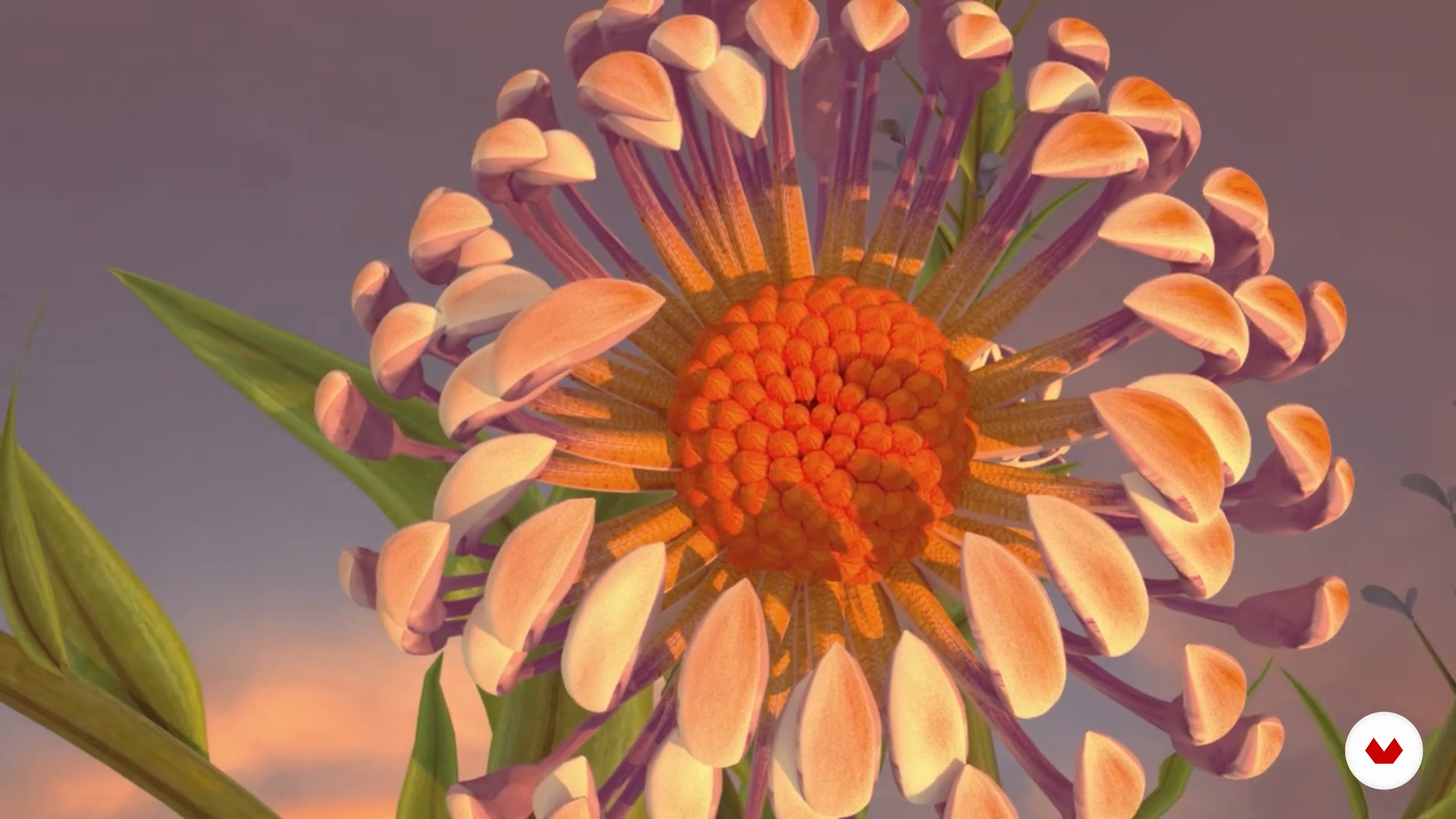
My Approach to 3D
5 minutes, 16 seconds
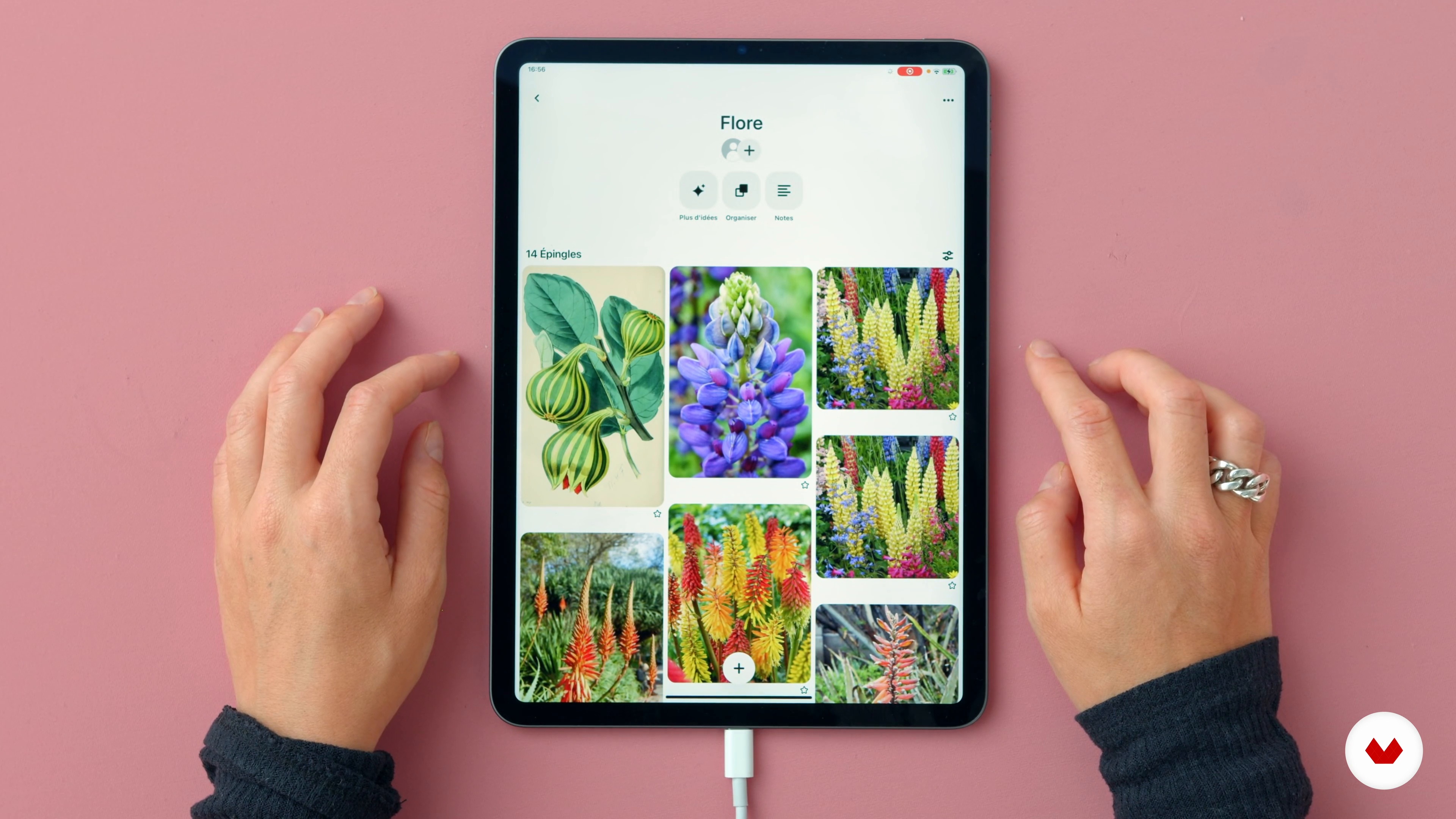
Search for Inspiration
8 minutes, 48 seconds
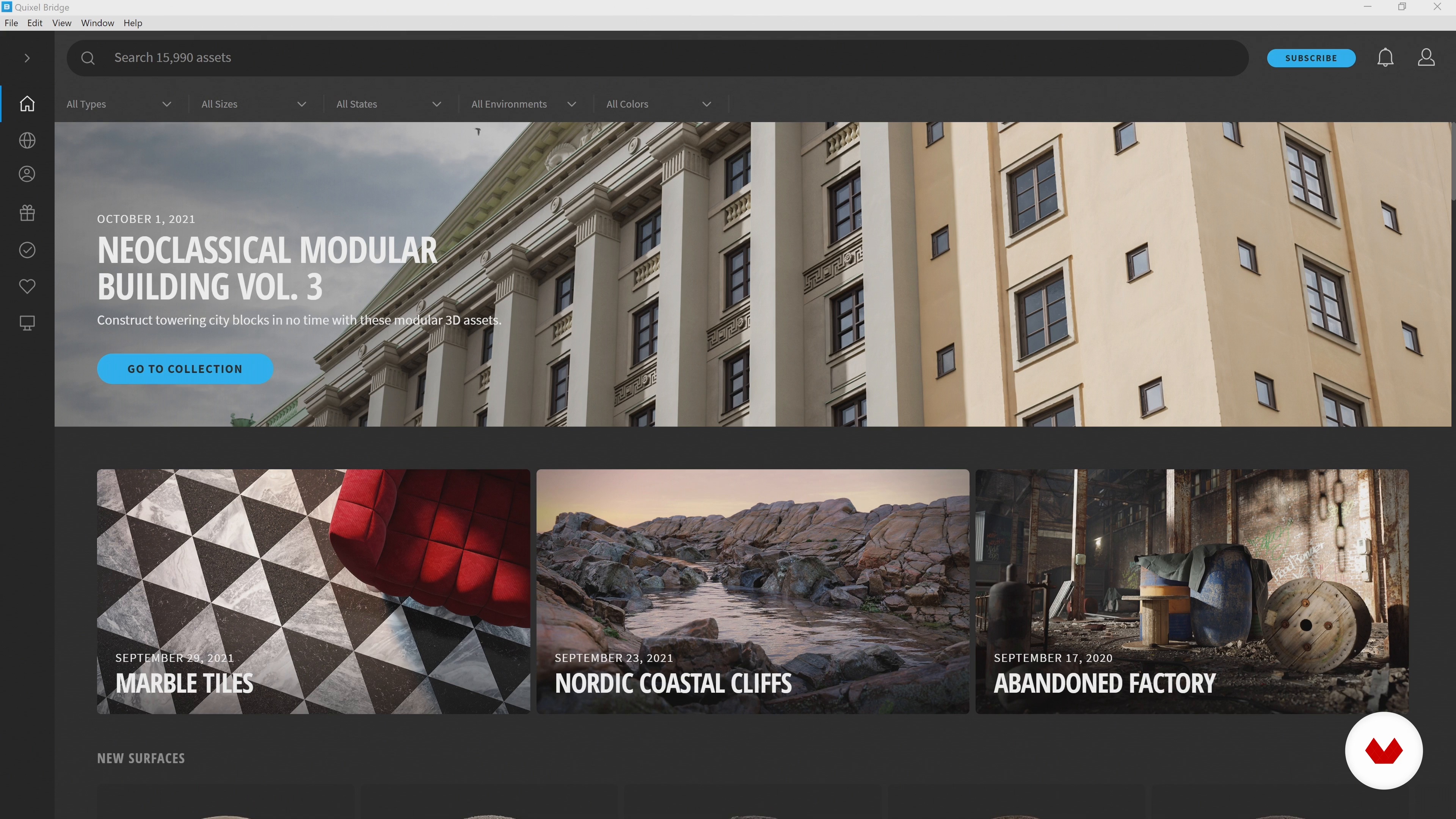
Texture References
5 minutes, 8 seconds
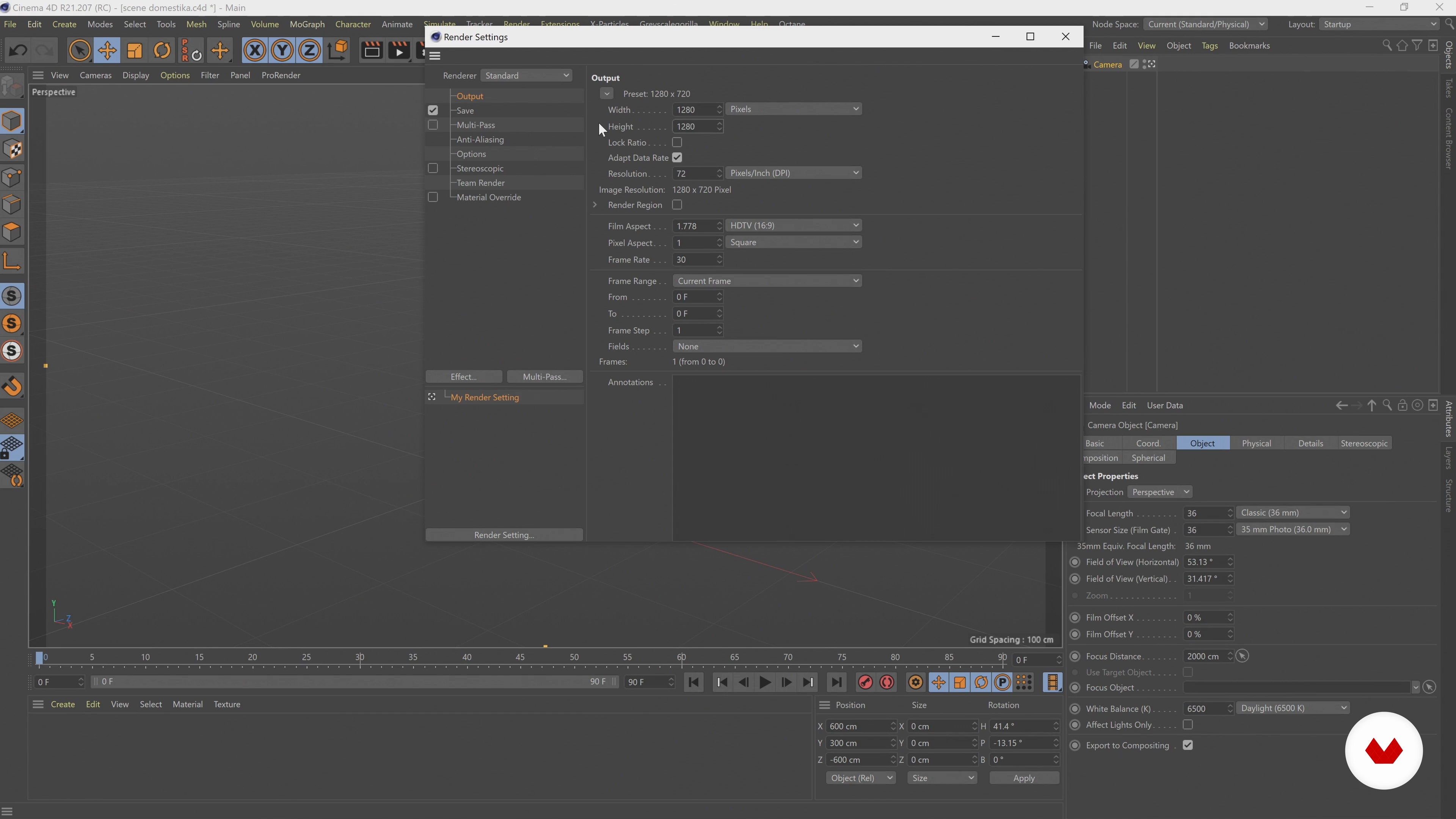
Cinema 4D: Camera and Settings
2 minutes, 41 seconds
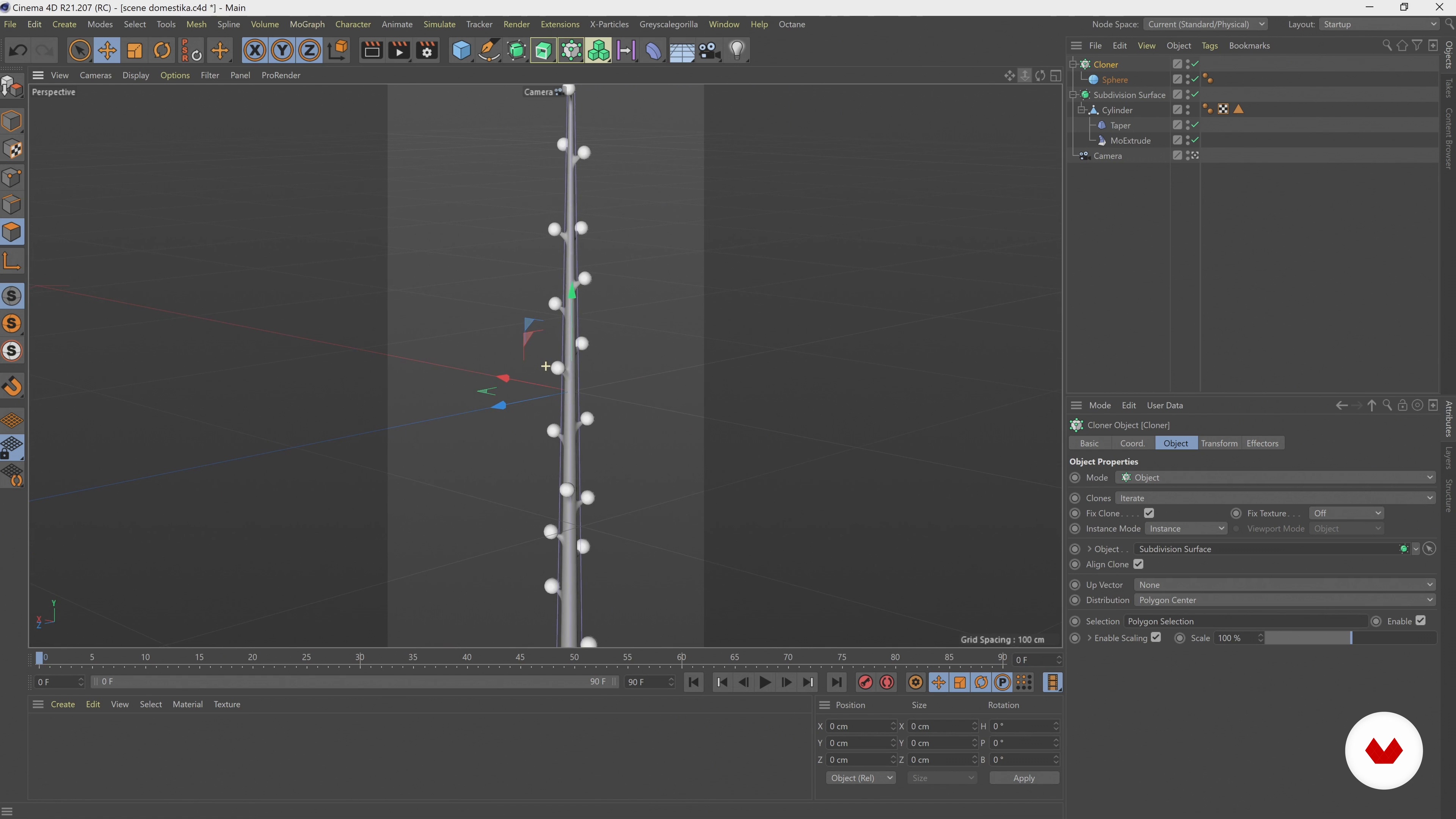
Modeling 1
15 minutes, 16 seconds
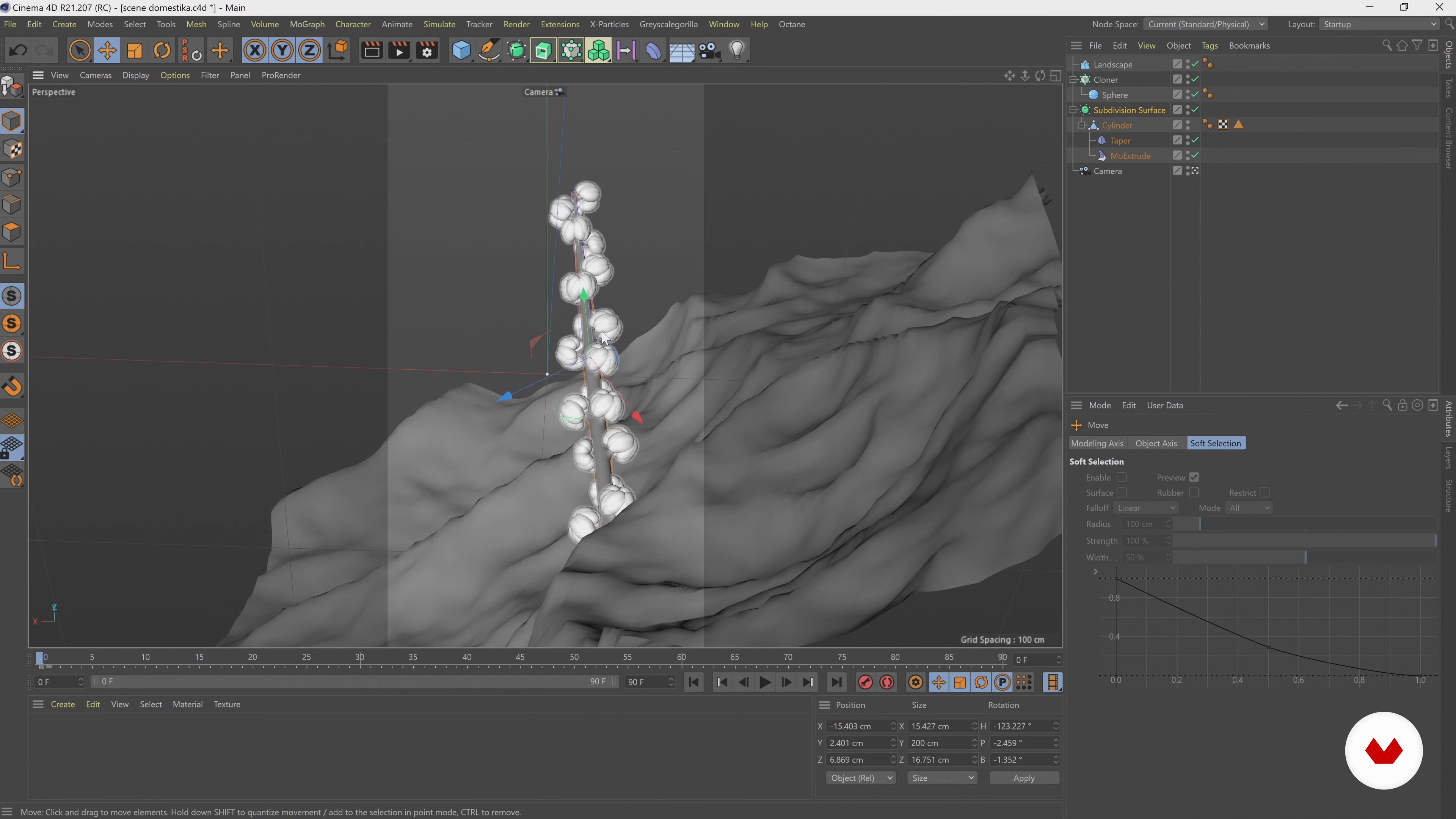
Modeling 2
15 minutes, 30 seconds
What's included in this course?
Begin the course by learning about Bérénice's inspiring creative journey, she introduces you to her main sources of inspiration, from renowned painters to emerging artists.
She moves on to discuss her visual approach to working with three dimensions, with an emphasis on lighting and material effects. Learn how to use Quixel Megascans, a digital texture bank.
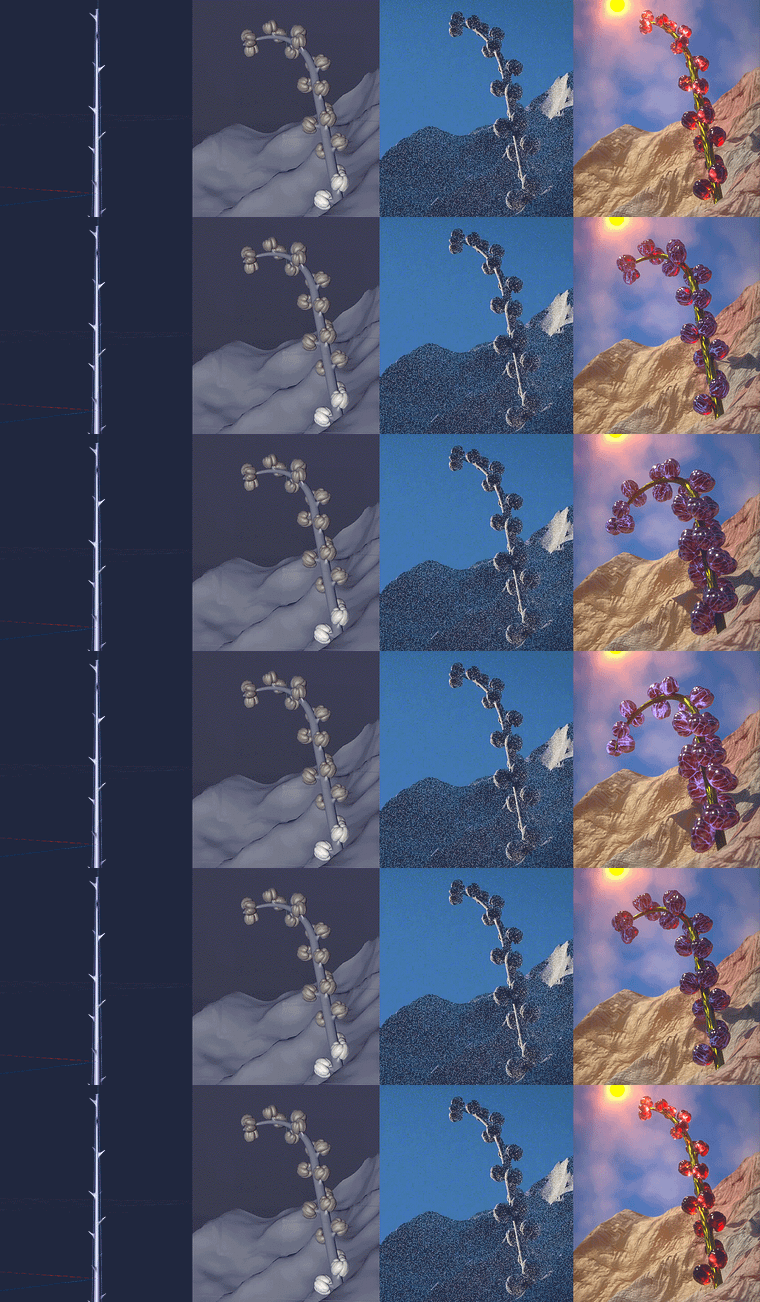
Next, Bérénice introduces Cinema 4D and teaches you how to model a flower in 3D and animate it. Discover the basic settings, rendering parameters, and tools for creating a camera in the software. Time to get modeling! Create the stem of the flower before moving on to the buds and the rock it's standing on. Then add some movement by creating an animation loop.
All that's left to do is fine-tune the rendering in OctaneRender. See how to create the illusion of natural light using the DayLight tool and then work with organic textures. After playing with the rendering parameters, export your animation.
To top it all off, Bérénice shows you how to save time by creating a texture library on Cinema 4D and how to use certain settings to share your work online. Now it's your turn to show the world your amazing animation loop!"
Recommended software & tools for this course
What is this course's project?
Create an animated plant scene modeled in 3D.
Who is this online course for?
Anyone interested in animation and 3D modeling.
Requirements and materials
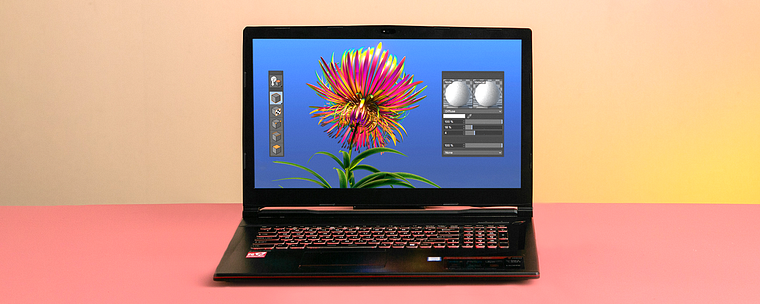
To follow this course, you need Cinema 4D and OctaneRender, as well as some experience using them.
Reviews
- lchen136PLUS4 years ago
It is very informative and interesting...Really love this beautiful work...
- 4 years ago
Nice course
- emilieamvidalPLUS4 years ago
Lovely course with amazing recommendations and processes. Very easy to follow step by step.
- 4 years ago
easy to follow and clear explanation.
- 4 years ago
Ya llevo bastante tiempo utilizando cinema 4D y me sorprende cómo siempre hay nuevos trucos o métodos para llegar a una solución. Este curso es super bueno e informativo, excelente dominio de la herramienta por parte de la tutora, lo recomiendo ampliamente <3

A Bérénice le encanta perderse en la naturaleza, de ahí su pasión por los universos visuales repletos de elementos naturales. Además, su estilo 3D es único, ya que se sitúa a caballo entre el realismo y el onirismo.
Content
- U1
Introduction
- Presentation
- My Sources of Inspiration
- U2
To Understand
- My Approach to 3D
- Search for Inspiration
- Texture References
- U3
Animation with Cinema 4D
- Cinema 4D: Camera and Settings
- Modeling 1
- Modeling 2
- Animation 1
- Animation 2
- U4
Bringing Animation to Life with Octane Render
- Natural Light
- Organic Textures 1
- Organic Textures 2
- Organic Textures 3
- Render an Atmosphere
- Export of the Final Visual
- U5
Sharing and organization
- Texture Library
- Publishing Online
- FP
Final project
- 3D Animation: Create a Plant Scene in Cinema 4D
What to expect from a Domestika course
Learn at your own pace
Enjoy learning from home without a set schedule and with an easy-to-follow method. You set your own pace.
Learn from the best professionals
Learn valuable methods and techniques explained by top experts in the creative sector.
Meet expert teachers
Each expert teaches what they do best, with clear guidelines, true passion, and professional insight in every lesson.
Certificates
PLUSIf you're a Plus member, get a custom certificate signed by your teacher for every course. Share it on your portfolio, social media, or wherever you like.
Get front-row seats
Videos of the highest quality, so you don't miss a single detail. With unlimited access, you can watch them as many times as you need to perfect your technique.
Share knowledge and ideas
Ask questions, request feedback, or offer solutions. Share your learning experience with other students in the community who are as passionate about creativity as you are.
Connect with a global creative community
The community is home to millions of people from around the world who are curious and passionate about exploring and expressing their creativity.
Watch professionally produced courses
Domestika curates its teacher roster and produces every course in-house to ensure a high-quality online learning experience.
FAQs
This course is aimed at intermediate users: a basic knowledge of Cinema 4D is recommended to follow the plant modeling, texturing, and animation techniques.
You’ll need a computer, Cinema 4D software, the Octane render engine, and ideally access to texture libraries like Quixel Bridge. A graphics tablet and Photoshop are a bonus for texture creation.
You’ll learn how to model organic elements, create and apply natural textures, animate objects, set up lighting and cameras, and optimize rendering and exporting for artistic 3D projects.
Yes, the course goes into detail on creating and integrating natural textures, using libraries like Quixel, and customizing with Photoshop or digital painting tools to enrich your scenes.
You’ll learn to sync keyframes and use effectors and cloners to create smooth, looping plant animations, managing growth and harmonious movement.
Yes, there are modules dedicated to setting up lighting, crafting realistic light atmospheres, and optimizing final renders with Octane, including tips on light, color, and volumetric clouds.
The course includes advice on setting resolution and format, and managing export of your 3D images and animations to get the best results for online sharing.