Whimsical 3D Portraiture in Illustrator
A course by Ohni LisleGraphic Artist
A course by Ohni Lisle, Graphic Artist

Learn to create bold illustrations in 3D by drawing and rendering a vibrant portrait using both Illustrator and Photoshop
Want to give shape to your ideas and create compelling 3D visuals using simple techniques in Illustrator? Multidisciplinary artist Ohni Lisle is here to show you how. Specialized in portrait illustrations inspired by whimsy camp aesthetics and beauty, she has worked for prestigious clients such as Nike, Apple, The New York Times and Vice.
In this online course, Ohni teaches you how to build 3D shapes to create unique portraits. By the end of the course you will be able to realize playful works of art, using the 3D tools in Illustrator and Photoshop. Follow Ohni’s lead and give life to colorful digital faces that catch the eye of your viewers.
What will you learn in this online course?
13 lessons & 14 downloads
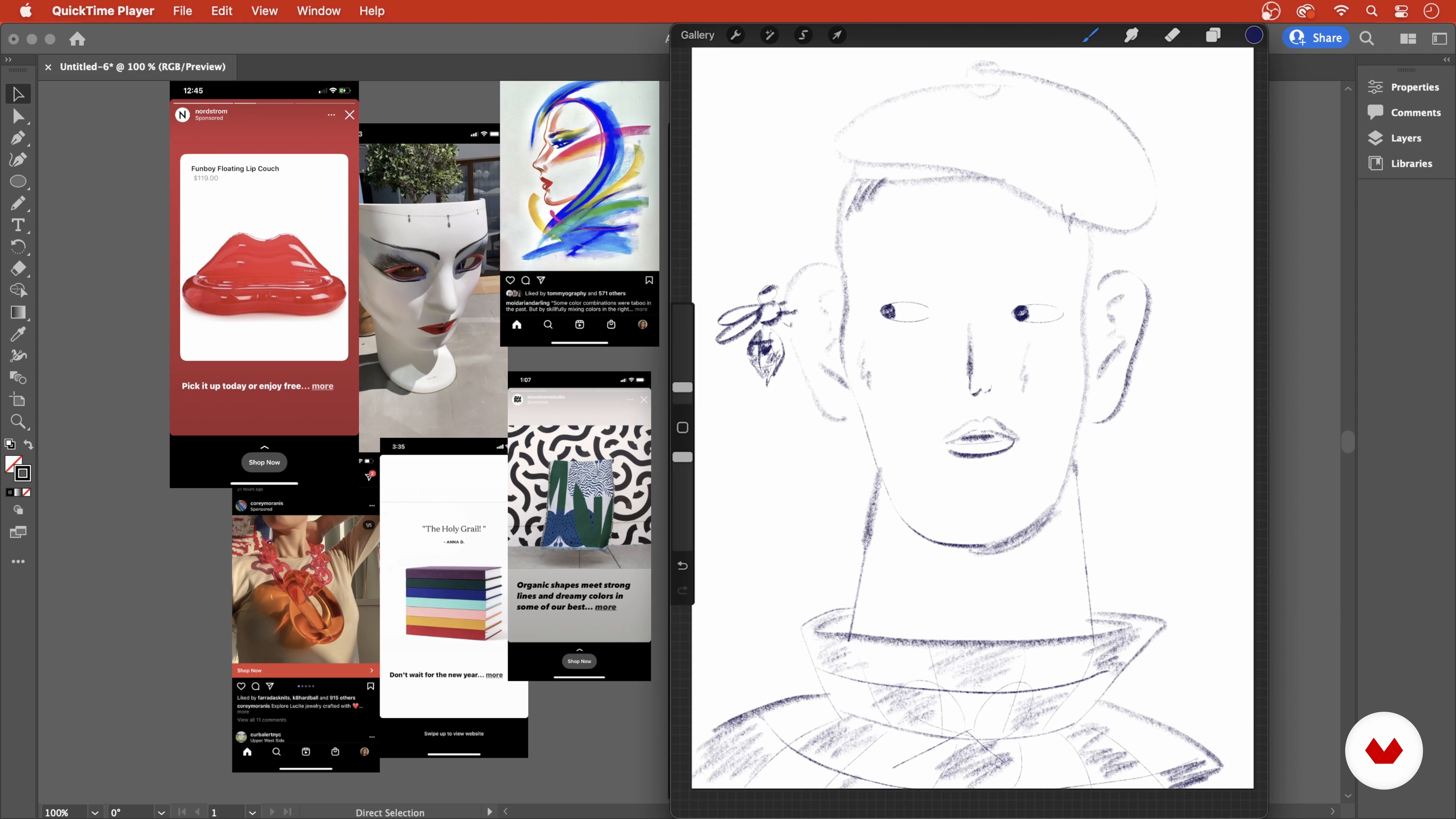
Mood Board
5 minutes, 54 seconds
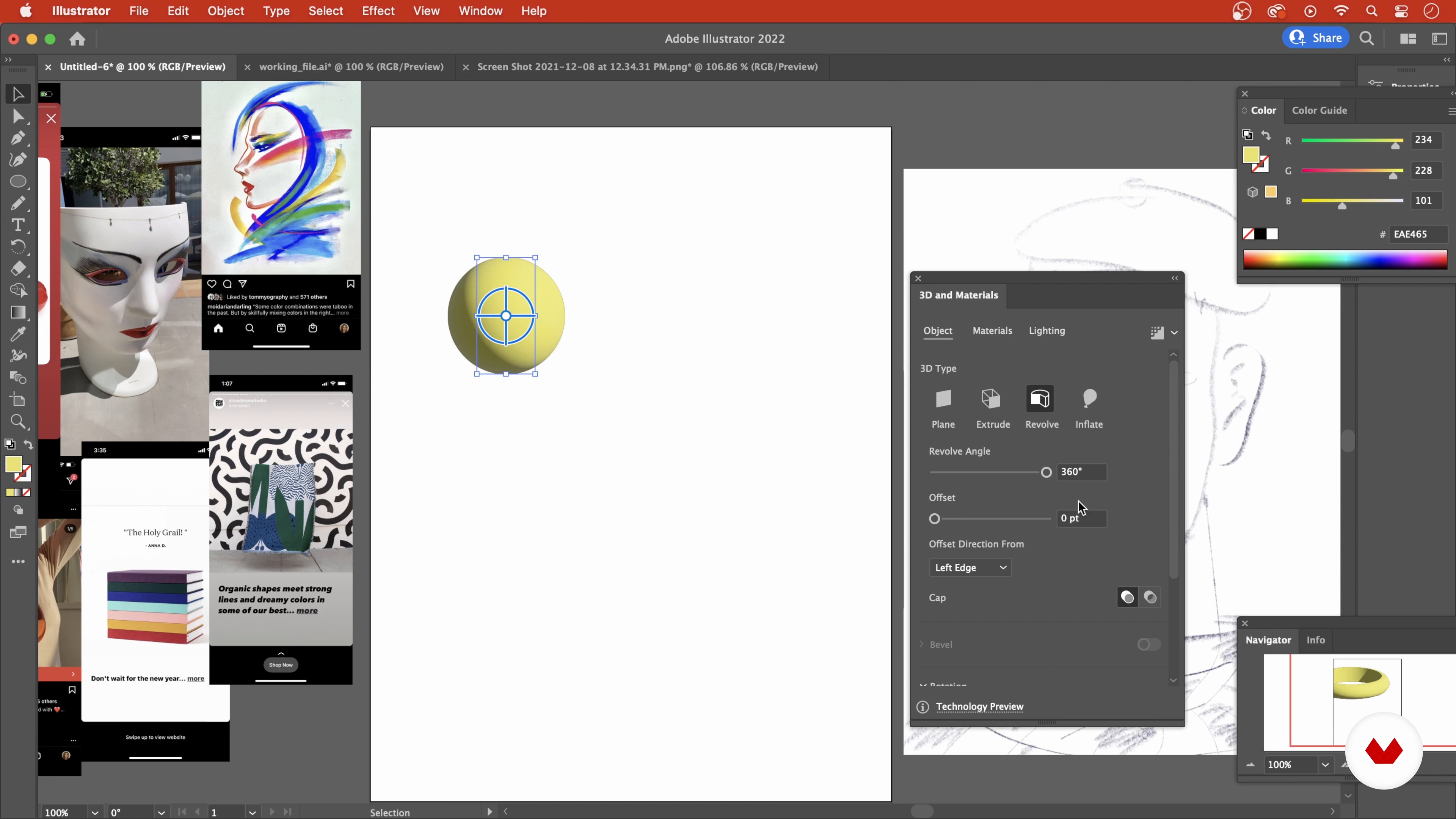
3D Shapes in Illustrator
4 minutes, 26 seconds
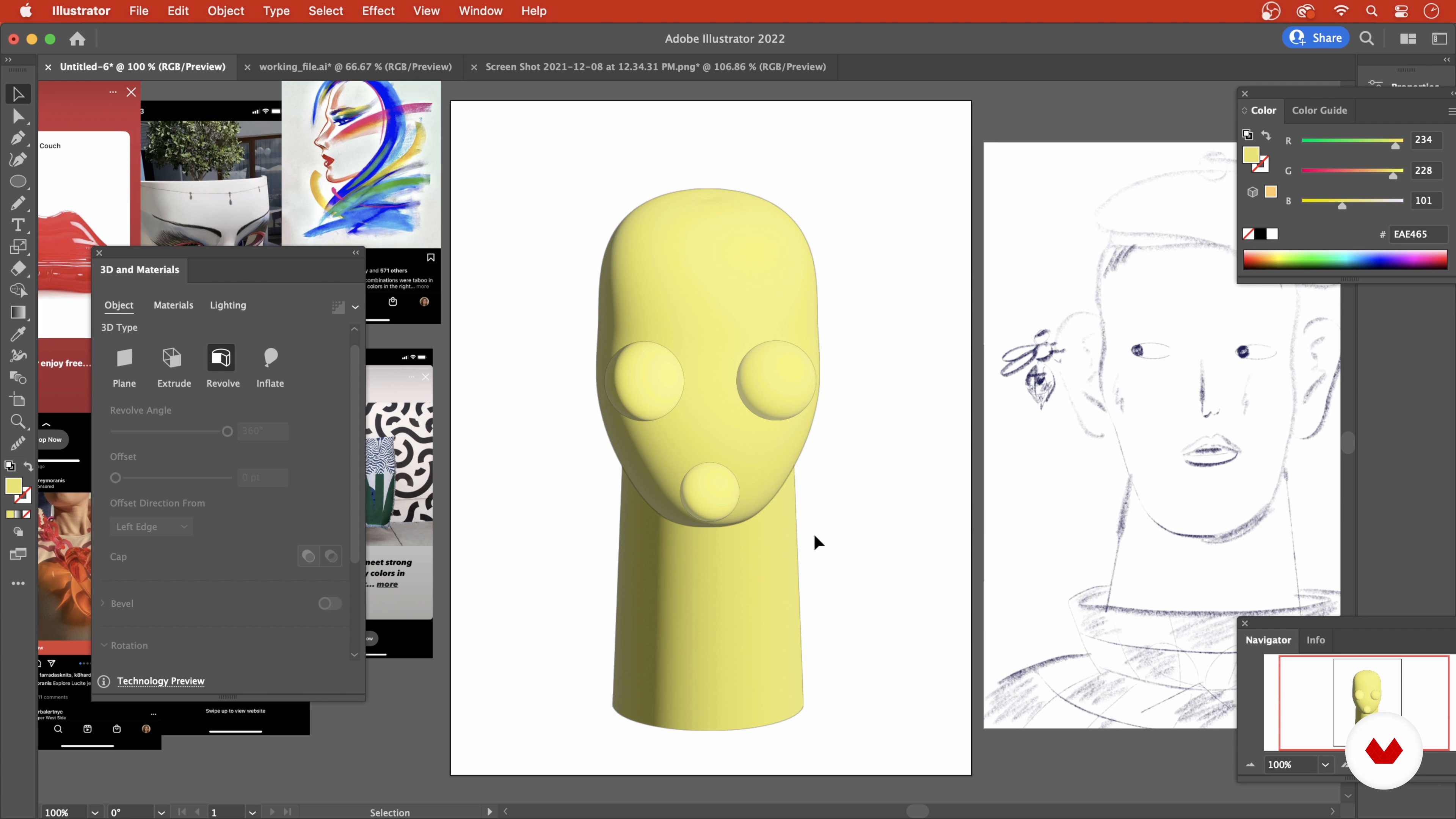
Getting Started
6 minutes, 32 seconds
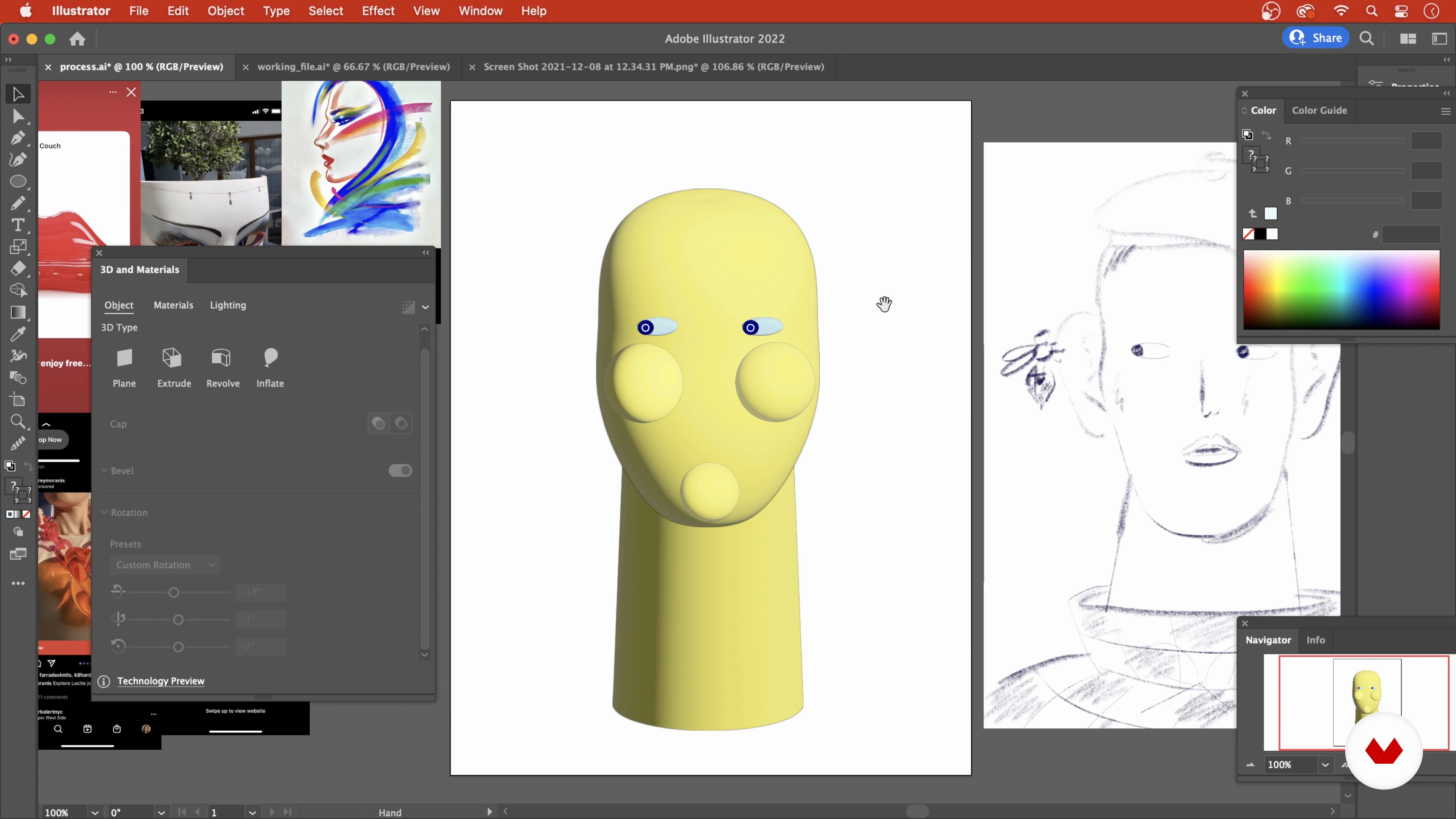
The Eyes
5 minutes, 35 seconds
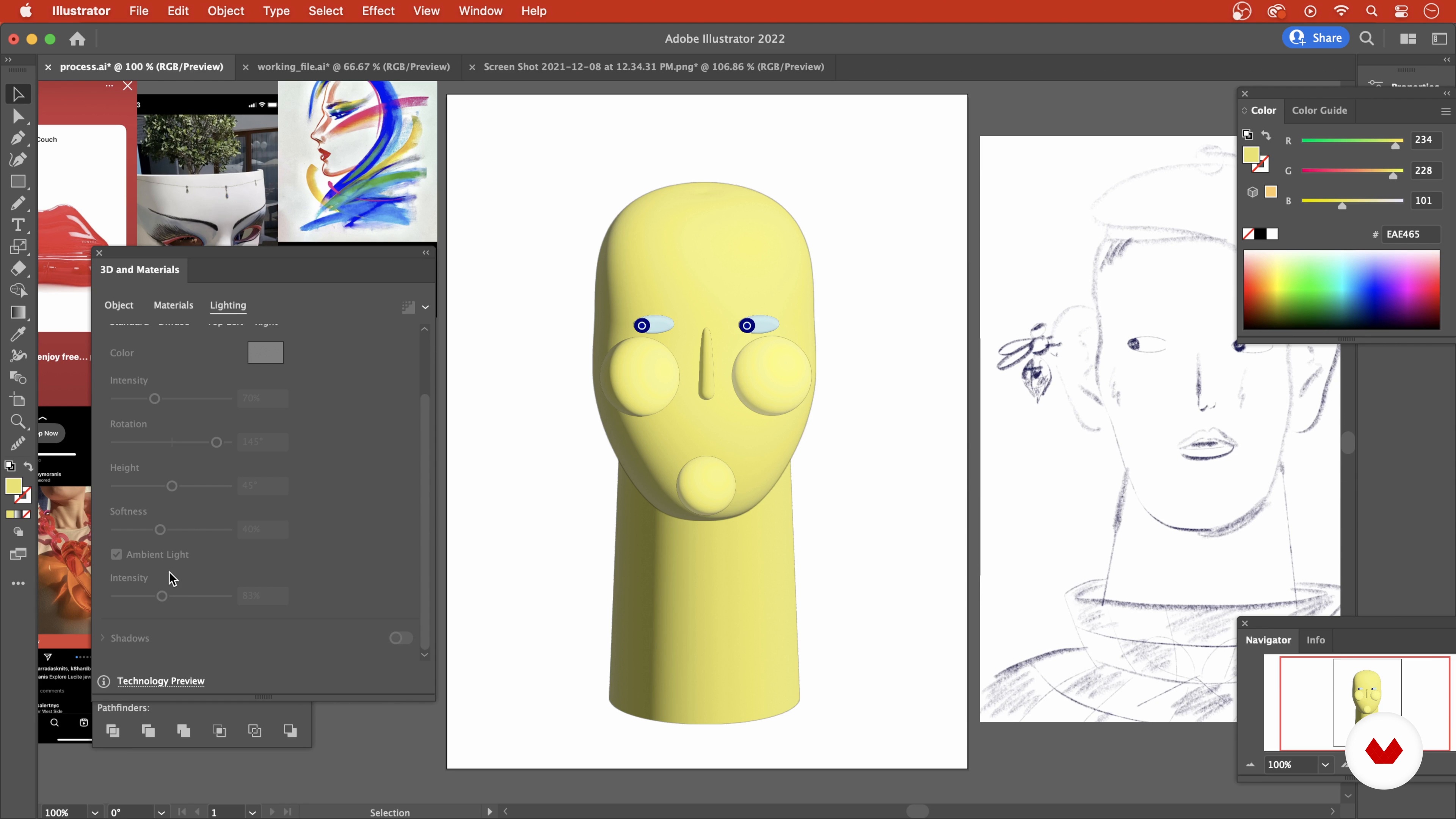
The Nose
5 minutes, 13 seconds
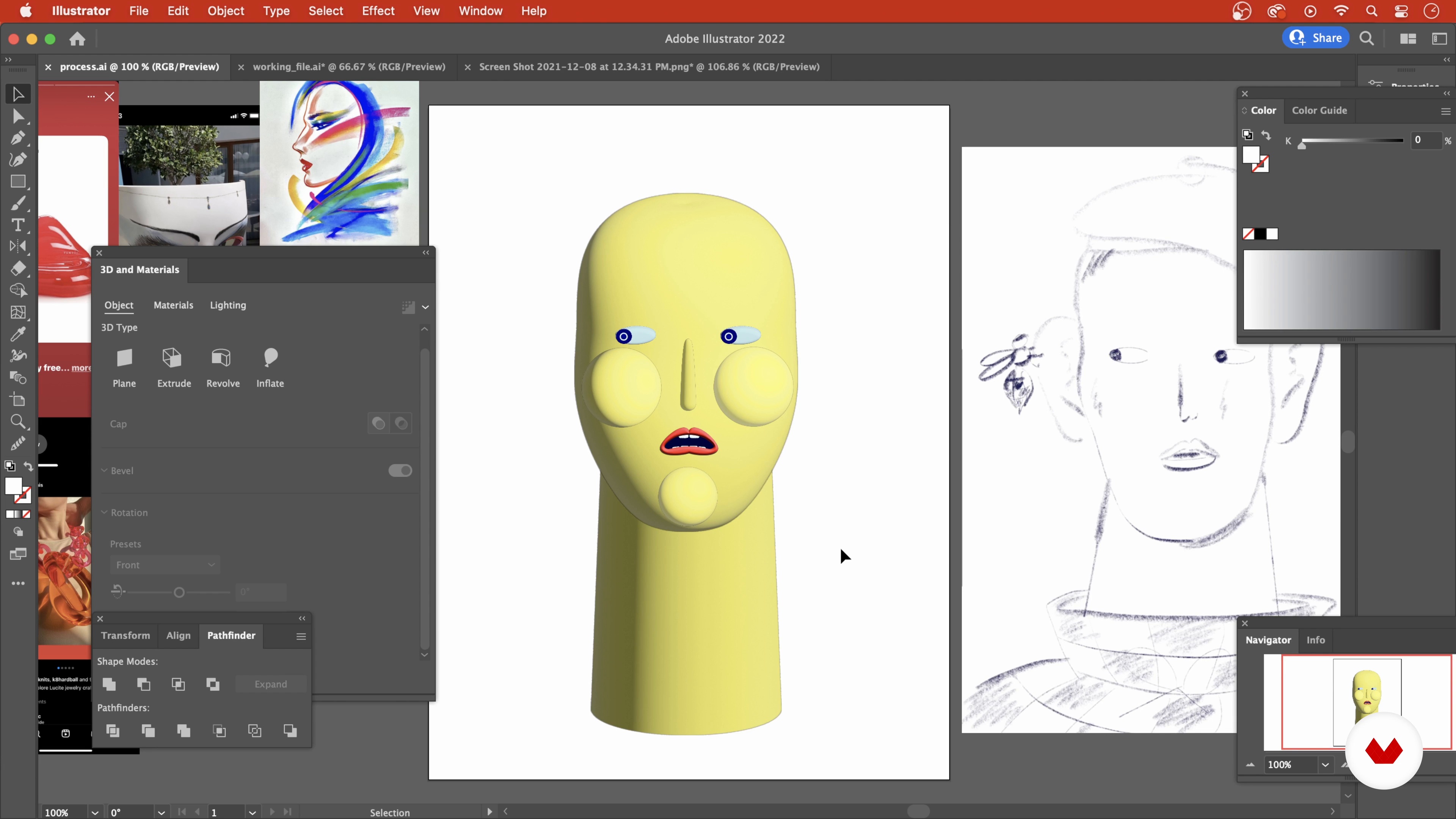
The Mouth
12 minutes, 50 seconds
What's included in this course?
Start the course by hearing about Ohni’s creative journey, from art school to becoming a full-time freelance illustrator. Learn about the artists that inspire her and look at some of her past works.
Begin your visual research with photos or books, and gather references to create a digital mood board for your final project. Ohni shows you how to build shapes digitally, as well as how to manipulate them into a face.
Time to work on your portrait! Using Illustrator, create the base for your head, then draw the facial features such as eyes, nose, mouth, ears, and hair. Dive into some digital tools and tricks to breathe life into your illustration by making your portrait more expressive.
Then, complete your figure by creating and placing the remaining elements, including the torso, clothes, hats, and the rest of its body. Once you shaped all the pieces, bring them together in Photoshop to blend them seamlessly, add a background, and color grade.
To finish the course, learn how to put the finishing touches to your portrait: Ohni guides you through the process of perfecting your artwork and, lastly, teaches you how to export your file.
Recommended software & tools for this course
What is this course's project?
Create a playful 3D portrait in both Illustrator and Photoshop using a variety of digital illustration techniques.

Projects by course students


Who is this online course for?
This online course is for anyone who wants to create dynamic 3D portraits in Illustrator and Photoshop.
Requirements and materials
Basic knowledge of Adobe Illustrator and Photoshop is required for this course. You will need access to a device with these software installed.

Reviews
- manriquelucPLUS11 months ago
It's a very fun and helpful course. She's an amazing teacher and cant wait for her to create more excellent courses. I enjoy every single step. If you're a noob or intermediate on Illustrator, this will be a joyful experience.
- 3 years ago
Muy completo!
- 3 years ago
Fun course.
- 4 years ago
Buen curso! Corto y conciso, te da una base para poder aplicar a otros proyectos no sólo a retratos.
- 4 years ago
very well made!

Since then, Ohni has worked on many different projects, creating both digital and traditional artwork for clients including Apple, Nike, The New York Times, The New Yorker and Vice.
Content
- U1
Introduction
- About Me
- Influences
- U2
Planning the Illustration
- Mood Board
- 3D Shapes in Illustrator
- Getting Started
- U3
Designing the Face
- The Eyes
- The Nose
- The Mouth
- The Ears
- The Hair
- U4
Background and Details
- Torso, Clothes, and the Wasp
- Finishes in Photoshop
- Putting It All Together
- FP
Final project
- Whimsical 3D Portraiture in Illustrator
What to expect from a Domestika course
Learn at your own pace
Enjoy learning from home without a set schedule and with an easy-to-follow method. You set your own pace.
Learn from the best professionals
Learn valuable methods and techniques explained by top experts in the creative sector.
Meet expert teachers
Each expert teaches what they do best, with clear guidelines, true passion, and professional insight in every lesson.
Certificates
PLUSIf you're a Plus member, get a custom certificate signed by your teacher for every course. Share it on your portfolio, social media, or wherever you like.
Get front-row seats
Videos of the highest quality, so you don't miss a single detail. With unlimited access, you can watch them as many times as you need to perfect your technique.
Share knowledge and ideas
Ask questions, request feedback, or offer solutions. Share your learning experience with other students in the community who are as passionate about creativity as you are.
Connect with a global creative community
The community is home to millions of people from around the world who are curious and passionate about exploring and expressing their creativity.
Watch professionally produced courses
Domestika curates its teacher roster and produces every course in-house to ensure a high-quality online learning experience.
FAQs
Yes, this course is designed for intermediate users who have basic experience with Adobe Illustrator and want to advance their skills in 3D portrait and fashion illustration techniques.
You will need Adobe Illustrator (preferably the latest version) and access to Adobe Photoshop and Procreate for some workflow steps. A drawing tablet is recommended for best results.
You’ll learn to create 3D portraits using Illustrator’s 3D tools, build mood boards, integrate analog sketches, manipulate facial features, experiment with styles, and finalize illustrations with professional color grading and export techniques.
Basic drawing skills are helpful but not required. The course covers foundational sketching techniques and digital drawing tips for beginners and intermediate artists.
The course provides step-by-step guidance on applying 3D Revolve and Extrude tools to create and refine facial features and accessories for digital portraits in Illustrator.
Yes, you’ll learn how to compile and create digital mood boards in Illustrator and Procreate, and how to use them to inform your illustration workflow and creative direction.
Yes, the course explores fashion illustration influences such as art deco, surrealism, and the Japanese airbrushing movement with case studies and practical application in digital art.