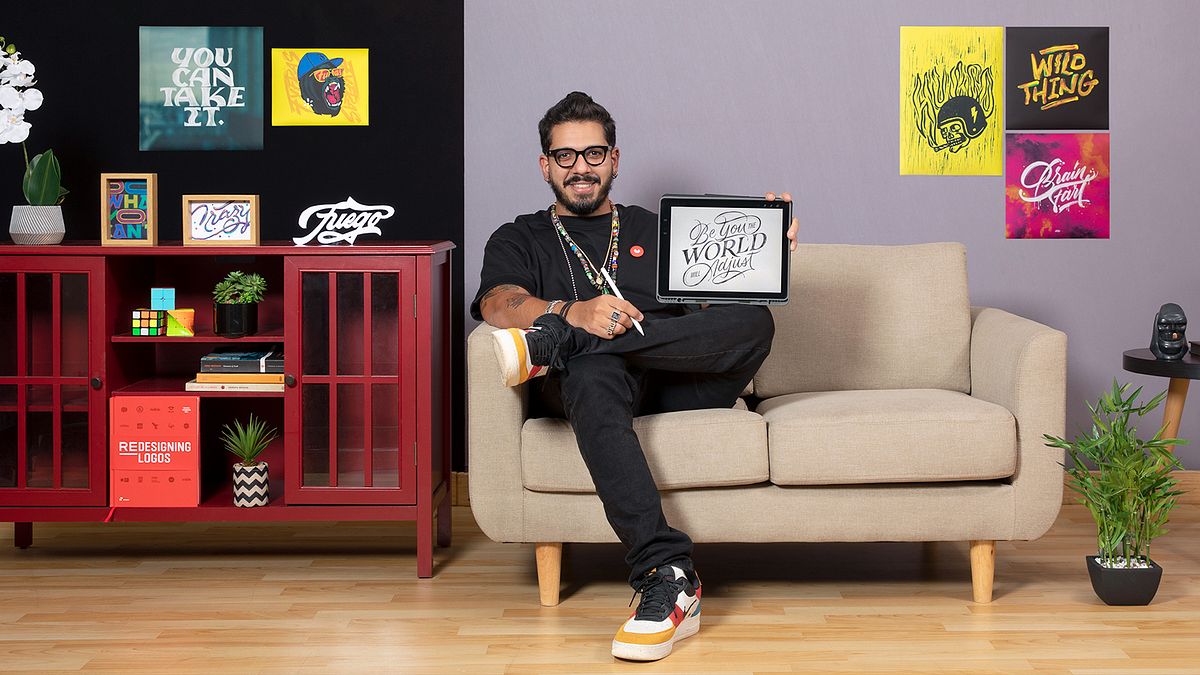
Digital Lettering with Analog Elements
A course by Rafa Miguel // HUESOGraphic Designer
A course by Rafa Miguel // HUESO, Graphic Designer

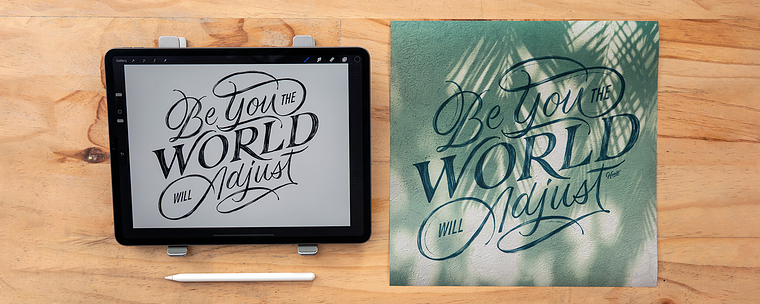
Learn to design striking typographic compositions in Procreate by playing around with digital letters and analog textures
Take your designs to the next level and represent your ideas through powerful typographic compositions. In this online course, Rafa Miguel, better known in the industry as HUESO, teaches you how to create digital lettering with an analog twist. Rafa is a designer specialized in typography with an extensive background in branding, having worked with brands such as Cervezas Goyeneche and Holy Rice.
Learn the creative process involved in composing with letters, from what to say to how to say it, as well as how to enhance your piece with real-world textures.
What will you learn in this online course?
11 lessons & 12 downloads
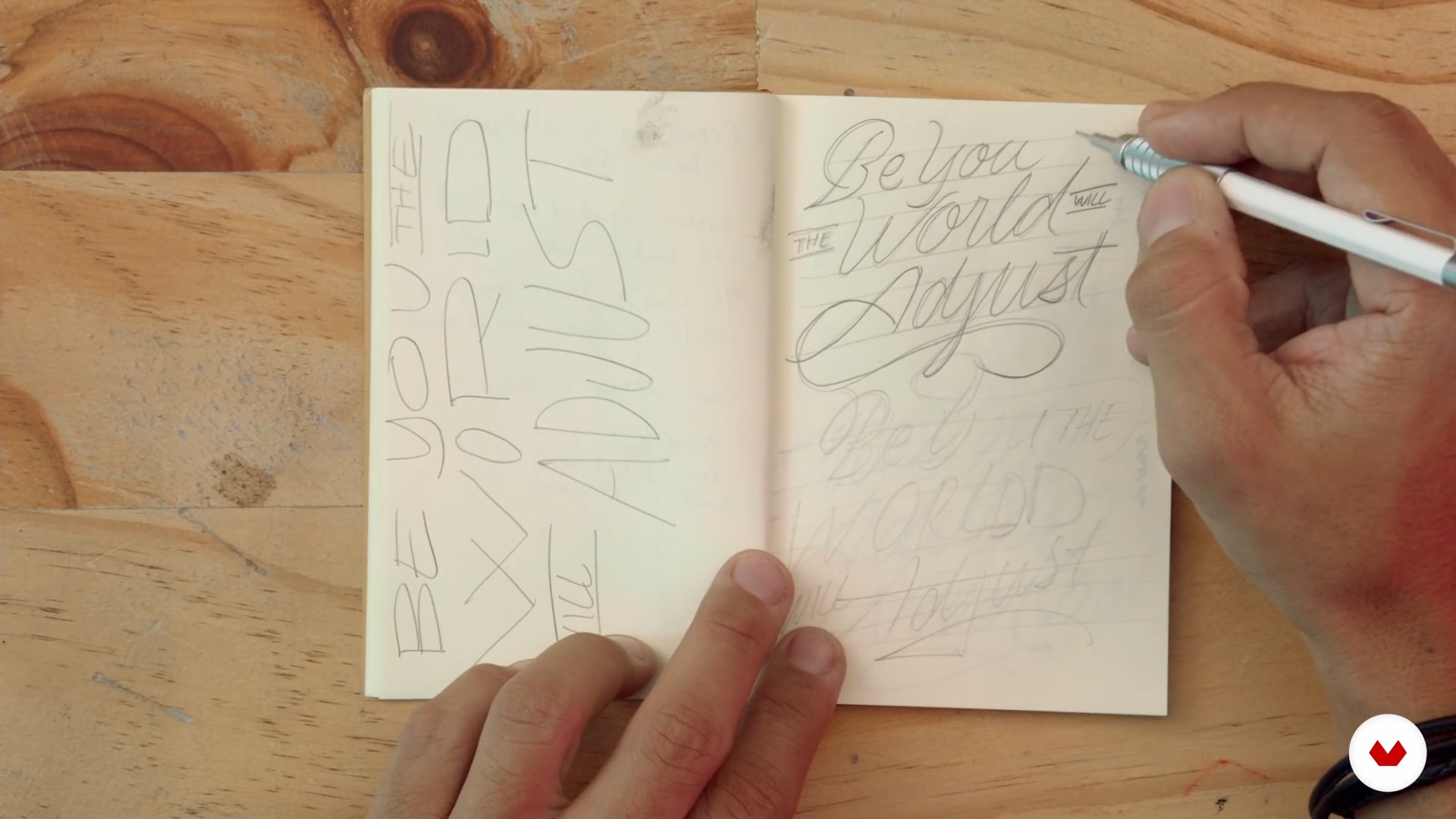
The sources of inspiration
4 minutes, 55 seconds
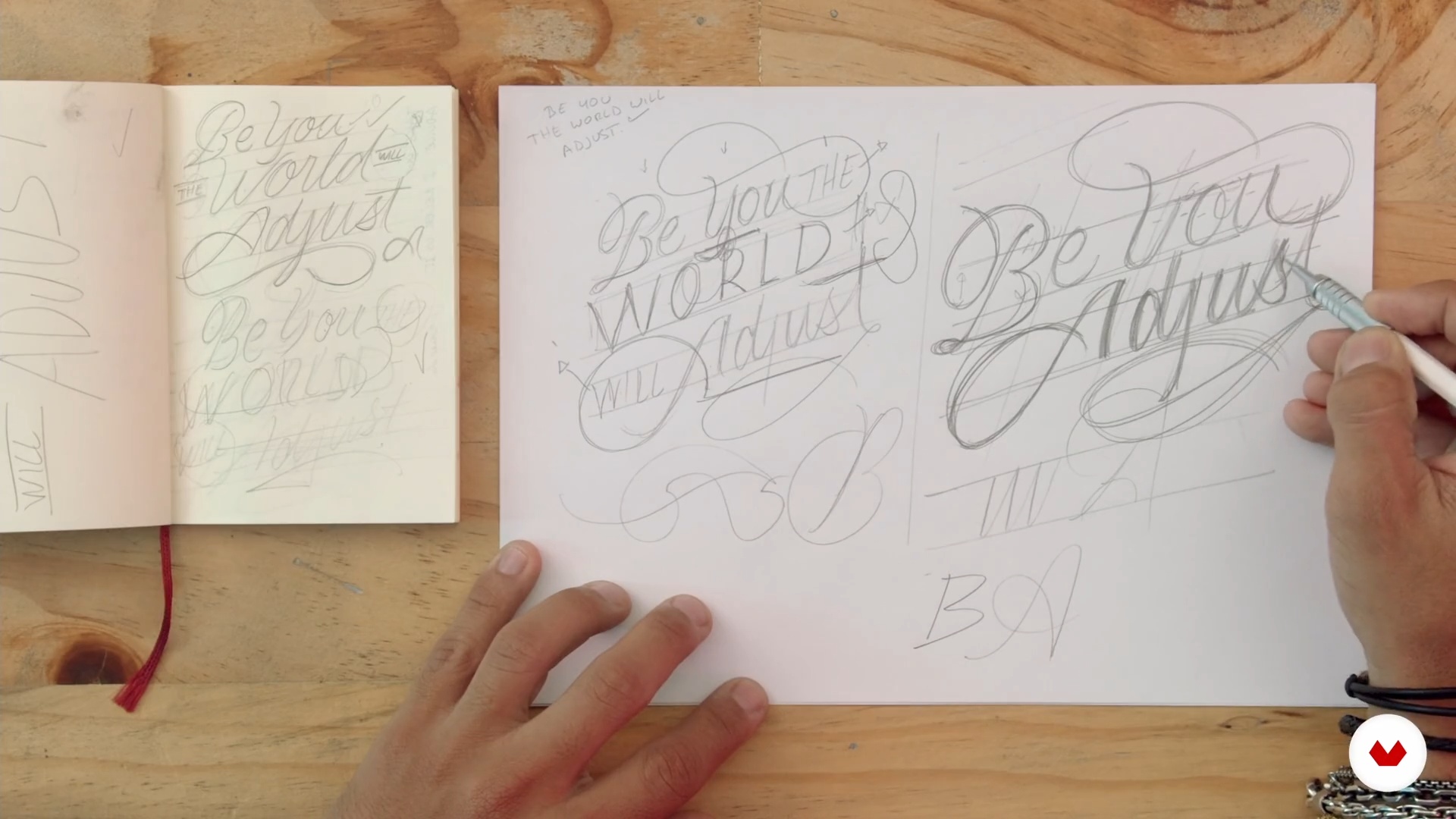
The lettering: my style
9 minutes, 48 seconds
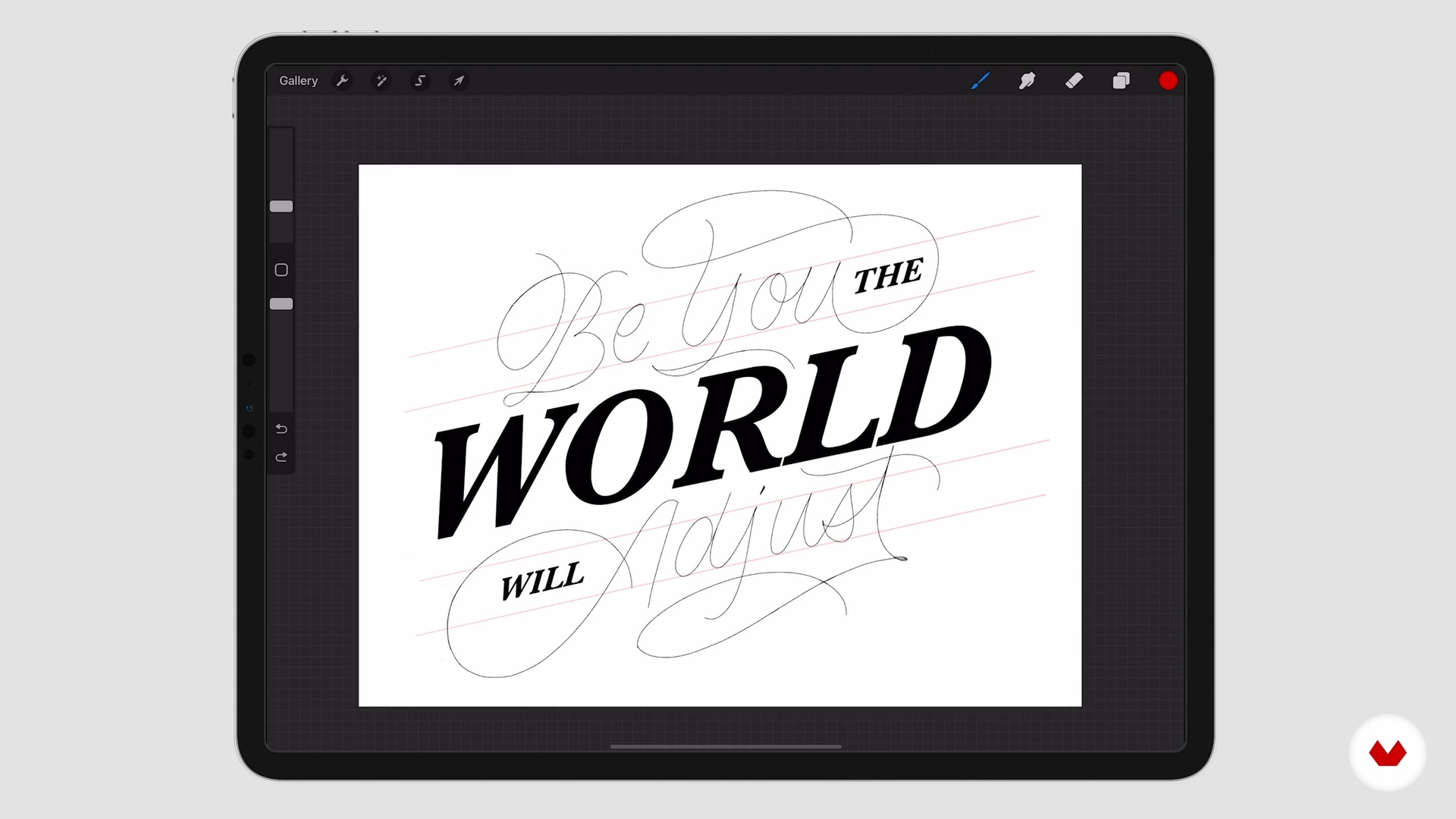
Digitize the sketch
8 minutes, 11 seconds
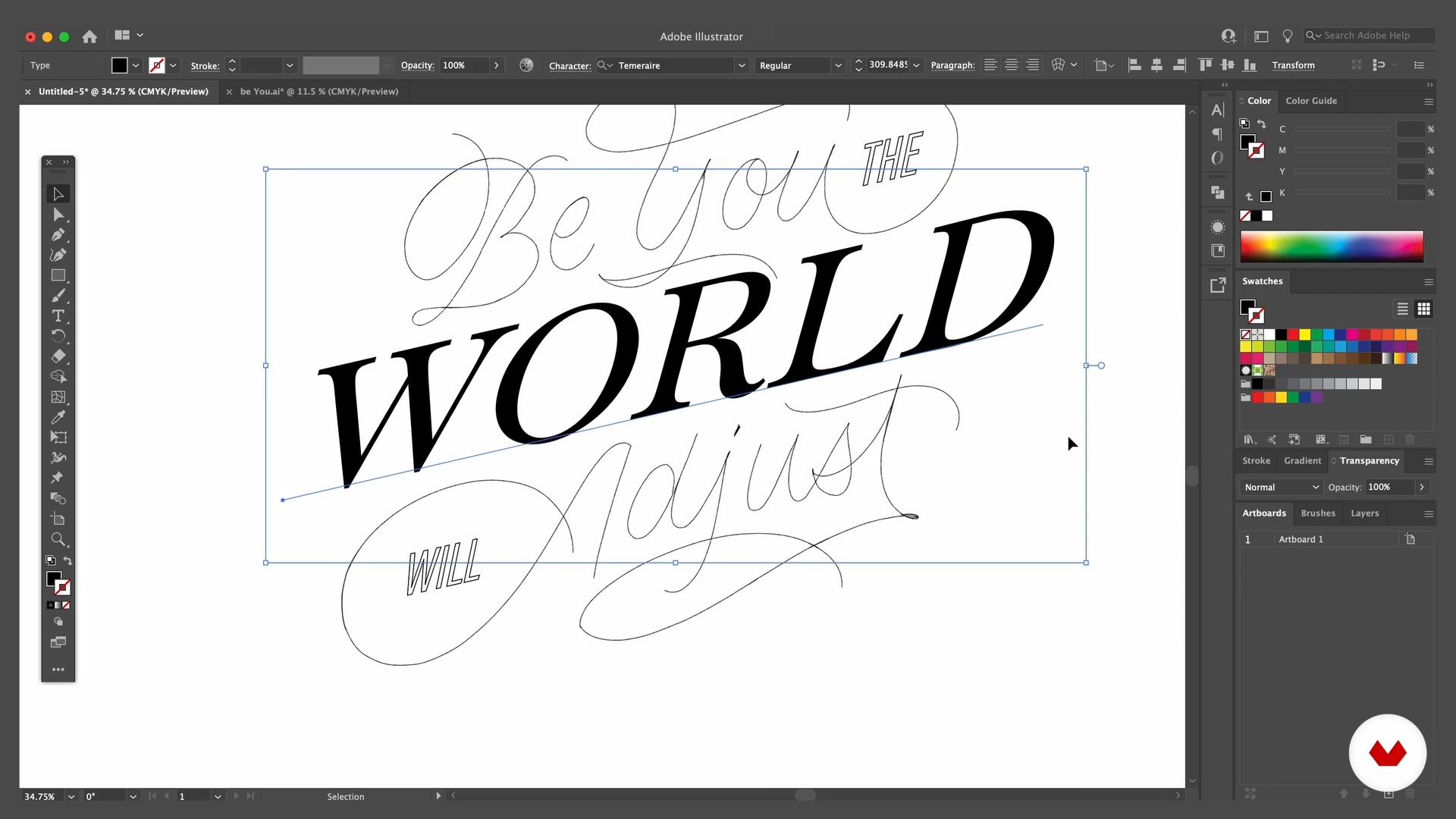
Illustrator: typesetting
12 minutes, 2 seconds
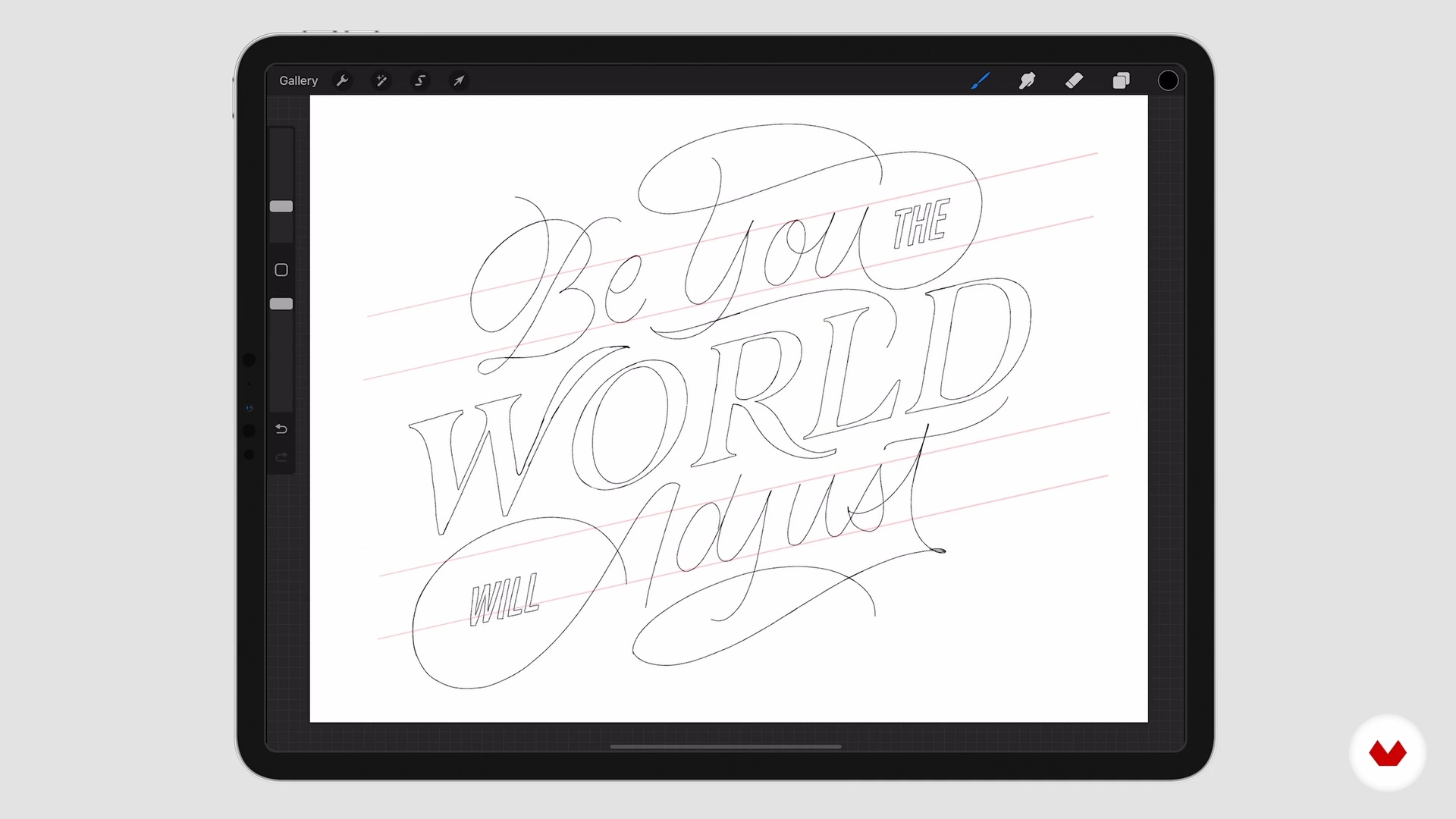
Procreate: redraw
6 minutes, 50 seconds
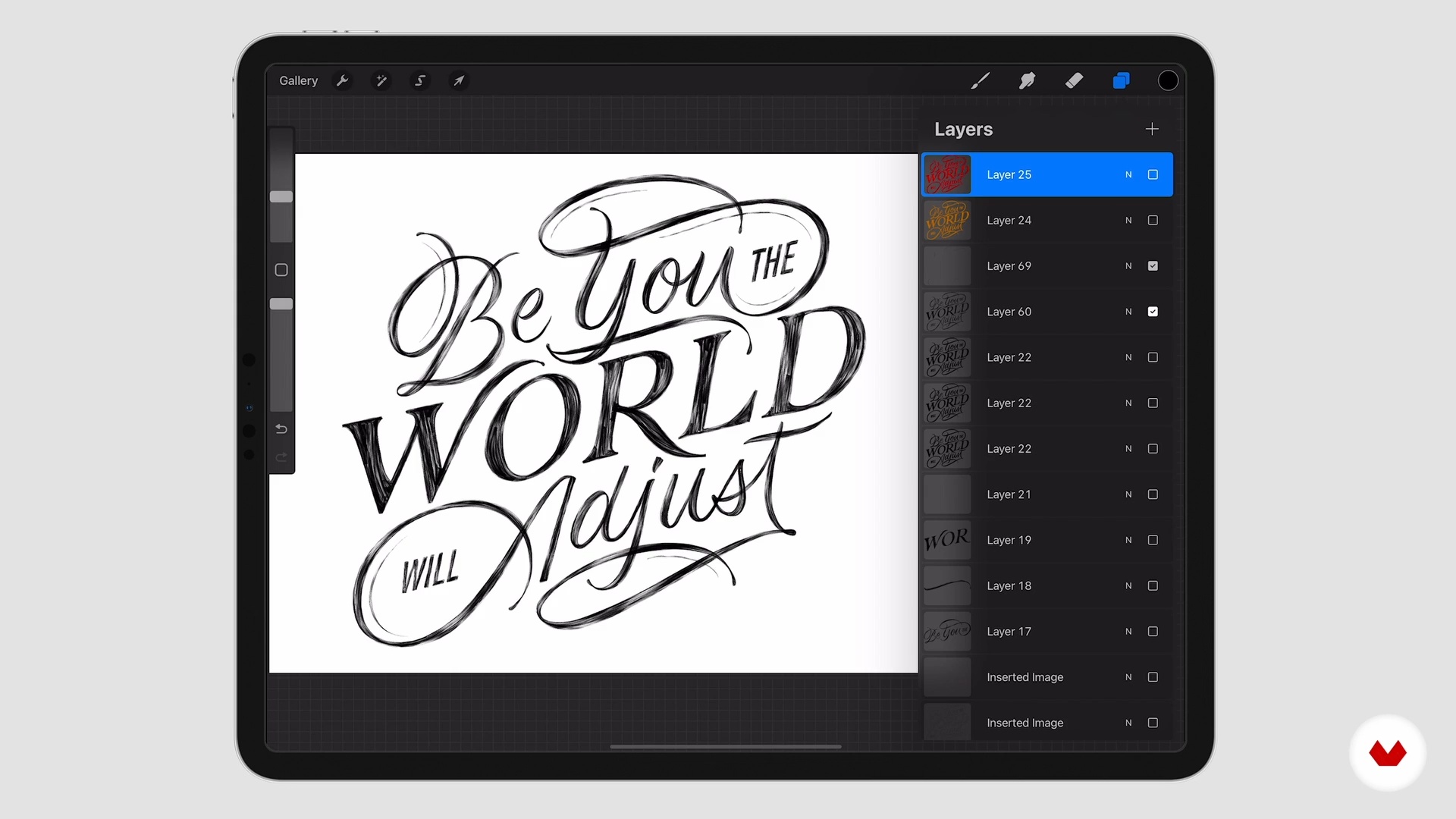
Composition with analog look
17 minutes, 6 seconds
What's included in this course?
Rafa Miguel, better known as HUESO, starts this course by telling you about his background in typography, his technique, and the influences present in his work.
Next, discover how to find inspiration and get ideas. Learn the basics of script lettering and start sketching your typographic design, starting with the base of your composition.
Digitize your design, looking at what works and what doesn't, before developing your composition with Photoshop and Illustrator. Then, add elements such as ligatures and details to enrich your piece and fine-tune it in Procreate.
Experiment with textures and see how to apply them to your letters. Finally, discover how to export your work and explore the different ways you can use everything you've learned in the course.
What is this course's project?
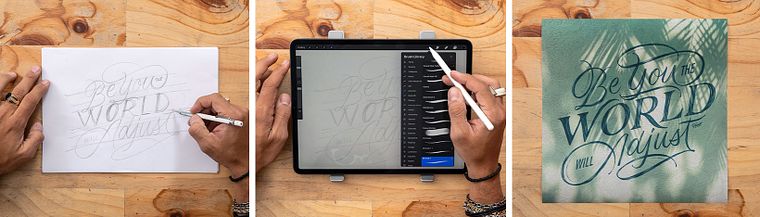
Starting with a powerful phrase, create a typographic composition for a digital post, print, or any other medium.
Who is this online course for?
Design and art direction enthusiasts as well as curious minds eager to acquire new knowledge about lettering.
Requirements and materials
It is essential to have basic knowledge of lettering and calligraphy. A solid grasp of Procreate and Adobe Photoshop will also come in handy.
Reviews
- 2 years ago
Curso simples mas muito bom. Só usei o Procreate mas fiquei muito contente com o que aprendi e com o resultado final, muito obrigada.
- 2 years ago
excellent course
- 2 years ago
Excelente curso, mucho aprendizaje y muy buena actitud. gracias
- 4 years ago
Super buen curso!!
- 4 years ago
Muy buen curso de Hueso, explicaciones claras y sencillas. Lo recomiendo.

He has an extensive background in the design and development of branding, packaging, and murals for national and international brands. He has worked for food, tobacco, alcoholic beverage (distilled and beers), coffee, and NGO brands, among others.
Content
- U1
Introduction
- Presentation
- Influences
- U2
Looking for the Idea
- The sources of inspiration
- The lettering: my style
- Digitize the sketch
- U3
From Digital to Analog
- Illustrator: typesetting
- Procreate: redraw
- Composition with analog look
- Photoshop
- U4
The Final Details
- Textures and blend modes
- What to do with your finished work?
- FP
Final project
- Digital Lettering with Analog Elements
What to expect from a Domestika course
Learn at your own pace
Enjoy learning from home without a set schedule and with an easy-to-follow method. You set your own pace.
Learn from the best professionals
Learn valuable methods and techniques explained by top experts in the creative sector.
Meet expert teachers
Each expert teaches what they do best, with clear guidelines, true passion, and professional insight in every lesson.
Certificates
PLUSIf you're a Plus member, get a custom certificate signed by your teacher for every course. Share it on your portfolio, social media, or wherever you like.
Get front-row seats
Videos of the highest quality, so you don't miss a single detail. With unlimited access, you can watch them as many times as you need to perfect your technique.
Share knowledge and ideas
Ask questions, request feedback, or offer solutions. Share your learning experience with other students in the community who are as passionate about creativity as you are.
Connect with a global creative community
The community is home to millions of people from around the world who are curious and passionate about exploring and expressing their creativity.
Watch professionally produced courses
Domestika curates its teacher roster and produces every course in-house to ensure a high-quality online learning experience.
FAQs
You’ll learn how to create custom typographic compositions, blend analog textures into digital work, digitize calligraphy, apply sketching techniques, and use tools like Procreate and Illustrator for branding and social media projects.
The course is geared toward people with intermediate graphic design or typography skills but is also accessible to creatives interested in exploring both digital and hand lettering.
You’ll need a notebook, pencils, an iPad with Procreate, and access to Adobe Illustrator. A computer and a phone camera for capturing textures are also recommended.
You’ll be able to create commercial lettering, custom alphabets, typographic compositions for brands, murals, social media pieces, and rebranding proposals with unique visual identities.
Yes, you’ll learn how to transfer sketches into Procreate and Illustrator, adjust line weights and guides, and digitize your calligraphy for professional results.
The course teaches how to create and apply analog and rustic textures by integrating custom brushes in Procreate and using blending techniques to give your digital designs a handcrafted feel.
Yes, it includes techniques for creating 3D typography in illustration and methods for overlaying text and visual effects on digital images.