2D Animation for Beginners with Photoshop and After Effects
A course by Bruno BayeuxVisual Artist
A course by Bruno Bayeux, Visual Artist

Learn how to transform your 2D illustrations into animated videos with motion graphic techniques
Adding movement, life, and character to your illustrations can be a hugely rewarding challenge. Visual artist, and specialist in animation and motion design, Bruno Bayeux, better known as Nobru, shows you how to give your illustrations soul, one step at a time.
In this course, learn to transform your illustrations into 2D animations. Look at some exercises to unleash your creativity, draw those first lines, and give your animations personality, exploring everything that software like Photoshop and After Effects have to offer.
What will you learn in this online course?
13 lessons & 14 downloads
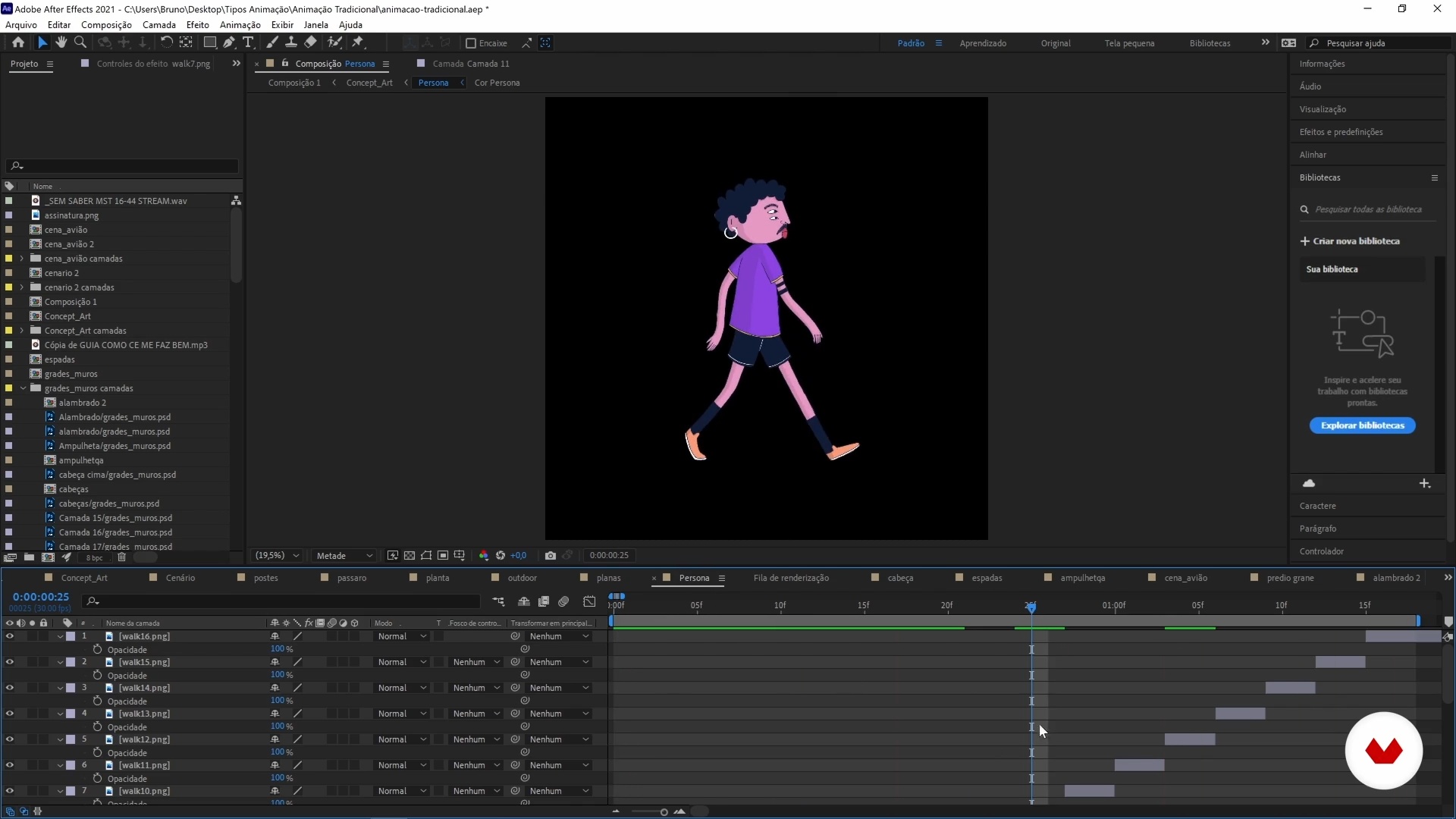
Types of animation
9 minutes, 38 seconds
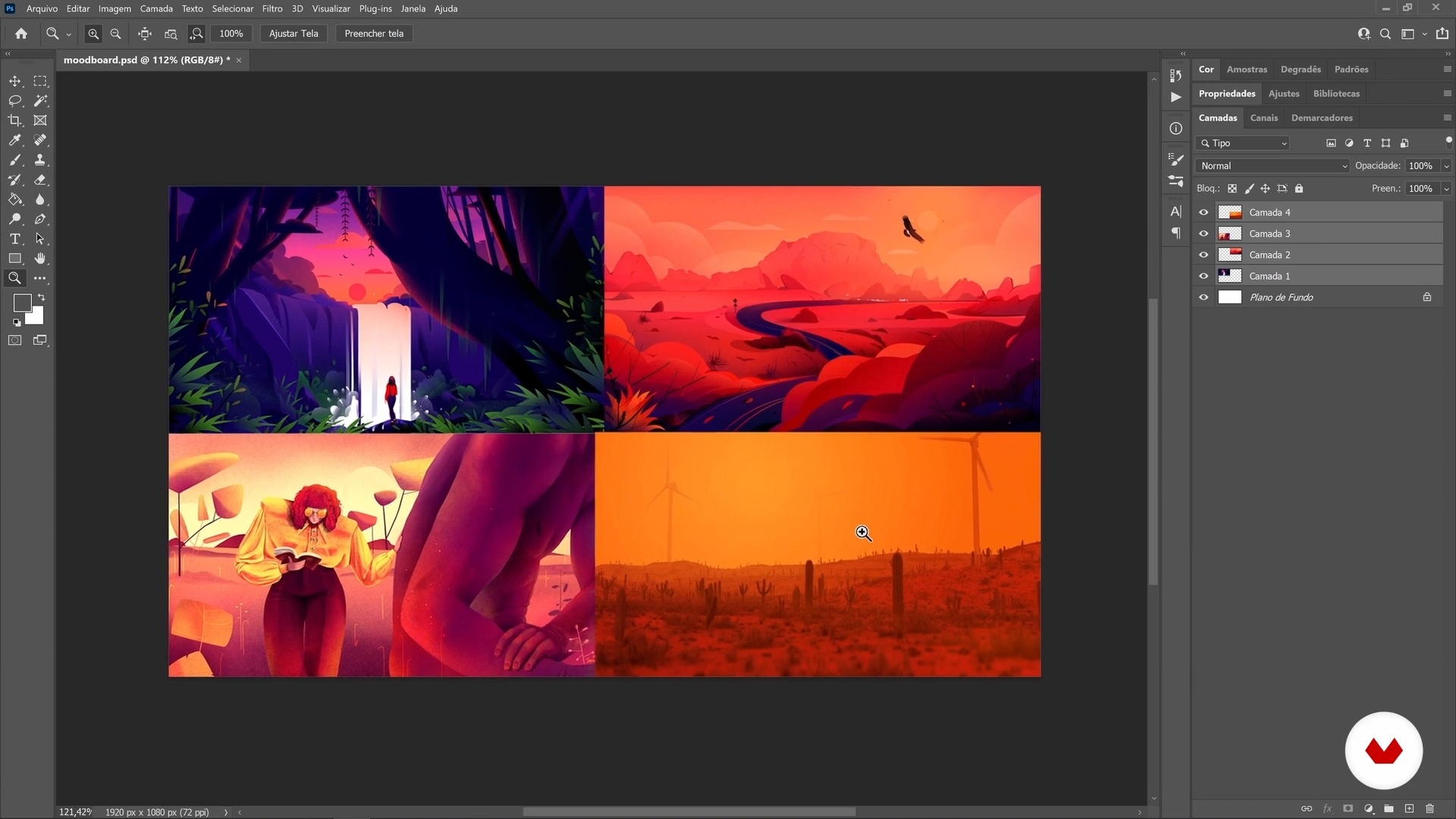
References and inspirations
8 minutes, 15 seconds
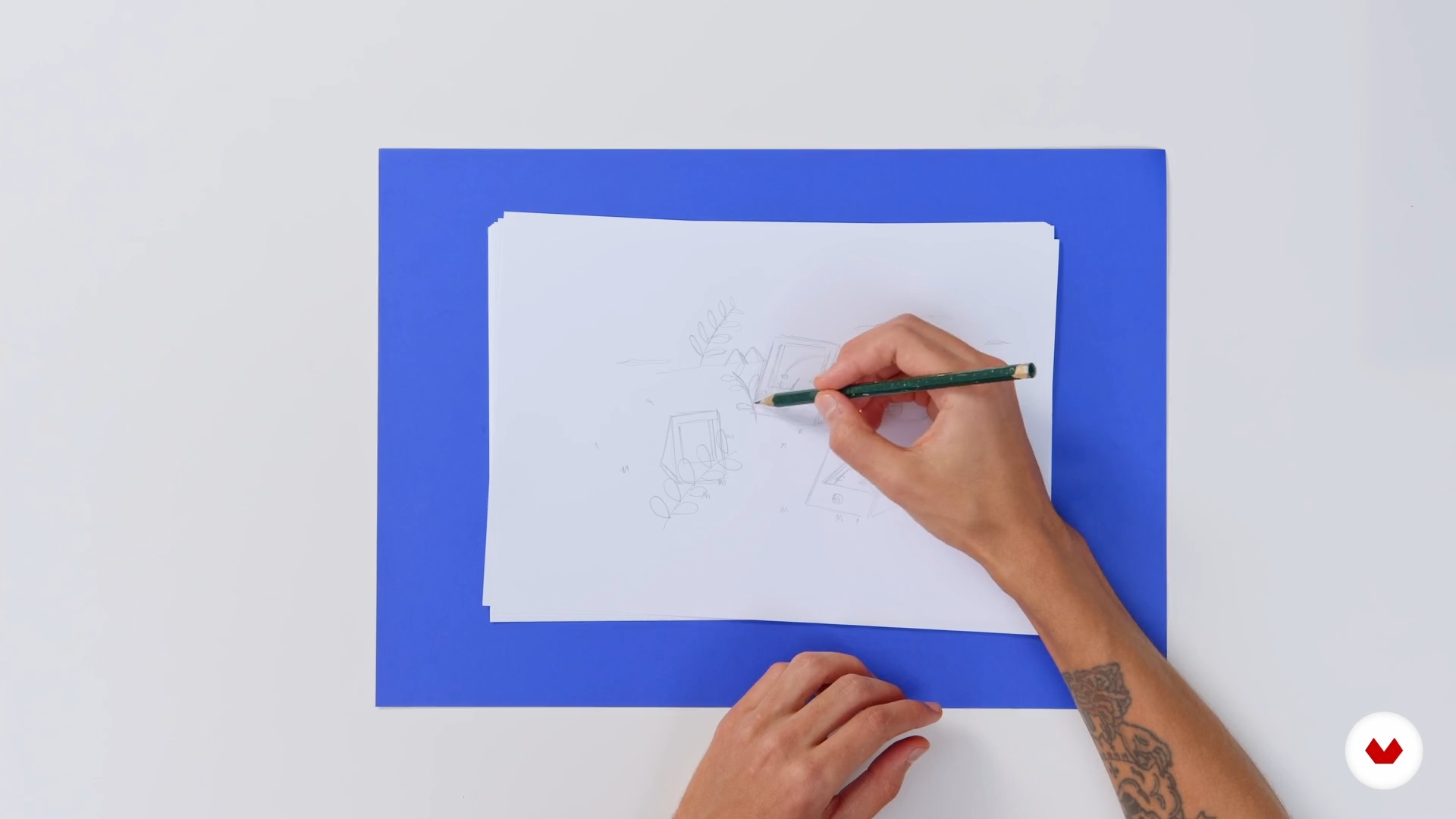
Dropping the trace
4 minutes, 22 seconds
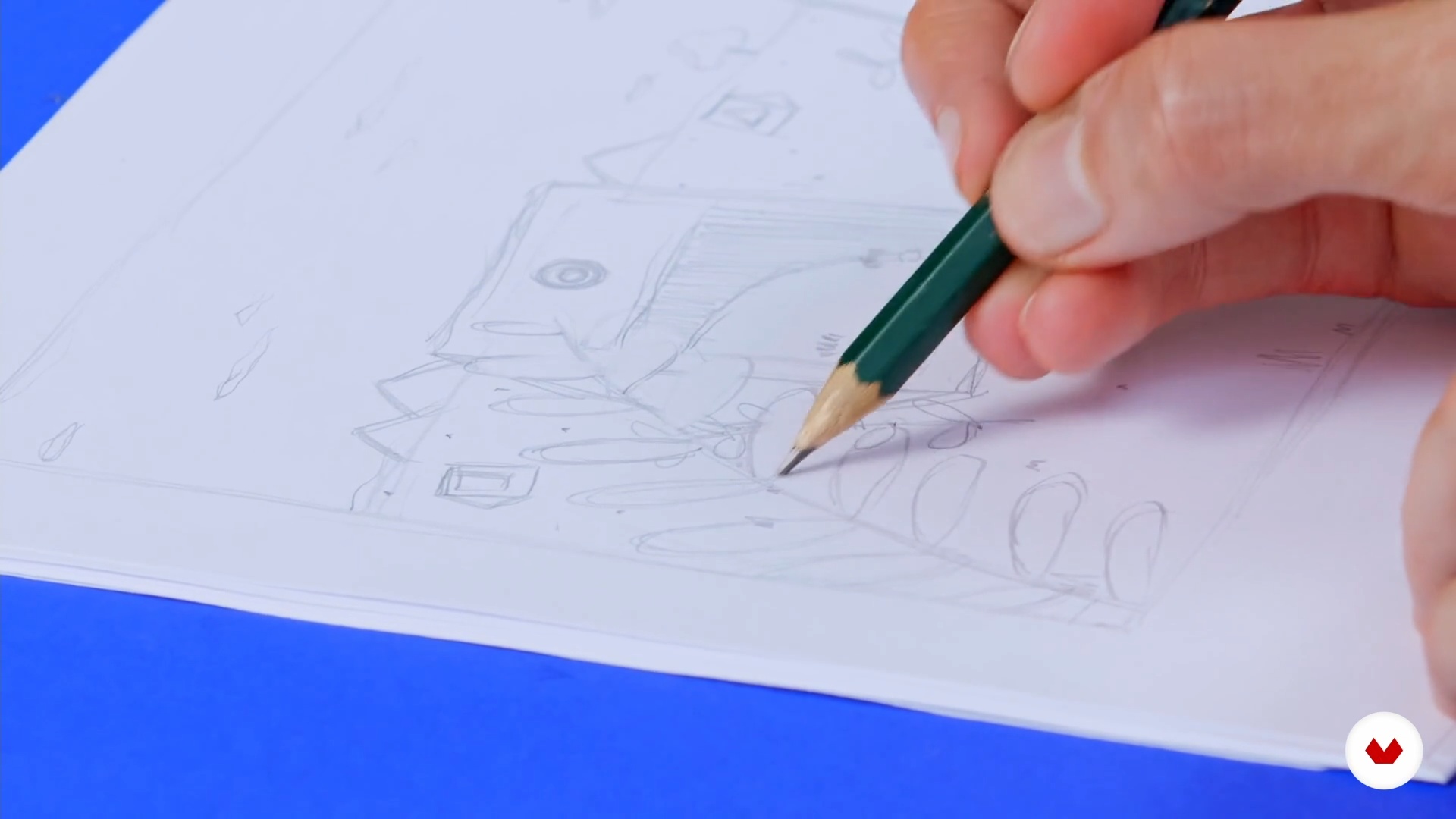
Preparing your sketch
17 minutes, 2 seconds
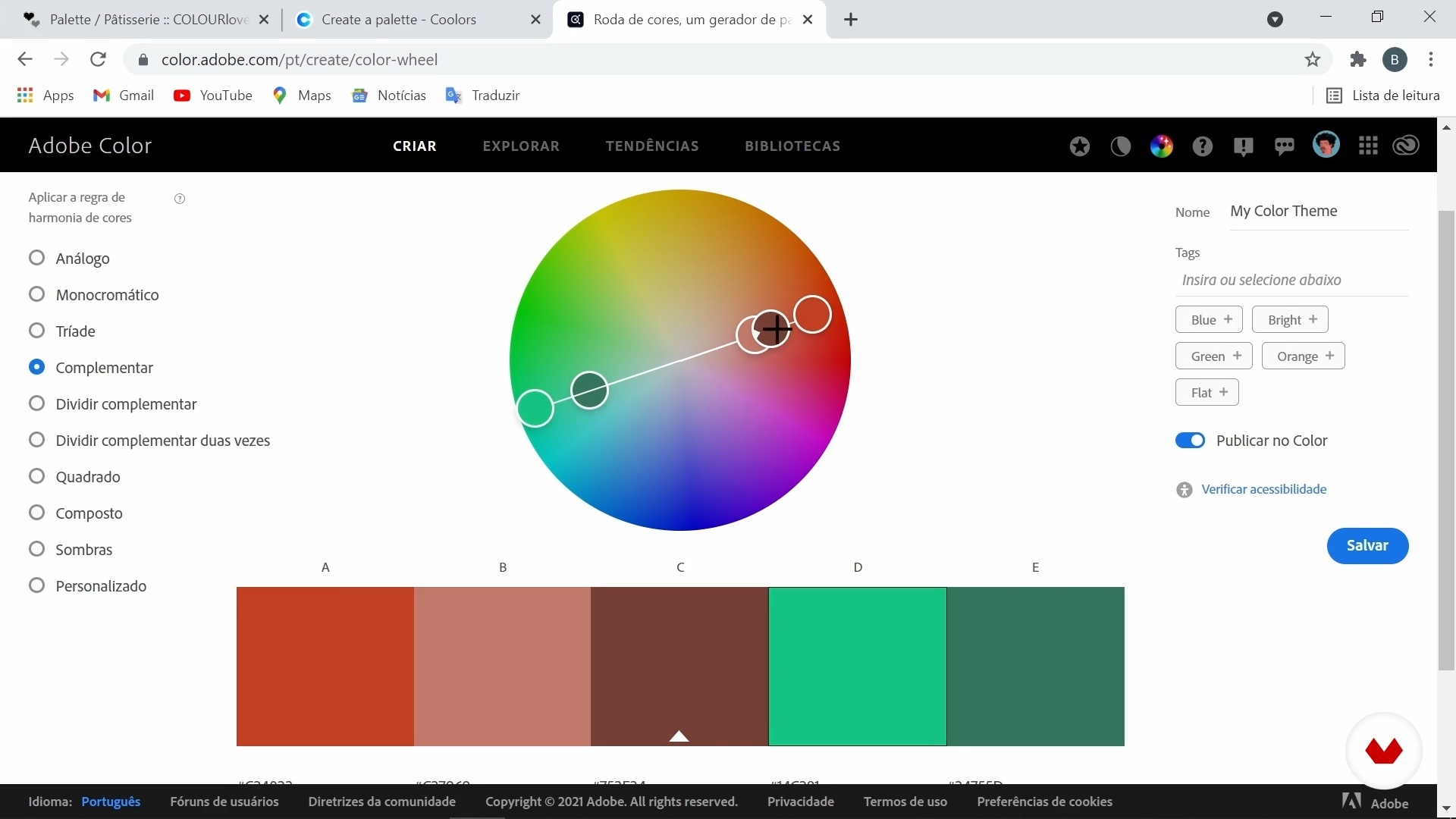
Defining and testing colors
13 minutes, 33 seconds
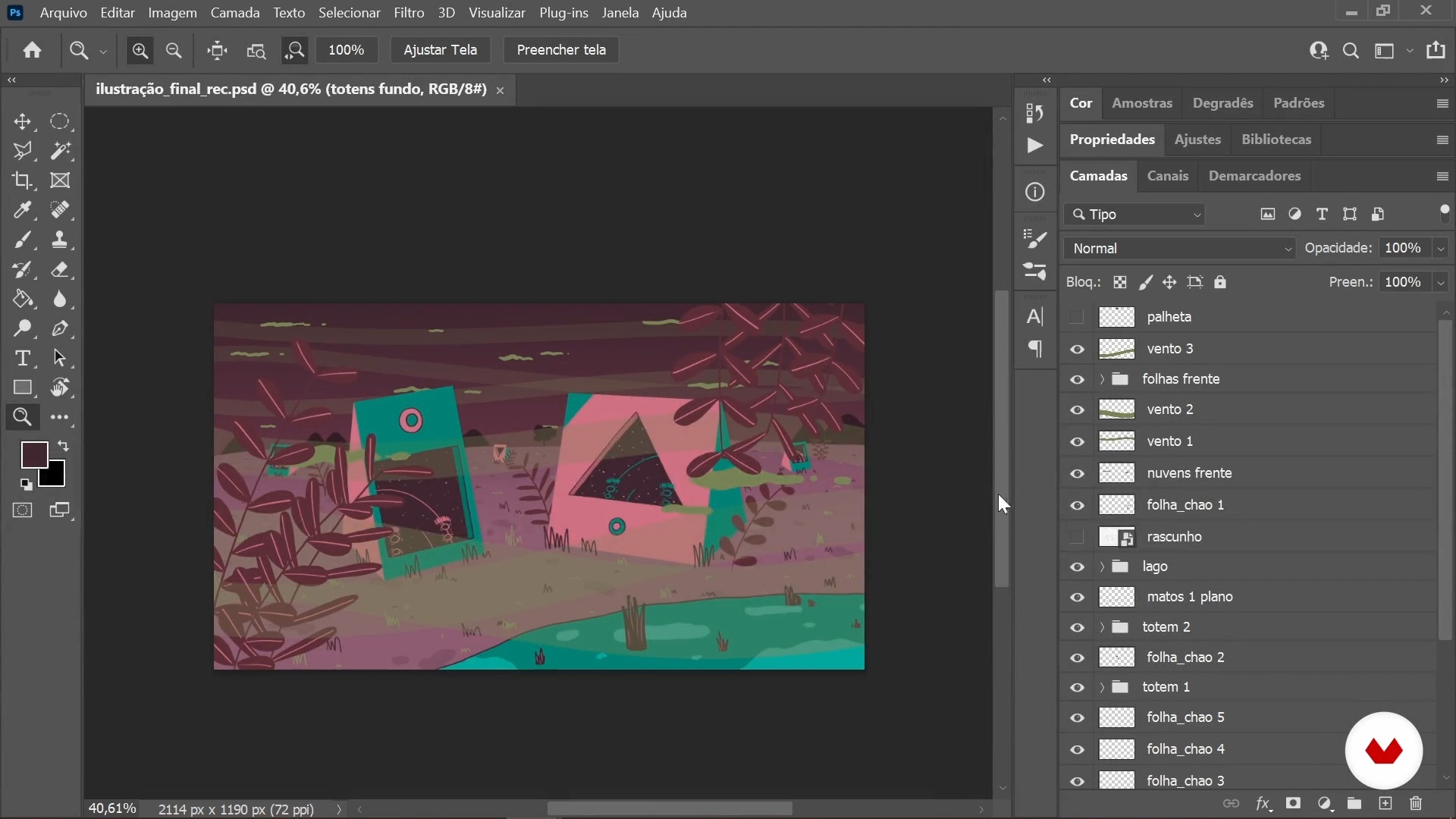
Finalizing the drawing
9 minutes, 30 seconds
What's included in this course?
Begin by hearing about Bruno Bayeux's career so far in the world of animation and illustration, and take a look at some of his most notable works. He also shares his artistic influences, from movies and drawings to skateboarding and street art.
Then start looking for inspiration to define the theme of your piece and create a mood board. From there, do a series of exercises to loosen up your drawing hand and unlock your creativity. Gradually bring your first sketch to life, see how to digitize it, and work on it in Adobe Photoshop.
Next, Bruno teaches you to define a color palette to achieve the desired mood and finish off your illustration in Photoshop by organizing your animation layers frame by frame.
Now it's time to get animating, starting with looping your frames in After Effects. Bruno shows you how best to put together your timeline and apply motion effects including Puppet Pin, Turbulent Displacement, Wave Distortion, and Particle World.
To wrap things up, discover how to close the loop, export your animation, and the best way to share your work on social media.
Recommended software & tools for this course
What is this course's project?
Create an illustration and learn how to animate it in After Effects in the form of a 30-second loop.
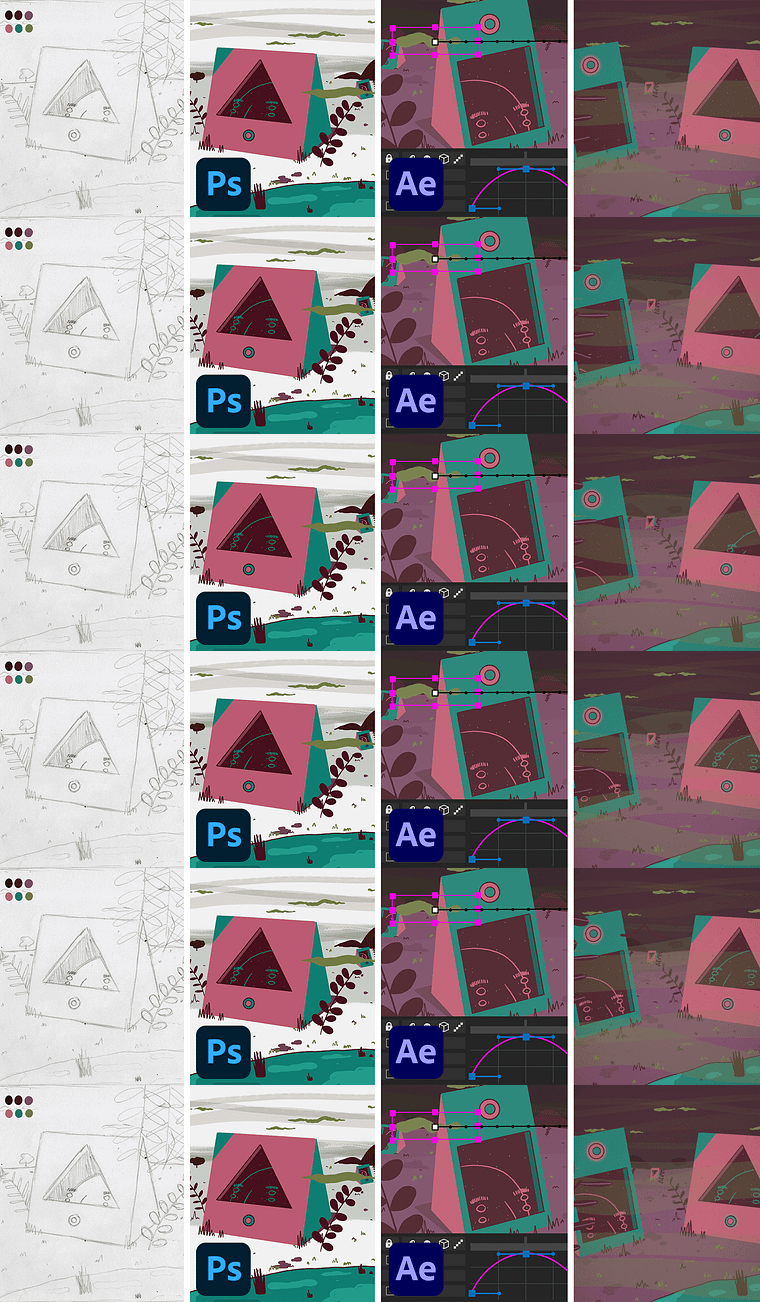
Projects by course students

Who is this online course for?
Any illustrator wanting to bring their pieces to life and discover the world of 2D animation using motion graphic techniques.
Requirements and materials
Basic illustration skills and knowledge of Adobe Photoshop and After Effects are necessary for this course.
In terms of materials, all you need is a computer installed with both software.
Reviews
- 1 year ago
Exatamente o que eu precisava!
- 1 year ago
Gran curso
- 2 years ago
Muito bom, didático, simples, rápido
- 2 years ago
Un curso super cautivador, un trabajo hermoso, me encantó todo!! :)
- 2 years ago
Bom curso, simples e eficaz

He has produced music videos for artists like Jordan Seigel, Elo da Corrente, Tiago Frúgoli, and Péricles Cavalcanti, to name just a few, and worked alongside names like Google, Ri Happy, MESA Company, and Editora Moderna. He recently developed the visual identity for the feature film Dentro da Minha Pele by Toni Venturi and Val Gomes, which was released in August 2020.
Content
- U1
Introduction
- About Me
- Influences
- U2
Making your idea real
- Types of animation
- References and inspirations
- Dropping the trace
- Preparing your sketch
- U3
Bringing your draft to life
- Defining and testing colors
- Finalizing the drawing
- Extra frames
- Starting Animation in After Effects
- Motion and effects
- U4
From your mind to the world
- Closing the loop and exporting
- Social networks in your favor
- FP
Final project
- 2D Animation for Beginners with Photoshop and After Effects
What to expect from a Domestika course
Learn at your own pace
Enjoy learning from home without a set schedule and with an easy-to-follow method. You set your own pace.
Learn from the best professionals
Learn valuable methods and techniques explained by top experts in the creative sector.
Meet expert teachers
Each expert teaches what they do best, with clear guidelines, true passion, and professional insight in every lesson.
Certificates
PLUSIf you're a Plus member, get a custom certificate signed by your teacher for every course. Share it on your portfolio, social media, or wherever you like.
Get front-row seats
Videos of the highest quality, so you don't miss a single detail. With unlimited access, you can watch them as many times as you need to perfect your technique.
Share knowledge and ideas
Ask questions, request feedback, or offer solutions. Share your learning experience with other students in the community who are as passionate about creativity as you are.
Connect with a global creative community
The community is home to millions of people from around the world who are curious and passionate about exploring and expressing their creativity.
Watch professionally produced courses
Domestika curates its teacher roster and produces every course in-house to ensure a high-quality online learning experience.
FAQs
This is an intermediate-level course, ideal for those with basic illustration or design skills who want to deepen their knowledge of 2D animation techniques and original project development.
Basic knowledge of Photoshop and After Effects is recommended, as the course uses these programs for digital illustration, composition, and frame-by-frame 2D animation.
You’ll learn frame-by-frame animation techniques, character creation, mood board assembly, visual composition, color palette selection, and how to publish your projects on social media.
Yes, the course covers practical applications of 2D animation in various contexts, including music videos, apps, and illustrations for children’s books.
Having some drawing experience will help you get the most out of the course, since you’ll work on sketching, composition, and developing characters and backgrounds.
Yes, the course teaches strategies for publishing and promoting your original projects on social media to boost your visibility and professional reach.
Yes, the course explores graffiti and urban art references to enrich the visual identity of your illustrations and animations.