Color and Lighting Effects for Studio Photography
A course by Eivind HansenPhotographer
A course by Eivind Hansen, Photographer

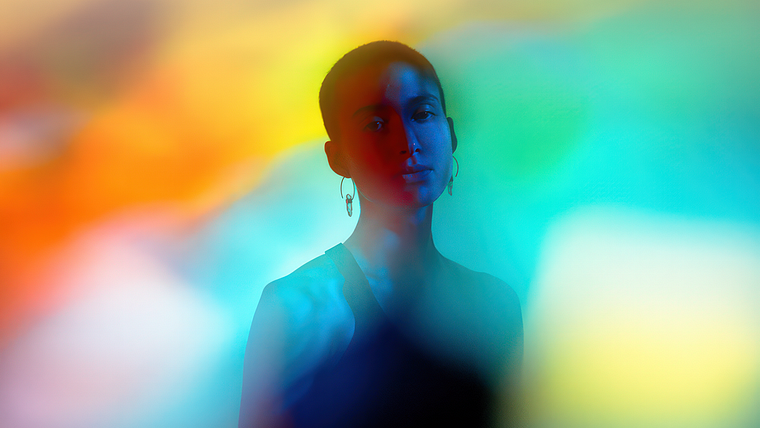
Explore unconventional lighting techniques to create visually striking portraits that bring out the magic of photography on set
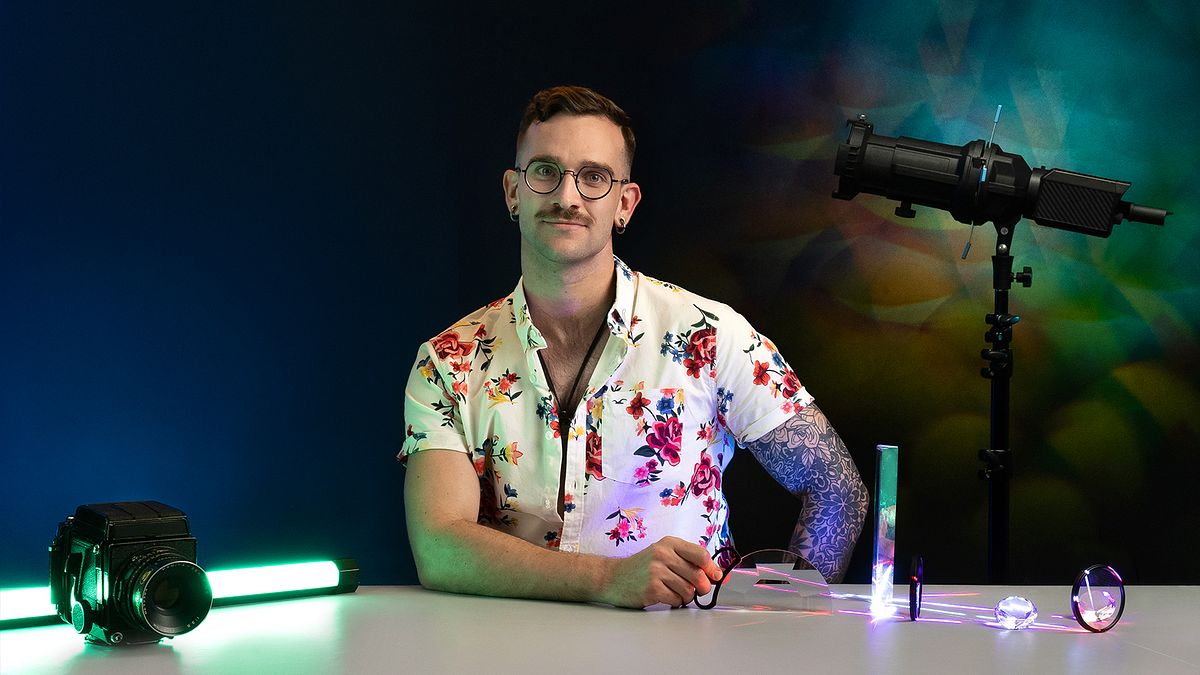
Imagine being able to produce the magic of post-production on set and on camera. Inspired by the beauty of the Northern Lights, Norwegian photographer Eivind Hansen uses unconventional lighting techniques to create visually striking photography. With clients like Adobe Photoshop and the United Nations, his unique style and technique allows him to create stunning images before even opening editing software.
In this course, Eivind teaches you how to combine lighting effects and color to make your photography stand out from the rest. Discover the tools, tricks, and techniques to work with light in different forms and let it take center stage.
What will you learn in this online course?
13 lessons & 18 downloads
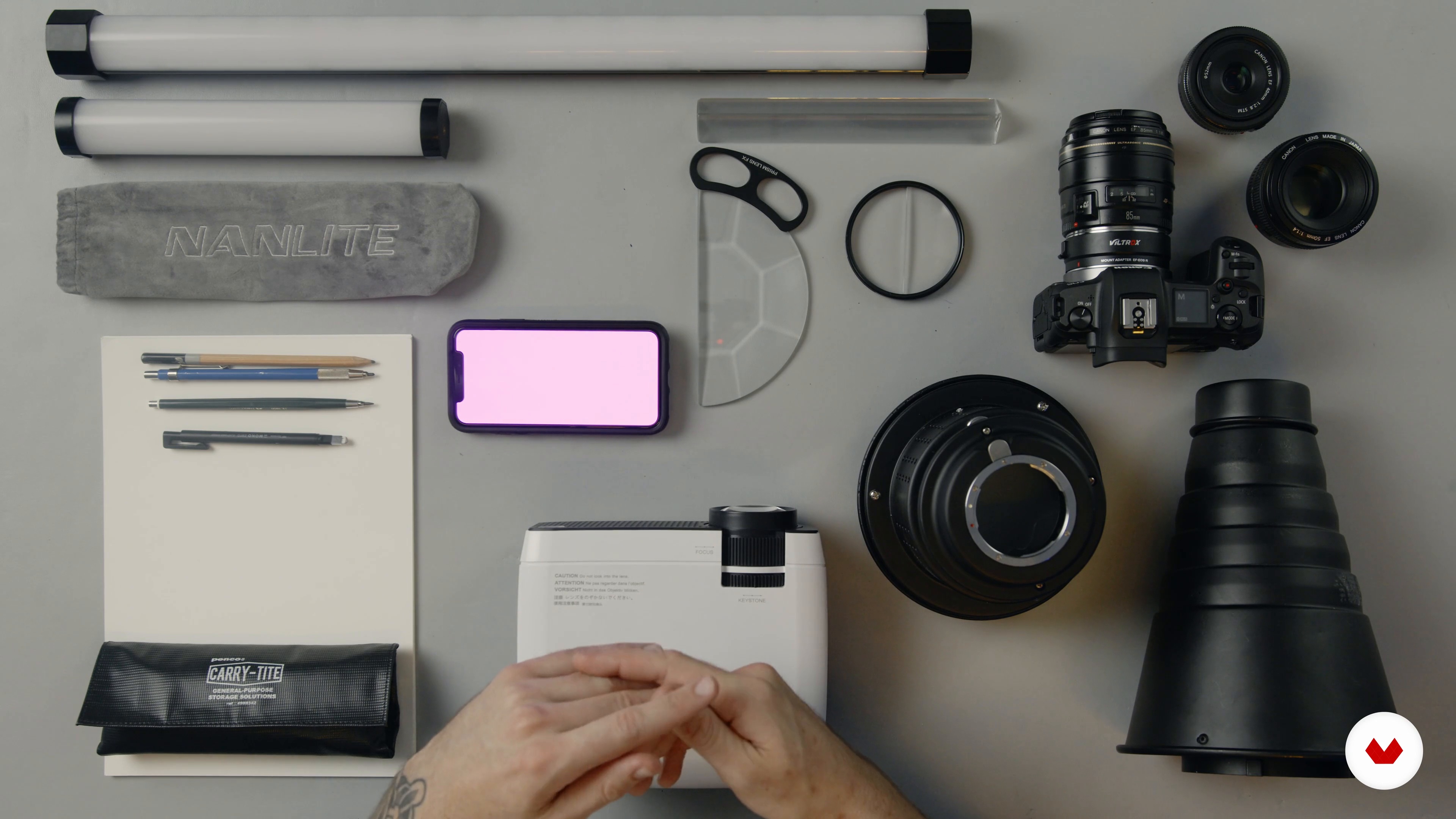
Introduction to Materials and Equipment
9 minutes, 51 seconds
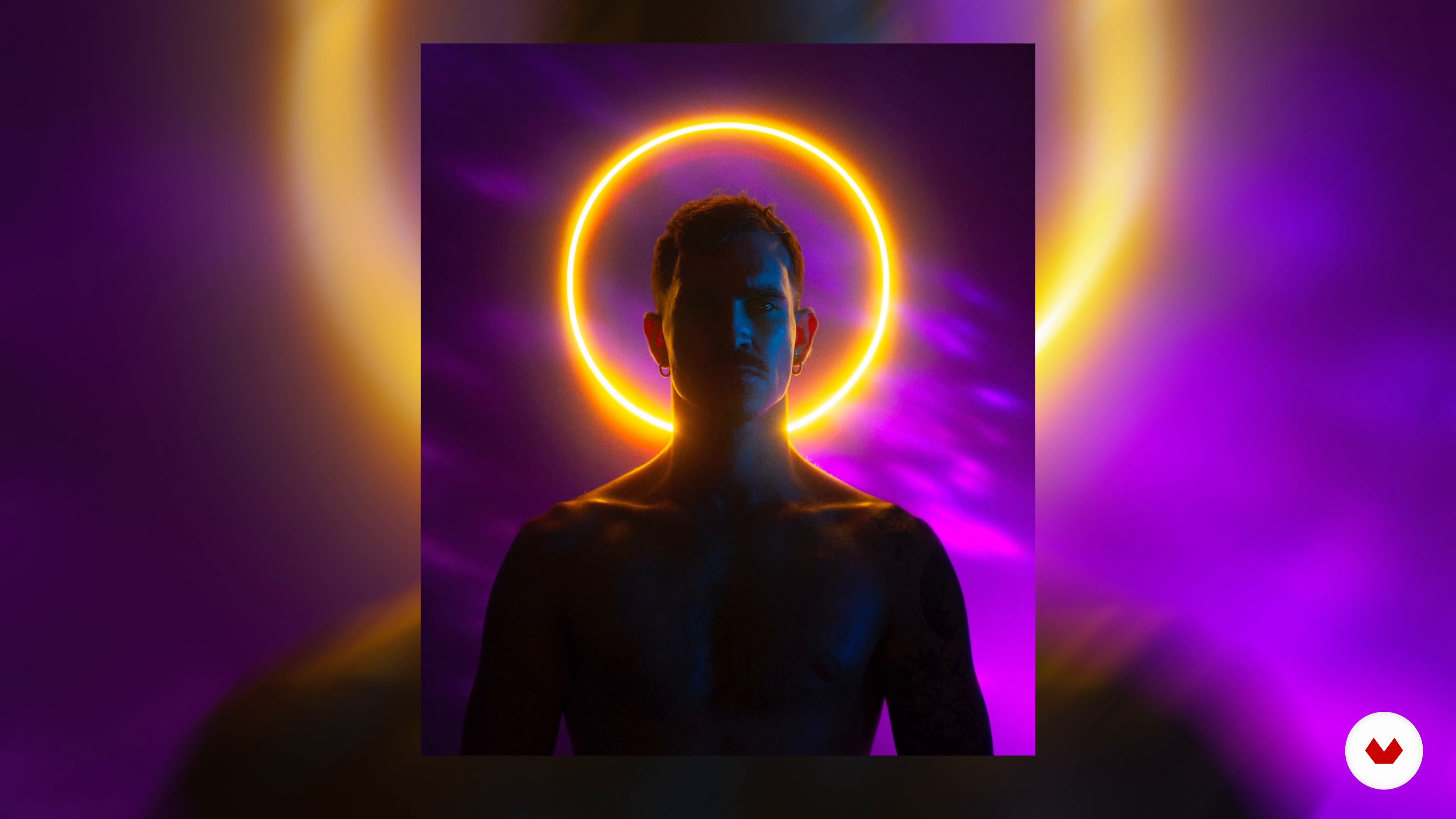
Analyzing Colour and Lighting in My Own Work
15 minutes, 57 seconds
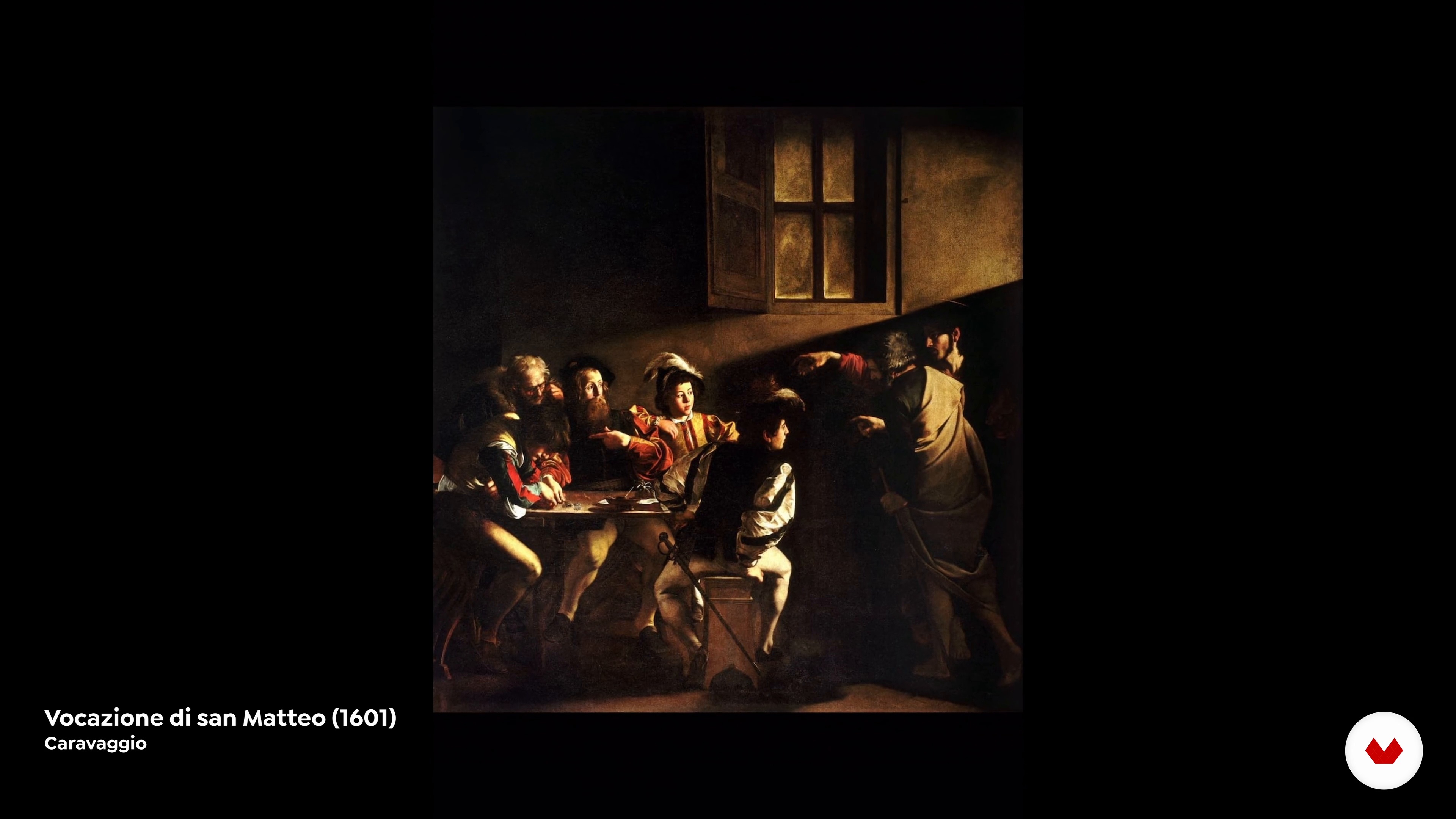
Research
17 minutes, 55 seconds
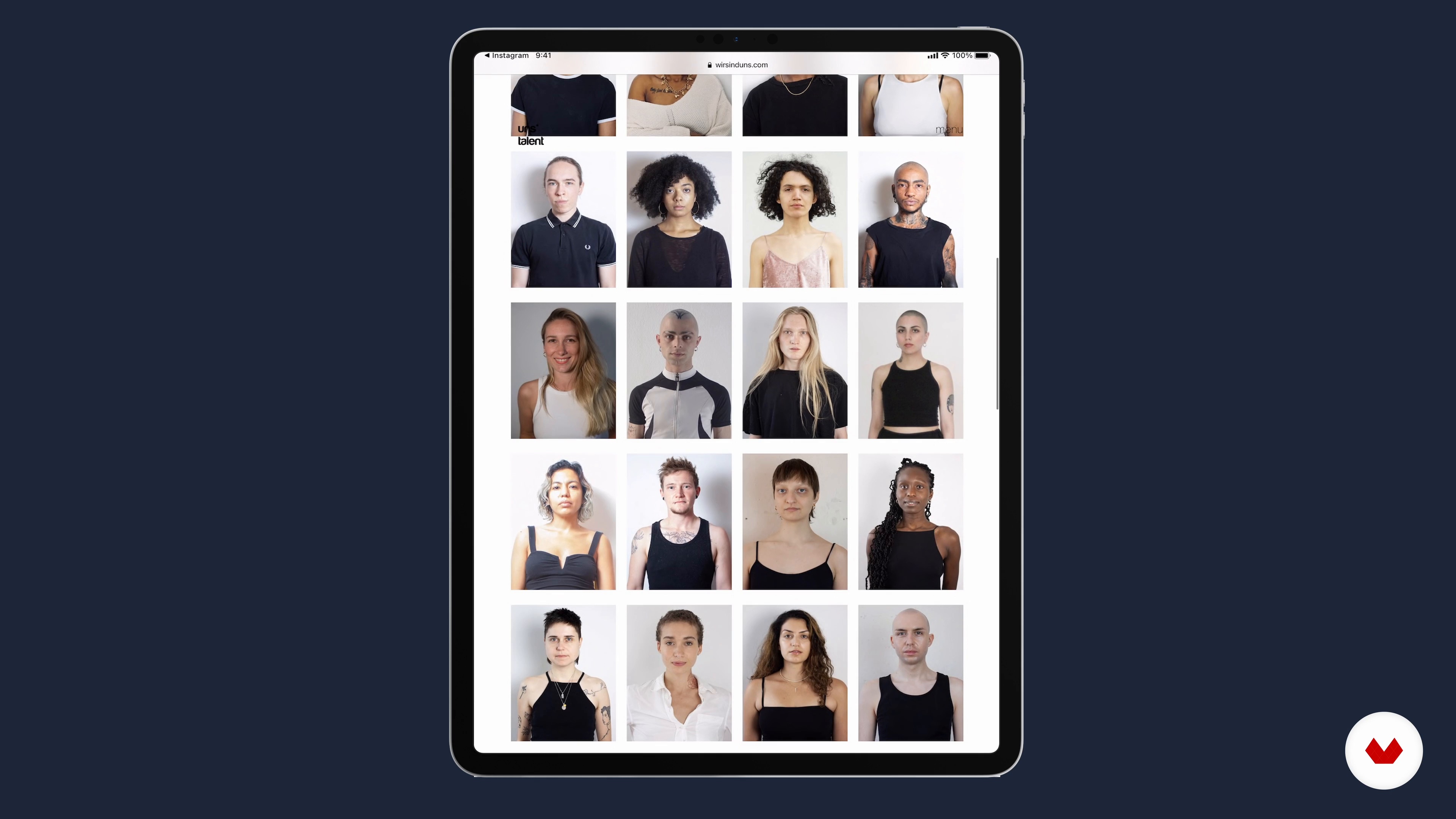
Casting
9 minutes, 5 seconds
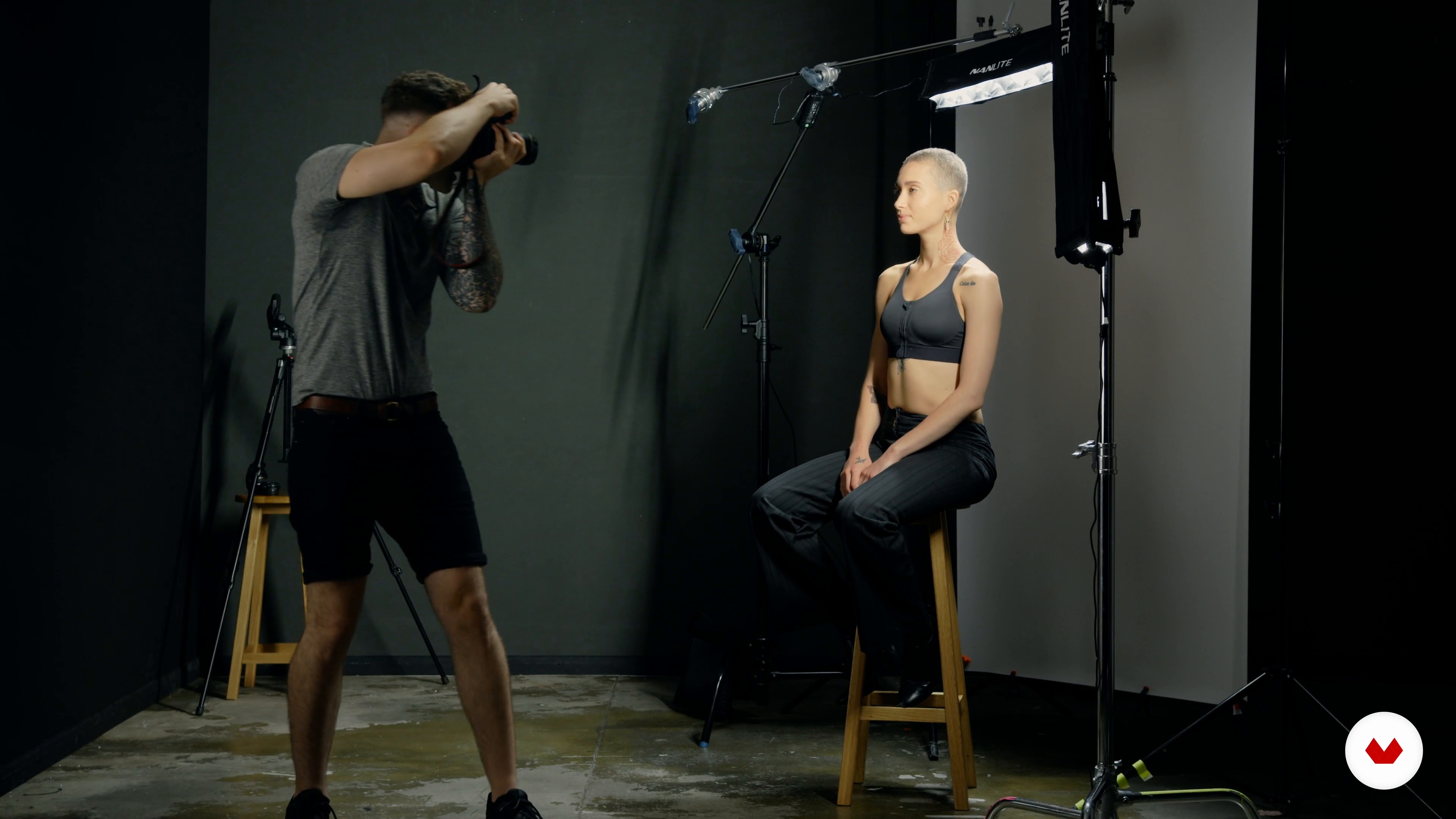
Studio Set-up
6 minutes, 4 seconds
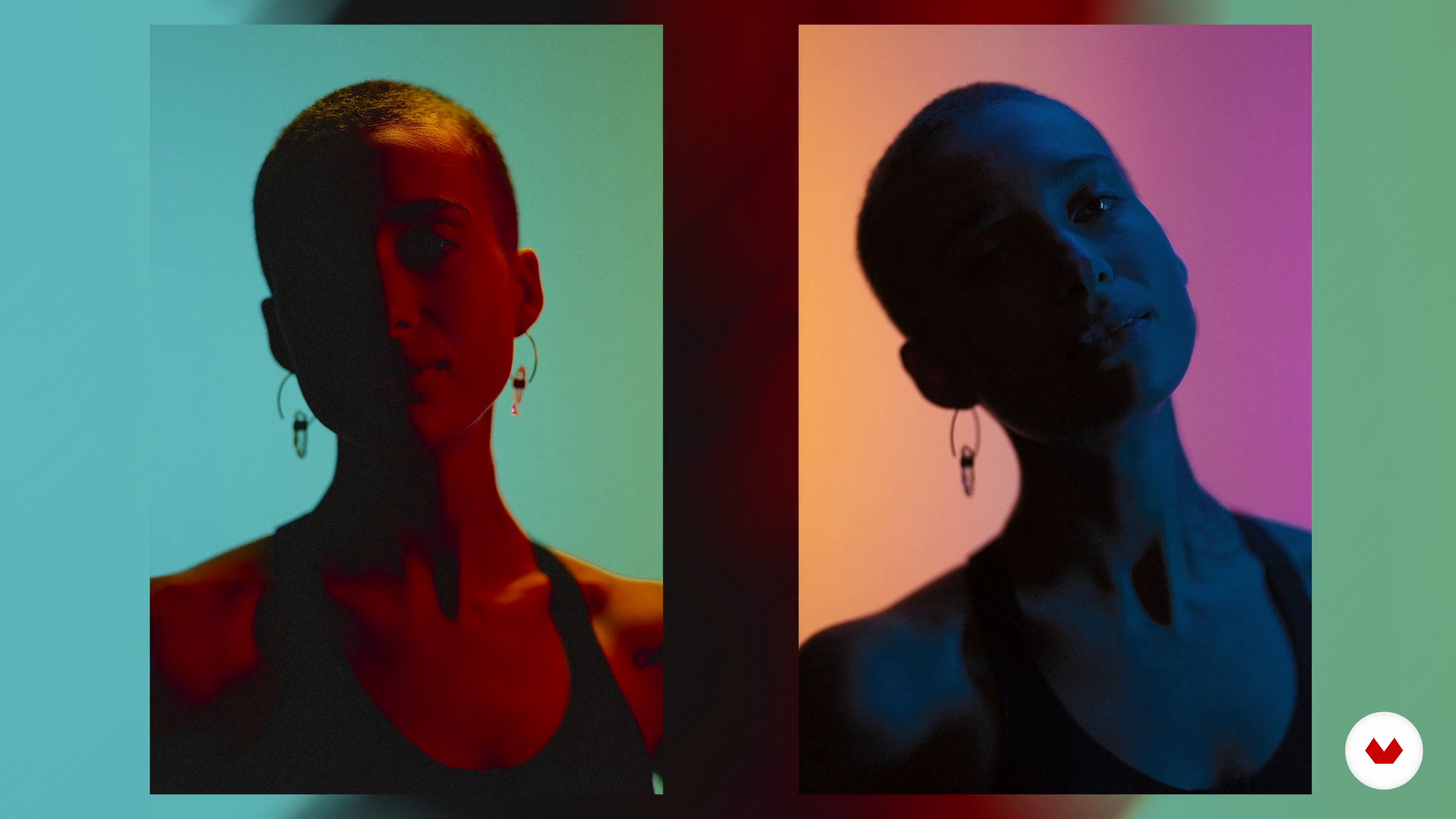
Controlling Colour
12 minutes, 5 seconds
What's included in this course?
Meet Eivind Hansen, award-winning queer photographer and fine artist, and your teacher for this course. Get to know his creative journey that led him to work with complex light and compositions. Hear about the filmmakers, photographers, and artwork that have influenced him and inspire his work.
Get an overview of the materials needed, from lighting gear to photography equipment, and hear Eivind’s recommendations. Explore different types of color wheels and how to use them in photographic compositions to achieve the desired aesthetic. Explore art history and create a mood board of references. Then dive into the casting process and choose the subject you want to shoot.
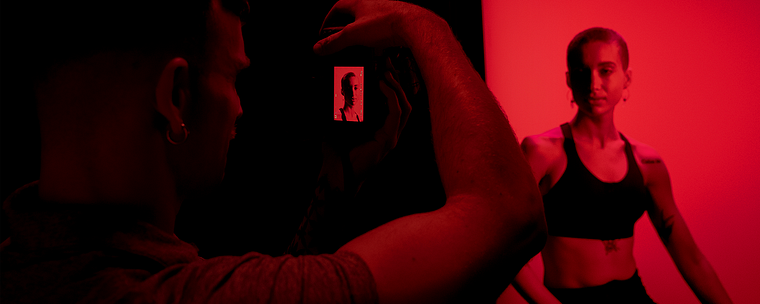
Eivind guides you through the process of setting up your studio, from the backdrop to the illumination with LED lights and PavoTubes. Get lost in a world of colored lights as Eivind shows you how to manipulate them to completely change the look of photographs. Discover how to create halos, silhouettes, and spotlighting with projector attachments. Using simple materials like prisms and kaleidoscopes, learn how to create textured light, shadow play, unique reflections, and other light hacks.
Move on to the post-production phase as Eivind takes you through his process in Lightroom. Discover the digital tools he uses to edit his images to give them a cohesive look. Wrap up the course by hearing Eivind’s final thoughts and advice for those who want to pursue a career in photography.
What is this course's project?
Create a set of images, experimenting with color and lighting effects during the shoot.
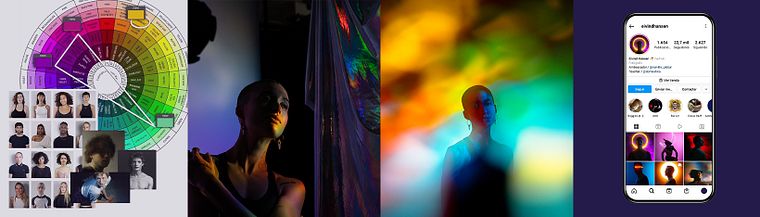
Projects by course students

Who is this online course for?
This course is for photographers of all levels who want to learn more about colored lighting, and how to work with alternative light sources like LEDs and RGB lights.
Requirements and materials
Basic knowledge of photography, particularly of ISO, aperture and shutter speed, is required, as it will not be covered in this course. Knowledge of Lightroom and Photoshop, or similar software, is also encouraged.
To take this course, you should have some form of RGB lights like the Nanlite’s PavoTubes and a light with a Gobo/projector attachment for optimal result.
However, Eivind also shows you how to use simple tricks such as turning your own smartphone screen, as well as other alternative lighting methods.
Reviews
- 5 months ago
The best!! Everything - teacher, content, course:)
- 2 years ago
I bought this course because I wanted to practise more with prisms and light through prisms. I am learning so much more about studio setup from start to finish. Invaluable information. Would recommend!
- 2 years ago
hasta el momento me encant lo que estoy aprendiendo, espero ir progresando con mas equipo para estar completo
- 2 years ago
Lo recomiendo, buen curso!
- 2 years ago
Totally recommended!! Although it should be noted that although I learned many things and I love Eivind's photography, to be able to take advantage of the course 100% it is necessary to have the appropriate equipment (which is not cheap). In any case, the advice it provides can help you a lot to achieve good photos with homemade materials.

Since then, Eivind has collaborated with clients like Adobe Photoshop, Yohji Yamamoto (one of Japan’s most famous fashion designers), and the United Nations. The latter was a photo series of the activists of the Kaleidoscope Trust, which was exhibited in the Australian Embassy and later earned him the Gay Times Honors Award for arts and culture. He is currently a brand ambassador for Nanlite, and has been featured in publications like Hunger TV, Out Magazine, and Gay Times.
Content
- U1
Introduction
- About Me
- Influences
- U2
Theory and Inspiration
- Introduction to Materials and Equipment
- Analyzing Colour and Lighting in My Own Work
- Research
- Casting
- U3
Studio Shoot
- Studio Set-up
- Controlling Colour
- Controlling Light: Halo, Silhouette, and Spotlighting
- Textured Light: Shadow Play and Reflections
- Light Hacks
- U4
After the Shoot
- Lightroom and Social Media
- Final Words of Encouragement
- FP
Final project
- Color and Lighting Effects for Studio Photography
What to expect from a Domestika course
Learn at your own pace
Enjoy learning from home without a set schedule and with an easy-to-follow method. You set your own pace.
Learn from the best professionals
Learn valuable methods and techniques explained by top experts in the creative sector.
Meet expert teachers
Each expert teaches what they do best, with clear guidelines, true passion, and professional insight in every lesson.
Certificates
PLUSIf you're a Plus member, get a custom certificate signed by your teacher for every course. Share it on your portfolio, social media, or wherever you like.
Get front-row seats
Videos of the highest quality, so you don't miss a single detail. With unlimited access, you can watch them as many times as you need to perfect your technique.
Share knowledge and ideas
Ask questions, request feedback, or offer solutions. Share your learning experience with other students in the community who are as passionate about creativity as you are.
Connect with a global creative community
The community is home to millions of people from around the world who are curious and passionate about exploring and expressing their creativity.
Watch professionally produced courses
Domestika curates its teacher roster and produces every course in-house to ensure a high-quality online learning experience.
FAQs
Yes, this course is designed for intermediate photographers who want to expand their skills with advanced studio lighting, colored light, and creative portrait techniques.
You’ll need a camera, RGB or LED lights, light modifiers, prisms, reflective or semi-transparent fabrics, projectors or projector attachments, and basic editing software. Optional tools include Nanlite tubes, color gels, and smartphone lighting controls.
You’ll learn how to use colored lights, gels, and RGB tubes to create mood, texture, and dynamic effects in portrait photography, as well as techniques for in-camera color manipulation and visual storytelling.
Yes, the course includes detailed guidance on setting up, configuring, and controlling Nanlite PavoTube RGB lights for creative studio portraits.
The course teaches how to use prisms to split and refract light and reflective fabrics to bounce or texture light, enabling you to add creative, in-camera effects to your photography.
Yes, you’ll learn to use projectors and custom gobo attachments to shape light, project patterns, and produce dramatic effects for portraits and fine art images.
Yes, you’ll receive tips on color grading, maintaining color accuracy, and optimizing images for social media presentation and engagement.