
Visual Identity Design for Spaces
A course by Studio PlastacGraphic Design Studio
A course by Studio Plastac, Graphic Design Studio

Learn to elevate the visual identity of a space through logos, design guidelines, and social media
Are you eager to develop a visual identity for a space, but don't know where to start? Then this is the course for you! By following the advice of Fanny, Romain, and Adrien from Studio Plastac, learn to create a dynamic and colorful visual identity, then apply it to your desired space. From design guidelines to the client presentation, discover the ins and outs of the entire process.
One of the key players on the Parisian scene, Studio Plastac has many years' experience under its belt. This course, taught by three of the best in the industry, allows you to work on a fictional or real project with the aim of mastering every aspect involved in creating a visual identity. Maintaining good client relations, **budgeting, designing graphics for print...**no stone is left unturned.
What will you learn in this online course?
16 lessons & 24 downloads
The Visual Identity of a Space
5 minutes, 27 seconds
Drawing up a Set of Specifications
2 minutes, 46 seconds
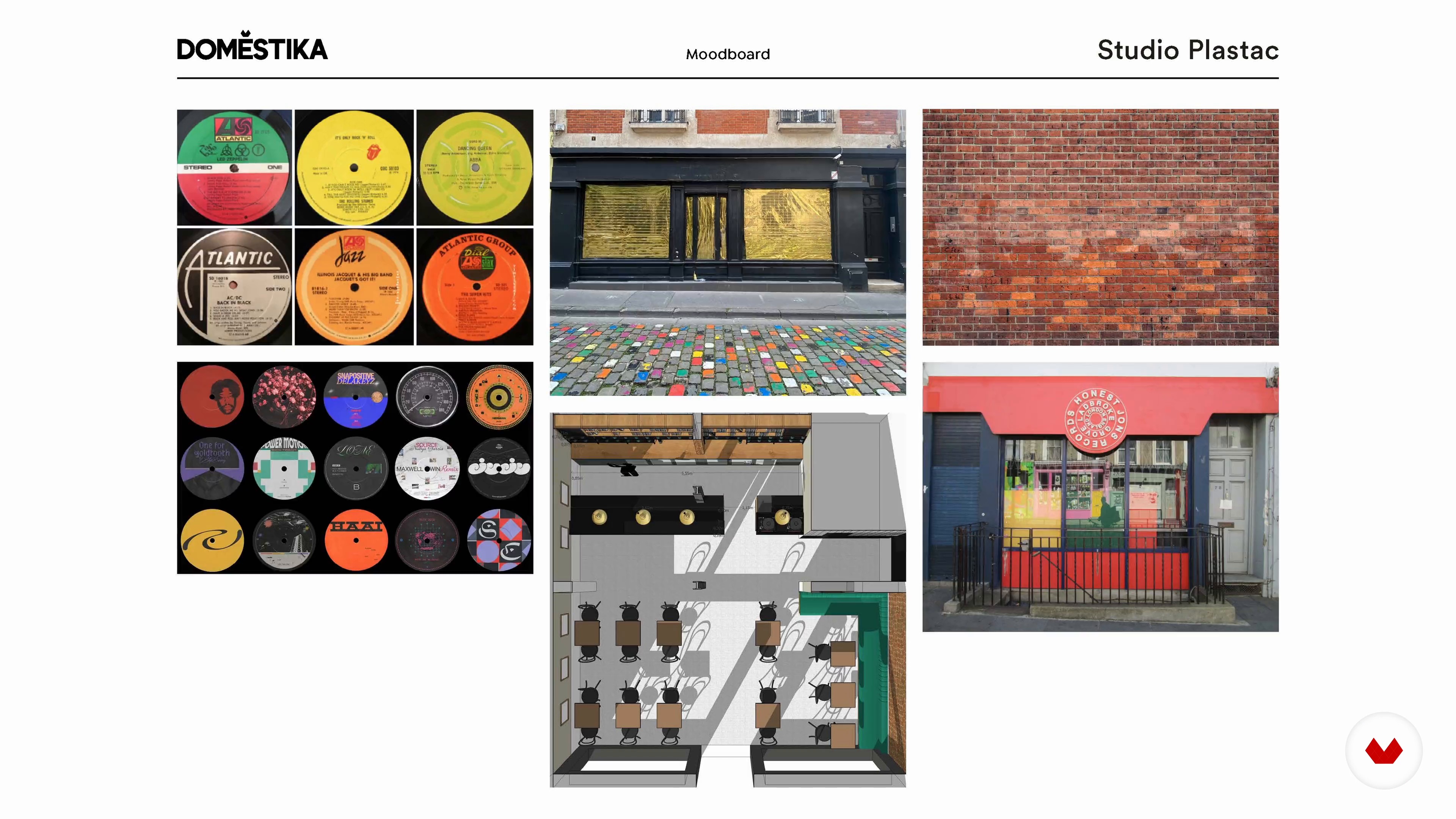
Building a Mood Board
5 minutes, 45 seconds

Budget and Feasibility
5 minutes, 31 seconds
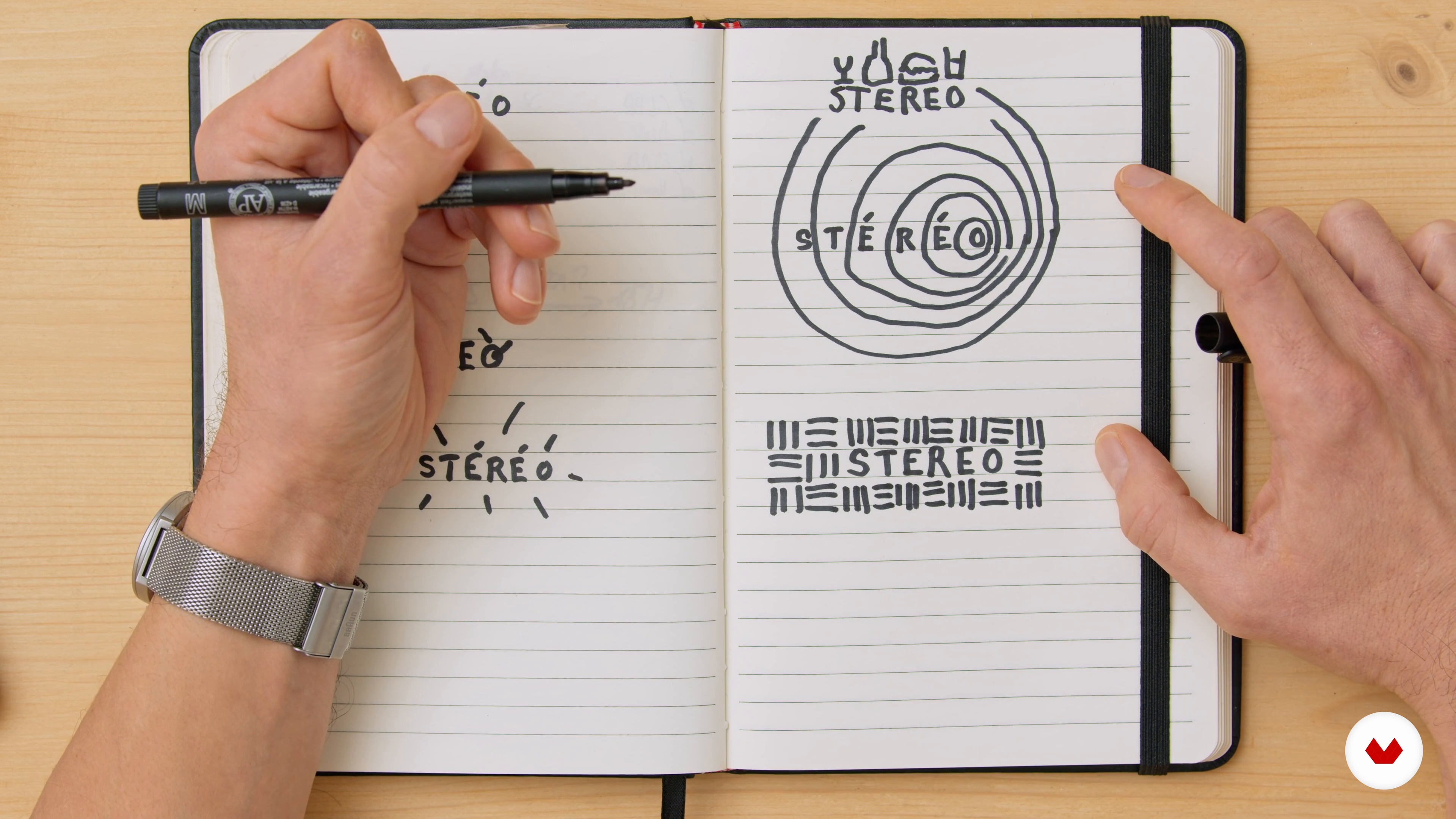
The Logo 1
6 minutes, 1 second
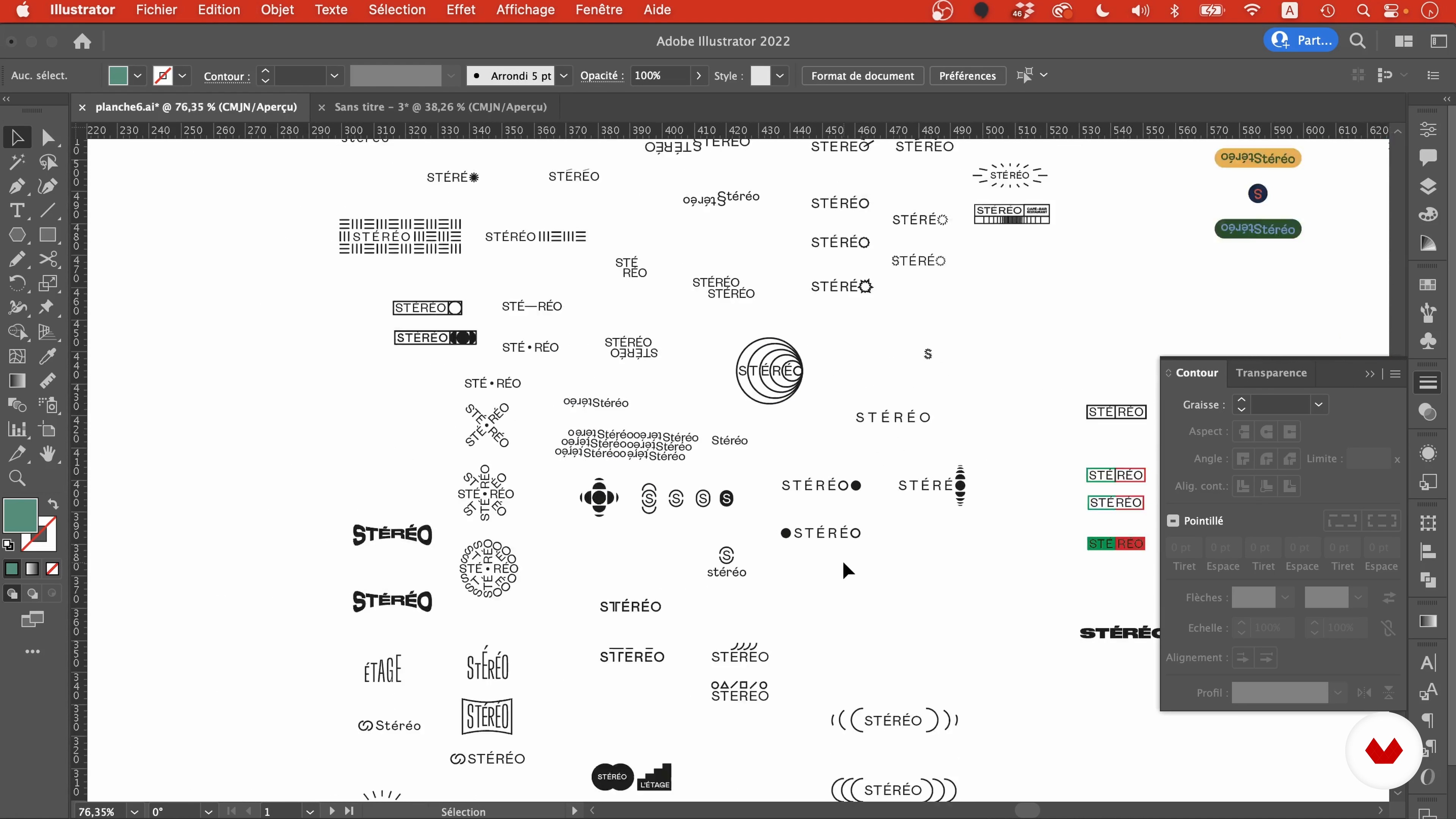
The Logo 2
16 minutes, 56 seconds
What's included in this course?
Start the course by getting to know the members of Studio Plastac and the standout projects they've done over the years. Fanny, Romain, and Adrien also talk about some of the designers who inspire them, like Dieter Rans.
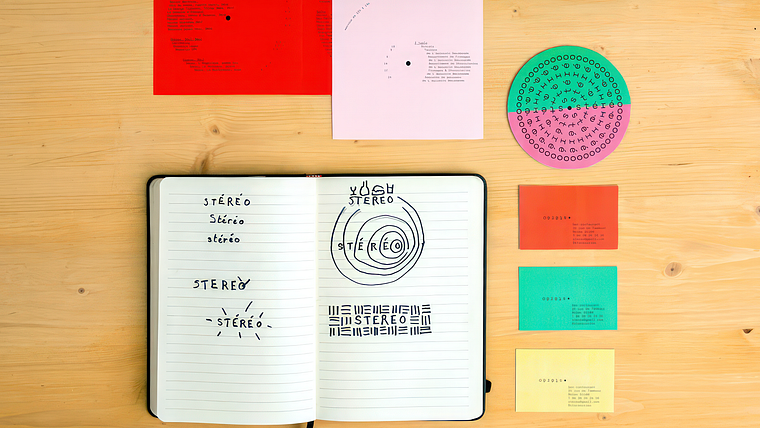
Get stuck in to creating your visual identity project for a real or fictional space. The three designers use Stéréo, a local bar, as their case study. First, develop your statement of work according to the needs of the client. Then create a mood board before learning to analyze a budget and come up with a quote.
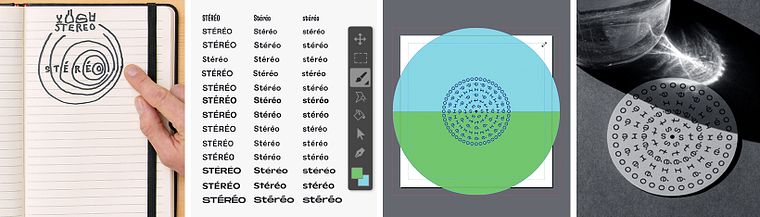
Now it's time to get creative! Following the advice of your three teachers, work on the logo and typography. Continue by defining a color palette and prepare the client presentation.
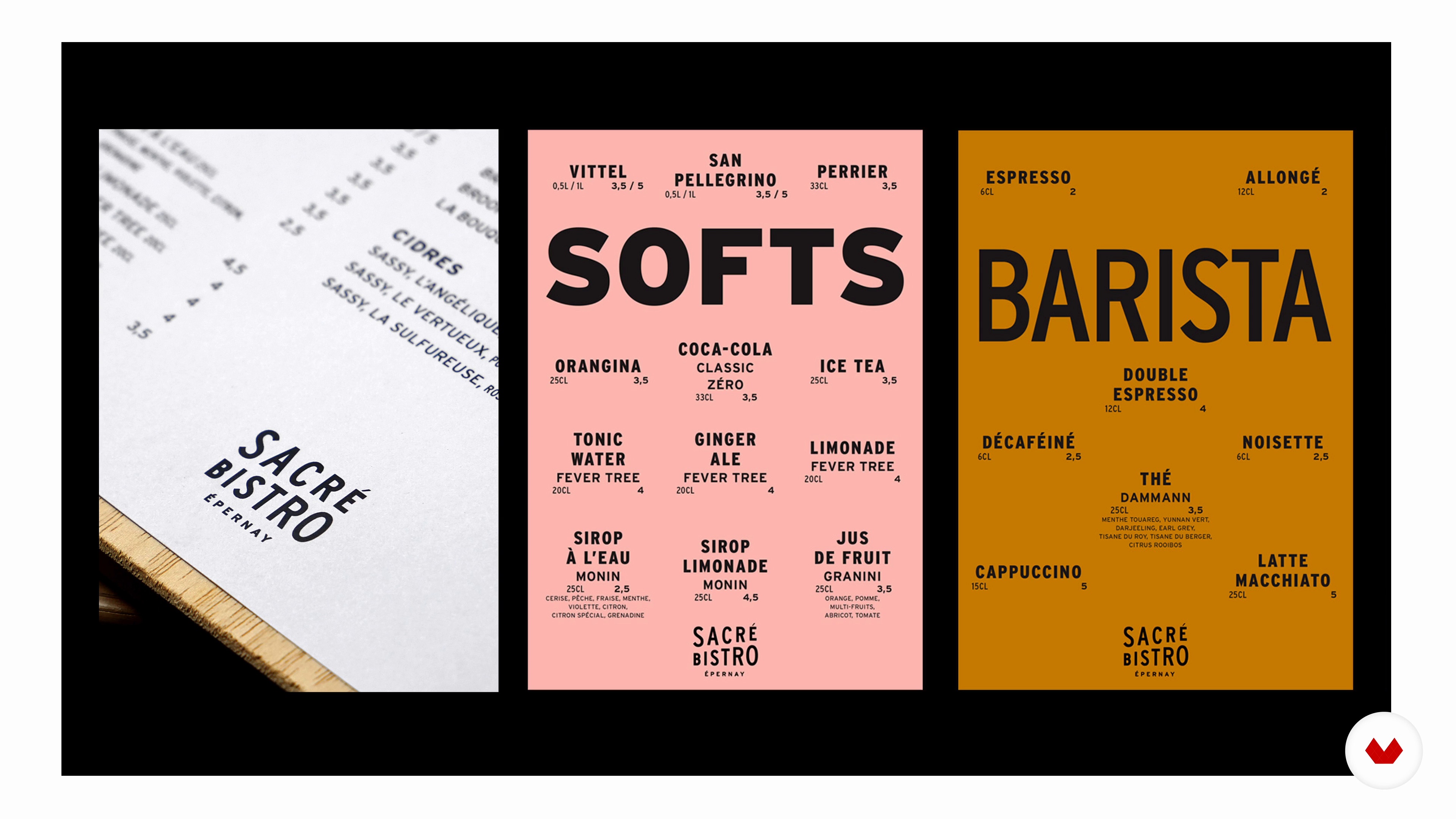
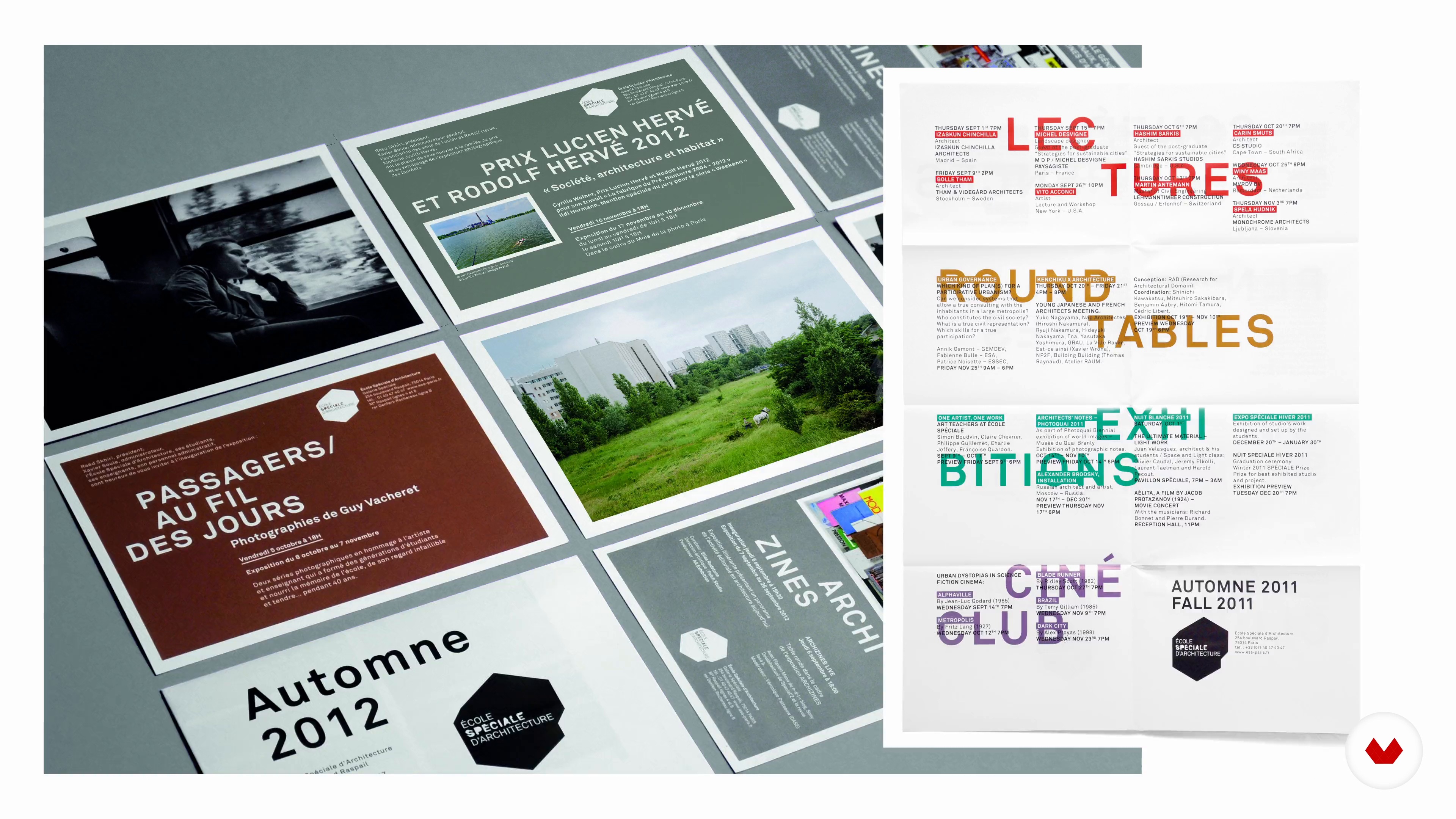
Learn to develop a full set of design guidelines for your project. Discover the main principles to take into consideration and shape your guidelines by using the models employed by the studio. Once ready, see how to apply them to different media (such as business cards) and manage the files going to print.
Now your space has an exceptional visual identity of its own! To wrap things up, get some handy tips for publishing your work on social media and understanding the power of images and the specifics of each platform.
Recommended software & tools for this course
What is this course's project?
Create a logo and set of design guidelines for the space of your choice.
Who is this online course for?
Anyone interested in graphic design and visual identity creation.
Requirements and materials
To take this course, you need to have Adobe suite installed on your computer.
Basic notions of software like Illustrator, InDesign, and Photoshop are also a plus.
Reviews
- 1 year ago
I found it too descriptive of what is done already but without much explanation for what was the reasoning behind their design.
- 3 years ago
Je recommande vraiment ce cours! 🙌
- 3 years ago
très intéressant
- 4 years ago
Enjoyed it a lot
- 4 years ago
Très bonne formation !!! J’ai pu apprendre un tas de chose utiles. Merci

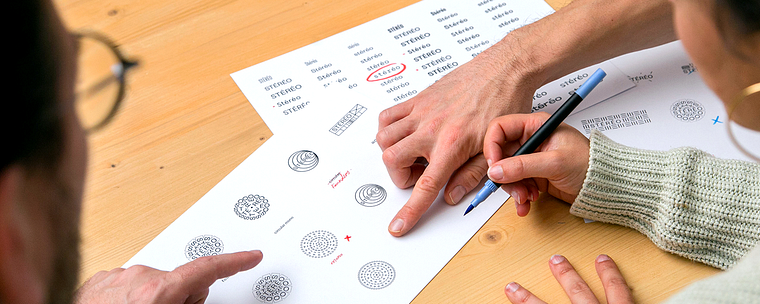
The studio attaches the utmost importance to the relationship with the client and to a certain freedom of choice in its approach to graphic design, whether it be for the creation of printed cards or online animations.
Content
- U1
Introduction
- About Us
- Influences
- U2
Specifications and References
- The Visual Identity of a Space
- Drawing up a Set of Specifications
- Building a Mood Board
- Budget and Feasibility
- U3
Defining a Concept and Transcribing It Visually
- The Logo 1
- The Logo 2
- The Typography
- The Color Palette
- Presenting to the Customer
- U4
The Graphic Charter
- The Design
- Applying to Different Media 1
- Applying to Different Media 2
- U5
Presence on Social Networks
- The Importance of Images
- Share your work
- FP
Final project
- Visual Identity Design for Spaces
What to expect from a Domestika course
Learn at your own pace
Enjoy learning from home without a set schedule and with an easy-to-follow method. You set your own pace.
Learn from the best professionals
Learn valuable methods and techniques explained by top experts in the creative sector.
Meet expert teachers
Each expert teaches what they do best, with clear guidelines, true passion, and professional insight in every lesson.
Certificates
PLUSIf you're a Plus member, get a custom certificate signed by your teacher for every course. Share it on your portfolio, social media, or wherever you like.
Get front-row seats
Videos of the highest quality, so you don't miss a single detail. With unlimited access, you can watch them as many times as you need to perfect your technique.
Share knowledge and ideas
Ask questions, request feedback, or offer solutions. Share your learning experience with other students in the community who are as passionate about creativity as you are.
Connect with a global creative community
The community is home to millions of people from around the world who are curious and passionate about exploring and expressing their creativity.
Watch professionally produced courses
Domestika curates its teacher roster and produces every course in-house to ensure a high-quality online learning experience.
FAQs
Yes, this course is designed for those who already have a foundation in graphic design and want to deepen their skills in creating visual identities, style guides, and professional projects.
A basic knowledge of graphic design software (such as Illustrator or InDesign) and fundamental visual design concepts is recommended to get the most out of the course.
You’ll learn how to analyze a brief, develop a full visual identity, design logos, create style guides, build moodboards, produce print and digital materials, and professionally present your projects.
Yes, the course covers creating typographic logos, monograms, and abstract pictograms, explaining the research, sketching, vectorizing, and fine-tuning steps in Illustrator.
The course offers methods to organize moodboards, select and structure color schemes, and justify your color choices to strengthen a visual identity’s coherence.
Yes, you’ll learn how to assess client needs, ask the right questions, gather key information, and structure an effective project brief for your design work.
Yes, it details how to compose a quote, manage printing costs, value copyright, and prepare administrative documents for your design projects.