Vector Illustration: Create a Poster for an Event
A course by Andrea "Criki" ParisiDigital illustrator
A course by Andrea "Criki" Parisi, Digital illustrator

Learn to create a layout in Photoshop and work with vectors in Illustrator to create a concert poster inspired by the '50s rock aesthetic
If you want to design an inspiring and eye-catching poster, "you need to know how to capture the essence of an event, a concert, or a film in a single image." This, according to digital illustrator Andrea "Criki" Parisi, is the secret to success for visual compositions. Andrea specializes in vector illustration and throughout his career has worked with clients like Disney, Marvel, Panini, and more.
In this course, learn how to design and illustrate an original event poster, drawing inspiration from the '50s rock aesthetic, '90s comics, or anything that sparks your creativity. Andrea guides you through each step in the process, from analyzing a brief to designing the layout and vectorizing your work. Discover how to transform your ideas into impressive illustrations and grab your audience's attention with a one-of-a-kind poster.
What will you learn in this online course?
26 lessons & 13 downloads
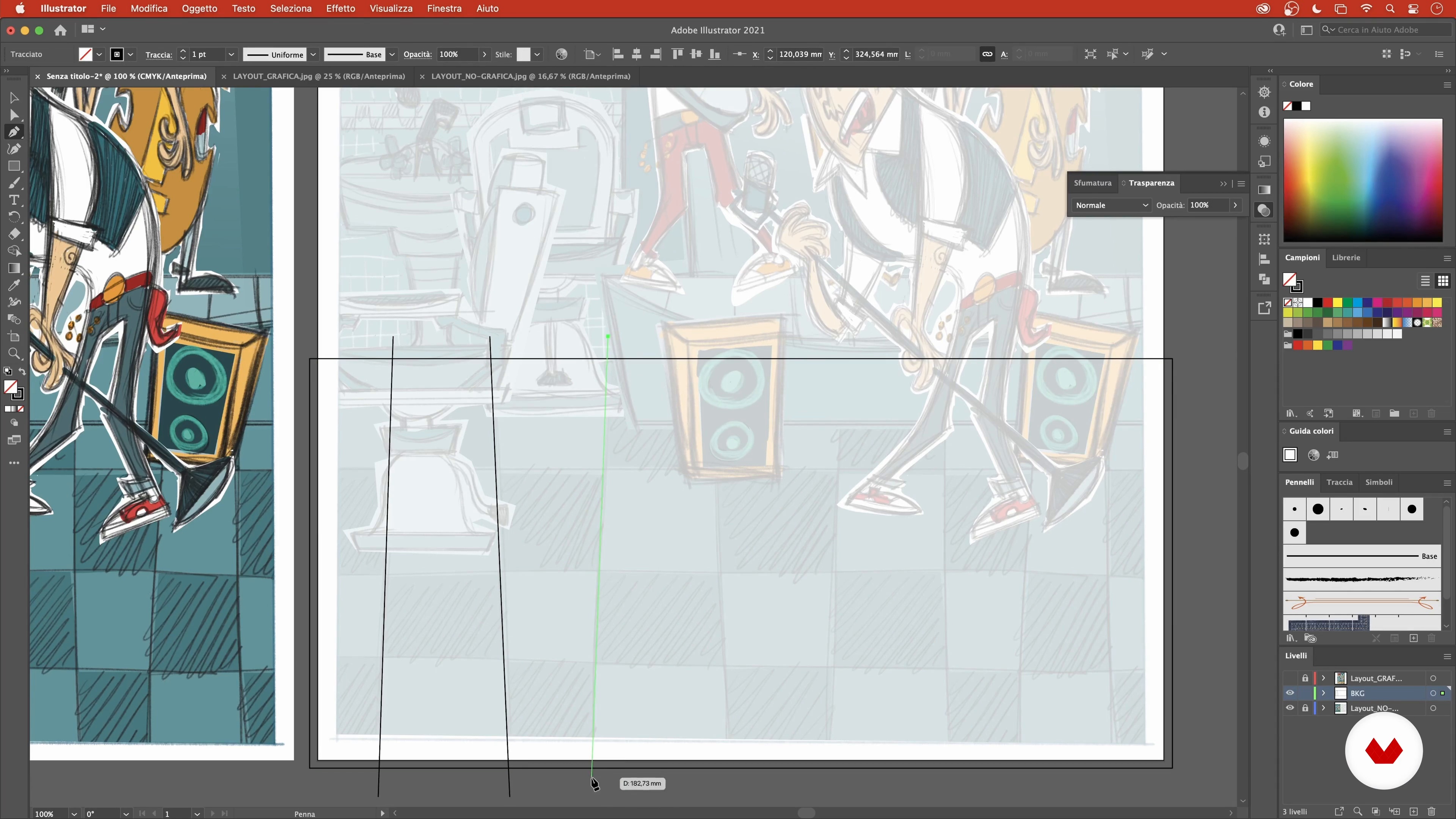
Photoshop and Illustrator
3 minutes, 10 seconds

Reading the Brief
4 minutes, 8 seconds
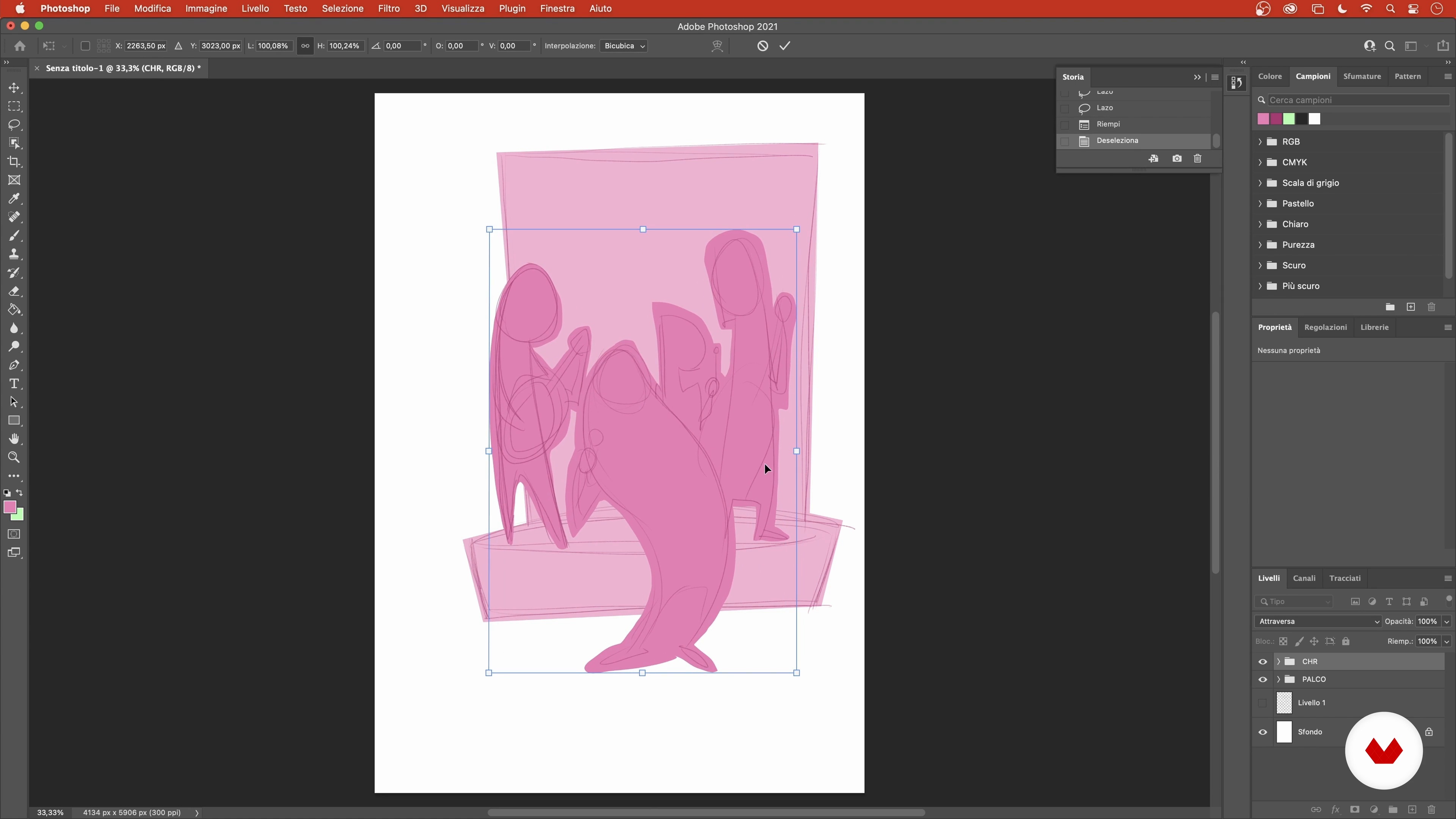
Overall Dimensions Layout 1
15 minutes, 53 seconds
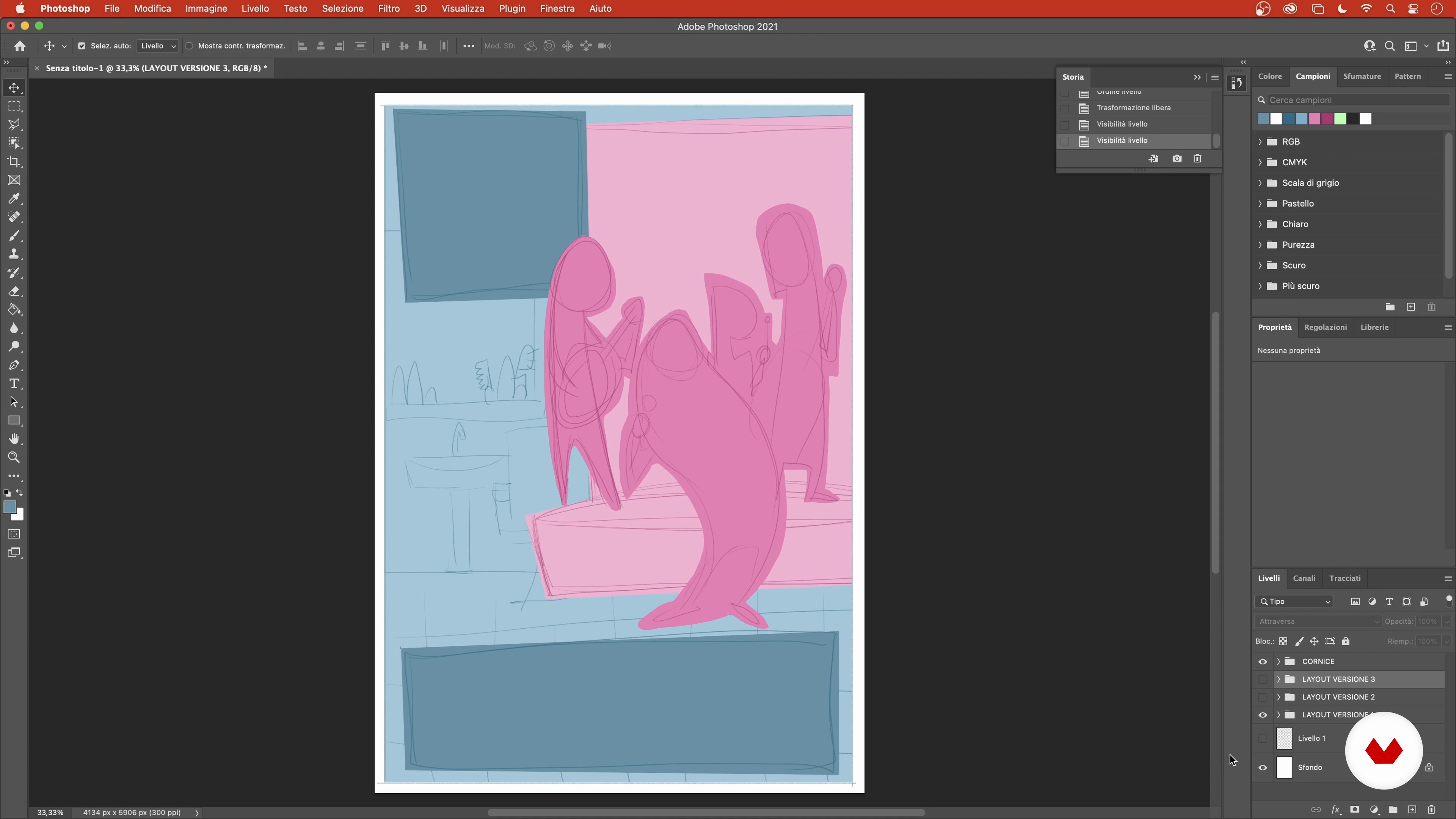
Overall Dimensions Layout 2
14 minutes, 32 seconds
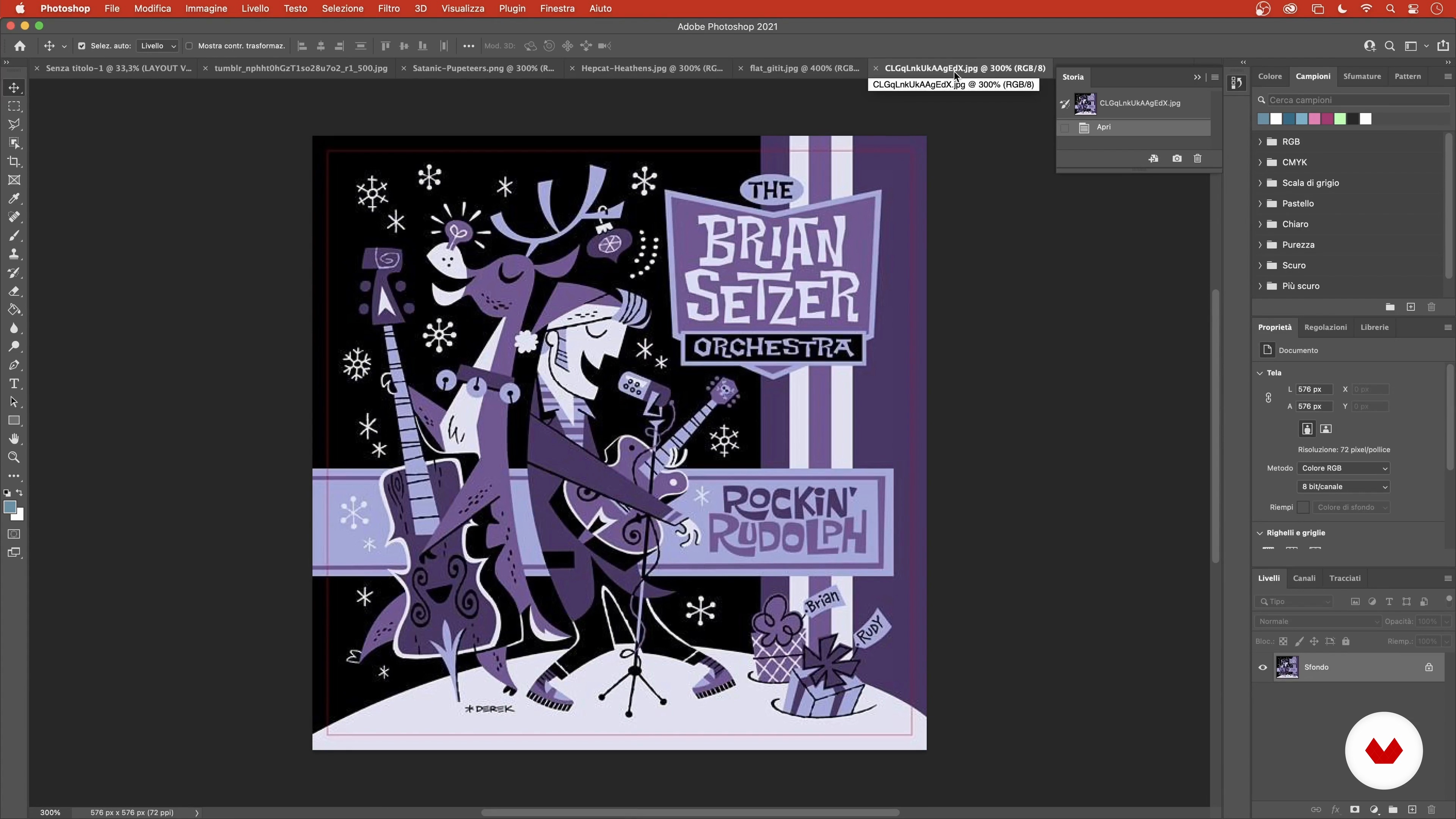
Research: References, Poses, Inspirations
11 minutes, 42 seconds
Band and Setting 1
19 minutes, 35 seconds
What's included in this course?
To start the course, digital illustrator Andrea "Criki" Parisi welcomes you into his world by telling you about his creative journey and the interests that led him down that path. He also shares some of the artists that have influenced his style throughout the years.
Before you dive into the final project, get to know the tools you need to complete it, in this case, Adobe Photoshop and Illustrator. Then search for reference images and put together a mood board to use as inspiration for your design.
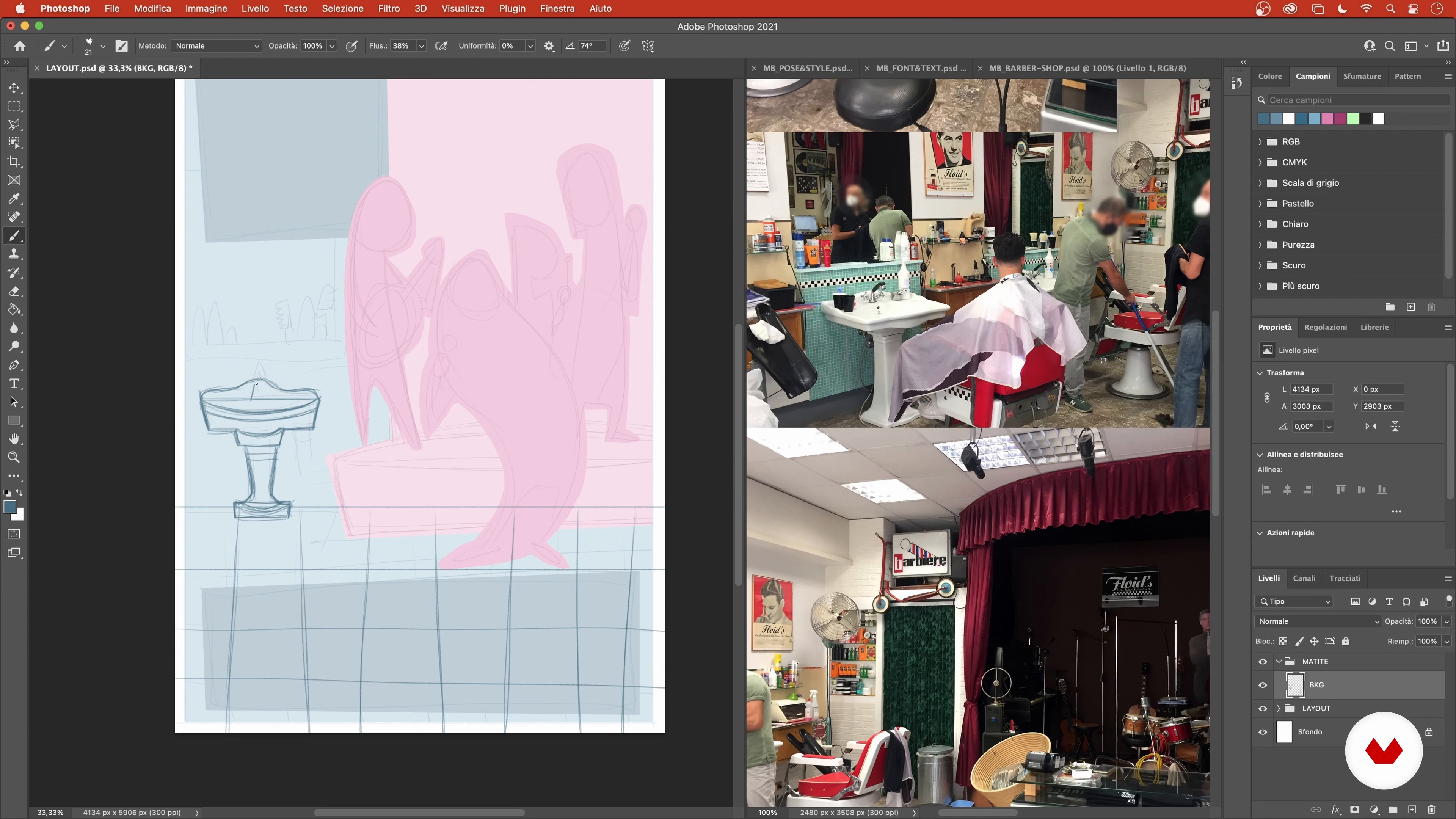
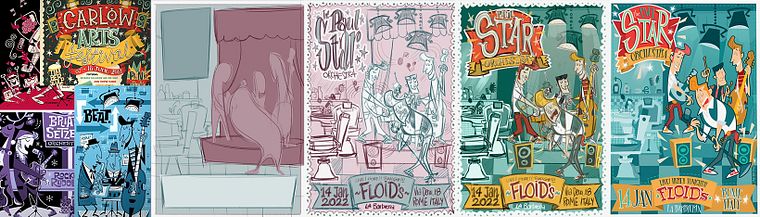
Start working on the layout for your composition and discover how to use the set dimensions as a guide rather than a limitation to create the characters, their setting, and the text elements of your poster. Andrea teaches you a quick and simple way to color your finished layout using the previously selected color palette.
Now it's time to recreate each section of your layout as vectors. Learn how to accurately reproduce the text in your design by modifying an already-existing font. Then, assemble all the pieces into the final version of your poster.
Andrea wraps things up by showing you how to export your file for printing and share with the world on your social media.
Recommended software & tools for this course
What is this course's project?
Create a vector illustration for a concert poster.
Who is this online course for?
Anyone who loves drawing and design and who wants to hone their skills in vector illustration.
Requirements and materials
Basic notions of illustration, graphic design, and vectors are required for this course. In terms of materials, all you need is a computer with Adobe Photoshop and Illustrator.
Reviews
- 1 year ago
This Course is JUST AMAZING!!!
- 2 years ago
This was a really fun and inspiring course with lots of detail. It was great to see the process step by step.
- 2 years ago
Ottimo corso.
- 2 years ago
Es un muy buen curso, muy detallado, minucioso, de mucho valor didáctico por toda dinámica planteada a la hora de explicar paso a paso el proceso creativo. Es de una enseñanza muy pragmática, fácil y divertida. Recomiendo ampliamente este curso; los conocimientos que aporta son de gran ayuda y verdaderamente valiosos.
- 2 years ago
Excelente.

Over the course of his career, he's collaborated on a wide variety of projects including comics, picture books, video games, and board games, and has worked with big-name clients like Marvel, Panini, Barilla, Mondadori, Playstation, and Nintendo.
Content
- U1
Introduction
- Presentation
- Sources of Inspiration
- U2
Materials and Tools
- Photoshop and Illustrator
- Reading the Brief
- Overall Dimensions Layout 1
- Overall Dimensions Layout 2
- Research: References, Poses, Inspirations
- U3
Preparation of the Layout
- Band and Setting 1
- Band and Setting 2
- Band and Setting 3
- The Text 1
- The Text 2
- Color 1
- Color 2
- U4
Vectorization
- Background and Characters 1
- Background and Characters 2
- Background and Characters 3
- Background and Characters 4
- Background and Characters 5
- Background and Characters 6
- Background and Characters 7
- Graphics and Texts 1
- Graphics and Texts 2
- Graphics and Texts 3
- Finalization of the Project
- U5
Post production
- Exporting Files for Print and Social Media
- FP
Final project
- Fantasy Illustrations with Digital Tools - Adobe Illustrator
What to expect from a Domestika course
Learn at your own pace
Enjoy learning from home without a set schedule and with an easy-to-follow method. You set your own pace.
Learn from the best professionals
Learn valuable methods and techniques explained by top experts in the creative sector.
Meet expert teachers
Each expert teaches what they do best, with clear guidelines, true passion, and professional insight in every lesson.
Certificates
PLUSIf you're a Plus member, get a custom certificate signed by your teacher for every course. Share it on your portfolio, social media, or wherever you like.
Get front-row seats
Videos of the highest quality, so you don't miss a single detail. With unlimited access, you can watch them as many times as you need to perfect your technique.
Share knowledge and ideas
Ask questions, request feedback, or offer solutions. Share your learning experience with other students in the community who are as passionate about creativity as you are.
Connect with a global creative community
The community is home to millions of people from around the world who are curious and passionate about exploring and expressing their creativity.
Watch professionally produced courses
Domestika curates its teacher roster and produces every course in-house to ensure a high-quality online learning experience.
FAQs
The course is designed for illustrators, designers, and creatives with basic digital tool knowledge who want to deepen their skills in comics, character design, toy design, and 1950s vintage illustration.
This is an intermediate-level course: a basic familiarity with Photoshop, Illustrator, or similar software is recommended.
You’ll need a graphics tablet and access to Photoshop, Illustrator, or alternatives like Affinity Designer. Having graphic references and images for practical exercises is also helpful.
You’ll learn how to design characters, handle complex layouts, create vintage posters, integrate illustrated fonts, organize layers and color palettes, and optimize workflows between bitmap and vector software.
Yes, the program includes toy design workflows and specific techniques for illustrating board games, from researching references to final rendering.
Absolutely: the course covers stylizing animated characters, vintage pin-ups, and 1950s rockabilly illustration, including analysis of key artists’ styles.
Yes, you’ll learn how to set up format, color palettes, creative layouts, font choices, and element placement for vintage-style posters and flyers.