Introduction to Project Management
A course by Alessia CasilloProject Manager
A course by Alessia Casillo, Project Manager

Learn to organize and plan your creative projects from start to finish
Every project needs a good strategy and a system to track its execution. This is where project manager Alessia Casillo steps in; with experience working for brands like Privalia and Airbnb, she's an expert at pinpointing a company's needs and objectives to design a tailored plan that delivers results.
In this course, she teaches you how to organize and oversee a project, from the idea to the work schedule and expenses. Learn to manage people and money and effectively communicate to build a solid organizational system.
What will you learn in this online course?
13 lessons & 22 downloads
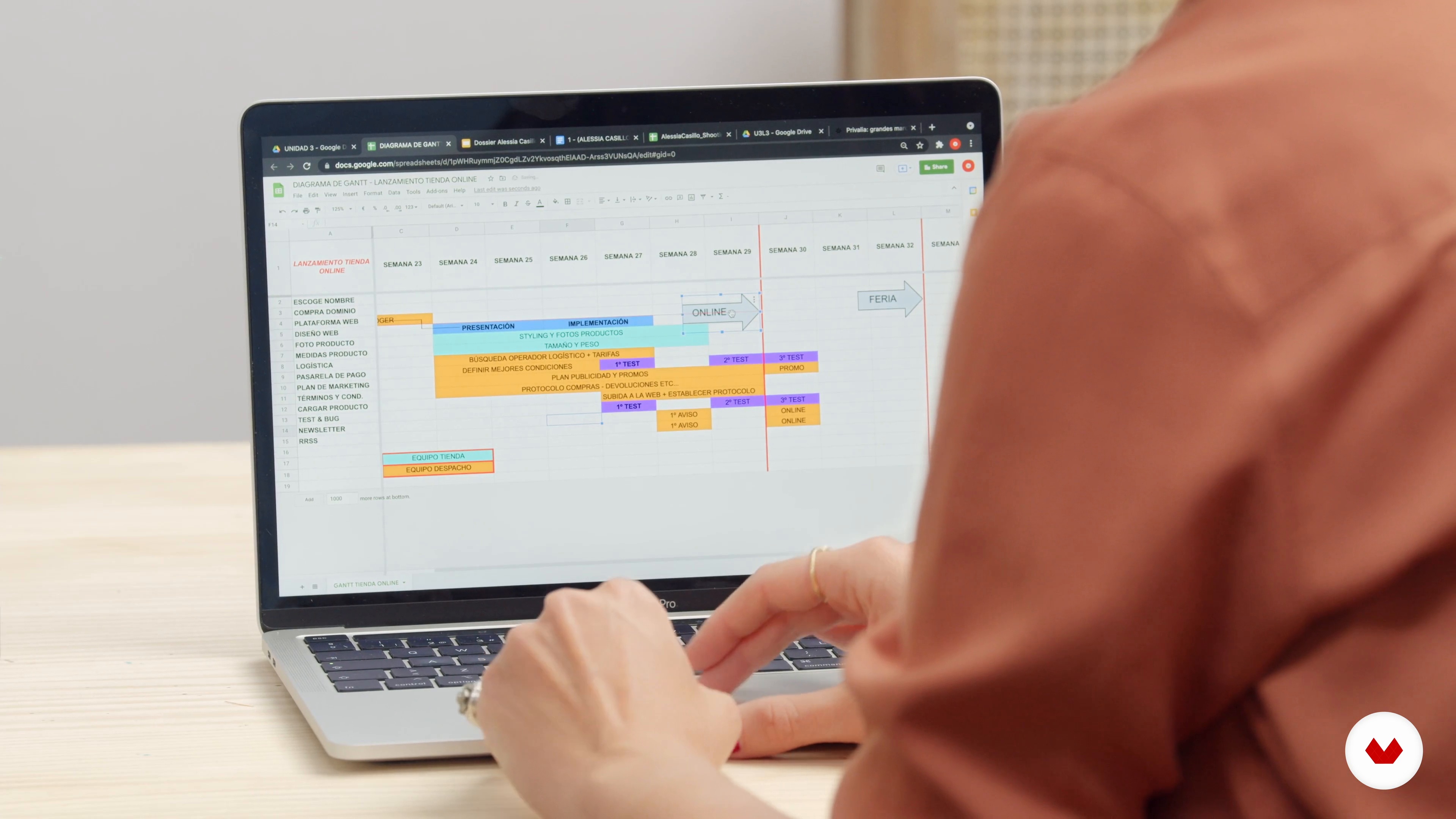
Introduction to project management
6 minutes, 29 seconds

Type of key steps and their usefulness
7 minutes, 19 seconds

Organization and well-being
6 minutes, 49 seconds
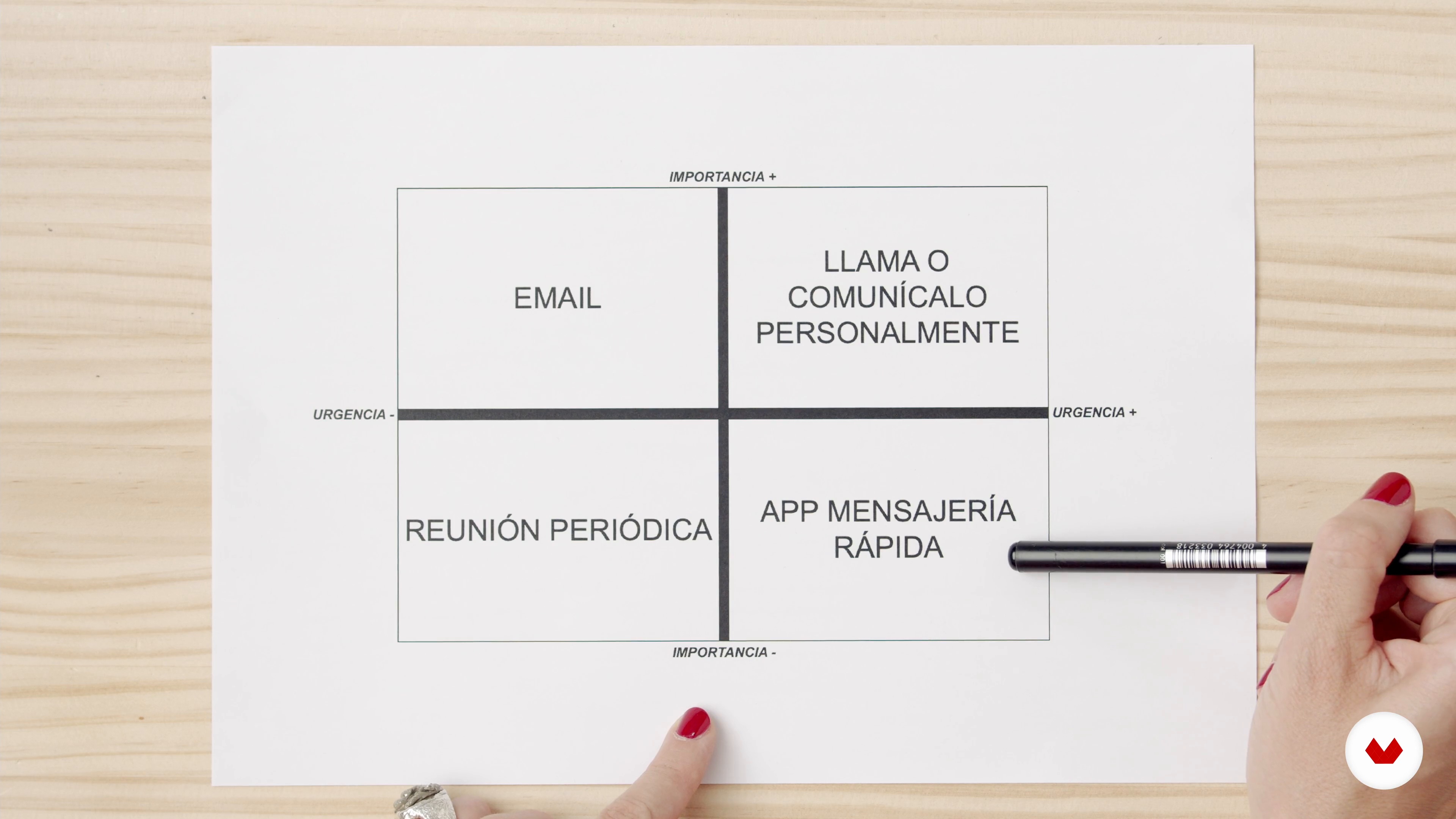
Communication
4 minutes, 54 seconds
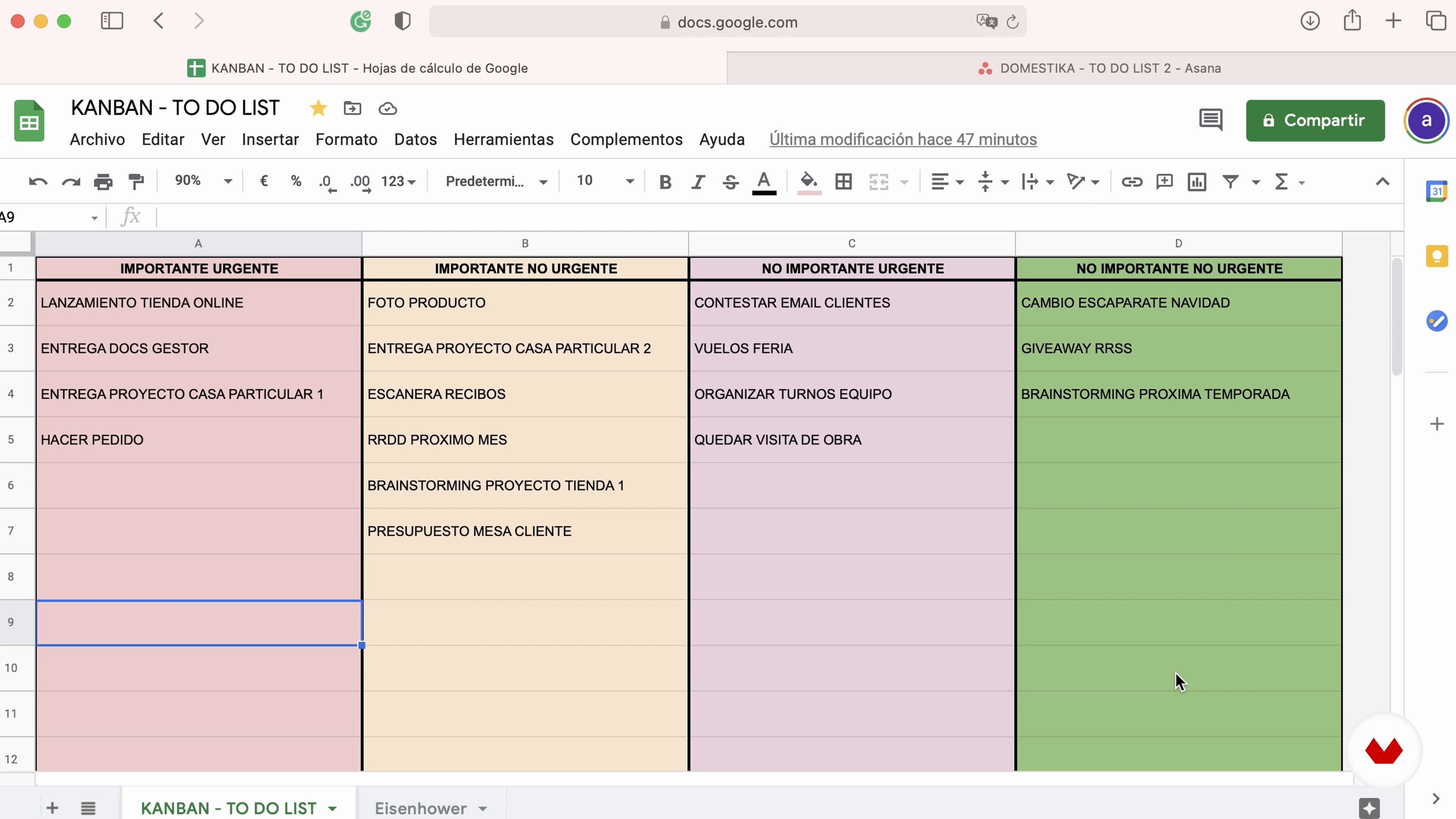
Kanban boards
11 minutes, 7 seconds
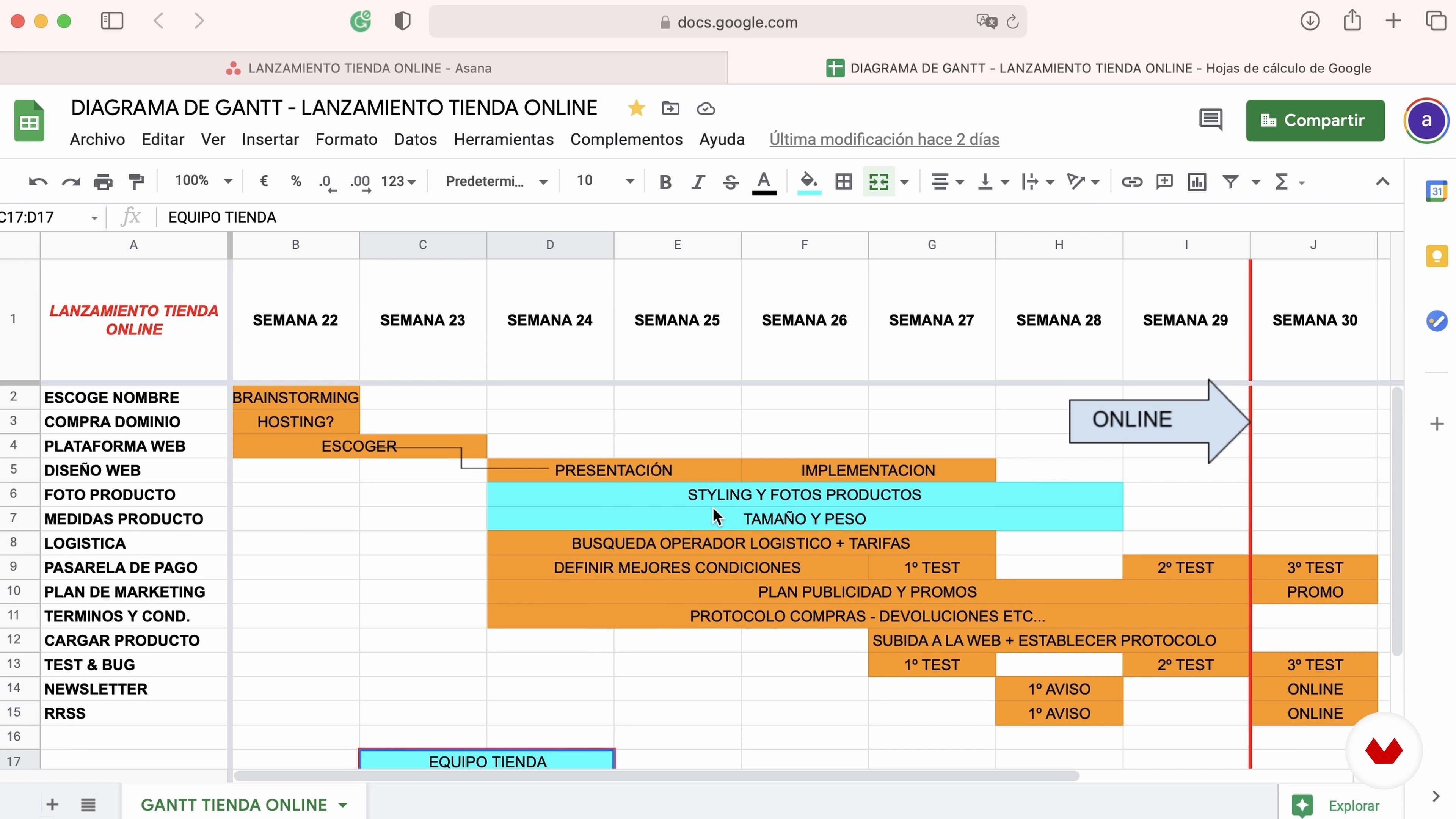
Gantt diagram
9 minutes, 41 seconds
What's included in this course?
Alessia Casillo kicks off the course by telling you a bit about herself and her professional experience, as well as her interests and the influences that have shaped her worldview. She also explains her work and how she got to where she is today.
Continue with some introductory concepts to understand what organization and planning entail, why they're useful, and where you can apply them, for example, in project management. Then, take a look at some practical tools for carrying out your project.
Now get all your ducks in a row with some methodical planning. Alessia shows you different strategies and techniques like time blocking, kanban boards, the Eisenhower Matrix, and the Gantt chart before sharing some tips and tricks on how to get the most out of Excel.
Finally, Alessia passes her personal philosophy on to you: more organization leads to improved wellbeing. She ties everything together by discussing how communication influences our lives, and then gives you some parting tips on building good communication habits.
What is this course's project?
Create a basic document to help you manage projects and, ultimately, your business by organizing and keeping track of your processes and actions.
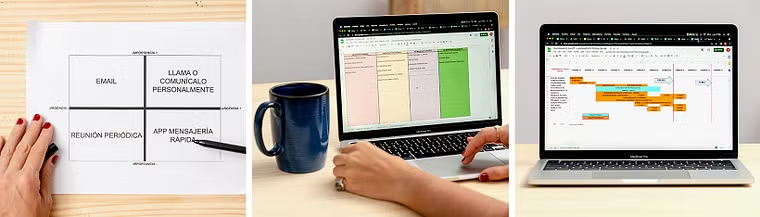
Projects by course students
Who is this online course for?
All creative minds and creators who want to organize and manage their projects.
Requirements and materials
No prior knowledge is needed to take this course.
The material list includes items that are probably already part of your daily life, such as an agenda or calendar, paper, pencils, a computer and email account, and Excel, as well as others, like different planning software, that your teacher will specify during the course.
Reviews
- 1 month ago
Es básico pero está muy bien como introducción.
- 2 months ago
Al ser un curso introductorio se tocan temas muy relevantes. Me parece una muy buena "sombrilla" de herramientas y conceptos importantes en la gestión de proyectos.
- 2 months ago
O curso é muito bom, a professora explica de forma clara e com uma boa didática! Gostei!
- 3 months ago
Not very comprehensive. Glad I only spent 50 cents
- lllopez_30618PLUS3 months ago
No hay nada mejor, que, contar con este tipo de cursos para incrementar el conocimiento a los que nos dedicamos a la gestión de proyectos de alta gerencia.

She is currently a project manager at the architecture and design studio Lázaro Rosa Violán. Her day-to-day work consists of defining objectives, planning, organizing tasks, and evaluating projects to get them off the ground and turn ideas into reality.
Content
- U1
Introduction
- Presentation
- Influences
- U2
Projects management
- Introduction to project management
- Type of key steps and their usefulness
- Basic project management tools
- U3
Developing the project
- Project planning and visualization
- Calendar
- Kanban boards
- Gantt diagram
- Customizing your method: accounting management example
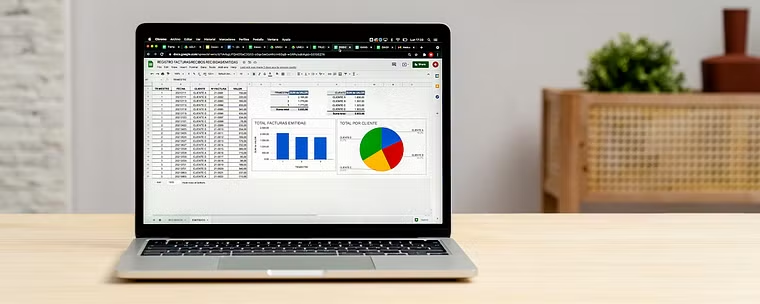
- Excel tricks
- U4
Sustainable management
- Organization and well-being
- Communication
- FP
Final project
- Introduction to project management
What to expect from a Domestika course
Learn at your own pace
Enjoy learning from home without a set schedule and with an easy-to-follow method. You set your own pace.
Learn from the best professionals
Learn valuable methods and techniques explained by top experts in the creative sector.
Meet expert teachers
Each expert teaches what they do best, with clear guidelines, true passion, and professional insight in every lesson.
Certificates
PLUSIf you're a Plus member, get a custom certificate signed by your teacher for every course. Share it on your portfolio, social media, or wherever you like.
Get front-row seats
Videos of the highest quality, so you don't miss a single detail. With unlimited access, you can watch them as many times as you need to perfect your technique.
Share knowledge and ideas
Ask questions, request feedback, or offer solutions. Share your learning experience with other students in the community who are as passionate about creativity as you are.
Connect with a global creative community
The community is home to millions of people from around the world who are curious and passionate about exploring and expressing their creativity.
Watch professionally produced courses
Domestika curates its teacher roster and produces every course in-house to ensure a high-quality online learning experience.
FAQs
You’ll learn how to plan, organize, and oversee creative projects using tools like Kanban boards, Gantt charts, Excel, and effective communication methods—optimizing human resources, budgets, and accounting processes.
Yes, this course is designed for those with intermediate skills—perfect if you already have basic knowledge and want to deepen your understanding of advanced methodologies, tools, and organization.
You’ll need access to Excel, Google Sheets, Google Calendar, Asana, Google Keep, and Dropbox, plus basic familiarity with these tools to get the most out of the methodologies taught.
You’ll develop skills in planning, resource management, accounting analysis, visual methodologies, and communication organization—applicable to creative projects, architecture, interior design, and decor stores.
You’ll learn how to set up Kanban boards and Gantt charts to visualize tasks, timelines, responsibilities, and dependencies—making it easier to plan and track your projects’ progress.
Yes, the course teaches how to manage project accounting and analyze data using Excel, including pivot tables, charts, conditional formatting, and task automation.
Strategies for organizing communication by urgency, using digital tools, minimizing interruptions, and delegating messages are covered to boost team well-being and productivity.