Visual Storytelling with Hand-Lettering and Illustration
A course by David LeutertIllustrator and Lettering Artist
A course by David Leutert, Illustrator and Lettering Artist

Learn the basics of hand-lettering and find your own style by combining custom typographic elements with illustrations that tell stories
Whether it's designing T-shirts for Adidas or graphic design work for MTV, lettering artist and illustrator David Leutert's work is always done 100% by hand. Thanks to influences like skateboarding, DIY punk and hip hop, cartoons, comics, and sign painting, he has truly taken his art to the next level. He creates original designs and compositions with custom letters, playing around with well-known font styles and historic references.
In this course, learn to design your own typographic poster, discover the basics of hand-lettering and combine text with illustration. David shows you that everyone has the potential to draw their own lettering and, with his help, you can develop your own personal style through your visual art. By the end of this course, you'll be able to use letters as a tool for communicating your ideas and making your voice heard.
What will you learn in this online course?
18 lessons & 18 downloads
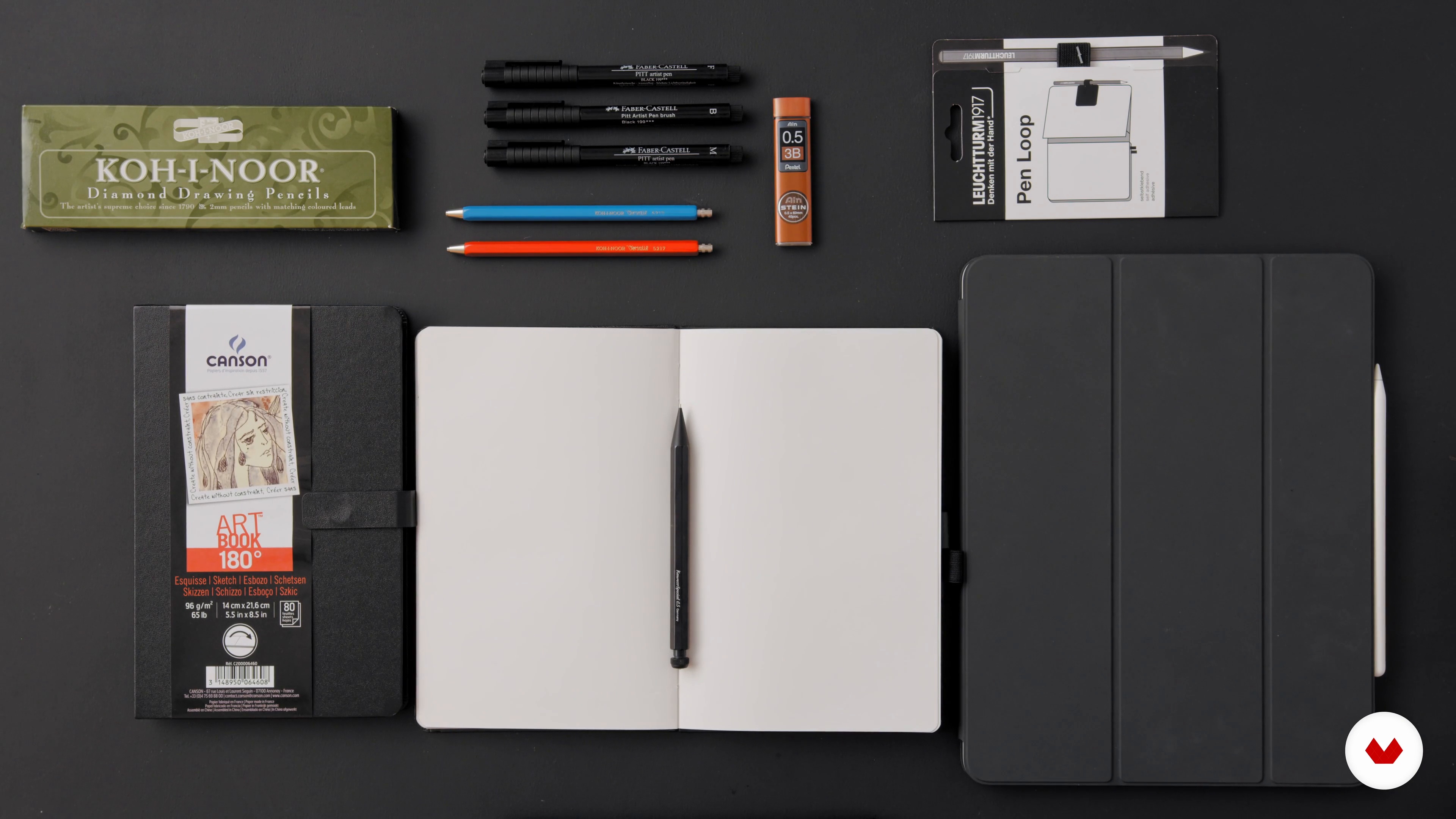
What Is Hand-Lettering and What Will You Need for the Course?
18 minutes, 3 seconds
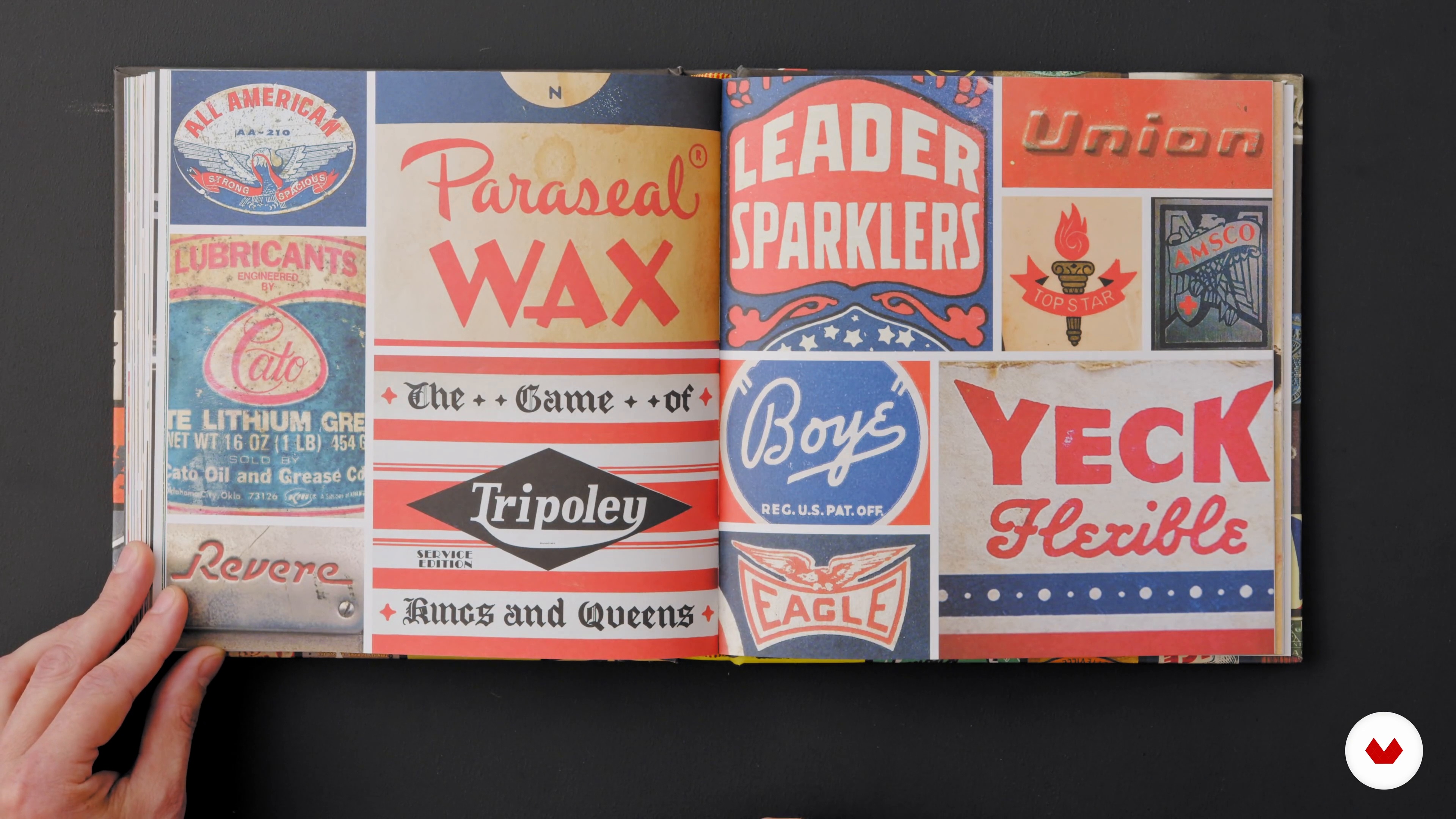
The Lettering Styles We Will Focus On
16 minutes, 54 seconds
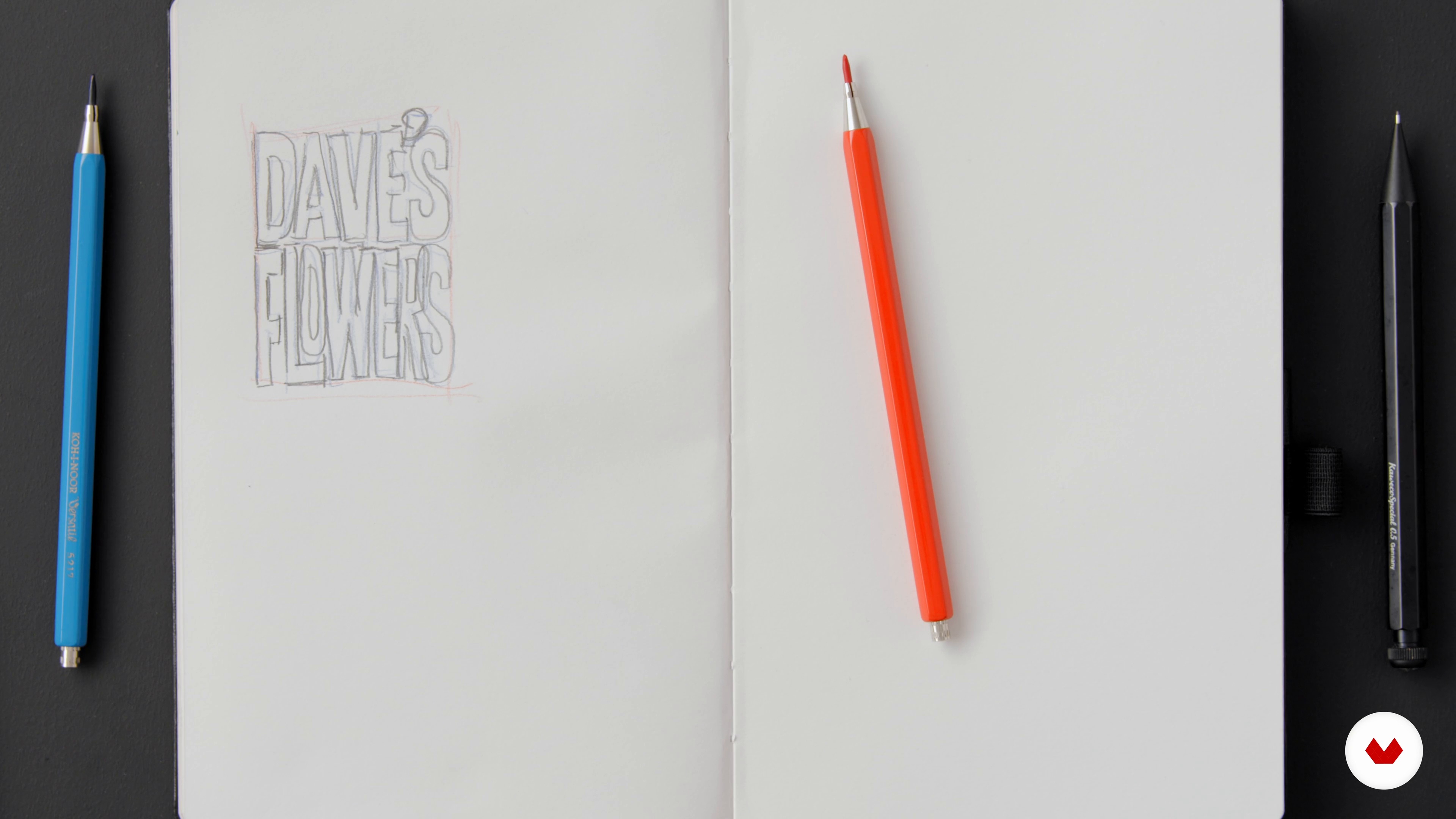
Lettering Styles in Practice
11 minutes, 6 seconds
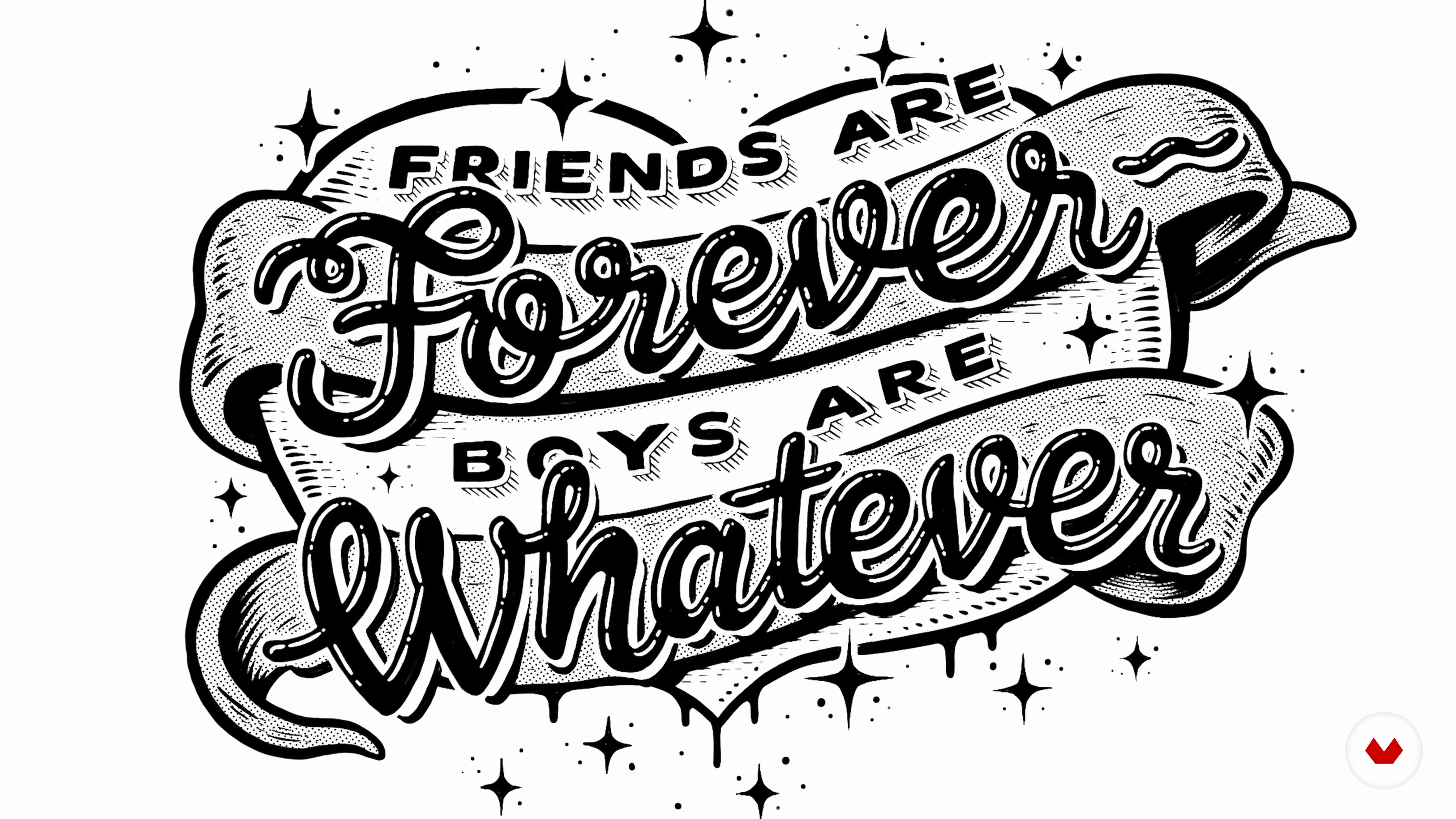
How to Find a Good Saying and Concept
10 minutes, 0 seconds
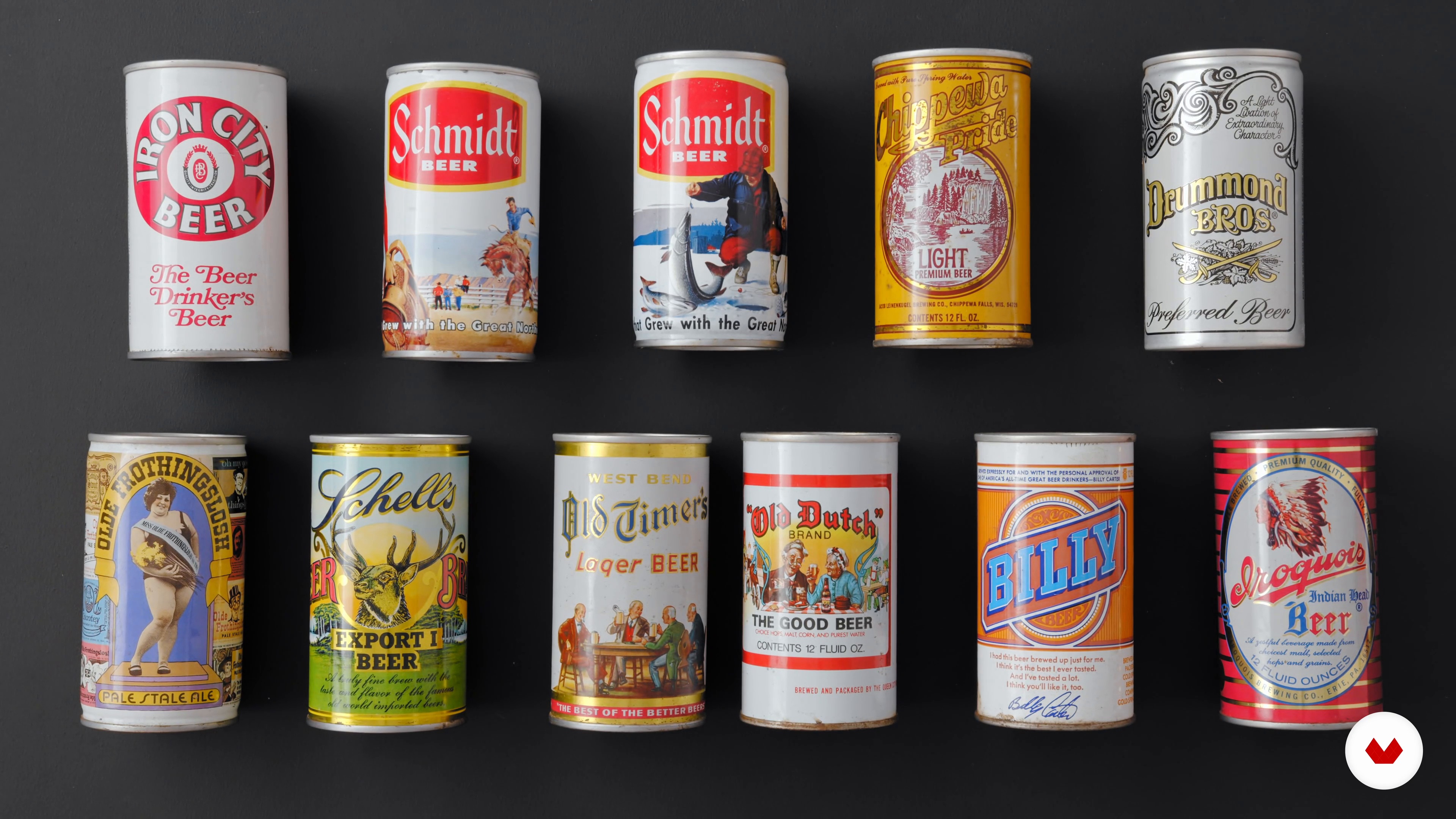
Analog Mood Board
16 minutes, 6 seconds
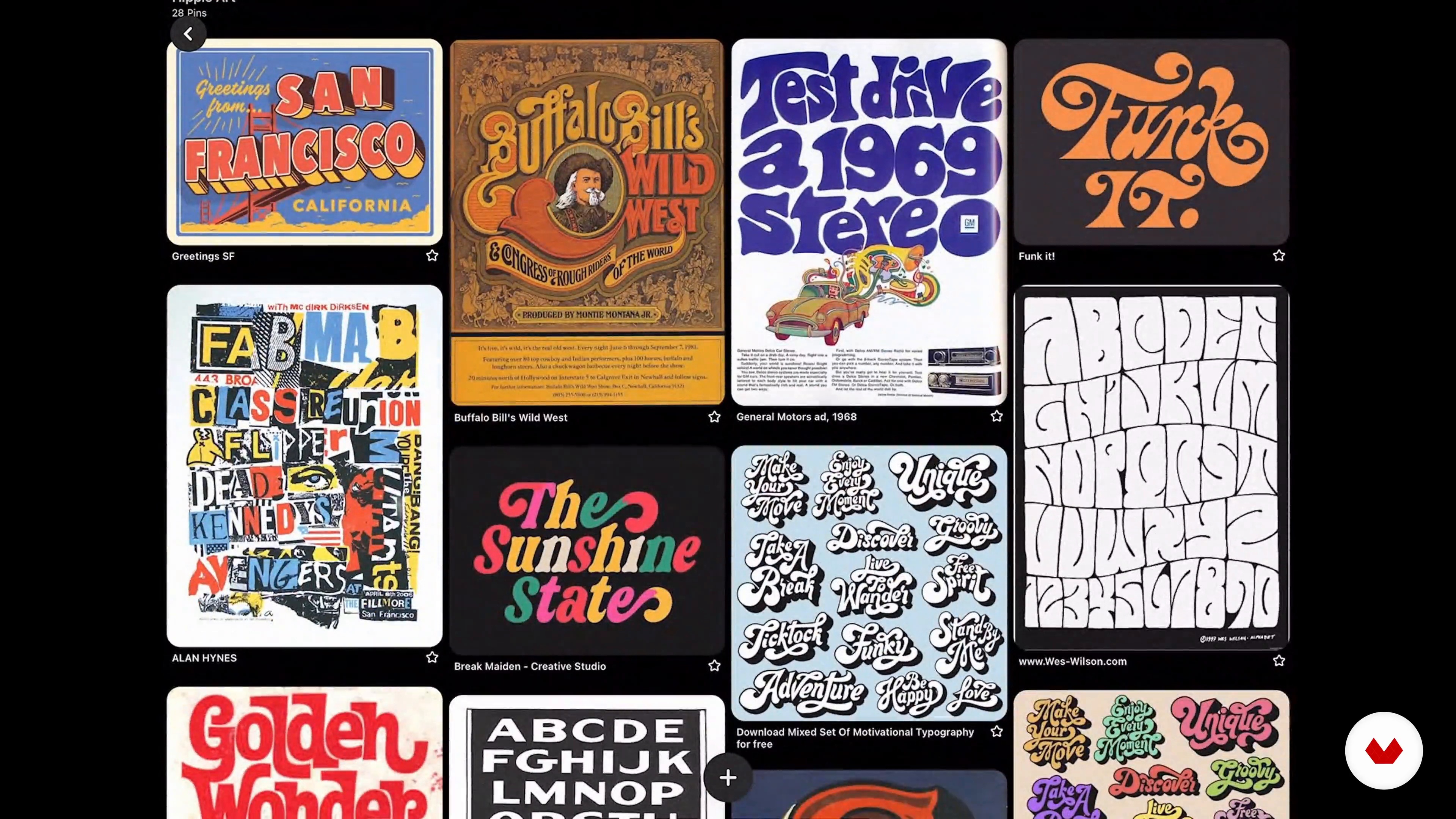
Digital Mood Board
11 minutes, 40 seconds
What's included in this course?
Begin the course by getting to know David Leutert and his passion for illustration and typography. He talks about his professional background as a freelance illustrator and his creative influences, from comics and punk concerts to New York city.
David explains what lettering is and introduces the basic concepts of hand-drawn typography. He also gives you a quick overview of the tools and materials needed and then looks at the different styles of letters that have existed throughout history. Next, search for an original sentence for your poster and discover what factors are important when making your final decision.
To give yourself a more concise idea of the style of your poster, work with digital references and collect old objects that document the visual language and aesthetic of a place or a particular period of time. Start working on your final project in your sketchbook, where you gradually lay down your ideas and choose the best composition, which you later retouch on an iPad.
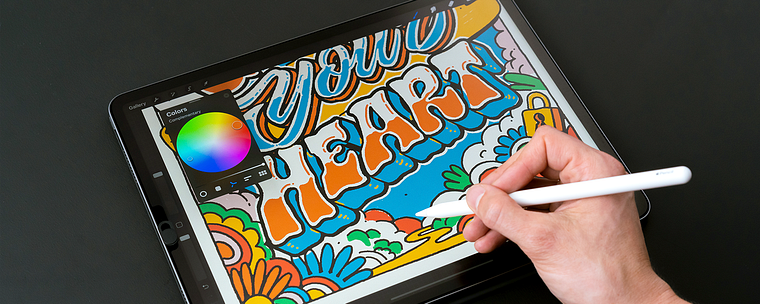
David moves on to teach you about the different tools in Procreate and helps you create the perfect color palette. Focus on your final design and, step by step, apply color, detail, and shadows, as well as make some final adjustments.
Export your work to share on social media or print in poster format. Your teacher also gives you some ideas for developing your own style and establishing a good work routine.
What is this course's project?
Create your own poster combining lettering and illustration, whether it's for sharing on social media or printing out to give to your friends.
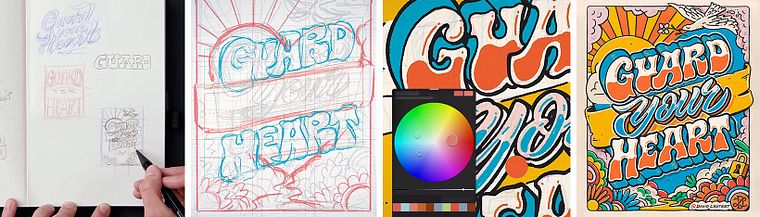
Projects by course students

Who is this online course for?
Anyone who wants to get started in the world of hand-lettering or who has some experience in typography and would like to perfect their technique, as well as illustration professionals looking to master this composition style.
Requirements and materials
Some background knowledge in typography would be useful but not essential.
As for materials, you need a sketchbook, a pencil, and an iPad (6th generation or later) with the Procreate application installed, as well as an Apple Pencil.
Reviews
- sally_hjulforsPLUS8 months ago
I really enjoyed this course.
- 1 year ago
excellent course
- 1 year ago
I cant seem to use the grid file as a separate layers that I can toggle on and off. Please advise.
- 2 years ago
Muy inspirador, claro y preciso en sus explicaciones. Muchas gracias!
- 2 years ago
past voor mij, als een gegoten jas

In hand typography, his strong suit is contrasting outlines with limited color palettes. To perfect his lettering technique, he also dabbles in the ancient craft of sign painting. His clients include brands such as Adobe, Coach, Dropbox, MTV, and Pepsi, and his work has won awards from the Society of Illustrators, the Art Directors Club, and American Illustration as well as Communication Arts and 3x3 magazines, among others.
Content
- U1
Introduction
- About Me
- Influences
- U2
Lettering Basics
- What Is Hand-Lettering and What Will You Need for the Course?
- The Lettering Styles We Will Focus On
- Lettering Styles in Practice
- How to Find a Good Saying and Concept
- U3
Preparation
- Analog Mood Board
- Digital Mood Board
- Illustration and Storytelling
- Free Sketches and Composition
- U4
Let’s Design Your Poster
- Introduction to Procreate
- Refining the Sketch 1
- Refining the Sketch 2
- The Final Design
- Colour
- Details and Shading
- U5
And Now?
- Presentation Options and Export
- Finding Your Style
- FP
Final project
- Visual Storytelling with Hand-Lettering and Illustration
What to expect from a Domestika course
Learn at your own pace
Enjoy learning from home without a set schedule and with an easy-to-follow method. You set your own pace.
Learn from the best professionals
Learn valuable methods and techniques explained by top experts in the creative sector.
Meet expert teachers
Each expert teaches what they do best, with clear guidelines, true passion, and professional insight in every lesson.
Certificates
PLUSIf you're a Plus member, get a custom certificate signed by your teacher for every course. Share it on your portfolio, social media, or wherever you like.
Get front-row seats
Videos of the highest quality, so you don't miss a single detail. With unlimited access, you can watch them as many times as you need to perfect your technique.
Share knowledge and ideas
Ask questions, request feedback, or offer solutions. Share your learning experience with other students in the community who are as passionate about creativity as you are.
Connect with a global creative community
The community is home to millions of people from around the world who are curious and passionate about exploring and expressing their creativity.
Watch professionally produced courses
Domestika curates its teacher roster and produces every course in-house to ensure a high-quality online learning experience.
FAQs
This course is aimed at beginners and creative newcomers who want to learn hand lettering, illustration, and typography hands-on from the ground up.
You’ll need paper, pencils, fineliners, colored pencils, and optionally an iPad with Procreate. Both analog and digital tools are covered equally.
You’ll learn hand lettering, typography, poster and logo design, moodboard creation, color palettes, composition, digital and analog techniques, plus storytelling through illustration.
The course covers hand lettering, typography, poster design, packaging, branding, moodboards, digital tools like Procreate, style development, and creative routines.
No, the course is designed for complete beginners with no prior experience and guides you step-by-step through all the basics.
Yes, the course thoroughly explains and practices digital techniques, especially lettering and sketching with the iPad and Procreate.
By experimenting with lettering styles, composition, and drawing inspiration from moodboards, you’ll learn to develop your own unique creative style.