Typographic Branding: Create Memorable Logos from Scratch
A course by Carlos MignotGraphics and Typography Designer
A course by Carlos Mignot, Graphics and Typography Designer

Learn to develop a soulful visual identity by combining branding and typography techniques
Letters themselves have the ability to transport the viewer, perhaps to a memory, a sensation, or a strong emotion, before having even understood the message behind them. Graphic designer Carlos Mignot specializes in translating concepts and sensations visually through customized typefaces.
In this course, learn to develop a typographic identity for a brand. Carlos guides you through how to choose a color palette and put your ideas into letters to create inspiring logos using Adobe Illustrator. By the end of the course, you'll have the visual branding resources to present impactful ideas to the client quickly and efficiently.
What will you learn in this online course?
12 lessons & 15 downloads
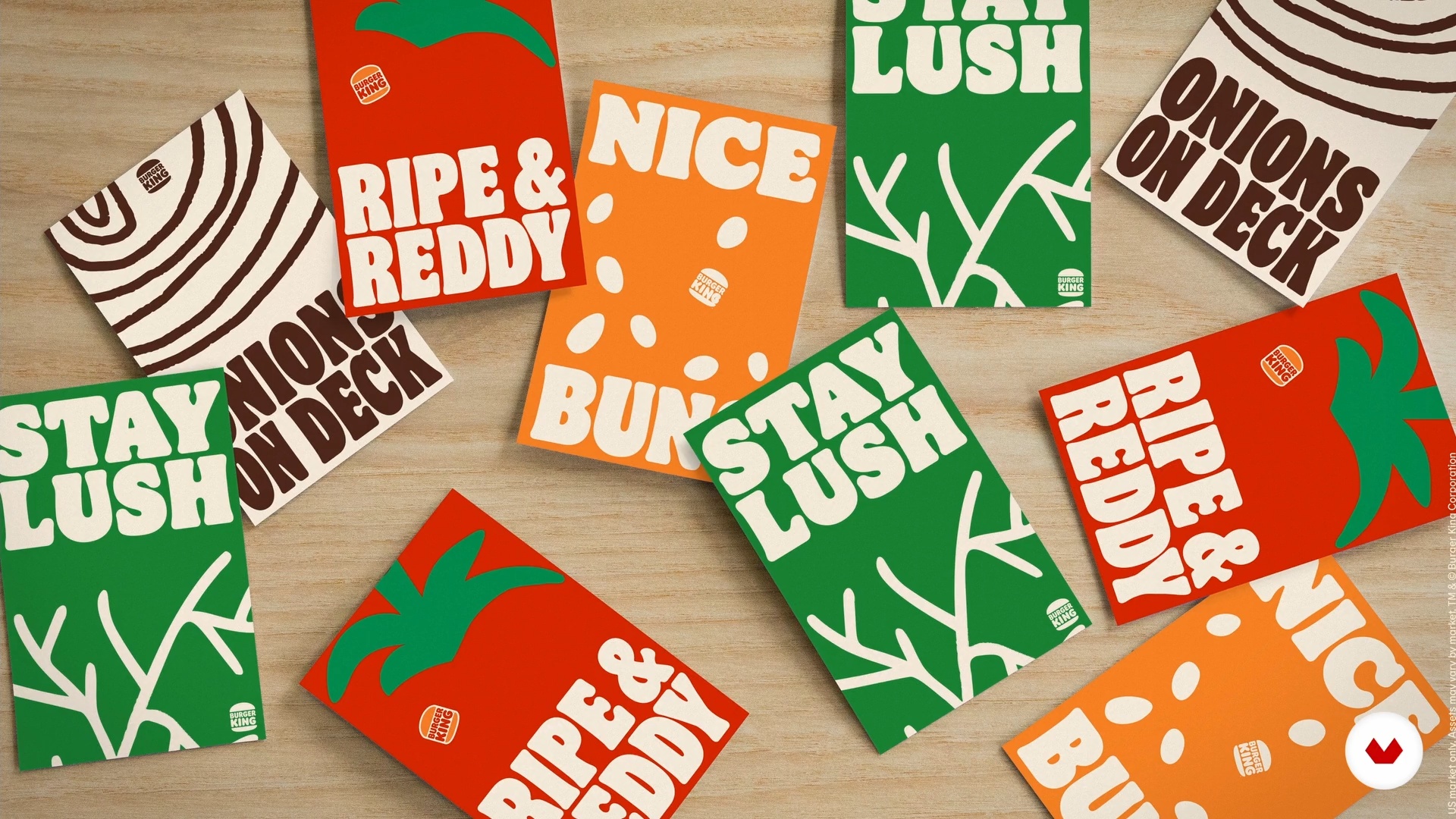
The Power of Typography
16 minutes, 4 seconds
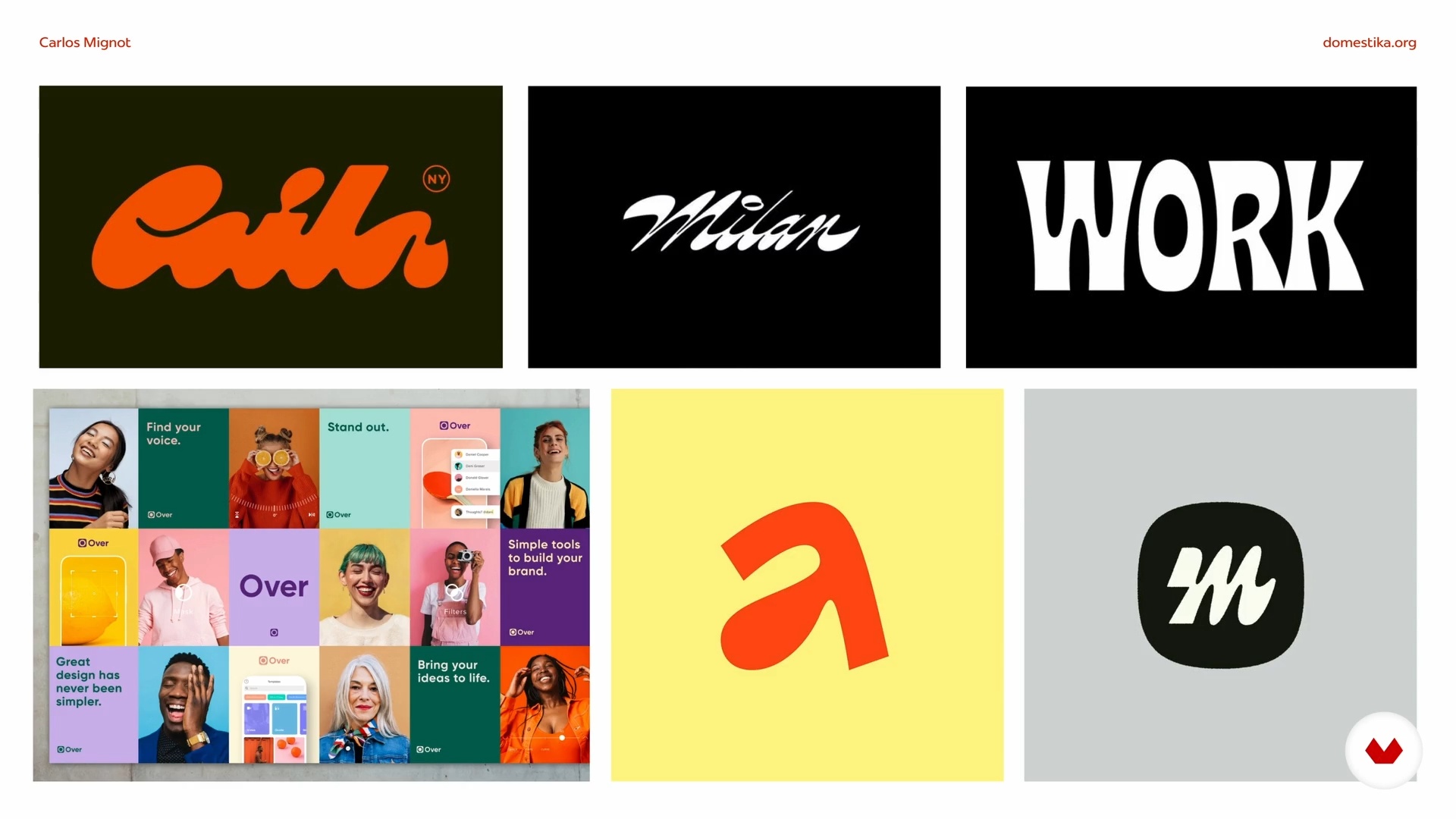
Basic Brand Strategy
5 minutes, 52 seconds

Sketching Typographic Ideas
14 minutes, 13 seconds
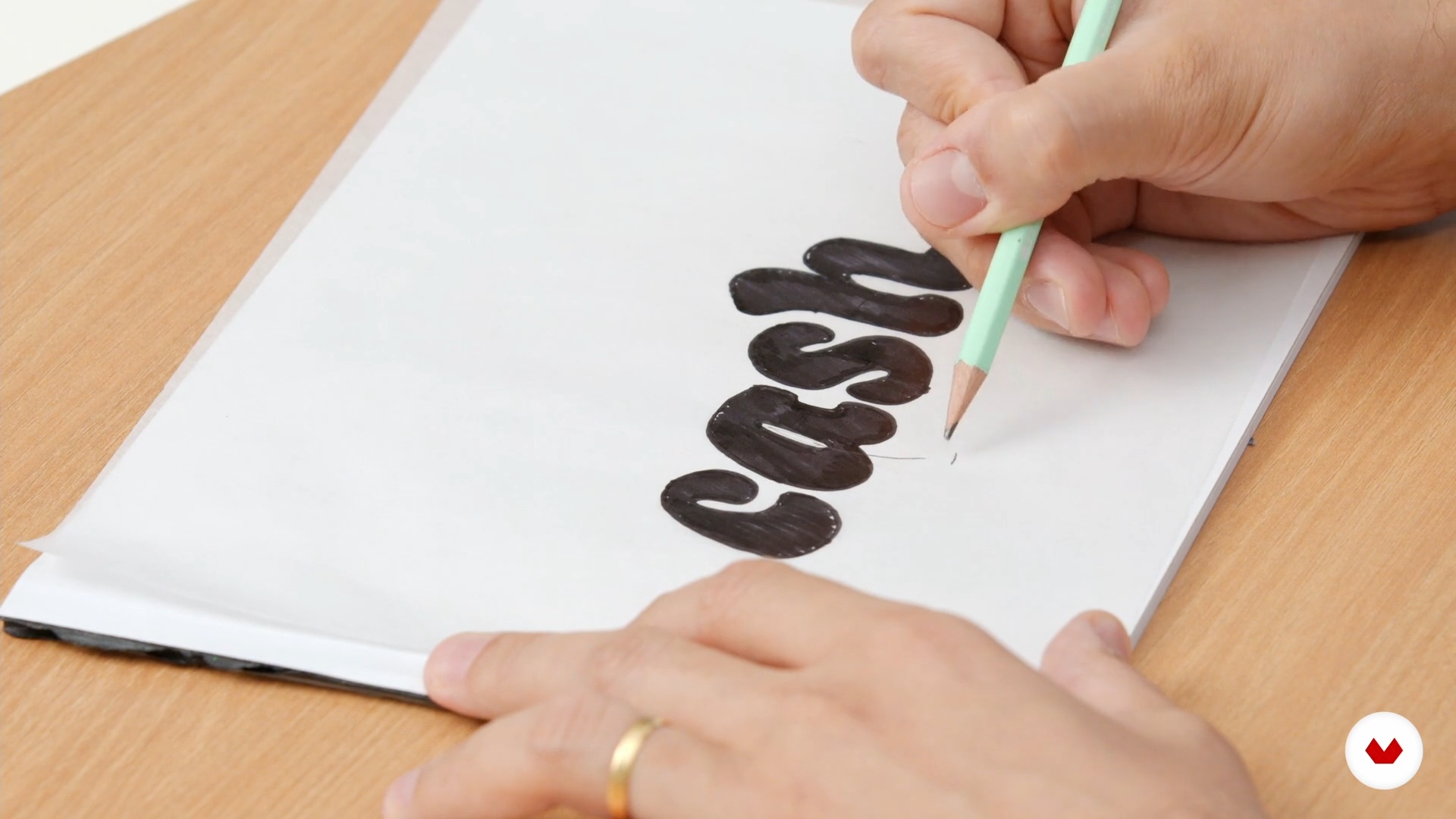
Refining the Draft
6 minutes, 5 seconds
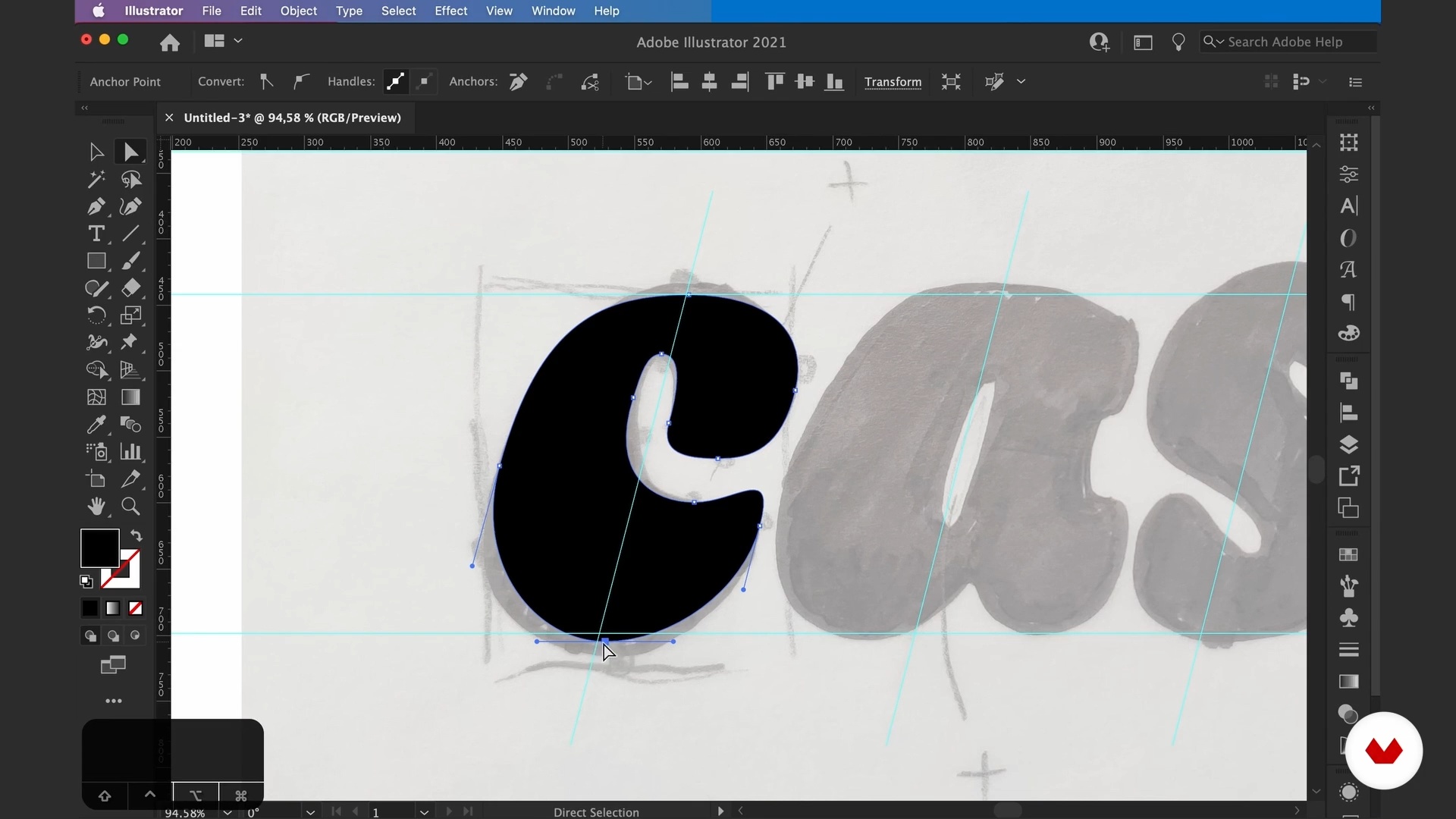
Logo Vectorization
20 minutes, 25 seconds
Typographic Pairing
12 minutes, 16 seconds
What's included in this course?
Start by getting to know graphic designer Carlos Mignot. Hear about his career so far, including how he discovered a way to use typography to enhance the brand identity of various companies, and take a look at his biggest influences in the world of design.
Carlos explains what a soulful brand is and the main strategies for building an inspiring identity. Once you've got some ideas, dive into the world of typography by exploring basic shapes and a range of concepts and styles to see how different messages can be conveyed.
Next, put together a branding strategy and learn to translate it to the visual arena by producing drafts of your typographical ideas. Discover how to vectorize your logo in Adobe Illustrator and choose the appropriate fonts for your creative vision.
To finish up, use the concepts you've learned to create a branding toolkit with a collection of visual materials for any communication need. Carlos also gives some final tips on wowing your client when presenting your project.
Recommended software & tools for this course
What is this course's project?
Create a typographic brand identity by designing a logo from scratch considering the color scheme, typefaces and fonts, and brand applications.

Projects by course students

Who is this online course for?
Designers, art directors, students, and anyone interested in improving their branding skills and developing visual identities.
Requirements and materials
Basic knowledge of Adobe Illustrator is necessary for this course.
In terms of materials, you need a computer with access to the software, as well as a pencil, pen, and some paper.

Reviews
- 1 month ago
Muito bom. As aulas são objetivas.
- 2 months ago
O curso entrega bastante repertório, história e praticas. Os outros cursos online de outras plataformas apenas falam sobre o conteúdo e não tem nada que nos faça realmente aprender. Este curso: direcionou tópicos para pesquisa, referências para verificar, atividades para praticar e isso faz toda diferença.
- 2 months ago
As aulas são objetivas e a didática é exelente. Conteúdo rico e preciso. Parabéns!
- 3 months ago
Un curso preciso y optimizado para generar un branding único y altamente atractivo.
- 4 months ago
Curso muito bom, com exemplos e processos claros. Ajuda muito a perceber como a tipografia é importante num projeto de marca

He currently works at Plau design studio as a branding and typography project coordinator helping different brands find their own personal typography style. He has released his own fonts and worked with brands like Granado, Canal Brasil, NotCo, Stone, and more.
Content
- U1
Introduction
- Presentation
- Influences
- U2
Branding Meets Typography
- What Are Soulful Brands?
- Understanding the Letters
- The Power of Typography
- Basic Brand Strategy
- U3
Bringing the Brand to Life with Soul
- Sketching Typographic Ideas
- Refining the Draft
- Logo Vectorization
- Typographic Pairing
- U4
Assembling a Branding Toolkit
- Toolkit Assembly
- Presentation to the Customer
- FP
Final project
- Typographic Branding: Create Memorable Logos from Scratch
What to expect from a Domestika course
Learn at your own pace
Enjoy learning from home without a set schedule and with an easy-to-follow method. You set your own pace.
Learn from the best professionals
Learn valuable methods and techniques explained by top experts in the creative sector.
Meet expert teachers
Each expert teaches what they do best, with clear guidelines, true passion, and professional insight in every lesson.
Certificates
PLUSIf you're a Plus member, get a custom certificate signed by your teacher for every course. Share it on your portfolio, social media, or wherever you like.
Get front-row seats
Videos of the highest quality, so you don't miss a single detail. With unlimited access, you can watch them as many times as you need to perfect your technique.
Share knowledge and ideas
Ask questions, request feedback, or offer solutions. Share your learning experience with other students in the community who are as passionate about creativity as you are.
Connect with a global creative community
The community is home to millions of people from around the world who are curious and passionate about exploring and expressing their creativity.
Watch professionally produced courses
Domestika curates its teacher roster and produces every course in-house to ensure a high-quality online learning experience.
FAQs
The course is intermediate level, recommended for those with basic graphic design knowledge who want to deepen their skills in typography applied to branding.
You’ll need paper, pencils, pens, tracing paper for manual sketches, and access to Adobe Illustrator or another vector graphics software.
You’ll learn how to create original logos, vectorize letters, use lettering techniques, select fonts for brands, combine typography, and build complete visual identities.
This course focuses on developing skills to create brand visual identities using expressive typography, covering everything from hand sketches to digital finishing.
You don’t need professional drawing skills, but you should be willing to practice manual sketches and experiment with letter drawing techniques.
The course teaches how to digitize sketches, use the Pen Tool in Illustrator, adjust Bézier curves, refine shapes, and prepare vectors for various applications.
Custom typography communicates unique brand traits, sets your brand apart from competitors, and builds emotional connections with your audience, strengthening your branding.