Introduction to Modeling in Rhinoceros 3D
A course by Luca MagaròIndustrial Designer
A course by Luca Magarò, Industrial Designer

Learn to model objects in Rhinoceros 3D and create a pinhole camera with a 3D printer
Have you ever taken apart an object to see how it works or imagined one that doesn't exist yet? In this course, learn how to design and create an object, from the idea to its definitive shape, using 3D modelling and printing.
Luca Magarò, industrial designer and founder of studio VIVO, shows you how to draw and model an object from scratch with Rhinoceros 3D. Join Luca and discover how to design and 3D print a pinhole camera.
What will you learn in this online course?
18 lessons & 14 downloads
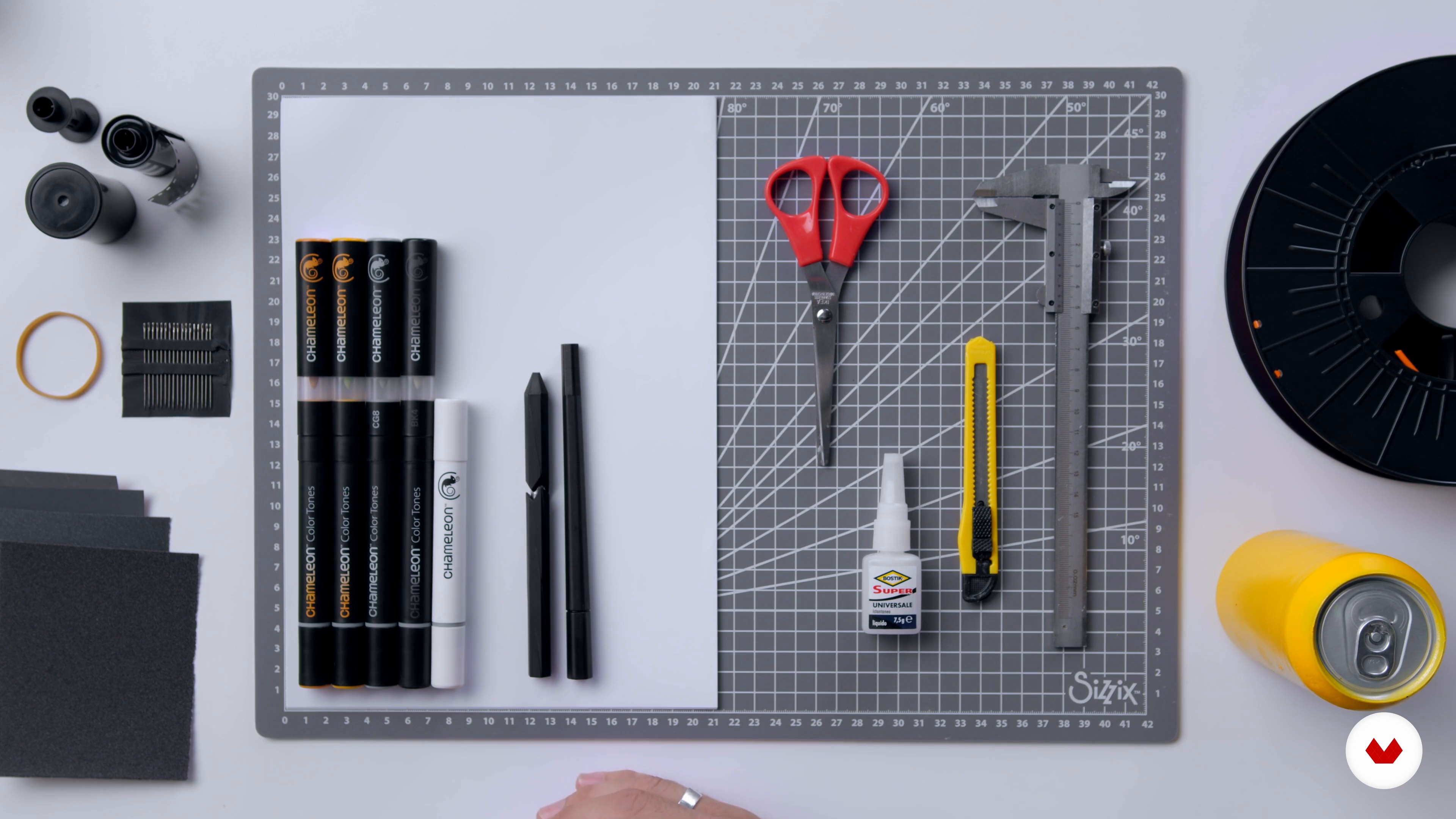
Tools and materials
4 minutes, 45 seconds
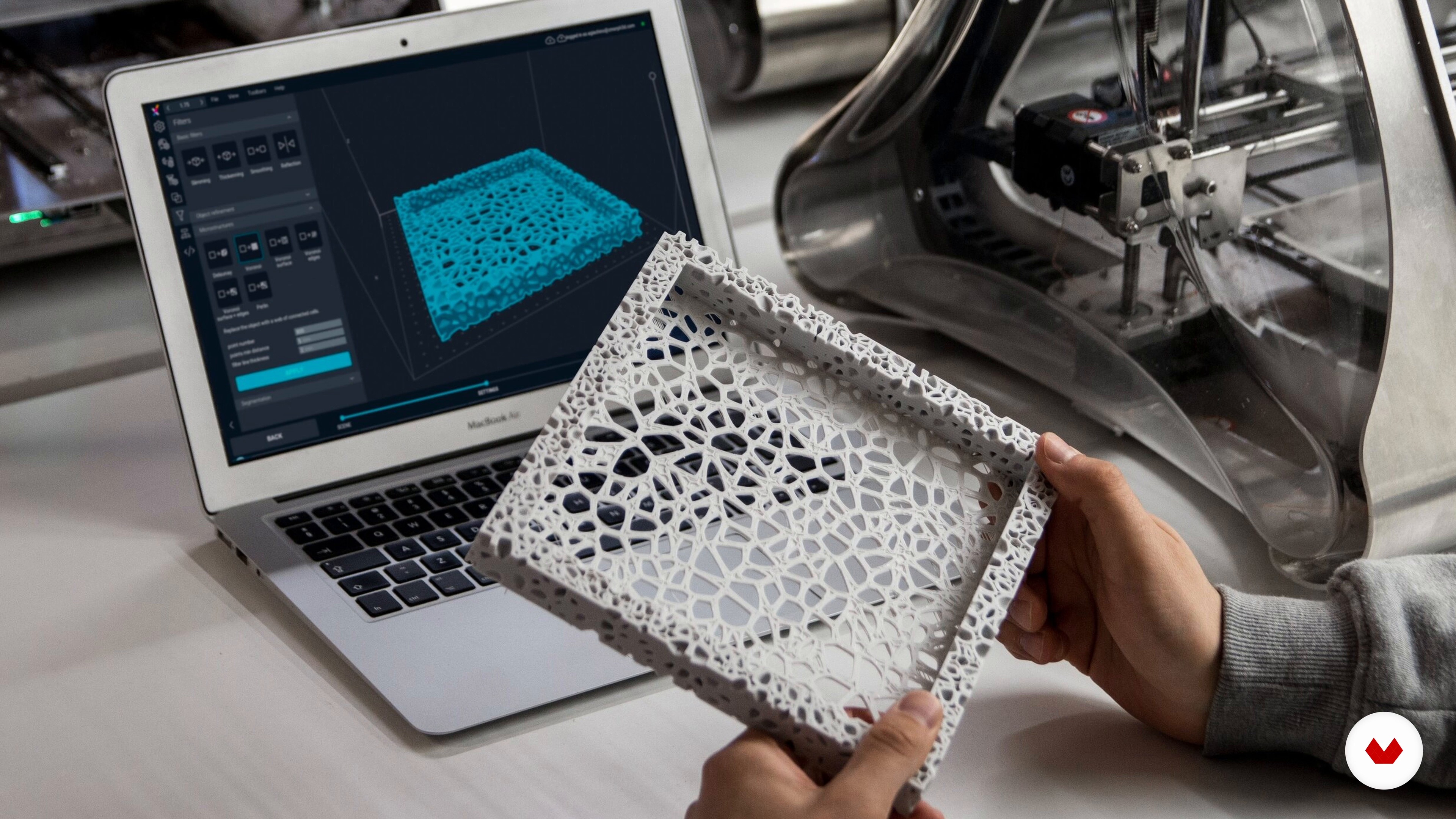
3D design and modeling
12 minutes, 47 seconds
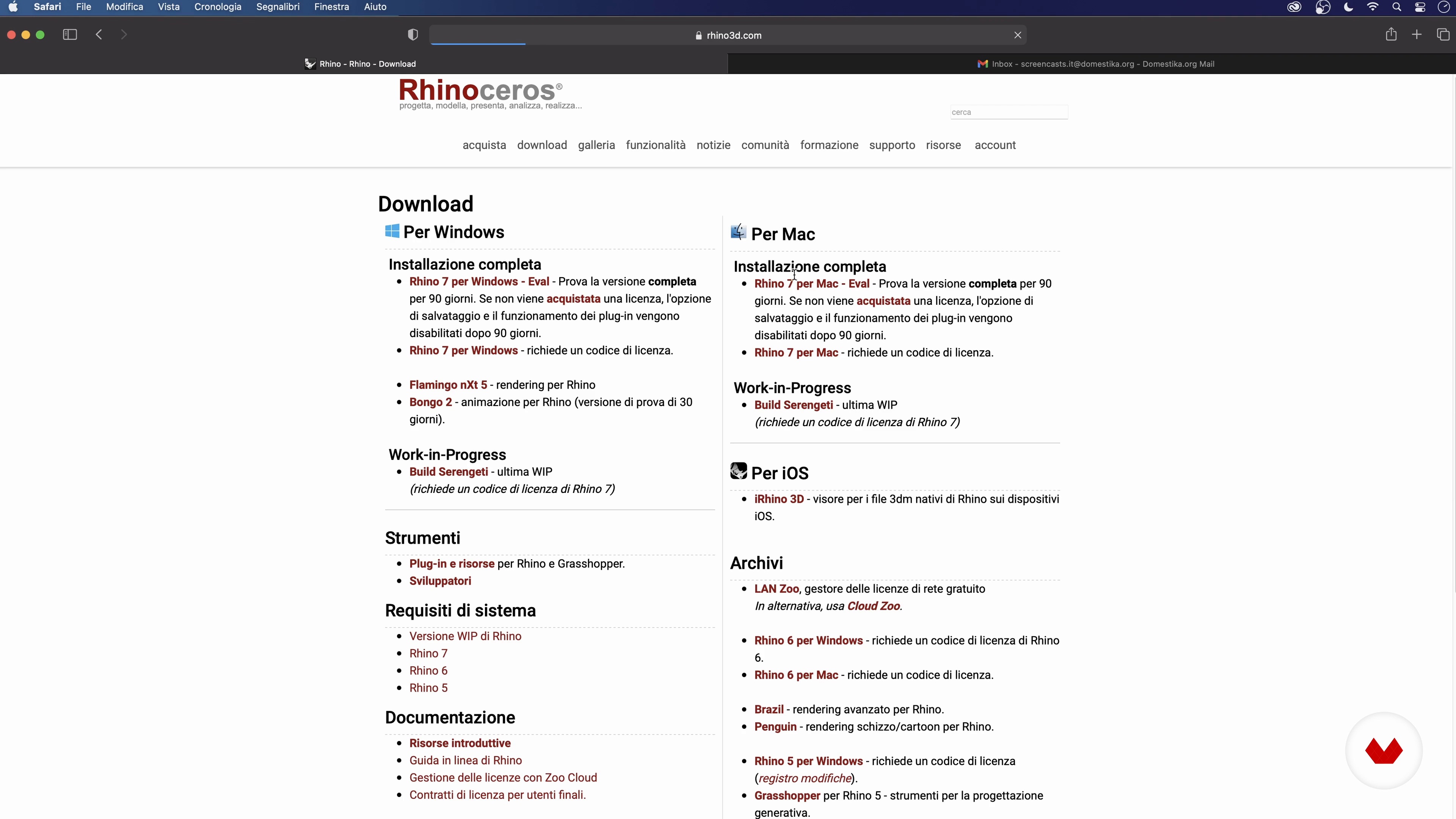
Installation of Rhinoceros 3D
2 minutes, 23 seconds
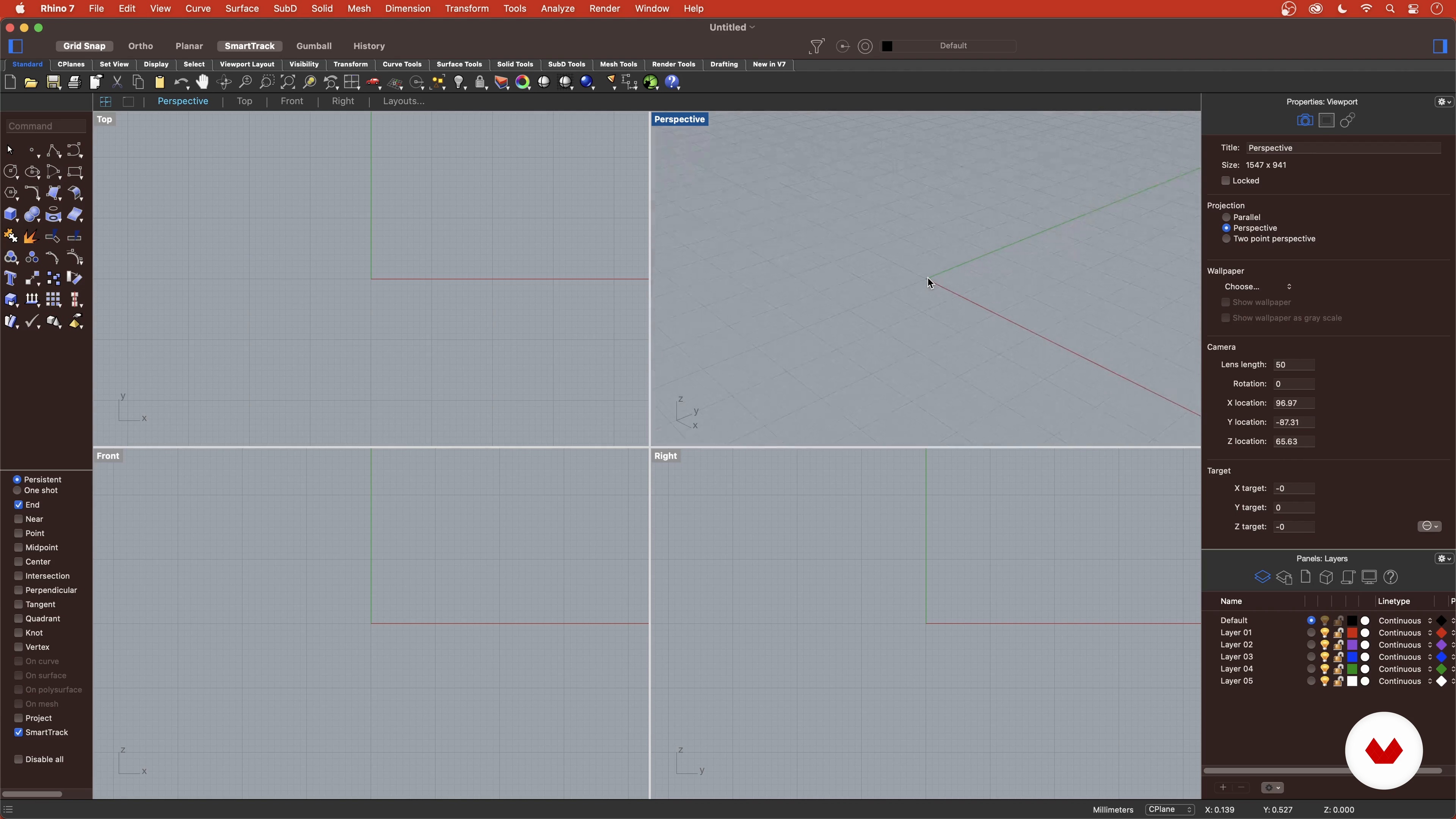
Introduction to Rhinoceros 3D
10 minutes, 24 seconds
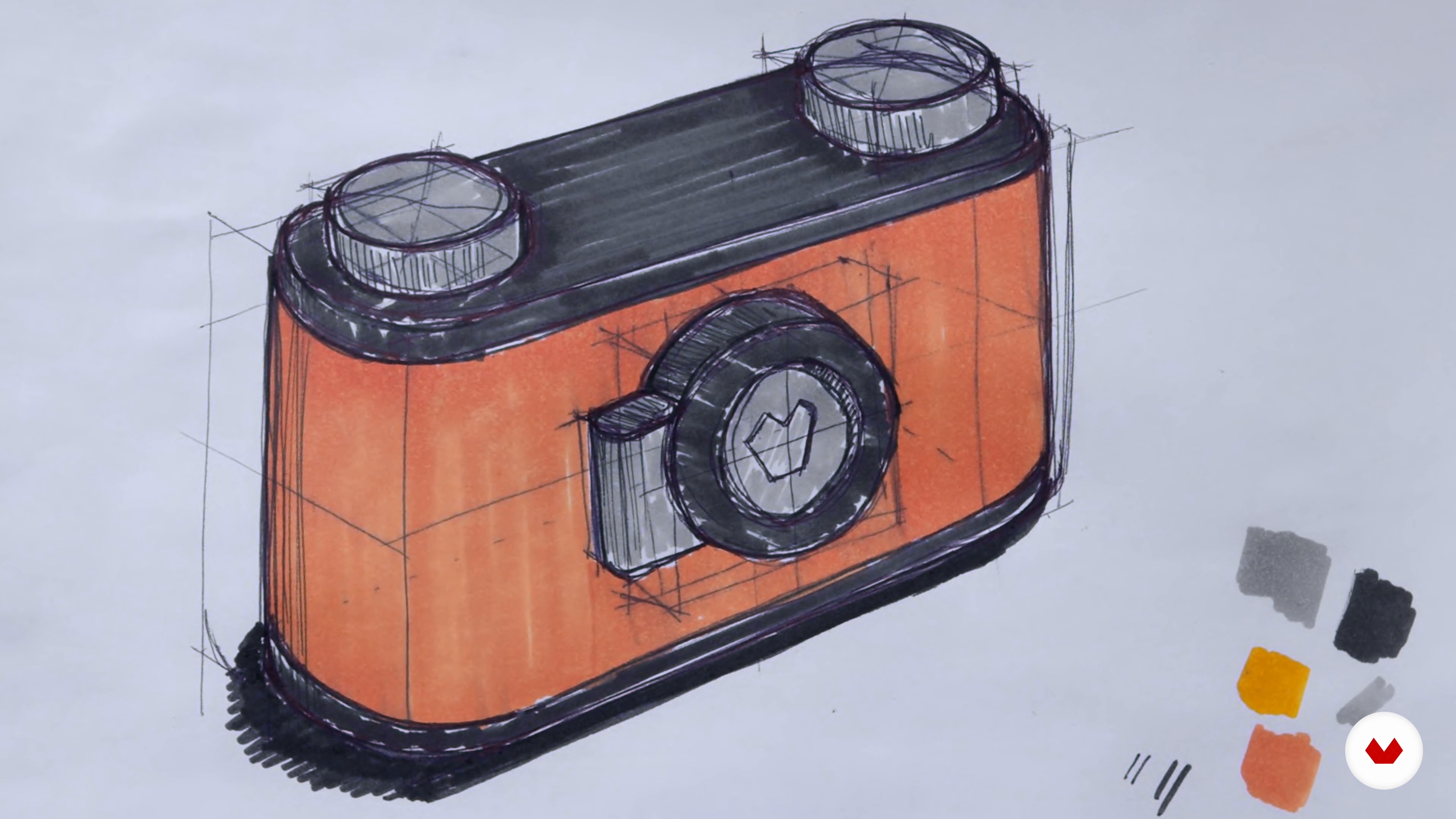
Hand sketch and digitization 1
20 minutes, 43 seconds
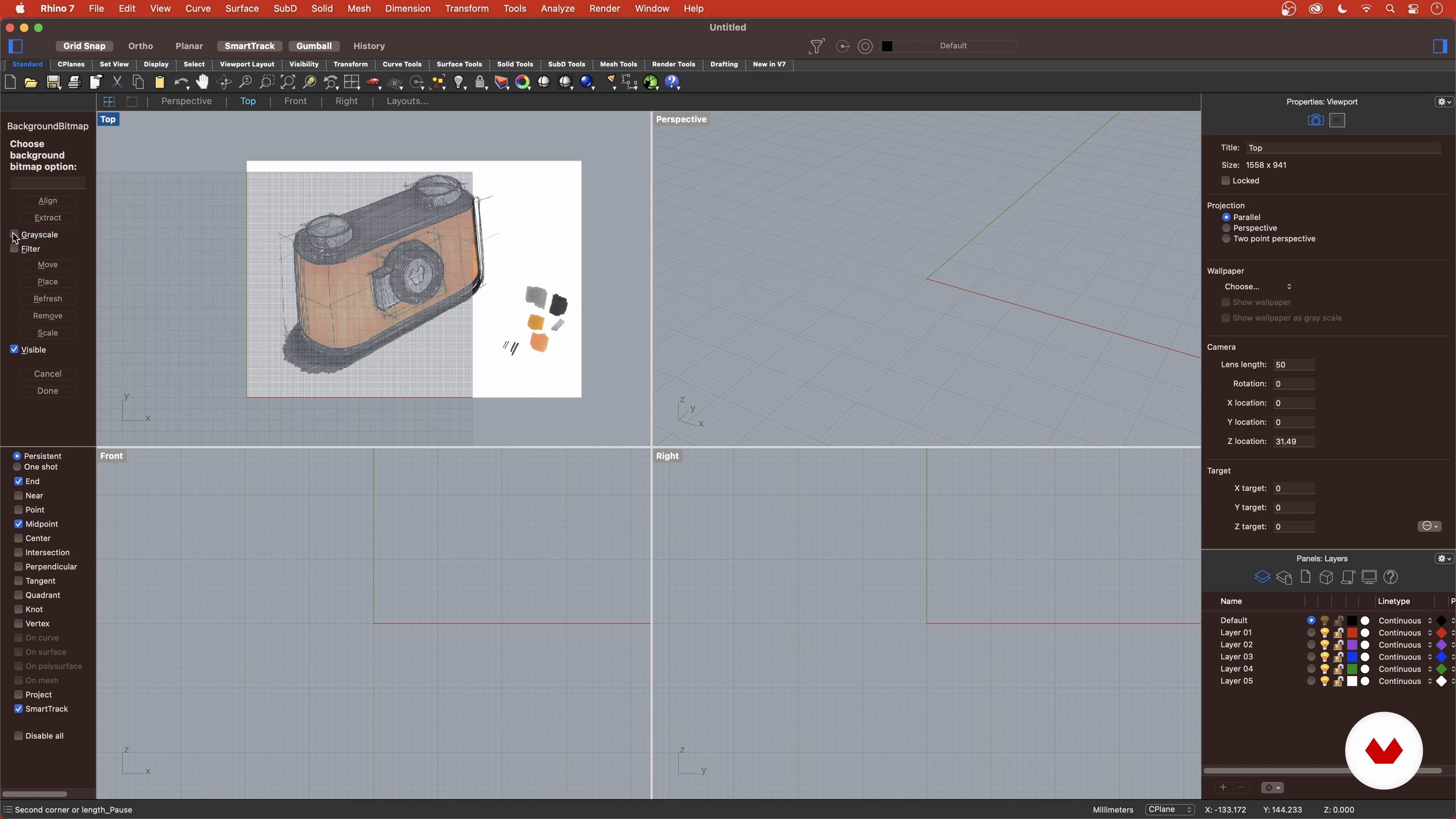
Hand sketch and digitization 2
2 minutes, 4 seconds
What's included in this course?
Start by getting to know Luca Magarò, who tells you a bit about himself and how he discovered the world of industrial design. He also shares the people, places, and things that have inspired his style and his work.
Next, get an overview of the workflow for the final project and cover the tools and materials you need to complete it.
Analyze the relationship between industrial design and 3D printing and install Rhinoceros 3D on your computer.
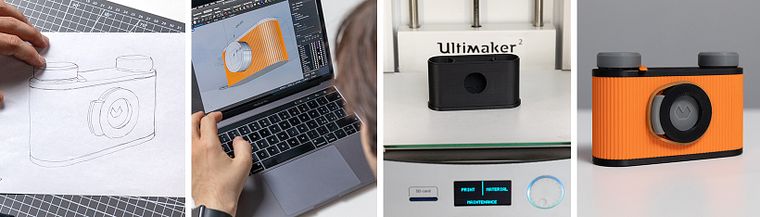
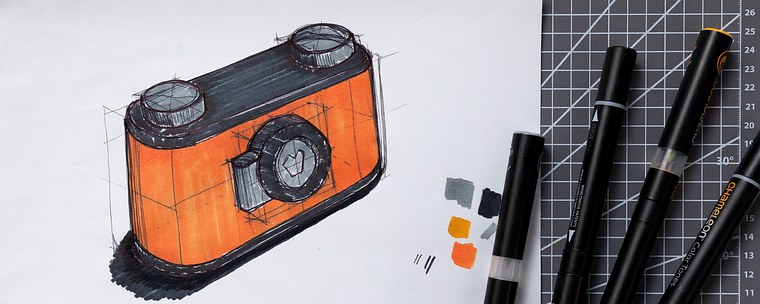
Now it's time to start working on your project. Draw a freehand sketch of your idea and add the proportions, stylistic details, color, and texture of the materials. Then, digitize your drawing and start modeling the pieces of your pinhole camera by creating curves, surfaces, and solids in Rhinoceros 3D.
Learn how to work with layers to organize your project and customize each component of your design.
Once you've created the geometry in Rhino, see how to adapt it for 3D printing. Import your design into Ultimaker Cura and prepare your file for printing.
With everything in place, Luca explains how to properly configure and use a 3D printer. Finally, clean up your pieces and remove any supports before assembling them to create your pinhole camera.
Recommended software & tools for this course
What is this course's project?
Design and model a pinhole camera with Rhinoceros 3D and bring it to life using a 3D printer.
Who is this online course for?
Anyone interested in industrial design and 3D modeling.
Requirements and materials
To take this course, you need basic knowledge of Windows or Mac OSX, a free license for Rhinoceros 3D and Ultimaker Cura, and access to an FDM 3D printer.
Reviews
- 3 months ago
Ottimo!
- 9 months ago
esta bien explicado y eso es lo importante
- 1 year ago
Buena explicacion sobre el proceso en general. pero hay que tomar un curso de Rhino por aparte ademas de este curso.
- 2 years ago
Muy interesante aprender este programa, expande nuevas opciones de representación grafica arquitectónica y sobre todo aporta nueva herramientas para el ejercicio profesional :)!
- 2 years ago
Great!!

After gaining substantial experience working for major Italian companies, Luca decided to open his own studio along with friend: VIVO. Throughout the years, they have worked with brands like Samsonite, Angelini, TIM, and Enel.
Content
- U1
Introduction
- Presentation
- Sources of inspiration
- U2
The design is Rhinoceros 3D
- Tools and materials
- 3D design and modeling
- Installation of Rhinoceros 3D
- Introduction to Rhinoceros 3D
- U3
Create the final project
- Hand sketch and digitization 1
- Hand sketch and digitization 2
- Model the camera components 1
- Model the components of the camera 2
- Model the components of the camera 3
- Levels and details 1
- Levels and details 2
- Preparing the file for 3D printing
- Ultimaker Cura
- U4
3D printing
- 3D printing
- The cleaning of the pieces and the pinhole
- Assembly and final touches
- FP
Final project
- 3D modeling with Rhinoceros
What to expect from a Domestika course
Learn at your own pace
Enjoy learning from home without a set schedule and with an easy-to-follow method. You set your own pace.
Learn from the best professionals
Learn valuable methods and techniques explained by top experts in the creative sector.
Meet expert teachers
Each expert teaches what they do best, with clear guidelines, true passion, and professional insight in every lesson.
Certificates
PLUSIf you're a Plus member, get a custom certificate signed by your teacher for every course. Share it on your portfolio, social media, or wherever you like.
Get front-row seats
Videos of the highest quality, so you don't miss a single detail. With unlimited access, you can watch them as many times as you need to perfect your technique.
Share knowledge and ideas
Ask questions, request feedback, or offer solutions. Share your learning experience with other students in the community who are as passionate about creativity as you are.
Connect with a global creative community
The community is home to millions of people from around the world who are curious and passionate about exploring and expressing their creativity.
Watch professionally produced courses
Domestika curates its teacher roster and produces every course in-house to ensure a high-quality online learning experience.
FAQs
This course is designed for those who already have basic digital modeling skills and want to deepen their knowledge of Rhinoceros and 3D printing applied to industrial design.
To take the course, you’ll need a Mac computer with Rhinoceros 3D installed (trial or full license), Ultimaker Cura for 3D printing, and an internet connection.
You’ll learn how to turn ideas and hand sketches into detailed 3D models with Rhinoceros, prepare files for 3D printing, manage complete industrial design workflows, and create innovative prototypes.
The course covers 3D modeling with Rhinoceros for industrial design, preparing files for 3D printing, rapid prototyping, and product innovation strategies.
To install Rhinoceros on a Mac, simply download the .dmg file from the official website, drag it into Applications, and follow the activation steps via email and license code.
The course covers creating curves and solids, managing layers and sublayers, using Snap, Smart Track, Gumball, Boolean operations, and aesthetic customization techniques.
Owning a 3D printer isn’t required, but it’s recommended for hands-on prototyping. Alternatively, you can collaborate with fab labs or use online printing services.