A course by Catherine PearsonIllustrator
A course by Catherine Pearson, Illustrator
- 5.0100% positive reviews(96)
- 1,548 students
- 18 lessons (4h 15m)
- 16 additional resources (5 files)
- Online and at your own pace
- Available on the app
- Audio: English
- Spanish · English · Portuguese · German · French · Italian · Polish · Dutch · Turkish · Romanian · Indonesian
Level:
Beginner- Unlimited access forever

Design stylized illustrations filled with playful details and gradients that are ready to share with the world
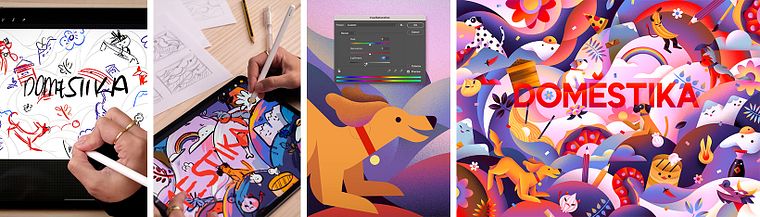
We can think of color gradients as a metaphor for life; sometimes life requires a bold approach, and other times something a little softer. Illustrator Catherine Pearson creates striking artwork using color gradients, texture, and details for clients including Adobe MAX and Absolut Vodka.
In this course, she teaches you how to design captivating illustrations of your own. Learn how to take a client’s vision and transform it into a unique piece of art using Photoshop. Are you ready to invite people into a colorful world of enchanting illustrations?
What will you learn in this online course?
18 lessons & 21 downloads

Client Brief, Preparation and Tools
16 minutes, 45 seconds
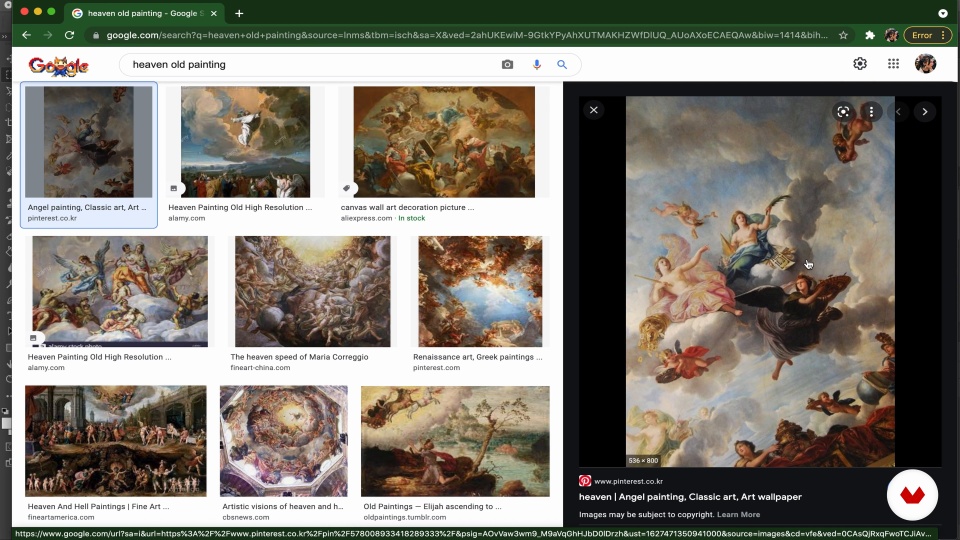
Mood Board and First Sketch
17 minutes, 18 seconds
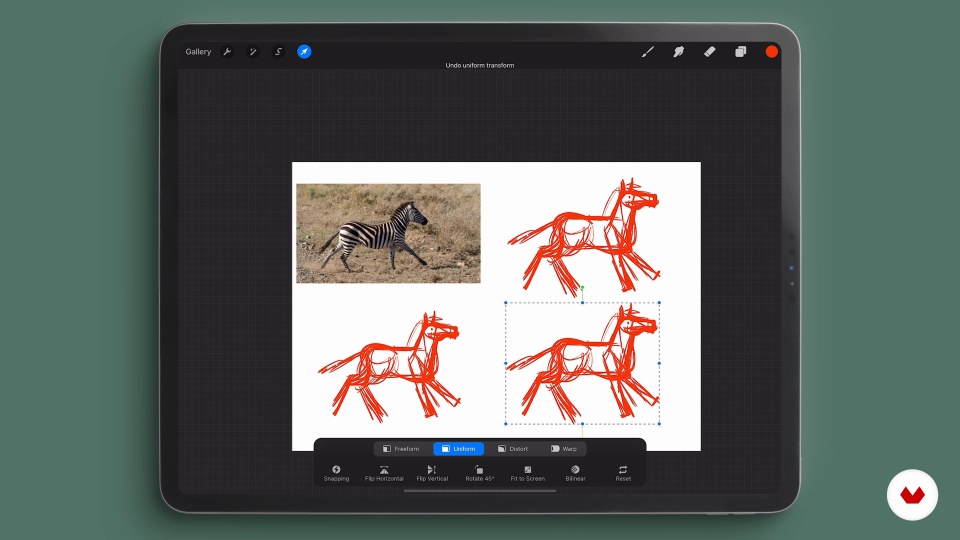
Stylization 1
19 minutes, 1 second
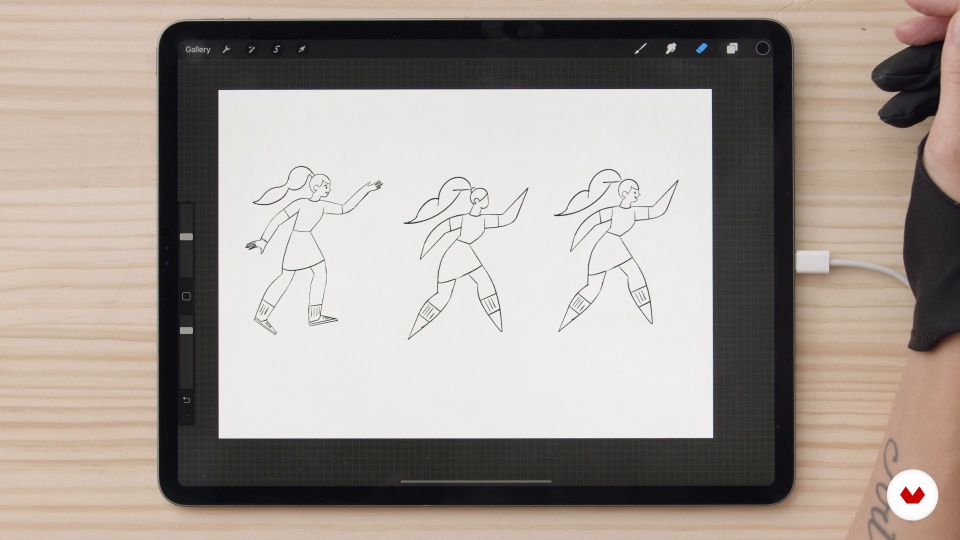
Stylization 2
17 minutes, 37 seconds
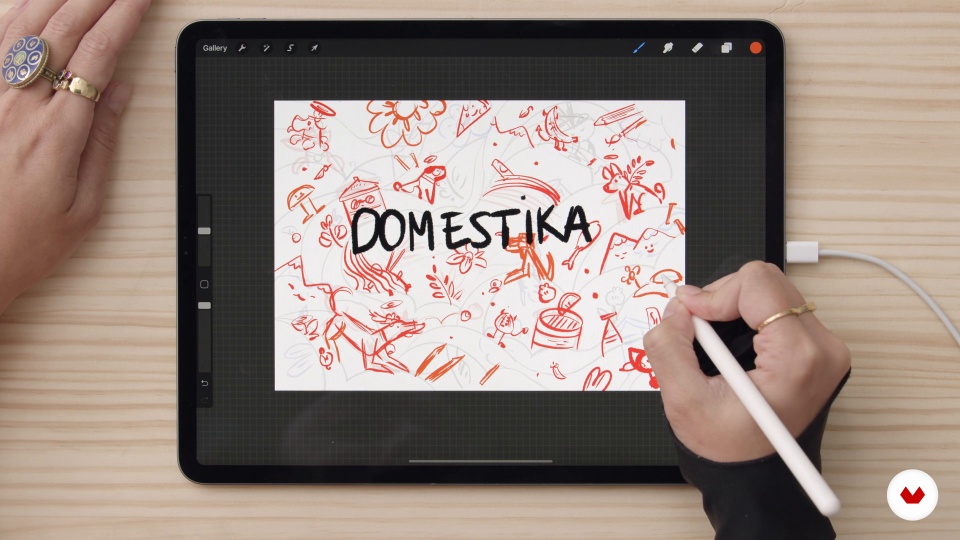
Refined Sketch and Color Tests 1
19 minutes, 21 seconds
Refined Sketch and Color Tests 2
9 minutes, 49 seconds
What's included in this course?
Start by getting to know illustrator Catherine Pearson. She talks through her creative journey to becoming a full-time illustrator, along with the influences that have inspired her career, from fellow artists to her family.
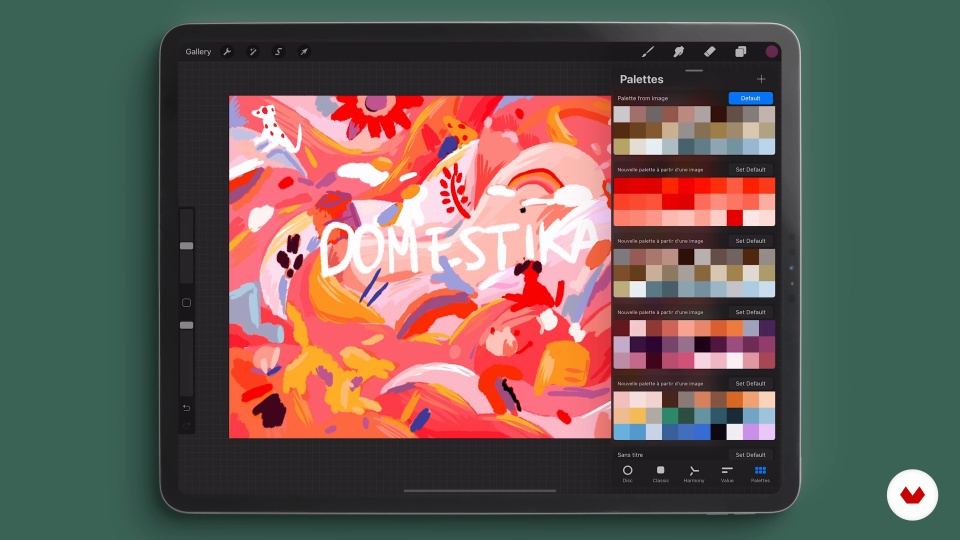
Begin with a creative brief. Catherine shares her advice on how to approach a brief, along with her process for preparing for a project. Look for inspiration for your mood board, then start experimenting with rough sketches. Discover how to make your illustrations your own through stylization before refining your sketch and choosing your color palette.
Next, learn how to use Photoshop to create the background of your illustration. Then incorporate texture to add depth and interest to your art using the software’s Brush Studio. Add playful details to your illustration before making your final tweaks and adjustments.
Learn how to export your files ready to share as wallpaper. Hear Catherine’s tips for posting your illustrations on social media, as well as her advice on becoming a full-time freelancer, including finding an agent, and seeking constructive criticism.
Recommended software & tools for this course
What is this course's project?
Design and illustrate a downloadable digital wallpaper in Photoshop.
Who is this online course for?
This course is for anyone with an interest in developing their illustration skills and learning how to work on client commissions.
Requirements and materials
Previous experience with Adobe Photoshop will be beneficial.
You will need a paper and pencil or a digital drawing tablet, as well as access to a computer with Photoshop installed.
Reviews
What students say
Students most often praise the clear, detailed, step-by-step teaching and the instructor’s explanations of her illustration process. Many say they learned practical Photoshop techniques, especially for creating textures, choosing colors, and stylizing shapes. Reviews also frequently describe the instructor’s artwork and creative approach as inspiring.
- 1 day ago
Very helpful. the instruction is easy to follow. Domestika no longer produces class as good as the old ones (such as this one) anymore.
- vcollazosPLUS5 months ago
Gran curso! lo recomiendo para seguir ampliando conocimiento de ilustración digital!, sencillo y bien explicado
- 9 months ago
отлична !
- 9 months ago
very helpfull
- 1 year ago
Great course! She goes through her process in a very detailed way and shares her tips. I learned how to better use Photoshop through this process and how to refine my drawing technique with the software to get clearer shapes.

Catherine’s illustrations have been featured in magazines, at events, on product packaging, and more. She has worked for clients including Lausanne Lumières Festival, Adobe MAX, and Absolut Vodka Switzerland. She also co-founded the brand The Good Apple, where she creates artwork and souvenirs inspired by Switzerland, its history and culture.
Content
- U1
Introduction
- About Me
- Influences
- U2
Getting Ready
- Client Brief, Preparation and Tools
- Mood Board and First Sketch
- Stylization 1
- Stylization 2
- Refined Sketch and Color Tests 1
- Refined Sketch and Color Tests 2
- U3
Final Art in Photoshop
- Background 1
- Background 2
- Textures
- Adding Our Key Elements 1
- Adding Our Key Elements 2
- Adding Our Key Elements 3
- Adding Our Key Elements 4
- Last Tweaks and Adjustments
- U4
Conclusions
- Preparing Your Files and Sharing Your Work
- Do You Want to Go Full-Time?
- FP
Final project
- Digital Illustration with Gradients
What to expect from a Domestika course
Learn at your own pace
Enjoy learning from home without a set schedule and with an easy-to-follow method. You set your own pace.
Learn from the best professionals
Learn valuable methods and techniques explained by top experts in the creative sector.
Meet expert teachers
Each expert teaches what they do best, with clear guidelines, true passion, and professional insight in every lesson.
Certificates
PLUSIf you're a Plus member, get a custom certificate signed by your teacher for every course. Share it on your portfolio, social media, or wherever you like.
Get front-row seats
Videos of the highest quality, so you don't miss a single detail. With unlimited access, you can watch them as many times as you need to perfect your technique.
Share knowledge and ideas
Ask questions, request feedback, or offer solutions. Share your learning experience with other students in the community who are as passionate about creativity as you are.
Connect with a global creative community
The community is home to millions of people from around the world who are curious and passionate about exploring and expressing their creativity.
Watch professionally produced courses
Domestika curates its teacher roster and produces every course in-house to ensure a high-quality online learning experience.
FAQs
Yes, this course is designed for intermediate-level illustrators who want to refine their style and learn advanced digital and traditional techniques for editorial, packaging, and children's book illustration.
You’ll need access to Procreate and Adobe Photoshop, a digital tablet or iPad, and basic drawing supplies like pencils and sketchbooks. No advanced hardware is required.
You’ll learn to develop detailed illustrations, create textures, build a professional portfolio, develop mood boards, work from creative briefs, and apply a variety of digital and traditional techniques for diverse illustration projects.
Yes, the course covers multiple digital texture techniques, including using custom brushes, layer modes, and blending tools in Photoshop and Procreate to add depth and realism to your artwork.
Yes, the course includes specific workflows for packaging design and children’s books, guiding you through ideation, sketching, and final artwork preparation for these formats.
You’ll learn strategies for selecting, refining, and presenting your work, as well as tips for attracting clients and structuring your portfolio for freelance opportunities.
Yes, the curriculum explores how to incorporate cultural references and personal experiences into your work to create unique and meaningful illustrations.