

Fantastical Illustrations with Procreate
A course by Michael RelthFreelance Animator, Illustrator, and Concept Artist
A course by Michael Relth, Freelance Animator, Illustrator, and Concept Artist

Learn the essentials of storytelling, composition, and color to create your own fictional worlds
Digital illustration is all about connecting. Once you find your inspiration, you can pour your heart into lines and forms, colors and textures, movement and gestures. Michael Relth uses illustration to draw fantastical worlds in Procreate. He’s worked with a number of motion graphics studios for clients such as Netflix and Riot Games, and has worked directly for clients including Warner Animation and Procreate. He also shares his work with over 50k followers on Instagram
In this course, Michael teaches you how to bring your ideas to life in Procreate by learning the essentials of storytelling, composition, and color. Learn to build magical imaginary worlds using just your iPad and an Apple Pencil. Are you ready to start creating illustrations that tell stories?
What will you learn in this online course?
16 lessons & 31 downloads

Influences
3 minutes, 54 seconds
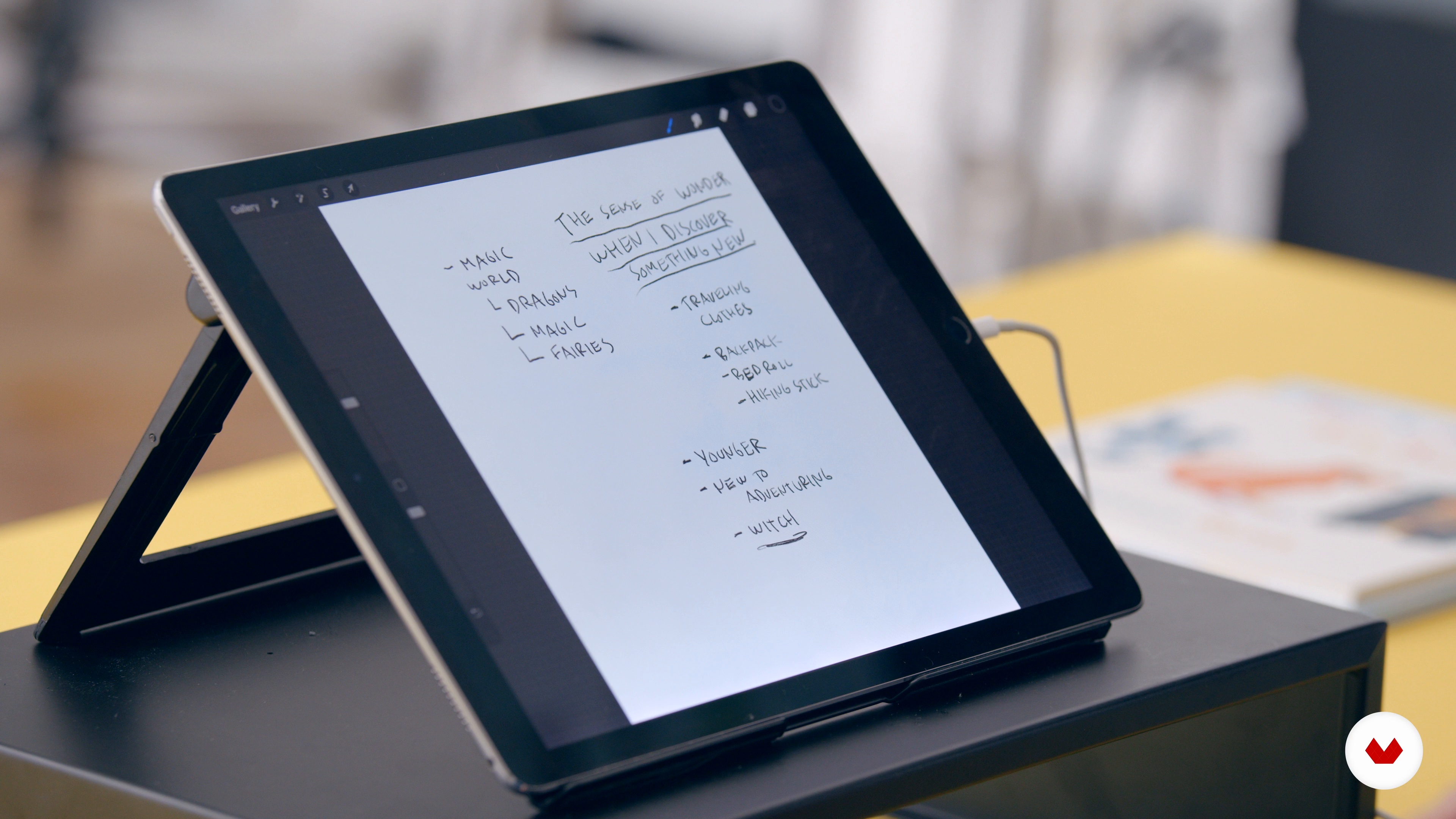
Storytelling, Writing and Character Ideas
4 minutes, 19 seconds
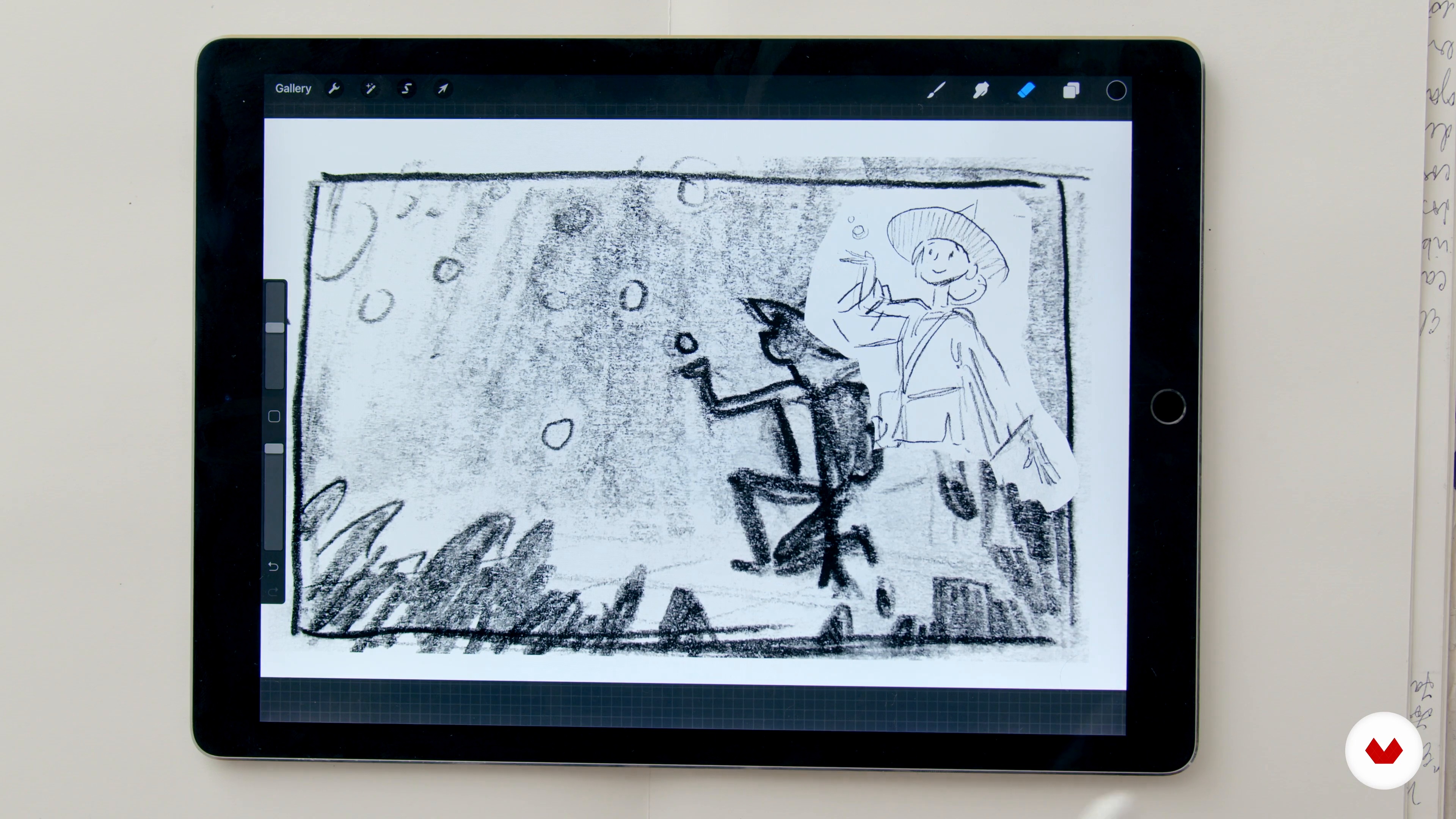
Sketching Ideas on Paper
9 minutes, 3 seconds
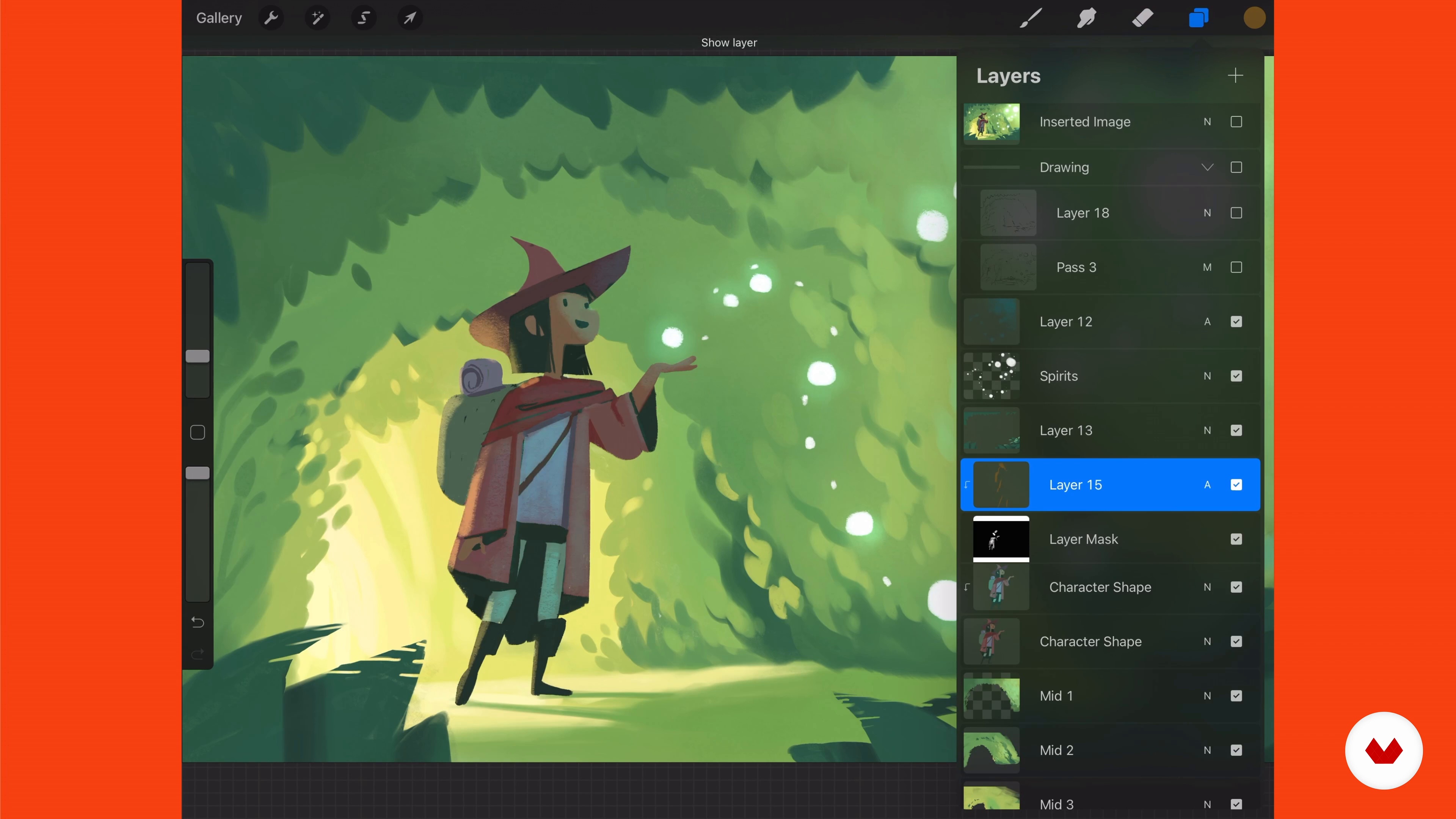
Painting Smaller Shapes Within Layers
10 minutes, 30 seconds
What's included in this course?
Begin the course by getting to know more about animator, illustrator, and concept artist Michael Relth. He takes you through his journey to becoming a full-time freelancer, along with the influences which have inspired his creative career.
Dive into the essentials of Procreate and its tools before learning how to use simple values and compositions to create compelling images. Explore color theory and see how experimenting with contrast, hue, value, saturation, and more can help bring harmony to your work.
Time to get started on your illustration! Begin by coming up with an idea for your artwork, drawing on your personal experiences. Michael shares his sources of inspiration when illustrating, and guides you through creating a reference board of your own images. Sketch your ideas on paper using a pencil before importing them into Procreate.
Refine your rough sketch and develop your character using digital brushes. Then learn how to use value composition to illuminate your scene and create a color thumbnail to use as a reference. Michael demonstrates the process behind adding light to your illustration and how to paint it. Then set up your layers and begin painting, starting with the background before moving on to the finer details.
Put the finishing touches to your painting by playing around with things like curves, color balance, and dust particles. To finish the course, Michael guides you through how to export your images and download a time-lapse recording of your creative process to share online.
Recommended software & tools for this course
What is this course's project?
Imagine and design a fantasy illustration in Procreate that combines storytelling, composition, and color.

Projects by course students
Who is this online course for?
This course is aimed at beginner to intermediate artists who are interested in using Procreate to improve their illustration skills and design fantasy worlds.
Requirements and materials
Previous knowledge of drawing, composition, and painting will be helpful but are not necessary.
You will need a pencil and paper, an iPad with Procreate installed, and an Apple Pencil.

Reviews
- 4 months ago
Sparks the imagination and gives great ideas and instruction - highly recommended!
- 6 months ago
A solid course that has very good instruction and practical advice.
- 6 months ago
Me ha gustado mucho este curso de Michael. Sus lecciones de teoria son excelentes y ayudan a crear ilustraciones geniales. Como trabaja la composición y el color, es genial!!
- 6 months ago
Es un curso muy bonito, lo recomiendo
- 7 months ago
Explica muy bien, apendí mucho.

Throughout his career as a freelancer, Michael has worked in character animation, illustration, and visual development for a number of motion graphics studios as well as for clients including Procreate and Warner Animation. He also illustrated and published a book, Picture Book by Dog. As well as selling his sketches, paintings, and illustrations online, he shares them with over 50K followers on Instagram.
Content
- U1
Introduction
- About Me
- Influences
- U2
Preparation
- Overall Idea and Procreate Essentials
- Composition and Value Fundamentals
- Color Theory
- U3
Ideas and Reference
- Storytelling, Writing and Character Ideas
- Finding Inspiration
- Sketching Ideas on Paper
- U4
Drawing and Painting
- Final Sketch, Drawing With Line and Shape
- Value Composition and Color Thumbnails
- Painting Process Demo
- Creating Layers and Painting Gradients
- Painting Smaller Shapes Within Layers
- U5
Finishing Touches
- Adding Final Details
- Last Compositing Touches
- Exporting Your Finished Artwork!
- FP
Final project
- Fantastical Illustrations with Procreate
What to expect from a Domestika course
Learn at your own pace
Enjoy learning from home without a set schedule and with an easy-to-follow method. You set your own pace.
Learn from the best professionals
Learn valuable methods and techniques explained by top experts in the creative sector.
Meet expert teachers
Each expert teaches what they do best, with clear guidelines, true passion, and professional insight in every lesson.
Certificates
PLUSIf you're a Plus member, get a custom certificate signed by your teacher for every course. Share it on your portfolio, social media, or wherever you like.
Get front-row seats
Videos of the highest quality, so you don't miss a single detail. With unlimited access, you can watch them as many times as you need to perfect your technique.
Share knowledge and ideas
Ask questions, request feedback, or offer solutions. Share your learning experience with other students in the community who are as passionate about creativity as you are.
Connect with a global creative community
The community is home to millions of people from around the world who are curious and passionate about exploring and expressing their creativity.
Watch professionally produced courses
Domestika curates its teacher roster and produces every course in-house to ensure a high-quality online learning experience.
FAQs
Yes, this course is designed for intermediate artists who have some experience with digital painting or Procreate and want to deepen their skills in imaginative illustration, lighting, color, and storytelling.
You will need an iPad with Procreate installed, a compatible stylus like the Apple Pencil, and access to digital resources like custom brushes. Traditional sketching tools are optional for thumbnailing.
You'll learn imaginative painting techniques, color and lighting fundamentals, abstract and realistic background workflows, character design, storytelling, composition, and advanced Procreate tools like gradient maps, liquify, and layer masking.
Yes, the course includes step-by-step guidance on using Procreate’s advanced features such as liquify, alpha lock, clipping masks, gradient maps, and custom brush installation.
Some prior experience with Procreate and digital art is recommended. Beginners may find the pace challenging, as the course assumes basic familiarity with digital painting tools.
Yes, you’ll be guided through creating custom canvases, installing and organizing brushes, and optimizing your Procreate workspace for efficient illustration workflows.
The course covers realistic lighting, color harmonies, value, saturation, color blending modes, and how to use tools like curves and gradient maps to enhance your artwork’s mood and depth.