Designing a Typographic Poster with Illustrator
A course by Steffen WagnerGraphic and Product Designer
A course by Steffen Wagner, Graphic and Product Designer

Hone your knowledge of typography and composition to design a creative poster that conveys a hidden message
Graphic and product designer Steffen Wagner creates original posters and works of art using typographic compositions. In his own words, his pieces are "thoughts in frames," as they encapsulate ideas and experiences. In his work, Steffen combines typographic design with artistic elements to convey a message that speaks on multiple levels.
In this course, learn how to transform your inspiration into written messages and hone your skills in lettering, typography, and harmonious compositions. Design a typographic poster with an inspiring message by hand and then create a digital version using Adobe Illustrator and Photoshop.
What will you learn in this online course?
18 lessons & 19 downloads
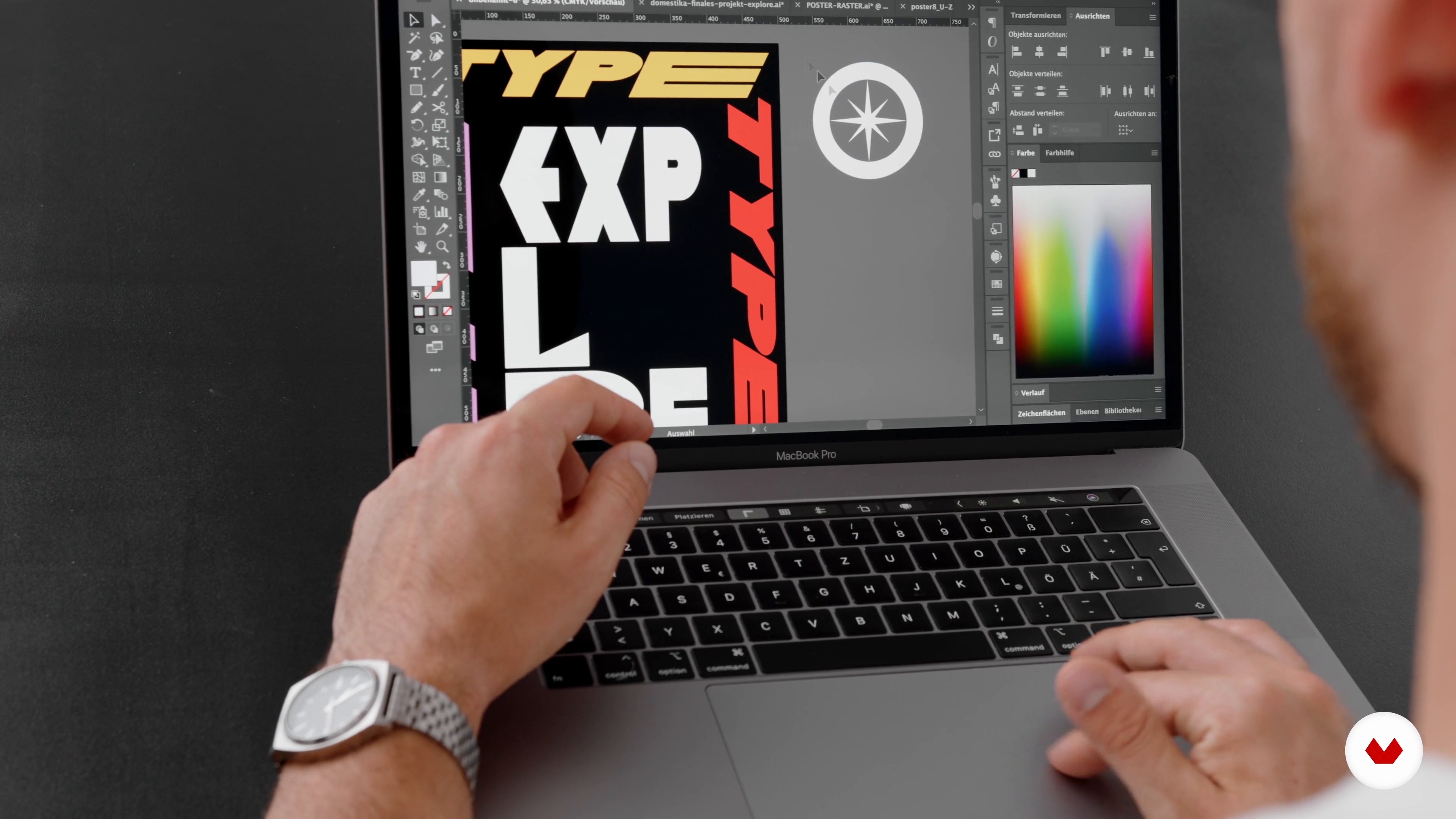
materials
2 minutes, 18 seconds

The grid
8 minutes, 20 seconds
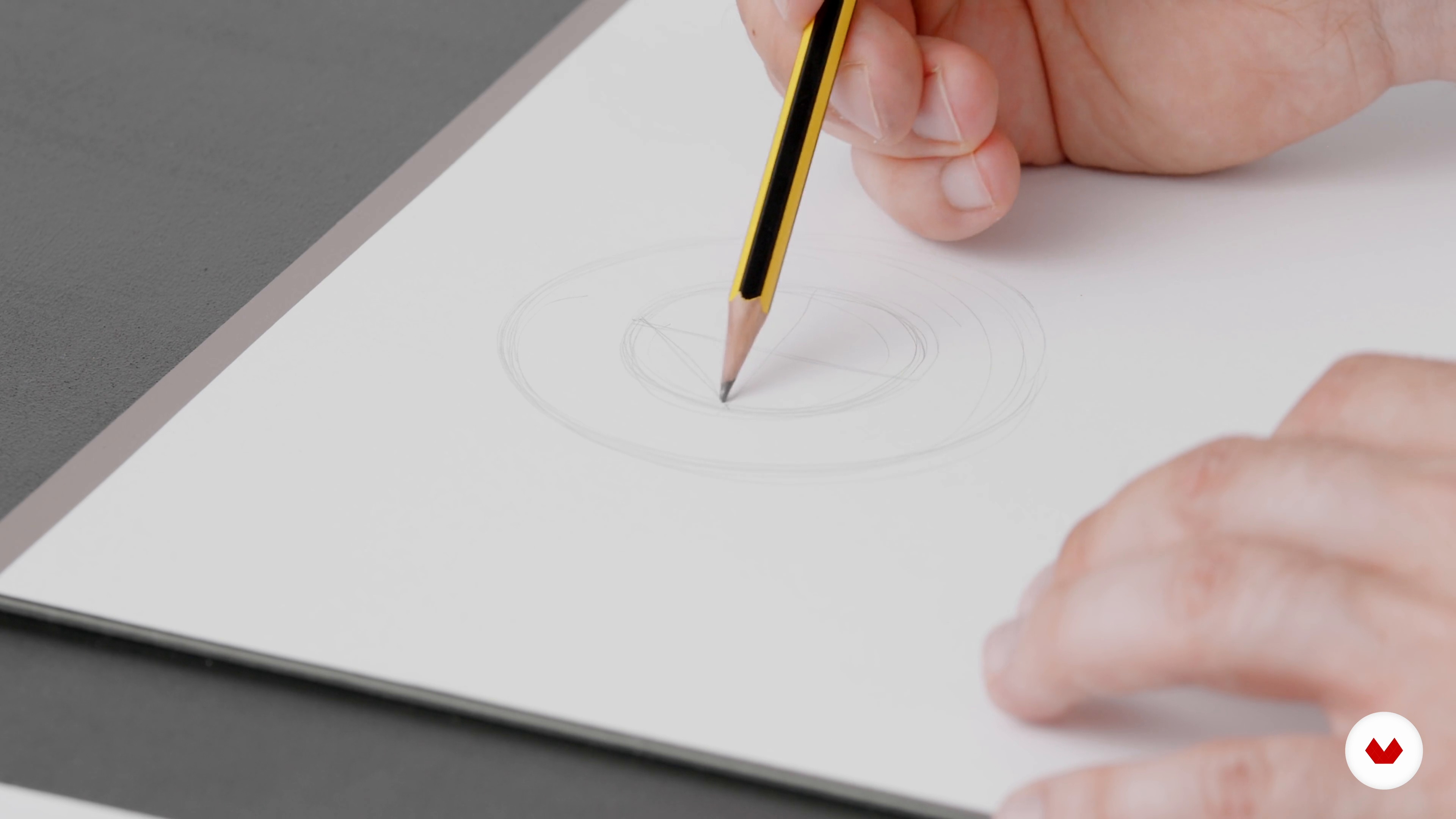
Getting a feel for the letters 1
13 minutes, 20 seconds
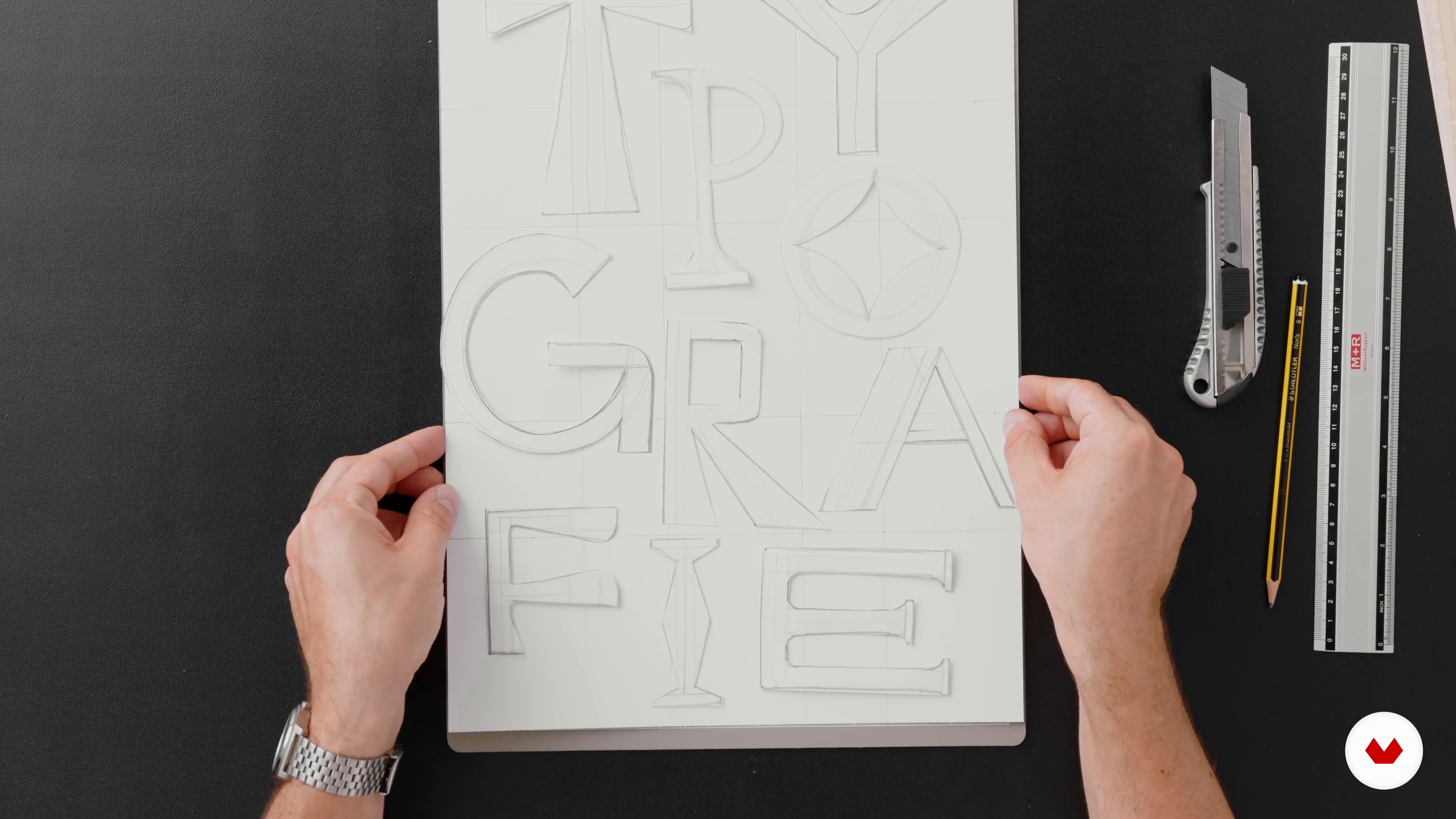
Get a feel for the letters 2
15 minutes, 8 seconds
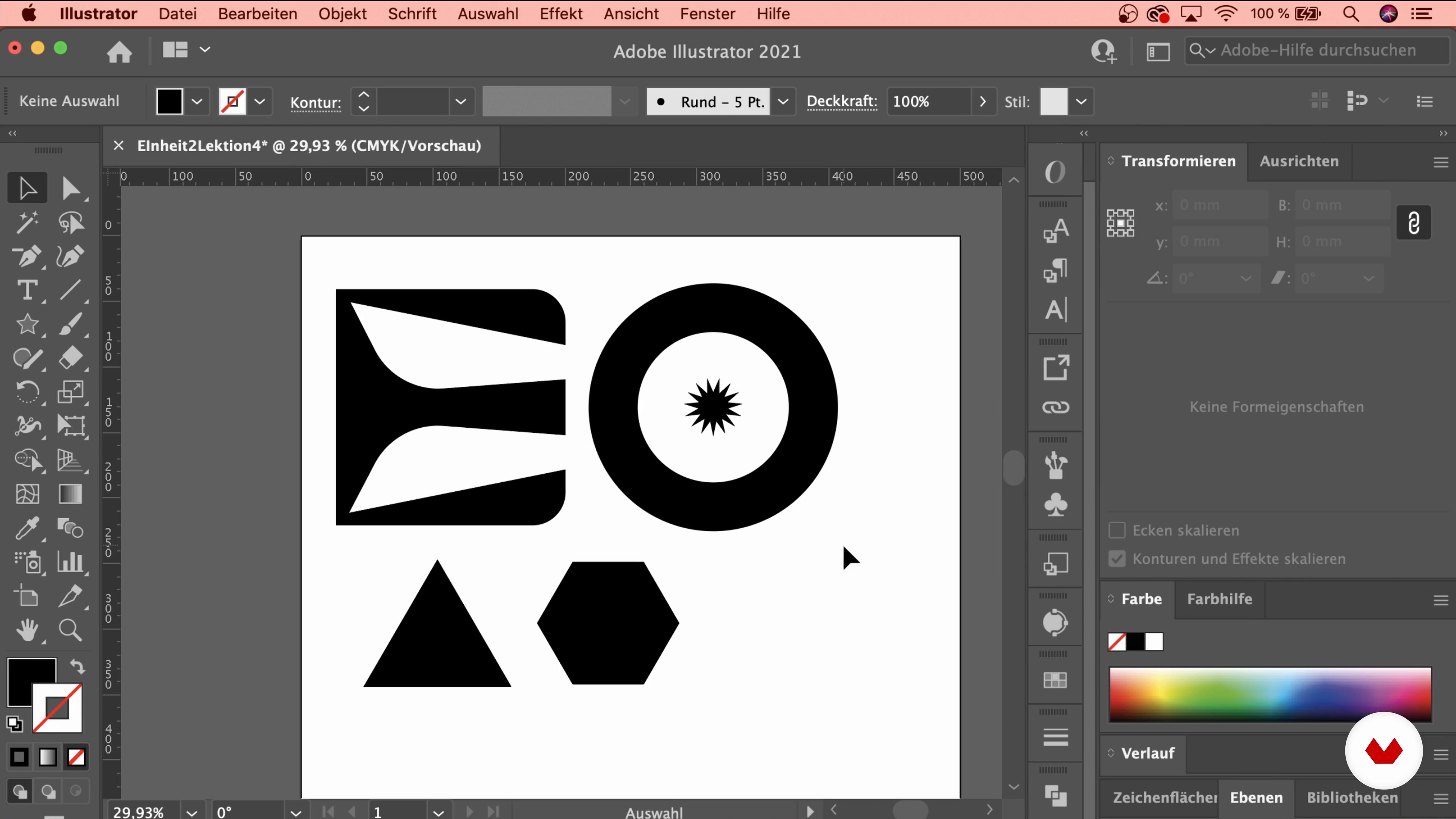
Work with the grid
13 minutes, 50 seconds
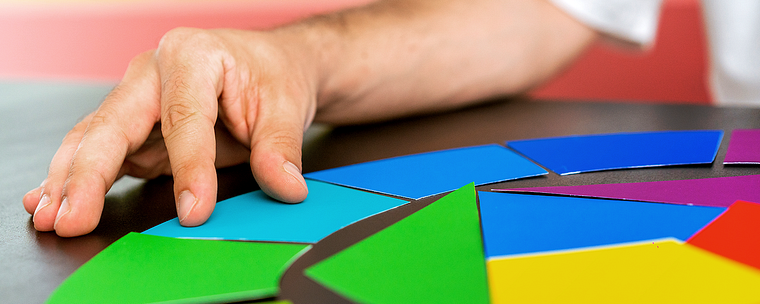
Colours
4 minutes, 42 seconds
What's included in this course?
Begin by getting to know designer Steffen Wagner. He tells you about his work, his biggest influences, and the artists that inspire him to create.
Next, Steffen explains the fundamentals of typography and touches on the materials you need, like pencils and a ruler. He also teaches how to appreciate the beauty and complexity of letters and build an inspirational mood board for your project.
Now it's time to get to work on your poster. Decide on the design, typography, and symbols you want to include and draw a square grid to help you arrange them into a balanced composition. Follow your teacher through some sketching exercises to train your artistic eye and get a feel for the letters before designing your own.
Move past black and white and choose a color palette for your design. Recreate your grid in Adobe Illustrator, digitize your sketch, and brighten it up with color. Then, transfer your design to Photoshop and enhance it with some finishing touches: overlay textures, apply color contrasts, and add a range of visual effects.
Finally, see how to use mock-ups to visualize your design in a space before you print it (for example, if you want to frame it and hang it on your wall). To round out the course, Steffen explains how to apply your designs to different objects such as clothing, mugs, and cards.
What is this course's project?
Create an original poster with a unique typographic design.
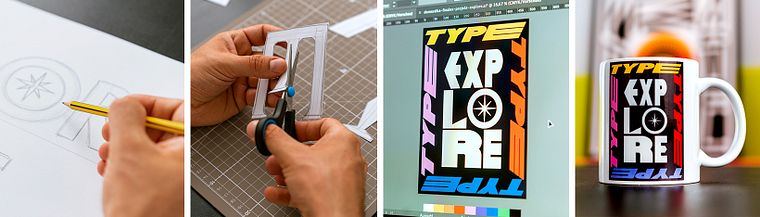
Projects by course students


Who is this online course for?
Anyone interested in typography who wants to learn how to design posters with inspiring and expressive messages.
Requirements and materials
The materials for this course include paper, pencil, a ruler, and a computer with Adobe Illustrator and Photoshop. Basic knowledge of both programs will also be helpful, but not necessary.
Reviews
- 4 months ago
Ottimo corso, spiegazioni ultra precise e dettagliate
- 1 year ago
Great course!
- 1 year ago
really helpful. anyone interested in design, check this out.
- 2 years ago
inspirador
- 2 years ago
inspirador

His interest in letters and communicative design eventually led him to his true passion: lettering and typographic posters. Steffen shares his posters on Instagram and Pinterest, and also designs logos, brand materials, and websites. His most distinguished projects include corporate designs for food companies and numerous works of art for galleries. Steffen's list of artistic influences includes Bauhaus and art styles from different time periods as well as artists like Pablo Picasso, Piet Mondrian, and Mark Rothko.
Content
- U1
introduction
- About me
- Influences
- U2
Composition and Typography
- materials
- The grid
- Getting a feel for the letters 1
- Get a feel for the letters 2
- Work with the grid
- Colours
- U3
Seeking and finding inspiration
- Sources of inspiration
- Mood board
- Symbolism and hidden messaging
- U4
Design a typographic poster
- From the idea to the design
- Getting started in Illustrator 1
- Getting started in Illustrator 2
- Color composition in Illustrator
- Fine-tuning in Photoshop
- U5
Present the design
- Mockups
- More options for your design
- FP
Final project
- Designing a Typographic Poster with Illustrator
What to expect from a Domestika course
Learn at your own pace
Enjoy learning from home without a set schedule and with an easy-to-follow method. You set your own pace.
Learn from the best professionals
Learn valuable methods and techniques explained by top experts in the creative sector.
Meet expert teachers
Each expert teaches what they do best, with clear guidelines, true passion, and professional insight in every lesson.
Certificates
PLUSIf you're a Plus member, get a custom certificate signed by your teacher for every course. Share it on your portfolio, social media, or wherever you like.
Get front-row seats
Videos of the highest quality, so you don't miss a single detail. With unlimited access, you can watch them as many times as you need to perfect your technique.
Share knowledge and ideas
Ask questions, request feedback, or offer solutions. Share your learning experience with other students in the community who are as passionate about creativity as you are.
Connect with a global creative community
The community is home to millions of people from around the world who are curious and passionate about exploring and expressing their creativity.
Watch professionally produced courses
Domestika curates its teacher roster and produces every course in-house to ensure a high-quality online learning experience.
FAQs
This course is designed for beginners with some basic knowledge as well as for advanced graphic designers. Having foundational design skills is helpful but not required. All key techniques and principles are explained step-by-step.
You’ll learn how to create typographic posters and logos, develop letters creatively, apply the Golden Ratio, use color contrasts and composition principles in practice, and take design projects from sketch to digital finish using Illustrator and Photoshop.
You’ll need basic materials like paper, pencil, ruler, cutter or scissors. For the digital part, access to Adobe Illustrator and Photoshop is recommended, though similar graphic programs will also work.
The course guides you from analog sketches and grid techniques through developing your own letterforms to digital refinement and professional presentation of your designs. Hands-on projects and methods for finding inspiration are integral parts.
You’ll learn how to create analog and digital grids based on the Golden Ratio, divide spaces harmoniously, and place design elements precisely within layouts. Mathematical basics are clearly explained and applied practically.
Yes, the course covers fundamentals of color theory. You’ll learn to mix primary and secondary colors, use various color contrasts like complementary and warm-cool contrasts intentionally, and create harmonious color palettes.
You’ll discover how to transfer your design ideas onto different products, use print-on-demand platforms, and prepare and present your motifs for various target audiences.