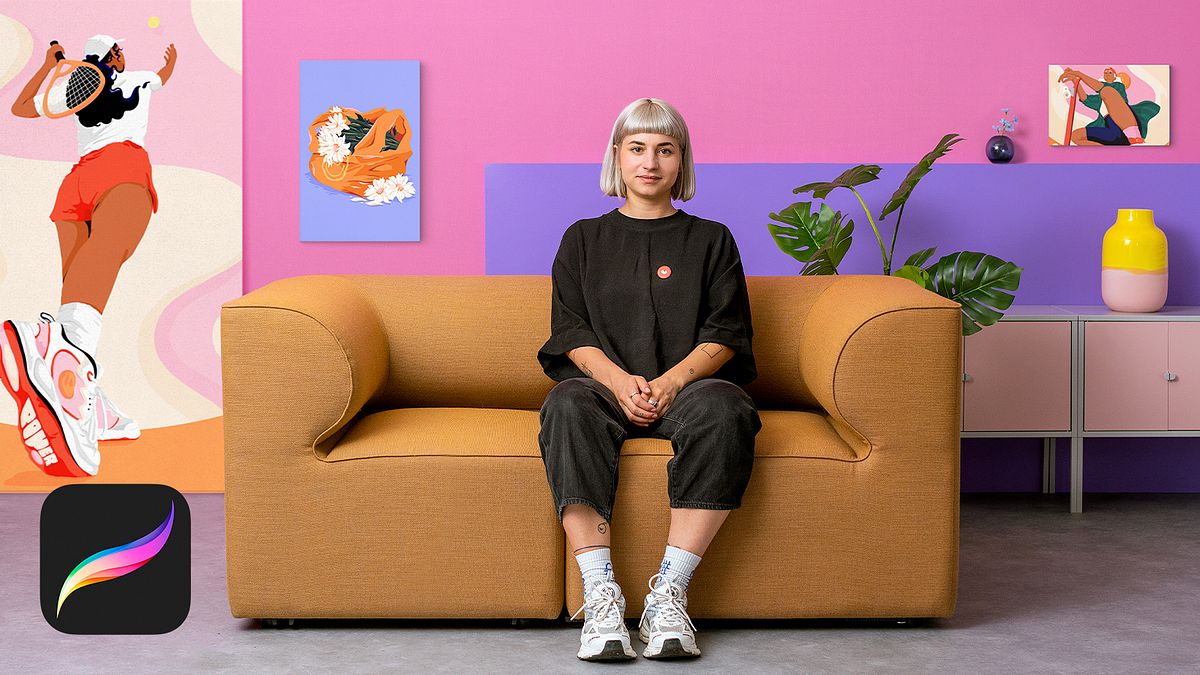
Stylish Character Illustration in Procreate
A course by Josephine RaisIllustrator
A course by Josephine Rais, Illustrator

Learn to create digital illustrations of female characters by playing with perspective and making expressive GIFs
Josephine Rais is a freelance illustrator known for her eye-catching and vibrant color palettes, extraordinary perspectives, and evocative narratives. Her work can be found in various online and paper publications as well as on products such as puzzles, book covers, and packaging. Throughout her career she has participated in campaigns for clients like Nike, adidas, and Facebook.
In this course, learn to draw digital characters from a range of perspectives and tell exceptional stories. With the help of Procreate, compose a unique figure, inspired by a reference photo, and use it to create a GIF. Play around with perspective and dynamic to create an outstanding illustration.
What will you learn in this online course?
14 lessons & 22 downloads
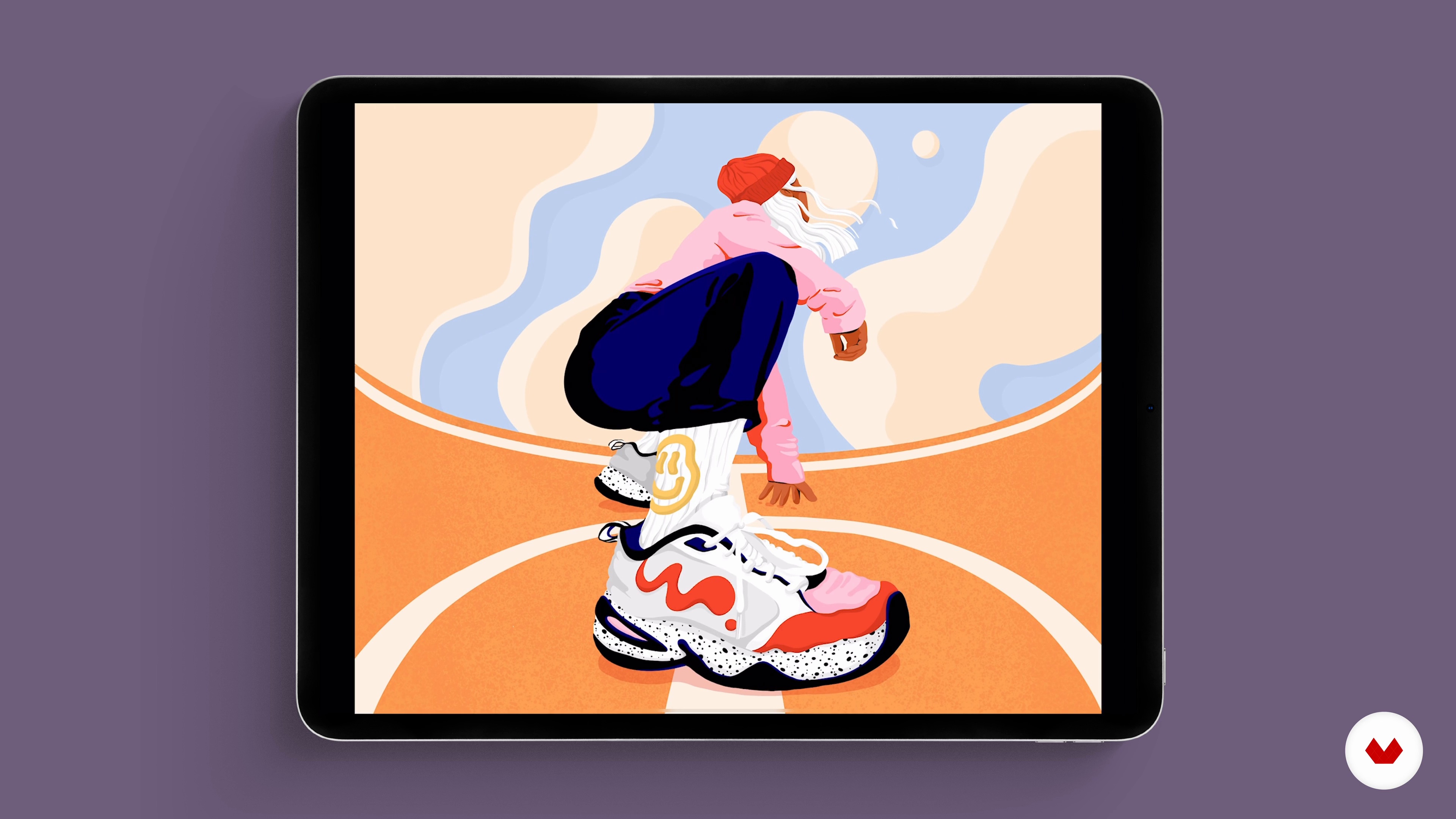
What you need for your final project
2 minutes, 20 seconds

Get to know perspectives
6 minutes, 51 seconds
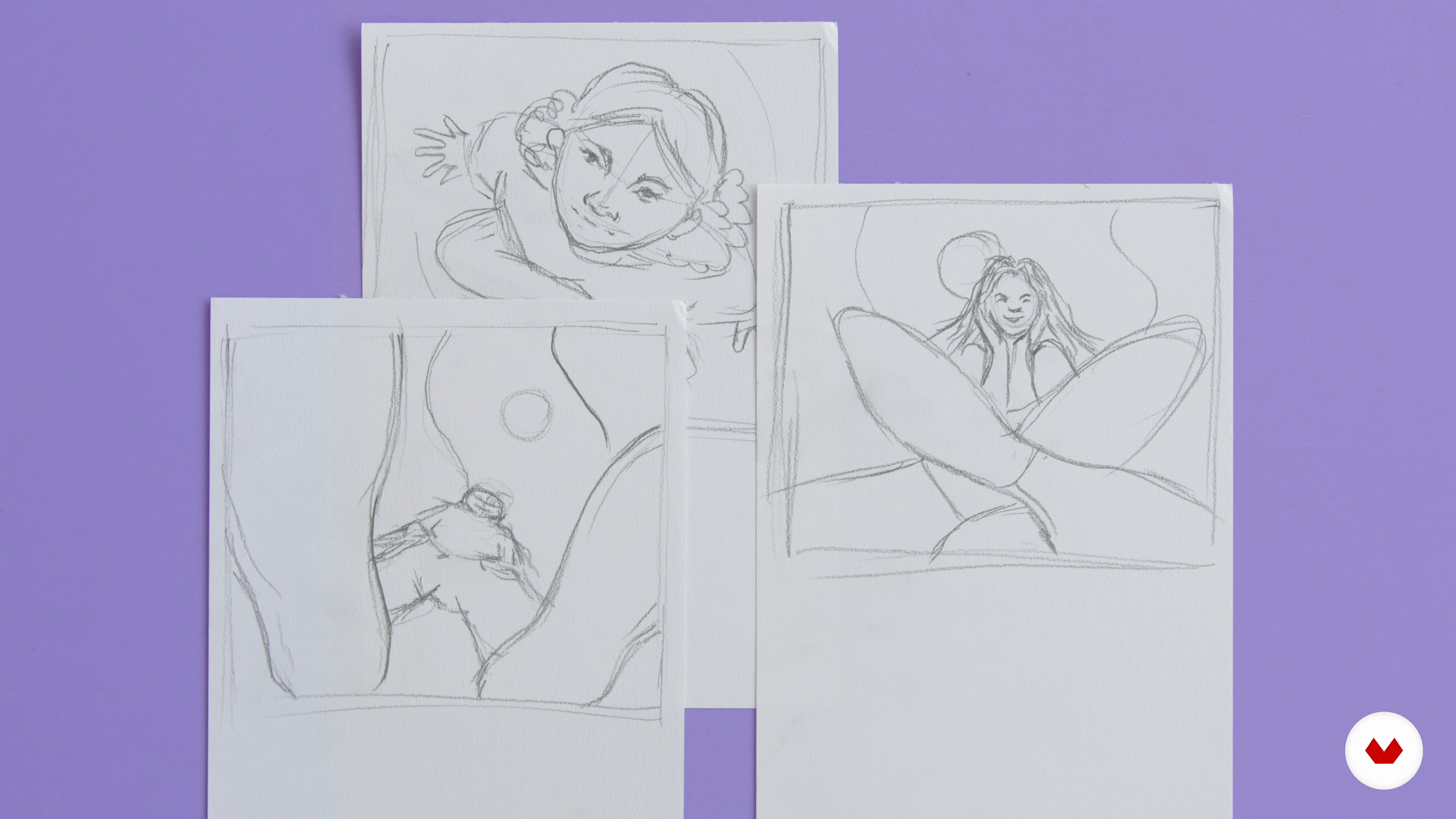
Hands on scribbles
8 minutes, 7 seconds
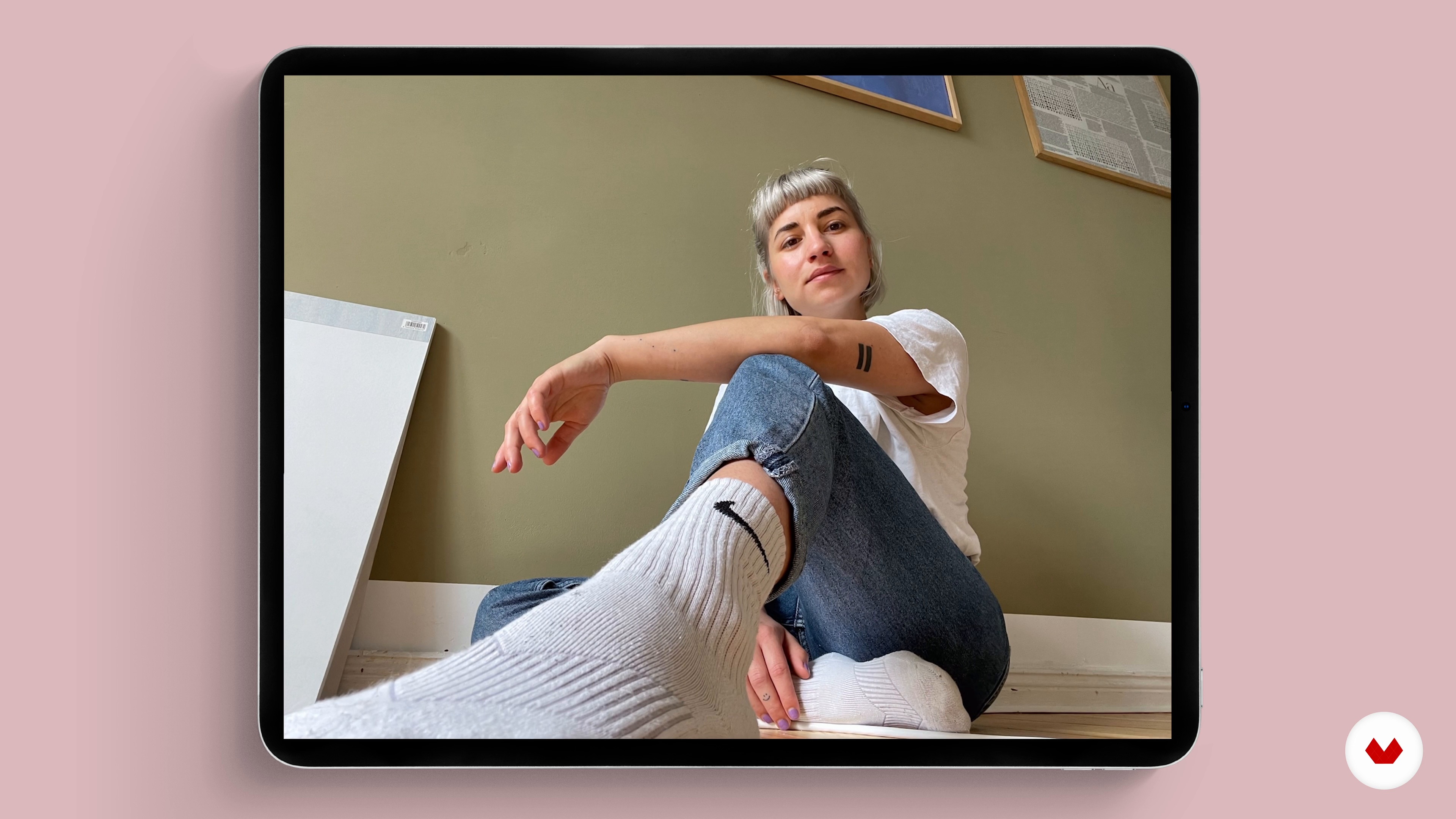
Reference photo and set-up
1 minute, 19 seconds
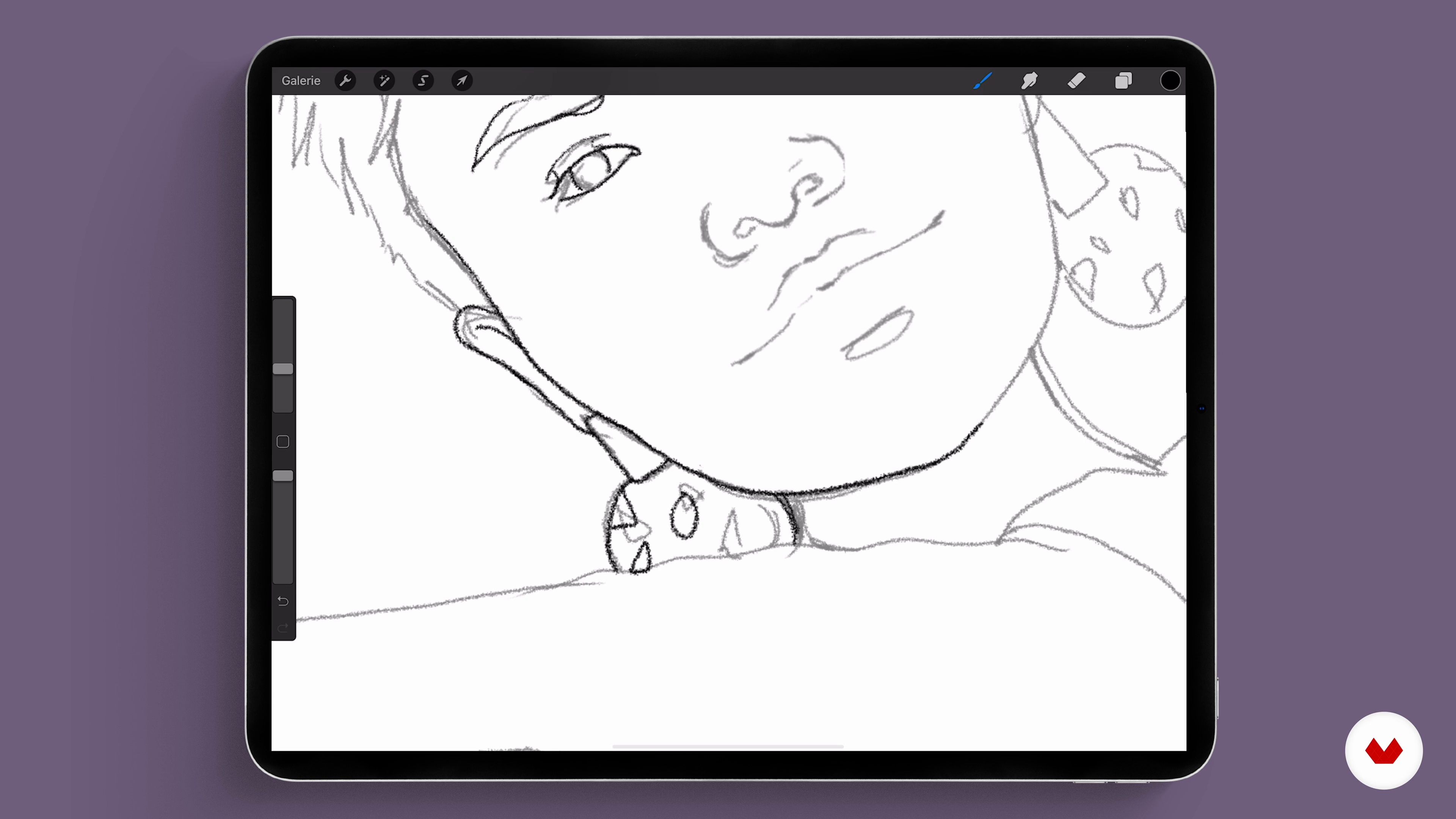
Sketching our person
15 minutes, 43 seconds
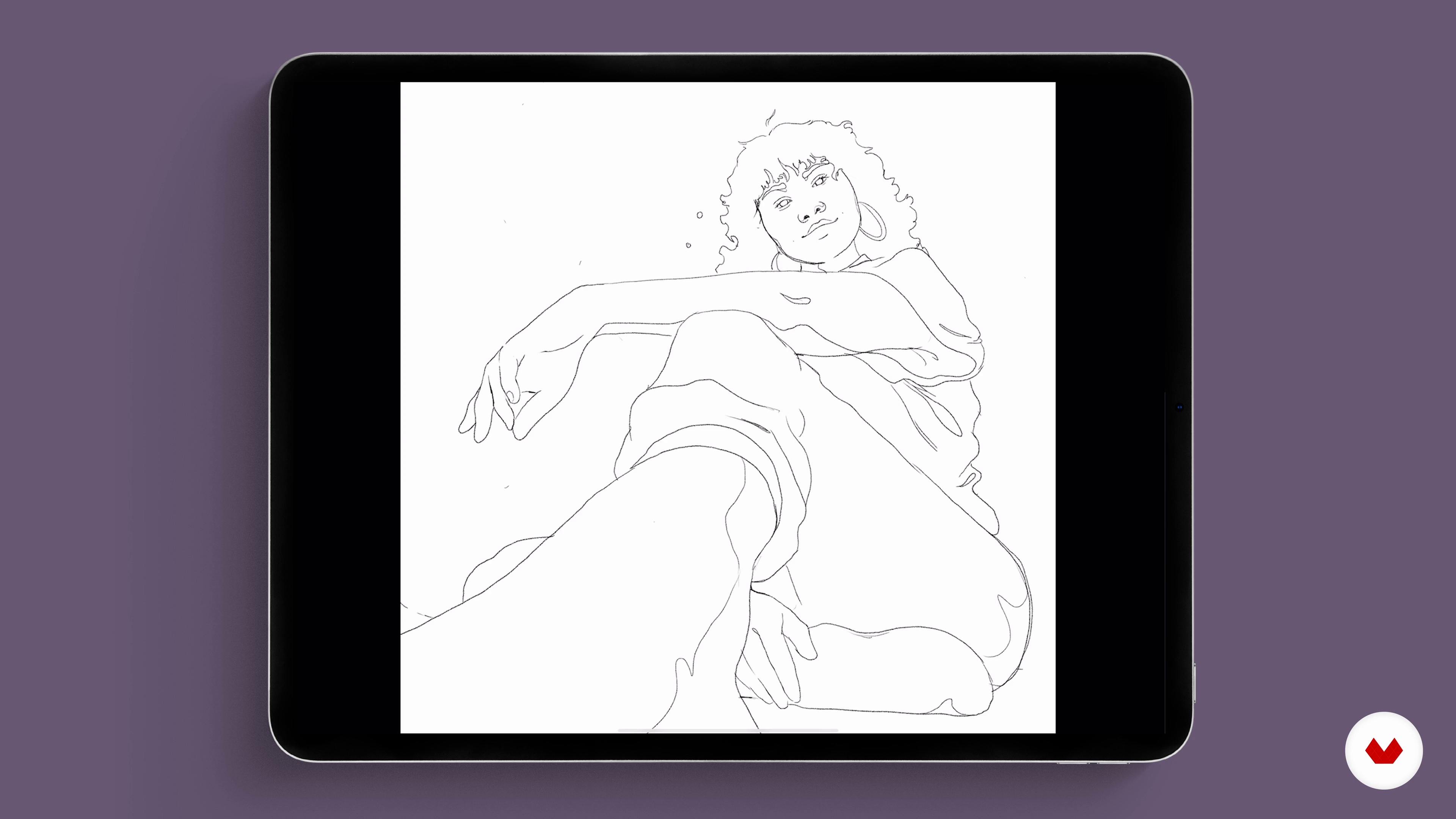
Style your character
7 minutes, 13 seconds
What's included in this course?
To start with, get to know illustrator Josephine Rais a little better. She talks about her most defining works and her main source of inspiration: life.
Then Josephine helps you reflect on possible perspectives for your character and the composition of your illustration. Look for reference materials for main characters and learn to create your own images from different angles as well as how to make the most of them.
Next, draw your first test sketch on paper to identify how best to use your drawing space and analyze the proportions, then use your sketch to produce your final illustration.
Now it's time to select a color palette in Procreate and get illustrating! Your teacher guides you step by step through the illustrating, stylizing, and retouching of your character. Move on to experiment with the Procreate tools playing around with perspectives, shadows, and colors until you're happy with the finished piece.
Lastly, use the program's Animation Assist tool to create a dynamic and striking GIF, with clean movements and flawless loops, using four of Josephine's own digital characters. To wrap up the course, she shows how to share your work on social media for maximum impact.
Recommended software & tools for this course
What is this course's project?
Using an image as a reference, draw a character in the pose of your choice and turn it into a GIF.
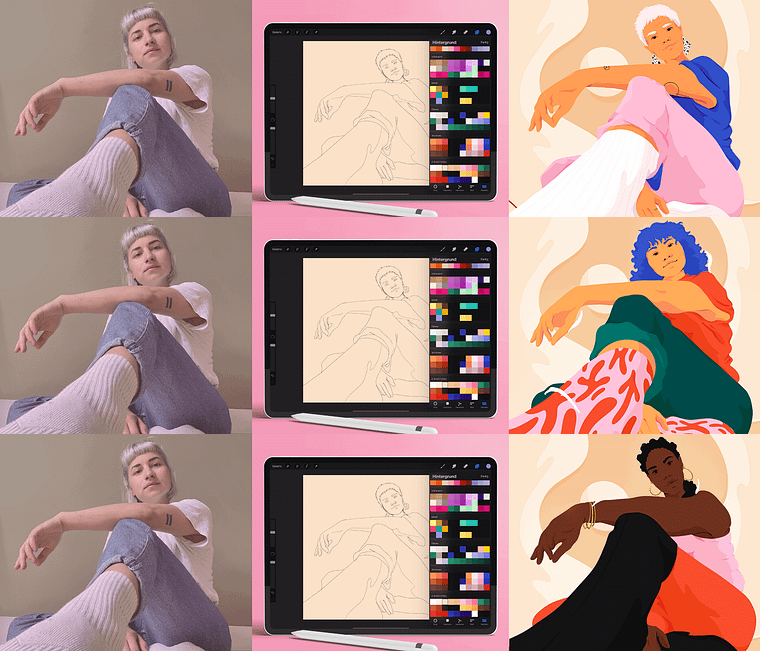
Projects by course students

Who is this online course for?
Anyone interested in learning to illustrate and draw powerful characters from different angles.
Requirements and materials
In order to take this course you need an iPad and an Apple Pencil as well as access to Procreate and a phone for the reference image.
Reviews
- 5 months ago
Hermoso curso! Lo recomiendo y la profe excelente
- 7 months ago
Amé el curso, profesora muy buena para explicar lo recomiendo 100%
- 9 months ago
Amazing course! I love how every step of the course was so detailed and very well explanations of the same. Now I know more about procreate tools and how to use layers and a little animation too!
- 1 year ago
Estoy empezando a ilustrar en Procreate y este curso me ha dado varias herramientas muy utiles. Aprendí muchisimo y ahora es momento de ponerlo en práctica. Lo recomiendo 100%, es muy claro.
- 1 year ago
Questo corso è fantastico! Nonostante io non sia una completa neofita apprezzo molto il fatto che non abbia lasciato nulla per scontato e questo mi ha permesso di realizzare un progetto finale che è andato oltre le mie aspettative!!

Josephine's work is characterized by bright colors, peculiar perspectives, and expressive characters that embody everyday situations, and often, the specific needs and struggles of women. Her artistic influences include Studio Ghibli, illustrator Christoph Niemann, and writer J. R. R. Tolkien. Her pieces have appeared in various magazines such as Die Zeit, Playboy, and Cosmopolitan as well as on product packaging. She has also done illustrations for Facebook, Nike, and adidas.
Content
- U1
introduction
- About me
- Inspirations
- U2
People in perspective
- What you need for your final project
- Get to know perspectives
- Hands on scribbles
- U3
Digital illustration
- Reference photo and set-up
- Sketching our person
- Style your character
- U4
Colors and variations
- Introduction to color
- Now it's getting colorful 1
- Now it's getting colorful 2
- U5
Make It Move
- Procreate and animation
- Get things moving
- Show your work
- FP
Final project
- Stylish Character Illustration in Procreate
What to expect from a Domestika course
Learn at your own pace
Enjoy learning from home without a set schedule and with an easy-to-follow method. You set your own pace.
Learn from the best professionals
Learn valuable methods and techniques explained by top experts in the creative sector.
Meet expert teachers
Each expert teaches what they do best, with clear guidelines, true passion, and professional insight in every lesson.
Certificates
PLUSIf you're a Plus member, get a custom certificate signed by your teacher for every course. Share it on your portfolio, social media, or wherever you like.
Get front-row seats
Videos of the highest quality, so you don't miss a single detail. With unlimited access, you can watch them as many times as you need to perfect your technique.
Share knowledge and ideas
Ask questions, request feedback, or offer solutions. Share your learning experience with other students in the community who are as passionate about creativity as you are.
Connect with a global creative community
The community is home to millions of people from around the world who are curious and passionate about exploring and expressing their creativity.
Watch professionally produced courses
Domestika curates its teacher roster and produces every course in-house to ensure a high-quality online learning experience.
FAQs
This course is designed especially for beginners with no prior experience and offers step-by-step guidance to learn fundamental illustration skills.
You’ll need an iPad with the Procreate app or a similar digital drawing device. Alternatively, you can use traditional materials like paper and pens.
You’ll learn illustration basics, color theory, perspective techniques, character design, storytelling, digital tools, plus how to create and present your portfolio.
The course provides practical instructions on developing and assembling a professional portfolio, including tips on selecting and showcasing your work.
Yes, you’ll learn to sketch people from bird’s-eye and worm’s-eye views, including perspective distortion and different body types.
The course teaches how to incorporate diversity into your illustrations and portray women in a nuanced, confident, and artistic way.
After completing the course, you’ll be able to create illustrations for magazines, campaigns, and products with purpose and style.