
Create an incredible three-dimensional world full of colors, movement, and detail and learn all the secrets of Cinema 4D, Photoshop, and Octane
Who says illustration should be limited to 2D? Not Mattey! He's an expert illustrator who loves to play around with depth in his 3D illustration work. His vibrant and multicolored pop universe allows him to add character to absolutely any kind of visual project.
In this course, Mattey teaches you a simple yet effective technique for creating 3D illustrations in Cinema 4D. Use Photoshop for tweaking smaller details and the rendering engine Octane to achieve stunning results to capture the attention of all your followers and clients.
What will you learn in this online course?
21 lessons & 13 downloads
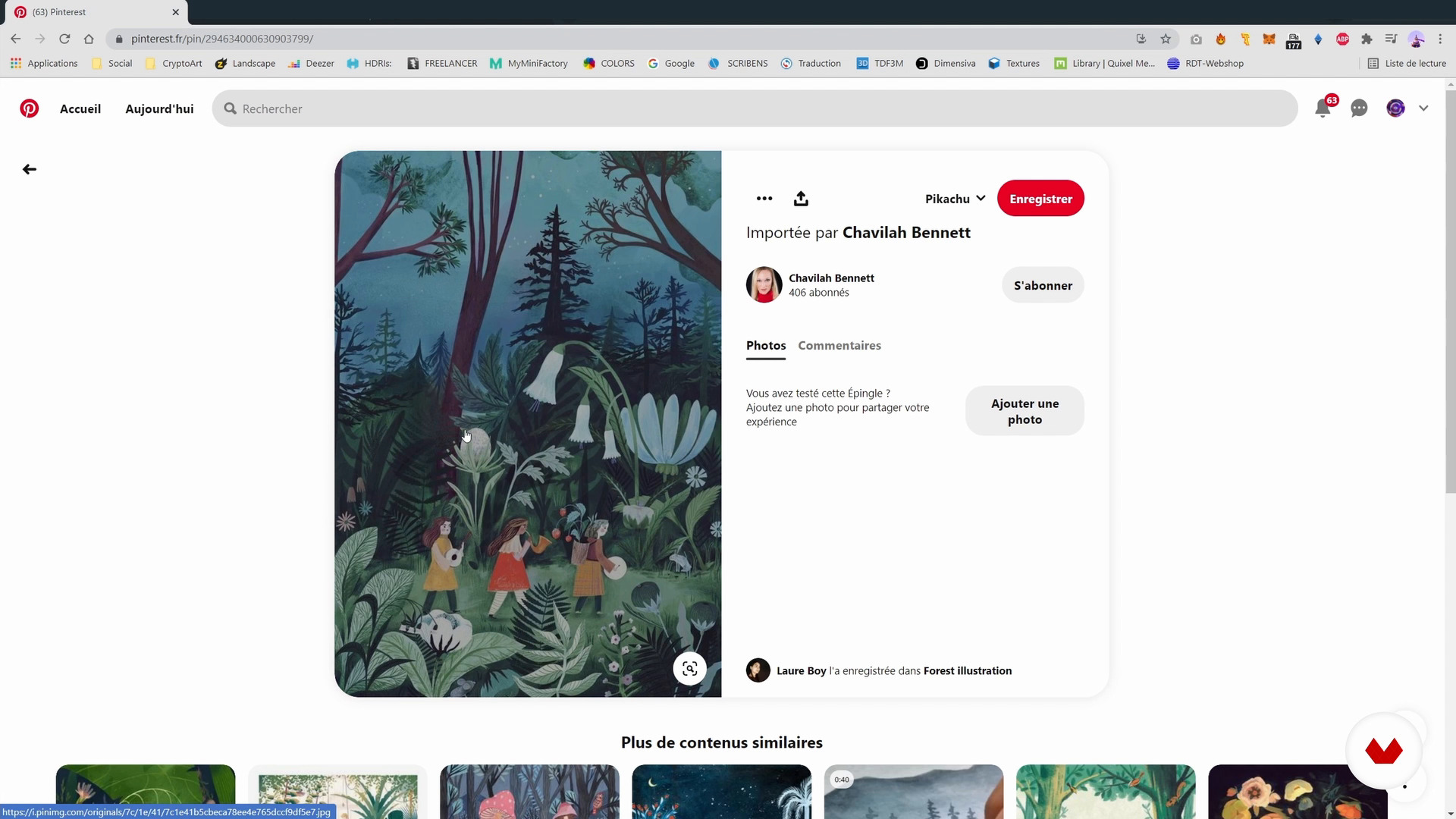
References search
3 minutes, 41 seconds
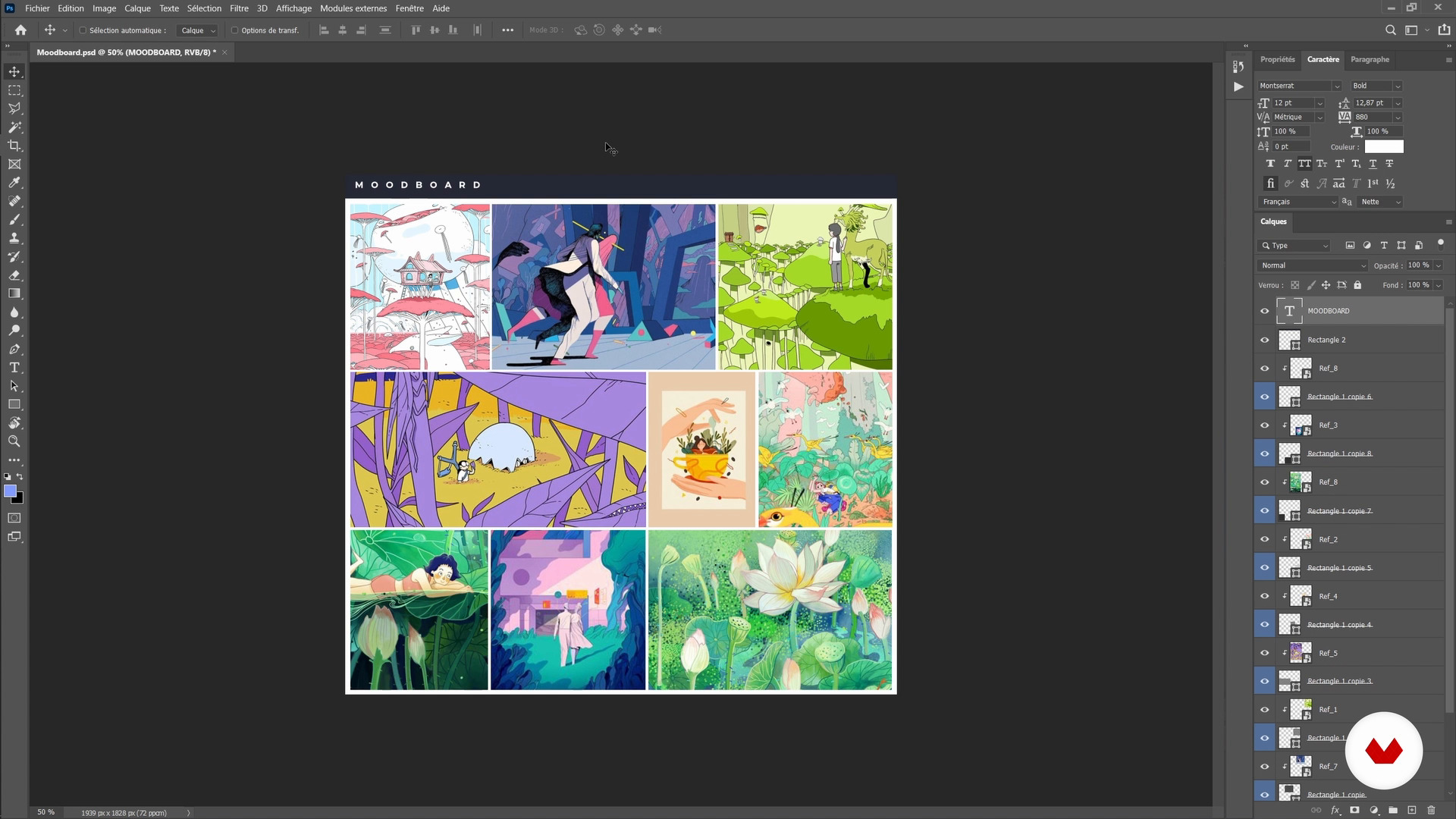
Create a mood board
7 minutes, 25 seconds
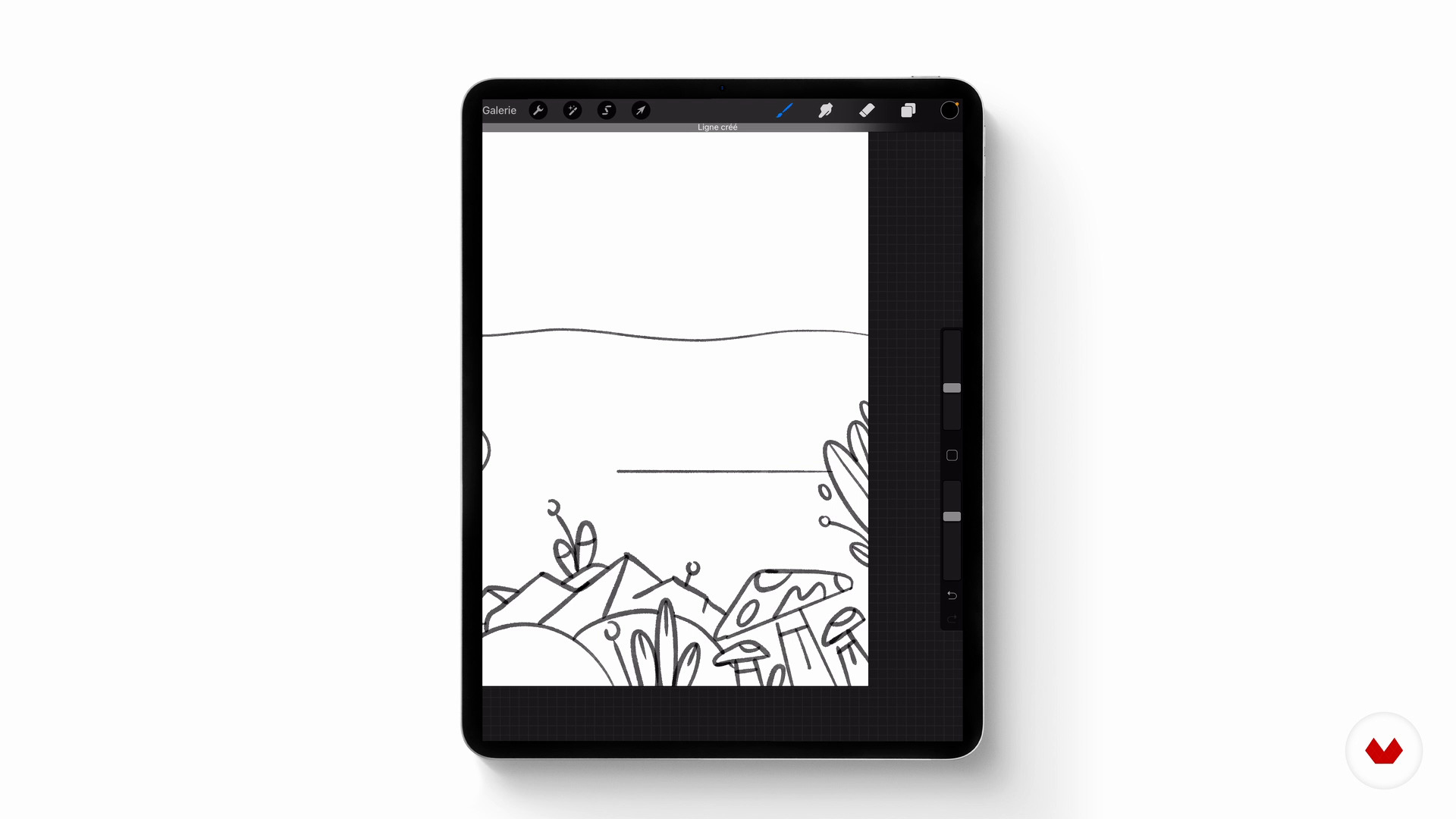
Preparatory sketch 1
9 minutes, 22 seconds
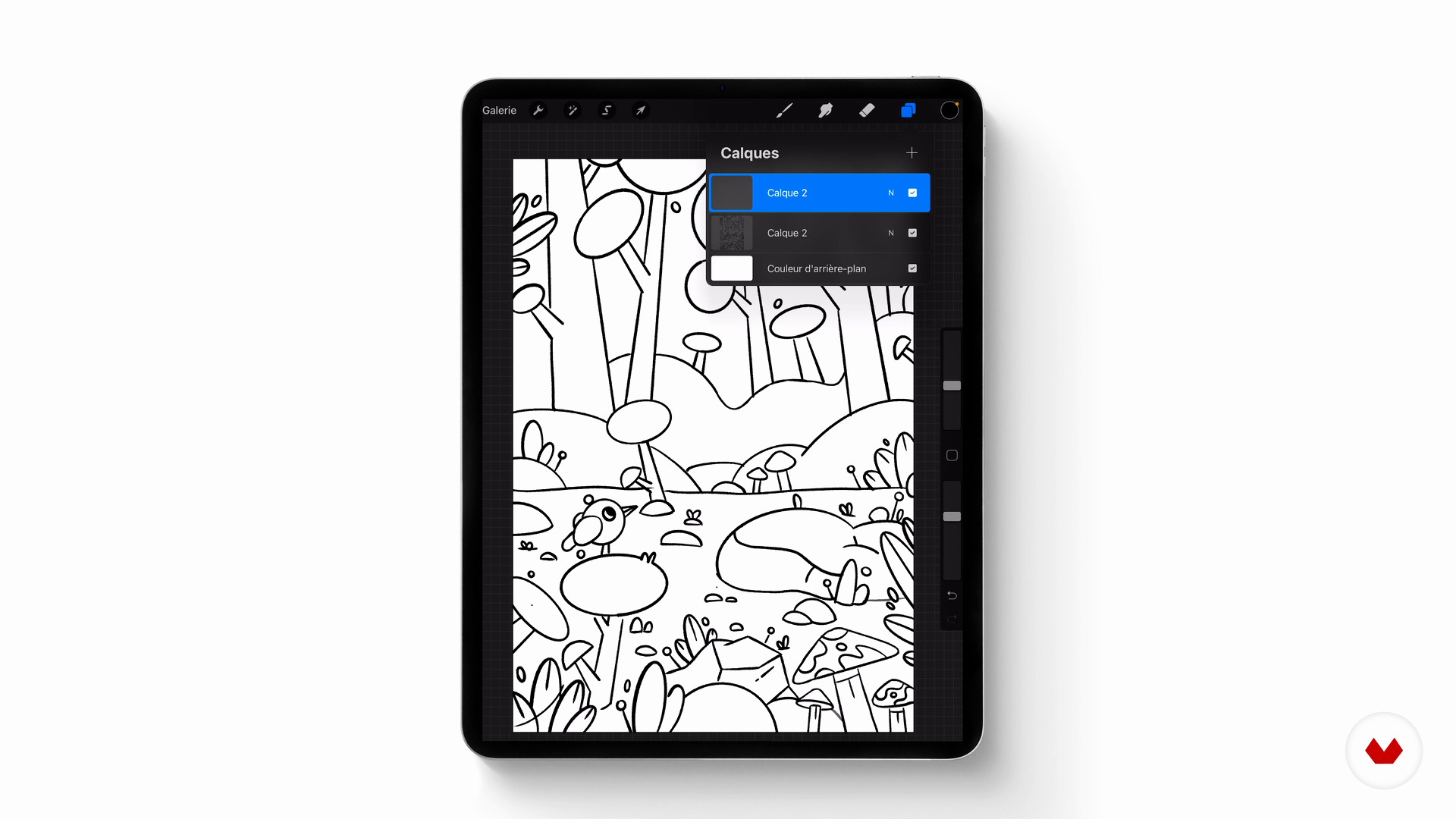
Preparatory sketch 2
8 minutes, 42 seconds
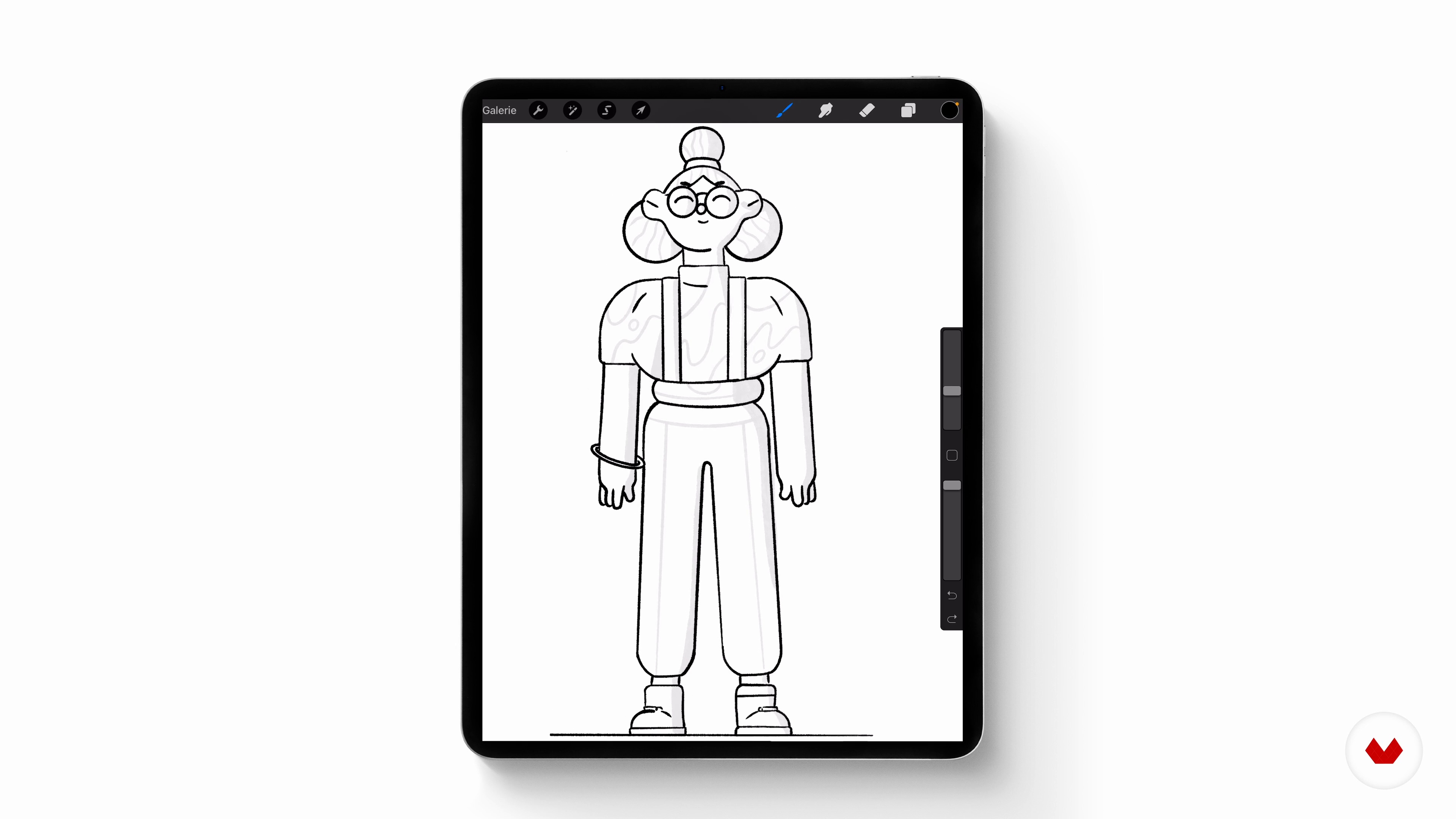
Preparatory sketch 3
13 minutes, 42 seconds
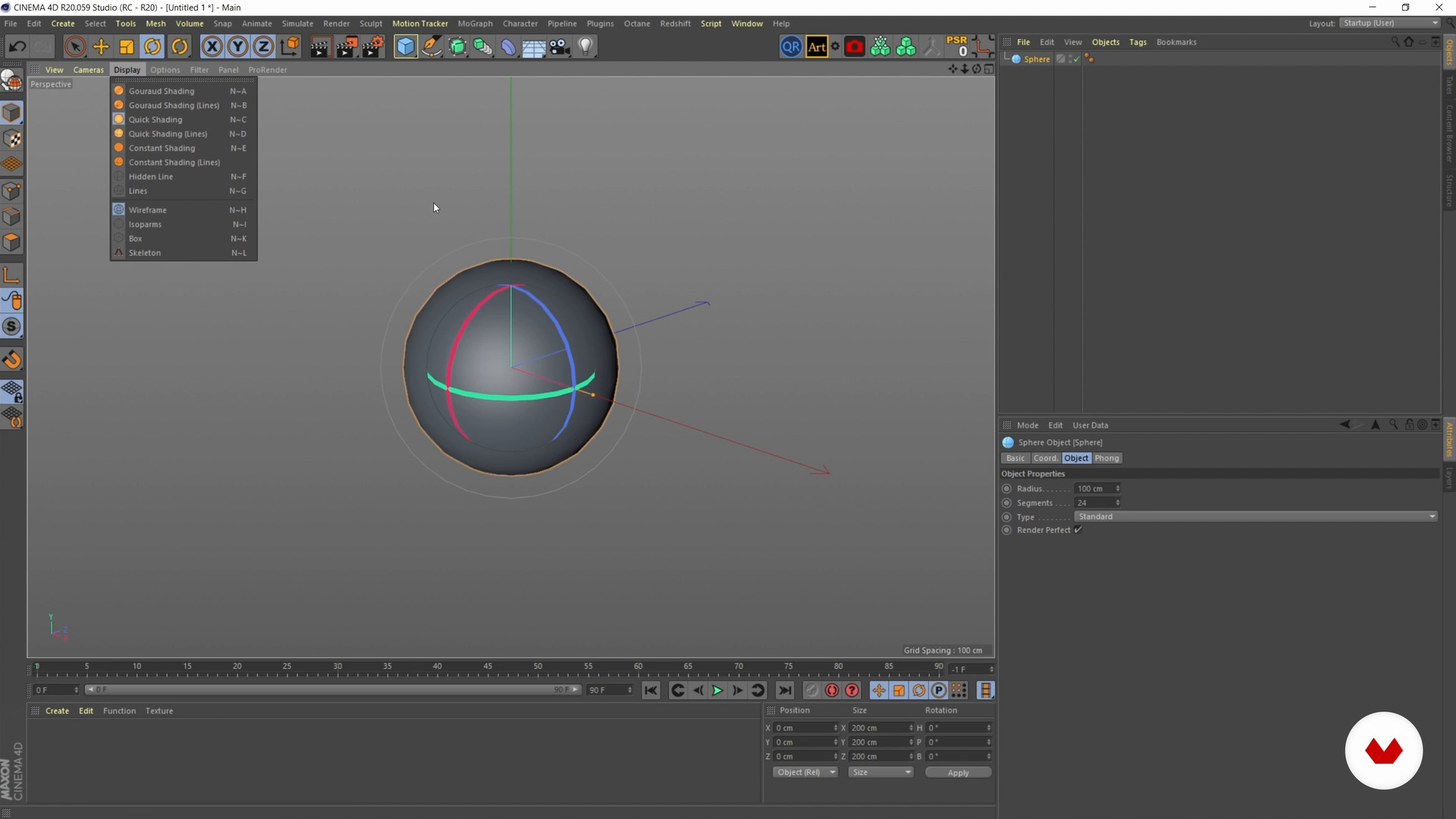
Introduction to Cinema 4D
11 minutes, 14 seconds
What's included in this course?
Mathieu Le Berre, better known as Mattey, starts off the course by introducing you to his extraordinary artistic universe. He talks about what inspires him, such as the animation studio Gunner, the content agency Oddfellows, and artists Peter Tarka and Lili des Bellons.
Look at how to compile your research, getting into the habit of constantly being on the lookout for inspiration. After a thorough search on Behance and Pinterest, create a mood board and a preparatory sketch on your graphics tablet.
Next, learn to model your sketch in Cinema 4D. Don't worry if you're not familiarized with the software, Mattēy helps out every step of the way. First, model the character for your illustration, then get to work on the landscape before importing all the decorative elements for the final composition.
Once these steps are complete, bring your creation to life by reworking the light, color, and textures. Make some HDRI lighting adjustments before honing in on texture. Mattēy gives you tips on how to improve rendering with Octane Render and playing with color balance in Photoshop.
Once the illustration is ready, find out how to share it on social media. Now you have all the skills to develop your own 3D universe.
Recommended software & tools for this course
What is this course's project?
Create a stunning 3D rendered illustration featuring a character and detailed decoration.
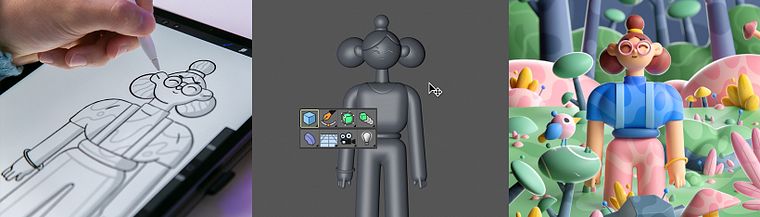
Projects by course students
Who is this online course for?
Anyone interested in 3D illustration who wants to hone their skills in Cinema 4D.
Requirements and materials
For this course, you need a graphics tablet and a computer with Cinema 4D. The rendering engine Octane and Adobe Photoshop are also recommended.
You can even follow this course with little drawing experience, you just need to be eager to learn.

Reviews
- 8 months ago
Didático e completo!
- 11 months ago
Excellent course, I just wish it was dubbed in English !
- 2 years ago
cool le cours
- 2 years ago
Super cours, très concis j'ai beaucoup appris !
- 3 years ago
Great course!!

By following his creative instinct and making careful thought and consideration a top priority, he goes ever deeper into his universe full of original, pop colors that has already caught the eye of Microsoft, Apple, and Adobe.
Content
- U1
Introduction
- About me
- Influences
- U2
Project preparation
- References search
- Create a mood board
- Preparatory sketch 1
- Preparatory sketch 2
- Preparatory sketch 3
- U3
Modeling and Design on Cinema 4D
- Introduction to Cinema 4D
- Character modeling 1
- Character modeling 2
- Landscape modeling 1
- Landscape modeling 2
- Realization of composition 1
- Creation of composition 2
- U4
Lights, textures and rendering of the final image
- Lighting and texturing 1
- Lighting and texturing 2
- Lighting and texturing 3
- Finalizing the details
- Adjusting the 3D rendering
- Photoshop adjustment
- Share your work online
- FP
Final project
- Cinema 4D: Bring Playful 3D Illustrations to Life
What to expect from a Domestika course
Learn at your own pace
Enjoy learning from home without a set schedule and with an easy-to-follow method. You set your own pace.
Learn from the best professionals
Learn valuable methods and techniques explained by top experts in the creative sector.
Meet expert teachers
Each expert teaches what they do best, with clear guidelines, true passion, and professional insight in every lesson.
Certificates
PLUSIf you're a Plus member, get a custom certificate signed by your teacher for every course. Share it on your portfolio, social media, or wherever you like.
Get front-row seats
Videos of the highest quality, so you don't miss a single detail. With unlimited access, you can watch them as many times as you need to perfect your technique.
Share knowledge and ideas
Ask questions, request feedback, or offer solutions. Share your learning experience with other students in the community who are as passionate about creativity as you are.
Connect with a global creative community
The community is home to millions of people from around the world who are curious and passionate about exploring and expressing their creativity.
Watch professionally produced courses
Domestika curates its teacher roster and produces every course in-house to ensure a high-quality online learning experience.
FAQs
Yes, this course is mainly designed for those who already have some basics in illustration or 3D and want to deepen their practice, organize their workflow, and develop their own graphic style.
It’s recommended to have access to Cinema 4D, Photoshop, and ideally Procreate. Basic familiarity with these programs will help you progress, as well as having a Pinterest or Behance account for gathering inspiration.
You’ll learn how to structure a complete creative process: mood boards, color palettes, preparatory sketches, 3D modeling, texturing, lighting, and final rendering — all while developing your personal graphic style and optimizing your online presence.
The course covers every step of creating a bold, stylized 3D illustration — from gathering inspiration to the final piece, including modeling, composition, and managing colors, lighting, and textures.
You’ll learn how to research, organize, and structure relevant visual references on Pinterest and assemble a cohesive, inspiring mood board in Photoshop to guide your work.
The course explains how to use tools like PaletteGenerator and Photoshop to extract, analyze, and apply minimalist, harmonious color palettes tailored to your projects.
Yes, you’ll discover how to create preparatory sketches, model a character from simple shapes, manage stylized proportions, and apply textures to enhance your model.