Speed Painting in Photoshop: Accelerate Your Creative Process
A course by Gabriel GomezFreelance Artist and Animator
A course by Gabriel Gomez, Freelance Artist and Animator

Learn how to sketch your ideas and work efficiently to create a digital illustration from start to finish
Having the power to realize your vision quickly and efficiently is priceless; it means ideas and inspiration don’t get lost along the way. Artist and animator Gabriel Gomez using his speed painting technique in Photoshop to pay homage to the natural world, and tell stories through images. He has worked for clients including Netflix and Paramount, and founded his own studio, Citadel Animation.
In this course, Gabriel shows you how to paint pictures in Photoshop as efficiently as possible. Learn to accelerate your digital painting process to work quickly and fully express your ideas. Let your imagination be the only limit to your creativity.
What will you learn in this online course?
20 lessons & 16 downloads
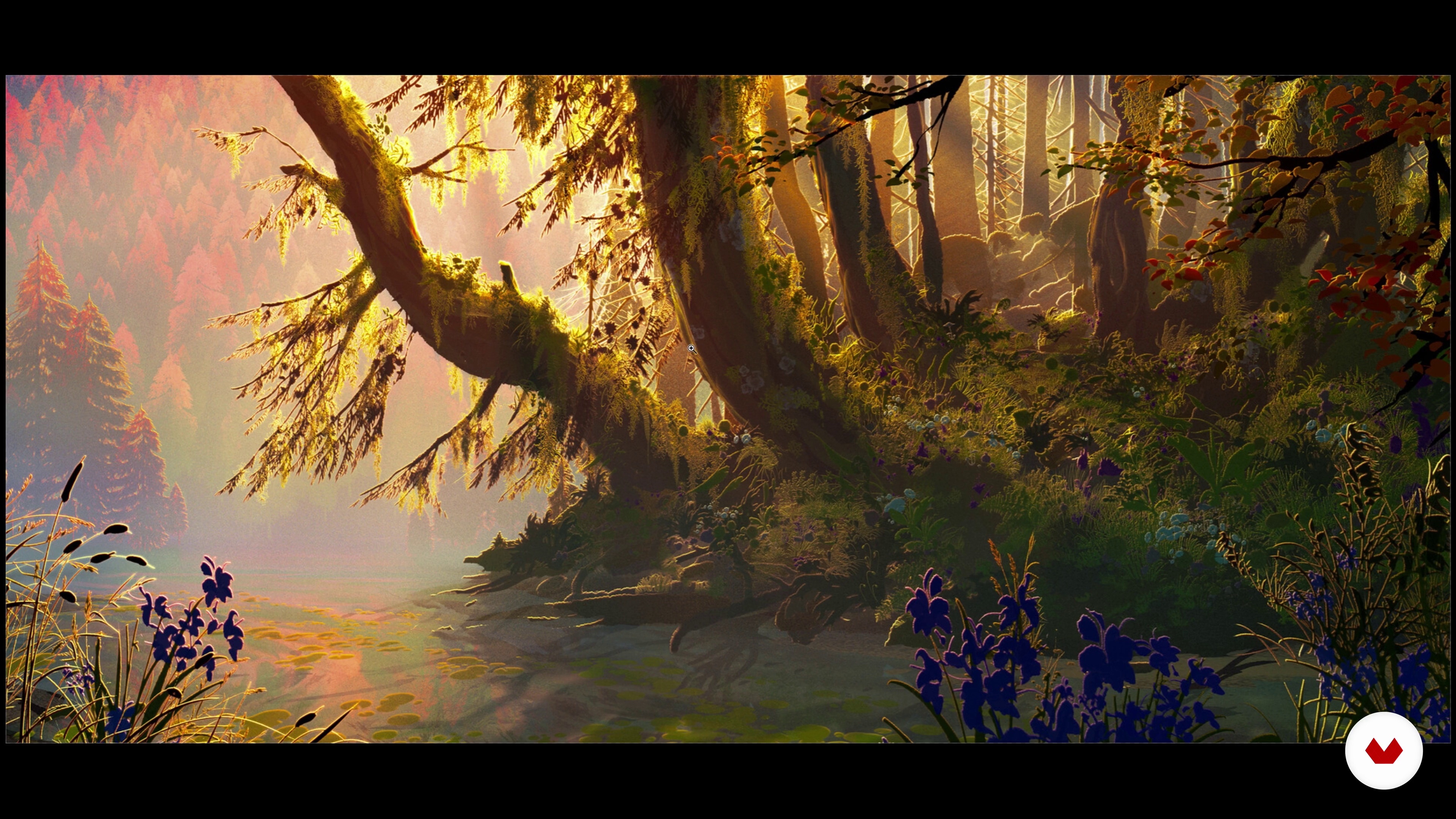
Technique Context
7 minutes, 6 seconds
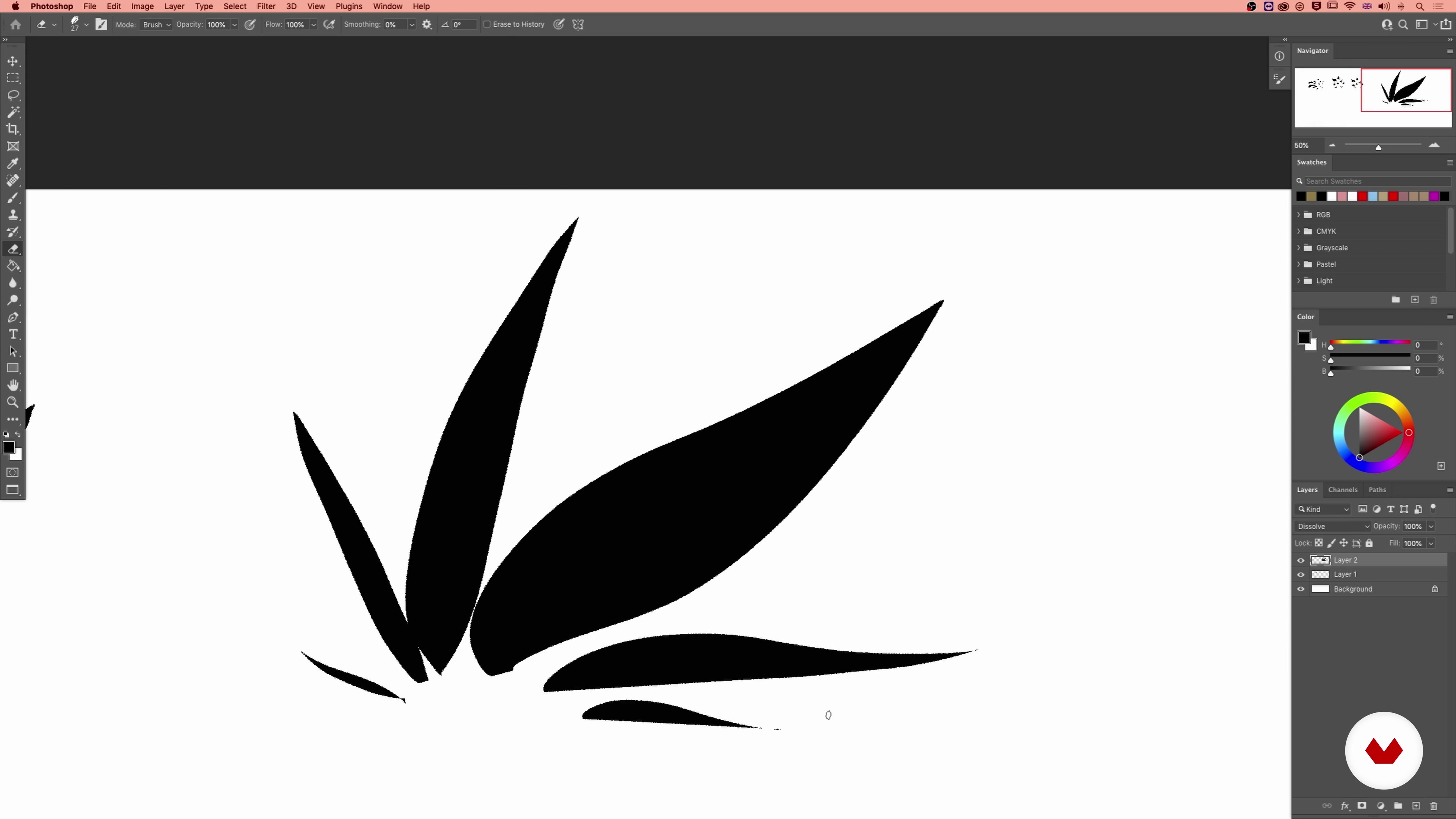
Brush Creation 1
18 minutes, 58 seconds
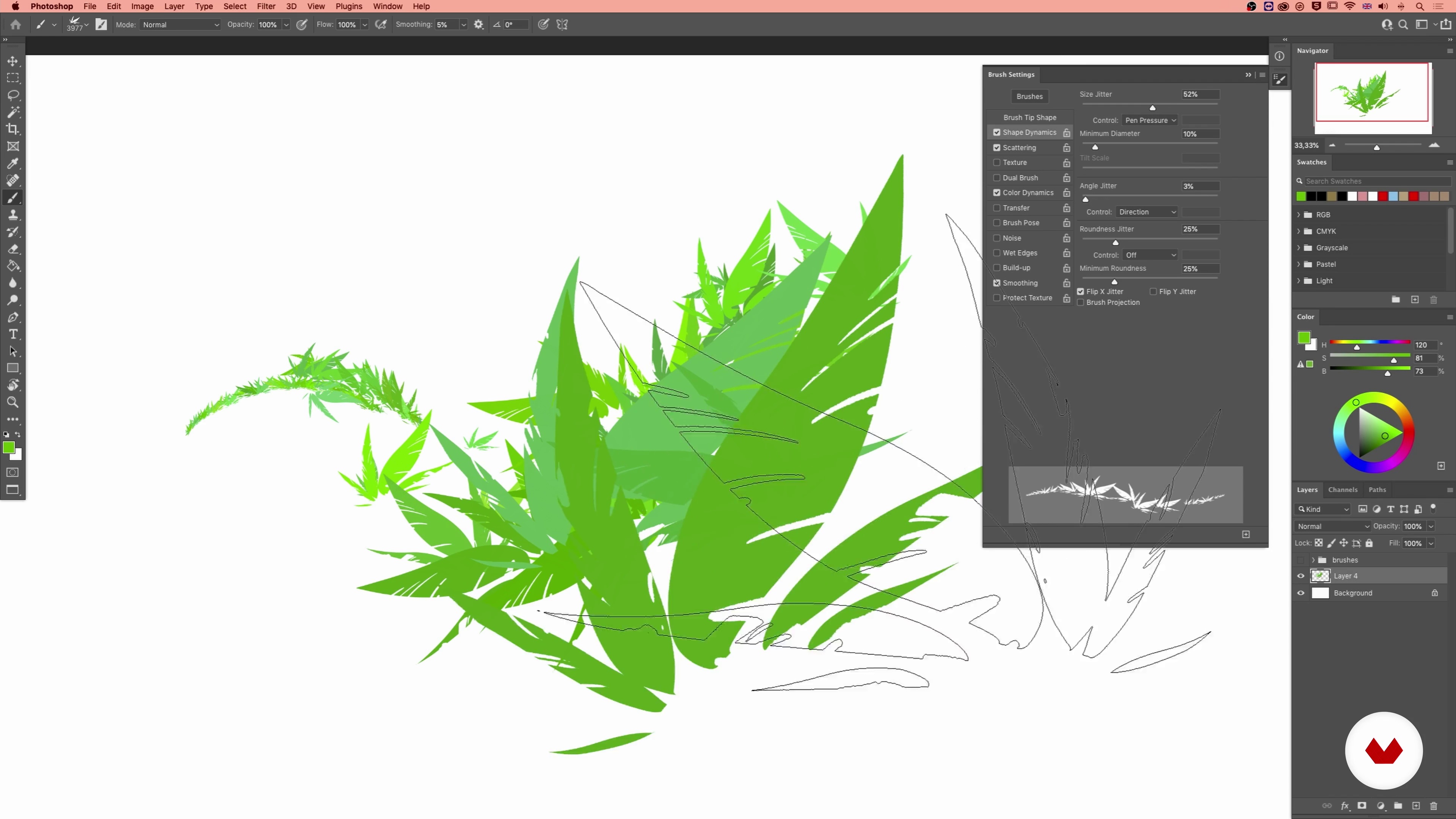
Brush Creation 2
20 minutes, 47 seconds
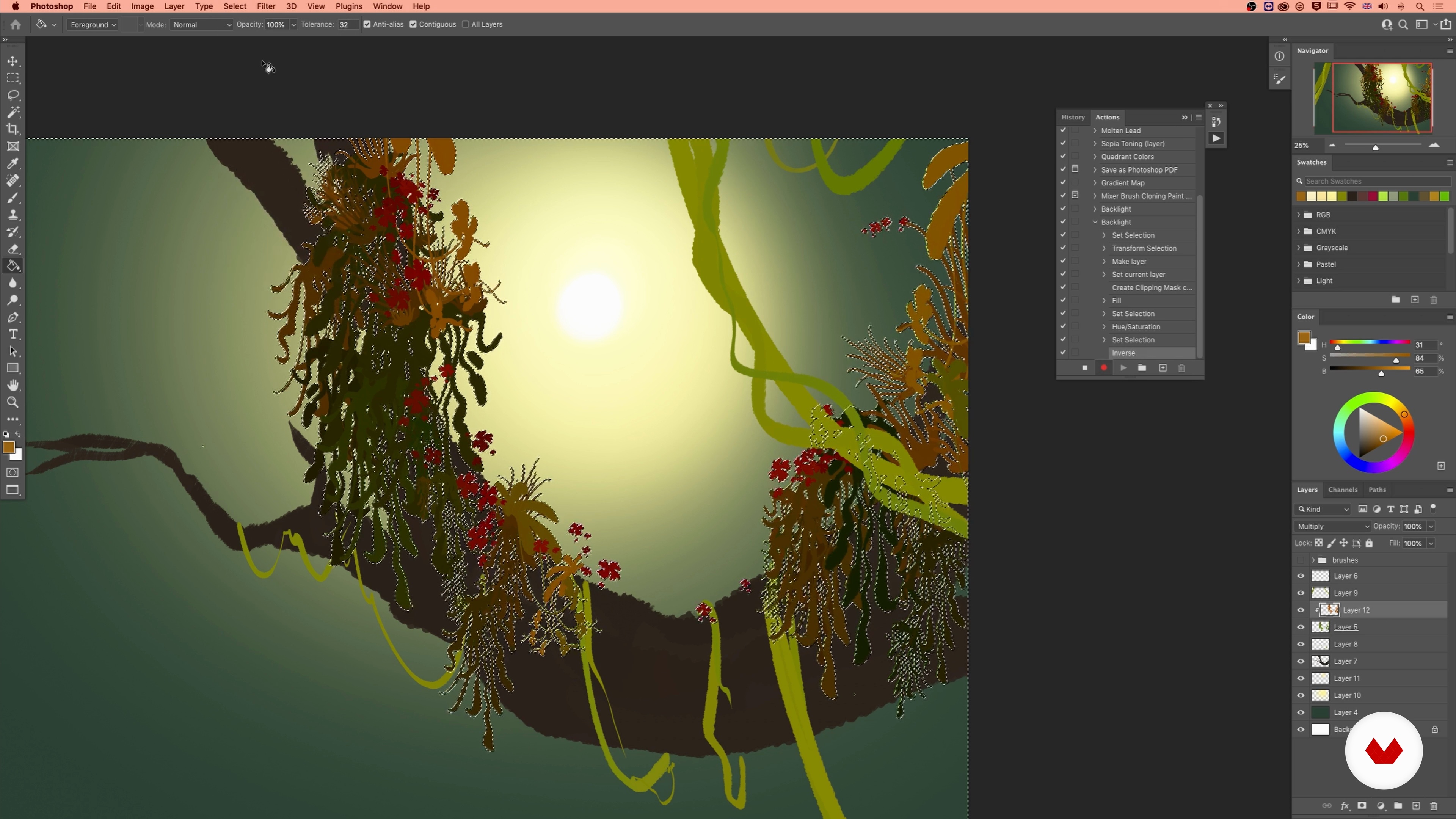
Actions in Photoshop
15 minutes, 2 seconds
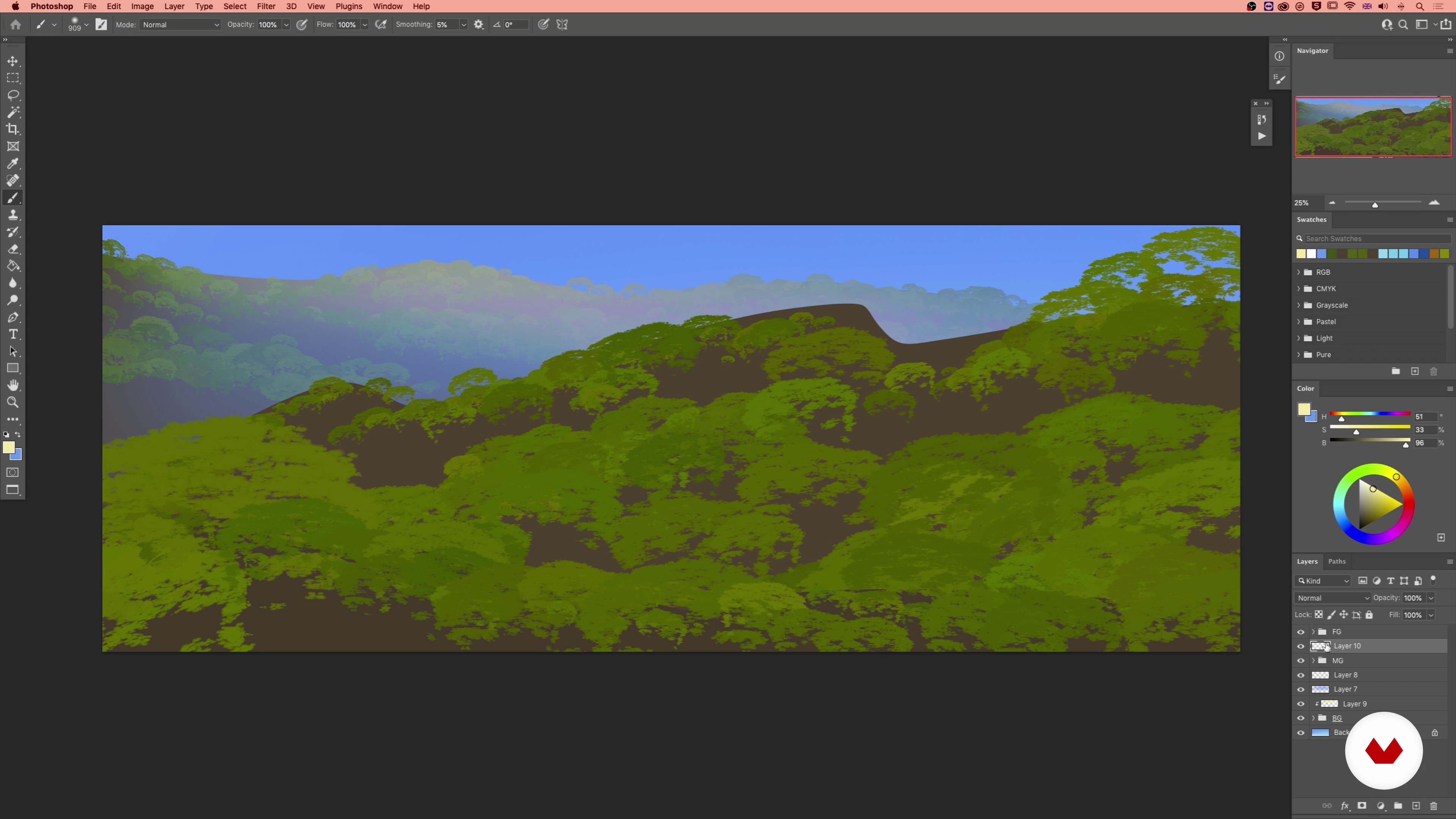
Atmosphere, Color and Light
13 minutes, 32 seconds
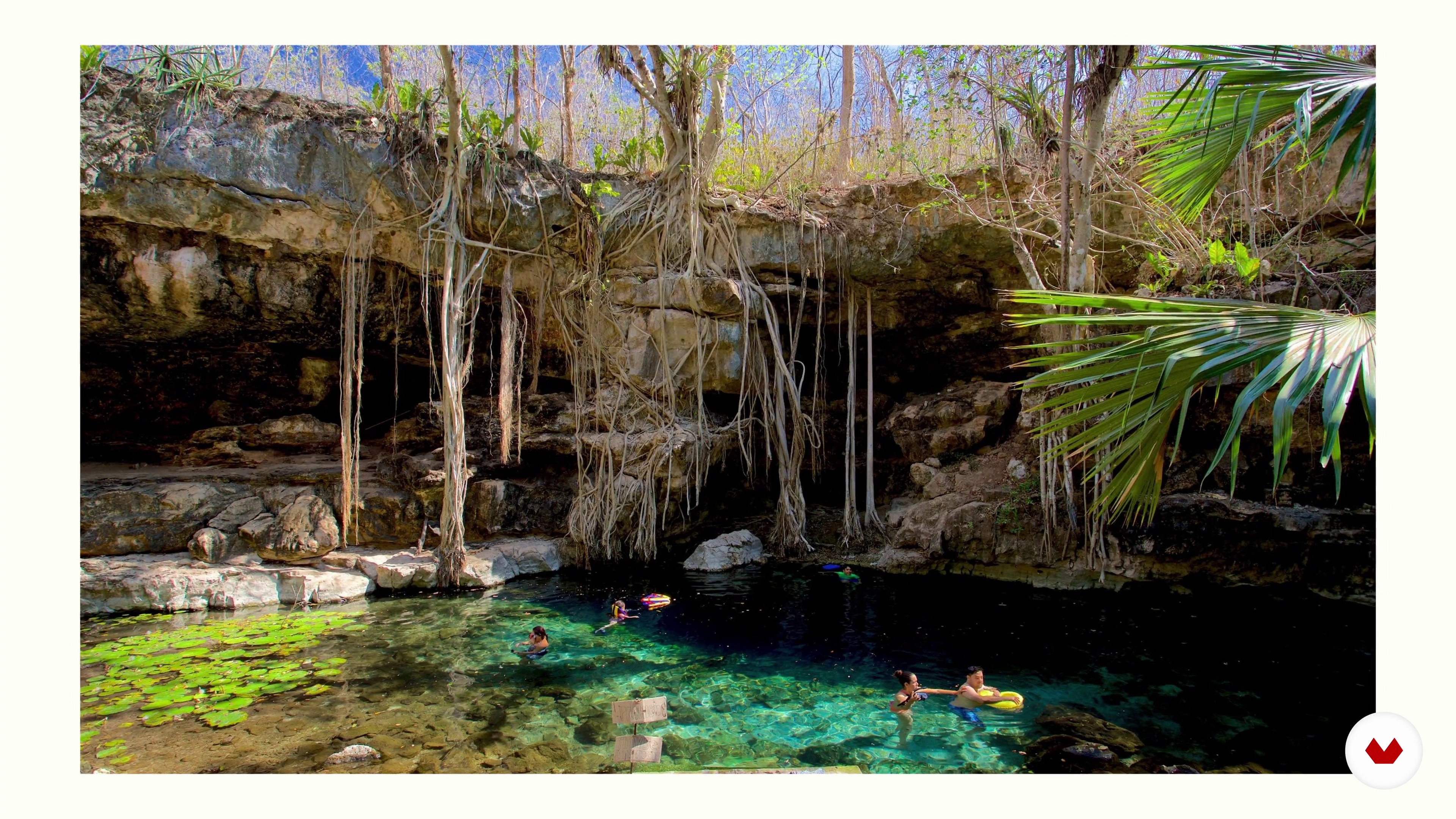
Picking a Subject
7 minutes, 59 seconds
What's included in this course?
Begin by getting to know animation artist Gabriel Gomez. He talks you through his creative journey, which led him to become a freelance animator and start his own studio. Then learn about the influences which inspire him as a creator.
Delve into the basics of the speed painting technique. Gabriel shares how he developed the technique, what makes it useful, and how he uses it in a professional context. Explore the Brush Studio and learn to create shapes, set up your brushes, and keep them organized. Then take a look at Photoshop’s action tools before discovering how to create atmosphere through color and light, and picking a theme for your project.
Gabriel demonstrates three quick ways to create a sketch for your painting; a line drawing, a value sketch, and a color sketch. Learn how to color block basic shapes using the Lasso Tool and paint quick textures. Then discover how to establish a mood in your painting.
Develop your image further by adjusting color, using the transformation tool, and more. To finish the course, Gabriel shares his advice for showcasing your artwork professionally.
Recommended software & tools for this course
What is this course's project?
Paint an image based on a subject of your choice in just a few hours using the speed painting technique in Photoshop.
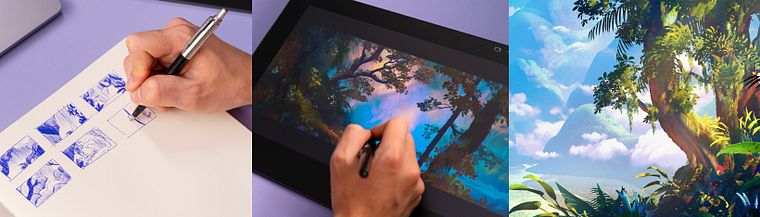
Projects by course students


Who is this online course for?
This course is for anyone with an interest in improving their digital painting skills and enhancing their creative workflow.
Requirements and materials
Previous experience with Photoshop and basic artistic knowledge is needed for this course.
In terms of materials, you will need a computer with Photoshop and a drawing tablet.

Reviews
- 7 months ago
Agilizou bastante meu processo de pintura digital!
- 7 months ago
excel
- 10 months ago
Thank you very much for the course!
- 11 months ago
Excelente curso!
- 1 year ago
Excelente!! Muchas gracias!

Since then, he’s worked with clients including Netflix and Paramount and founded his own pre-production company, Citadel Animation. He also shares his art with over 30K followers on Instagram.
Content
- U1
Introduction
- About Me
- Influences
- U2
The Basics of the Speed Painting Technique
- Technique Context
- Brush Creation 1
- Brush Creation 2
- Actions in Photoshop
- Atmosphere, Color and Light
- Picking a Subject
- U3
Production
- Basic Sketch 1
- Basic Sketch 2
- Flat Color Blocking
- Quick Textures and Patterns
- Basic Lighting 1
- Basic Lighting 2
- Basic Lighting 3
- Basic Lighting 4
- Basic Atmosphere
- U4
Post-Production
- Experimenting with Transformation and Color
- Using Iteration and Going Further
- How to Showcase Your Work
- FP
Final project
- Speed Painting in Photoshop: Accelerate Your Creative Process
What to expect from a Domestika course
Learn at your own pace
Enjoy learning from home without a set schedule and with an easy-to-follow method. You set your own pace.
Learn from the best professionals
Learn valuable methods and techniques explained by top experts in the creative sector.
Meet expert teachers
Each expert teaches what they do best, with clear guidelines, true passion, and professional insight in every lesson.
Certificates
PLUSIf you're a Plus member, get a custom certificate signed by your teacher for every course. Share it on your portfolio, social media, or wherever you like.
Get front-row seats
Videos of the highest quality, so you don't miss a single detail. With unlimited access, you can watch them as many times as you need to perfect your technique.
Share knowledge and ideas
Ask questions, request feedback, or offer solutions. Share your learning experience with other students in the community who are as passionate about creativity as you are.
Connect with a global creative community
The community is home to millions of people from around the world who are curious and passionate about exploring and expressing their creativity.
Watch professionally produced courses
Domestika curates its teacher roster and produces every course in-house to ensure a high-quality online learning experience.
FAQs
Yes, this course is designed for intermediate artists who have some experience with digital painting and want to advance their skills in atmospheric perspective, brush creation, and efficient workflows using Photoshop.
You will need Adobe Photoshop and a drawing tablet. Basic familiarity with Photoshop is recommended, as the course covers advanced tools such as custom brushes, actions, and selection tools.
You’ll learn how to use color, lighting, and atmospheric perspective to evoke emotion and mood, as well as techniques for visual storytelling and stylizing landscapes for animation or concept art.
Yes, the course covers creating and refining custom Photoshop brushes, focusing on designing plant and foliage brushes for efficient digital painting.
You’ll learn rapid sketching, color blocking, and efficient use of Photoshop actions and custom brushes to accelerate your painting process without sacrificing quality or creativity.
Yes, atmospheric perspective is a major focus. The course teaches both the theory and practical digital techniques for creating convincing depth and distance in your artworks.
Yes, you’ll learn how to organize brushes into folders and groups, manage brush libraries, and streamline your workflow for different painting tasks.