
Character Digital Painting: Creating Magical Scenes
A course by Georgi GeorgievIllustrator and Visual Artist
A course by Georgi Georgiev, Illustrator and Visual Artist

Learn to create unique digital paintings from scratch filled with light, color, and a touch of magic in Photoshop
By mixing two worlds—reality and fantasy—you can create colorful scenes with a magical touch. Illustrator and visual artist Georgi Georgiev designs characters and environments inspired by beautiful paintings, people’s stories, and their emotional responses. He has worked in both the gaming and movie industries and used his signature style to design book covers.
In this course, he teaches you how to create digital illustrations full of color and light in Photoshop. Learn how to bring an authentic character to life from start to finish using his stylized, comic approach. Dare to use your imagination and create magical illustrations.
What will you learn in this online course?
22 lessons & 15 downloads
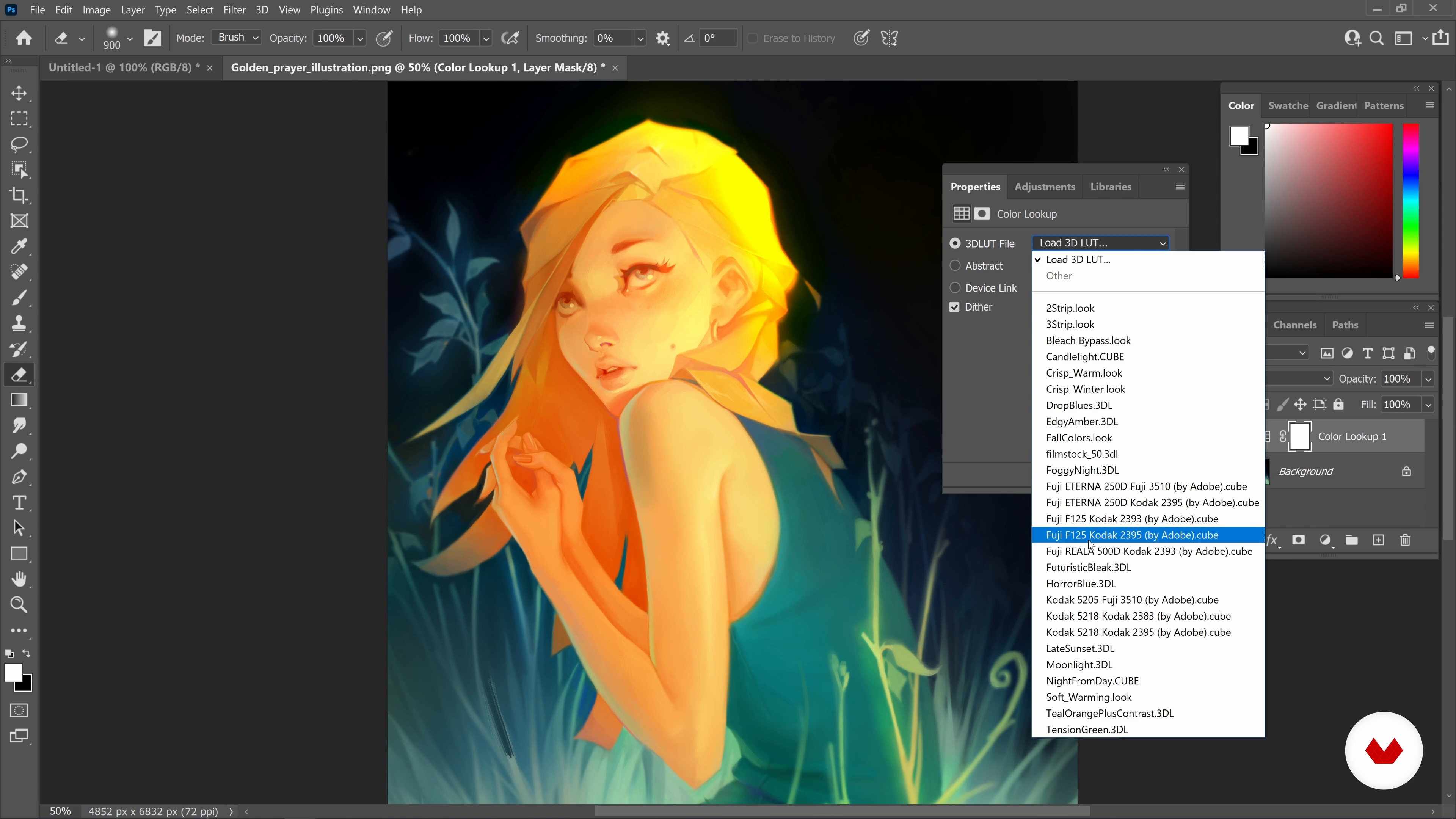
Tools and Options in Photoshop
20 minutes, 52 seconds
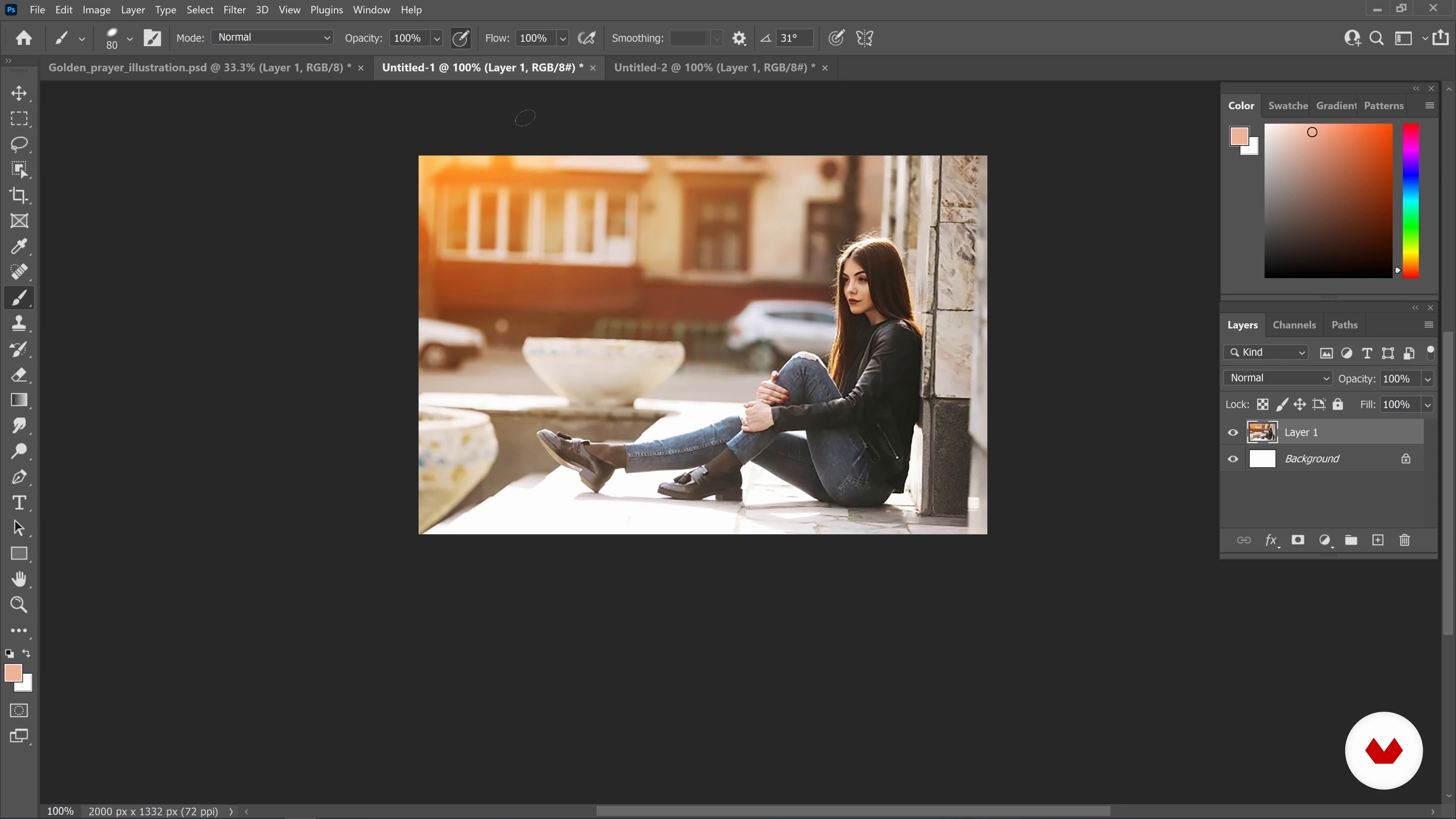
Working with References and Creating without Lineart
14 minutes, 2 seconds

Applying Color Palettes in Photoshop
17 minutes, 8 seconds
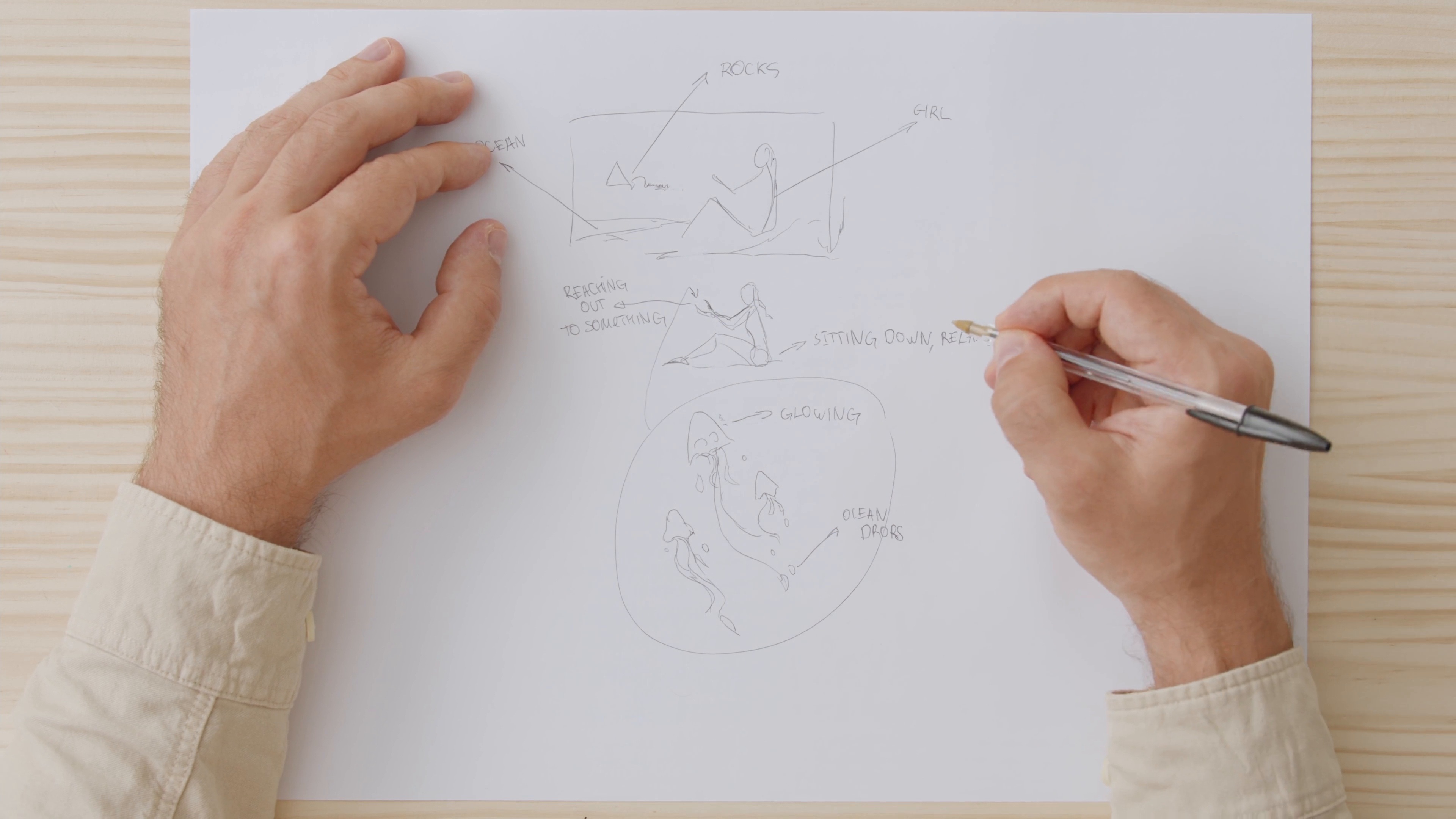
Thinking about the Painting: Ideation and Keywords
4 minutes, 1 second
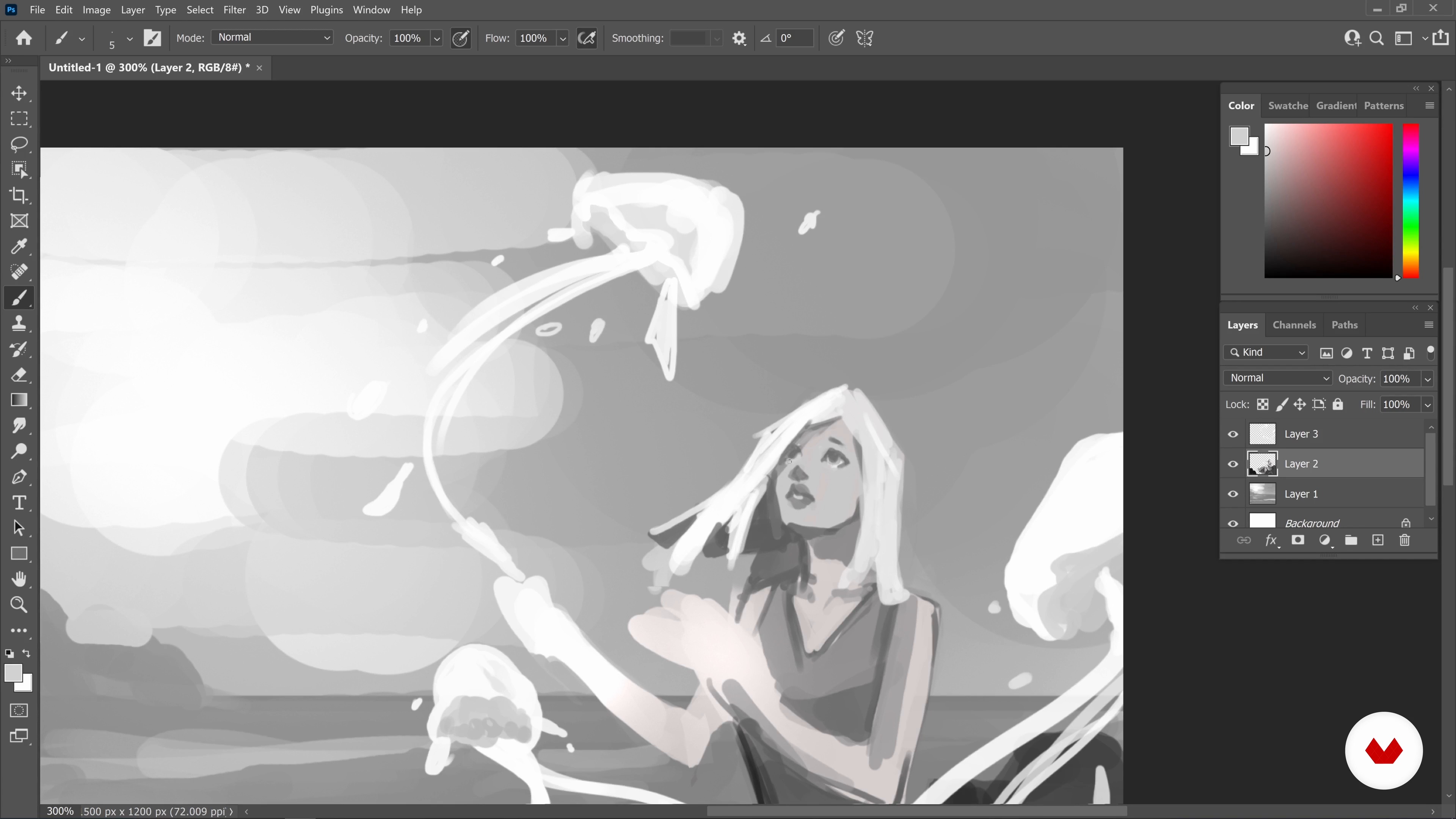
Setting Up: Basic Composition and Color Ideas 1
20 minutes, 49 seconds
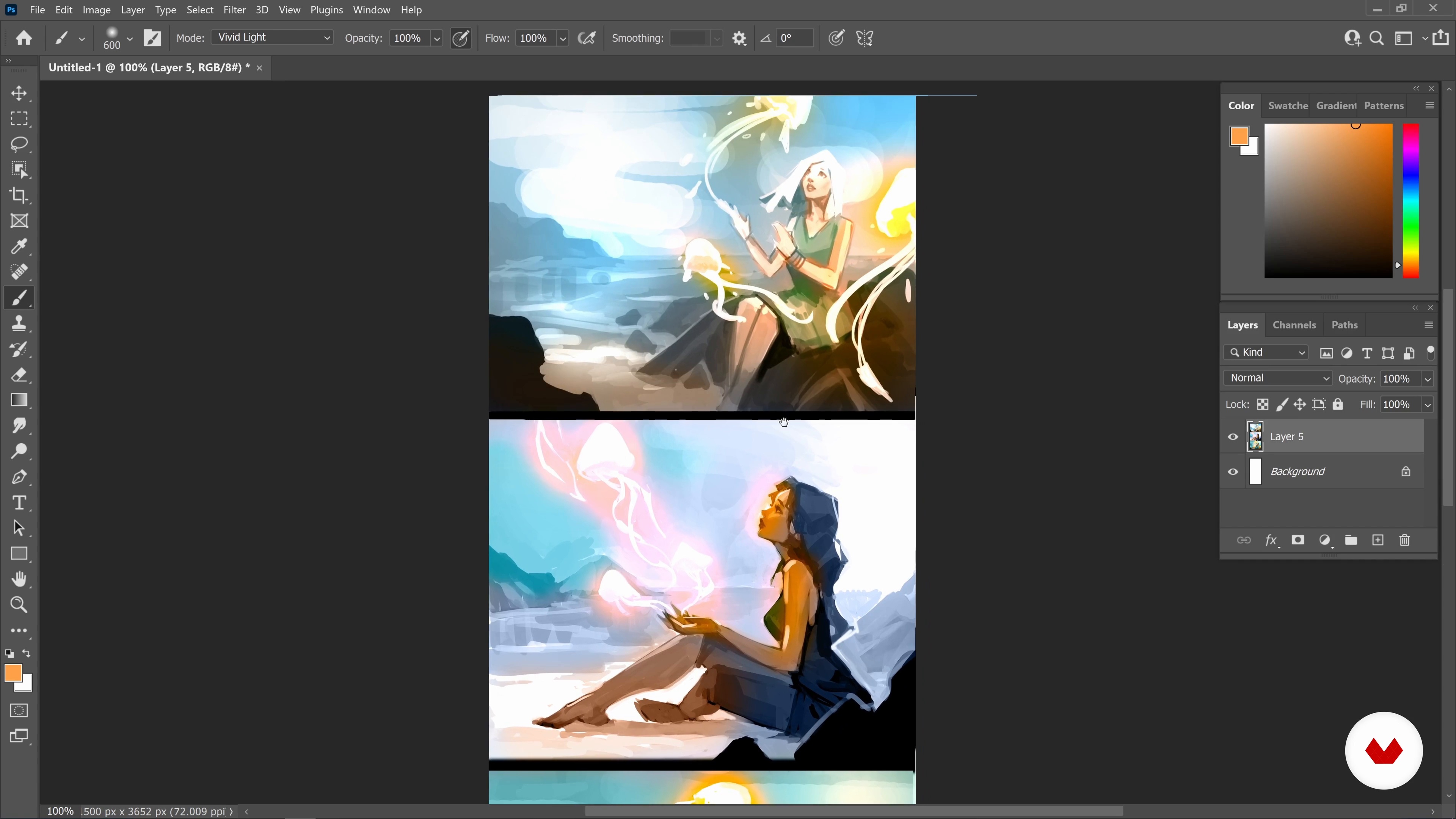
Setting Up: Basic Composition and Color Ideas 2
13 minutes, 56 seconds
What's included in this course?
Begin by getting to know Georgi Georgiev. He talks through his unconventional road to becoming a professional artist, as well as the influences which have inspired his work and style.
Familiarize yourself with Photoshop’s features for illustration, including the brush, smudge, and transformation tools. Then, learn to use both a reference photo and your imagination as inspiration for your drawing. Discover how to achieve a more sculptural style using brushstrokes and add color to a digital illustration. Georgi then shares tips on coming up with ideas for your drawing with keywords.
Time to create your digital illustration! Start by sketching a collection of thumbnails before choosing your favorite, then drawing it in black and white. Then apply color using adjustment layers and different brush blending options. Dive deeper into the coloring process, using light to suggest mood and enrich your illustration.
Put the finishing touches to your painting to make your focal point stand out before learning how to export your image for different formats. To finish the course, Georgi shares his advice for pursuing a career as a professional artist.
Recommended software & tools for this course
What is this course's project?
Learn how to bring an authentic character to life in Photoshop, from the initial idea to the finishing touches.
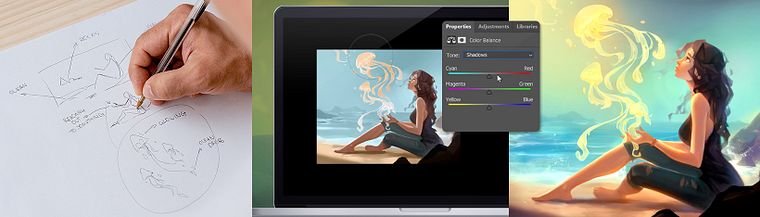
Projects by course students


Who is this online course for?
This course is for anyone with an interest in creating digital illustrations with a magical touch.
Requirements and materials
No previous experience is necessary.
You will need access to a computer with Photoshop installed.
Reviews
- 7 months ago
how the difficult become an easy, very inspiring course
- 8 months ago
Excelente curso! Lo recomiendo para aprender a realizar efectos en el dibujo digital, hay muchos aspectos que desconocemos para que nuestros dibujos lleguen a verse "mágicos". Recomendado al 100%.
- 1 year ago
wow, I love it, the best!!!
- 1 year ago
great course!
- pitertools76PLUS1 year ago
excelente curso, muy bien explicado.

Now Georgi works in the movie and game industry, creating everything from characters to magical worlds. He is known for designing characters with paper-like hair which he shares with over 50K followers on Instagram, and he has also designed book covers.
Content
- U1
Introduction
- About Me
- Influences
- U2
Tools and Techniques for Creating an Illustration
- Tools and Options in Photoshop
- Working with References and Creating without Lineart
- Applying Color Palettes in Photoshop
- Thinking about the Painting: Ideation and Keywords
- U3
Creating Illustrations from Scratch
- Setting Up: Basic Composition and Color Ideas 1
- Setting Up: Basic Composition and Color Ideas 2
- Picking the Best Idea
- Monochrome Underpainting and Starting to Define the Light 1
- Monochrome Underpainting and Starting to Define the Light 2
- Monochrome Underpainting and Starting to Define the Light 3
- Monochrome Underpainting and Starting to Define the Light 4
- Monochrome Underpainting and Starting to Define the Light 5
- Colorizing the Painting
- Refining Shapes, Enriching the Colors and Last Details 1
- Refining Shapes, Enriching the Colors and Last Details 2
- Refining Shapes, Enriching the Colors and Last Details 3
- Refining Shapes, Enriching the Colors and Last Details 4
- U4
Final Touches and Words
- Finishing the Painting: Focus and Color Adjustments
- How to Export Your Image
- Tips on the Industry
- FP
Final project
- Light and Color for character illustrations
What to expect from a Domestika course
Learn at your own pace
Enjoy learning from home without a set schedule and with an easy-to-follow method. You set your own pace.
Learn from the best professionals
Learn valuable methods and techniques explained by top experts in the creative sector.
Meet expert teachers
Each expert teaches what they do best, with clear guidelines, true passion, and professional insight in every lesson.
Certificates
PLUSIf you're a Plus member, get a custom certificate signed by your teacher for every course. Share it on your portfolio, social media, or wherever you like.
Get front-row seats
Videos of the highest quality, so you don't miss a single detail. With unlimited access, you can watch them as many times as you need to perfect your technique.
Share knowledge and ideas
Ask questions, request feedback, or offer solutions. Share your learning experience with other students in the community who are as passionate about creativity as you are.
Connect with a global creative community
The community is home to millions of people from around the world who are curious and passionate about exploring and expressing their creativity.
Watch professionally produced courses
Domestika curates its teacher roster and produces every course in-house to ensure a high-quality online learning experience.
FAQs
Yes, this course is designed for intermediate artists with some basic digital art experience who want to advance their concept art, digital painting, and character illustration skills.
You’ll need a computer with Photoshop installed and a drawing tablet. Basic familiarity with digital drawing tools is helpful for getting the most out of the course.
You’ll learn fast digital art techniques, dynamic composition, stylization, character creation, photo reference integration, advanced Photoshop tools, and how to publish and promote your artwork online.
Yes, the course teaches techniques for drawing the female figure and stylizing human anatomy, with a focus on dynamic poses and expressive character design.
Yes, you’ll explore how to blend manga and American comic book influences to create unique and appealing character illustrations.
It’s recommended to have a basic understanding of Photoshop, as the course covers advanced tools and workflows for digital illustration and painting.
Yes, you’ll learn how to publish your artwork on forums and social media, build a following, and develop a strong online portfolio.