Creative Coding: Making Visuals with JavaScript
Course final project
A course by Bruno Imbrizi, Creative Coder


About the final project for: Creative Coding: Making Visuals with JavaScript
Introduction to Coding for Visual Designers
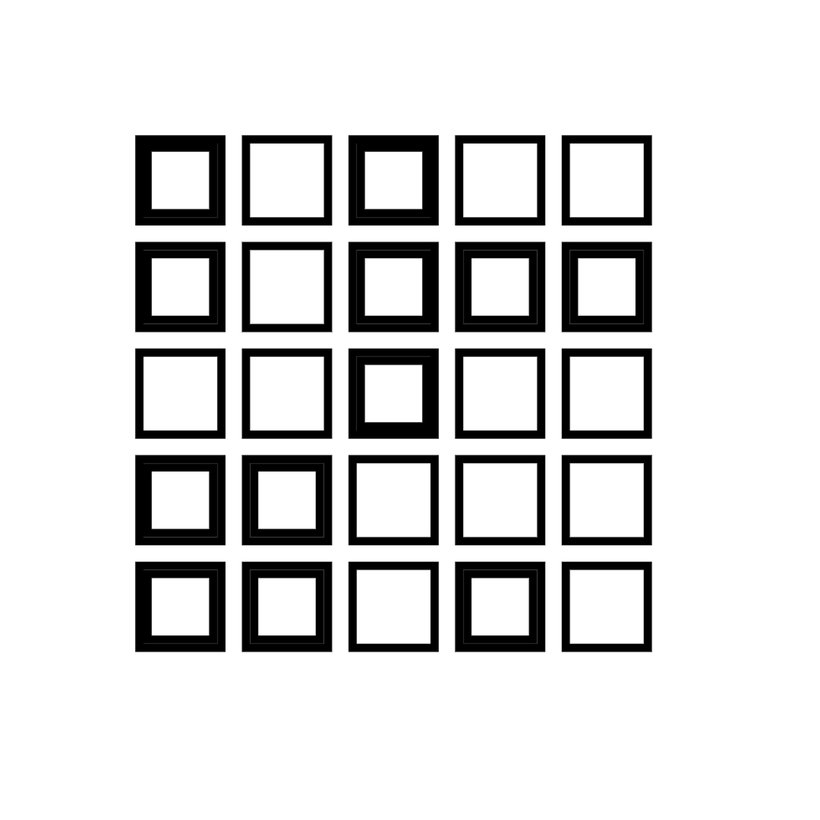
“Hi and welcome to the end of this Domestika course. In this final lesson we’ll do a recap of what we’ve seen so far and I’ll add some tips to help you in your journey into creative coding. Code is a language. To use a metaphor with spoken language, when we want to express something, it’s not about how many words we use, but how we choose to put together the words we know. We came a long way. We started from an empty file, from fundamental concepts like variables and functions. I mentioned we were going to use them everywhere and we did. The best way to learn is always by example and we saw quite a few. We also saw arrays, loops, conditionals and random numbers. And we saw how much we could do with just those few concepts. The environment we chose to run our code was the browser, which is very accessible and familiar. Now we know we can also use it for creating visuals. We saw how to create an HTML page and write JavaScript in it. Then we saw a more elaborate setup using canvas-sketch. It gave us an environment with some advantages over starting from scratch, like making it easy to change the dimensions of our sketch and also automatically reloading it as soon as the code was saved. There’s more to canvas-sketch than what we saw in the course, so I’d recommend you to have a look at the documentation on Github. There’s some information about preparing your sketch for print in large formats, how to export GIFs and also how to prepare the artwork for pen plotters. The first sketch we did together was a simple grid. We had 5 rows and 5 columns. If you tried to change that number, well done for experimenting. You might have realised the grid would no longer be centered, because we were using hard-coded values. Later we saw a more flexible way of doing things. So feel free to go back to sketch 01 and improve it with what you know now, it is a good exercise.
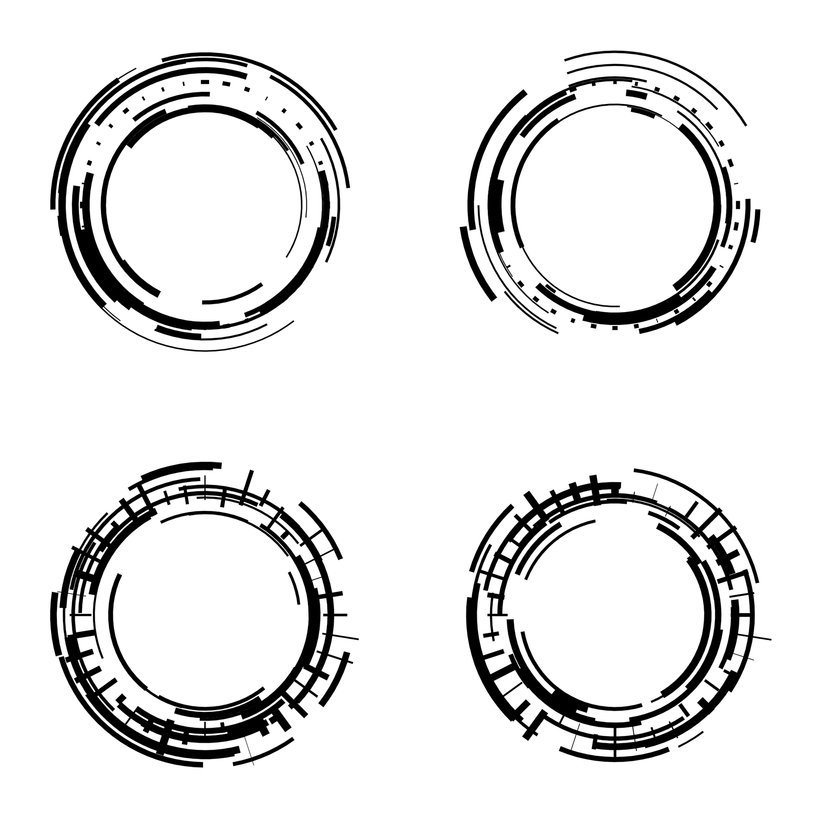
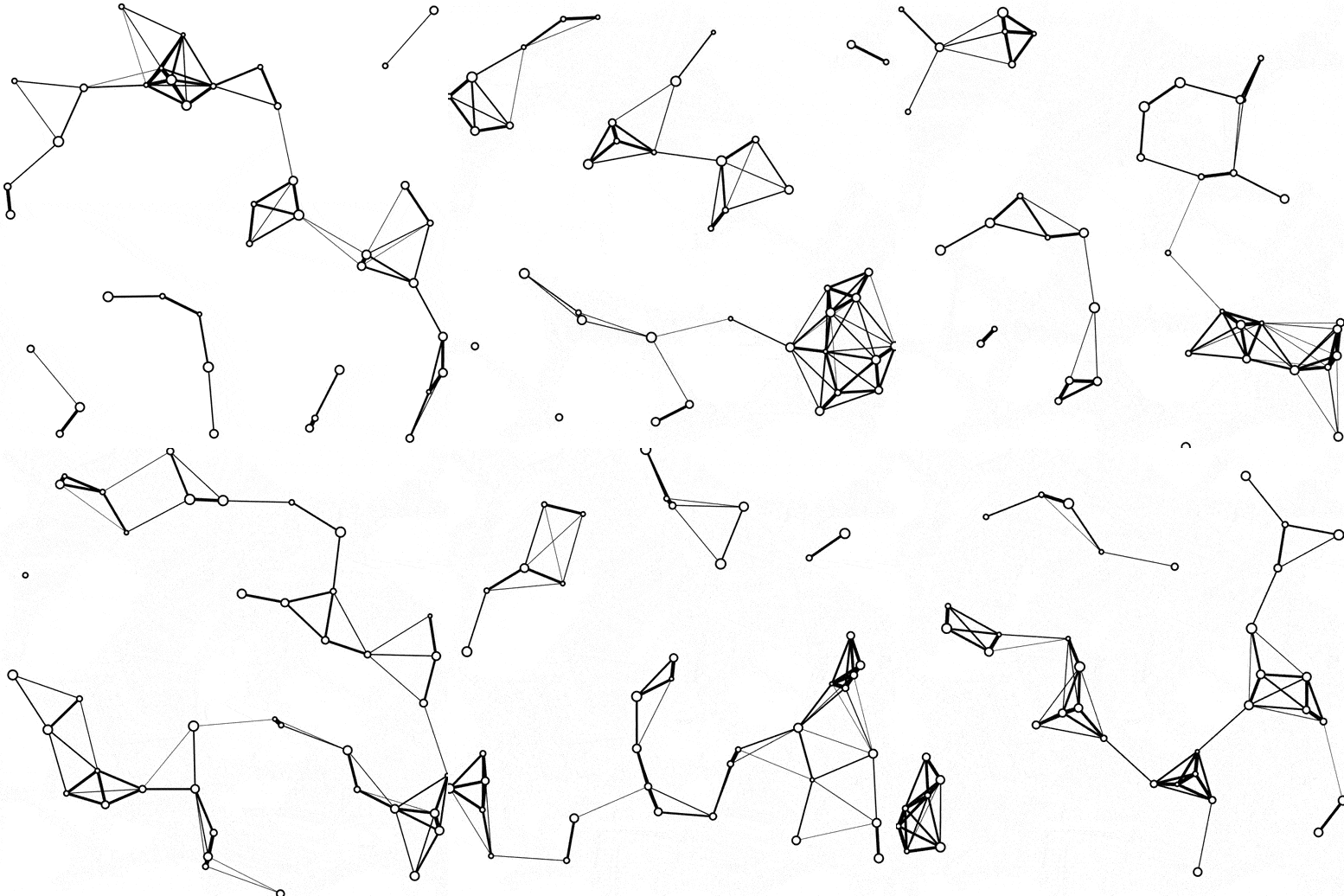
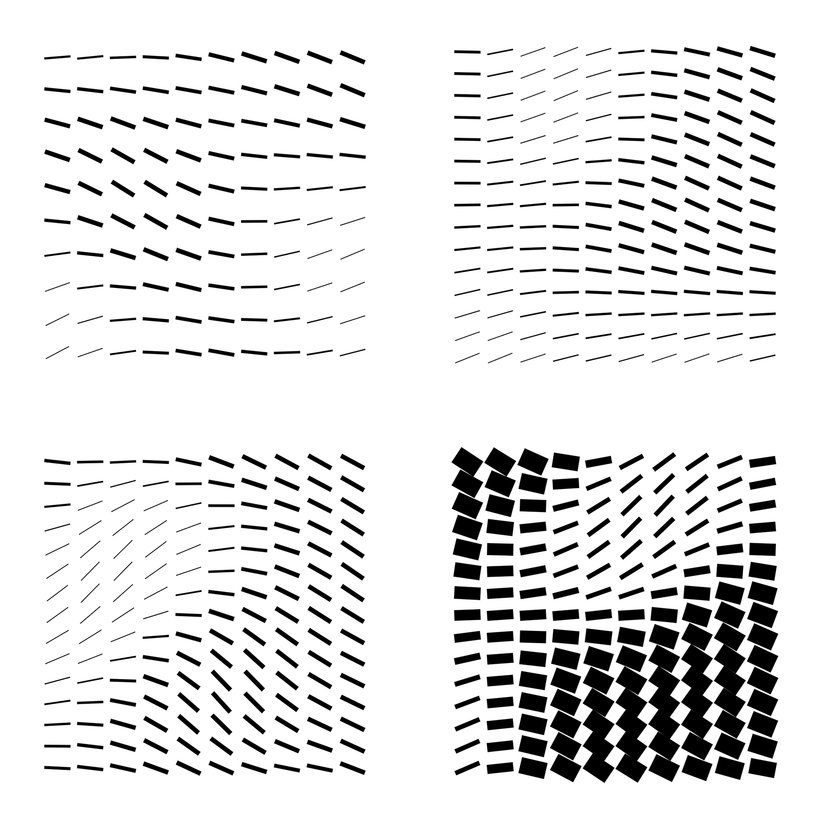
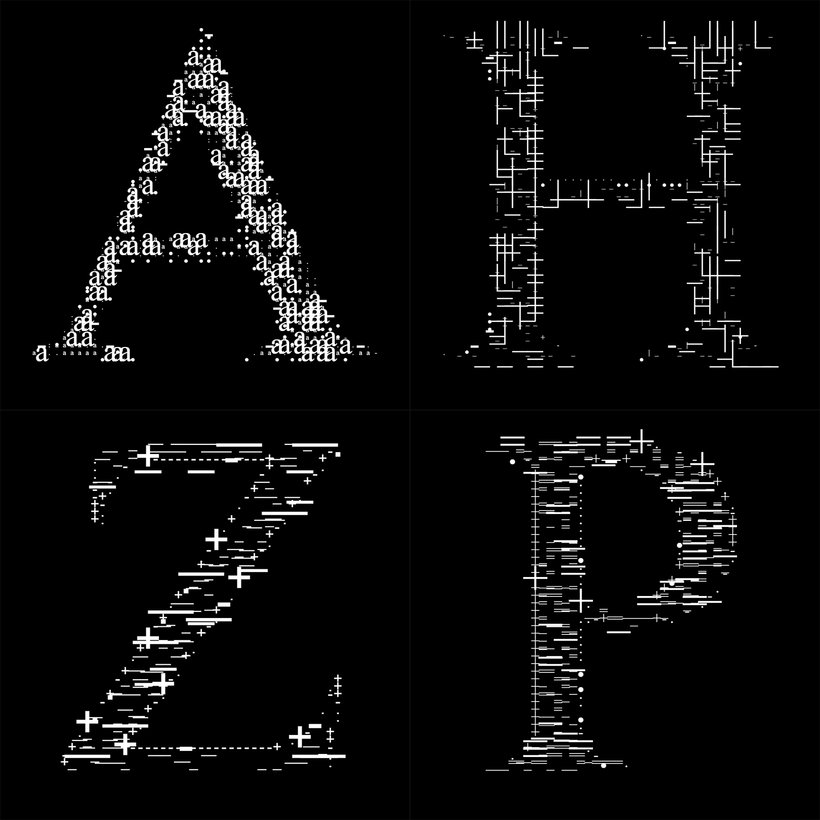
Partial transcription of the video
“In this final lesson, we'll do a recap of what we've seen so far and I'll add some tips to help you in your journey into creative coding. Code is a language. To use a metaphor with spoken language, is not about how many words we use. but how we put together the words that we know. We came a long way. We started from an empty file. from fundamental concepts like variables and functions. I mentioned we were going to use them everywhere and we did. The best way to learn is by example, and we saw quite a few. We also saw arrays, loops, conditionals, and random numbers. and we saw how much we co...”
This transcript is automatically generated, so it may contain mistakes.
Course summary for: Creative Coding: Making Visuals with JavaScript
-
Category
3D & Animation, Web & App Design -
Areas
JavaScript, Motion Graphics, Multimedia, Programming

Bruno Imbrizi
A course by Bruno Imbrizi
Bruno Imbrizi is a Brazilian-born creative coder based in London, England. He studied graphic design and began his career putting the skills and knowledge he’d learned into practice. Eventually, he combined his talent for design with another of his passions - coding.
With over 10 years of experience, he’s worked at agencies, design studios, production companies, and well-known brands including Dell, Adidas, and Universal Music. He’s been featured in online publications such as WIRED, and Londonist and won multiple awards including the Adobe Cutting Edge Award and FITC Best Digital Installation.
- 97% positive reviews (1.2K)
- 59,841 students
- 21 lessons (2h 42m)
- 39 additional resources (5 files)
- Online and at your own pace
- Available on the app
- Audio: English, Spanish (Latam), French, Italian, Portuguese, Turkish
- English · Spanish · Portuguese · German · French · Italian · Polish · Dutch · Turkish
- Level: Beginner
- Unlimited access forever
Category
Areas