Animated Illustrations in Photoshop: Create Unique Atmospheres
A course by Dylan EurlingsGame Artist and Illustrator
A course by Dylan Eurlings, Game Artist and Illustrator

Design an animated illustration with a unique atmosphere, frame by frame, with Photoshop
Want to really shake up your drawings? Discover the endless possibilities of digital illustration? Master Photoshop without any previous experience with the software? Dylan Eurlings offers all that and more in this specially curated course.
Alongside Dylan, explore the notions of composition, lighting, and color and bring certain elements of the drawing to life using the "frame by frame" technique. All you need is a little creativity and the desire to be guided to create an image in Photoshop with a unique light.
What will you learn in this online course?
34 lessons & 15 downloads
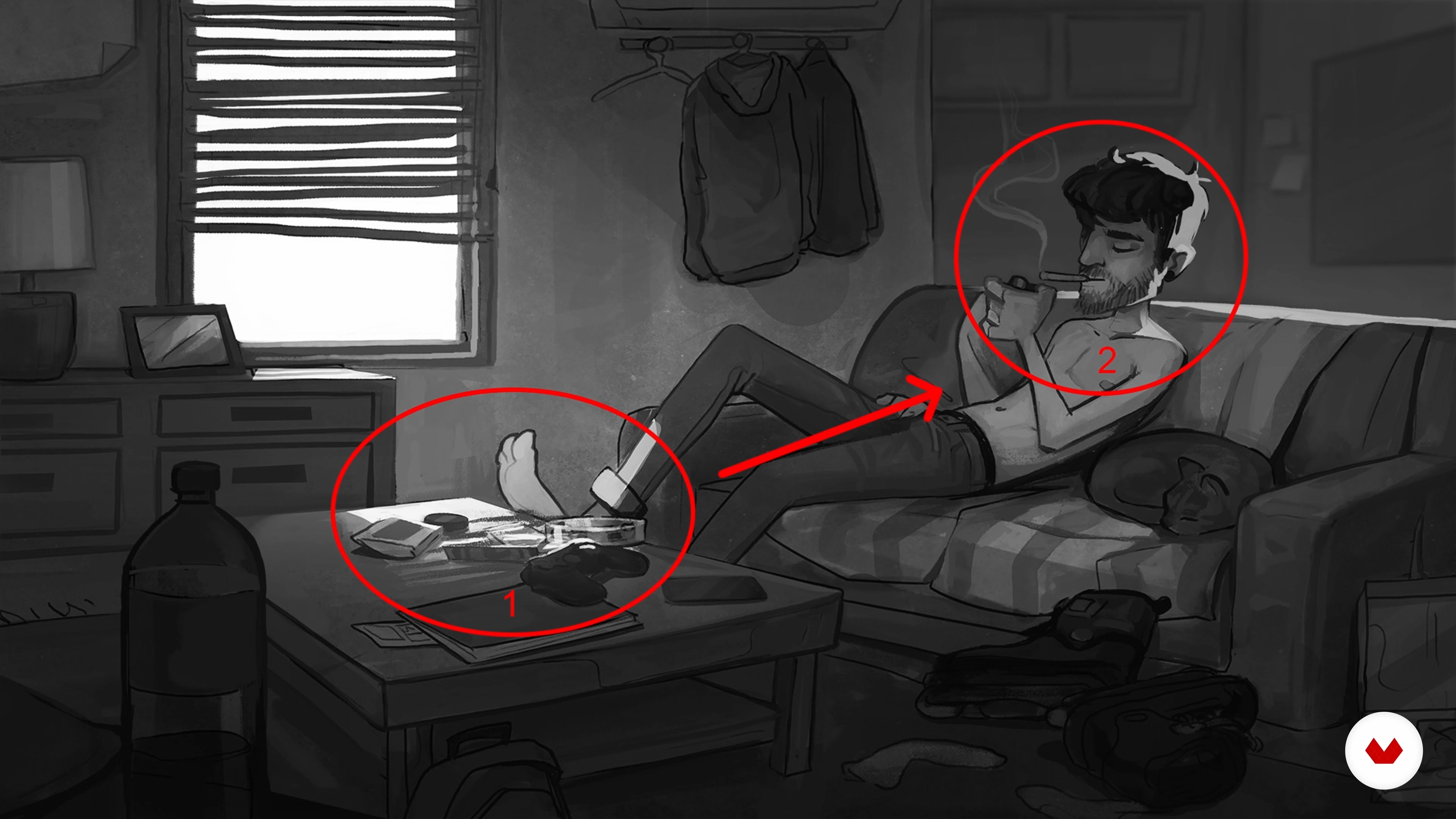
Composition tips
8 minutes, 51 seconds
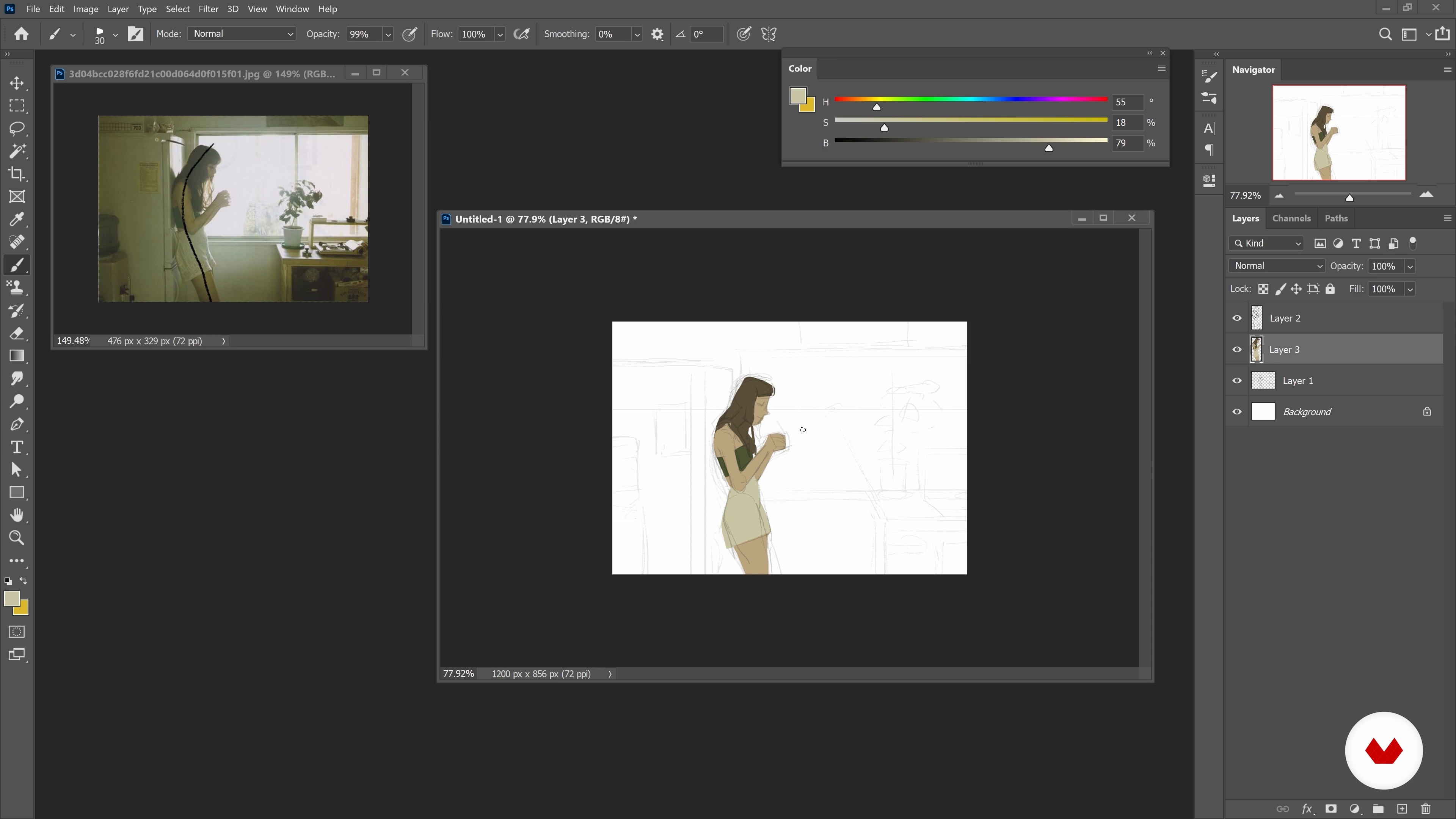
Translate a photo into a sketch 1
16 minutes, 55 seconds
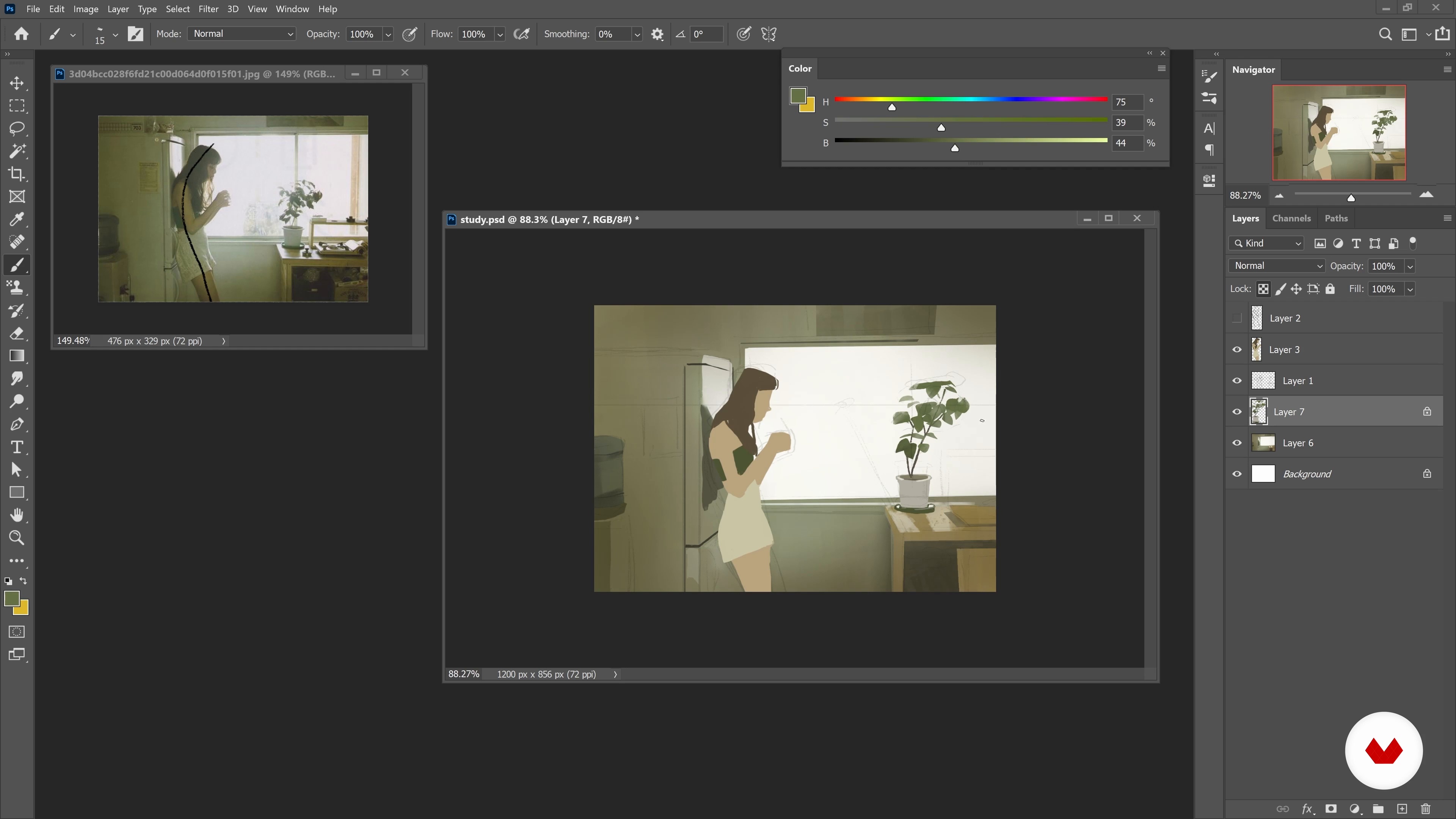
Translate a photo into a sketch 2
15 minutes, 14 seconds
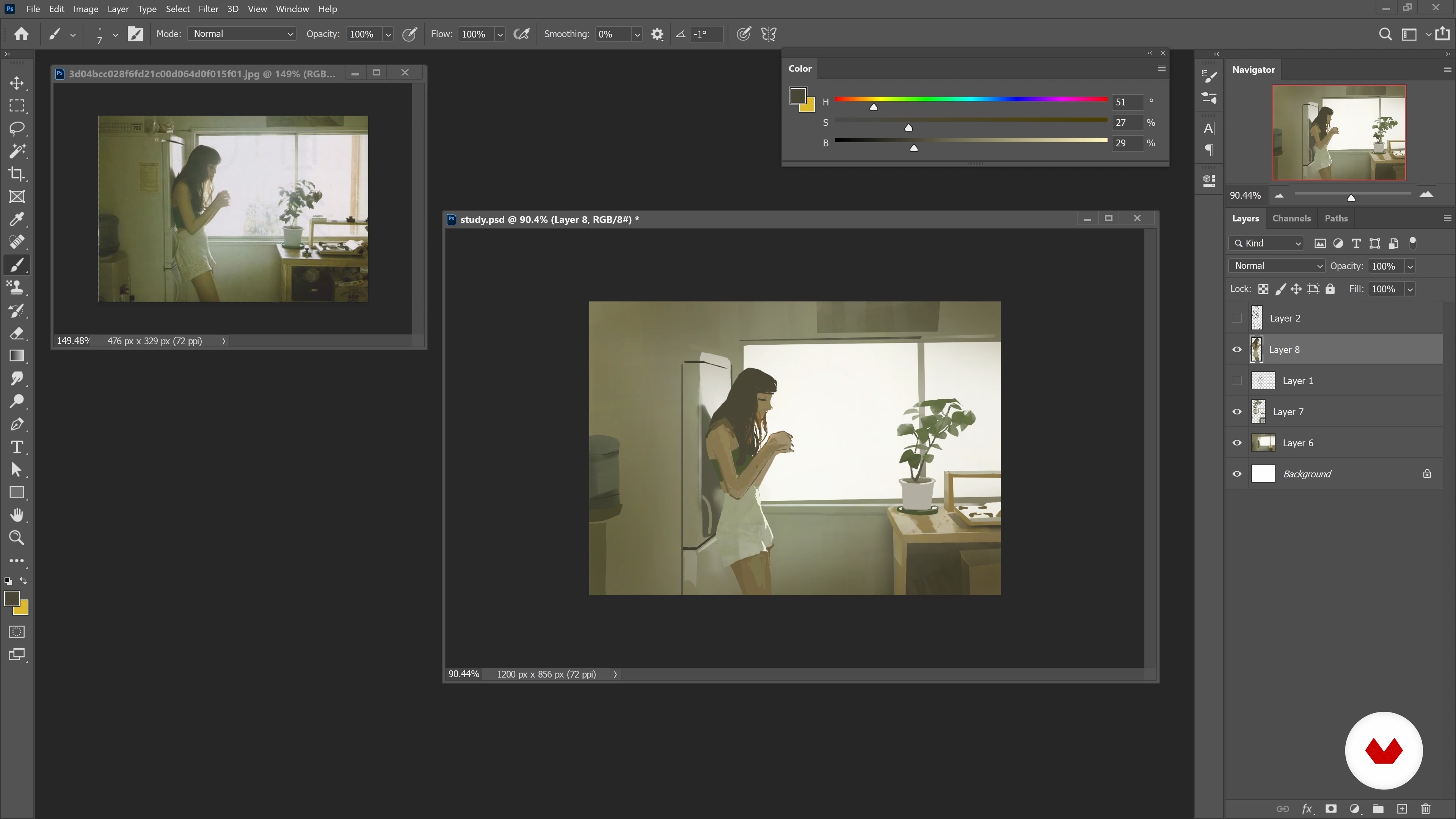
Translate a photo into a sketch 3
14 minutes, 28 seconds
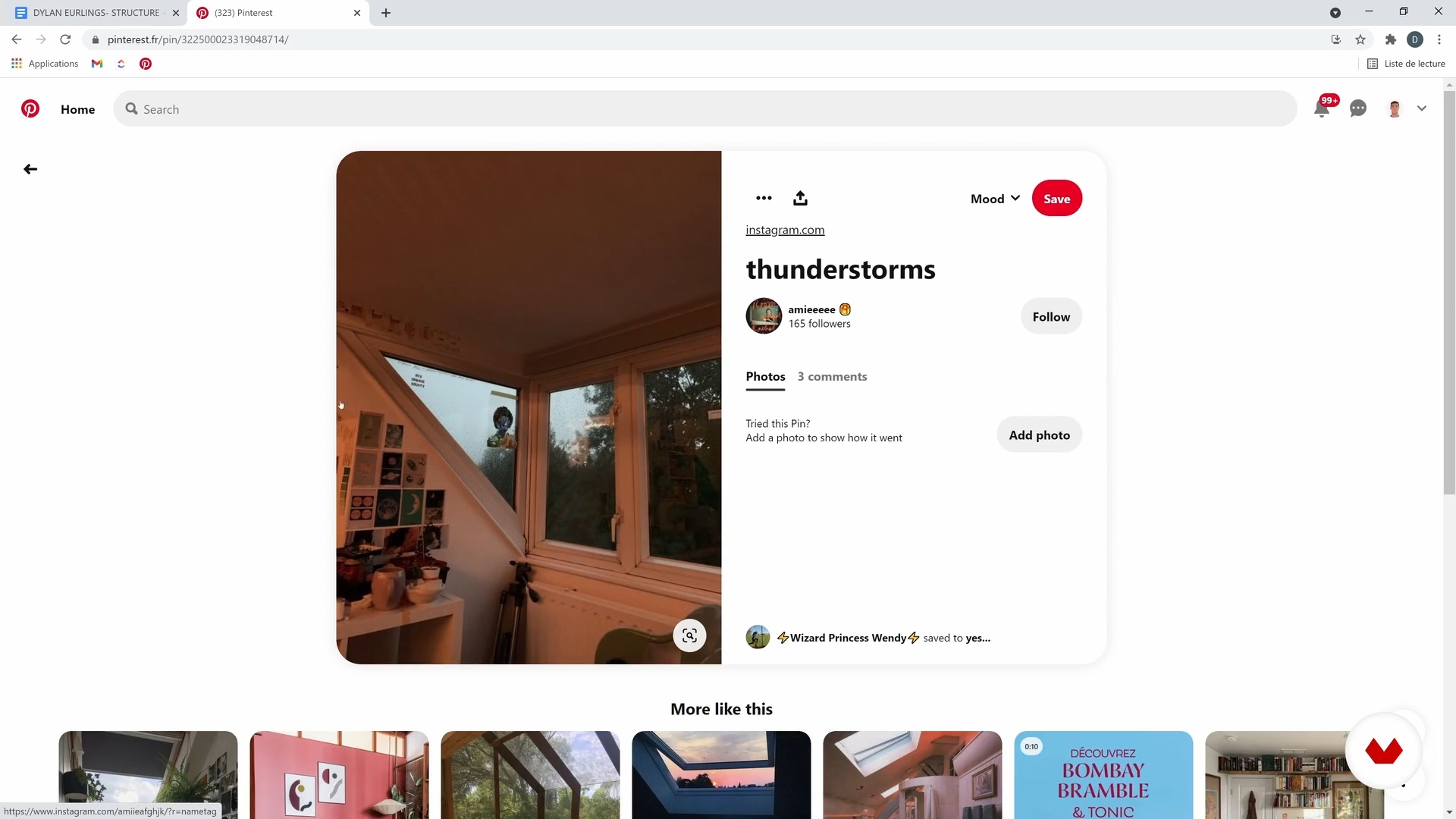
Idea and mood board
14 minutes, 31 seconds
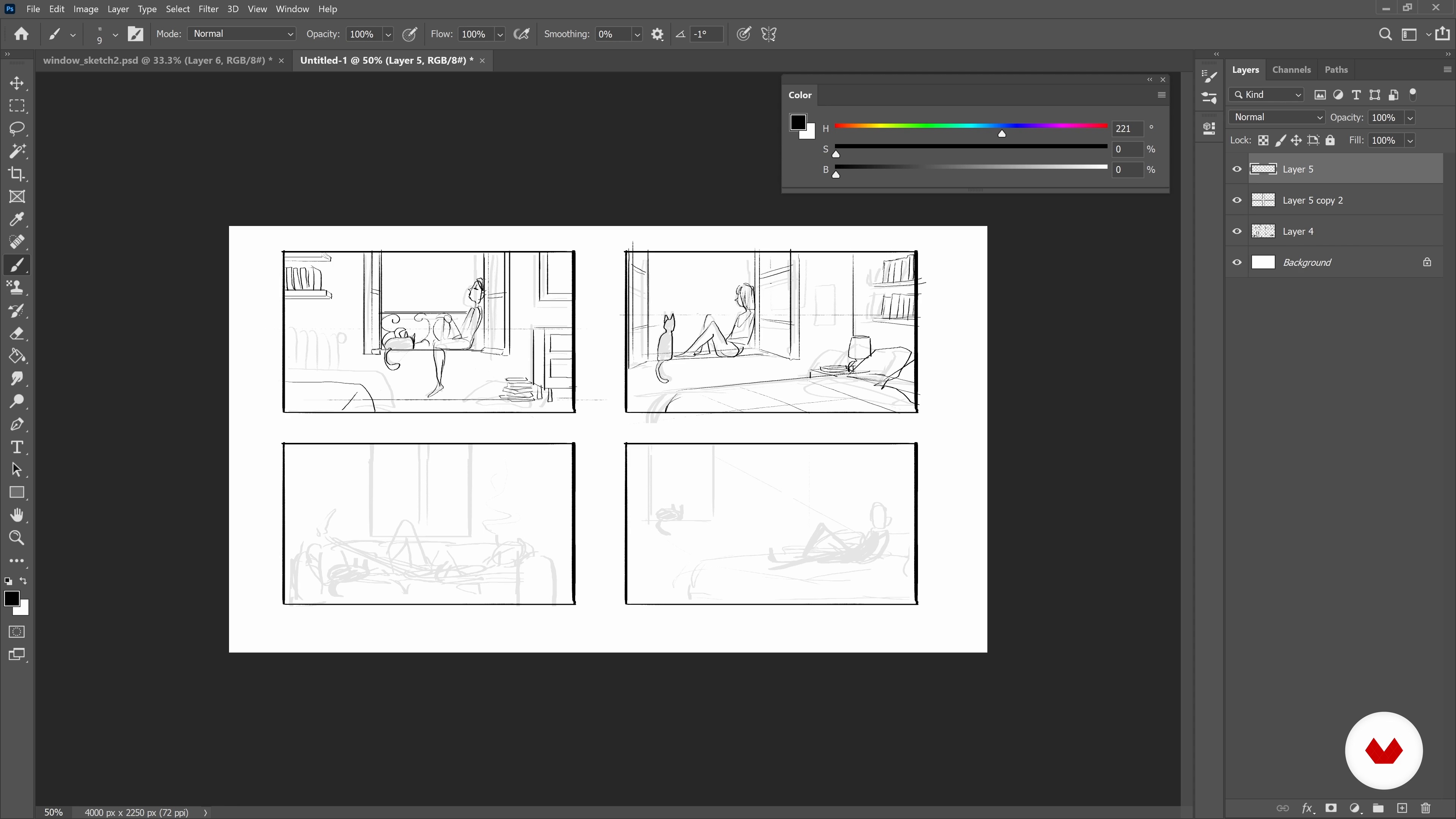
Sketch for image composition 1
18 minutes, 23 seconds
What's included in this course?
Dylan starts off by talking about his influences and background. See how it all began with little drawings of Pokémon at school.
Then get straight into the preparatory research stage. Study an image from Dylan's portfolio and use a reference photo to make small sketches with a graphics tablet. Dylan explains how to work with Photoshop and the tools that he likes to use.
Following his advice, work your way through your sketches until you find the perfect composition for your illustration. Then see how to create various atmospheres by playing around with light thanks to the color palette.
Once you've finished your groundwork, it's time to clean up your drawing. Still using Photoshop, draw over the sketch to consolidate the perspective, the outline of the character, and the various elements of the setting. Apply solid colors, work on the lighting and finish, and finally, add small details to perfect your drawing.
Now that your illustration is ready, all you have to do is animate some of the elements of your drawing to bring it to life. Learn how to do so by using the "frame by frame" technique in Photoshop and, if you want to do more complicated animations, Dylan also talks you through After Effects. Now you've got all the skills to create your very own animated illustration!
Recommended software & tools for this course
What is this course's project?
Create an illustration with a unique atmosphere in Photoshop including animated elements.
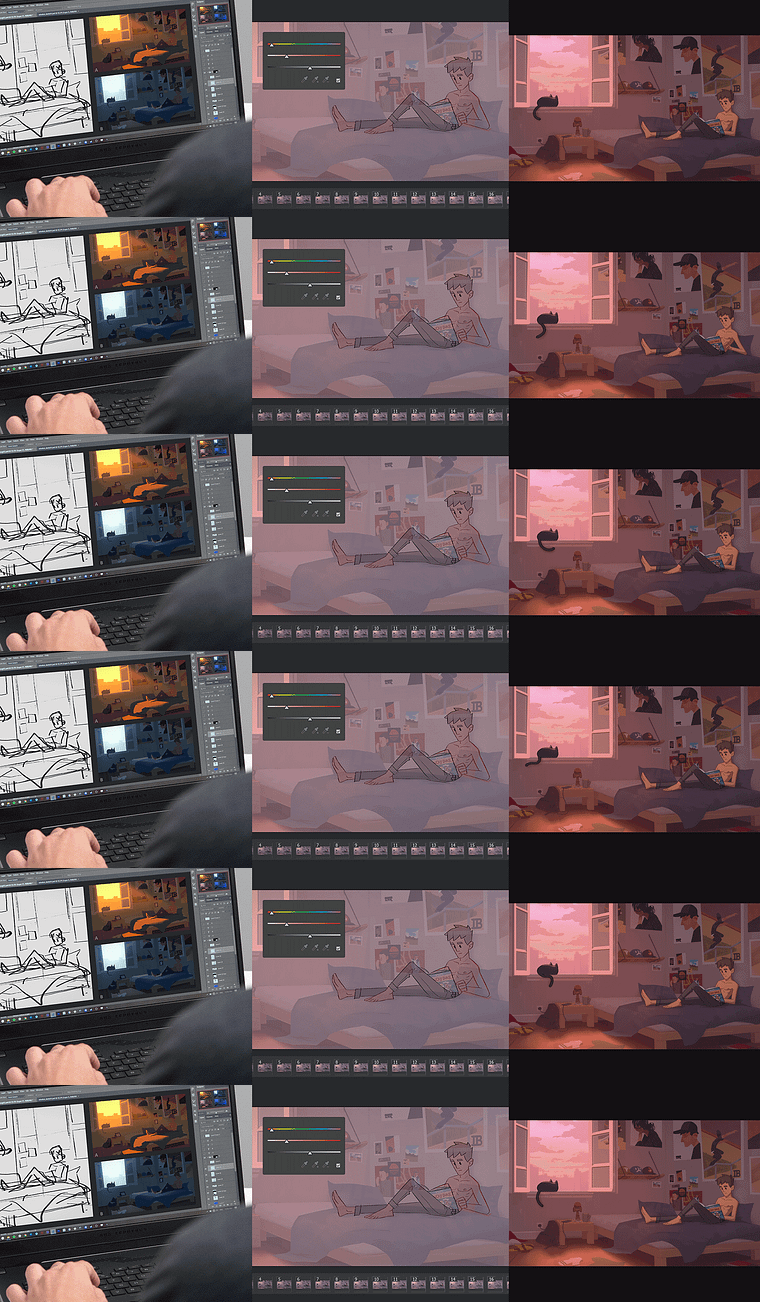
Projects by course students

Who is this online course for?
This course is for anyone who is new to digital illustration and would like to learn how to animate certain elements, as well as for professionals who would like to improve their skills.
Requirements and materials
All you need is a graphics tablet (the model doesn't matter) and a computer with Photoshop installed.
Reviews
- 10 months ago
Excelente
- 1 year ago
El curso es muy bueno!! Ya sabia hacer animaciones con photoshop, pero este curso me amplio mucho los conocimientos y posibilidades del programa. Las explicaciones son simples y amenas.
- 2 years ago
Very good course with lot of useful information
- 2 years ago
Un curso muy completo.
- 2 years ago
Muito bom! É tanto para iniciantes quanto para avançados que queiram aprender esse estilo de ilustração e as técnicas que ele utiliza. Sempre é bom ver novas formas de abordagem em projetos.

Dylan likes to work in two dimensions while giving life to his images by playing with the infinite possibilities of digital painting. He has already brought his creative touch to acclaimed video games including Dead Cells and Seasons After Fall.
Content
- U1
Introduction
- Presentation
- Influences
- U2
Preparatory research
- Composition tips
- Translate a photo into a sketch 1
- Translate a photo into a sketch 2
- Translate a photo into a sketch 3
- Idea and mood board
- Sketch for image composition 1
- Sketch for image composition 2
- Iterations on color palette 1
- Iterations on the color palette 2
- Iterations on the color palette 3
- Iterations on the color palette 4
- U3
Illustration and animation
- Line drawing 1
- Line drawing 2
- Laying of flat colors 1
- Laying of flat colors 2
- Shadow and light treatment 1
- Shadow and light treatment 2
- Shadow and light treatment 3
- Shadow and light treatment 4
- Finalization 1
- Finalization 2
- Finalization 3
- Finalization 4
- Finalization 5
- Finalization 6
- Animation 1
- Animation 2
- Animation 3
- Animation 4
- Animation 5
- U4
Exports and sharing
- Stitching animations in After Effects
- How to export
- FP
Final project
- Animated Illustrations in Photoshop: Create Unique Atmospheres
What to expect from a Domestika course
Learn at your own pace
Enjoy learning from home without a set schedule and with an easy-to-follow method. You set your own pace.
Learn from the best professionals
Learn valuable methods and techniques explained by top experts in the creative sector.
Meet expert teachers
Each expert teaches what they do best, with clear guidelines, true passion, and professional insight in every lesson.
Certificates
PLUSIf you're a Plus member, get a custom certificate signed by your teacher for every course. Share it on your portfolio, social media, or wherever you like.
Get front-row seats
Videos of the highest quality, so you don't miss a single detail. With unlimited access, you can watch them as many times as you need to perfect your technique.
Share knowledge and ideas
Ask questions, request feedback, or offer solutions. Share your learning experience with other students in the community who are as passionate about creativity as you are.
Connect with a global creative community
The community is home to millions of people from around the world who are curious and passionate about exploring and expressing their creativity.
Watch professionally produced courses
Domestika curates its teacher roster and produces every course in-house to ensure a high-quality online learning experience.
FAQs
This course is aimed at intermediate learners who already have basic drawing or digital illustration skills and want to deepen their understanding of composition, color, animation, and integration in a video game context.
It’s recommended that you know how to use Photoshop’s basic tools and have some traditional or digital drawing experience to get the most out of the content and exercises.
You’ll need a computer, a graphics tablet, Adobe Photoshop and After Effects software, plus access to image resources for visual references.
You’ll learn how to analyze reference images, create structured sketches, master color, light, composition, and animate your illustrations for use in video game projects.
The course covers composition, digital sketching, simplified anatomy, color palettes, lighting atmosphere, animation in Photoshop, assembly in After Effects, and creating assets for video games.
Yes, the course walks you through every step: analyzing references, sketching, applying colors, managing light, partial animation, and final assembly to produce a fully animated digital illustration.
The course explains how to select, apply, and harmonize a color palette suited to the desired mood, using professional techniques and practical exercises.