Expressive Illustration and Lettering for Editorial Design
A course by Justin PoulterGraphic Artist
A course by Justin Poulter, Graphic Artist

Explore the sweet spot between art and design by learning how to create memorable book covers with Procreate and Adobe Illustrator
By combining lettering and illustration, you can create custom designs that communicate your ideas effectively. Graphic artist Justin Poulter specializes in designing artwork that brings together illustrations and hand-drawn typography. He’s worked with clients including National Geographic, Easyjet, and Costa Coffee.
In this course, Justin teaches you how to incorporate both lettering and illustration into a single captivating composition for a book cover. Discover the power of the two art forms combined and design striking works of art using Procreate and Adobe Illustrator.
What will you learn in this online course?
21 lessons & 12 downloads
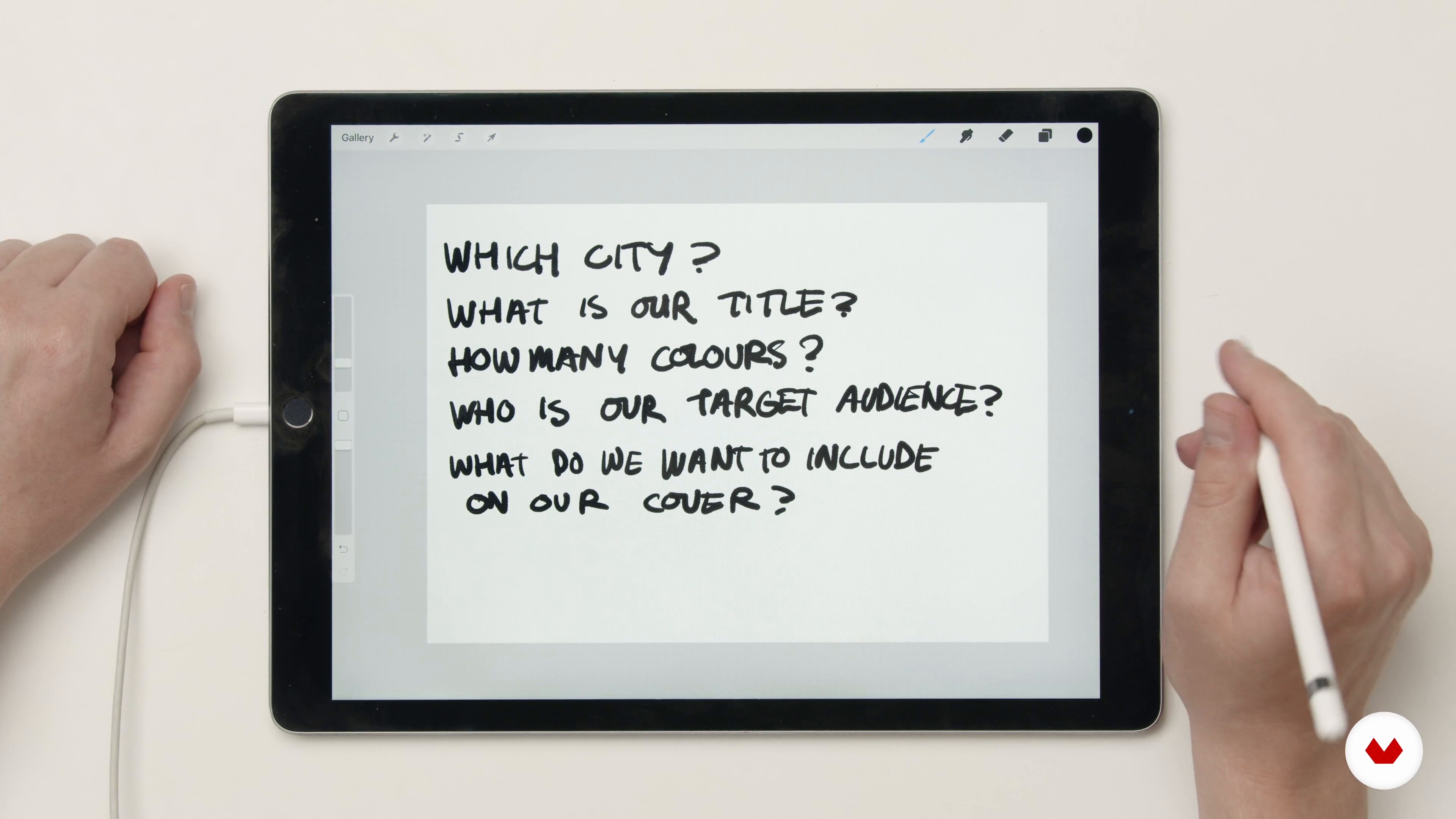
What We Will Do and Coming up With Your Idea
2 minutes, 52 seconds
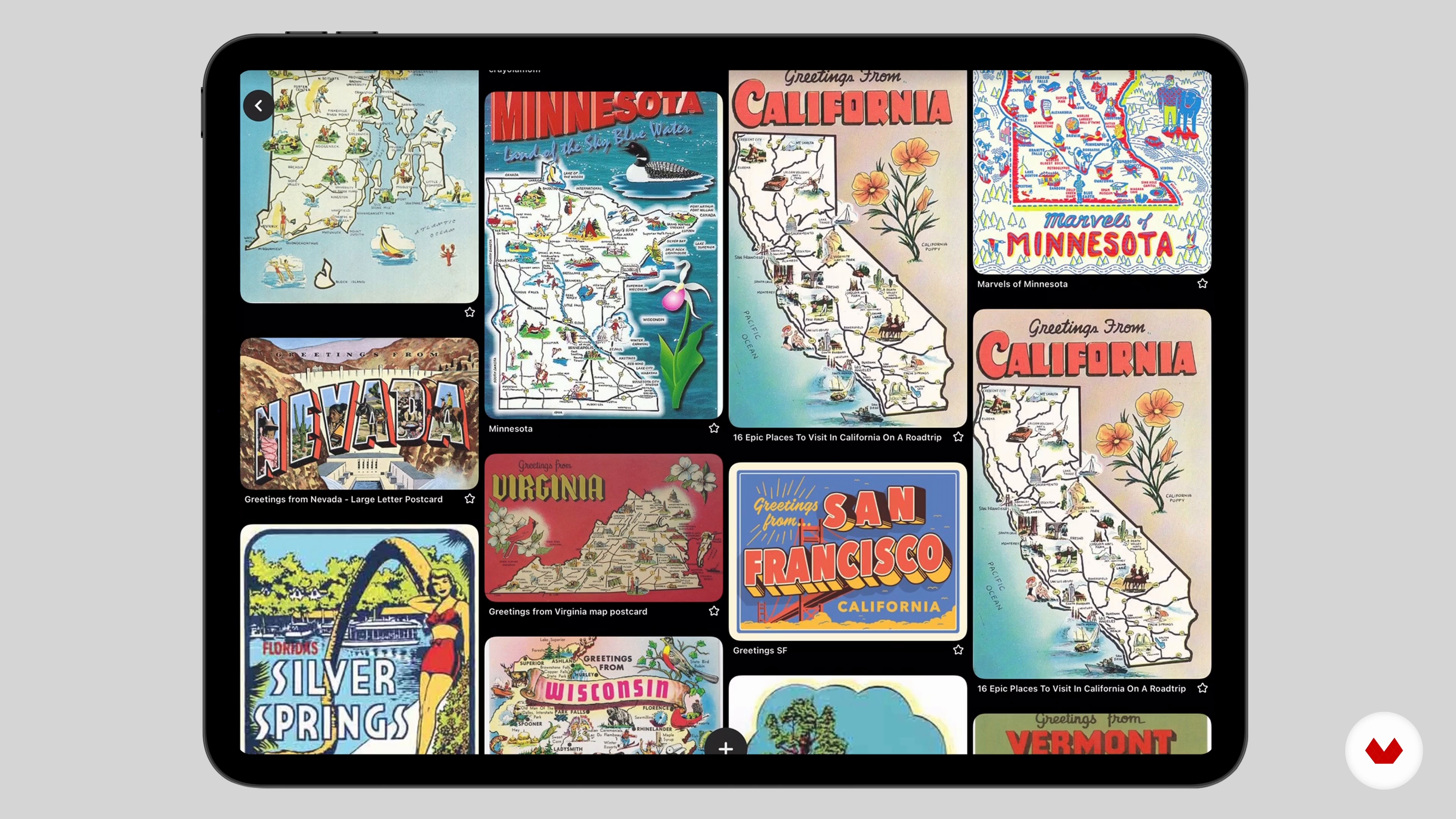
Creating a Mood Board
4 minutes, 58 seconds
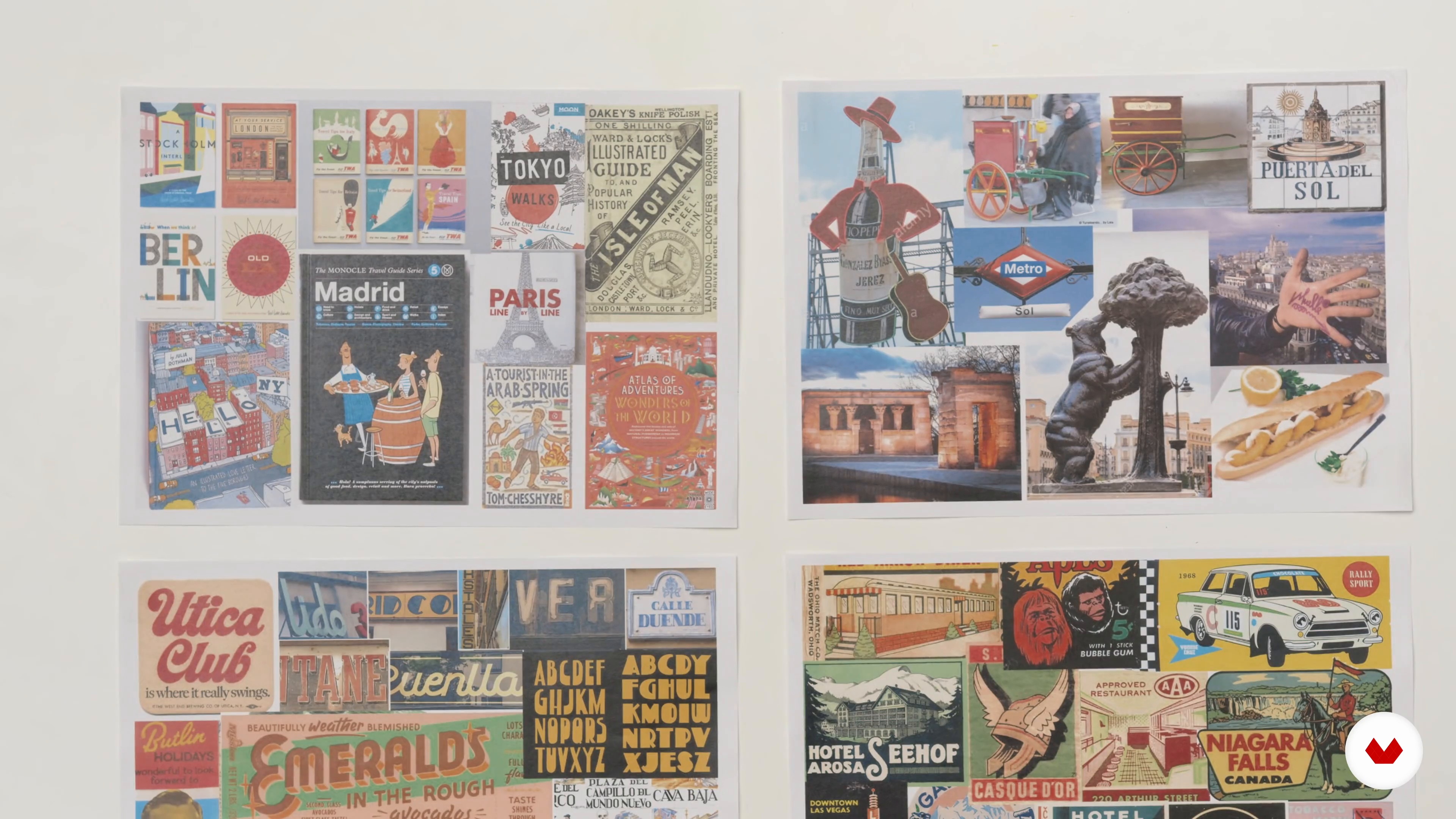
Art Direction
4 minutes, 46 seconds
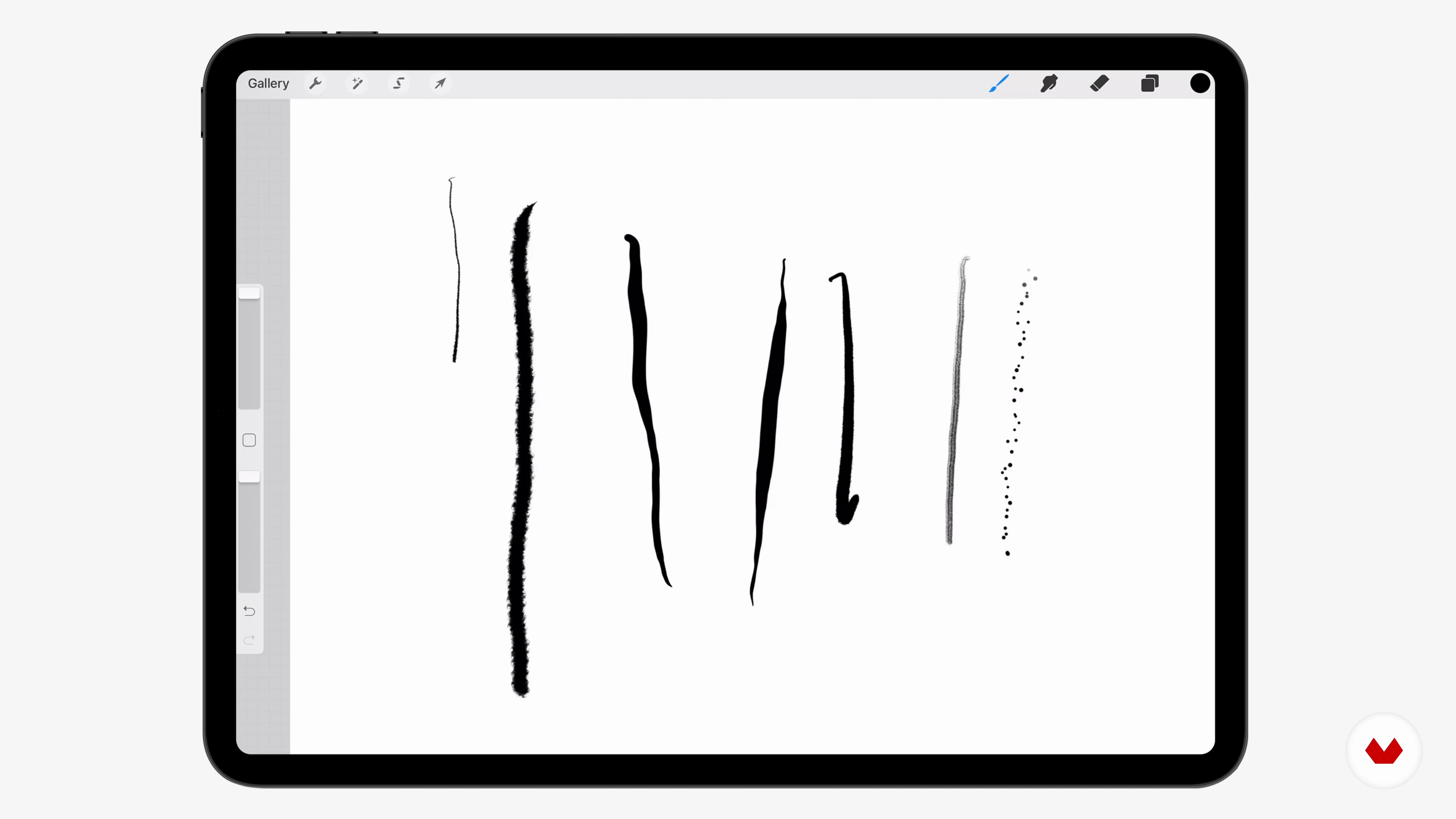
Introduction to Procreate
10 minutes, 20 seconds

Composition and Layout
17 minutes, 43 seconds
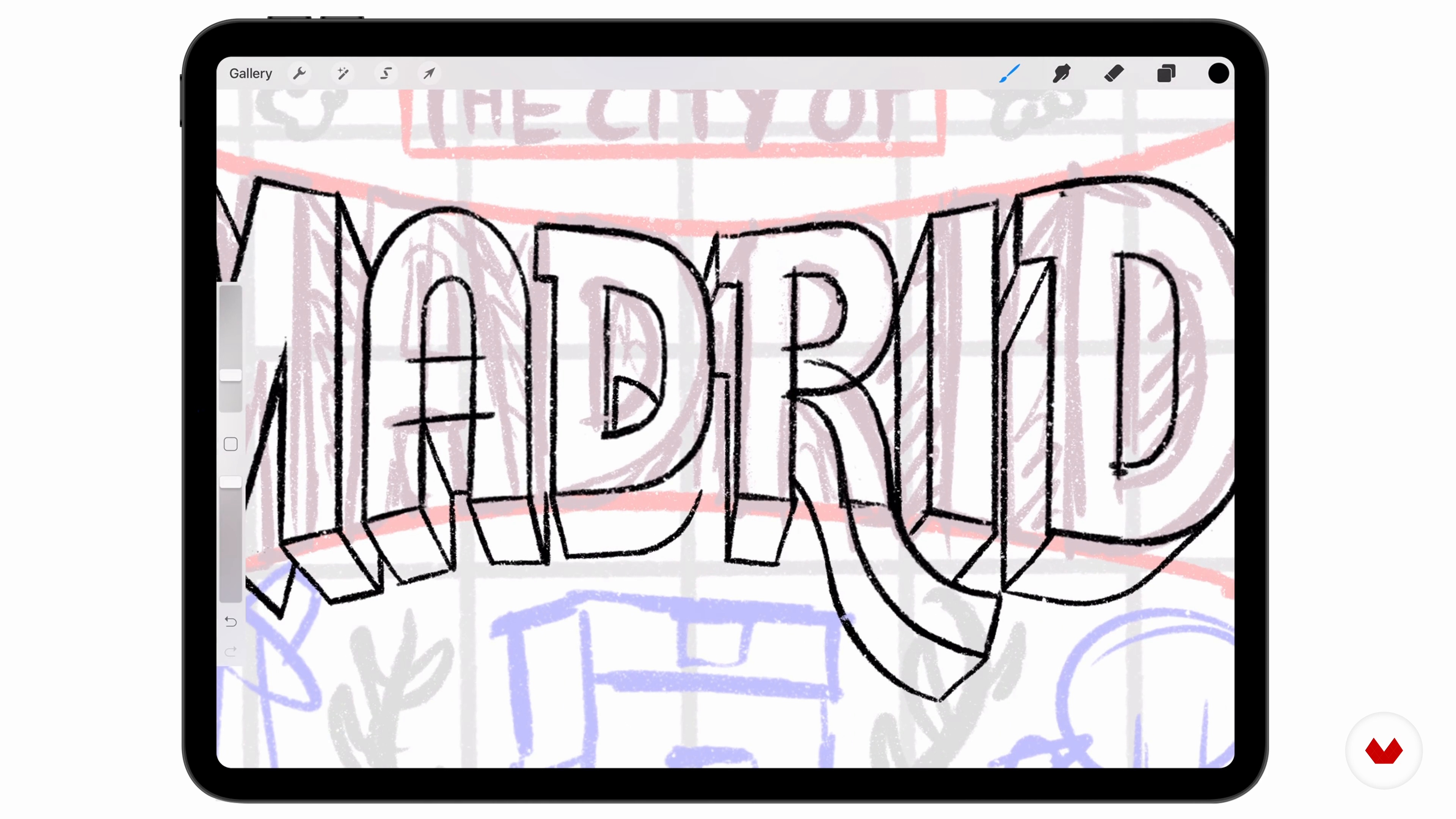
Refining Typographies
12 minutes, 25 seconds
What's included in this course?
Begin the course by getting to know graphic artist Justin Poulter. He talks through the journey which led to his creative career along with the influences that inspire his work, from street art to fellow illustrators.
Research content and stylistic samples to help guide your cover design. Then create a mood board to use as inspiration for your illustration. Study your mood board, taking into consideration which examples of typography and illustration work well together and how to reinterpret them in your own style.
Explore Procreate and the tools it offers, from brushes to layers. Then learn how to create a composition by drawing basic shapes to represent different elements of your design. Use your rough sketch as a guide to create a more detailed illustration, then export it ready for editing on your computer.
Time to create your book cover! Justin guides you through how to make sure your artwork is the correct size, taking into consideration the bleed and the width of the book’s spine. Discover how to work with layers in Illustrator and use guides for your lettering. Draw your linework, tweak it using the Adjustment Tool, then add color and texture to your design.
Put the finishing touches to your artwork and export it ready for sharing. To finish the course, Justin guides you through how to post your project online via platforms like Instagram, Behance, and your website, as well as how to write clear descriptions to go alongside it.
Recommended software & tools for this course
What is this course's project?
Creating an expressive book cover design that combines illustration and typography.
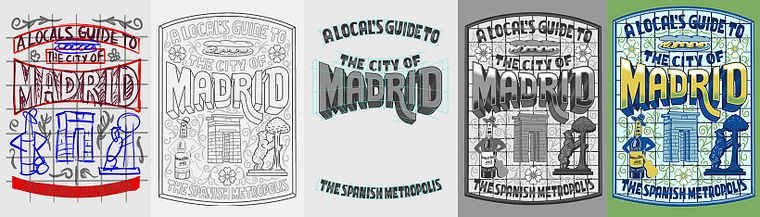
Projects by course students

Who is this online course for?
This course is for anyone with an interest in graphic design and illustration.
Requirements and materials
Basic knowledge of Procreate and Adobe Illustrator is required.
You will need a tablet with Procreate installed and access to a computer with Illustrator.
Reviews
- 2 years ago
nice
- 2 years ago
Nice!
- 3 years ago
Awesome course. Very insightful and compelling.
- 3 years ago
Awesome course!
- 3 years ago
useful course!

Justin’s work combines illustrations with hand-drawn typography. With over 10 years of experience in his field, he’s designed a book cover for the Britannica Books, and a coloring book for National Geographic. He’s also created illustrations for Nike, Levis, Bud Light, Cadbury, and Delta.
Content
- U1
Introduction
- About Me
- Influences
- U2
Inspiration and Defining Your Idea
- What We Will Do and Coming up With Your Idea
- Creating a Mood Board
- Art Direction
- U3
Sketching in Procreate
- Introduction to Procreate
- Composition and Layout
- Refining Typographies
- Adding Illustrations and Patterns 1
- Adding Illustrations and Patterns 2
- U4
Creating the Final Cover in Adobe Illustrator
- Setting up Your Document and Working With Layers
- Using Guides and Creating Your Lettering 1
- Using Guides and Creating Your Lettering 2
- Drawing Your Linework
- Tweaking and Varying Your Linework
- Greyscale and Textures 1
- Greyscale and Textures 2
- Tweaking Colour and Final Touches
- U5
Final Touches
- Reviewing Your Artwork
- Cleaning up Your Layers and Exporting for Various Formats
- Sharing Your Project
- FP
Final project
- Expressive Illustration and Lettering for Editorial Design
What to expect from a Domestika course
Learn at your own pace
Enjoy learning from home without a set schedule and with an easy-to-follow method. You set your own pace.
Learn from the best professionals
Learn valuable methods and techniques explained by top experts in the creative sector.
Meet expert teachers
Each expert teaches what they do best, with clear guidelines, true passion, and professional insight in every lesson.
Certificates
PLUSIf you're a Plus member, get a custom certificate signed by your teacher for every course. Share it on your portfolio, social media, or wherever you like.
Get front-row seats
Videos of the highest quality, so you don't miss a single detail. With unlimited access, you can watch them as many times as you need to perfect your technique.
Share knowledge and ideas
Ask questions, request feedback, or offer solutions. Share your learning experience with other students in the community who are as passionate about creativity as you are.
Connect with a global creative community
The community is home to millions of people from around the world who are curious and passionate about exploring and expressing their creativity.
Watch professionally produced courses
Domestika curates its teacher roster and produces every course in-house to ensure a high-quality online learning experience.
FAQs
Yes, this course is designed for intermediate illustrators who want to expand their skills in digital and traditional illustration, cover design, and professional practices.
You'll learn how to create professional illustrations for t-shirts, book covers, and advertising, develop unique styles, work with agencies, and master digital techniques in Procreate and Illustrator.
Basic familiarity with Procreate or Illustrator is recommended, but the course includes foundational guidance to help you get started with essential tools and workflows.
You’ll need an iPad with Procreate, a computer with Adobe Illustrator, and a drawing tablet or stylus. Access to Pinterest and reference images will also be beneficial for mood board and research activities.
Yes, the course teaches how to create and finalize book cover illustrations using Procreate, including digital linework, color layering, and integrating hand lettering.
Yes, you'll explore techniques to develop and maintain a consistent illustration style, including mood board creation, reference selection, and stylistic rule-setting.
The course discusses how to approach agencies, build a strong portfolio, and position yourself for agency representation as an illustrator.