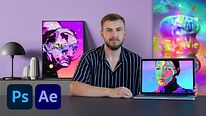
Abstract Portraiture with Photoshop and After Effects
Course final project
A course by Klarens Malluta , Visual Artist

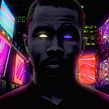
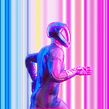
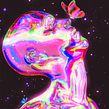

About the final project for: Abstract Portraiture with Photoshop and After Effects
Abstract Portraiture with Photoshop and After Effects
“We have reached the end of this course. I hope that now you are well equipped to create your scenes. Now it's time for you to show me what you have been working on during the course. But before that, let's recap the main steps to follow. First of all, you need to find some image resources: three portraits and some colorful nebulas. I showed you how to create gradients and patterns that you will use as background images. Start editing the colors of the first portrait by using adjustment layers. Use some Photoshop tools like the Stamp tool to distort the shape of the face and make it more abstract.
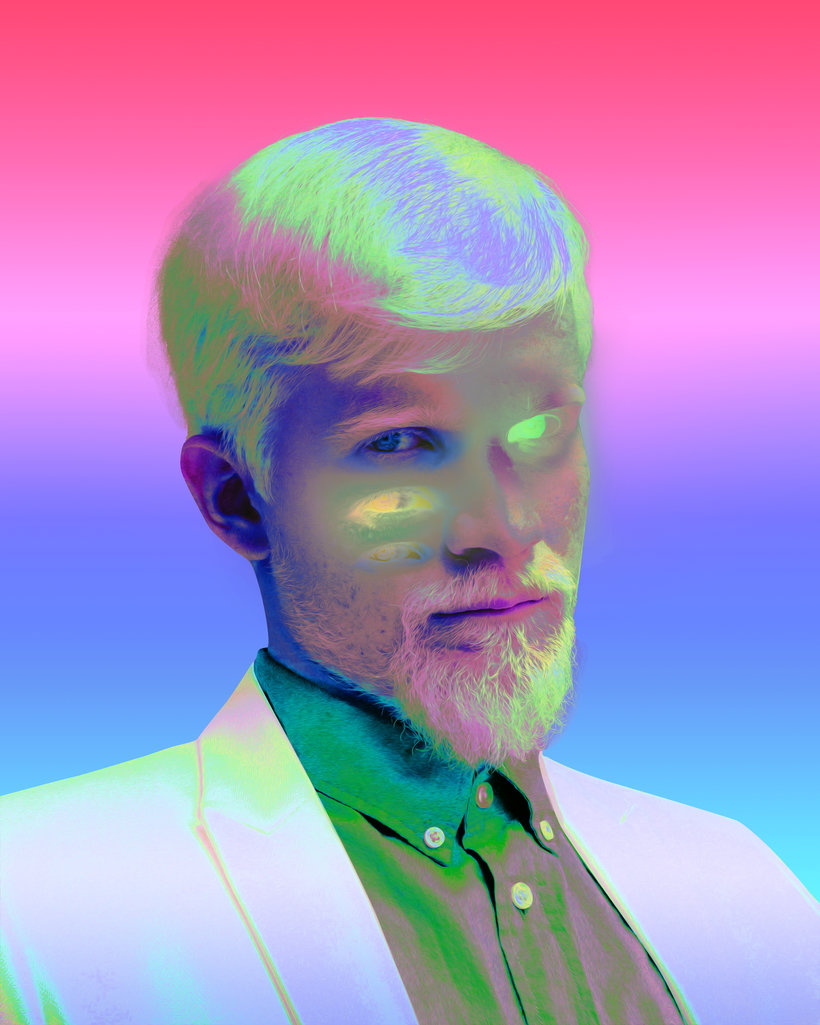
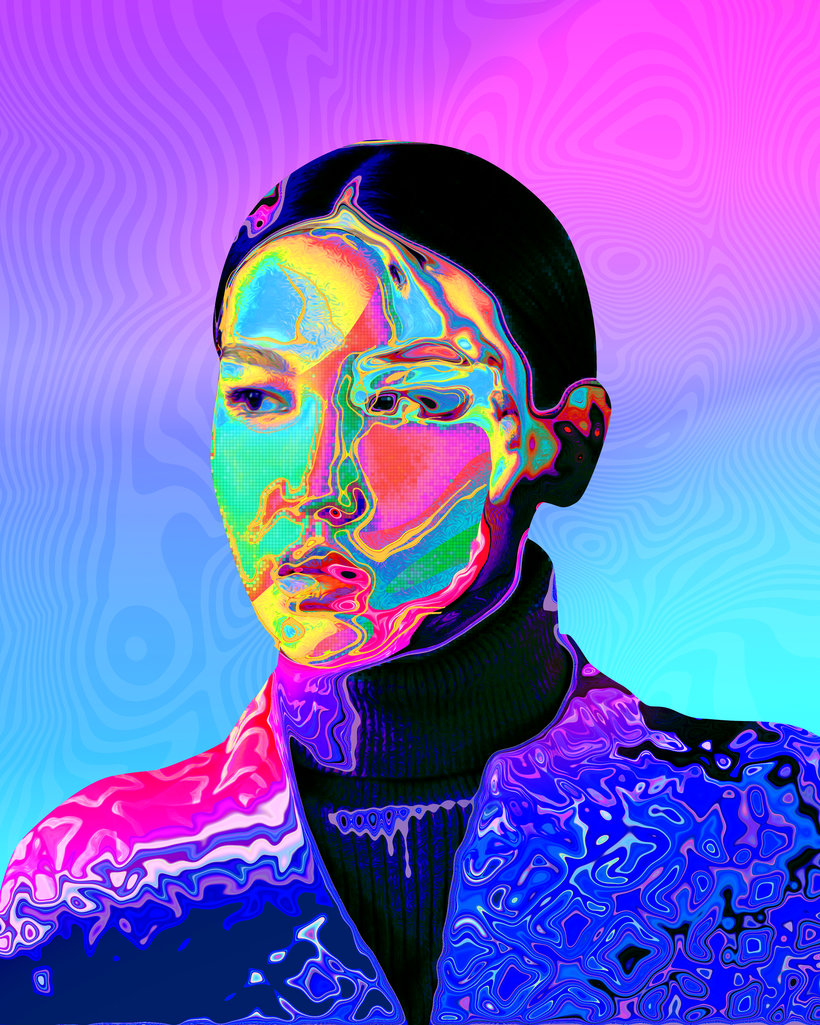
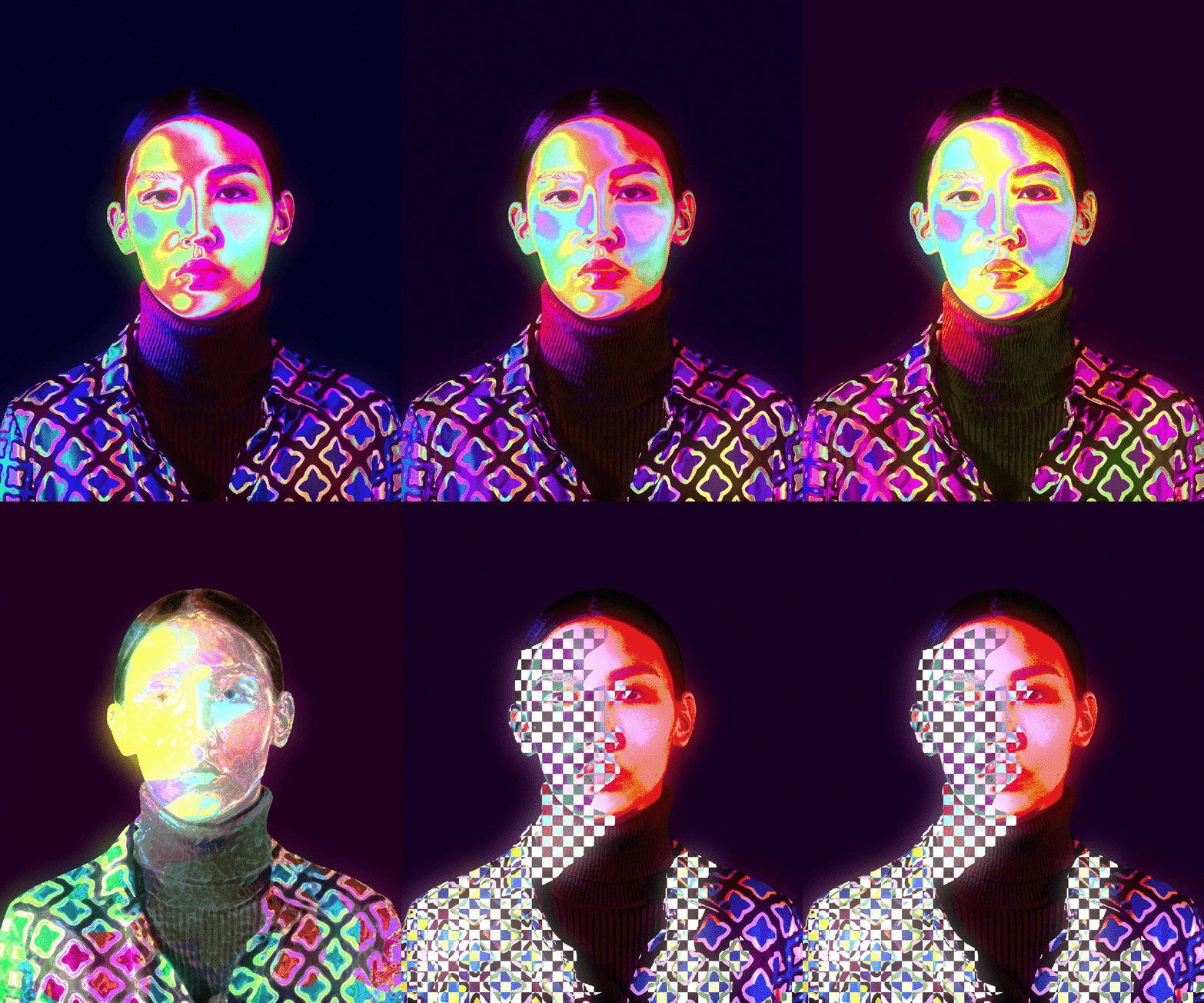
Partial transcription of the video
“Final Project We've reached the end of this course and I hope you've enjoyed it. Let's review the steps you need to take in order to complete your projects. Every project starts with searching references. This way, you'll understand what things draw your attention the most. The more you see, the more ideas you have and the more your style evolves. I encourage you to analyze what is it from the references you see that you feel drawn to. This exercise will help you get many ideas. All you need to do is find the assets that you need to start. I highly recommend you try to create as much as pos...”
This transcript is automatically generated, so it may contain mistakes.
Course summary for: Abstract Portraiture with Photoshop and After Effects
-
Category
3D & Animation -
Software
Adobe After Effects, Adobe Photoshop -
Areas
2D Animation, Animation, Digital Illustration

Klarens Malluta
A course by Klarens Malluta
Klarens Malluta is a freelance visual artist from Albania. For three years, he has been creating original visual compositions and uploading them daily on social media, compiling over 1000 pieces since he began. His experimental style mixes different techniques and software to bring new, colorful ideas to life.
With an aesthetic often described as trippy, psychedelic, or futuristic, Klarens work creating cover art and other visuals has led him to collaborate with several musicians and labels, including DJ Snake, Ultra Music, The Galantis, Jackboy, Adobe, and Empire Records. You can find his work online on Instagram and Behance.
- 100% positive reviews (67)
- 2,067 students
- 17 lessons (2h 33m)
- 18 additional resources (1 files)
- Online and at your own pace
- Available on the app
- Audio: English
- Spanish · English · Portuguese · German · French · Italian · Polish · Dutch · Turkish · Romanian · Indonesian
- Level: Beginner
- Unlimited access forever
Recommended software & tools for this course
 Adobe After Effects
 Adobe Photoshop
Category
Areas