Digital Illustration for Children’s Stories
A course by Teresa MartínezIllustrator
A course by Teresa Martínez, Illustrator

Learn to tell stories with illustrations created in Photoshop
Ever wanted to weave stories through your illustrations? Teresa Martínez, a children's illustrator with over 15 years of experience, has had her work published by international publishers such as SM, Editorial Castillo, and Macmillan, and truly believes that the illustrator is the second narrator in any story. Her work involves retelling a story, complementing the text, and enriching it through the imagery.
In this course, she teaches you how to illustrate a children's story digitally, creating beautifully compelling images for children and young people, using the tools available in Photoshop.
What will you learn in this online course?
16 lessons & 9 downloads
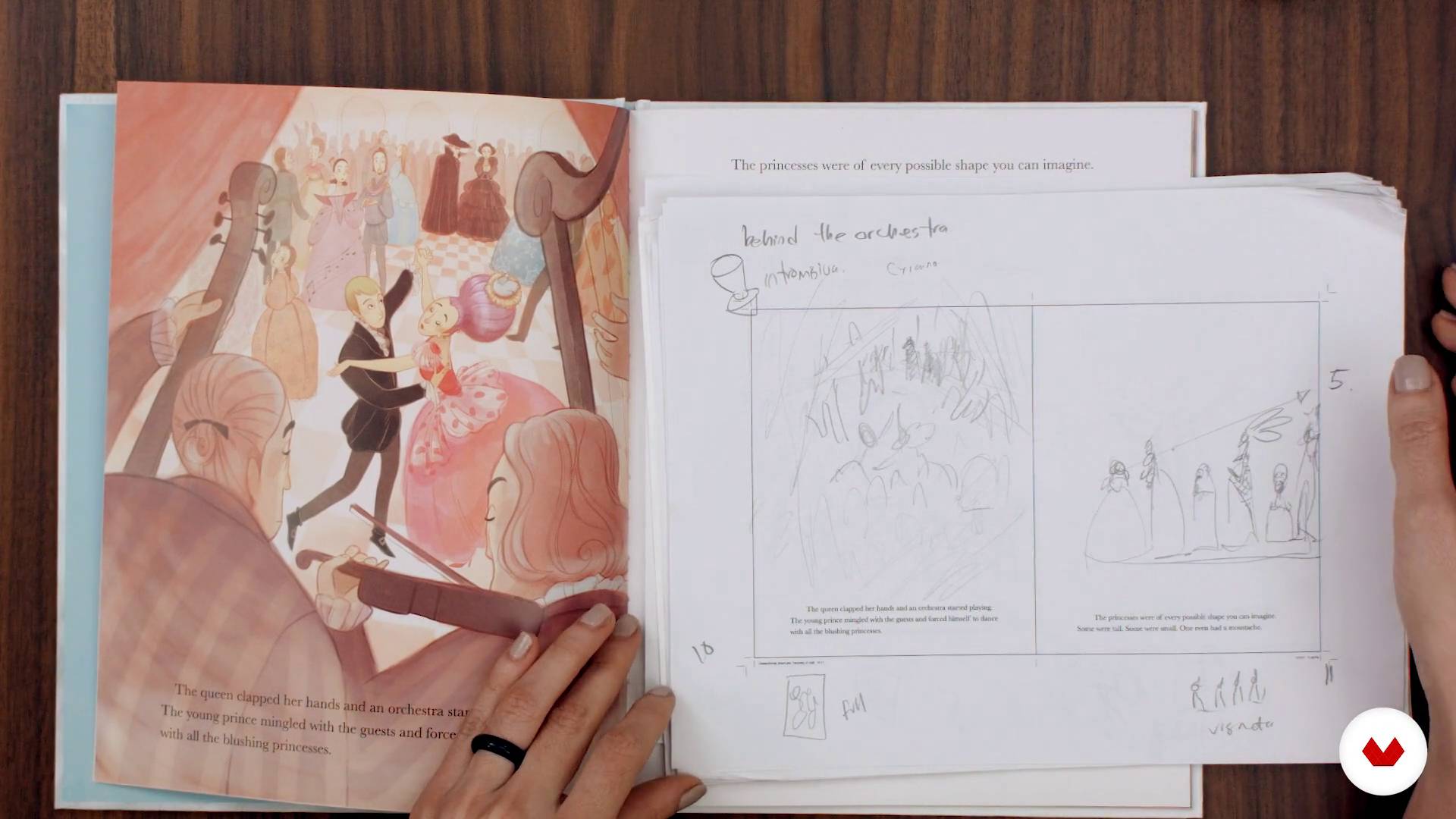
Interpreting the text
7 minutes, 28 seconds
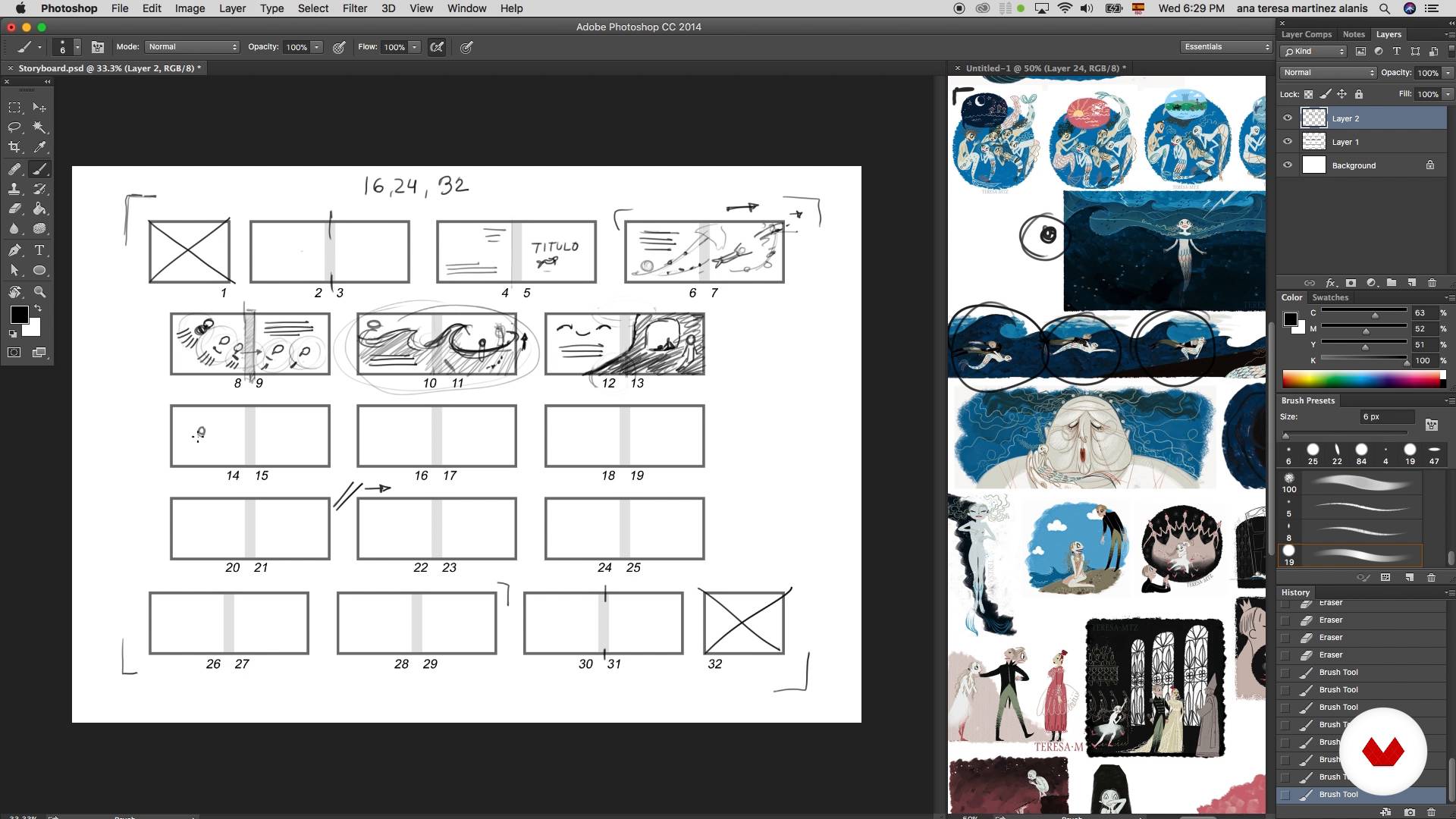
Storyboard
17 minutes, 4 seconds
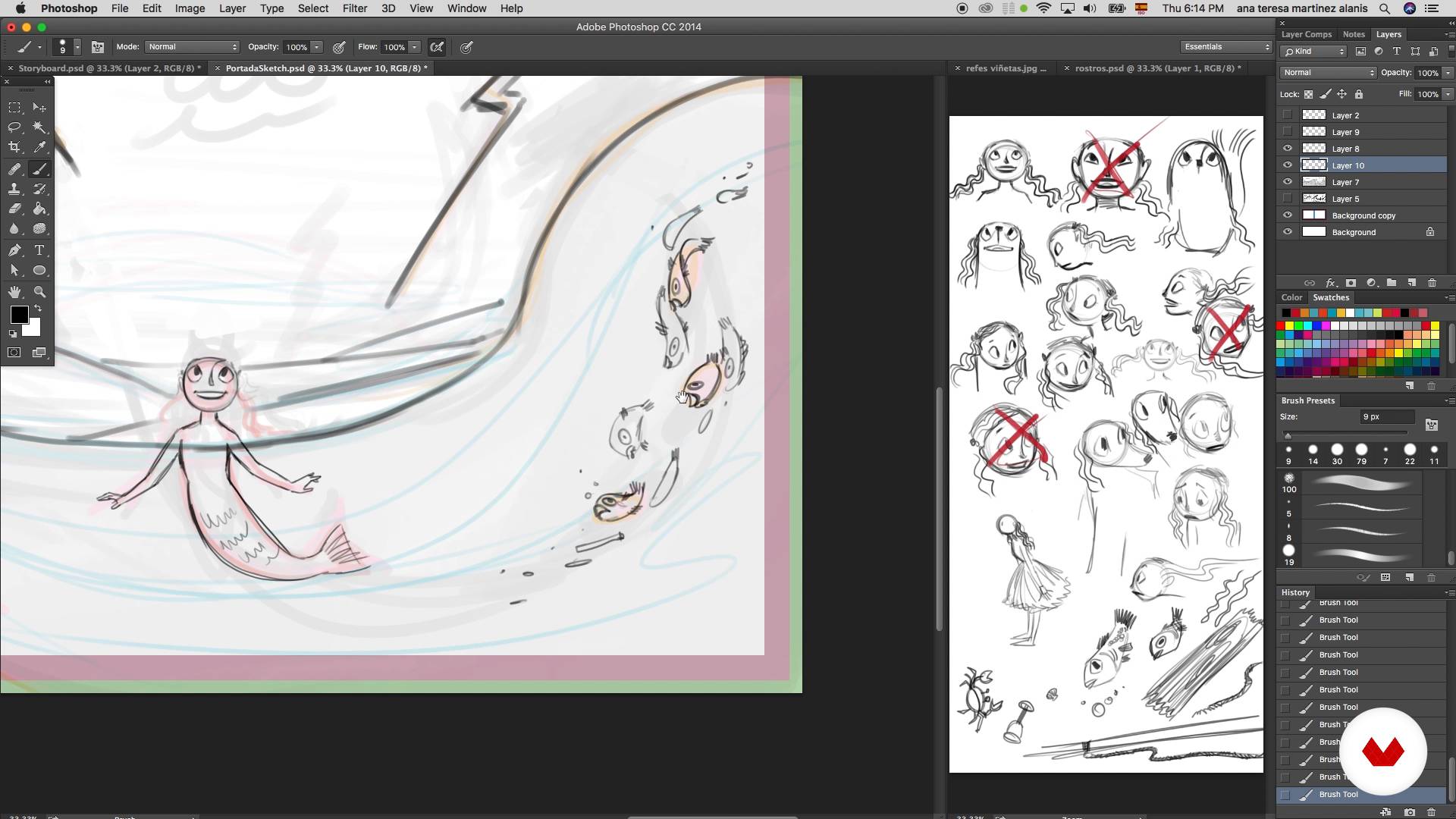
Composition of a scene
16 minutes, 20 seconds
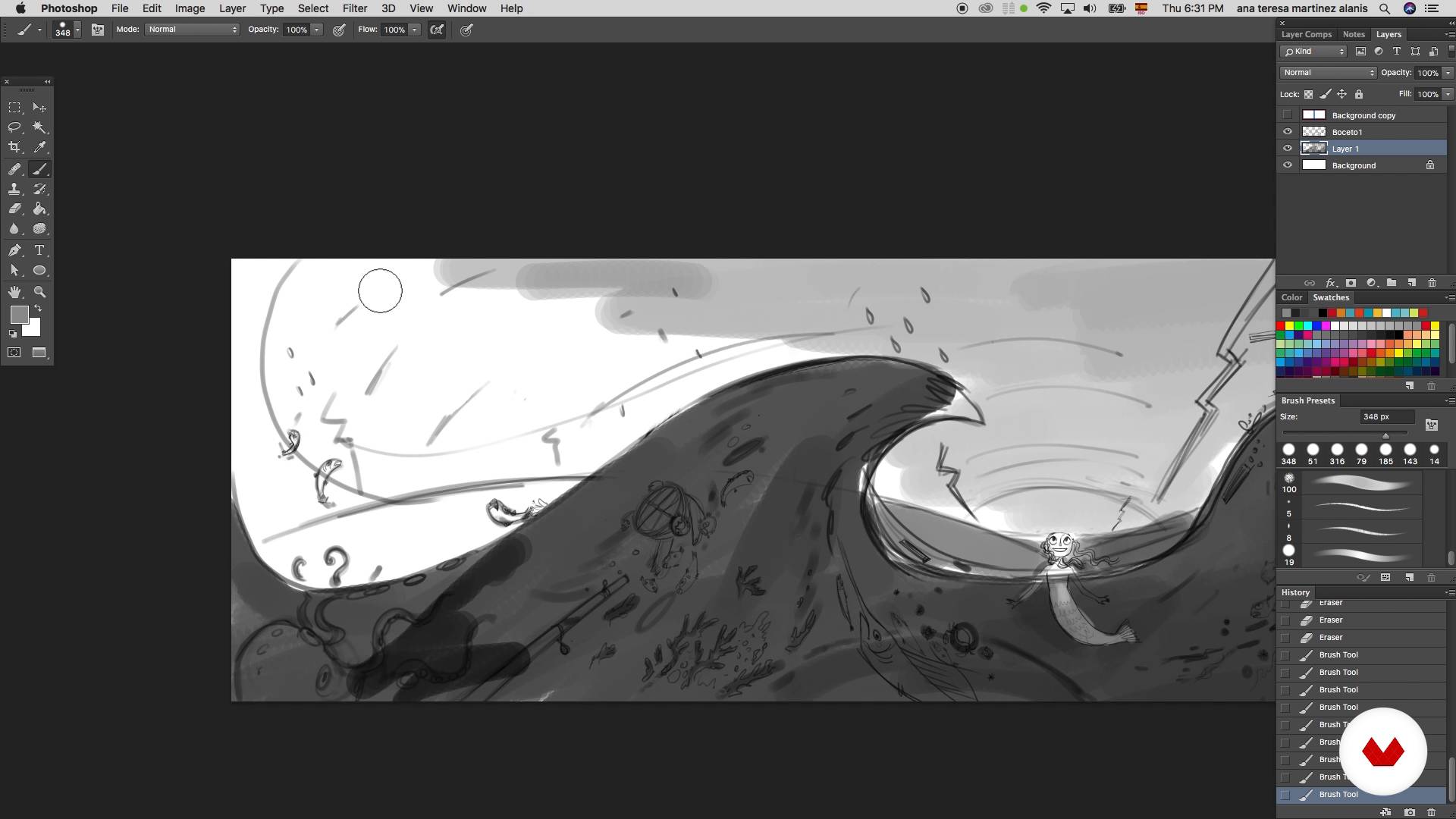
Study of values
6 minutes, 14 seconds
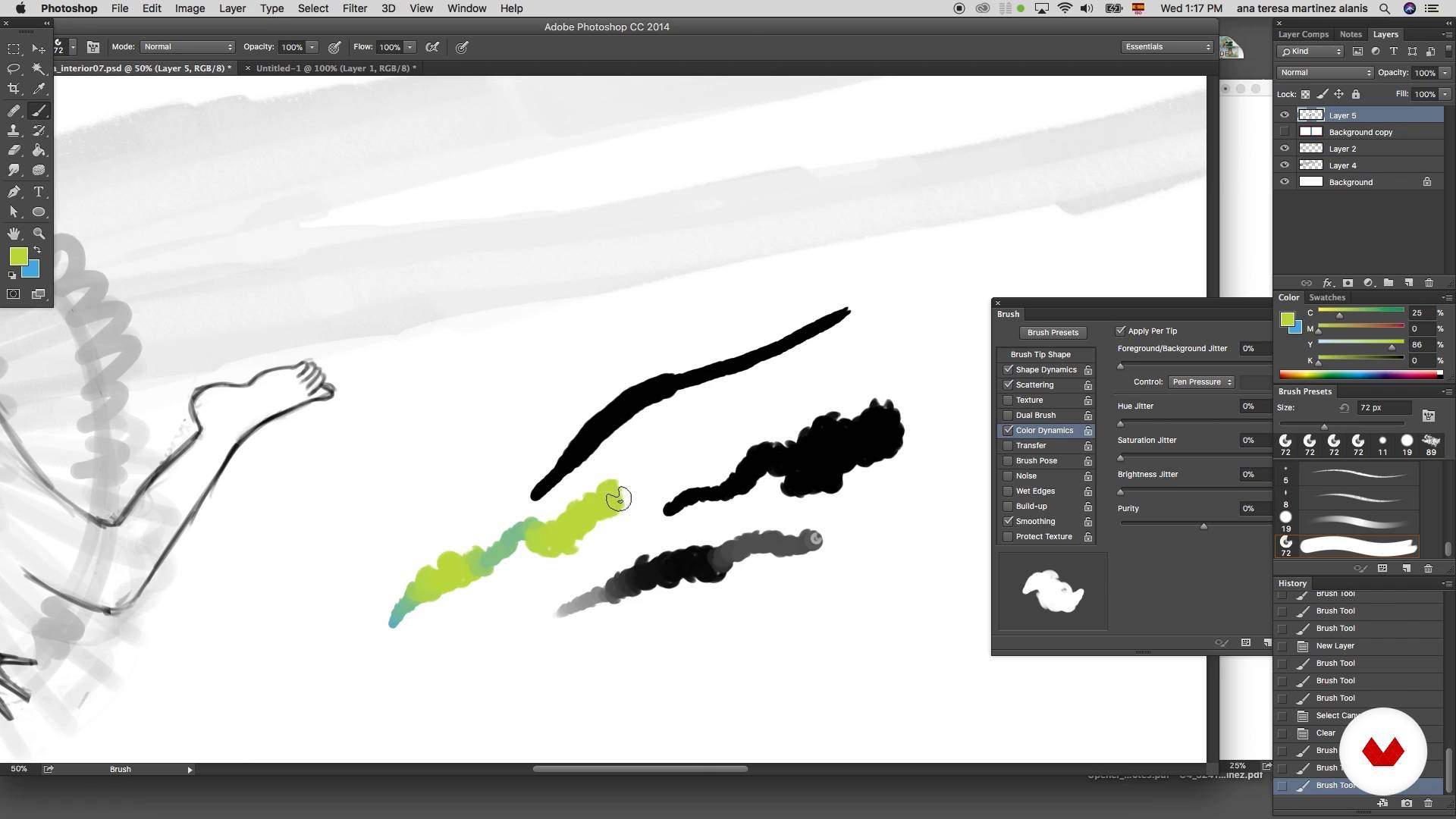
Work area I
12 minutes, 43 seconds
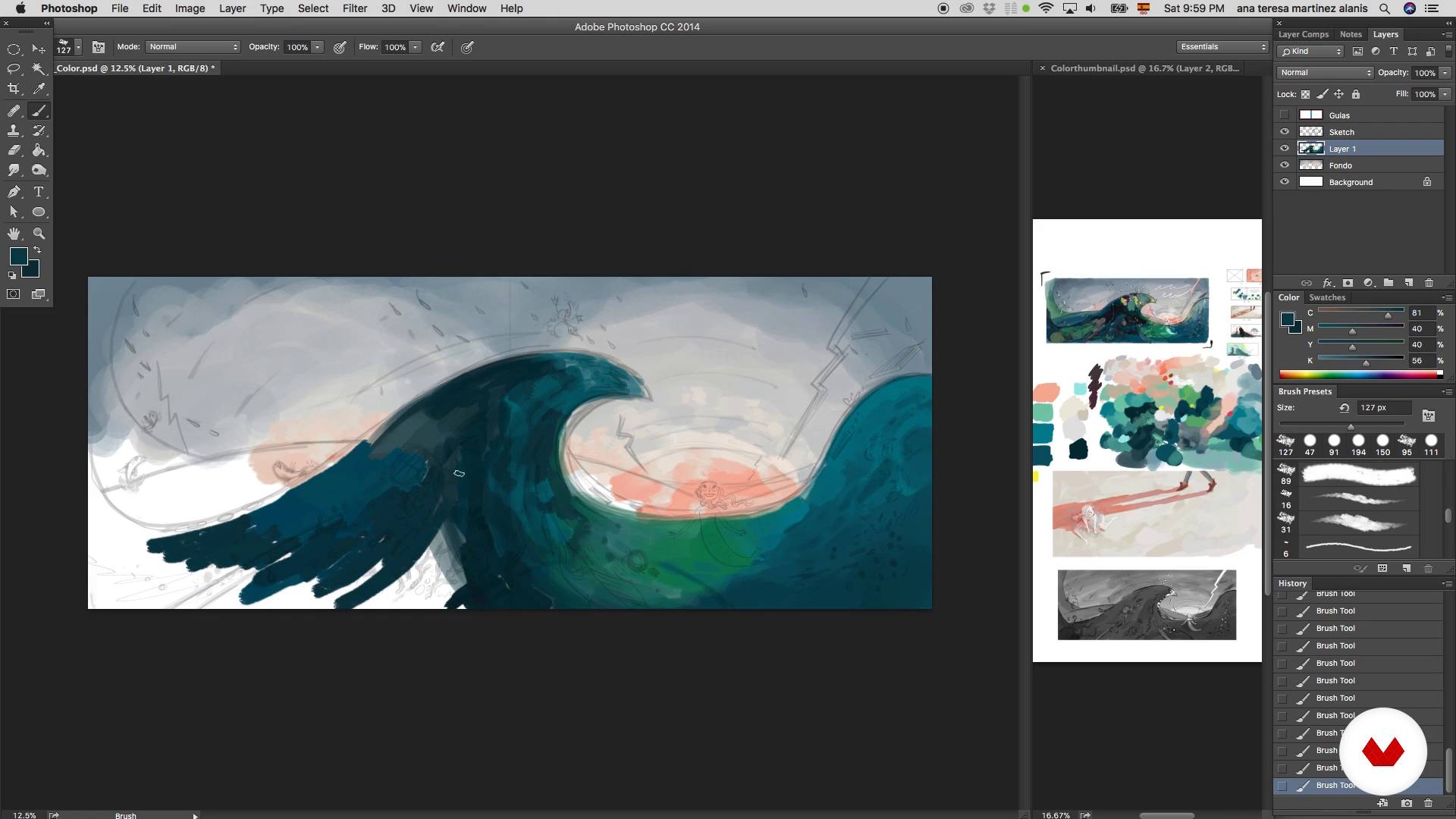
Painting I
16 minutes, 37 seconds
What's included in this course?
Start by getting to know Teresa Martínez's work and hear about the illustrators and artists that inspire her daily.
Then, she explains three different ways to reinterpret a text with images and talks about the basic principles of composition.
Next, learn how to make a storyboard to help you sell your work better and present your project to the publisher. To do this, choose one of the scenes from the story and start creating your sketch, then study the values.
Teresa explains the basic principles of color theory, which helps you to choose just the right color scheme of your illustration. Once you've decided, get to work on your illustration in Photoshop.
Work the light and shadows, adding textures and paying special attention to some elements that can help balance the composition.
Finally, Teresa gives you some tips to present your work to a publisher.
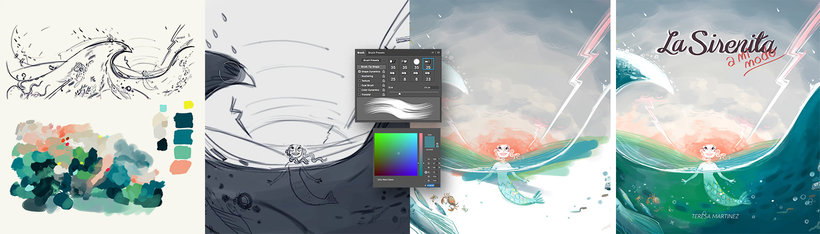
Recommended software & tools for this course
What is this course's project?
Using Photoshop as the main tool, create an illustration based on a text to serve as the cover of a story. Work on a storyboard to present your project to a publisher.
Projects by course students


Who is this online course for?
Illustrators, designers, and anyone interested in delving into the world of digital illustration and learning to enrich children's texts with images.
Requirements and materials
You need basic knowledge of drawing and Photoshop to take this course. As for materials, you need paper and a pencil for sketching, a computer with Photoshop, and a tablet to work freehand.
Reviews
- 2 months ago
фантастичен!
- 2 months ago
Amazing course!
- 11 months ago
I love how she breakdown the flow in a simple yet comprehensive way, it really help me understand and have a more structured workflow in planning my illustration.
- 1 year ago
Ótimo curso, principalmente para iniciantes.
- 1 year ago
buen curso, rápido pero completo y tiene muy buenas explicaciones

With more than 25 years' experience in the field of illustration, she has had numerous opportunities in the audiovisual world, seeing her illustrations appear in the short Imaginantes as well as internationally. Some of her pieces, including Swan Lake, Fábulas Mexicanas, Arthur and the Sword in the Stone, and Fantastic Body, have been published in England, France, Spain, Brazil, and the United States.
Content
- U1
Introduction
- Hello!
- Influences
- Interpreting the text
- U2
Let's sketch
- Composition
- Storyboard
- Composition of a scene
- Study of values
- U3
Colour
- Color palette I
- Color palette II
- Work area I
- Work area II
- Painting I
- Painting II
- U4
Last details
- Details and effects
- Changing the environment
- Introducing the project
- FP
Final project
- Digital illustration for children's stories
What to expect from a Domestika course
Learn at your own pace
Enjoy learning from home without a set schedule and with an easy-to-follow method. You set your own pace.
Learn from the best professionals
Learn valuable methods and techniques explained by top experts in the creative sector.
Meet expert teachers
Each expert teaches what they do best, with clear guidelines, true passion, and professional insight in every lesson.
Certificates
PLUSIf you're a Plus member, get a custom certificate signed by your teacher for every course. Share it on your portfolio, social media, or wherever you like.
Get front-row seats
Videos of the highest quality, so you don't miss a single detail. With unlimited access, you can watch them as many times as you need to perfect your technique.
Share knowledge and ideas
Ask questions, request feedback, or offer solutions. Share your learning experience with other students in the community who are as passionate about creativity as you are.
Connect with a global creative community
The community is home to millions of people from around the world who are curious and passionate about exploring and expressing their creativity.
Watch professionally produced courses
Domestika curates its teacher roster and produces every course in-house to ensure a high-quality online learning experience.
FAQs
You’ll learn how to analyze texts, sketch, develop storyboards, master visual composition, select color palettes, and blend traditional and digital techniques to illustrate children’s stories and editorial projects.
You don’t need advanced experience, but basic drawing skills are recommended. This intermediate-level course guides you step-by-step from text analysis to the final illustration.
You’ll need watercolors, suitable paper, pencils, a scanner or digital camera, a computer, Photoshop, and a graphics tablet to make the most of both traditional and digital techniques.
Yes, the course covers everything from visual composition to editorial layout—perfect if you want to publish indie comics or illustrated children’s books.
You’ll learn traditional techniques like watercolor, quick sketching, visual composition, and how to transfer and refine your illustrations digitally using Photoshop and custom brushes.
The content includes text analysis, storyboard creation, color palette selection, composition, integrating text and image, and digital editing of illustrations for books and comics.
You’ll be able to illustrate children’s stories, create storyboards, choose and apply color palettes, streamline your digital workflow, and present professional projects to publishers.