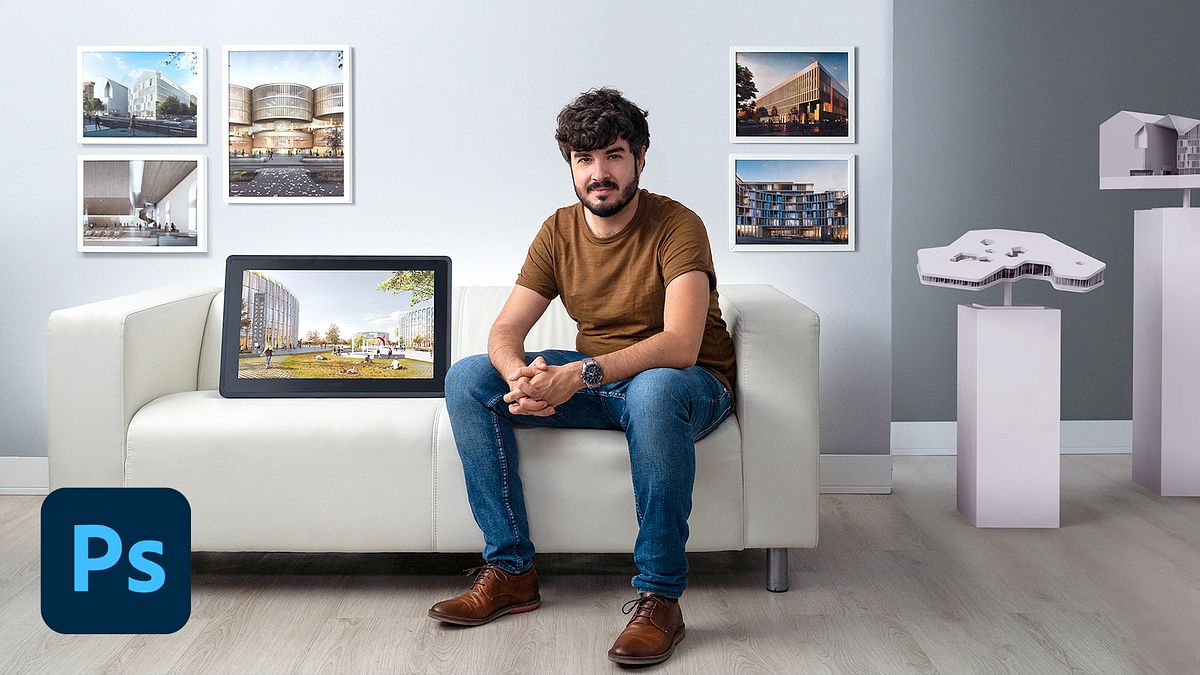
Matte Painting Techniques for ArchViz
A course by Fran MateosArchitect
A course by Fran Mateos, Architect

Optimize your architectural models in an efficient way and enhance the final image through matte painting
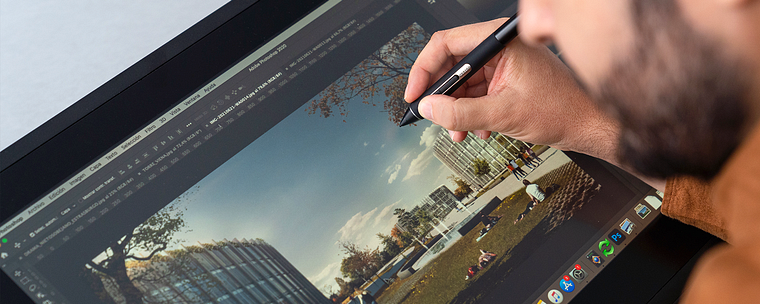
Matte painting is the art of creating scenes and settings by layering images. And for architect and ArchViz expert Fran Mateos, this technique enables him to showcase the full potential of yet-to-be-constructed projects while telling an engaging and detailed story about each space.
In this course, learn how to efficiently optimize your architectural models and enhance the final image using the matte painting technique. Your instructor teaches you how to achieve the perfect lighting and scale as well as layer your renders with fine details that leave viewers thinking they're real.
What will you learn in this online course?
19 lessons & 17 downloads
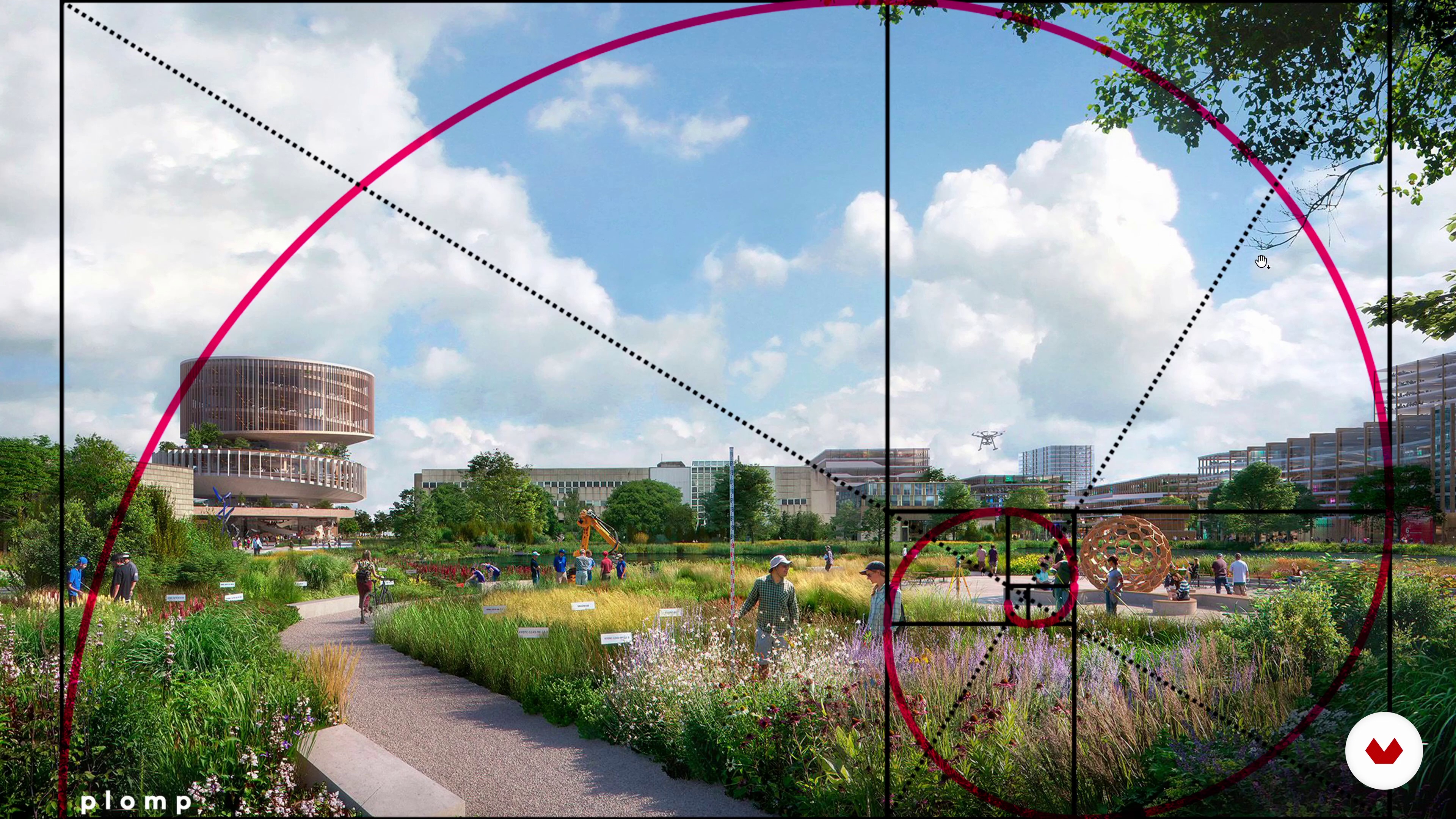
Chambers and composition 1
14 minutes, 35 seconds
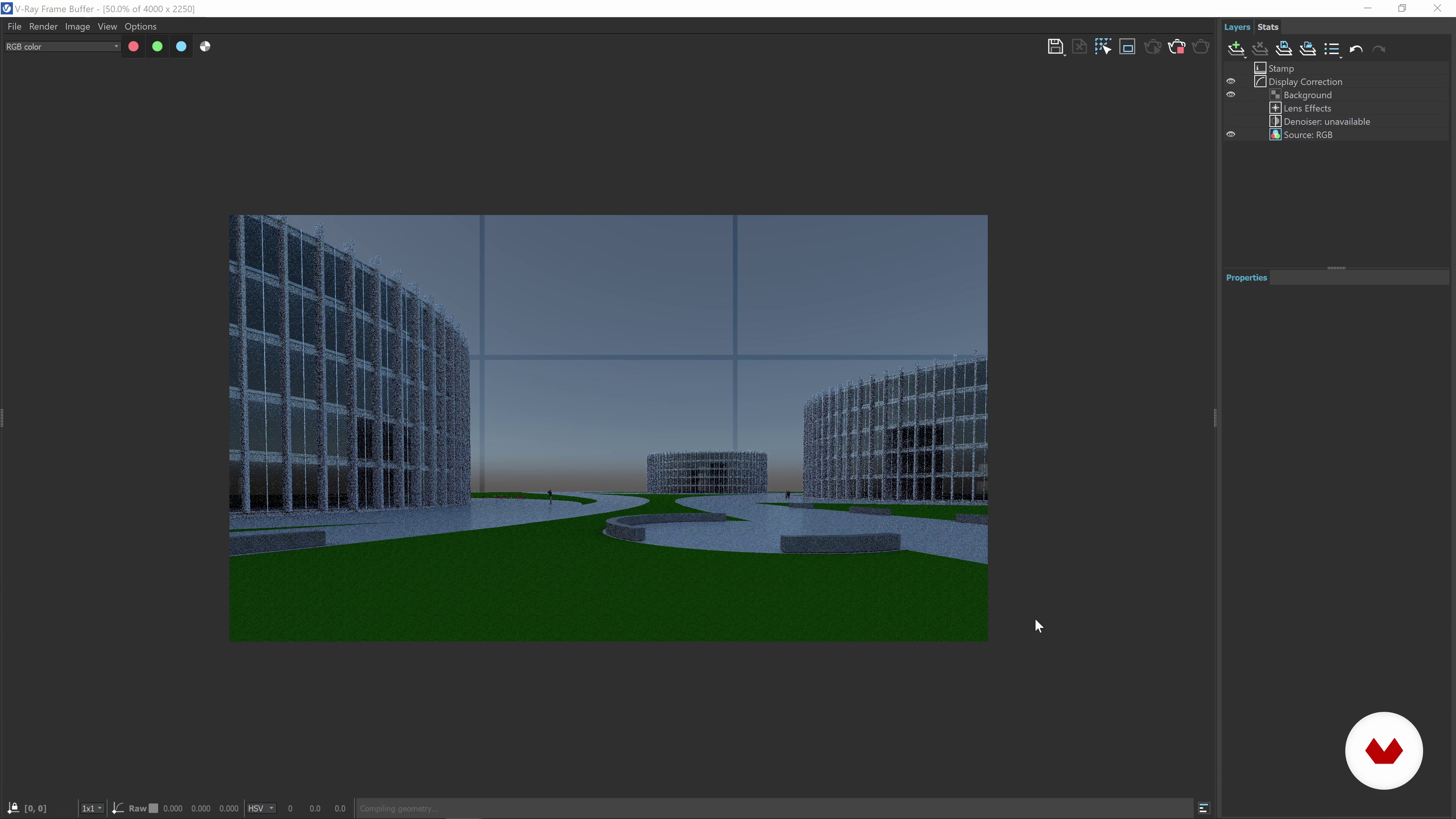
Chambers and composition 2
8 minutes, 3 seconds
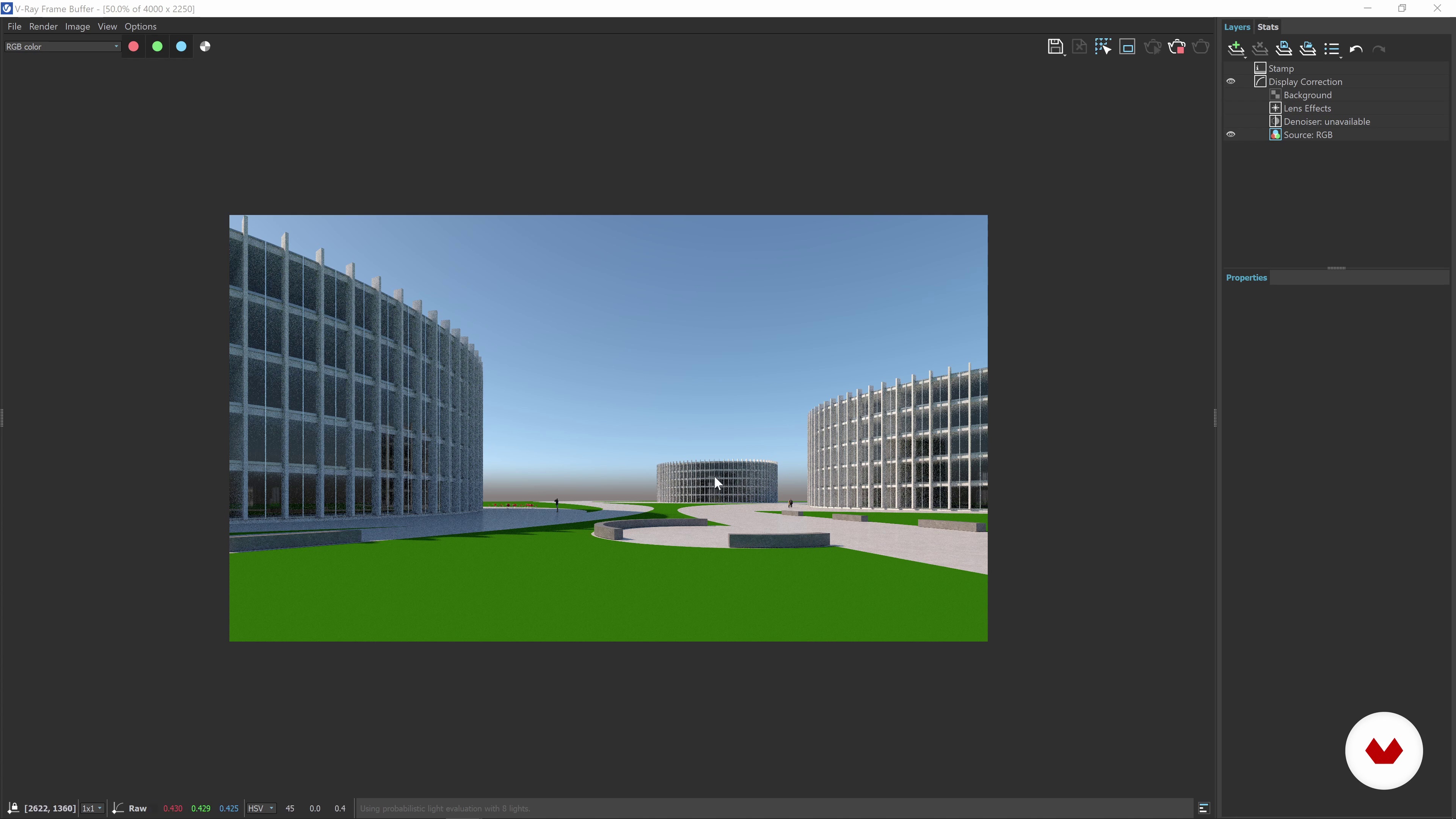
The light
5 minutes, 56 seconds
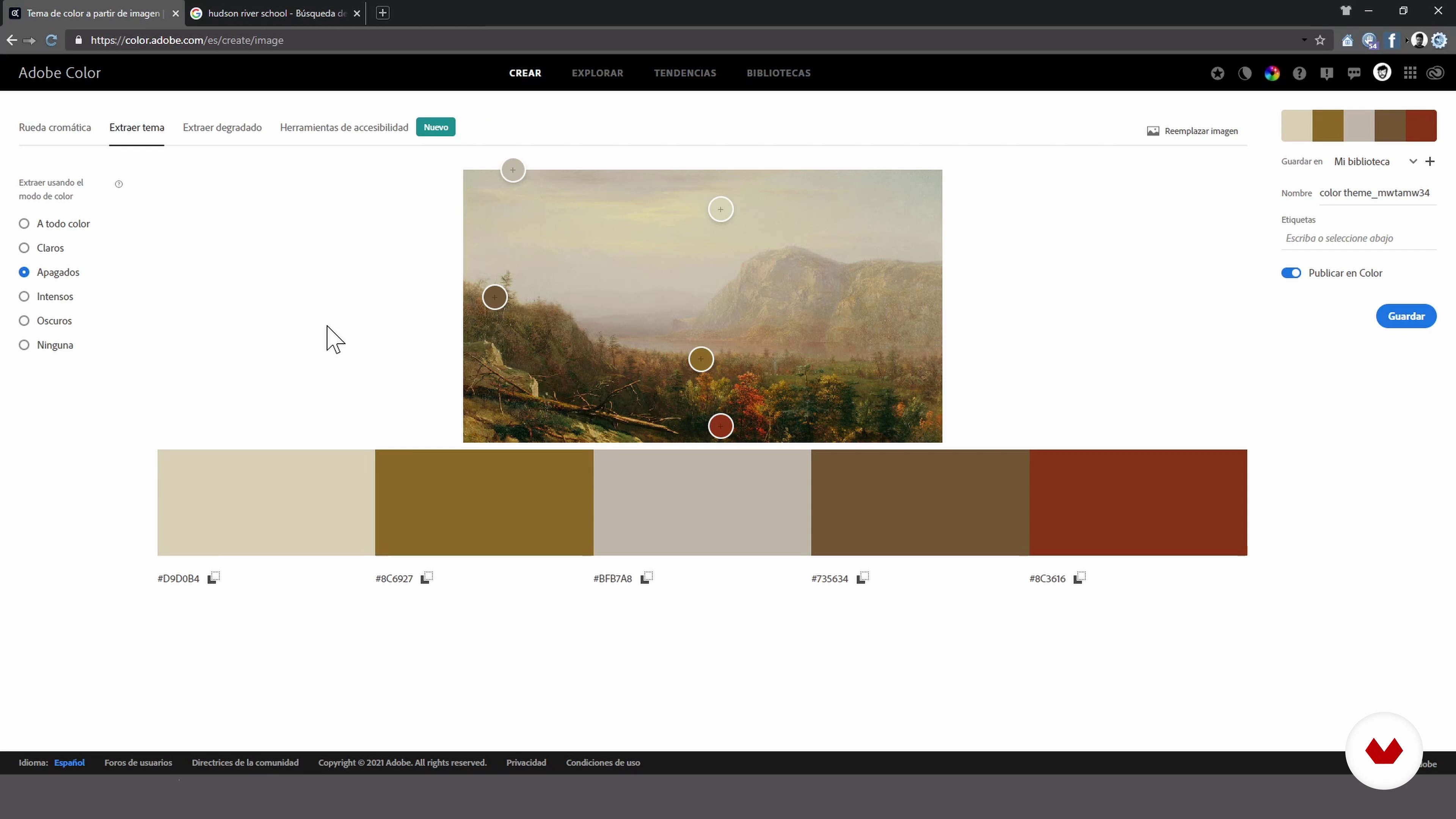
Concept art
20 minutes, 53 seconds
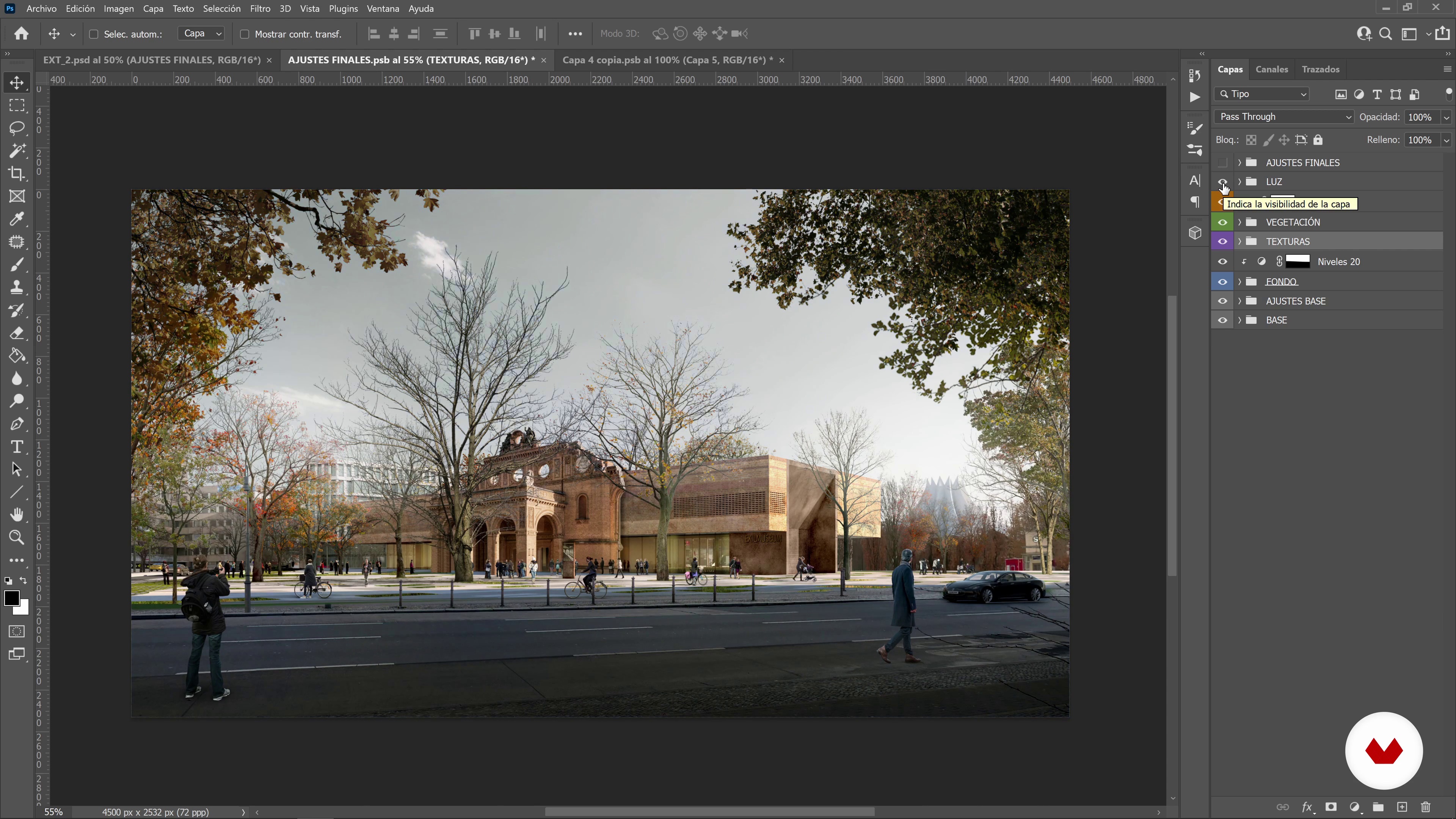
Decision making
6 minutes, 57 seconds
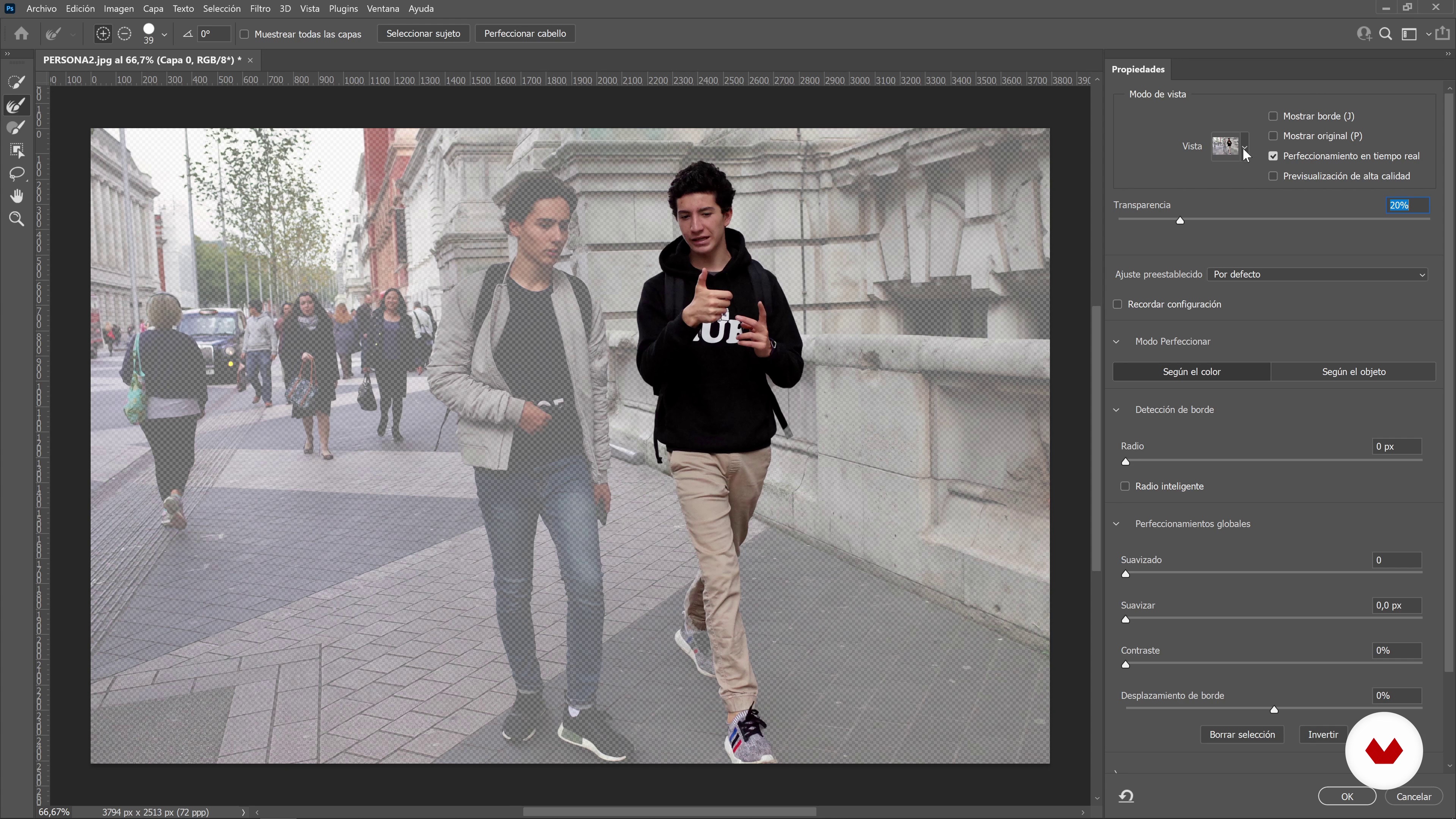
We organize our library
16 minutes, 28 seconds
What's included in this course?
Fran Mateos begins the course with an introduction to who he is and how he wound up designing architectural images. He also shares some of his most important influences and what inspires his work.
Discover how to select the best camera for your project by analyzing several examples of composition alongside your teacher. See when and why to choose one type of lighting over another and learn how to conceptualize an assignment using a basic render. Then, decide which elements to render and which can be left out.
Before you start working, Fran shows you an efficient approach to organizing your project by introducing you to the culinary concept of mise en place, which refers to preparing and arranging all your ingredients prior to cooking. He stresses the importance of organizing your materials beforehand and explains proper folder hierarchy for working on any piece.
Now it's time to learn how to design your image from start to finish. Work through each of the essential steps in the process and group them together to have full control over the scene and be able to undo any changes you made throughout. Start with the background and move to the foreground adding new layers of detail to your piece at each stage.
Finally, put the finishing touches of your image to bring all the elements together. Fran shows you how to create depth with light and enhance your piece by adding and adjusting color using the same techniques he applies to his own work.
What is this course's project?
Design a breathtaking architectural image centered around a basic 3D model.
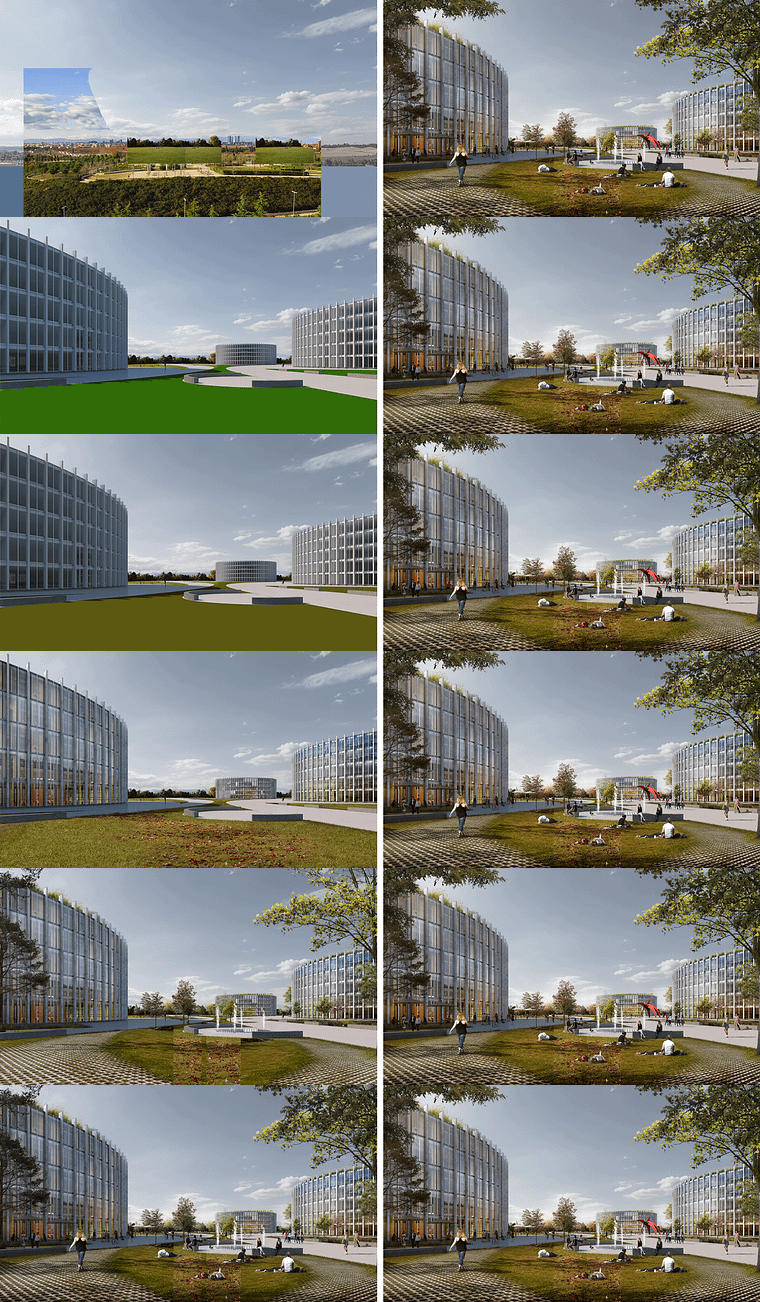
Projects by course students


Who is this online course for?
Anyone who's taking their first steps in architectural visualization as well as industry professionals interested in optimizing their workflow and adding new tools to their graphic design toolbox.
Requirements and materials
You need intermediate knowledge of Photoshop and mastery of a modeling and rendering program to take this course.
Reviews
- 4 months ago
De verdad, recién empecé y ya puedo decir que Fran es un excelente profesor. Me encanta la didáctica, las referencias y los libros recomendados.
- 10 months ago
Excelente curso para los que nos dedicamos al Archviz, muy bien explicado desde el incio y sin hablar de Fran, excelente maestro
- 10 months ago
muy recomendando, me ayudo bastante en mejorar mi trabajo. siempre realice renders para los concursos o entregas universitarias. El matte paiting no solo me ayudo a mejorar las entregas, si no a darle un mayor toque artístico que es muy importante en los concursos o una primer imagen que llame la atención !
- 11 months ago
Es muy bueno el curso abre un territorio nuevo a quienes necesitan hacer presentaciones de nivel profesional orientado a concursos o a mostrar bien un proyecto de arquitectura. Muy agradecido de la claridad, el orden de Mateos es una iluminación.
- 11 months ago
Este curso me ayudo bastante en mejorar mi trabajo, en como hacer un buen uso a photoshop. Este curso te ayuda a entender mejor las imágenes que solemos ver y entender como algo simple puede transformarse en algo llamativo, también es un gran plus el hecho de que Fran es super claro a la hora de explicar los procesos paso a paso.

After a year of teaching classes, Fran was given the opportunity to work with the studio Nieto Sobejano and he quickly found himself drawn back into the world of architectural visualization. With the knowledge and experience he gained while there, he formed a team and founded Drama, his own architectural communication agency which has collaborated with larger studios in Spain and Europe including Arquitectos Ayala, Vázquez Consuegra, and Unstudio.
Content
- U1
Introduction
- Presentation
- Influences
- U2
Composition, light and concept
- Chambers and composition 1
- Chambers and composition 2
- The light
- Concept art
- Decision making
- U3
Work organization
- We organize our library
- We collect information
- We organize our archive
- U4
Image development
- We work the fund
- The environment
- Improve textures
- We integrate vegetation 1
- We integrate vegetation 2
- We integrate people 1
- We integrate 2 people
- U5
Finishing touches
- Image light
- Color correction
- FP
Final project
- Mattepainting for ArchViz
What to expect from a Domestika course
Learn at your own pace
Enjoy learning from home without a set schedule and with an easy-to-follow method. You set your own pace.
Learn from the best professionals
Learn valuable methods and techniques explained by top experts in the creative sector.
Meet expert teachers
Each expert teaches what they do best, with clear guidelines, true passion, and professional insight in every lesson.
Certificates
PLUSIf you're a Plus member, get a custom certificate signed by your teacher for every course. Share it on your portfolio, social media, or wherever you like.
Get front-row seats
Videos of the highest quality, so you don't miss a single detail. With unlimited access, you can watch them as many times as you need to perfect your technique.
Share knowledge and ideas
Ask questions, request feedback, or offer solutions. Share your learning experience with other students in the community who are as passionate about creativity as you are.
Connect with a global creative community
The community is home to millions of people from around the world who are curious and passionate about exploring and expressing their creativity.
Watch professionally produced courses
Domestika curates its teacher roster and produces every course in-house to ensure a high-quality online learning experience.
FAQs
You’ll master composition, lighting, texture integration, vegetation and people, Photoshop and Bridge techniques, plus strategies to dramatize and professionally enhance architectural images.
This is an intermediate-level course, perfect for those with basic knowledge of design, architecture, or digital editing who want to deepen their skills in creating striking architectural visuals.
You’ll need a computer with Adobe Photoshop and Adobe Bridge installed. A graphics tablet is recommended for digital painting techniques, along with access to photo resources and 3D models for practice.
The course covers composition rules like the golden spiral, rule of thirds, symmetry, diagonals, and depth planes, plus visual guides to boost storytelling and balance in your images.
Yes, you’ll learn how to create depth and drama using light and shadow, layering planes, adjusting exposure, and crafting atmospheres that enhance visual storytelling.
The course includes hands-on practice integrating textures, vegetation, and people into digital scenes, adjusting color, perspective, and shadows for realistic, cohesive results.
By the end, you’ll have advanced skills in composition, lighting, post-production, and visual storytelling to create professional, expressive architectural images.