Photograph Retouching and Visual Effects with Photoshop
A course by Mario OlveraPhotographer, Digital Artist, and Visual Effects Specialist
A course by Mario Olvera, Photographer, Digital Artist, and Visual Effects Specialist

Learn to create hyperrealistic photomontages full of action and movement
Mario Olvera, a photographer and digital artist with extensive experience in photo retouching, draws inspiration from movies and video games to create hyperrealistic compositions bursting with color and detail.
In this course, Mario teaches you how to use Photoshop's tools creatively to take your photomontages to the next level with innovative photo-retouching techniques and impressive visual effects. Discover new ways to create realistic compositions with a cinematic touch, flawlessly incorporating all kinds of special effects.
What will you learn in this online course?
13 lessons & 12 downloads
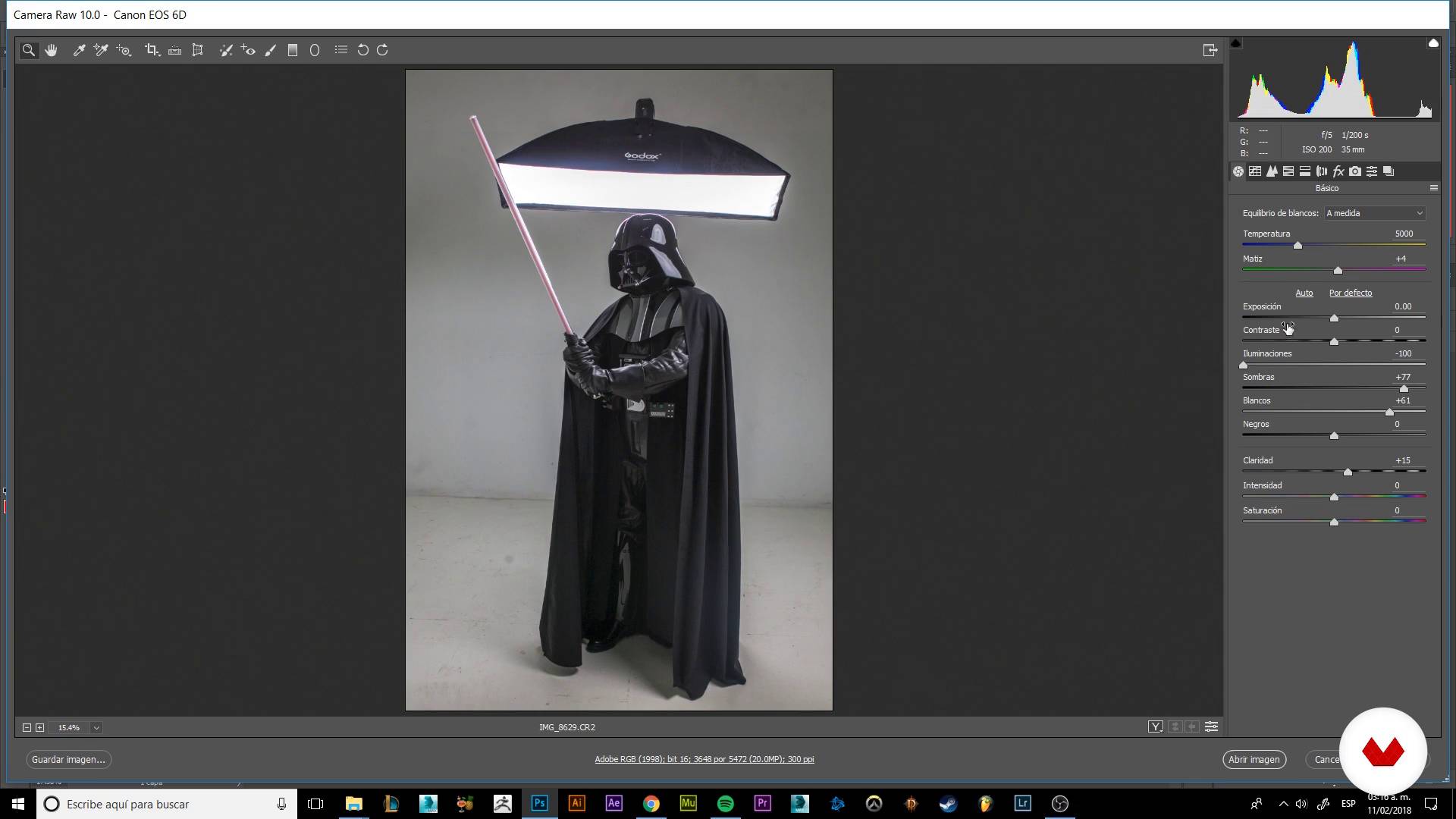
Materializing our imagination
8 minutes, 52 seconds
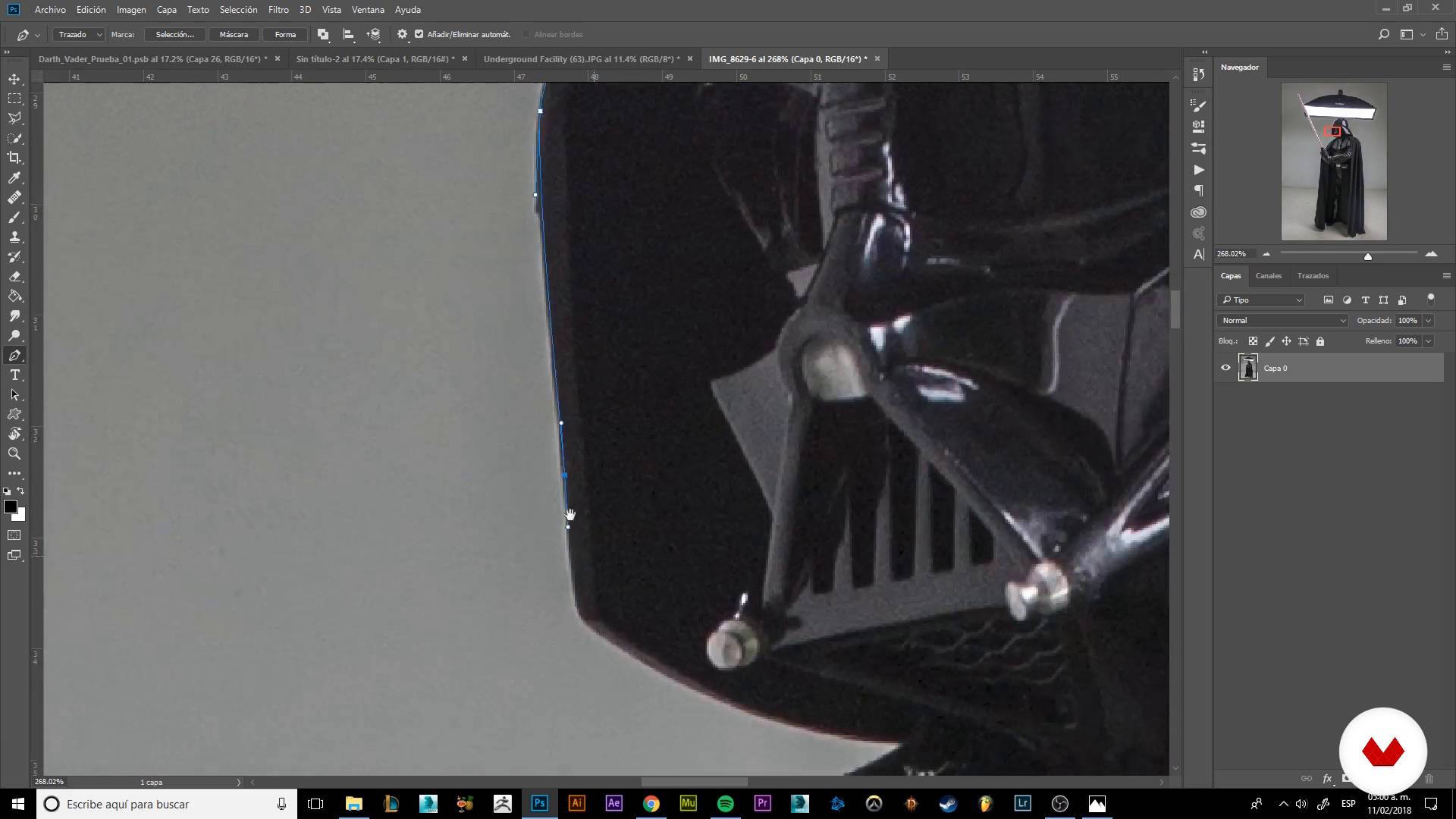
Trimming our character
9 minutes, 32 seconds
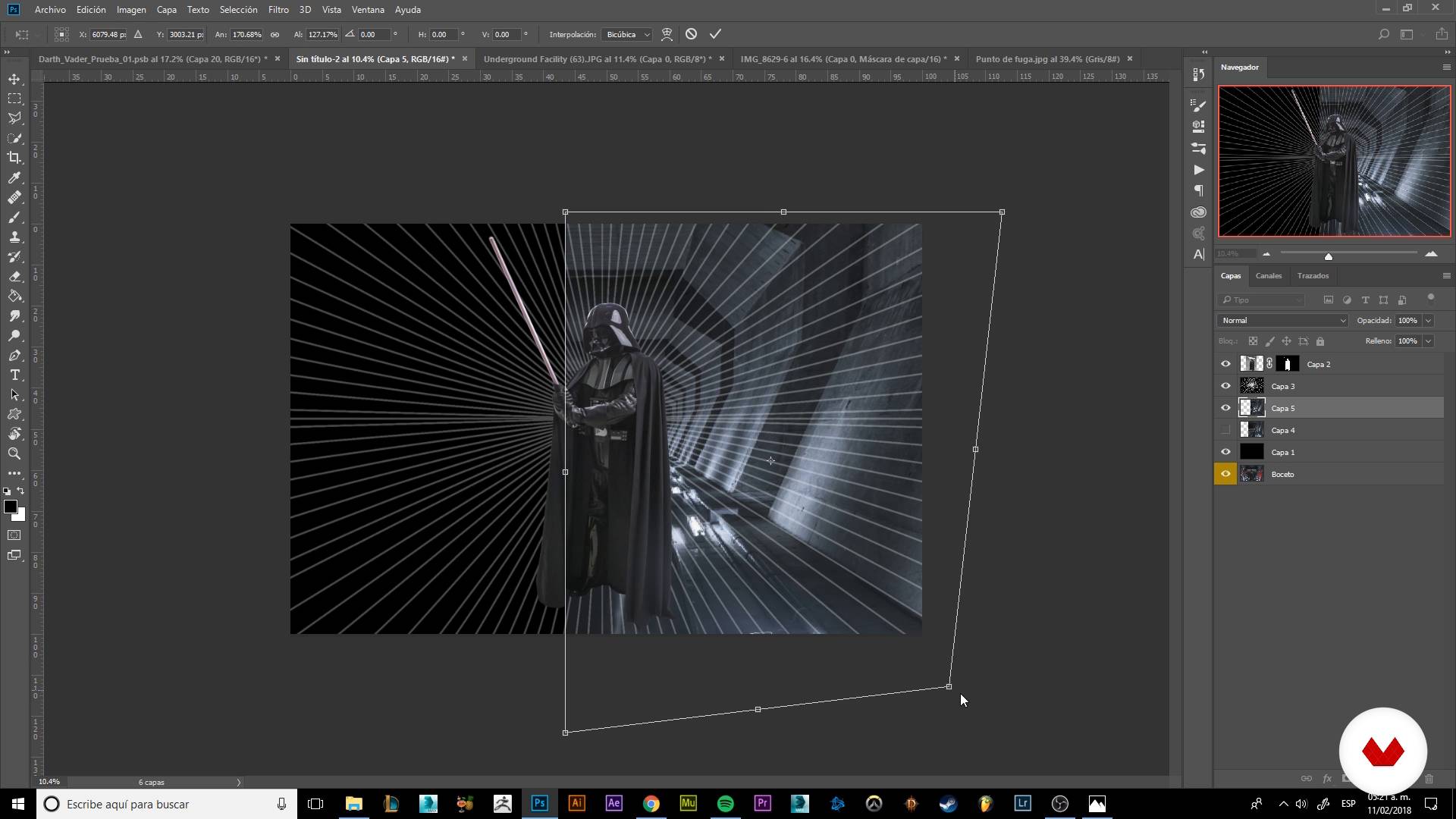
Building our scenario
8 minutes, 1 second
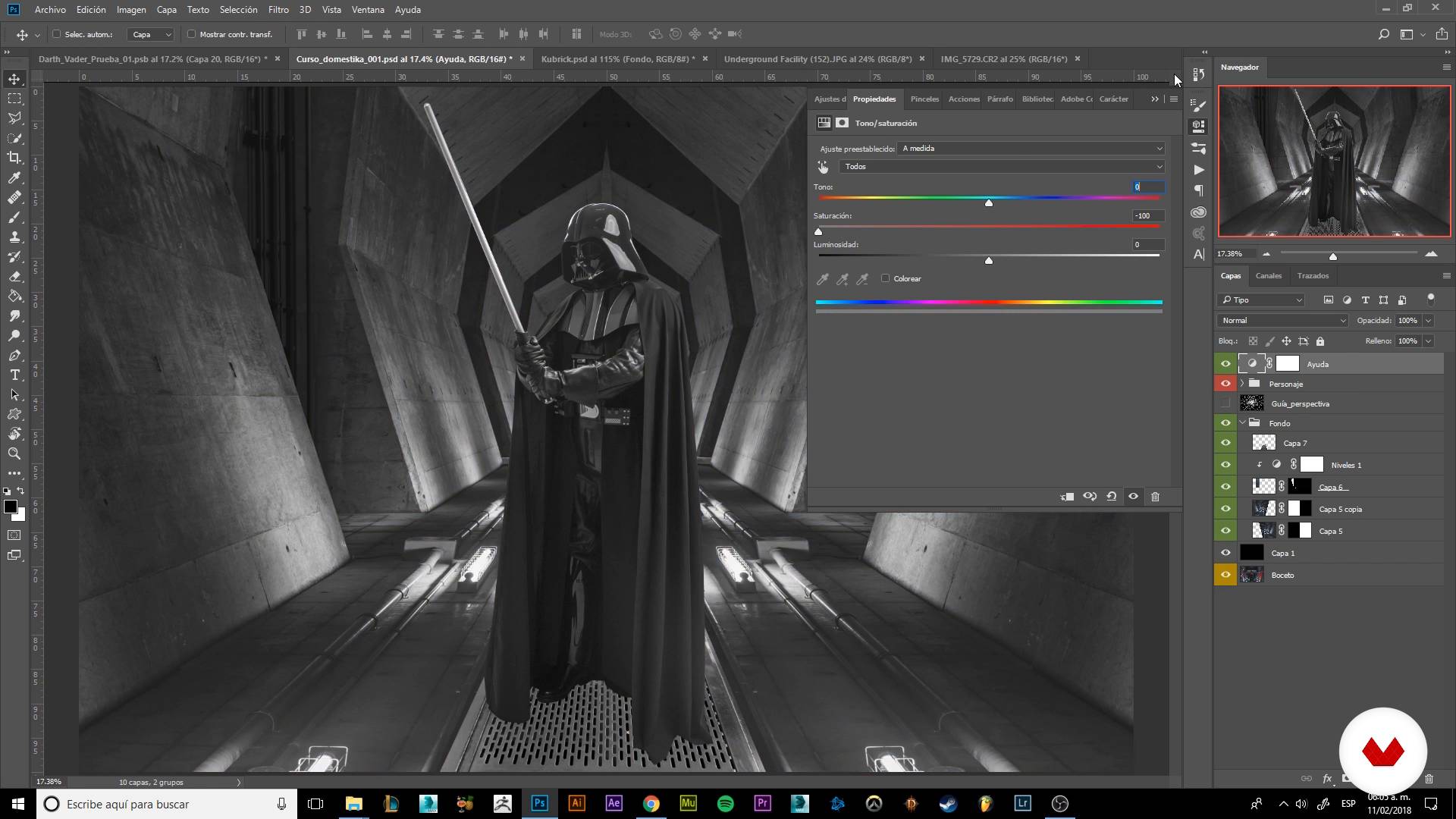
Detailing our scenario I
19 minutes, 58 seconds
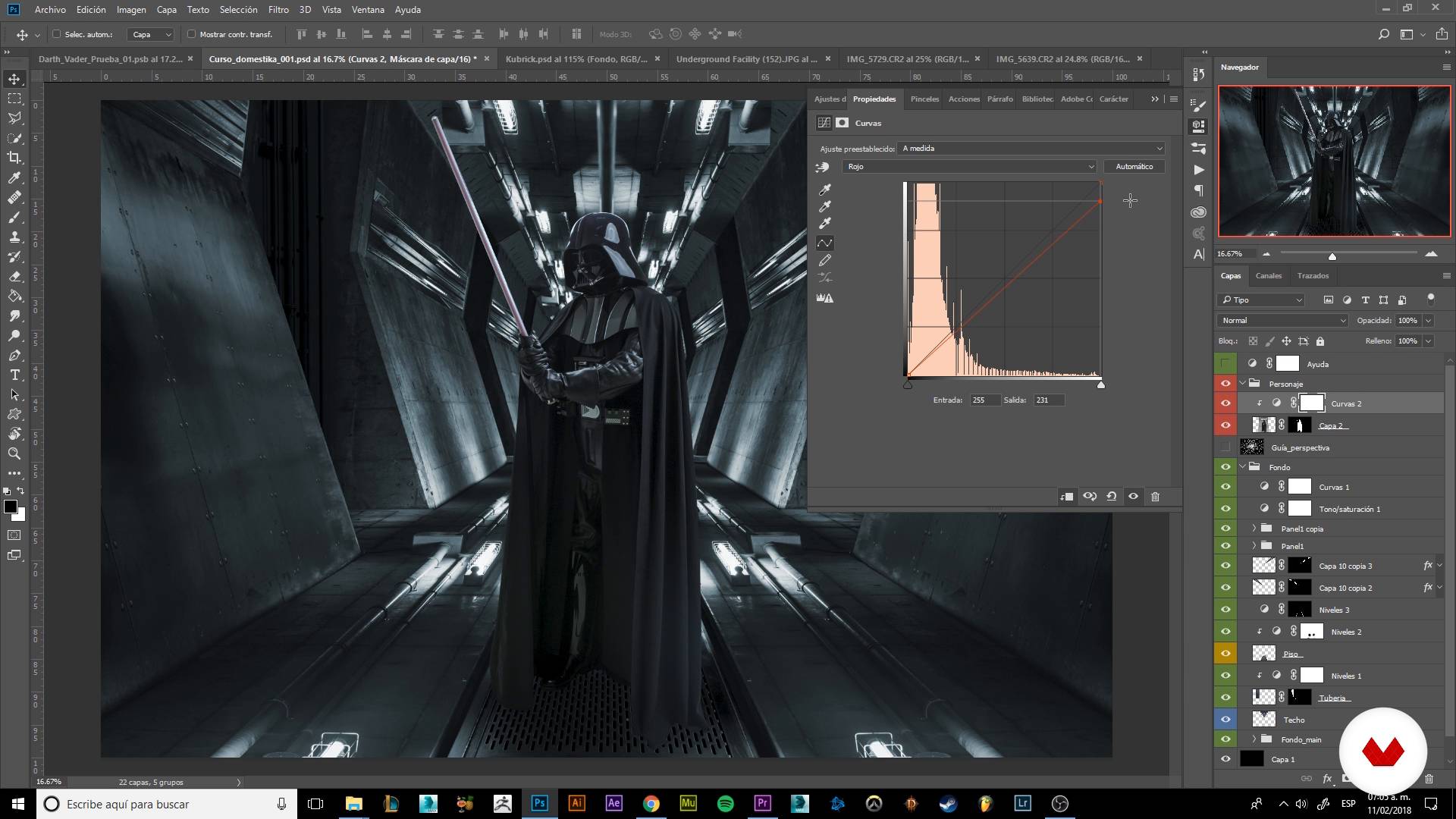
Color correction
8 minutes, 54 seconds
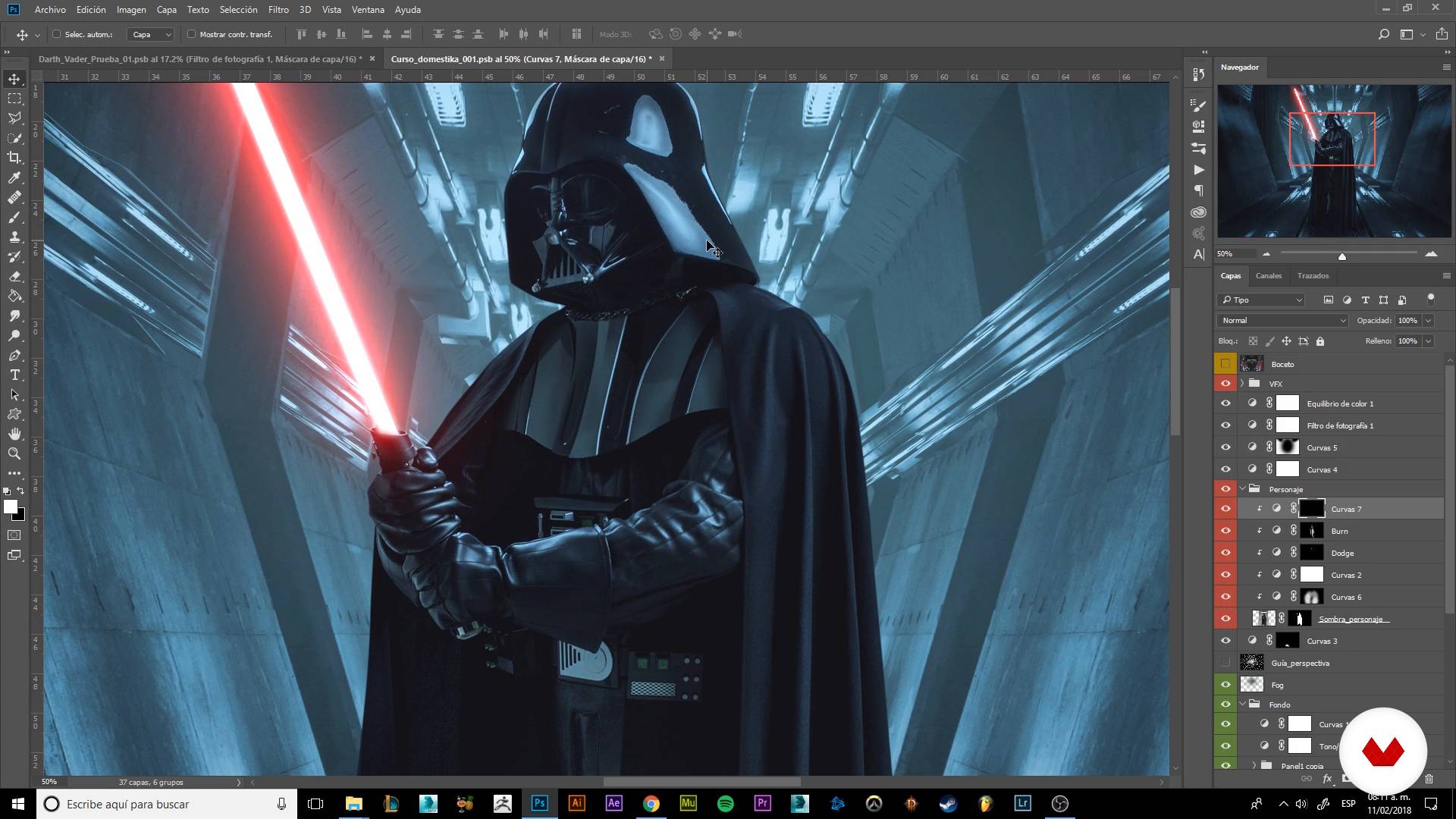
Adding visual effects I
17 minutes, 25 seconds
What's included in this course?
Start by familiarizing yourself with Mario Olvera's work and his influences, and then explore the criteria he uses to select images for his photomontages.
Next, he reveals some of his go-to tricks and techniques for separating a subject from the background and laying out his composition. Find out how to work with guides to establish the perspective of your image, build your scene, and add light sources using different photos.
Discover the importance of color correction and learn how to apply it to seamlessly tie together all the elements in your final composition. Add the finishing touches by accentuating the highlights and shadows with the Dodge and Burn tools to enhance the sense of depth in your image.
Use layer adjustments to infuse your image with spectacular visual effects like fire, particles, and lights, achieving a dynamic composition full of action.
Finish up by following Mario's guidance to export your images and share them digitally.
Recommended software & tools for this course
What is this course's project?
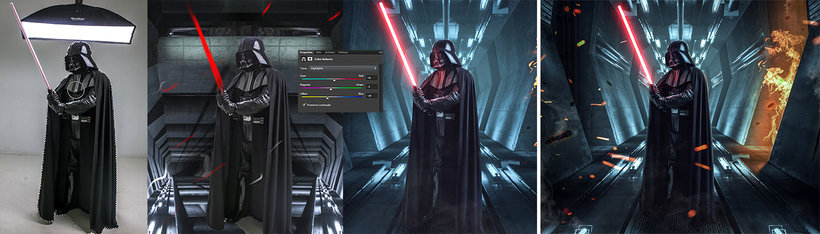
Create a hyperrealistic composition featuring Darth Vader. Mario provides tips and several photos of the character in different poses to help you get started.
Projects by course students


Who is this online course for?
Photographers, designers, illustrators, and concept artists from the world of film, video-game design, and advertising, as well as anyone interested in developing their digital-retouching skills with Photoshop.
Requirements and materials
Basic knowledge of Photoshop and its various features (adjustment layers, blending modes, layer masks, and clipping masks) is recommended, but Mario explains many of these tools in the course.
As for materials, you need a computer with Adobe Photoshop installed, and a graphics tablet is recommended. Don't worry about sourcing images for your photomontage; Mario provides all the high-resolution images you need to complete your final project.

Reviews
- 4 months ago
Curso muito bom!!
- 4 months ago
Es un buen curso! Recomiendo que ya tengas un poquito de conocimiento de photoshop, porque enseña técnicas nuevas y buenas, sus practicas son muy digeribles y además el prof es chistoso y divertido, lo cual lo hace ameno. Si tampoco tienes mucho conocimiento de photoshop lo puedes tomar.
- 5 months ago
El Profesor Mario Olvera nos enseña como realizar nuevas creaciones en Photoshop.
- dbedoya720PLUS7 months ago
Muy bueno el curso, todo bien explicado y muy práctico
- 8 months ago
Curso muy bueno. Lo explica el paso a paso para conseguir un excelente resultado con los efectos visuales y Photoshop.

Olvera draws inspiration from science fiction, video games, and fantasy films to create hyperrealistic photomontages characterized by vivid color and meticulously crafted detail.
Content
- U1
Introduction
- Presentation
- Influences and bases of the photocomposition
- U2
Preparing to compose
- Materializing our imagination
- Trimming our character
- U3
Lights Camera action!
- Building our scenario
- Detailing our scenario I
- Detailing our scenario II
- Color correction
- Giving volume and drama to our character
- U4
Grading and VFX
- Color gradation
- Adding visual effects I
- Adding visual effects II
- The cherry of the cake
- FP
Final project
- Photo retouching and visual effects with Photoshop
What to expect from a Domestika course
Learn at your own pace
Enjoy learning from home without a set schedule and with an easy-to-follow method. You set your own pace.
Learn from the best professionals
Learn valuable methods and techniques explained by top experts in the creative sector.
Meet expert teachers
Each expert teaches what they do best, with clear guidelines, true passion, and professional insight in every lesson.
Certificates
PLUSIf you're a Plus member, get a custom certificate signed by your teacher for every course. Share it on your portfolio, social media, or wherever you like.
Get front-row seats
Videos of the highest quality, so you don't miss a single detail. With unlimited access, you can watch them as many times as you need to perfect your technique.
Share knowledge and ideas
Ask questions, request feedback, or offer solutions. Share your learning experience with other students in the community who are as passionate about creativity as you are.
Connect with a global creative community
The community is home to millions of people from around the world who are curious and passionate about exploring and expressing their creativity.
Watch professionally produced courses
Domestika curates its teacher roster and produces every course in-house to ensure a high-quality online learning experience.
FAQs
You’ll learn rotoscoping, cutting out elements, character integration, dramatic composition, lighting effects, and advanced Photoshop retouching to create visually striking images with cinematic polish.
This is an intermediate-level course; having basic Photoshop and photography knowledge is recommended to get the most out of the content and practical exercises.
You’ll need a computer with Photoshop installed, access to digital photo resources, and basic skills in handling files and digital images.
The course covers tools like the pen tool, masks, cutouts, adjustment layers, blending modes, guides, curves, custom brushes, and advanced selection and cutting techniques.
Yes, the course includes creating and integrating atmospheric effects, fire, ice, and particles using layers, masks, and brushes to achieve realistic, cinematic results.
Yes, you’ll learn precise cutting techniques using the pen tool, masks, and advanced selection to isolate characters and objects in your compositions.
You’ll be able to create professional photo compositions, product photo retouching, images inspired by film and video games, and digital scenes with advanced visual effects.