Children’s Illustration: Create Decorative Letters
A course by Julia ChristiansIllustrator
A course by Julia Christians, Illustrator

Learn how to combine typography and illustration to create a playful composition for children with analog and digital techniques
Julia Christians is a children's illustrator who combines enchanting drawings with vibrant typography in her pieces. Her most prominent works include Malvina Moorwood by Christian Löffelbein and What’s That in Dog Years? by Ben Davis. Among her client list are publishing houses such as Oxford University Press, Nosy Crow, Verlagsgruppe Oetinger, Random House, Carlsen, Rowohlt, HarperCollins, Magellan, and Coppenrath.
In this Domestika course, learn to play with letters and fill your illustrations with joy and fantasy. With the help of Photoshop or Procreate, create a one-of-a-kind poster for a child's bedroom using illustrated lettering, or even the entire alphabet! Prepare to set your imagination free and get creative with typography, illustration, and digital tools.
What will you learn in this online course?
19 lessons & 17 downloads
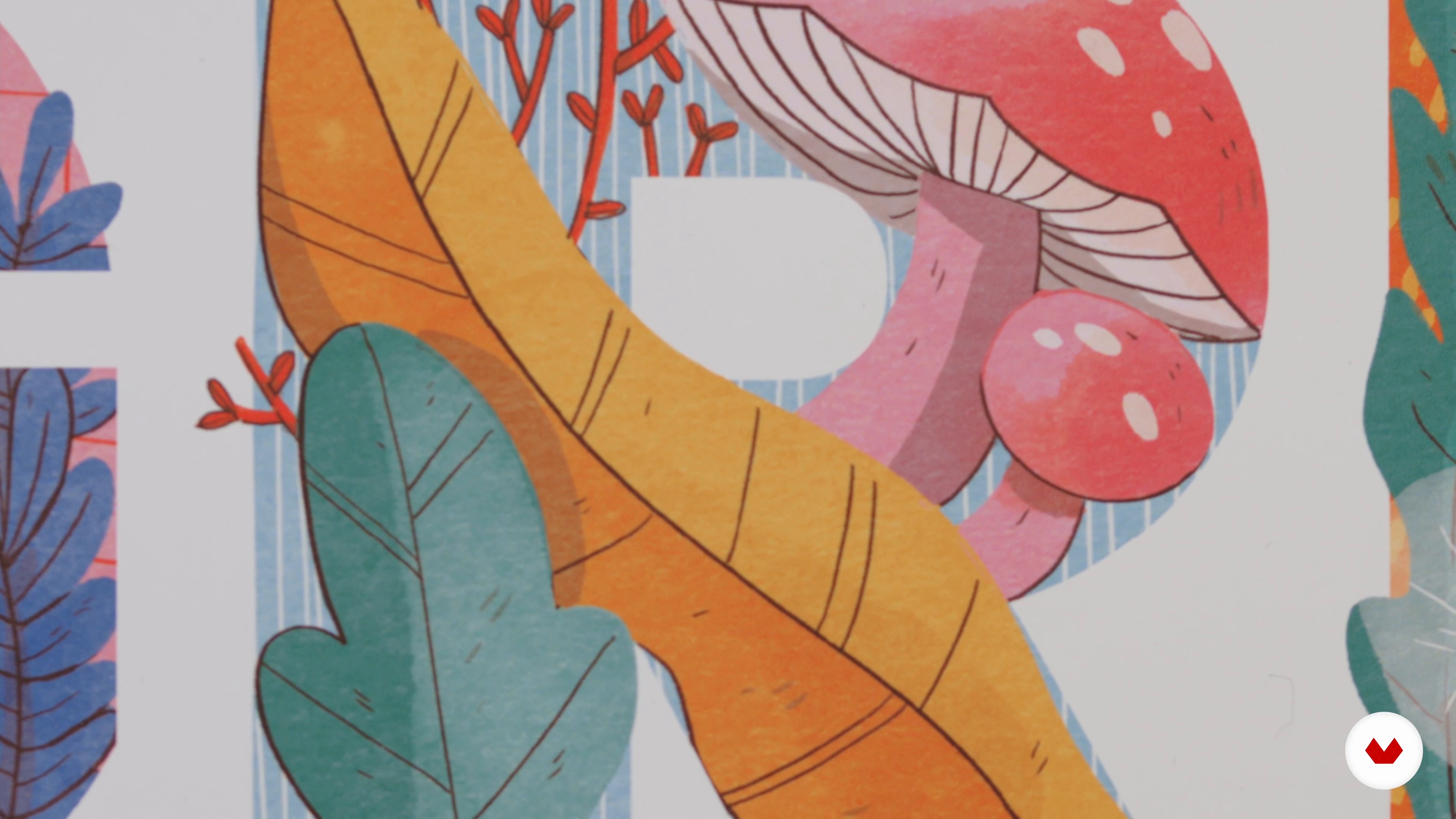
Let's get started
1 minute, 58 seconds
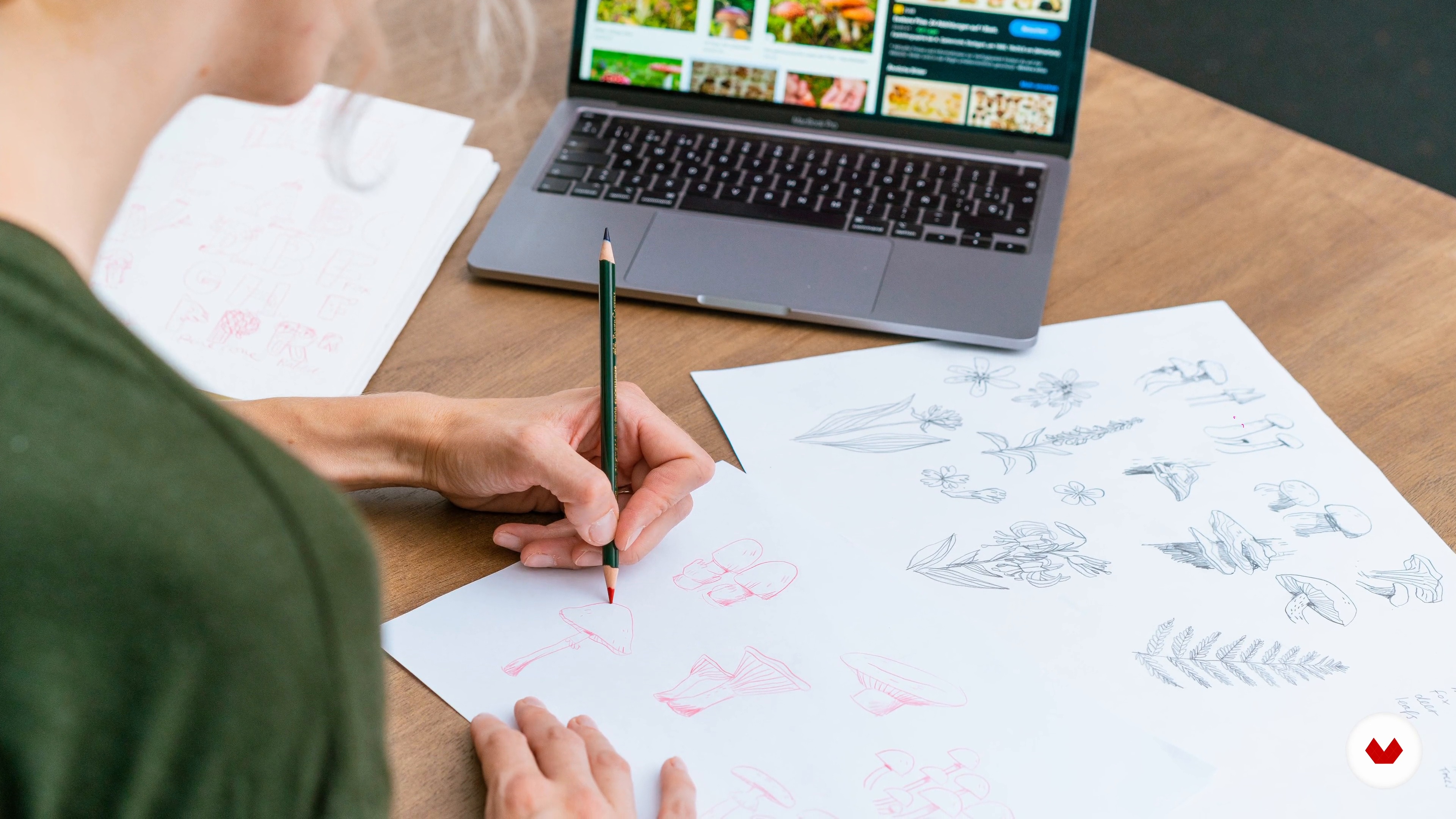
Find the letter and subject
6 minutes, 35 seconds
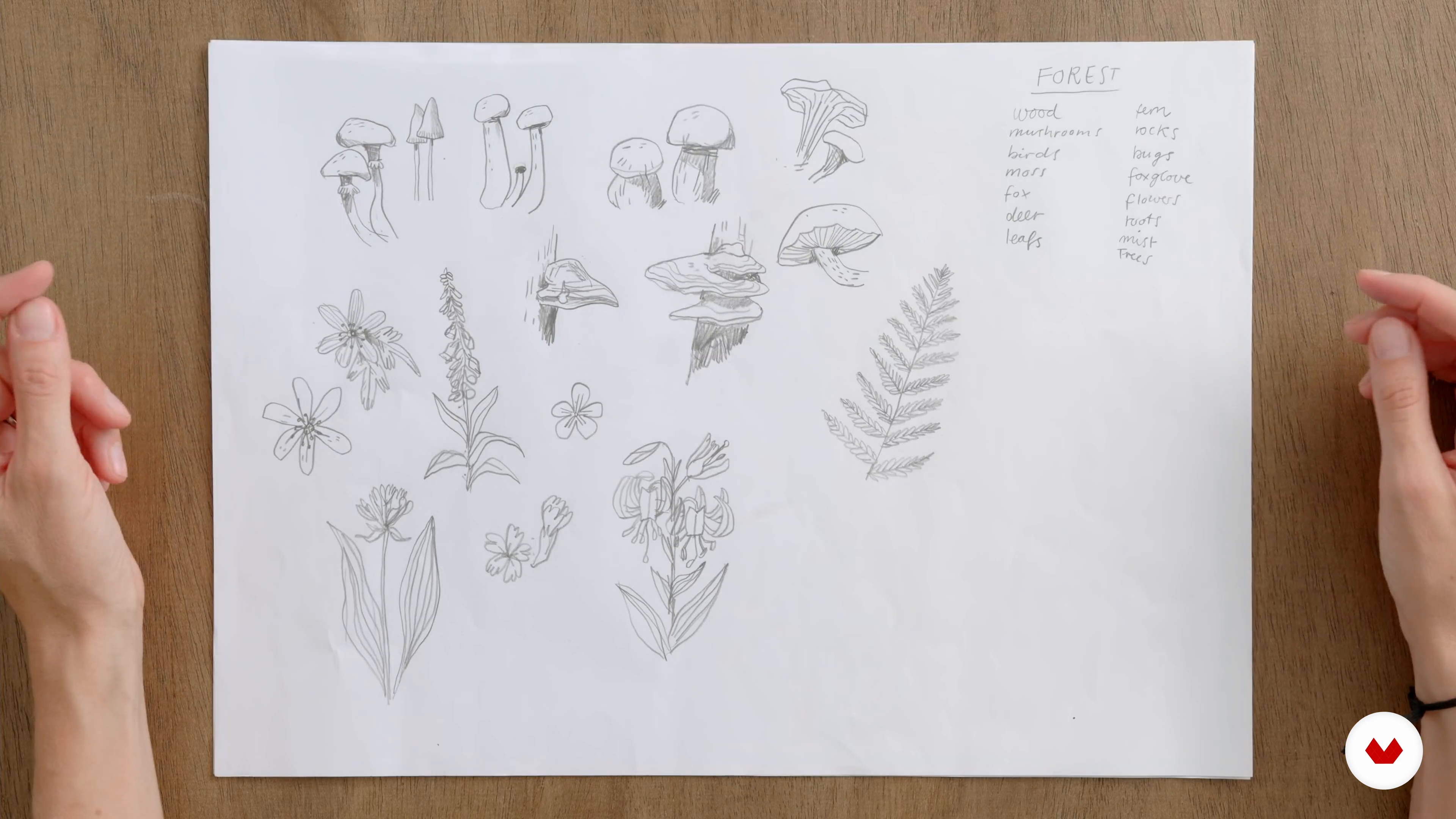
Warm-up sketches
8 minutes, 18 seconds
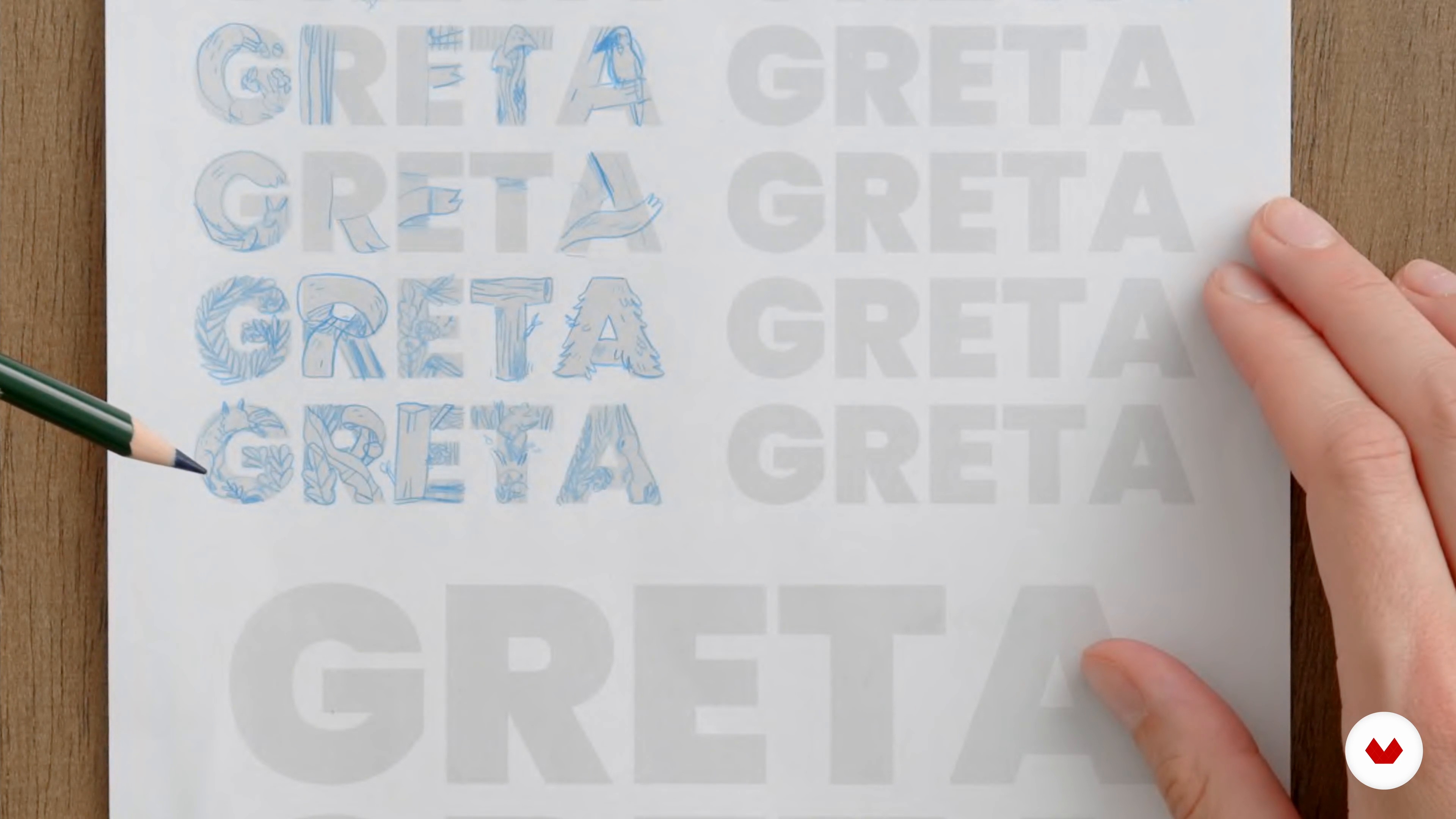
Sketch compositions
6 minutes, 39 seconds
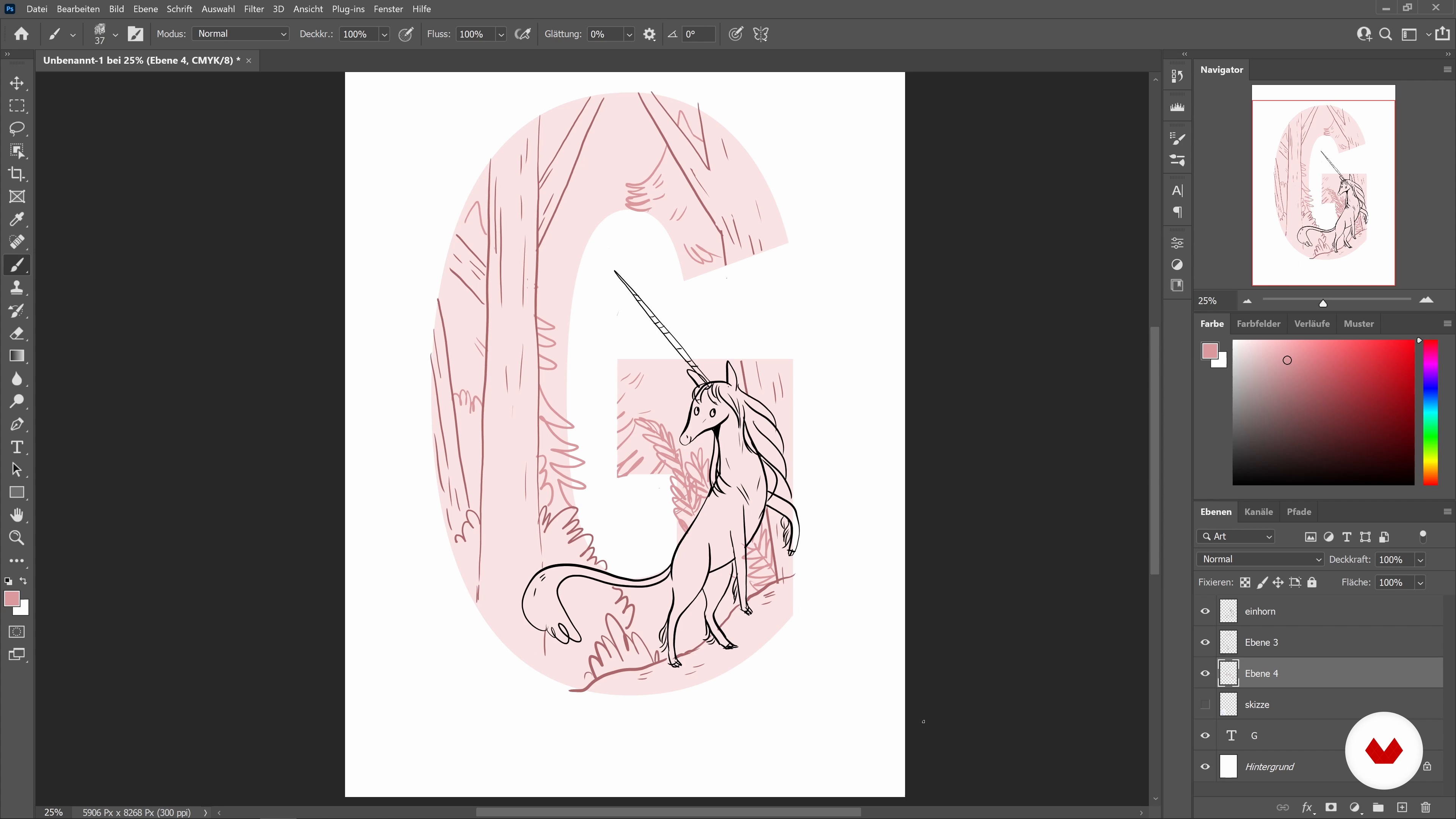
Digital sketch 1
17 minutes, 27 seconds
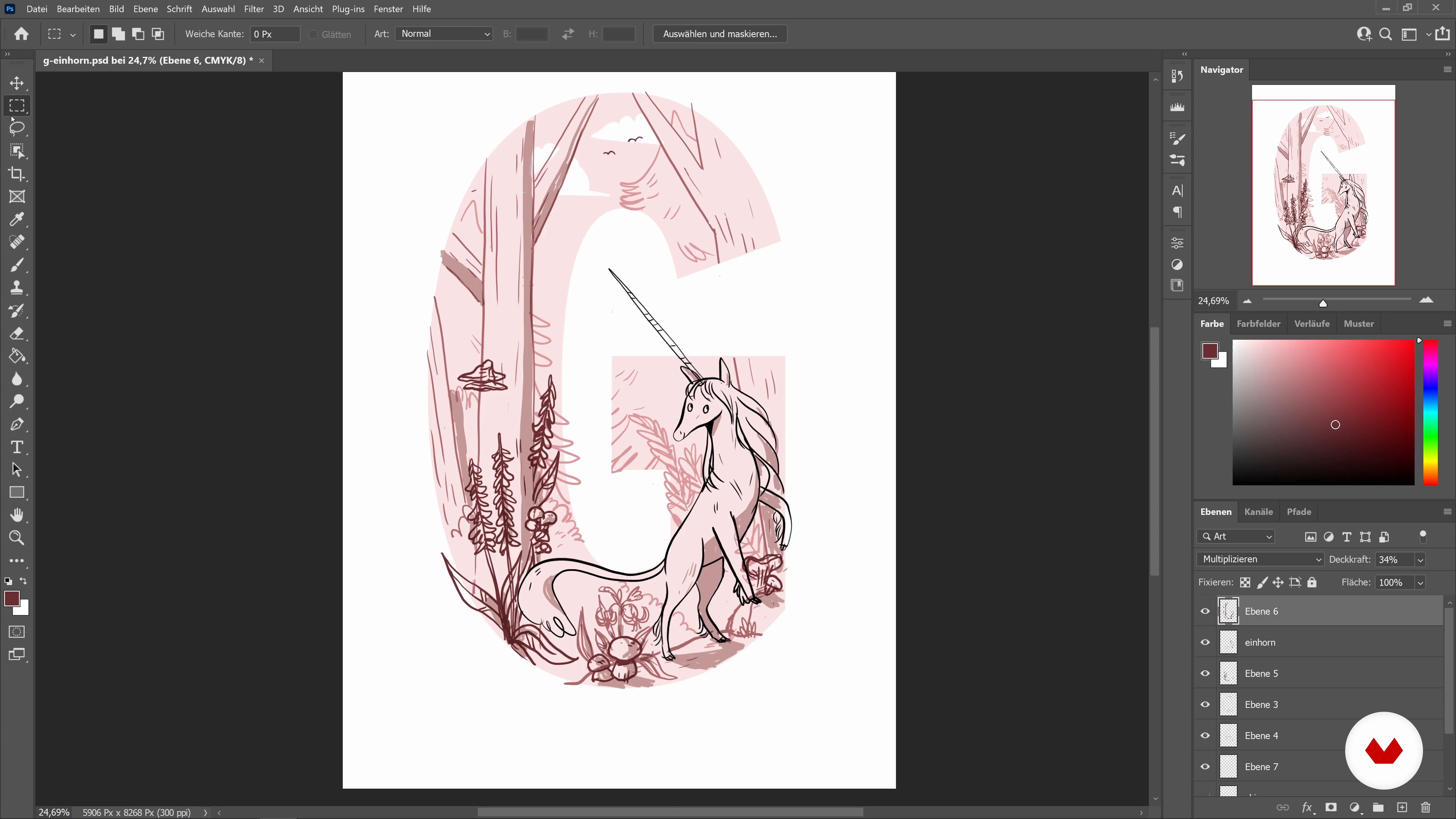
Digital sketch 2
10 minutes, 4 seconds
What's included in this course?
Start the course by taking a look at Julia Christians' creative process, inspirations, artistic influences, and some of her work. She also shares exactly how she makes her creations step by step, from the initial idea and first sketches to editing in Photoshop and the finished piece.
With Julia as your guide, develop a concept and choose a theme, some letters, and a format, before putting together a mood board of reference materials for inspiration. With these pillars in mind, it's time to get sketching on paper and practice sticking to your chosen artistic concept.
Then your teacher shows you how to scan your illustrations in order to continue working digitally. Now get to work polishing your piece in Photoshop. Focus on refining each component as well as adding color, texture, shadow, and lighting effects. Next, tweak a few last details and add the finishing touches to finalize the definitive version of your poster.
Wrap up the course by signing your work with a digital watermark so it's ready to be printed or exported with Photoshop when the time comes. Julia gives you some final tips for sharing your artwork and building on your creative skills in the future.
Recommended software & tools for this course
What is this course's project?
Create a uniquely artistic illustration with letters or words for a child's bedroom.

Projects by course students


Who is this online course for?
This course is ideal for lovers of typography, letters, and illustration.
Requirements and materials
For this course you need a pencil, some paper, and the drawing and painting materials of your choice, as well as an iPad with Photoshop or Procreate installed and an Apple Pencil. Basic notions of Photoshop or Procreate would be useful, although not essential.
Reviews
- 1 year ago
Very nice workflow for creating, recommend!
- 2 years ago
Loved this, so creative and great instructor! Definitely recommend!
- 2 years ago
Ottimo corso, facile e intuitivo
- 2 years ago
cours tres interressant .
- 2 years ago
Excelente curso. Lo recomiendo!!!

Julia's style can be described as fun, cheerful, entertaining, and full of personality. Her main sources of inspiration come from illustration, graphic design, typography, and interior design. She currently has a packed schedule and is represented by two different agencies, one German and the other international.
Julia has collaborated with publishers both within Germany and throughout the rest of the world including Oxford University Press, Nosy Crow, Verlagsgruppe Oetinger, Random House, Carlsen, Porsche, Rowohlt, HarperCollins, Magellan, and Coppenrath.
Content
- U1
performance
- About me
- Influences
- U2
First steps and sketches
- Let's get started
- Find the letter and subject
- Warm-up sketches
- Sketch compositions
- U3
The final illustration
- Digital sketch 1
- Digital sketch 2
- Final outlines 1
- Final outlines 2
- Final outlines 3
- Color is added 1
- Color is added 2
- Textures and shadows 1
- Textures and shadows 2
- The final touch
- U4
Finalize the project and final tips
- Export and watermark
- Illustrate a whole word
- Final tips and other uses
- FP
Final project
- Illustrations for children: create decorative typography
What to expect from a Domestika course
Learn at your own pace
Enjoy learning from home without a set schedule and with an easy-to-follow method. You set your own pace.
Learn from the best professionals
Learn valuable methods and techniques explained by top experts in the creative sector.
Meet expert teachers
Each expert teaches what they do best, with clear guidelines, true passion, and professional insight in every lesson.
Certificates
PLUSIf you're a Plus member, get a custom certificate signed by your teacher for every course. Share it on your portfolio, social media, or wherever you like.
Get front-row seats
Videos of the highest quality, so you don't miss a single detail. With unlimited access, you can watch them as many times as you need to perfect your technique.
Share knowledge and ideas
Ask questions, request feedback, or offer solutions. Share your learning experience with other students in the community who are as passionate about creativity as you are.
Connect with a global creative community
The community is home to millions of people from around the world who are curious and passionate about exploring and expressing their creativity.
Watch professionally produced courses
Domestika curates its teacher roster and produces every course in-house to ensure a high-quality online learning experience.
FAQs
The course is aimed at people with basic drawing skills who want to expand their abilities in digital illustration, children’s book, and typography illustration. It’s ideal for motivated beginners and those with some experience.
You’ll need a graphics tablet and basic Photoshop skills. Having a Pinterest account for moodboards is also recommended. All other materials and tools will be introduced during the course.
You’ll learn digital illustration techniques, character design, children’s book illustration, typography, composition, color palettes, moodboard creation, Photoshop workflows, exporting for print and social media, and how to build a professional portfolio.
By the end of the course, you’ll be able to create digital illustrations and lettering independently, craft professional moodboards, design your own characters, finalize illustrations in Photoshop, and present your portfolio effectively.
Yes, the course puts a strong focus on portfolio development. You’ll learn how to organize your work, present it digitally, and prepare it specifically for job applications or book fairs.
Basic drawing skills help, but many exercises are designed to improve your abilities. You’ll learn how to develop your drawings using templates and references.
Yes, all key Photoshop techniques—like layer management, brushes, shading, text tools, and exporting—are demonstrated step by step. However, some basic knowledge is expected.