
Presentation Design: Create a Professional Template
A course by Katya KovalenkoPresentation and Data Designer
A course by Katya Kovalenko, Presentation and Data Designer

Discover the full potential of presentation design by exploring color, style, composition, and typography
Perhaps one of the most unifying concepts of presentation design is its diversity. In other words, just about everyone needs to know how to create presentations on just about everything. Katya Kovalenko reminds us just how much there is to say without words, but with color palettes, typography, and composition.
Katya is a graphic designer at Quiet Studio where she specializes in creating presentations, infographics, and brand identity. After her widely popular courses like Principles of Presentation Design, and the more area-specific Graphic Visualization: Telling Complex Stories through Simple Images, she is back for another round to teach how to create your own professional presentation template.
What will you learn in this online course?
18 lessons & 15 downloads
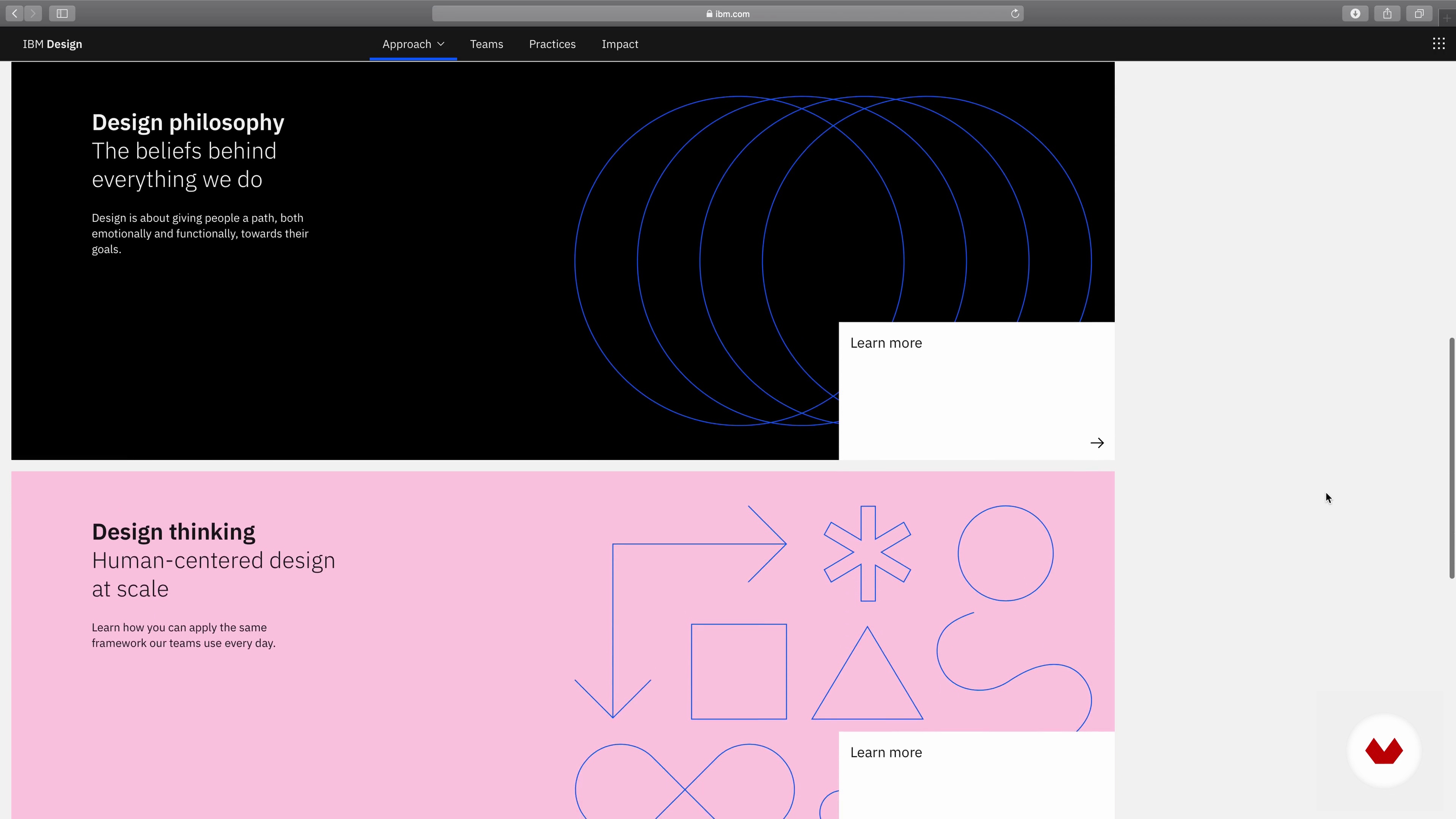
What Will We Do in This Course?
1 minute, 27 seconds

Theory of Color
3 minutes, 47 seconds
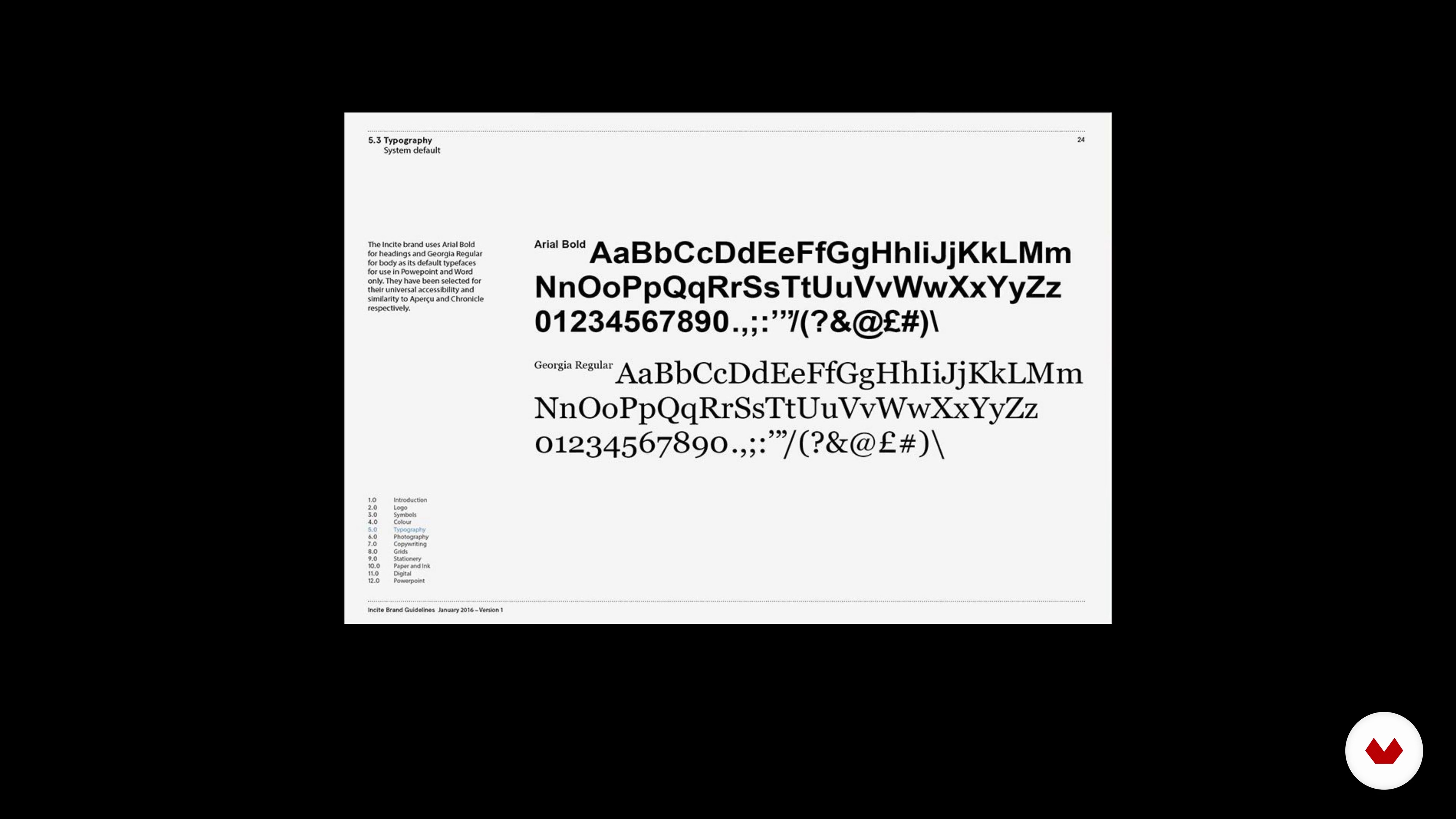
Theory of Typography
3 minutes, 58 seconds
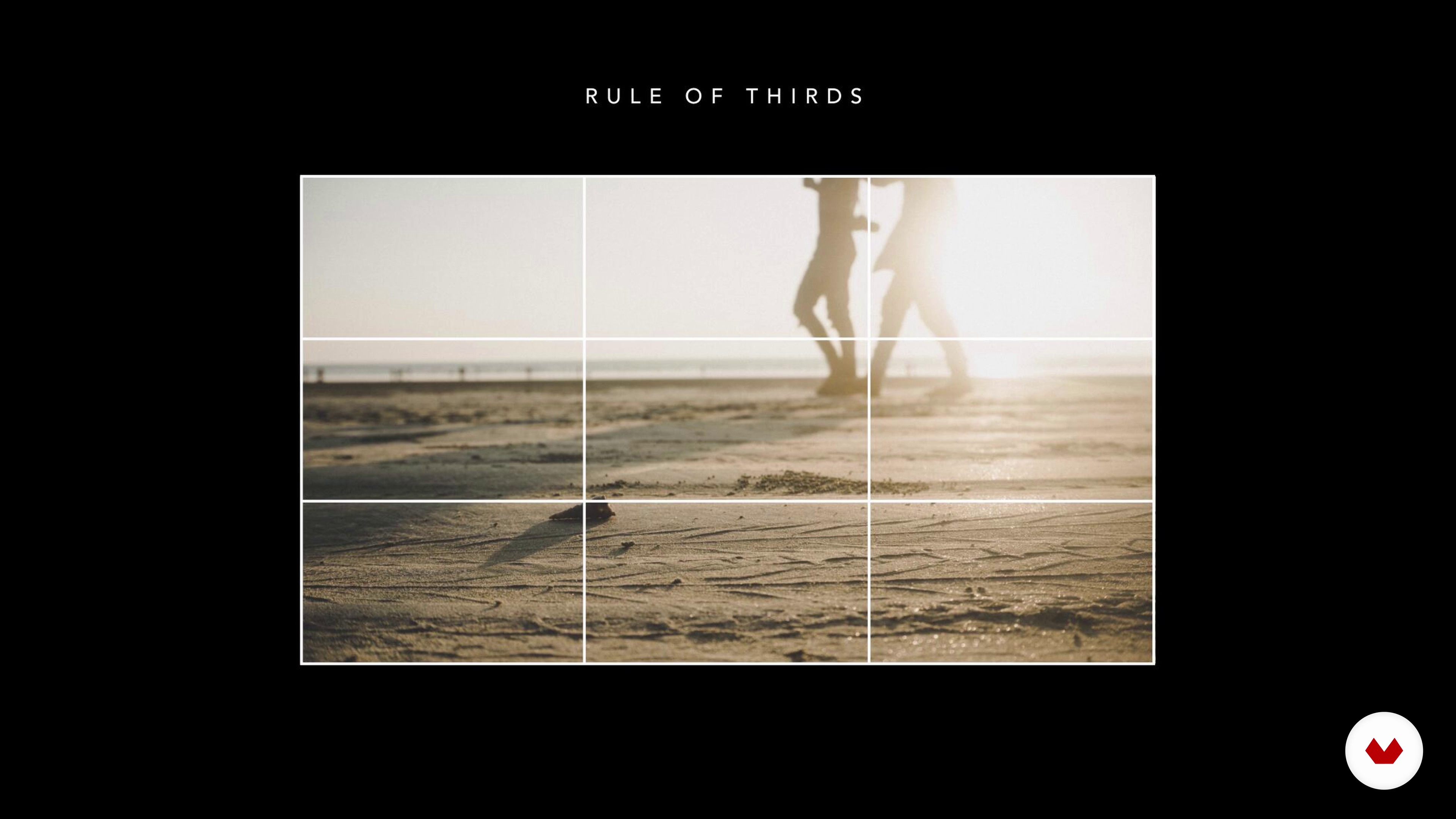
Theory of Composition and Layout
4 minutes, 43 seconds
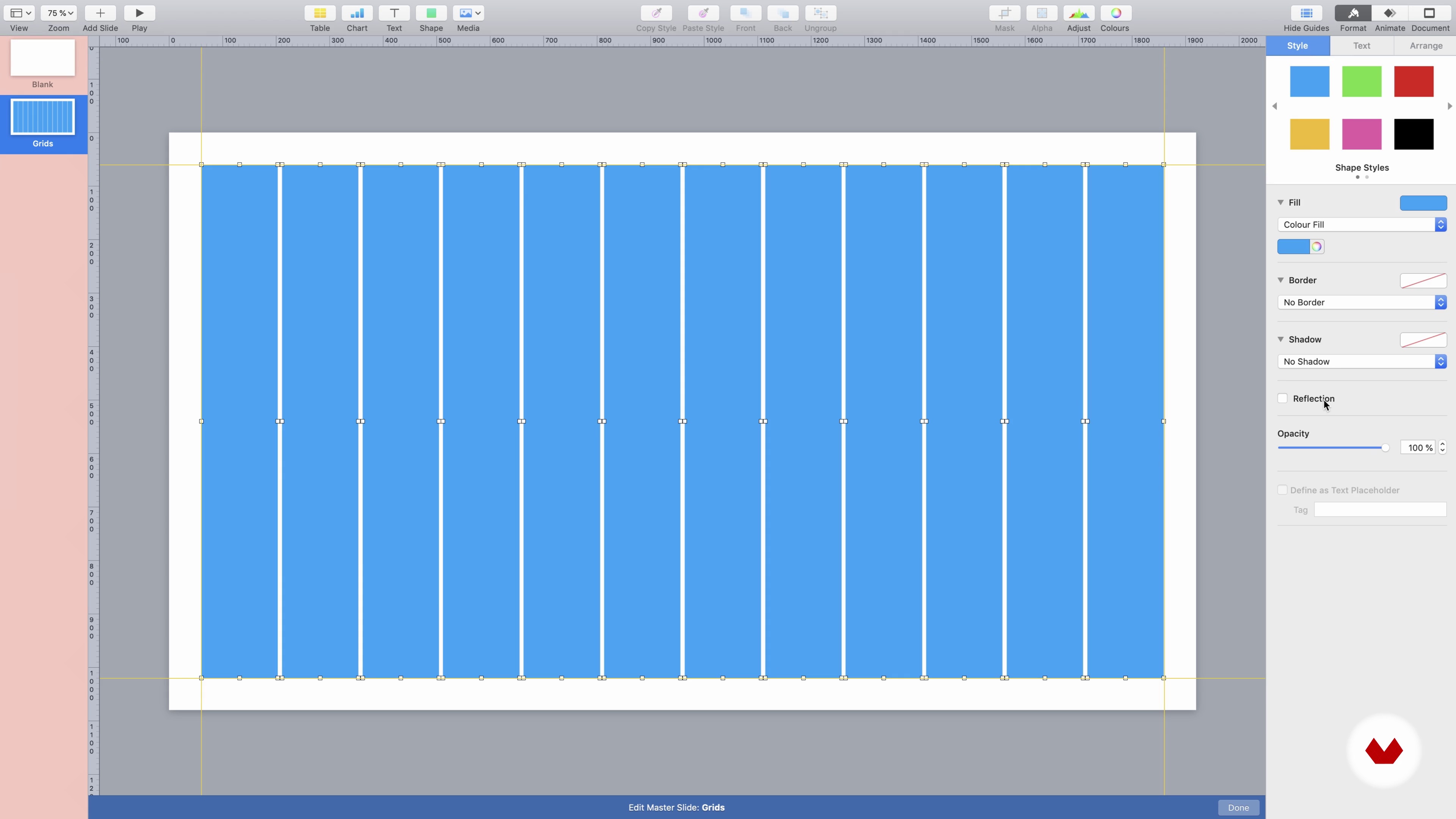
Workspace and Format
9 minutes, 23 seconds
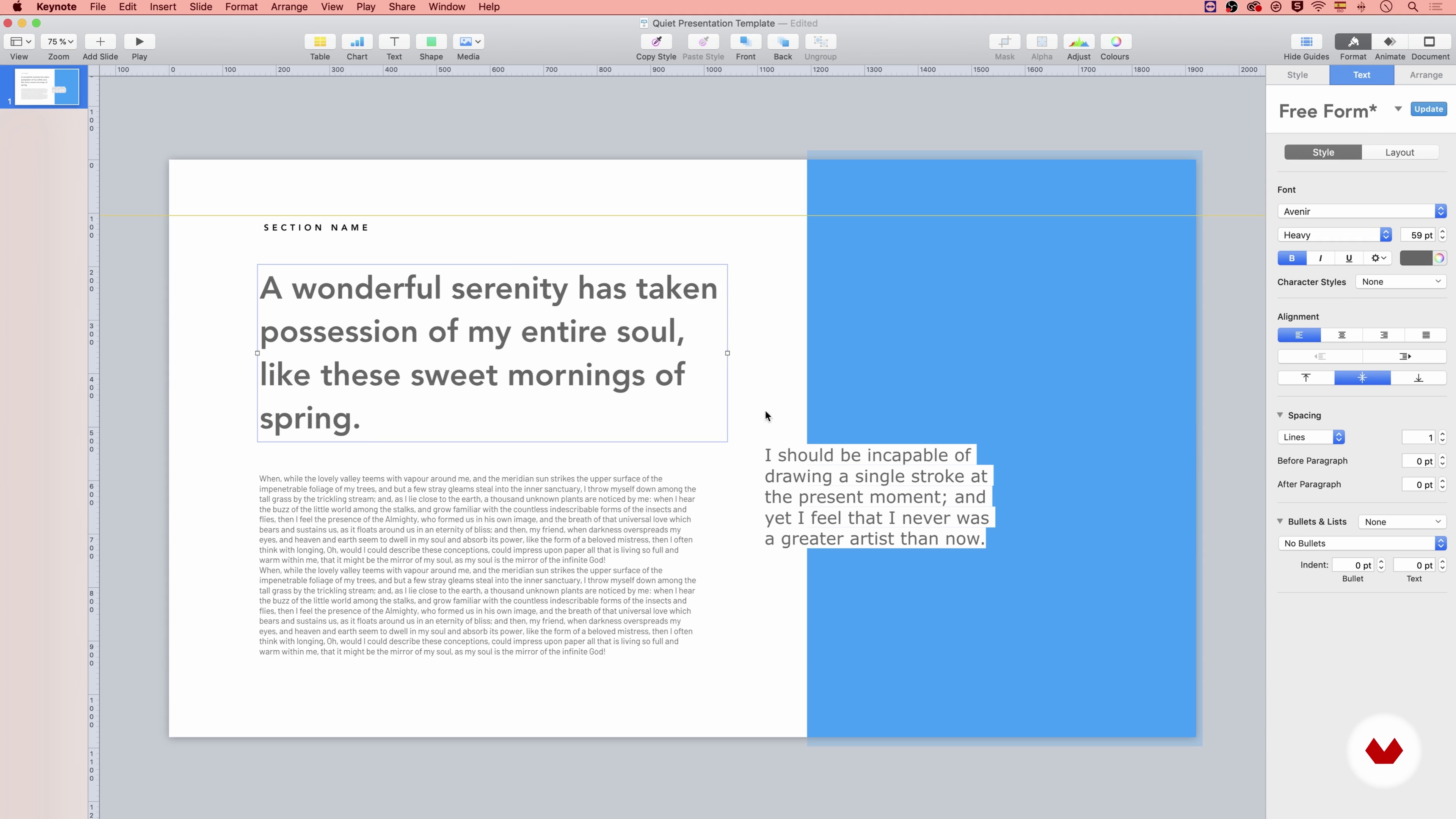
How to Work with Text 1
15 minutes, 55 seconds
What's included in this course?
Begin by getting to know Katya as she shares her story of how she left the noisy world of advertising, and shifted her line of work to communicate more intimately. She discusses her influences, references, and talks about what inspires her to create.
Dive right into the principles of design. Start by establishing the art direction. Understand the difference between working with a brand manual or creating and using your own mood board. Learn about color theory, typography theory, composition, and layout. Then, choose the elements that best fit your project’s intention.
Start creating your template by setting up your workspace and choosing the right theme and format. Katya teaches the importance of using grids and walks you through a typical template layout. Learn how to select, adjust, and optimize images and icons. Hone in on the details of your template by covering style source, proportions, line and character spacing, and alignment.
Learn about how to create a master slide and the role it plays within your template. Create different themes to work with and customize each slide. Once your template design is ready, learn how to correctly save, export, and reuse it.
Recommended software & tools for this course
What is this course's project?
Create a professional, custom template based on a brand guideline or your own style.
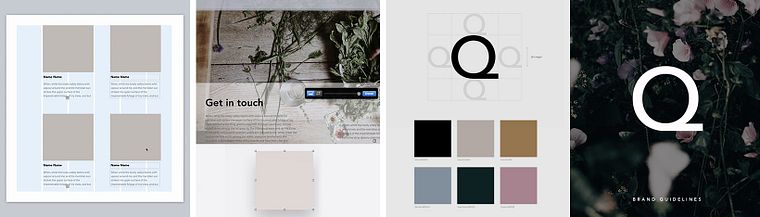
Projects by course students


Who is this online course for?
This course is suitable for anyone who wants to learn in-depth about custom presentation design, typography and composition.
Requirements and materials
For this course, you only need access to a presentation program like KeyNote or PowerPoint. Katya uses KeyNote, but you can use the software of your choice.

Reviews
- 2 months ago
Thank you for the indepth knowledge , Am enjoying The course is awesome
- 2 months ago
This course is a little bit superficial than I expected.
- williamtanyam804PLUS2 months ago
I really love it !
- 3 months ago
Good course!
- 3 months ago
Love this course :) tnx Katya!!

Her passion for effective communication is matched only by her commitment to equipping you with the skills needed to leverage the potential of AI in presentation design. You'll explore this transformative field under Katya's guidance, setting the stage for your creative journey.
Content
- U1
Introduction
- Presentation
- Influences
- What Will We Do in This Course?
- U2
Design Principles
- Art Direction
- Theory of Color
- Theory of Typography
- Theory of Composition and Layout
- U3
Presentation Design
- Workspace and Format
- How to Work with Text 1
- How to Work with Text 2
- Colors and Shape Styles
- Composition and Layout 1
- Composition and Layout 2
- Composition and Layout 3
- Composition and Layout 4
- How to Work with Images
- Icons and Icon Library
- U4
Save and Reuse
- Template, Master Slides
- FP
Final project
- Presentation Design: Create a Professional Template
What to expect from a Domestika course
Learn at your own pace
Enjoy learning from home without a set schedule and with an easy-to-follow method. You set your own pace.
Learn from the best professionals
Learn valuable methods and techniques explained by top experts in the creative sector.
Meet expert teachers
Each expert teaches what they do best, with clear guidelines, true passion, and professional insight in every lesson.
Certificates
PLUSIf you're a Plus member, get a custom certificate signed by your teacher for every course. Share it on your portfolio, social media, or wherever you like.
Get front-row seats
Videos of the highest quality, so you don't miss a single detail. With unlimited access, you can watch them as many times as you need to perfect your technique.
Share knowledge and ideas
Ask questions, request feedback, or offer solutions. Share your learning experience with other students in the community who are as passionate about creativity as you are.
Connect with a global creative community
The community is home to millions of people from around the world who are curious and passionate about exploring and expressing their creativity.
Watch professionally produced courses
Domestika curates its teacher roster and produces every course in-house to ensure a high-quality online learning experience.
FAQs
Yes, this course is designed for beginners and covers foundational concepts like color theory, typography, layout principles, and using tools such as Keynote, PowerPoint, and Google Slides.
You will benefit from having access to presentation tools like Apple Keynote, Microsoft PowerPoint, or Google Slides. No advanced graphic design software is required.
You’ll learn to design professional presentations, apply color theory and typography, use brand guidelines, create mood boards, and build reusable templates across popular platforms.
Yes, the course includes techniques for creating clear and effective infographics to enhance presentations and communicate complex information visually.
Absolutely. The course covers how to use brand manuals, extract brand colors, apply logo rules, and maintain brand consistency in presentation templates.
Yes, you’ll learn minimalistic design principles, how to use whitespace effectively, and create clean layouts for maximum visual impact.
The course provides step-by-step instructions on building, customizing, and exporting reusable presentation templates in Keynote, PowerPoint, and Google Slides.