Color Palettes for Vibrant Patterns
A course by Catalina Estrada UribeIllustrator and Print Designer
A course by Catalina Estrada Uribe, Illustrator and Print Designer

Learn how to develop unique color palettes and create unique patterns full of character
Embarking on any project brimming with exciting colors is like freeing your mind and overcoming the fear of that blank page in front of you. That's the view of renowned illustrator and pattern designer Catalina Estrada, who loves nature unconditionally and sees it as a bountiful source of color and inspiration. Her work has been featured by publishers like Taschen and Communication Arts, and among her impressive portfolio of collaborations are brands such as Nike, Netflix, and Hallmark as well as artists including Shakira and Paulo Coelho.
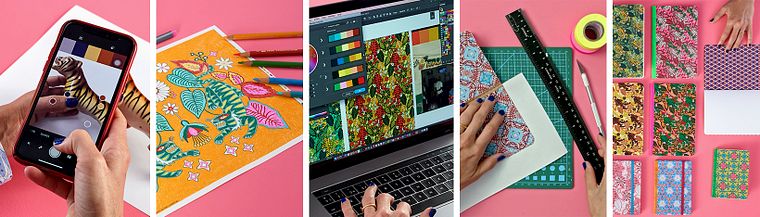
In her first course, Catalina teaches Illustration for Patterns with Soul and this next one is a one-way ticket to the world of color. Learn how to develop an intimate connection with the colors that surround you in order to create patterns that express your emotions, then apply them to a little collection of notebooks.
What will you learn in this online course?
13 lessons & 15 downloads
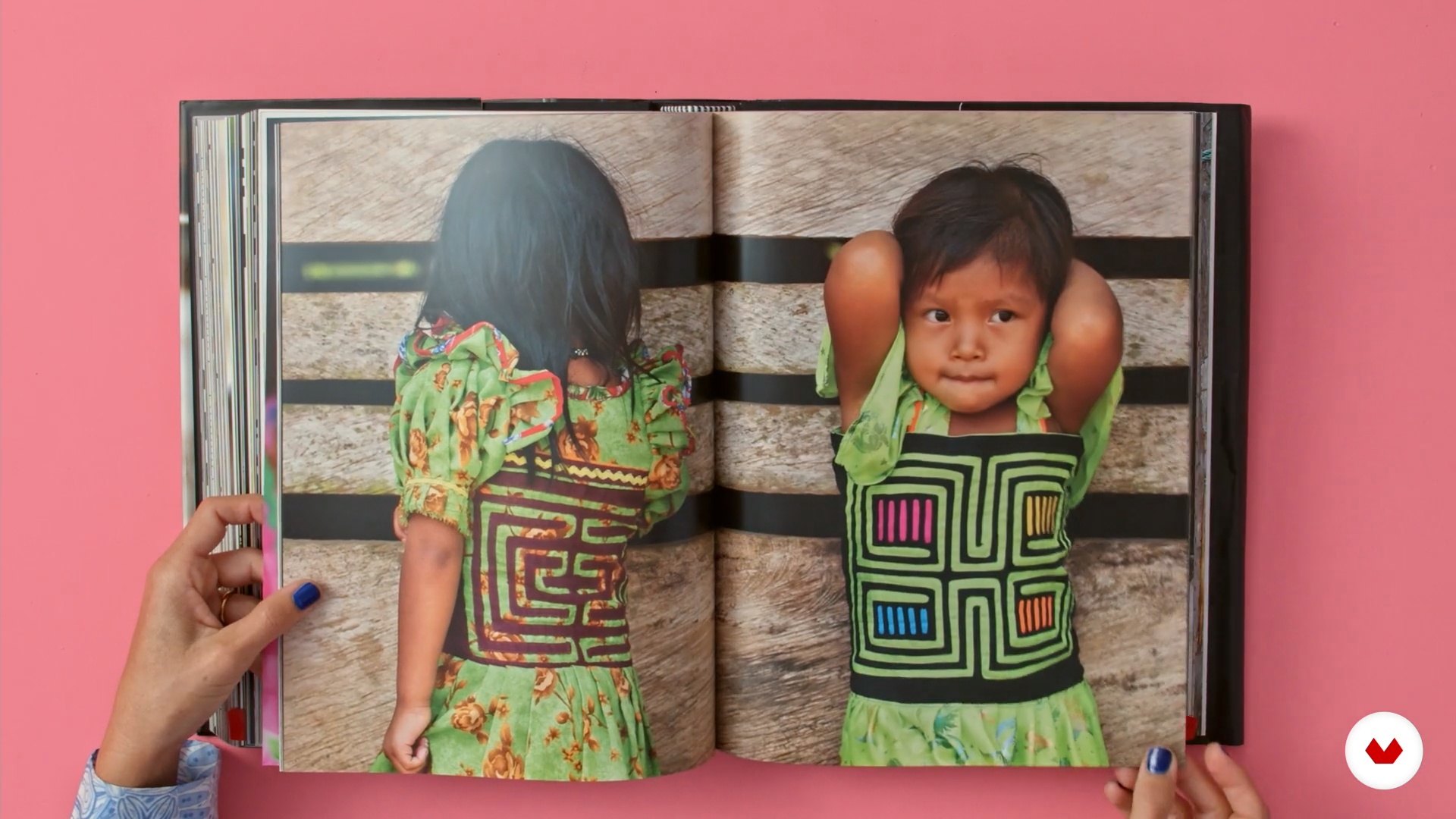
Color and emotions
8 minutes, 4 seconds
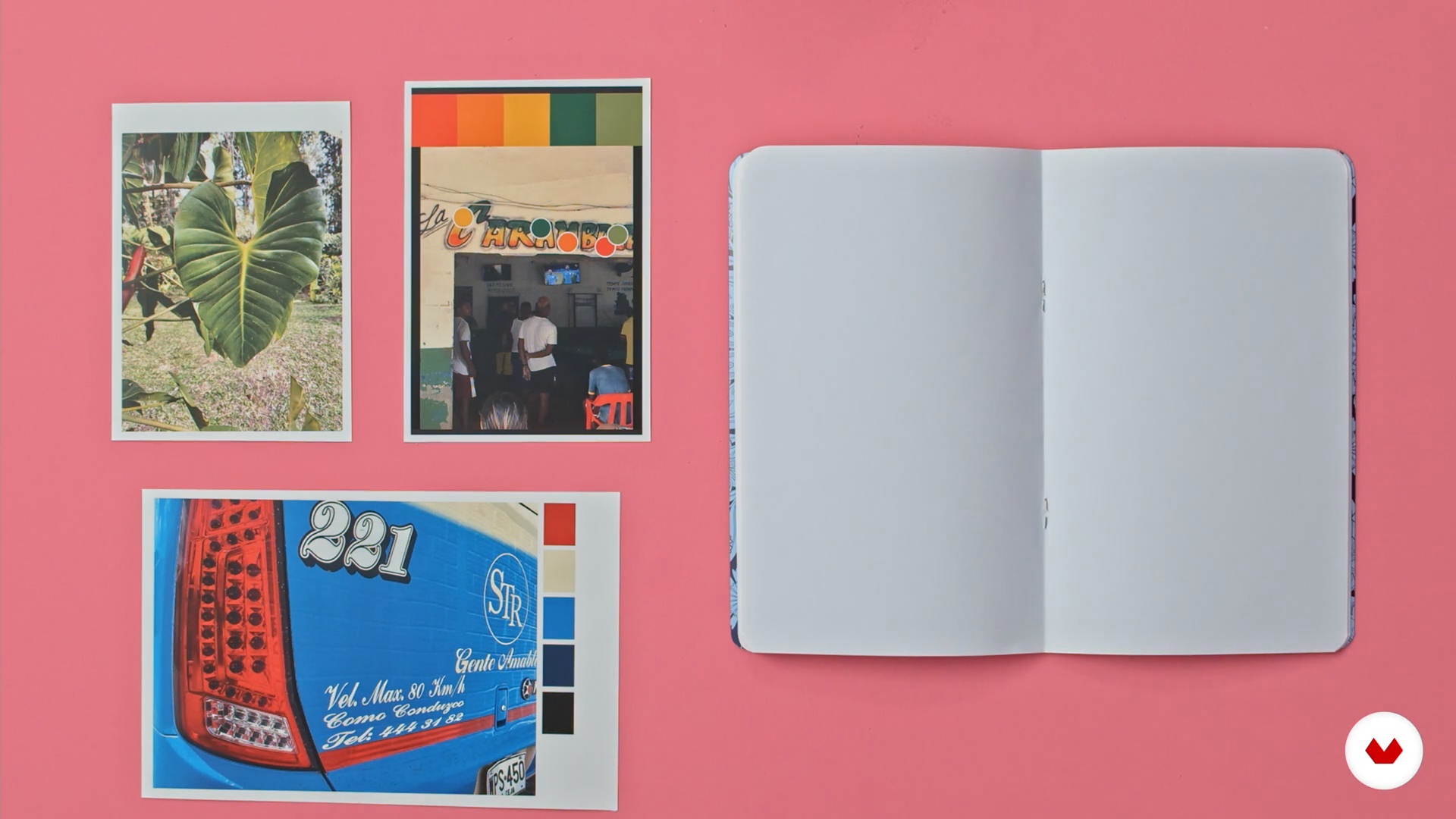
Techniques for finding color palettes
12 minutes, 2 seconds
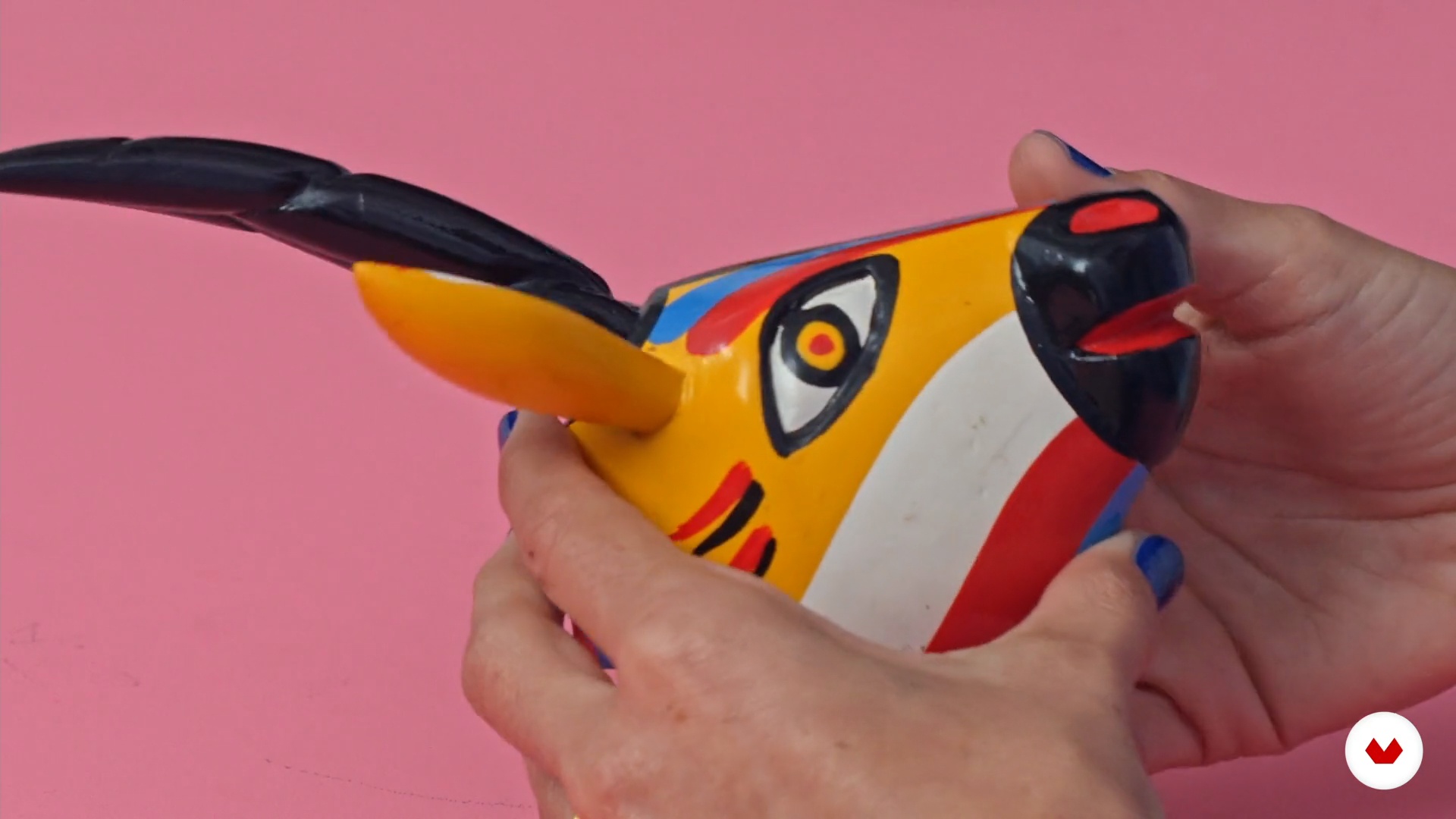
Images that make us vibrate
7 minutes, 35 seconds
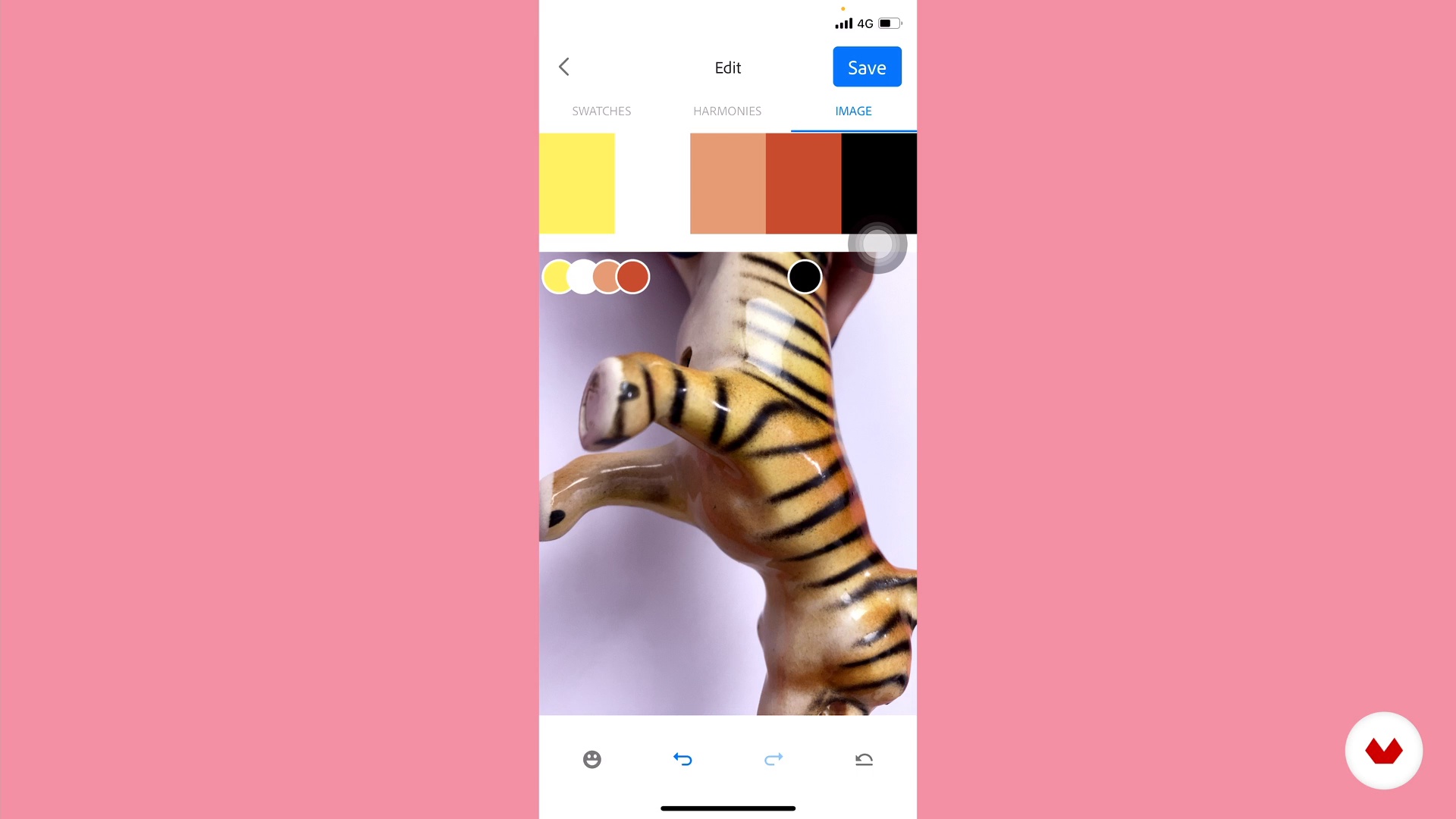
Intuitive color extraction
8 minutes, 13 seconds
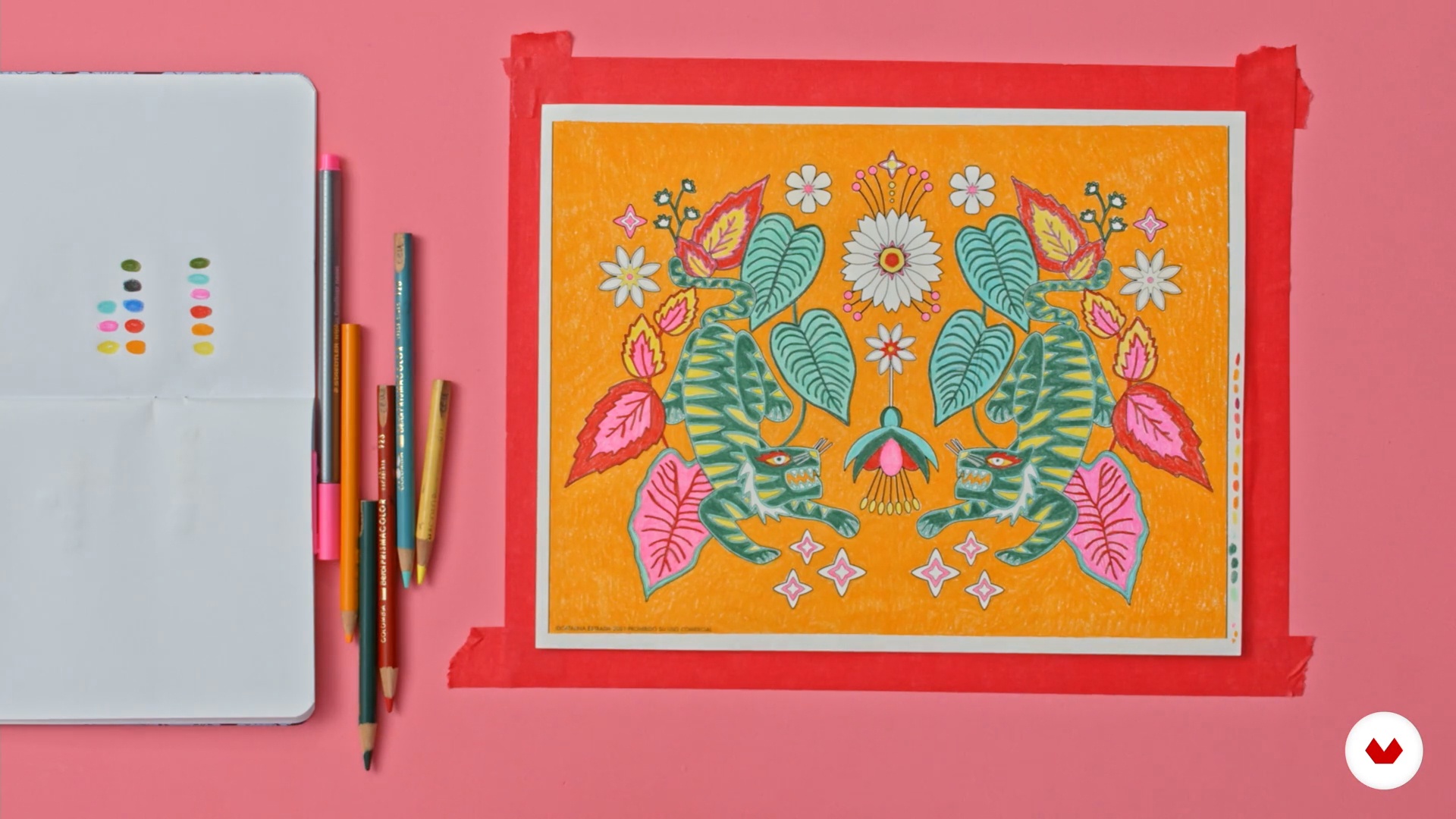
Applying color: manual process
10 minutes, 34 seconds
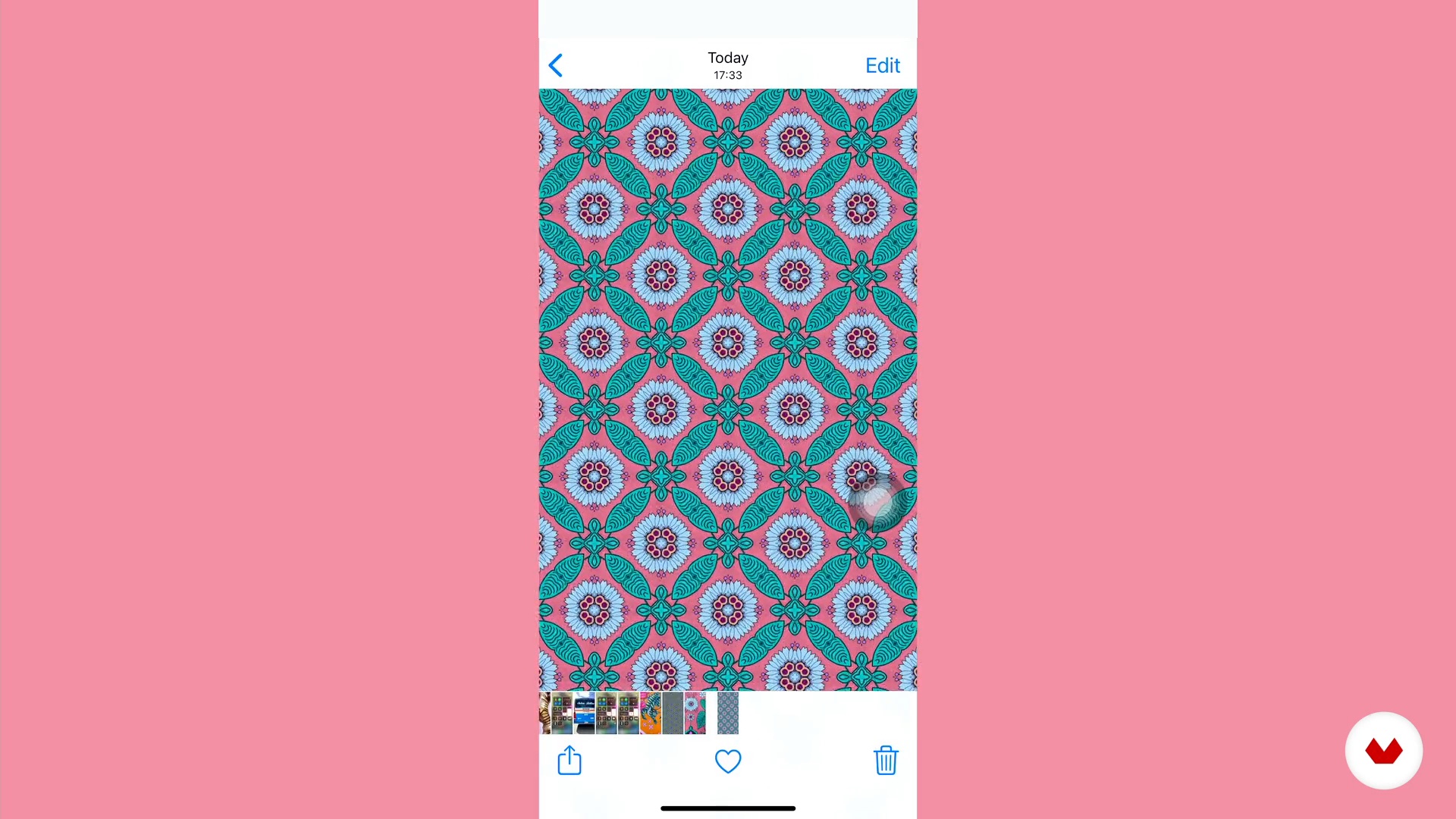
Creating a stamp in a simple way: manual process
6 minutes, 28 seconds
What's included in this course?
Start by getting to know Catalina Estrada as she explains why color is so important in her work and how it has played a fundamental role in developing her graphic language. She also talks you through some of the main influences that have made an impact on her professional journey.
Catalina goes on to tell you about the emotions that colors have the power to transmit and their role as creative triggers. She teaches you two techniques for creating color palettes: theory and intuition.
Discover how to extract colors from your surroundings to develop the color palettes for your designs—manually by way of a coloring template and digitally by using Adobe Capture.
You also learn to create patterns with Adobe Capture or Adobe Illustrator and get several color variations for each one.
Now look at how to manipulate color palettes manually using both the coloring template and the patterns. Delve even deeper by using the Recolor tool in Adobe Illustrator and discover the wealth of color possibilities.
Once your patterns are ready, apply them to a little collection of custom notebooks to showcase and promote your work.
To round off the course, Catalina shows you how to apply your patterns to different kinds of product mock-ups in Photoshop.
Recommended software & tools for this course
What is this course's project?
Create patterns to apply to a little collection of notebooks that will serve as promotional items for your work.
Projects by course students

Who is this online course for?
Designers, illustrators, and anyone who wants a closer and more free-flowing relationship with color for the creation of patterns.
Requirements and materials
This course features two methods for pattern creation. For the manual technique, you need the Adobe Capture app on your phone, notebooks, pencils, and coloring pencils, watercolors, or your preferred medium. For the digital technique, you need basic notions of Adobe Illustrator.
Reviews
- 8 months ago
Es un lindo curso dictado por una gran artista con un sello personal y con mucha experiencia. Muy inspirador... ¡Gracias Catalina por llevar el nombre de Colombia en alto con tu talento!
- 9 months ago
Very interesting, especially use of the aplications
- 10 months ago
É um curso inspirador!
- 1 year ago
MUy Interesante el curso, la profesora enseña técnicas de color, crear estampa: Me gustó este curso porque hace más énfasis en la teoría del color. Recmonedado!
- 2 years ago
Interesante y didactico

She has worked as an illustrator in advertising for major brands such as Camper, Nike, Font Vella, and Coca-Cola, among others, as well as for institutional campaigns, organizations such as UNICEF, Amnesty International, and Arrels, and other clients with a diverse range objectives.
Catalina also collaborates as a volunteer on social projects, doing her bit to improve the environment and people's lives. These projects allow her to blaze new graphic trails and expand her way of working.
Content
- U1
Introduction
- Presentation
- Influences
- U2
Let's talk about the color
- Color and emotions
- Techniques for finding color palettes
- Images that make us vibrate
- U3
We search, extract and apply the color
- Intuitive color extraction
- Applying color: manual process
- Creating a stamp in a simple way: manual process
- Passing colors and drawings to Adobe illustrator: digital process
- Stamping in Illustrator - Digital Process
- U4
Delving into color
- Color versions for your digital prints
- Printing the patterns and personalizing your notebooks
- Mock-ups
- FP
Final project
- Color palettes for vibrant prints
What to expect from a Domestika course
Learn at your own pace
Enjoy learning from home without a set schedule and with an easy-to-follow method. You set your own pace.
Learn from the best professionals
Learn valuable methods and techniques explained by top experts in the creative sector.
Meet expert teachers
Each expert teaches what they do best, with clear guidelines, true passion, and professional insight in every lesson.
Certificates
PLUSIf you're a Plus member, get a custom certificate signed by your teacher for every course. Share it on your portfolio, social media, or wherever you like.
Get front-row seats
Videos of the highest quality, so you don't miss a single detail. With unlimited access, you can watch them as many times as you need to perfect your technique.
Share knowledge and ideas
Ask questions, request feedback, or offer solutions. Share your learning experience with other students in the community who are as passionate about creativity as you are.
Connect with a global creative community
The community is home to millions of people from around the world who are curious and passionate about exploring and expressing their creativity.
Watch professionally produced courses
Domestika curates its teacher roster and produces every course in-house to ensure a high-quality online learning experience.
FAQs
You’ll learn how to create and extract color palettes from nature and everyday objects, design digital patterns, adjust colors for printing, and apply your designs to product mockups like notebooks, using both manual and digital tools.
This is an intermediate-level course, perfect for those with basic design or illustration skills who want to deepen their knowledge of creating and applying color palettes and digital patterns.
You’ll need access to Adobe Illustrator and Photoshop, paper, colored pencils or crayons, mobile devices with apps like Adobe Capture, and basic stationery supplies for manual exercises.
You’ll learn to observe your surroundings, capture images with your phone, and use apps like Adobe Capture to select and save unique color combinations inspired by nature.
Yes, the course teaches you how to customize notebooks and simulate pattern application on digital mockups so you can preview your designs before printing or producing the final product.
You’ll use Adobe Illustrator to vectorize illustrations, create repeating patterns, and easily recolor your designs, plus Photoshop to simulate how your patterns look on products.
The course covers using CMYK palettes, adjusting saturation and contrast, and digital prep techniques to ensure printed colors are accurate and harmonious.