Photo Composition for Artistic Portraits
A course by Krishna VRPhotographer
A course by Krishna VR, Photographer

Learn to add fantasy and surrealism to your portrait photography with digital retouching in Photoshop
Photo composition is a technique that enables you to bring your imagination to life in a photo. Join fine art and portrait photography expert Krishna VR and see how to make the most of your photo shoots to create compelling, storytelling images.
After showing you how to create photographs with an illustrative touch in Conceptual Self-Portrait Photography, Krishna is back to teach you how to design photo composition projects from start to finish in Photoshop. Learn how to add fantasy and surrealism to your portrait photography using basic materials and digital retouching.
What will you learn in this online course?
16 lessons & 20 downloads
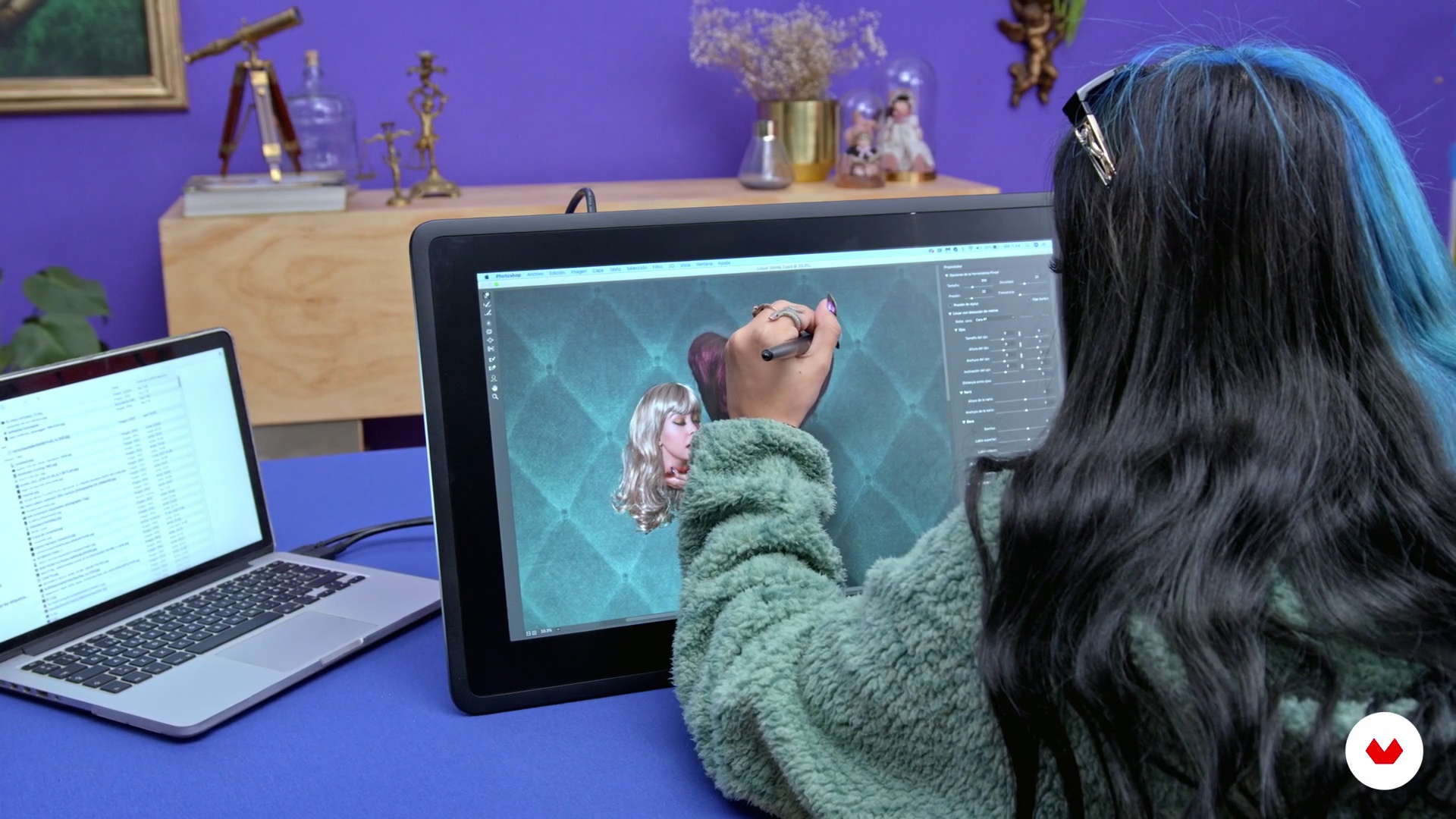
What Will We Do in This Course?
1 minute, 35 seconds
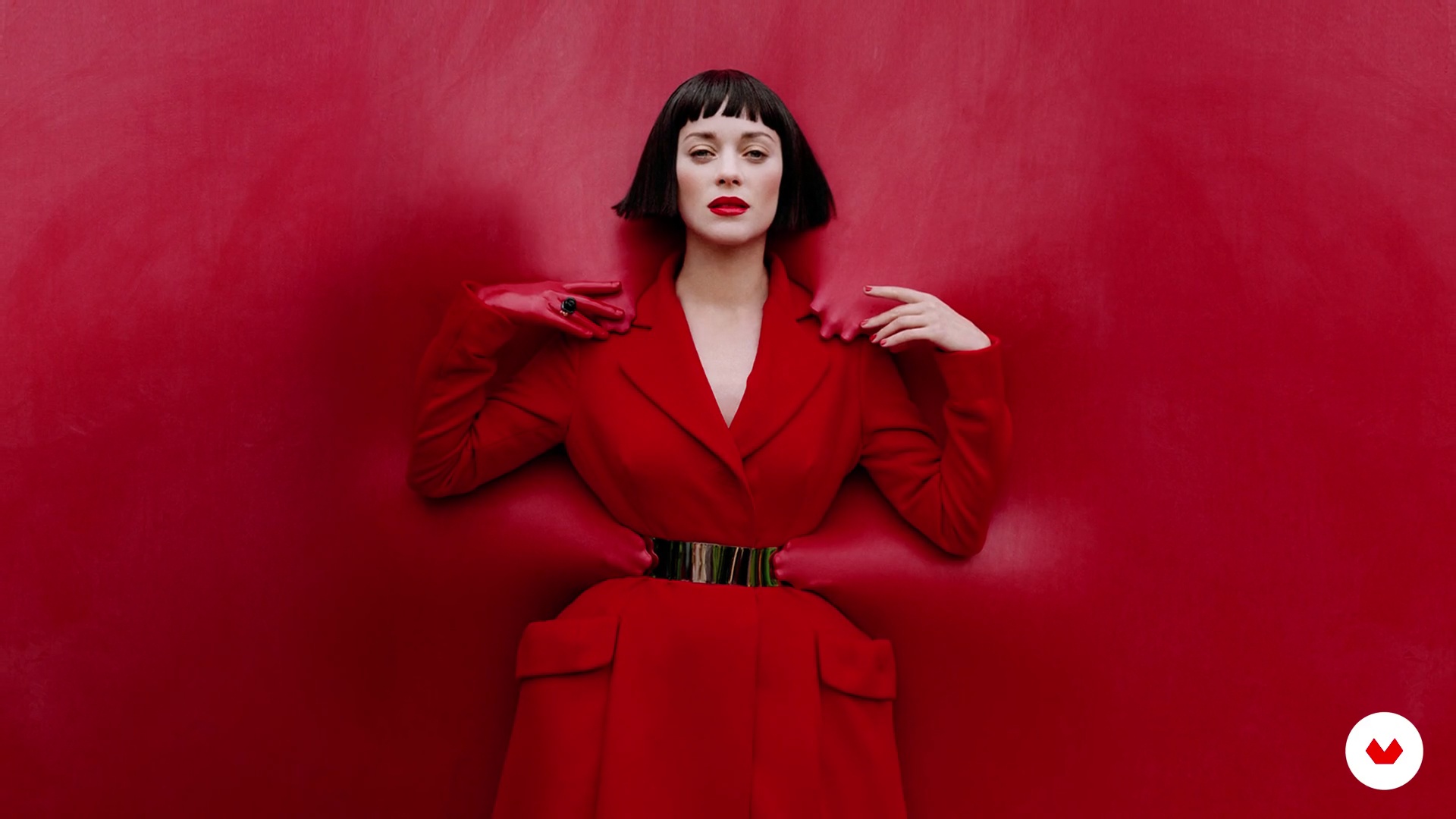
Photocomposition an Photomontage
3 minutes, 2 seconds
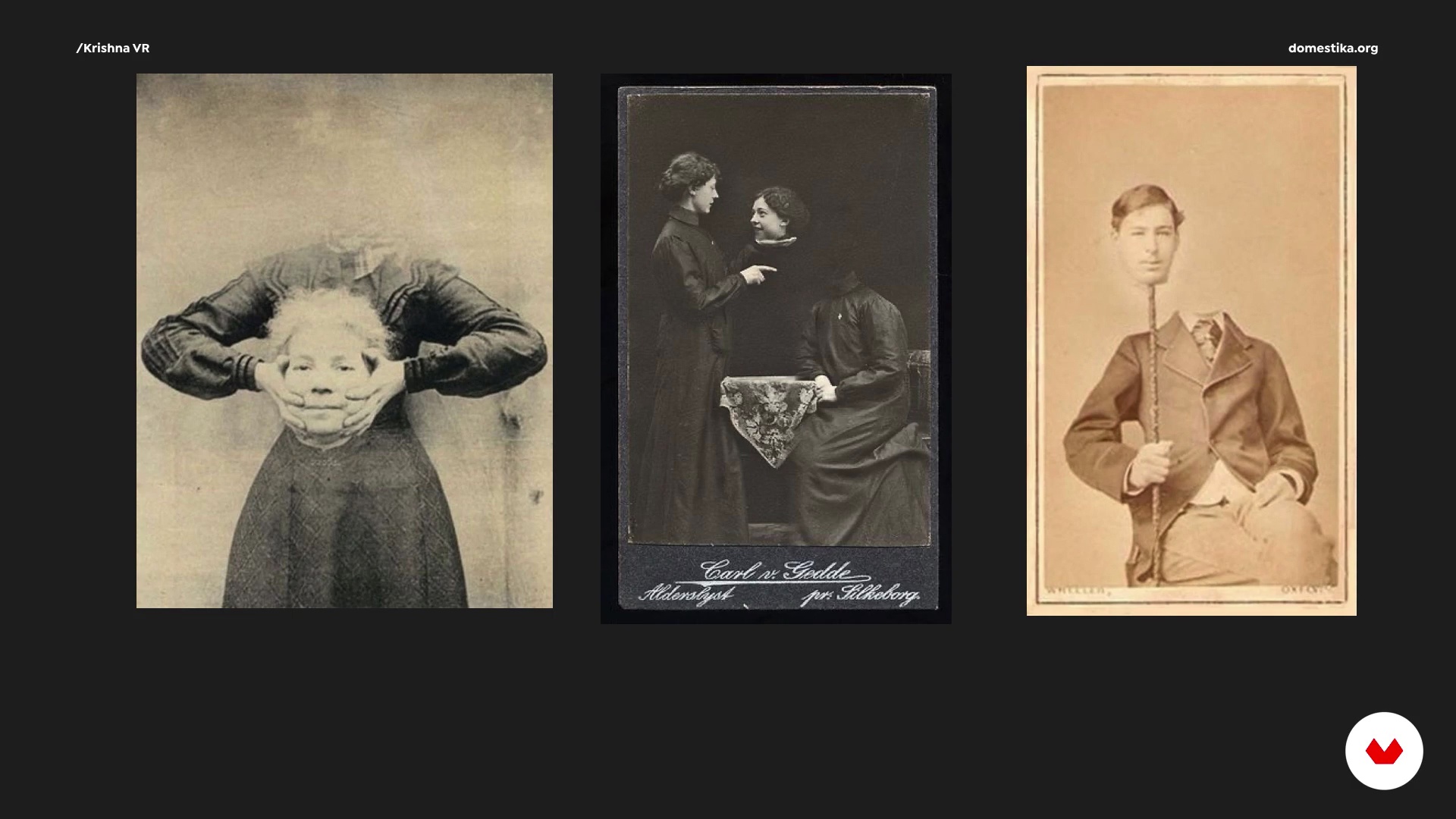
Proposals and Final Planning
8 minutes, 22 seconds
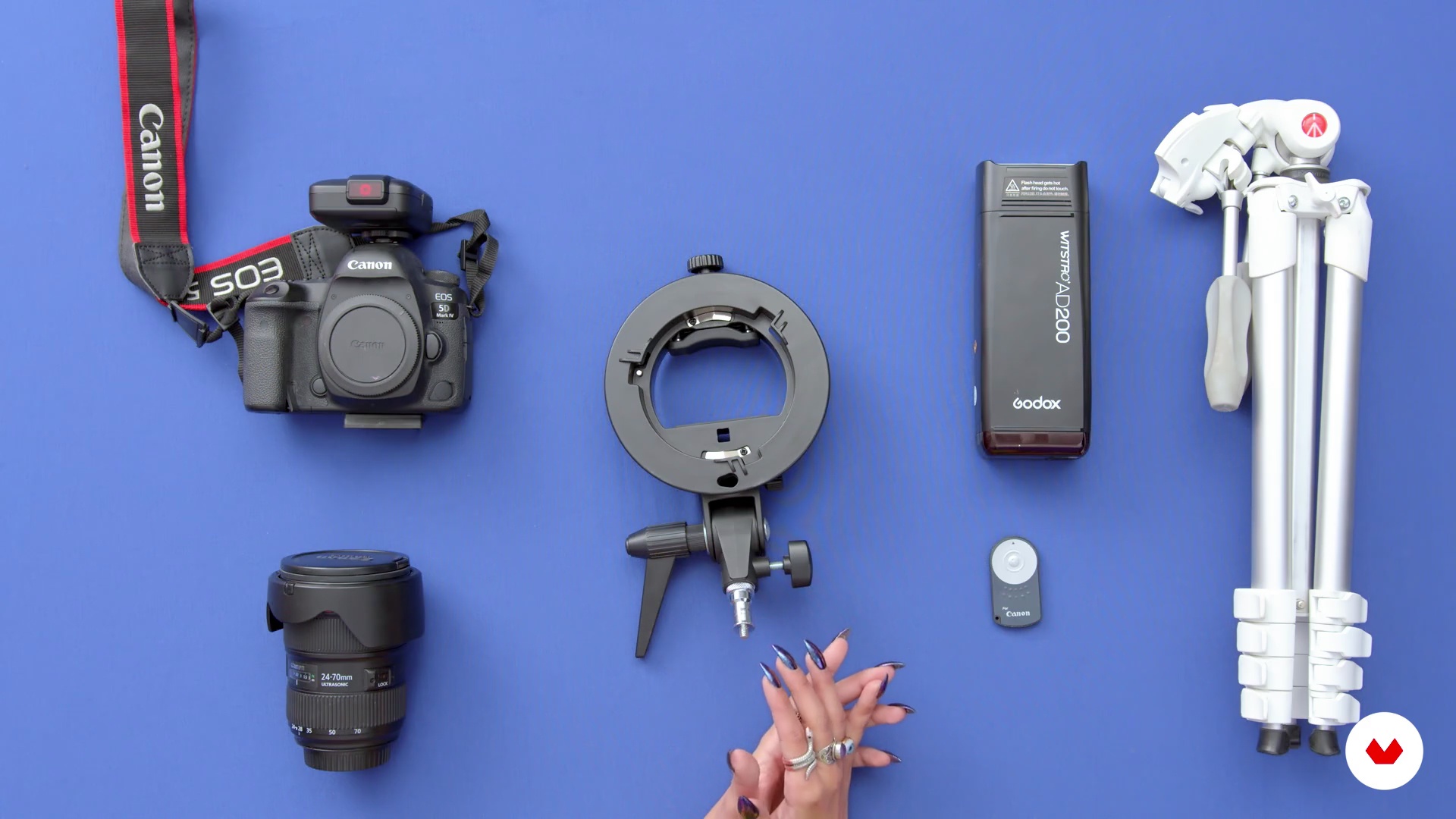
Materials
4 minutes, 51 seconds
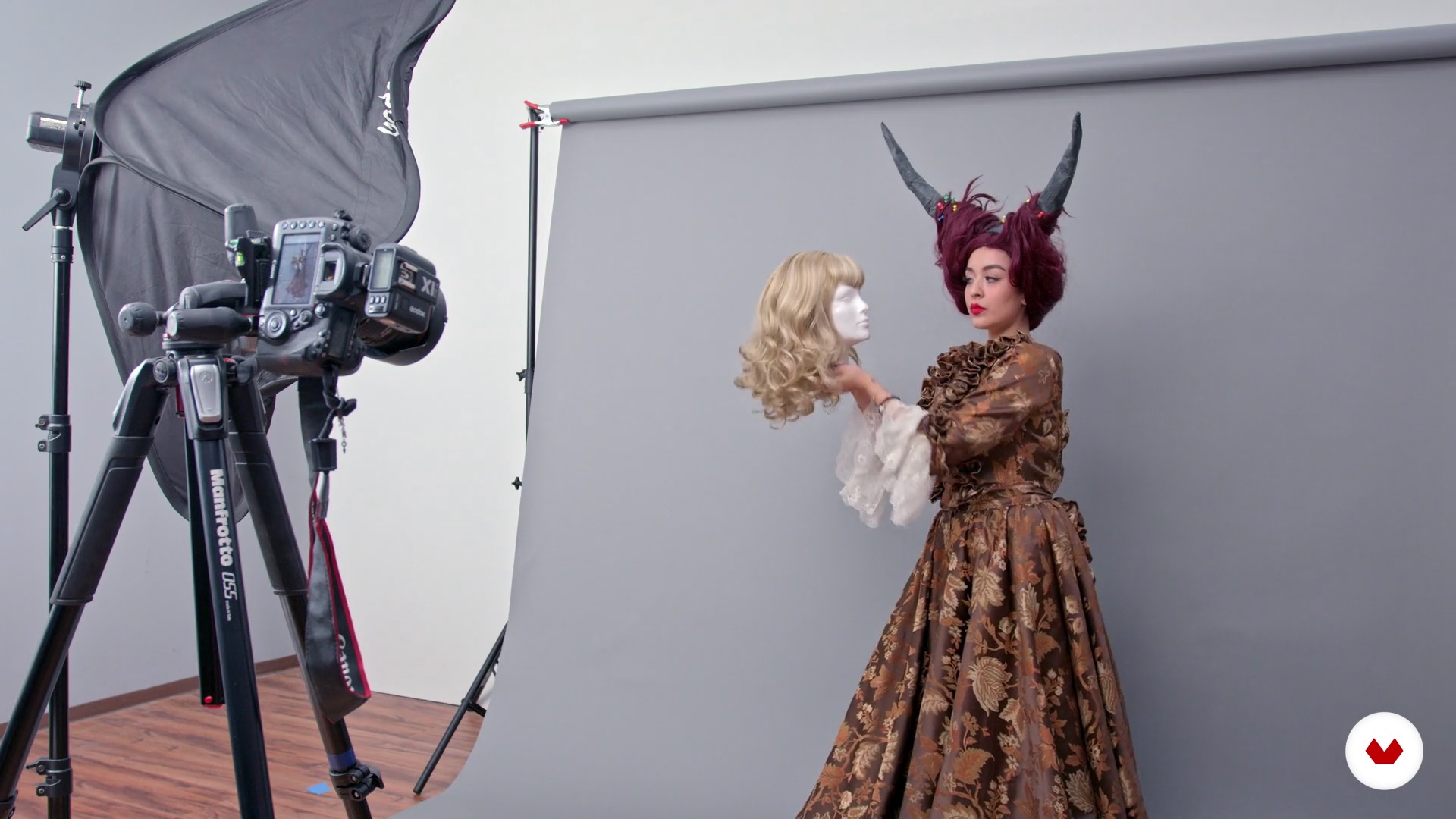
Photoshoot
7 minutes, 28 seconds
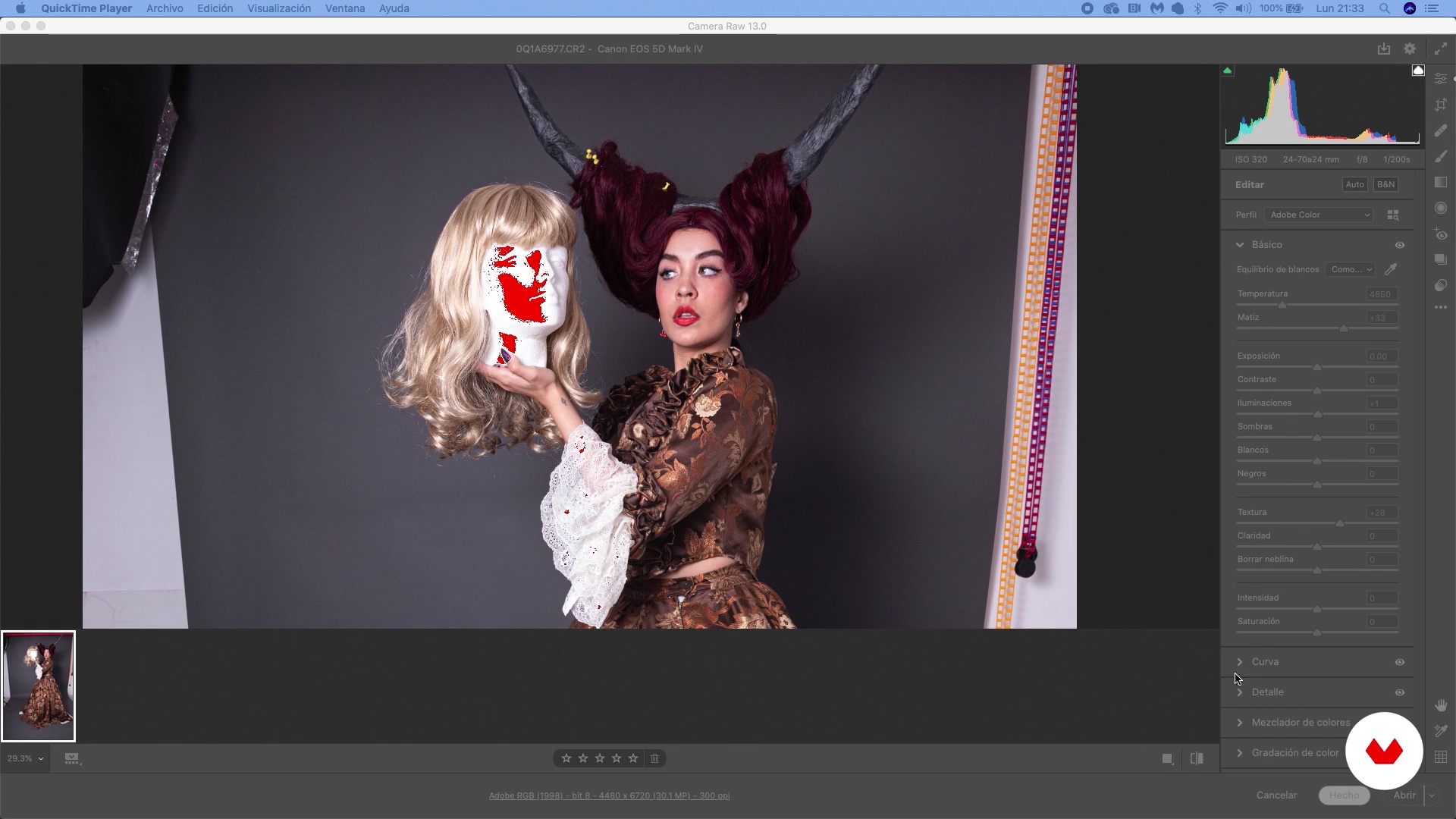
Revealed
6 minutes, 19 seconds
What's included in this course?
Start the course by getting to know Krishna and see what inspires her photo composition artwork. She talks about her work, her favorite pieces, and gives you an overview of the course project.
Dive into photography theory and learn about the history and main features of photo composition and photomontage. Use these concepts to lay the groundwork for your project: develop your creative idea, photo style, and the story you want to tell. Then, prepare your materials and start taking photos.
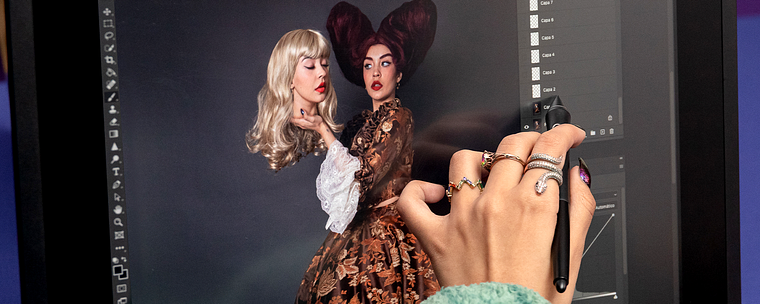
Now it's time to bring your imagination to life. Learn how to select the right photos for your project and how to creatively use blend modes to combine elements in your composition. Create your final image by editing the physical features, the background, and the atmosphere.
Review tools and techniques you can use to give your work a professional look, including color and lighting adjustments and brushes for improved precision. Wrap up the course by seeing how to save your artwork in different formats depending on whether you want to print it, submit it, or share it on social media.
Recommended software & tools for this course
What is this course's project?
Create a composition with multiple characters using creative resources like stock images and your own photos.
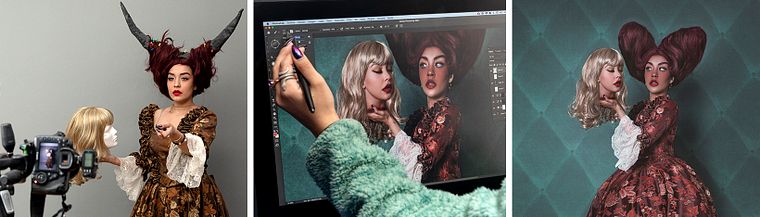
Projects by course students


Who is this online course for?
Anyone intrested in art, photography, or digital editing and who wants to create unique, compelling images.
Requirements and materials
Basic notions of photography and Photoshop are recommended.
The materials include a computer with Adobe Photoshop, a mouse or graphic tablet, a camera for photography, and a continuous artificial light or flash.
Reviews
- 10 months ago
Es una de mis fotografas favoritas! Sin duda me encantó este curso :)
- 2 years ago
Es un curso que me ha servido mucho!
- 2 years ago
Un curso muy útil para iniciarse en la fotocomposición y aprender técnicas básicas de retoque en photoshop.
- luiselc16PLUS3 years ago
Muy bueno
- oscaregh77PLUS3 years ago
Es un curso muy práctico en dónde Krishna de una forma muy clara explica su proceso de trabajo mismo que es de gran ayuda para aterrizar tus propias ideas y plasmarlas en tus imágenes.

She won her first award at 17 years old in the Under 20 category at the Siena International Photography Awards. In her young career, she has already had her work on display in museums in Amsterdam, New York, Japan, and most notably, the Louvre in Paris where she participated in the Exposure Award Collection with her photo "Path of Destruction."
Content
- U1
Introduction
- Presentation
- Influences
- What Will We Do in This Course?
- U2
The Work behind a Good Photocomposition
- Photocomposition an Photomontage
- Proposals and Final Planning
- Materials
- Photoshoot
- U3
Production of the Project
- Revealed
- Cleaning and Blending
- Initial Canvas and Composition
- Skin Editing
- Backgrounds and Setting
- U4
Final Touches
- Brushes
- Lighting and Color Management
- Final Fixes
- Storage and Display
- FP
Final project
- Photo Composition for Artistic Portraits
What to expect from a Domestika course
Learn at your own pace
Enjoy learning from home without a set schedule and with an easy-to-follow method. You set your own pace.
Learn from the best professionals
Learn valuable methods and techniques explained by top experts in the creative sector.
Meet expert teachers
Each expert teaches what they do best, with clear guidelines, true passion, and professional insight in every lesson.
Certificates
PLUSIf you're a Plus member, get a custom certificate signed by your teacher for every course. Share it on your portfolio, social media, or wherever you like.
Get front-row seats
Videos of the highest quality, so you don't miss a single detail. With unlimited access, you can watch them as many times as you need to perfect your technique.
Share knowledge and ideas
Ask questions, request feedback, or offer solutions. Share your learning experience with other students in the community who are as passionate about creativity as you are.
Connect with a global creative community
The community is home to millions of people from around the world who are curious and passionate about exploring and expressing their creativity.
Watch professionally produced courses
Domestika curates its teacher roster and produces every course in-house to ensure a high-quality online learning experience.
FAQs
Digital photocomposition is the art of blending multiple images and visual elements into a single photograph, crafting unique artistic compositions and complex narratives. It’s used to create creative, realistic, or surreal portraits by seamlessly combining digital and physical resources with visual harmony.
This course is designed for those with intermediate knowledge of photography and digital editing. You don’t need to be an expert, but basic familiarity with Photoshop and photography concepts is recommended.
You’ll learn how to plan, shoot, cut out, integrate, and retouch elements in Photoshop to create artistic portraits and photomontages. You’ll master lighting, resource selection, background integration, texturing, skin retouching, and advanced postproduction for print or web.
You’ll need a camera (DSLR or mirrorless), a computer with Photoshop installed, access to stock images, basic props, a photographic backdrop, and some accessories like a diffuser and tripod. Prior experience with camera handling and Photoshop is recommended.
The course teaches how to select, cut out, and adjust characters and stock elements using layers, masks, and advanced Photoshop tools to achieve realistic and coherent integration in your compositions.
Yes, the course covers professional digital retouching techniques, including frequency separation, smoothing, skin texturing, and editing details like hair, eyes, and clothing for a polished, stylized finish.
Lighting is crucial for achieving realism and cohesion in your composition. You’ll learn how to control and replicate light and shadows on set and in Photoshop, ensuring all elements visually match.