Mobile Filmmaking 101: Capture Stories With Your Phone
A course by Cassius RaynerFilmmaker
A course by Cassius Rayner, Filmmaker

Learn the fundamentals of mobile cinematography to create captivating videos that tell a story using your iPhone or Android
Documentary filmmaking is a chance to tell your story. Whether it is on a subject close to your heart or for an entrepreneurial endeavor, filmmaking allows you to connect with your audience. Award-winning filmmaker Cassius Rayner takes his creative process to a whole new level by using his mobile phone as his main tool.
In this online course, he takes you through the ins and outs of filmmaking fundamentals, and how to shoot professional-looking content using your phone. Learn how to plan, write, shoot, and edit an entire documentary or audiovisual piece from start to finish.
What will you learn in this online course?
21 lessons & 28 downloads
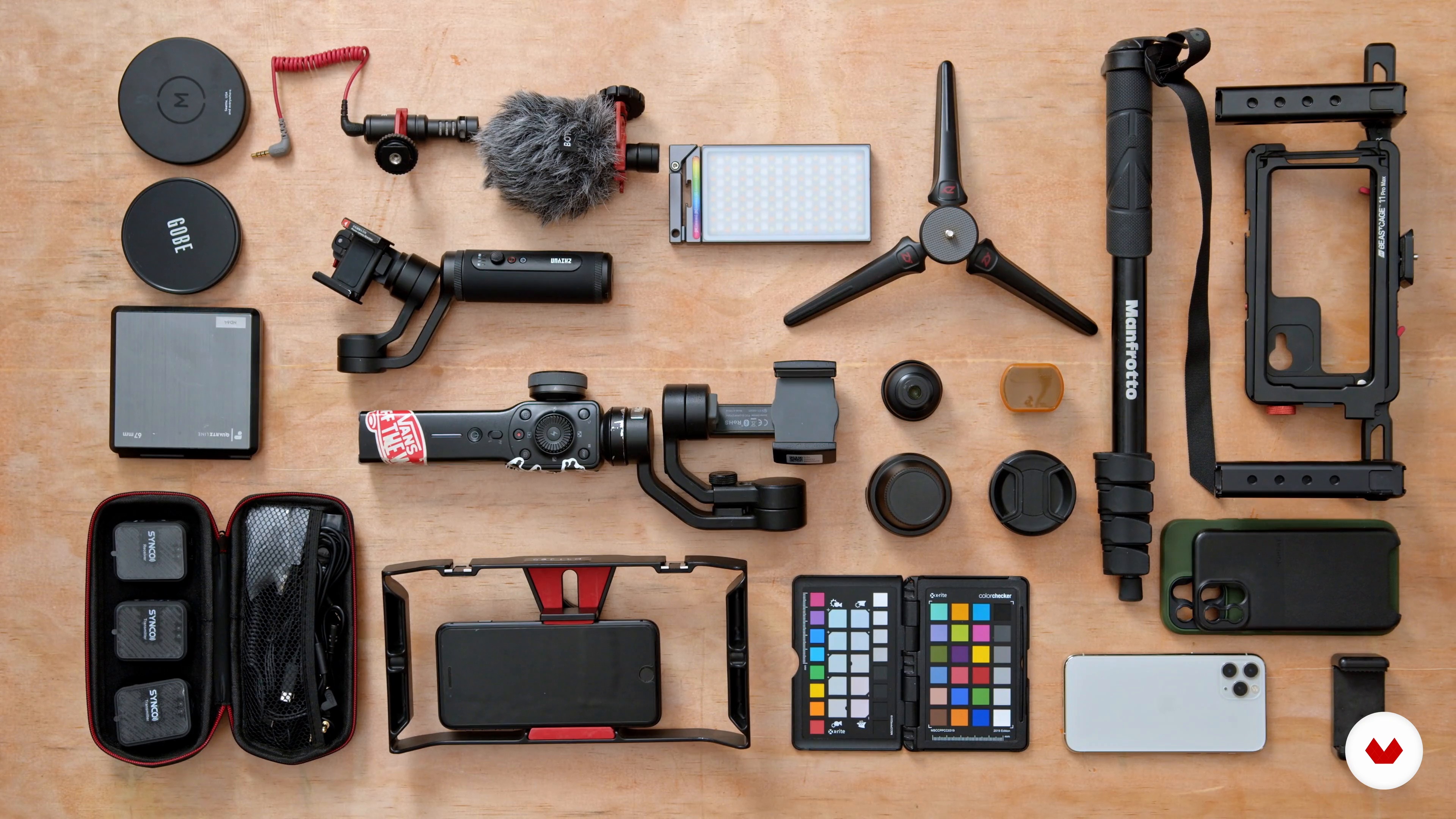
Complementary Equipment
19 minutes, 13 seconds
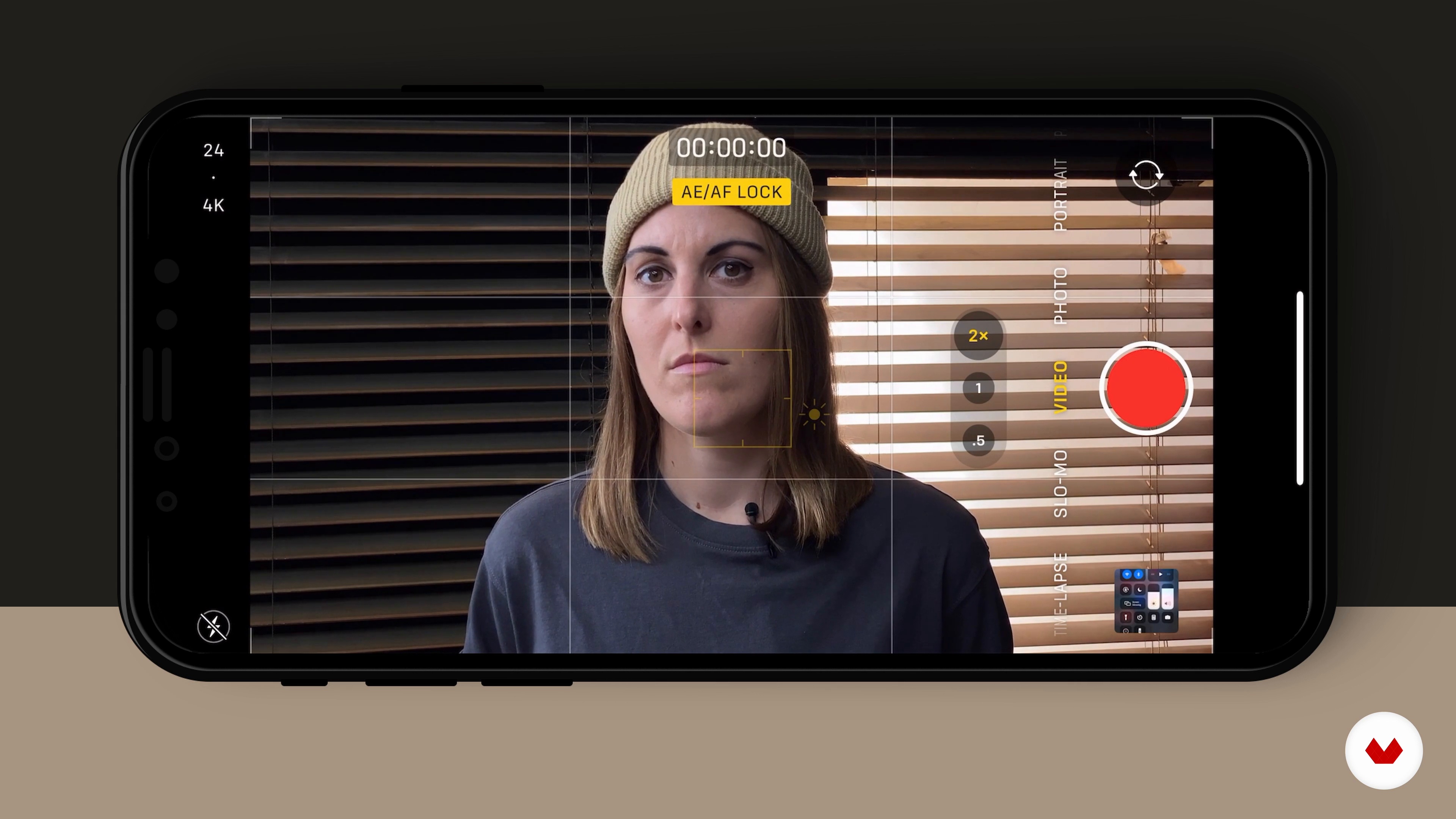
Basic Camera Operation 1
15 minutes, 1 second
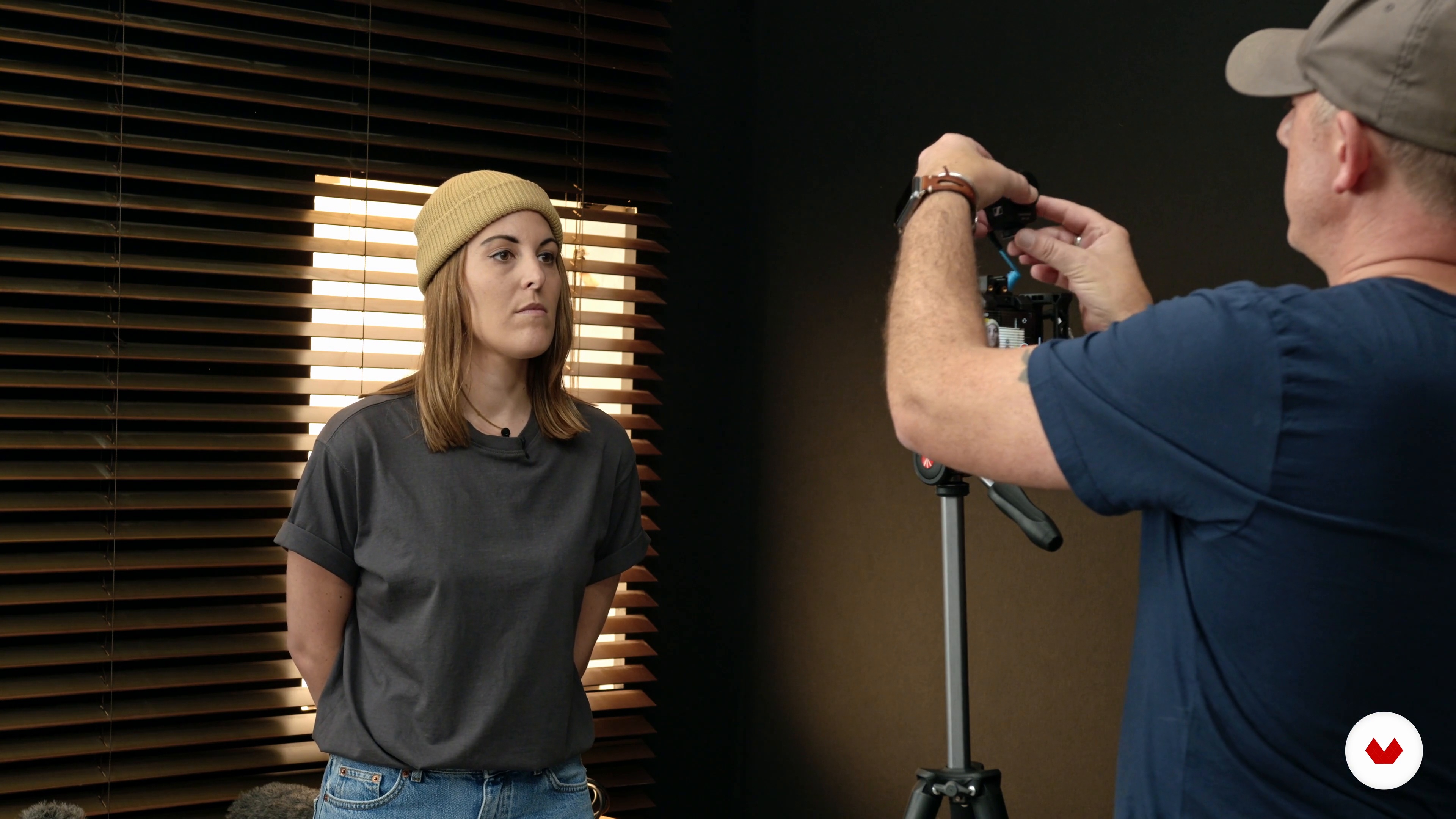
Sound 1
15 minutes, 37 seconds
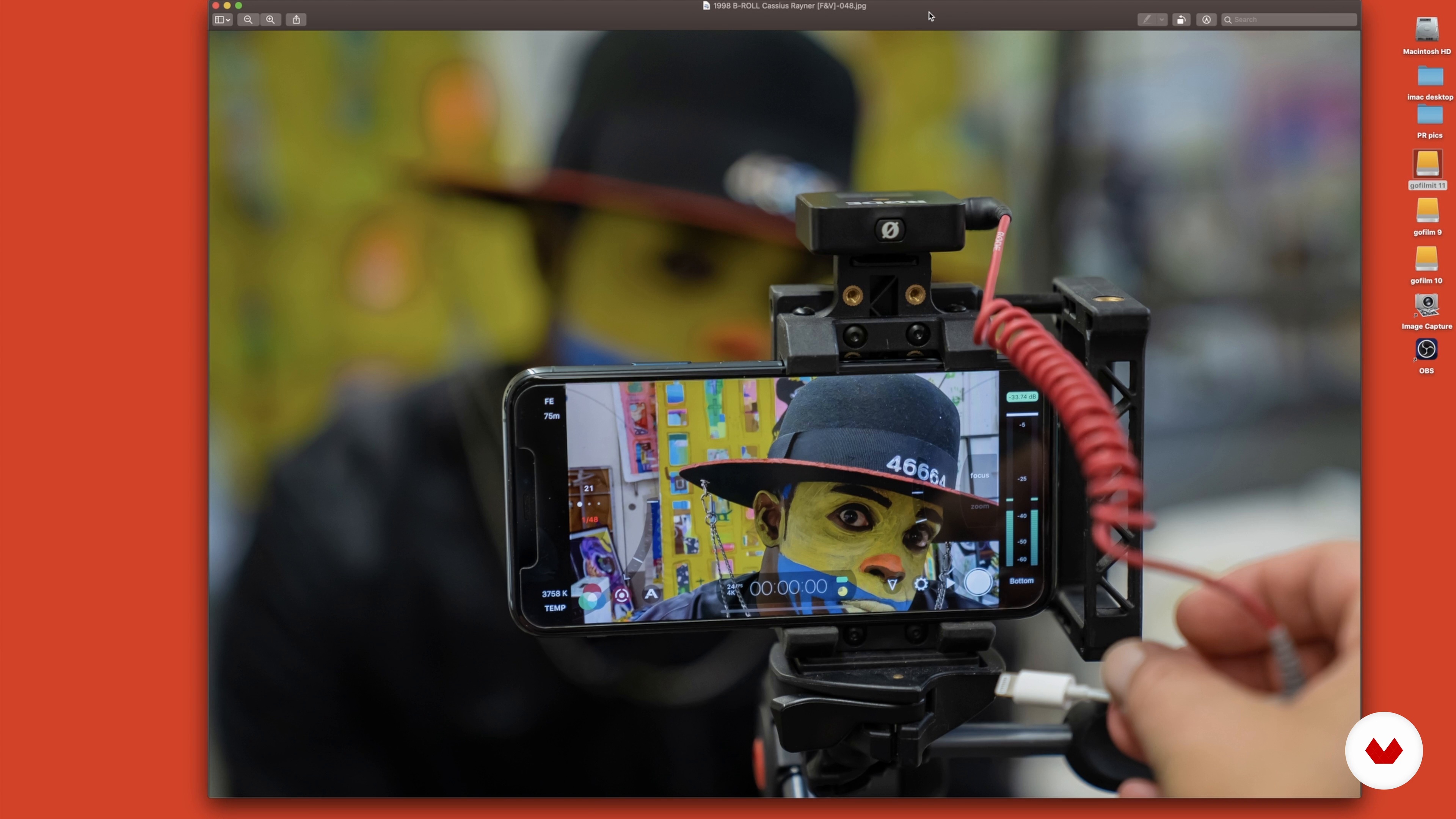
Transferring Your Footage
8 minutes, 31 seconds
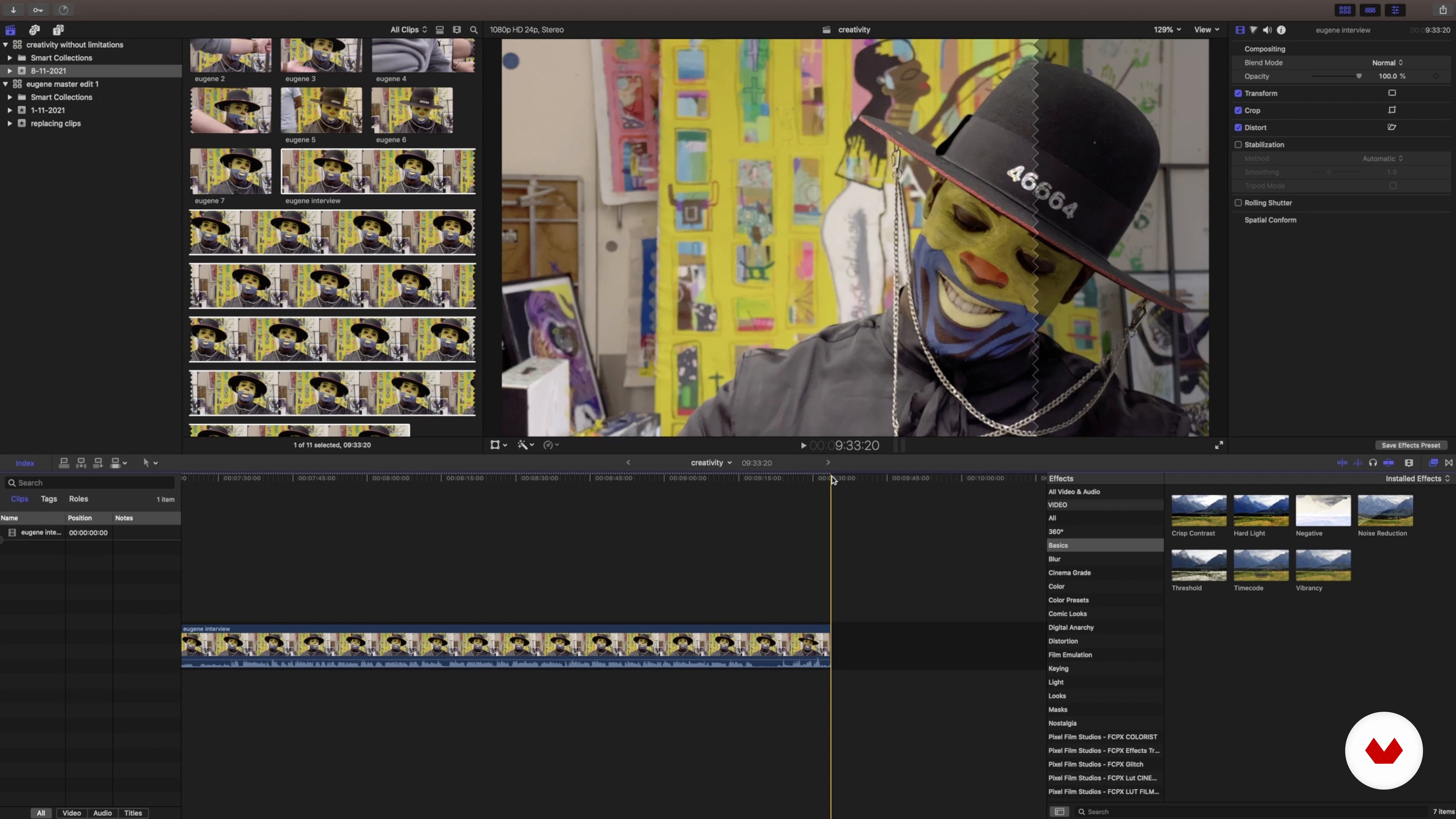
The Editing Process 1
15 minutes, 45 seconds
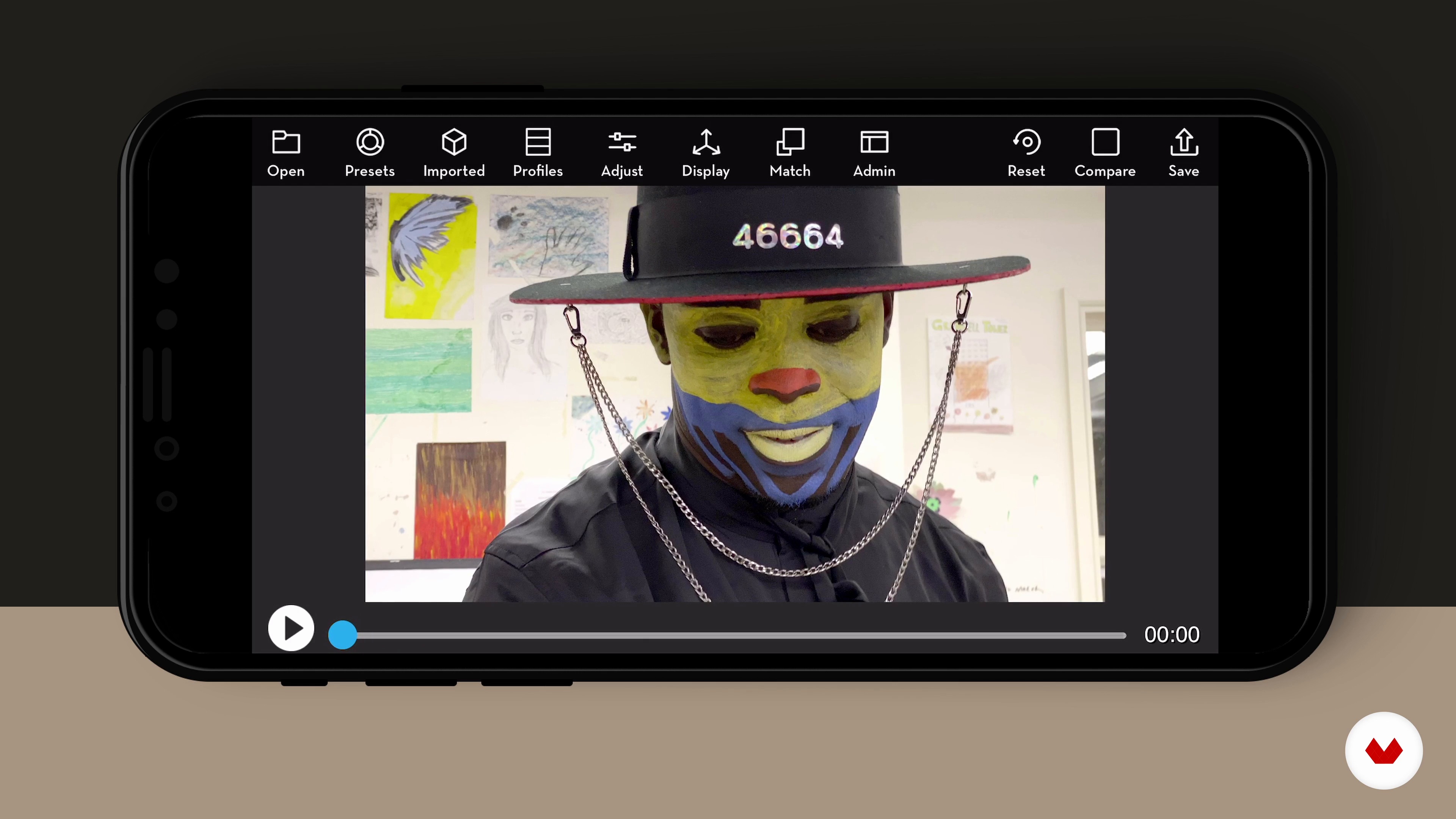
Colour and Export
16 minutes, 29 seconds
What's included in this course?
Meet Cassius Rayner, award-winning filmmaker and iPhone cinematographer, and your teacher for this course. He shares with you his creative journey that led him into the world of mobile filmmaking. Hear about his creative process and the influences who have shaped his work.
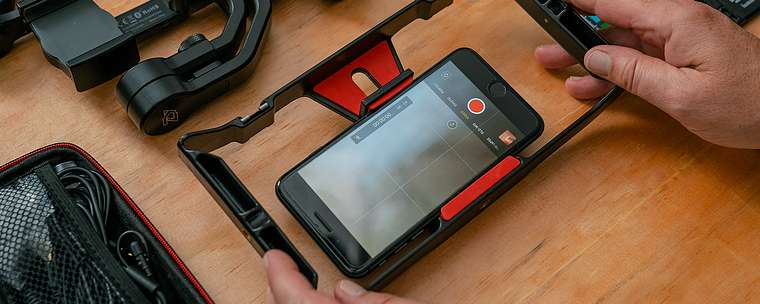
Get an overview of how a camera works on a mobile phone before exploring mobile accessories and useful applications. Cassius then teaches you the basics about camera operation, as well as some composition and lighting tips.
Learn how to record sound before working on the idea for your documentary. Explore the basics of scriptwriting, and look over some pre-production concerns including permissions, scheduling, safety, and equipment.
Delve into the filming process and explore how to shoot your interview, as well as the cutaways needed. Once you have your footage, discover how to organize it, edit your video, and do some color grading. Wrap up the course by hearing Cassius’s tips on how to best share your documentary with the world.
What is this course's project?
Plan, write, shoot, and edit a professional-looking documentary on your mobile phone.
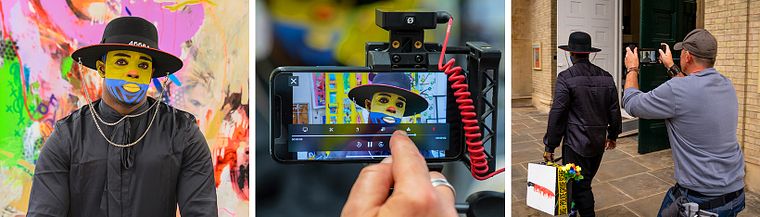
Projects by course students
Who is this online course for?
This online course is for anyone with a genuine interest in filmmaking that would like to create striking video content with their phone.
Requirements and materials
No previous experience is required.
To take this course, all you need is a mobile phone and a computer with Filmic Pro.
Reviews
- 2 months ago
Es un curso muy bien explicado, me gusto mucho y espero poder ponerlo en practica pronto!
- 3 months ago
I'm so happy I bought this course! I'm learning so much. Love the detailed explanations and extra materials
- 4 months ago
excelente curso la verdad.
- 7 months ago
I would definitely start using my phone in a different way after completing this course. Mr. Cassius takes us through the entire process in detail - the concepts, the techniques, the tools and also his useful tips on mobile film making. Highly recommend this course!
- 7 months ago
JA FIZ VARIOS CURSOS DE EDIÇAO AKI NA PLATAFORMA , E POSSO AFIRMAR COM CONVICÇAO, ESTE E O MAIS COMPLETO CURSO DE AUDIO VISUAL, O CASSIUS RAYNER NAO ECONOMIZA, ELE EXPLICA E EXEMPLIFICA TUDO, E NOTORIO O OBJETIVO DELE DE FAZER NOS COMPREENDER EXATAMENTE OQ E PRECISO, SEJA EM PEQUENAS NUANCES. EU SUPER RECOMENDO ESTE CURSO. CERTAMENTE FOI UMA BOA AQUISIÇAO.

He directed his first film, JUNK, in 1997, which featured pop legend Adam Ant and went on to win Best Independent Film. He continues making documentaries for broadcasting stations like ABC, Sky, PBS, and BBC. In 2014, he decided to take his filmmaking in a different direction, and started shooting exclusively with his iPhone, making documentaries, music videos, branded content, and more for clients all around the world. Since then, he’s gone on to win 14 international film awards.
Content
- U1
Introduction
- About Me
- Influences
- U2
Understanding the Tools for Filmmaking
- The Camera on a Mobile Phone
- Complementary Equipment
- Basic Camera Operation 1
- Basic Camera Operation 2
- Improving Your Camera Skills
- Sound 1
- Sound 2
- U3
Developing Your Idea
- Working on Your Concept
- Writing Your Script
- Production Paperwork
- The Shoot
- U4
The Footage
- Transferring Your Footage
- The Editing Process 1
- The Editing Process 2
- The Editing Process 3
- The Editing Process 4
- The Editing Process 5
- Colour and Export
- How to Share Your Film
- FP
Final project
- Mobile Filmmaking 101: Capture Stories With Your Phone
What to expect from a Domestika course
Learn at your own pace
Enjoy learning from home without a set schedule and with an easy-to-follow method. You set your own pace.
Learn from the best professionals
Learn valuable methods and techniques explained by top experts in the creative sector.
Meet expert teachers
Each expert teaches what they do best, with clear guidelines, true passion, and professional insight in every lesson.
Certificates
PLUSIf you're a Plus member, get a custom certificate signed by your teacher for every course. Share it on your portfolio, social media, or wherever you like.
Get front-row seats
Videos of the highest quality, so you don't miss a single detail. With unlimited access, you can watch them as many times as you need to perfect your technique.
Share knowledge and ideas
Ask questions, request feedback, or offer solutions. Share your learning experience with other students in the community who are as passionate about creativity as you are.
Connect with a global creative community
The community is home to millions of people from around the world who are curious and passionate about exploring and expressing their creativity.
Watch professionally produced courses
Domestika curates its teacher roster and produces every course in-house to ensure a high-quality online learning experience.
FAQs
Yes, this course is designed for beginners with no prior filmmaking experience. It covers the basics of shooting, editing, and producing videos using a smartphone or DSLR.
You need a smartphone (iPhone or Android) or a DSLR camera. Optional accessories like external microphones, tripods, gimbals, and editing apps (such as Filmic Pro or LumaFusion) are recommended but not required.
You’ll learn how to plan, shoot, and edit professional-quality videos with your phone or DSLR, including storyboarding, scriptwriting, manual camera controls, lighting, sound recording, and festival submission basics.
Yes, the course guides you step-by-step to create a complete short film using only your iPhone, covering everything from pre-production to editing and exporting your final video.
While the course covers both free and paid apps, using Filmic Pro or LumaFusion can enhance your results. However, you can complete the course using native camera and free editing apps if you prefer.
Recommended accessories include external microphones, tripods, gimbals, external lenses, ND filters, and LED lights. The course reviews each accessory and explains how to use them for professional results.
The course teaches stabilization techniques using handheld rigs, gimbals, and tripods, as well as tips for handheld shooting to achieve smooth, cinematic video.