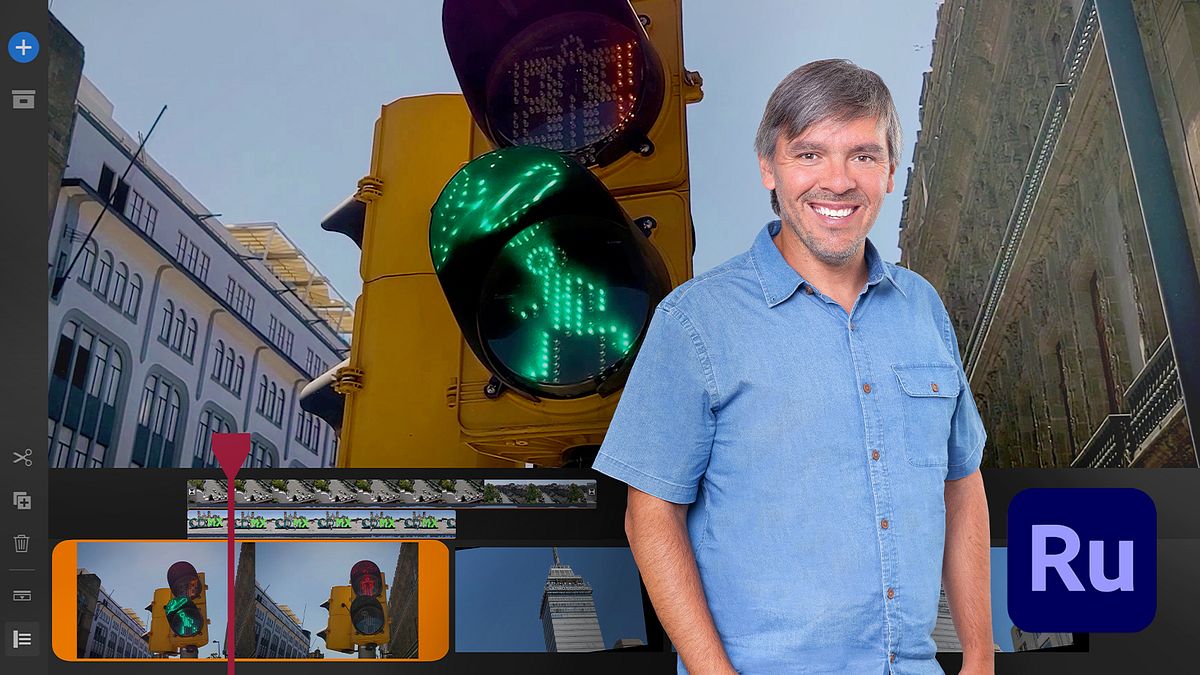
Introduction to Video Editing in Adobe Premiere Rush
A course by Leo FallasColorist and post-producer
A course by Leo Fallas, Colorist and post-producer

Learn how to master the software from scratch and start creating videos on any device including a tablet, a phone, or a computer
The growing demand for fast and exciting audiovisual content for social media has made Adobe Premiere Rush a must-have app. It allows you to record and edit videos from your smartphone with features for adding music and titles, color correction, and image editing. In this five-course Domestika Basics, learn how to master the app and its tools from scratch.
After teaching the basics in Introduction to DaVinci Resolve for video editing and more advanced topics in Color correction techniques with DaVinci Resolve , the colorist and post-producer Leo Fallas will teach you how to create videos from any place and device. When finished, you can share your pieces with the world through your favorite platform, be it Instagram, TikTok, Facebook or YouTube.
Start this Domestika Basics by getting to know the Adobe universe and all the options it has to offer. Leo walks you through how to download and install Adobe Premiere Rush on your preferred device and shows you around the interface.
Then, explore the basic features that allow you to create a project and start working. Learn how to use the camera on your device to film videos before moving onto the editing.
In the third course, discover some of the app's more advanced features. See how to insert transitions, add titles, play with clip speeds, and transform images.
Next, your teacher shows you how to edit, optimize, and mix audio as well as use the microphone from your own device. Learn how to perform color correction for each clip to give your final piece a coherent look.
To tie everything together, discover all the available local export options and how to upload your video to digital platforms. Finally, take your editing to the next level by experimenting with the versatility of Adobe Premiere Pro and Adobe Media Encoder.
Technical requirements
⦁ A Microsoft Windows 10 (or later) or macOS X v10.14 (or later) computer. ⦁ A cell phone with Android 9.0 (or later) or a device with iOS 13 (or later). ⦁ The Adobe Premiere Rush software that you can download on its official website.
Recommended software & tools for this course
Reviews
- 1 year ago
um otimo curso, muito bem explicado.
- 1 year ago
Me gustó
- 2 years ago
O curso foi muito útil para iniciar no Adobe Premiere Rush! A didática do instrutor foi ótima, tornando o aprendizado fácil e eficaz. Recomendo totalmente!
- 2 years ago
Se entiendo todo perfectamente. El profe es ameno, explica bien.
- 3 years ago
Exactly what I need to start creating videos in Adobe Rush. Thank you.

Today, he lives in Mexico and works as a freelance colorist, working on content for Netflix and Amazon Prime Video. He is also passionate about teaching and gives coloring classes on a regular basis.
Content
- U1
Welcome
- Welcome
- U1
Create a project and adjust preferences
- Create a project and adjust preferences
- U2
The Creative Cloud
- Creative cloud
- U2
Use Rush's camera
- Use Rush's camera
- U3
Download Rush
- Download Rush
- U3
Bring clips into the project
- Bring clips into the project
- U4
Interface
- Interface
- U4
Basic editing functions
- Basic editing functions
- U5
Practice
- Practice
- U5
Practice
- Practice
What to expect from a Domestika course
Learn at your own pace
Enjoy learning from home without a set schedule and with an easy-to-follow method. You set your own pace.
Learn from the best professionals
Learn valuable methods and techniques explained by top experts in the creative sector.
Meet expert teachers
Each expert teaches what they do best, with clear guidelines, true passion, and professional insight in every lesson.
Certificates
PLUSIf you're a Plus member, get a custom certificate signed by your teacher for every course. Share it on your portfolio, social media, or wherever you like.
Get front-row seats
Videos of the highest quality, so you don't miss a single detail. With unlimited access, you can watch them as many times as you need to perfect your technique.
Share knowledge and ideas
Ask questions, request feedback, or offer solutions. Share your learning experience with other students in the community who are as passionate about creativity as you are.
Connect with a global creative community
The community is home to millions of people from around the world who are curious and passionate about exploring and expressing their creativity.
Watch professionally produced courses
Domestika curates its teacher roster and produces every course in-house to ensure a high-quality online learning experience.
FAQs
Yes, this course is designed for beginners and requires no prior video editing experience. You’ll start with the basics and learn essential techniques in Adobe Premiere Rush.
You just need a compatible device (PC, Mac, smartphone, or tablet) with Adobe Premiere Rush installed. No previous editing knowledge is necessary.
You’ll learn how to record and edit videos, add titles, mix audio, color correct, and export projects tailored for social media using Adobe Premiere Rush.
The course walks you through recording and editing videos directly on your mobile device using Premiere Rush’s tools.
You’ll learn how to easily add and customize titles and text in your videos using Adobe Premiere Rush’s features.
The course covers how to adjust and color correct your clips to achieve a consistent, professional look across all your videos.
You’ll learn how to set up and export your videos in the ideal formats and aspect ratios for Instagram, TikTok, Facebook, and YouTube using Premiere Rush.