Vectorized Lettering: From Sketch to Screen
A course by Rebeca Anaya Designer and Lettering Artist
A course by Rebeca Anaya, Designer and Lettering Artist

Learn to draw modern, monoline, and brush script lettering with Illustrator
They say a picture is worth a thousand words, so what if the letters in your next design could express that much? Graphic designer and lettering artist Rebeca Anaya, who has worked with brands like Slack, The Washington Post and Artsynonym, teaches you how to give each project a unique voice with expressive lettering.
In this course, learn the basic concepts and tools used in the vectorization process and apply them to all of your lettering projects. Experiment and practice drawing modern, monoline, and brush script typographies so you can create designs where letters take center stage.
What will you learn in this online course?
19 lessons & 21 downloads
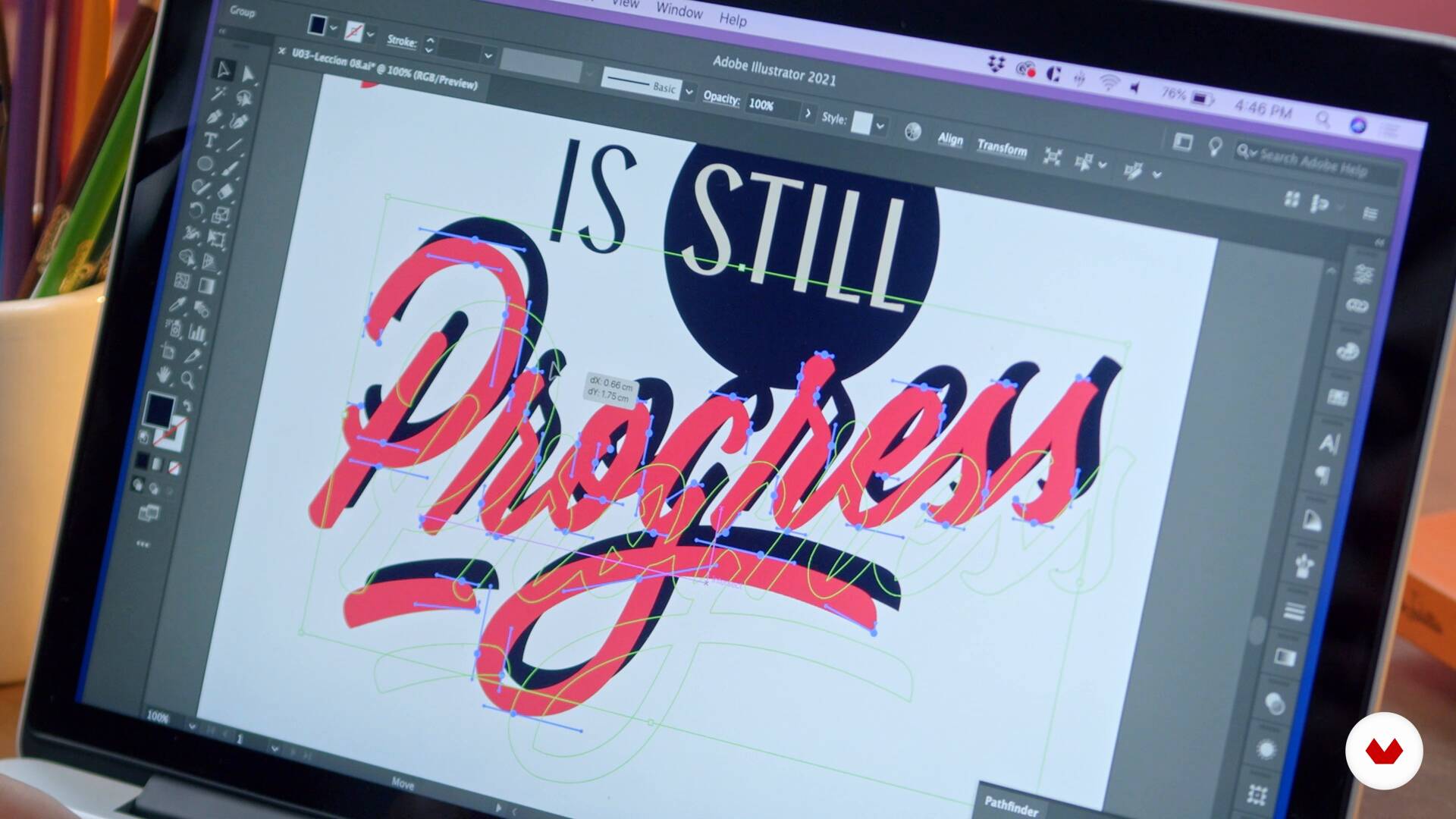
What Will We Do in This Course?
3 minutes, 34 seconds
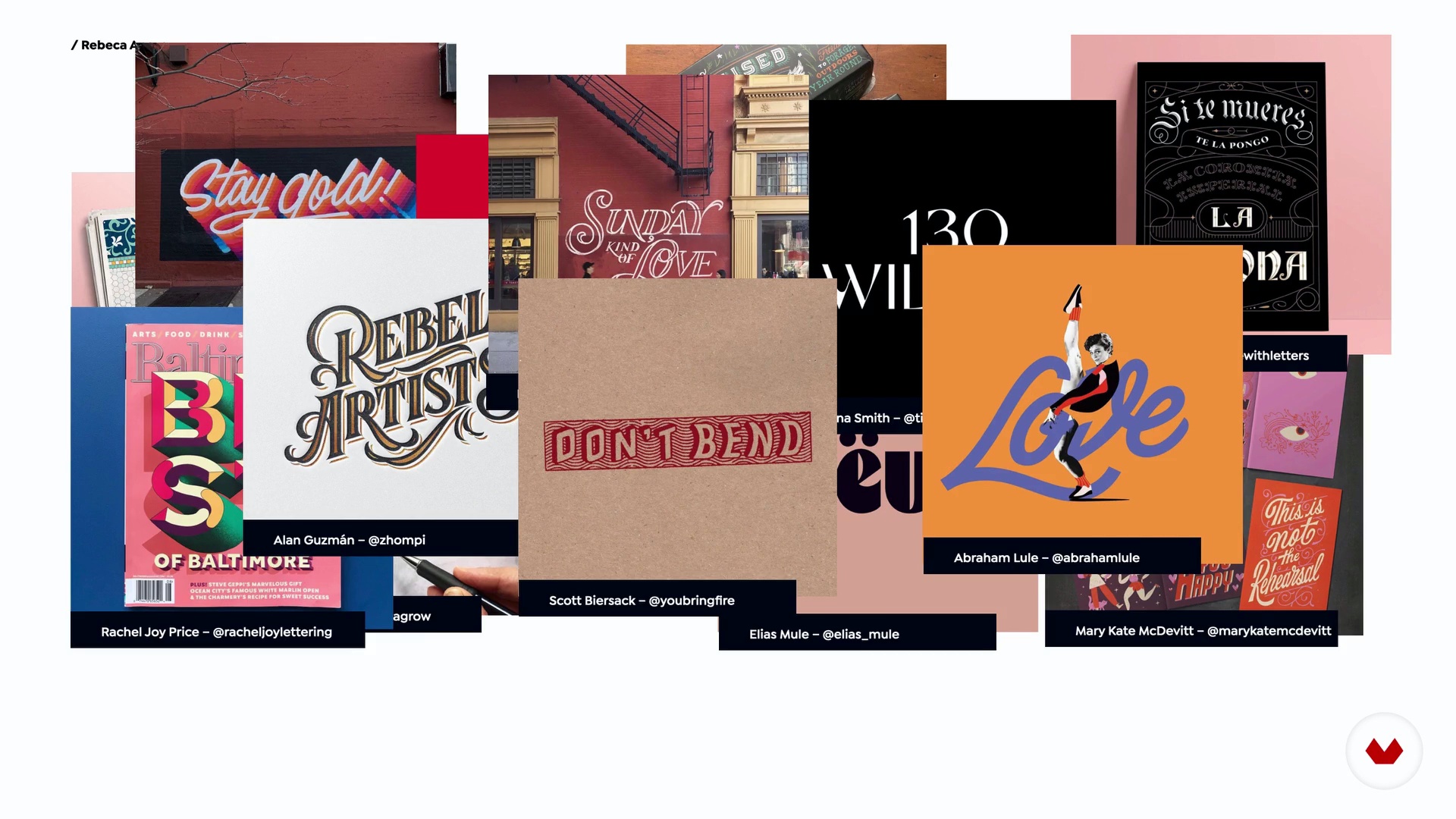
What Is Lettering and What Is It For?
12 minutes, 54 seconds
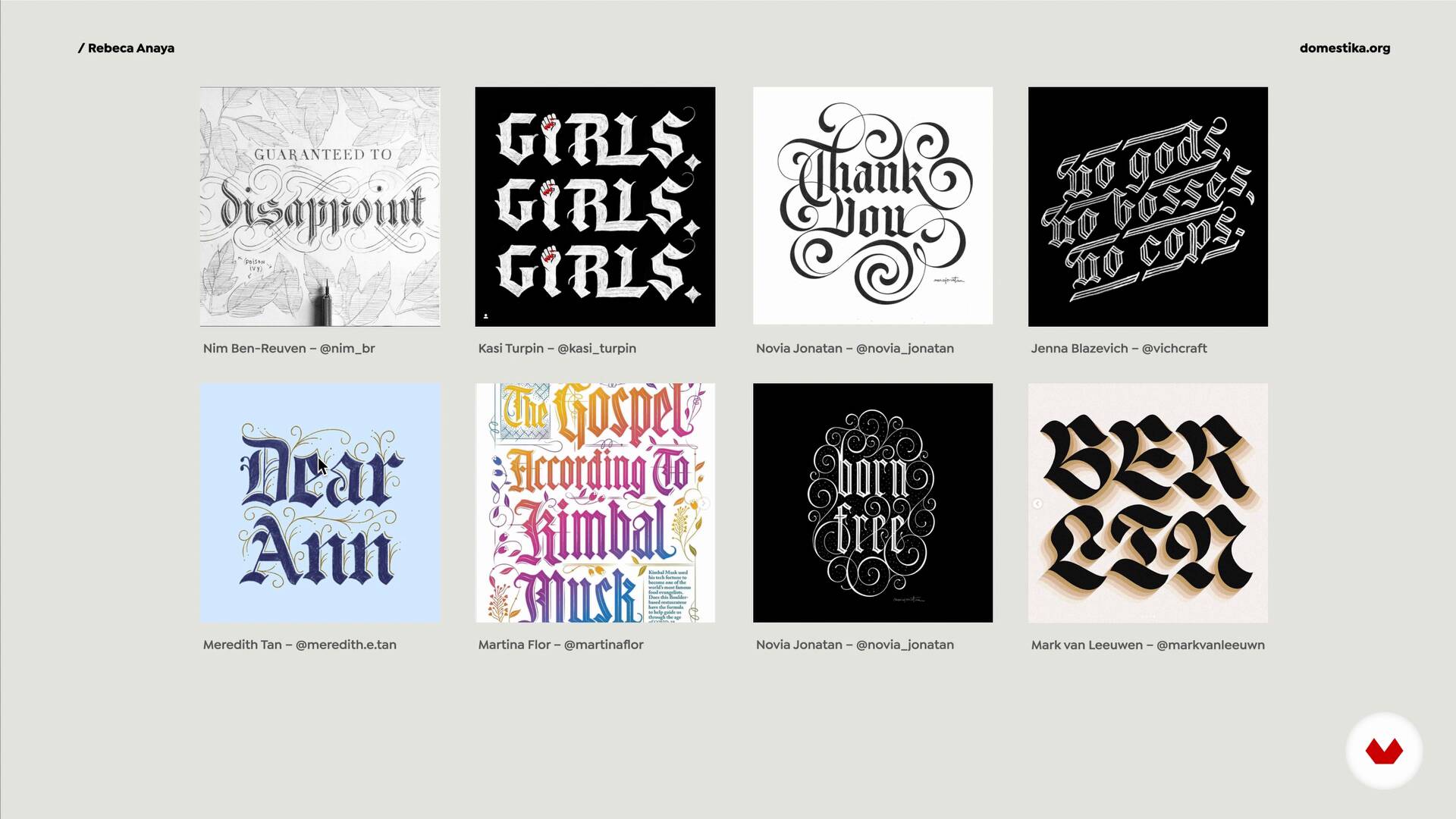
The Different Styles of Lettering
11 minutes, 51 seconds
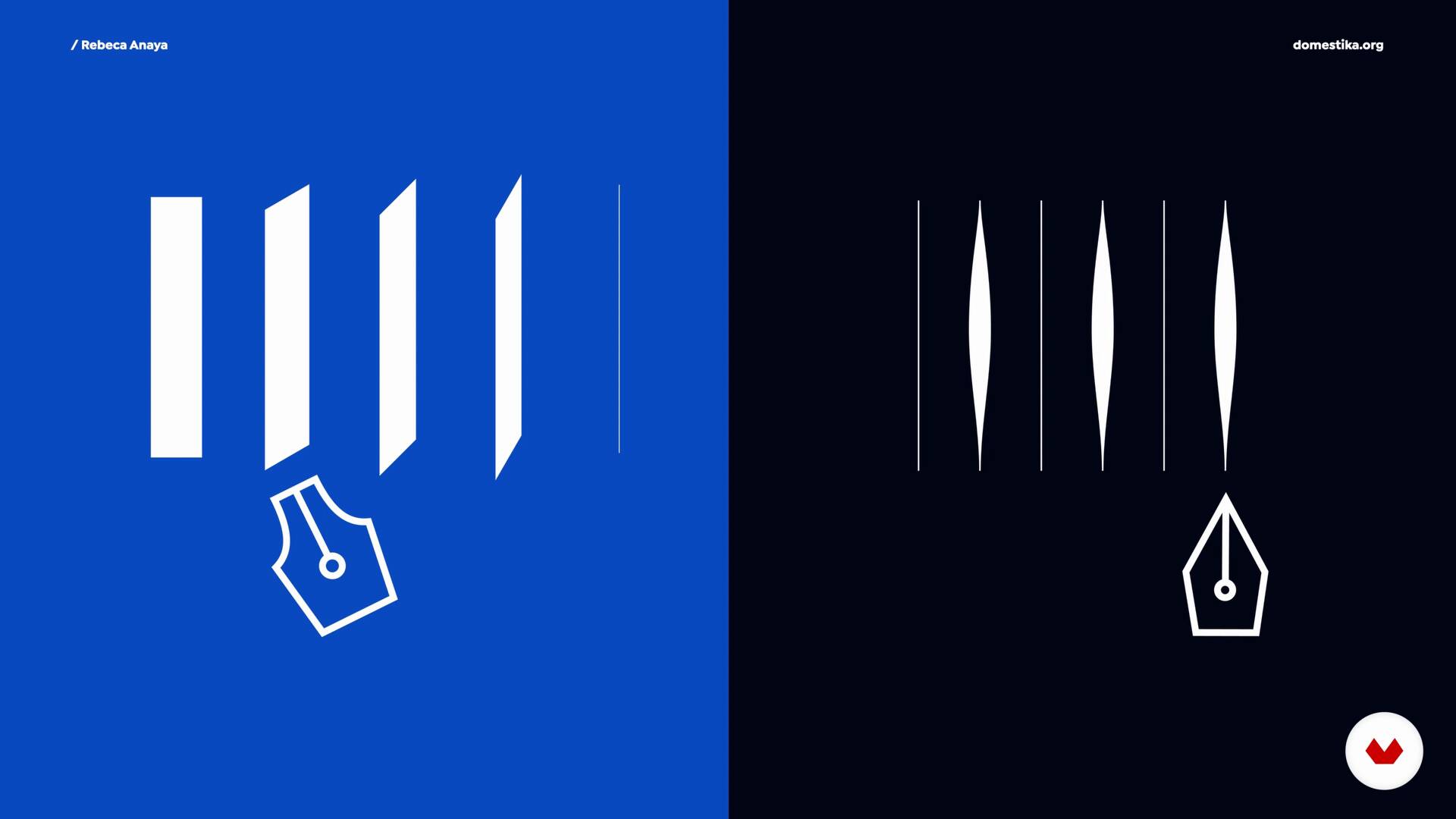
Strokes and Variants of Lettering
8 minutes, 26 seconds
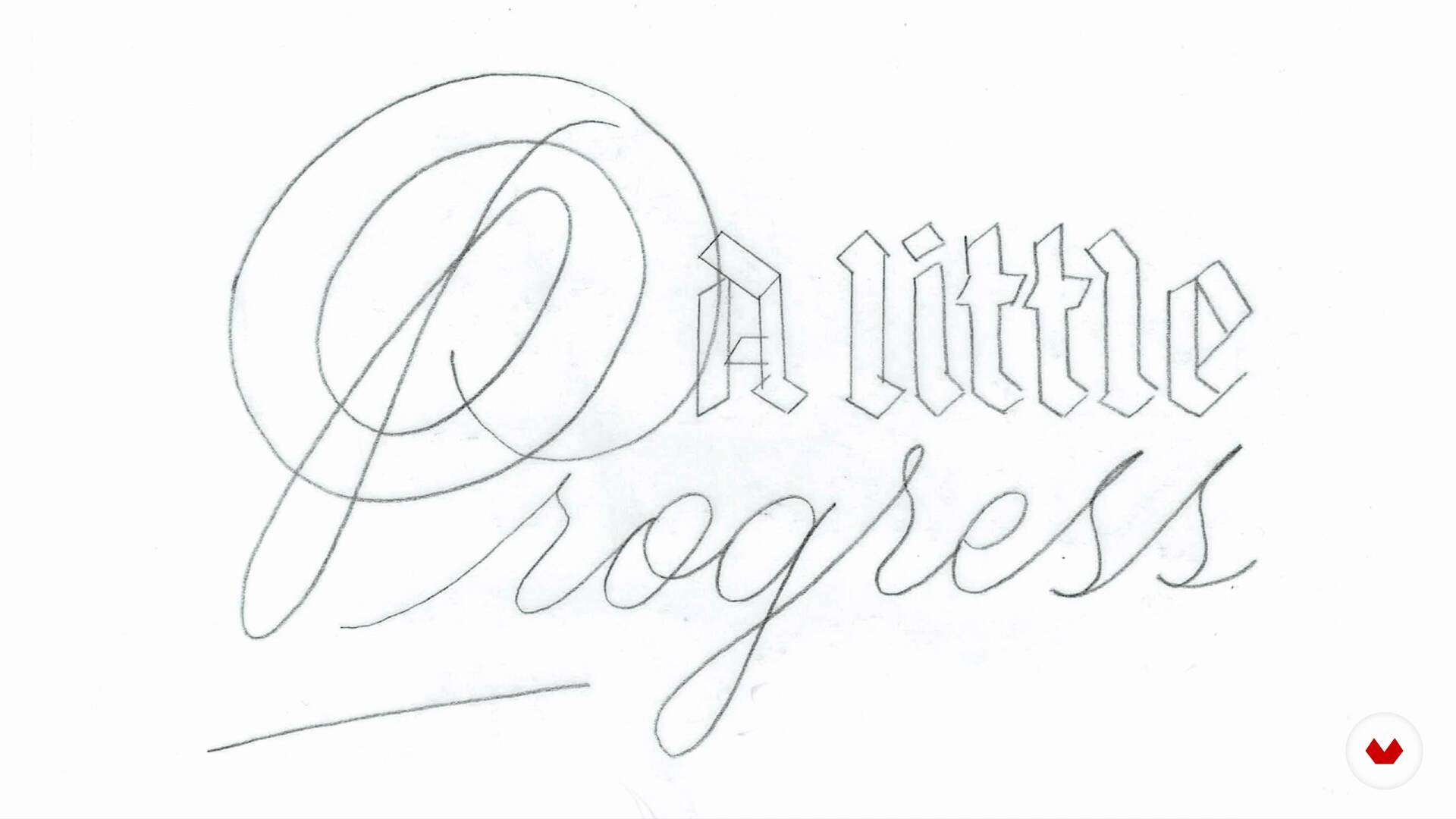
Getting Ready to Start
9 minutes, 14 seconds
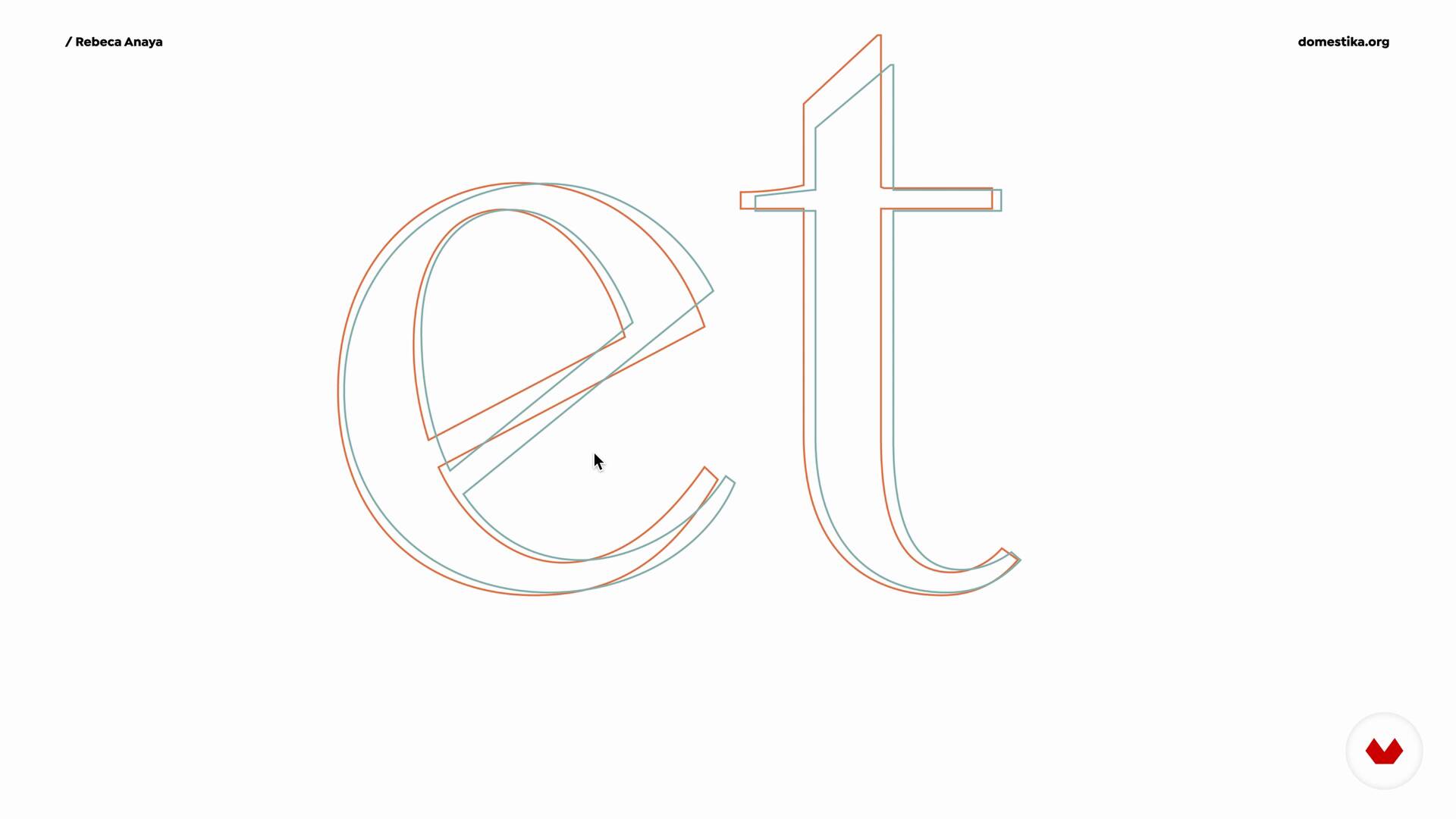
Introduction to Lettering Vectorization
9 minutes, 27 seconds
What's included in this course?
Start by getting to know Rebeca. Hear about her professional experience in the world of design and check out some of her favorite projects. Discover where her inspiration comes from and some of the lettering artists she admires.
Then, explore the concept of lettering as a design tool and examine its different branches, like calligraphy and typography. Learn how to distinguish between different styles commonly used in the industry and discover what variables you can play with to create a unique lettering design. Next, review what features your sketch needs before you can work with it digitally.
Now it’s time to practice the vectorization process. Start with basic shapes and work your way up to more advanced styles. Follow Rebeca’s tips on color and other effects to visually enhance your piece.
Lastly, learn how to prepare a mock-up of your work to be sent to production. Rebeca also shares some parting advice on how to approach a lettering project, interact with clients, and present a visually stimulating piece. By the end of this course, you’ll know how to create your own lettering designs from conceptualization to the final mock-up.
What is this course's project?
Vectorize your own lettering design with different styles.
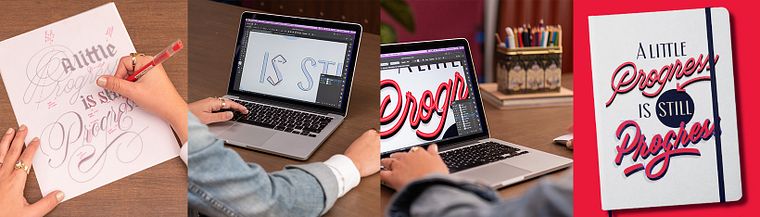
Projects by course students


Who is this online course for?
Graphic designers, lettering and sign artists, and anyone who wants to learn how to take their lettering design from sketch to screen.
Requirements and materials
You need prior knowledge of typography and/or lettering and to understand the basics of Adobe Illustrator.
To take this course you need a computer with Adobe Illustrator or another vector drawing program.
Reviews
- 11 months ago
Such a great course. I feel way more confident working with vectors now. The teacher explains things so well and keeps it fun
- goutamPLUS2 years ago
Ultimate
- 2 years ago
Práctico, la profesora tiene gran experiencia, los ejercicios son buenísimos.
- 2 years ago
Muy buen curso, el detalle y la precisión en cada explicación destacan, los recursos adicionales son muy buenos, la pedagogía de la instructora, así como la temática. Altamente recomendado.
- 3 years ago
excelente curso!

Rebeca Anaya has more than ten years of experience as a graphic designer and lettering artist. Based in Mexico, she works as a freelance artist on lettering and branding projects that revolve around typography.
Throughout her career, she has collaborated with a range of brands including Slack, The Washington Post, El Heraldo de México, Coolhunter and Artsynonym. She is also the founder of Typebasics, an initiative to teach amateur artists and designs from other disciplines about typography.
Content
- U1
Let's Get to Know Each Other!
- About Me
- Influences
- What Will We Do in This Course?
- U2
Lettering as a Design Tool
- What Is Lettering and What Is It For?
- The Different Styles of Lettering
- Strokes and Variants of Lettering
- Getting Ready to Start
- U3
Node to Node
- Introduction to Lettering Vectorization
- Set up and Basic Shapes 1
- Set up and Basic Shapes 2
- Extreme and Compound Lines
- Theory to Practice 1
- Theory to Practice 2
- Higher Contrast Brush Scripts
- Optical Adjustments
- Adding Color to Our Lettering
- Effects edit
- U4
The Wow! Factor
- Preparing the File for Production and Release
- Sharing the Process
- FP
Final project
- Vectorized Lettering: From Sketch to Screen
What to expect from a Domestika course
Learn at your own pace
Enjoy learning from home without a set schedule and with an easy-to-follow method. You set your own pace.
Learn from the best professionals
Learn valuable methods and techniques explained by top experts in the creative sector.
Meet expert teachers
Each expert teaches what they do best, with clear guidelines, true passion, and professional insight in every lesson.
Certificates
PLUSIf you're a Plus member, get a custom certificate signed by your teacher for every course. Share it on your portfolio, social media, or wherever you like.
Get front-row seats
Videos of the highest quality, so you don't miss a single detail. With unlimited access, you can watch them as many times as you need to perfect your technique.
Share knowledge and ideas
Ask questions, request feedback, or offer solutions. Share your learning experience with other students in the community who are as passionate about creativity as you are.
Connect with a global creative community
The community is home to millions of people from around the world who are curious and passionate about exploring and expressing their creativity.
Watch professionally produced courses
Domestika curates its teacher roster and produces every course in-house to ensure a high-quality online learning experience.
FAQs
Lettering vectorization is the process of turning a hand-drawn letter sketch into an editable, scalable digital file—perfect for professional use in graphic design, branding, and editorial layouts.
Basic knowledge of Illustrator and some familiarity with typography or lettering is recommended, but the course guides you step-by-step through vectorization techniques and optical adjustments.
This course is aimed at an intermediate level, ideal for those who have some experience with lettering or Illustrator and want to refine their skills in digitizing and vectorizing letters.
You’ll need Adobe Illustrator installed on your computer, paper and pencil for sketching, and optionally a graphics tablet if you prefer working directly digitally.
You’ll learn how to create lettering sketches, vectorize letters using Bézier curves, adjust proportions and spacing, apply color and effects, and produce pieces ready for print or digital use.
The course shows you how to import your sketch, trace letters with the Pen tool, place anchor points strategically, and refine curves to achieve a professional finish.
Yes, it explores lettering styles like monoline, scripts with contrast, and Blackletter, demonstrating how to adapt vectorization and optical adjustments for each.