Fantastic 3D illustration with Blender

Make your fantasies a reality by creating a piece of conceptual sci-fi art
Science fiction is where imagination and fantasy meet and is an endless source of inspiration for writers, film directors, painters, and designers. Concept artist Matías Vivanco Brellenthin, better known as Brellias, has found science fiction to be a boundless source of ideas for his work.
In this course, Brellias teaches you how to create a futuristic science fiction landscape in Blender. Take the rules of physics to their limits, with impossible compositions, and use color, textures, and lighting to create scenes inspired by vaporwave and cyberpunk. Illustrate further than the horizon and turn your fantasies into reality.
What will you learn in this online course?
16 lessons & 15 downloads
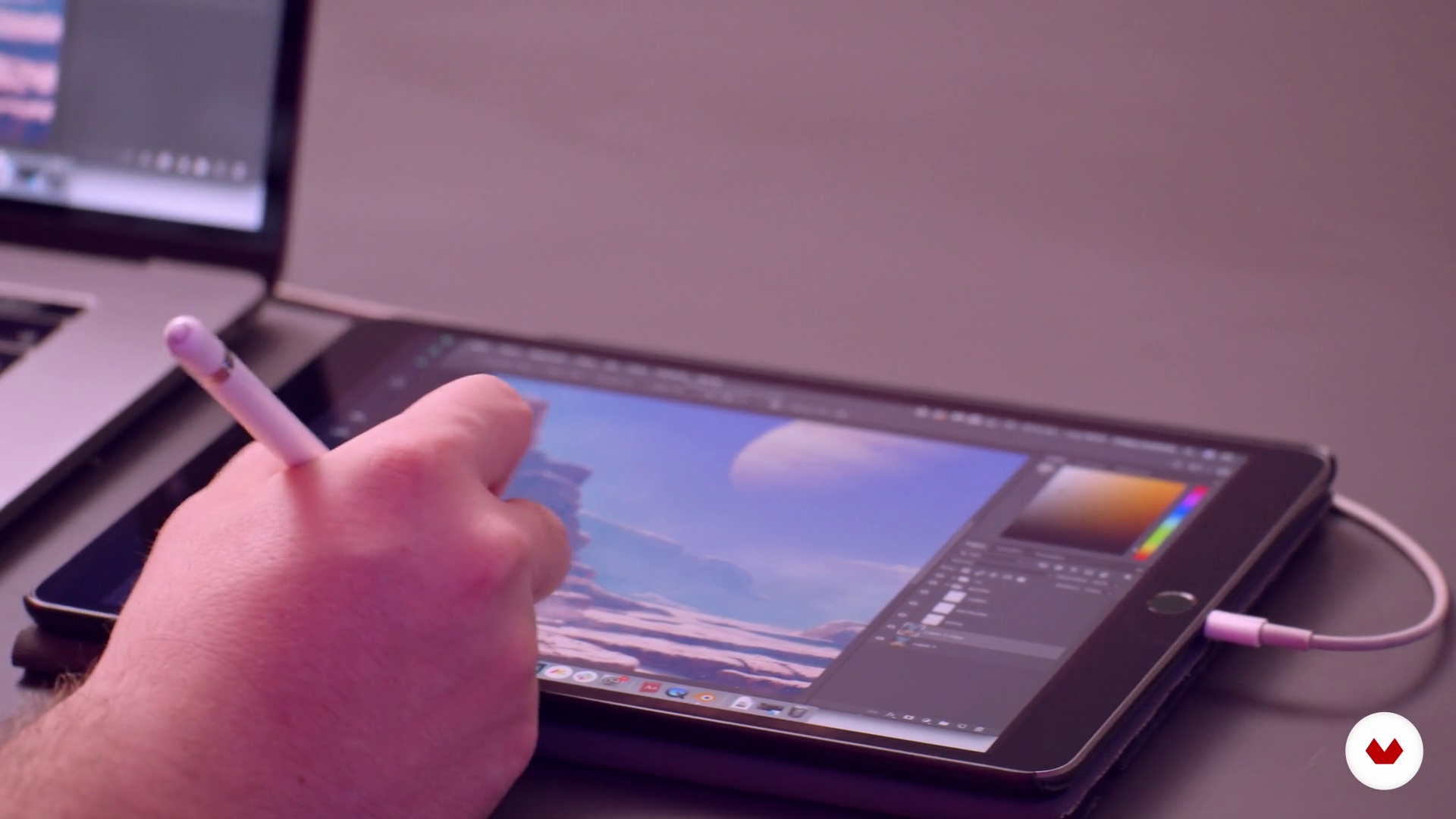
What will we do in this course?
1 minute, 34 seconds
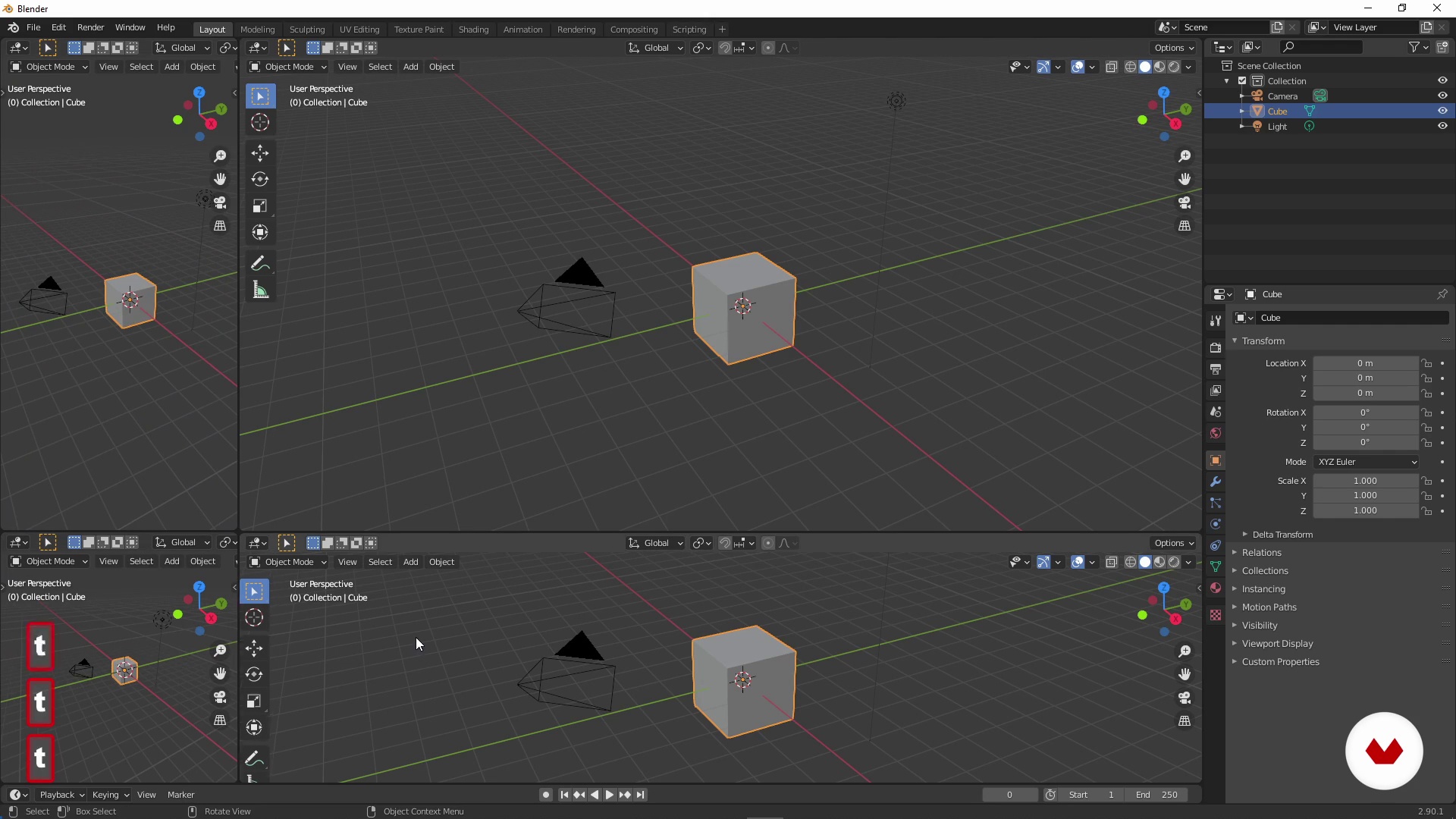
Prepare Blender
6 minutes, 45 seconds
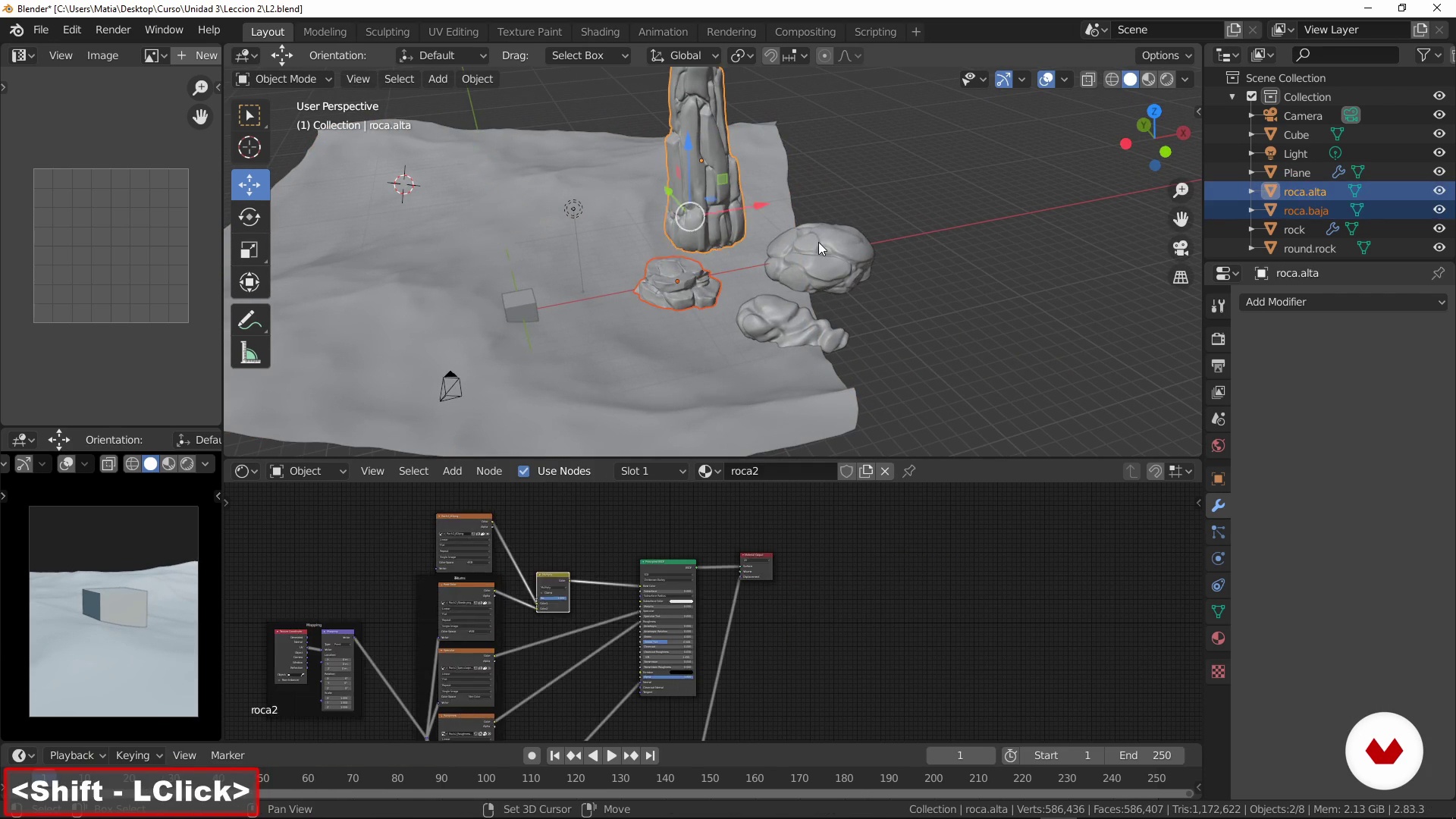
Present the models
8 minutes, 10 seconds
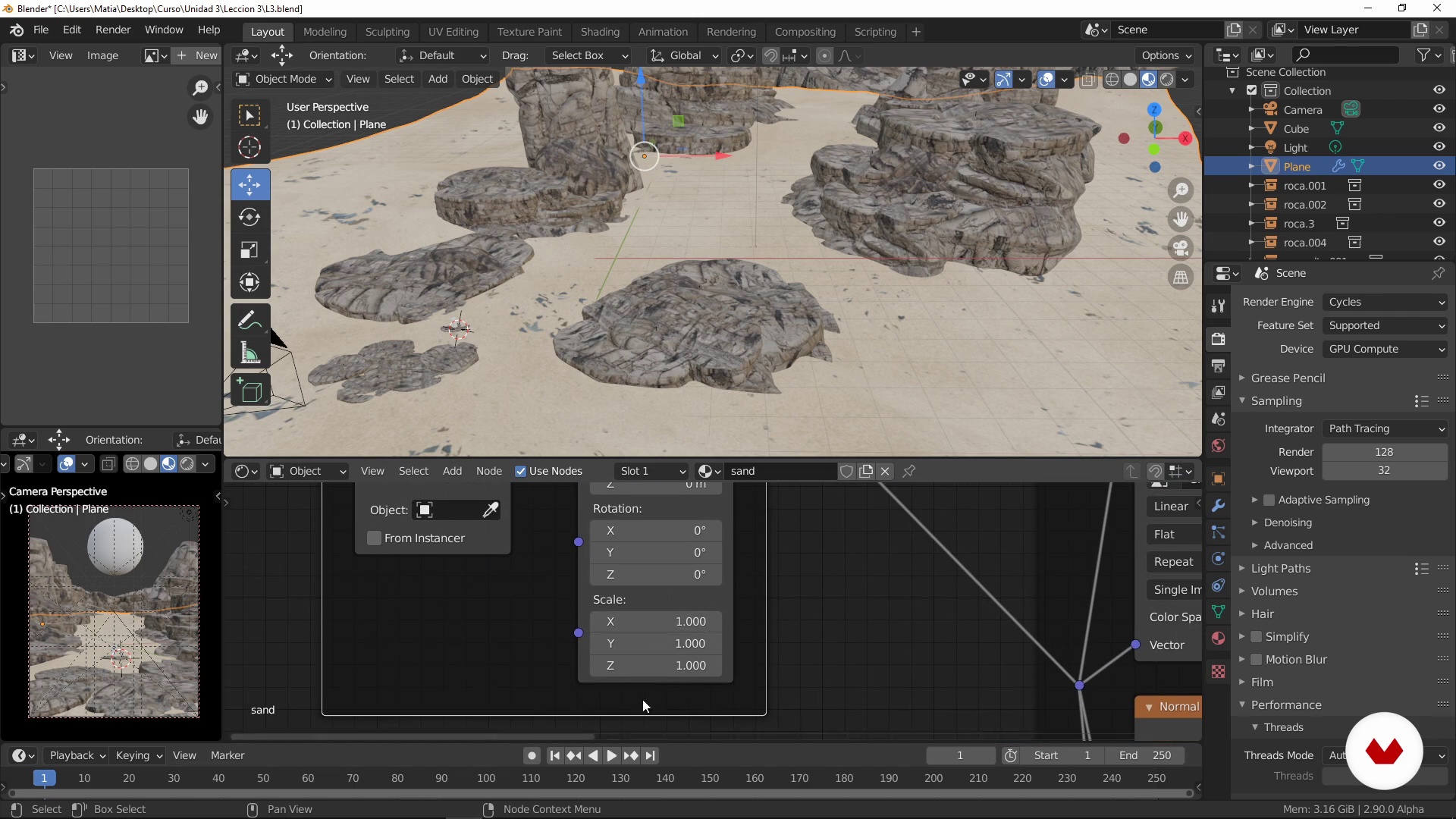
Apply the textures
9 minutes, 35 seconds
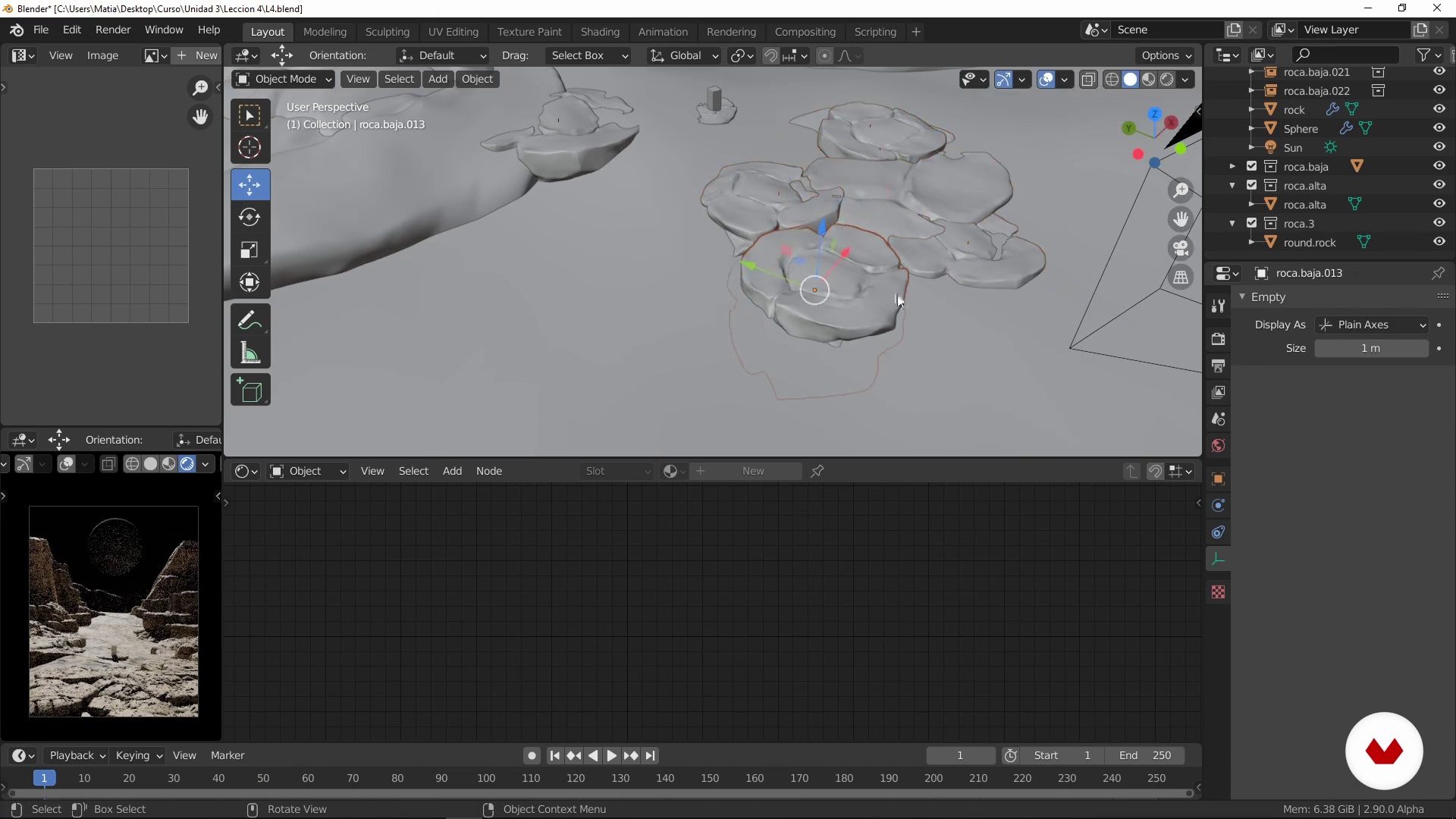
Define lighting
5 minutes, 42 seconds

Detailing and adding effects
9 minutes, 52 seconds
What's included in this course?
Matías Vivanco (Brellias) starts the course by telling you about himself, what he does, and how he became a renowned concept artist who creates and designs science fiction scenes. He shares his two biggest influences that have inspired his style: the vaporwave and cyberpunk scene.
Immerse yourself into these two major visual references. Once you’ve soaked it up, select a scene for your creation, and make a mood board with the elements you will use for your project.
Get started with Blender in the following unit. Brellias tells you about the main advantages of working with the software and shows you its infinite possibilities. Develop your piece with compositional techniques, presenting models, applying textures, lighting, and effects.
Add the final touches, learning about color correction and eliminating unnecessary elements with Photoshop. Finally, Brellias tells you how to get the most out of your finished artwork in different media.
What is this course's project?
Create a science fiction illustration starting with its conceptual origin to creating it in Blender, going through the composition, textures, colors, and 3D elements. Refine the details in Photoshop to complete an original sci-fi landscape.
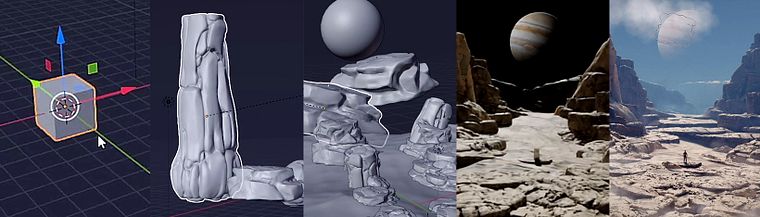
Projects by course students


Who is this online course for?
For illustrators, visual and concept artists, Blender users, CGI specialists, and all those who want to take their imagination a step further by exploring all that Blender has to offer.
Requirements and materials
To take the course, you need basic Adobe Photoshop skills and intermediate-level skills for Blender.
For your project, Blender 2.8 or later is recommended to be able to use all the tools you need to create your final artwork.
Reviews
- 5 months ago
excelente curso
- 5 months ago
Un cours rapide et facile. Il ne s'agit pas d'apprendre Blender, mais plutôt de découvrir le processus créatif de l'artiste.
- 7 months ago
Curso rápido y sencillo. No es para aprender Blender, es prácticamente el proceso del artista para generar sus imágenes.
- 8 months ago
EXELENTE
- 1 year ago
Amazing and informative course it is

Currently, he focuses on creating conceptual pieces of different themes, for album covers, films, music videos, and more. He also creates artwork on a daily basis to engage his Instagram community of over 30K followers.
Content
- U1
Introduction
- Presentation
- Influences
- What will we do in this course?
- U2
Preparing everything
- Knowing the universe
- Stage selection
- Prepare your mood board (models and textures)
- U3
Creating the part
- Prepare Blender
- Composition techniques
- Present the models
- Apply the textures
- Define lighting
- Detailing and adding effects
- U4
Refining the render
- Prepare the render
- Render refinement in Photoshop
- Post-processing and color correction
- Illustration potentialities
- FP
Final project
- Fantastic 3D illustration with Blender
What to expect from a Domestika course
Learn at your own pace
Enjoy learning from home without a set schedule and with an easy-to-follow method. You set your own pace.
Learn from the best professionals
Learn valuable methods and techniques explained by top experts in the creative sector.
Meet expert teachers
Each expert teaches what they do best, with clear guidelines, true passion, and professional insight in every lesson.
Certificates
PLUSIf you're a Plus member, get a custom certificate signed by your teacher for every course. Share it on your portfolio, social media, or wherever you like.
Get front-row seats
Videos of the highest quality, so you don't miss a single detail. With unlimited access, you can watch them as many times as you need to perfect your technique.
Share knowledge and ideas
Ask questions, request feedback, or offer solutions. Share your learning experience with other students in the community who are as passionate about creativity as you are.
Connect with a global creative community
The community is home to millions of people from around the world who are curious and passionate about exploring and expressing their creativity.
Watch professionally produced courses
Domestika curates its teacher roster and produces every course in-house to ensure a high-quality online learning experience.
FAQs
You’ll learn how to create sci-fi scenes, work with texturing, lighting, composition, stylized rendering, and Photoshop post-production, as well as develop mood boards and promote your digital art.
This is an intermediate-level course, so having basic knowledge of Blender or Photoshop beforehand is recommended to get the most out of the advanced content and techniques.
You’ll need a computer capable of running Blender and Photoshop, ideally with a dedicated GPU, internet access, and enough space to install additional resources like add-ons and free textures.
The course covers modeling and texturing in Blender, 3D scene lighting and composition, mood board creation, Photoshop post-processing, concept art, and strategies for promoting digital art.
By the end, you’ll be able to create 3D illustrations and sci-fi covers, apply stylized rendering techniques, color correct, organize resources, and showcase your portfolio on social media or professional projects.
Blender is used for modeling, texturing, lighting, and rendering 3D scenes, enabling you to create stylized environments and characters for concept art and covers.
Photoshop is used in post-production for color correction, retouching, adding atmospheric effects, and refining details in rendered illustrations.