Integration of 3D Elements in Real Environments
A course by Diego VelasquezDirector, MAKACO Animation and VFX Studio
A course by Diego Velasquez, Director, MAKACO Animation and VFX Studio

Learn a VFX process for integrating 3D objects into real scenes using 3ds Max, Nuke, and V-Ray
The line separating reality and fiction has become increasingly blurry with the magic offered by the visual effects of television and film. Creating shocking explosions, flying cars, and other fantastic elements for video is what Diego Velásquez specializes in, from his Creative Director role of the award-winning VFX and animation studio MAKACO.
In this course, learn to insert 3D elements into real scenes by playing with light and having them interact with their environment. Diego guides you through the animation process of a futuristic vehicle using 3ds Max, Nuke, and V-Ray software. By the end, you’ll be capable of creating incredible effects with a hyper-realistic look.
What will you learn in this online course?
32 lessons & 16 downloads

What will we do in the course?
2 minutes, 56 seconds
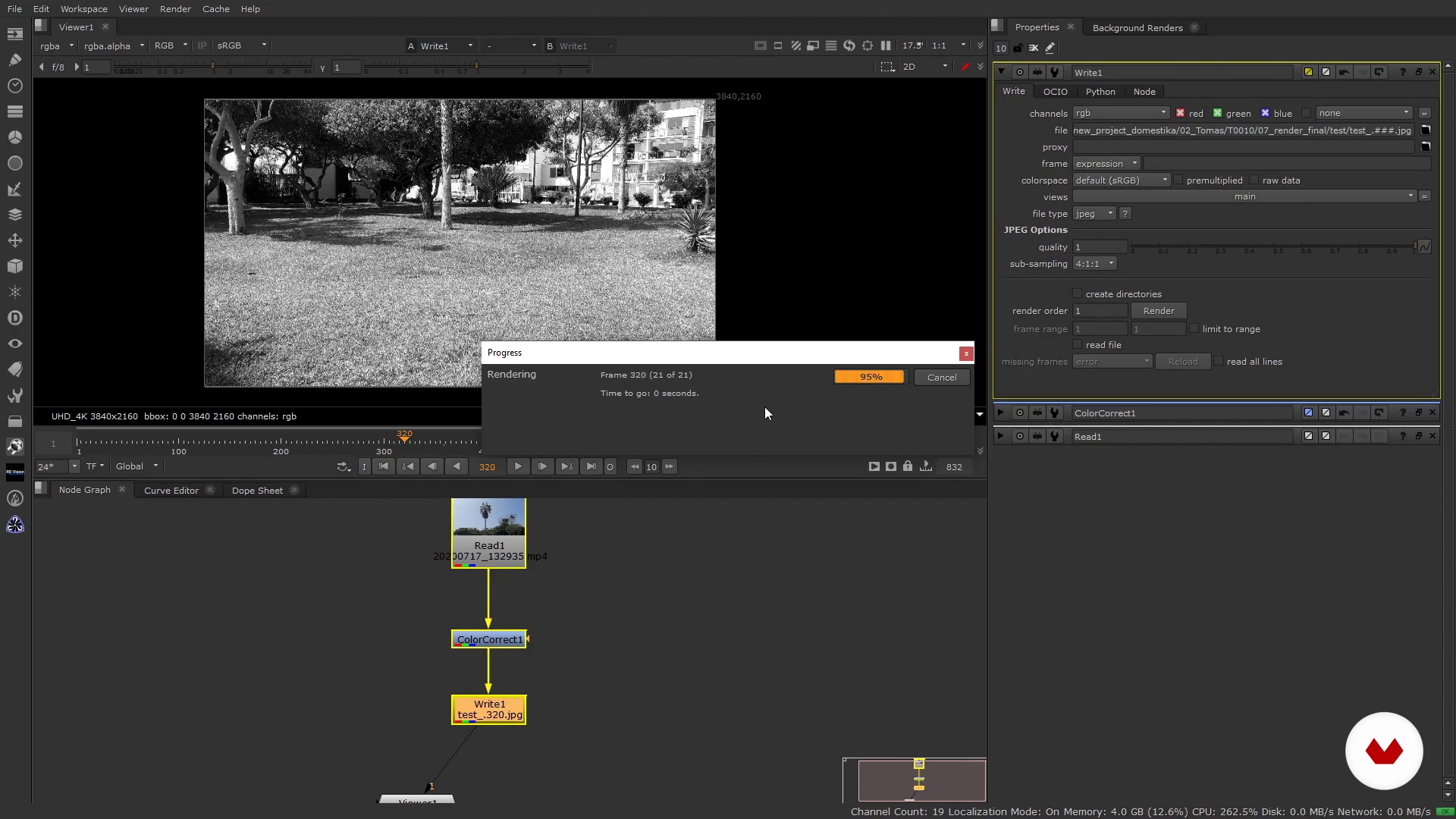
Nuke 1 interface review
10 minutes, 42 seconds
Nuke 2 interface review
9 minutes, 58 seconds
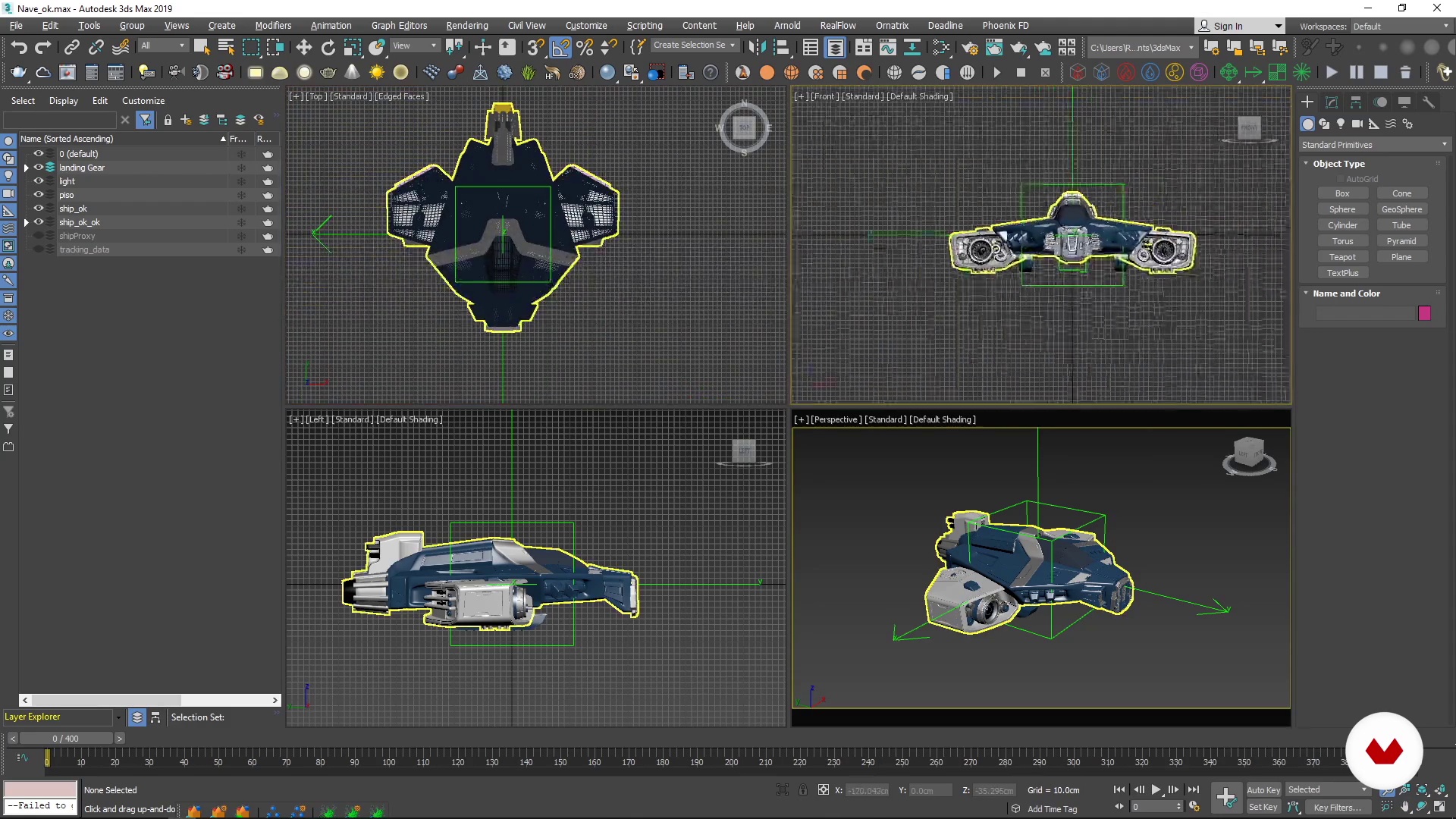
3ds Max interface review
11 minutes, 51 seconds
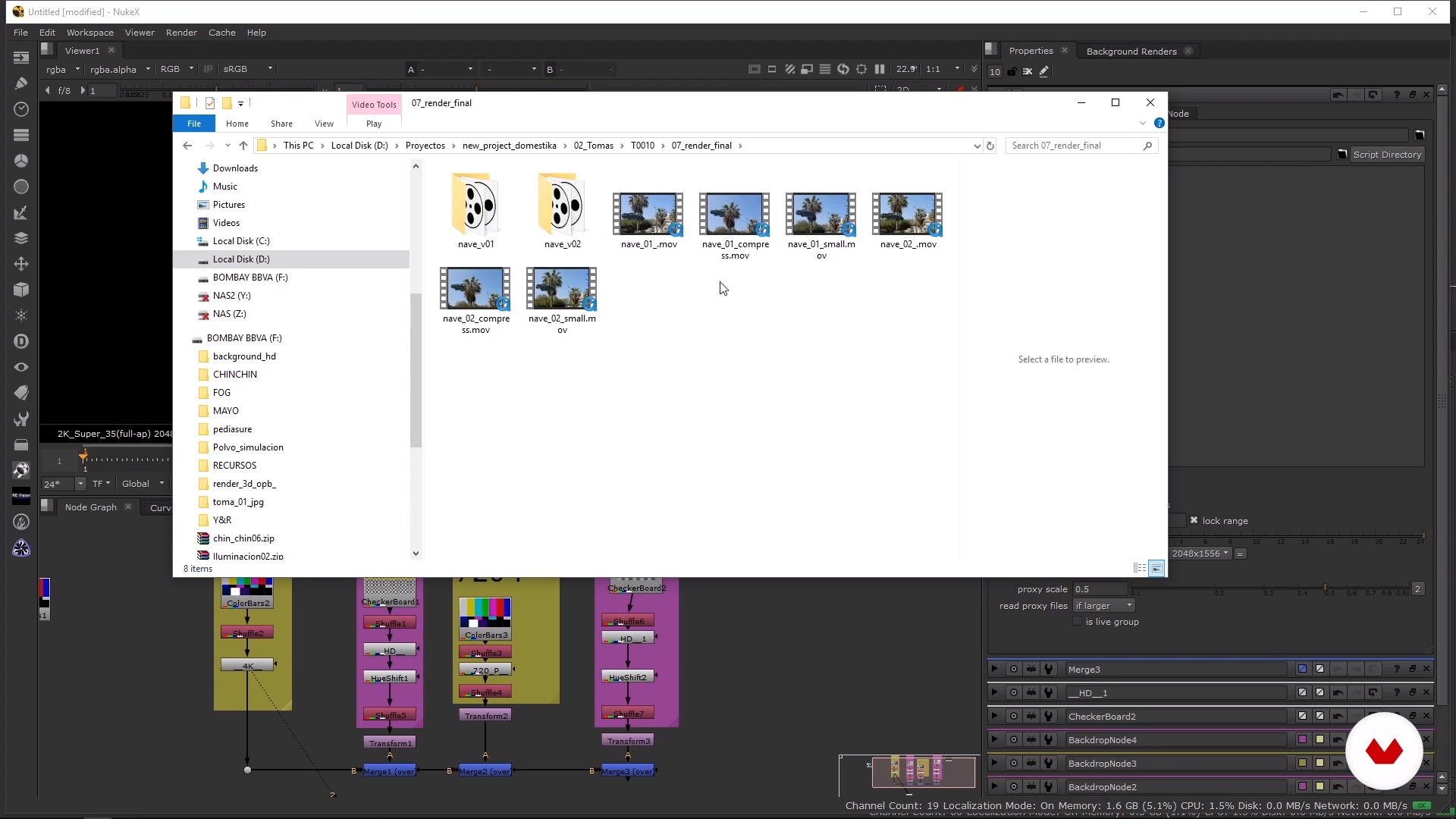
Formats, framerates and files
8 minutes, 33 seconds
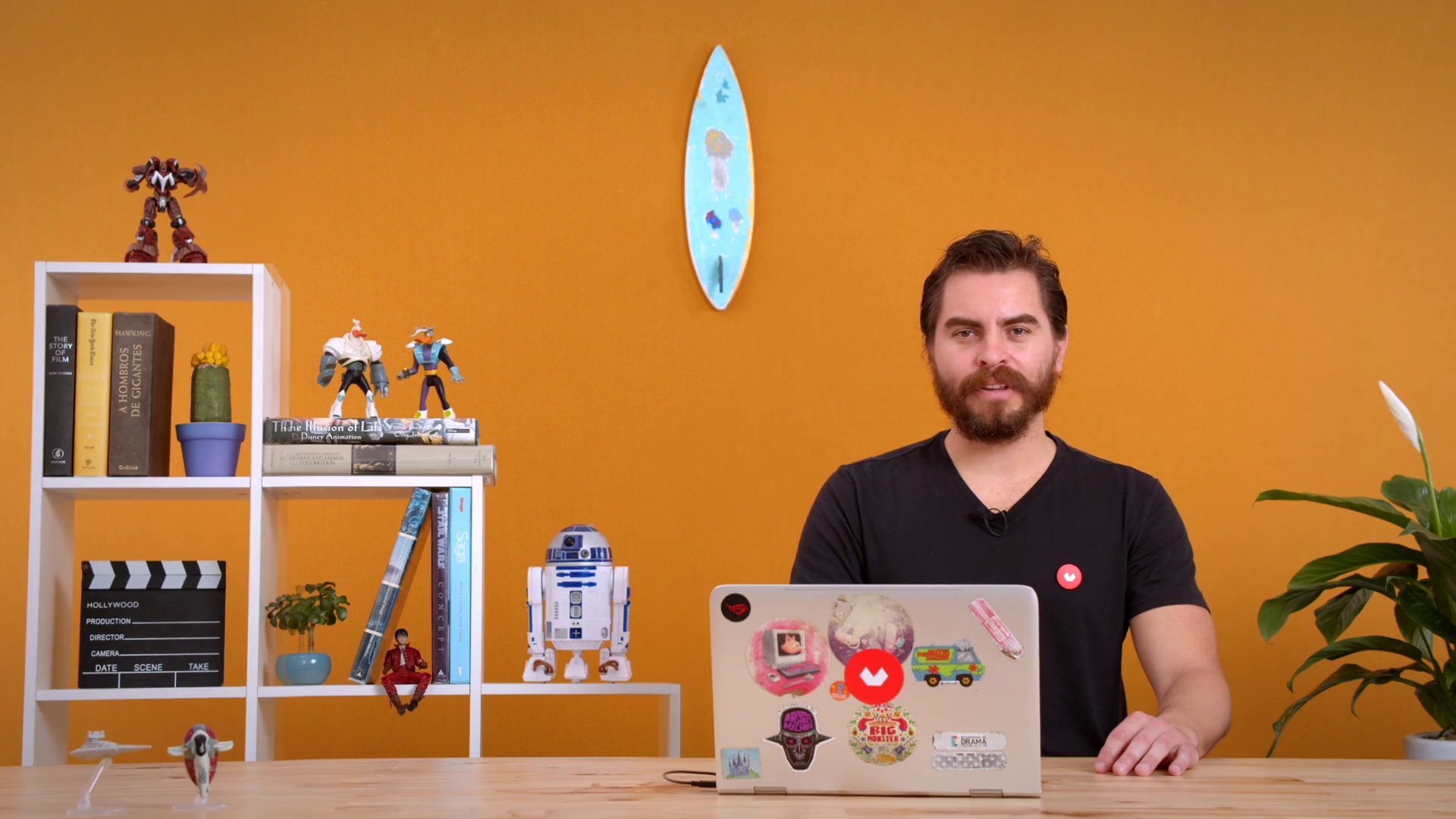
Camera tracking 1
14 minutes, 2 seconds
What's included in this course?
Start by getting to know Diego, his career as the founder and director of MAKACO studio, his main influences, and take a look at what will be covered throughout the course.
Start learning the two programs that are used to create your final project: 3ds Max and Nuke. Navigate through each software’s interface by exploring different tools and seeing how to create 3D elements and effects. See how to define frame rate and learn the appropriate formats for film, television, and social media.
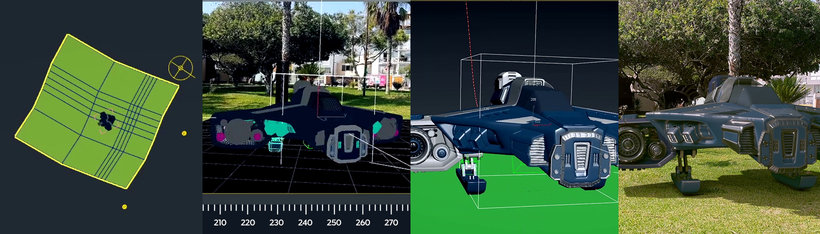
It's time to create a futuristic moving vehicle and place it in your scene. Import the original video shot with Nuke and perform a full tracking by using the Camera Tracker tool.
Learn how to import parameters you’ve created in Nuke and see how to manipulate and animate 3D objects using 3ds Max. Then, see how to generate previews so you can test your animation.
Continue building the lighting and rendering your animation in 3ds Max. Then, export your render to Nuke to finish the construction process.
Learn to produce effects that add hyperrealism to your scene. Learn to create and render 3D particles with both software tools. Finally, see how to use external visual effects and import them into your final project with Nuke.
Recommended software & tools for this course
What is this course's project?
Create an animation of a futuristic moving vehicle in a real-life video using 3ds Max and Nuke software.
Projects by course students


Who is this online course for?
To everyone interested in special effects, animation, and digital composition.
Requirements and materials
To take this course, basic knowledge of 3D animation and digital composition is necessary.
Regarding materials, you will need a computer with 3ds Max and the V-Ray rendering engine, as well as Nuke (The Foundry) installed.

Reviews
- 2 years ago
Acabo de terminar el curso, uno de los más completos que he visto. Me gusta mucho que usa solo las herramientas nativas de los programas y da todo el material para poder completar el curso. (Excepto el "X_Distort", no dice cómo instalarlo, pero es relativamente sencillo). Me gustaría tomar otros cursos de este mismo profesor.
- 2 years ago
Muy buen Curso, bien explicado por parte de Diego Velásquez, a la espera de un nuevo curso de NUKE!
- 2 years ago
Chevere!
- 3 years ago
This course came at the right time...It's amazing. I Can boldly start my VFX course with Max and Nuke pipeline because of this. I speak English but hearing Him speak even though not in English is Beautiful. Thank You Diego. " Na Boss You Be" - Nigerian slang
- 3 years ago
Muy buen curso , todo esta muy bien estructurado el unico pero que le pongo es que utiliza algunos gizmos en nuke que no vienen de serie y tampoco explica como instalarlos ya que me pase algunas horas intentando instalar uno y no pude. Por lo demas esta muy bien

In 2011, he founded MAKACO, a studio dedicated to the post-production of 3D animation and special effects. He has won several international awards, including gold for Best Foreign Language Commercial and bronze for Branded Entertainment of the Year at the Shots Awards.
Content
- U1
Introduction
- Presentation
- Influences
- What will we do in the course?
- U2
Learn all about 3ds Max and Nuke
- Nuke 1 interface review
- Nuke 2 interface review
- 3ds Max interface review
- Formats, framerates and files
- U3
Let's do it
- Camera tracking 1
- Camera tracking 2
- Camera tracking 3
- Import of data and model
- Animation 1
- Animation 2
- Lighting 1
- Lighting 2
- Lighting 3
- Lighting 4
- Render
- Compositing 1
- Compositing 2
- Compositing 3
- Compositing 4
- Compositing 5
- Compositing 6
- U4
Let's fool the human eye!
- 3D Particles 1
- 3D Particles 2
- 3D Particles 3
- 3D Particles 4
- 3D Particles 5
- 3D Particles 6
- Additional VFX 1
- Additional VFX 2
- FP
Final project
- Integration of 3D Elements in Real Environments
What to expect from a Domestika course
Learn at your own pace
Enjoy learning from home without a set schedule and with an easy-to-follow method. You set your own pace.
Learn from the best professionals
Learn valuable methods and techniques explained by top experts in the creative sector.
Meet expert teachers
Each expert teaches what they do best, with clear guidelines, true passion, and professional insight in every lesson.
Certificates
PLUSIf you're a Plus member, get a custom certificate signed by your teacher for every course. Share it on your portfolio, social media, or wherever you like.
Get front-row seats
Videos of the highest quality, so you don't miss a single detail. With unlimited access, you can watch them as many times as you need to perfect your technique.
Share knowledge and ideas
Ask questions, request feedback, or offer solutions. Share your learning experience with other students in the community who are as passionate about creativity as you are.
Connect with a global creative community
The community is home to millions of people from around the world who are curious and passionate about exploring and expressing their creativity.
Watch professionally produced courses
Domestika curates its teacher roster and produces every course in-house to ensure a high-quality online learning experience.
FAQs
You’ll learn how to import files, manage nodes, apply color correction, set up renders, perform 3D tracking, animate objects, and handle advanced workflows in Nuke and 3ds Max.
This course is designed for intermediate users—perfect if you already have basic knowledge of digital compositing or 3D and want to deepen your skills with professional workflows in Nuke and 3ds Max.
You’ll need basic knowledge of digital compositing or 3D, access to Nuke and 3ds Max software, and a computer capable of handling rendering and animation projects.
You’ll be prepared to work in post-production studios, VFX, 3D animation, and advertising, applying advanced techniques in compositing, tracking, integration, and animation using Nuke and 3ds Max.
You’ll learn to use the Read node in Nuke to import images and sequences, and how to load JPG sequences or models in 3ds Max, ensuring proper organization and compatibility.
Yes, the course covers how to connect, organize, and manage nodes in the Node Graph for efficient workflows and complex compositions.
Yes, you’ll learn to set up the Camera Tracker node, adjust tracking points, and solve camera movements for precise 3D integrations.