Lifestyle Dog Photography

Learn the techniques to photograph your dog and create a professional Instagram feed from scratch
Transmitting the relationship that dogs have with their families through photographs, capturing a gaze, expressions, or emotions can be a great challenge. Photographer Maider Sierra, also known as Mestizaa is an expert in this art and reflects her love for dogs by giving life to work that is full of personality and sensibility.
In this course, Maider introduces you to the world of lifestyle dog photography and shows you how to find your own style when choosing lighting, color palettes, and special locations. See how to prepare your photos ready to share on Instagram and create a professional feed with your dog as your main protagonist.
What will you learn in this online course?
16 lessons & 19 downloads
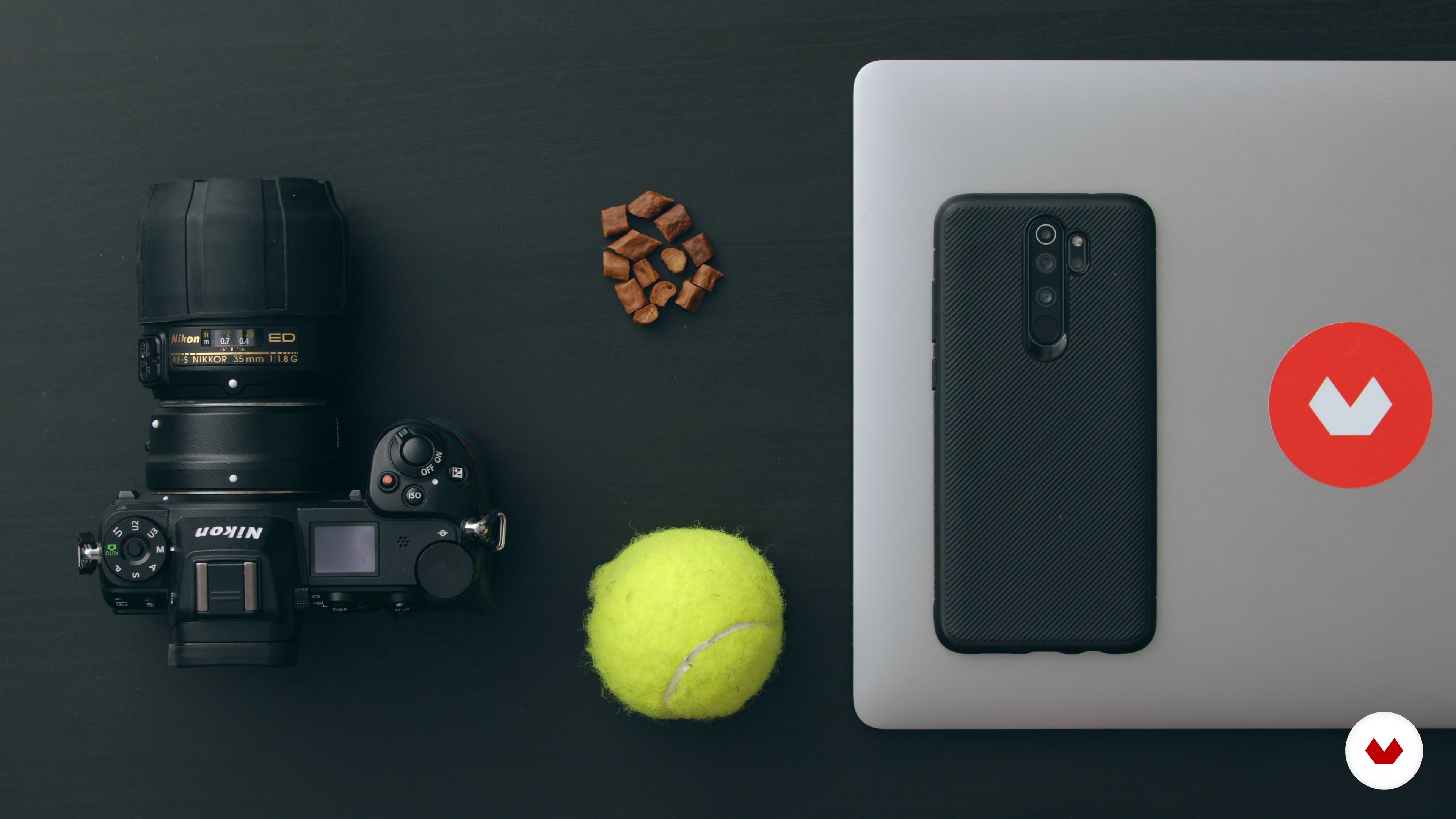
Materials and how to prepare the camera
6 minutes, 57 seconds
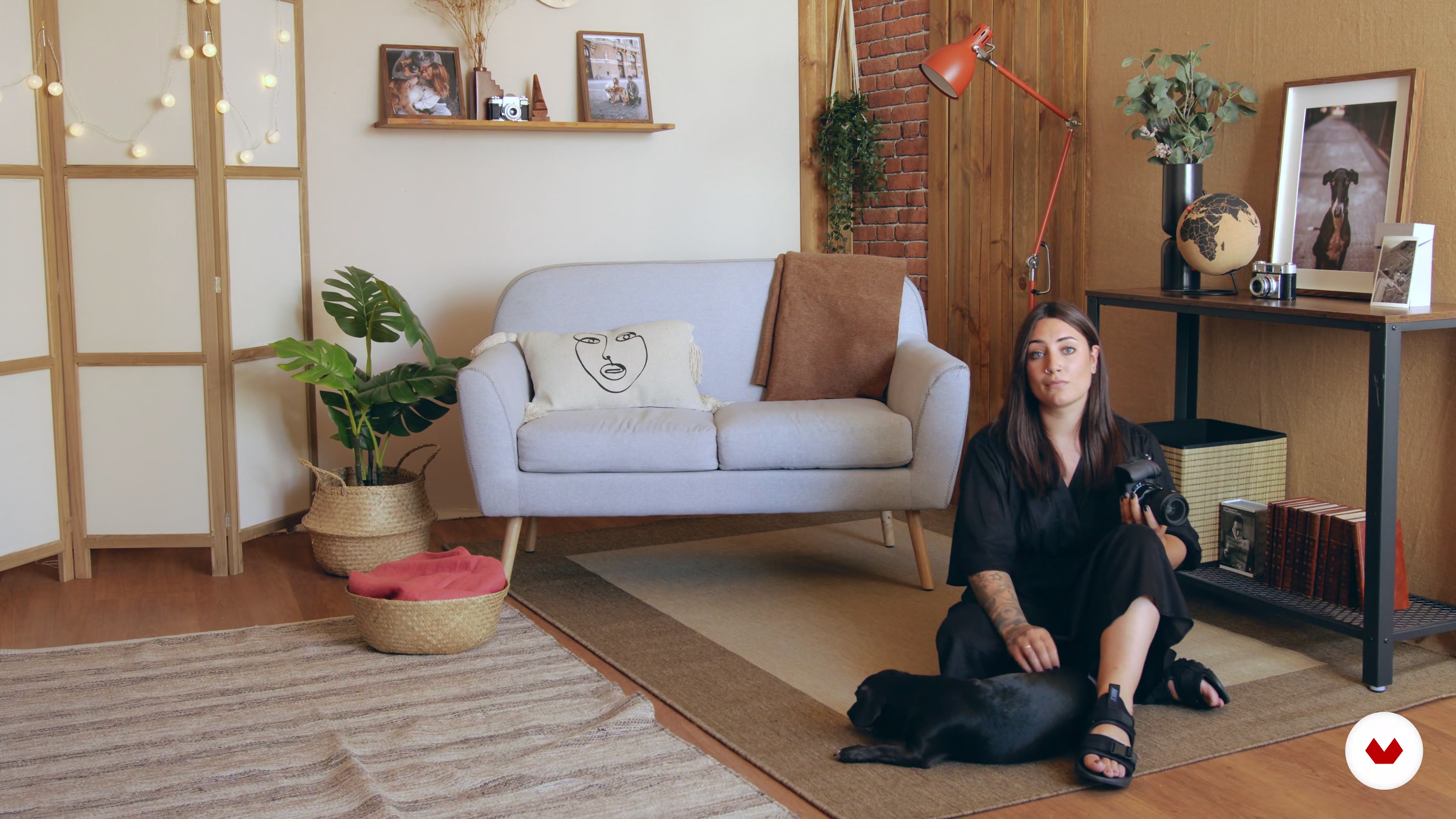
How to choose the type of light
11 minutes, 3 seconds
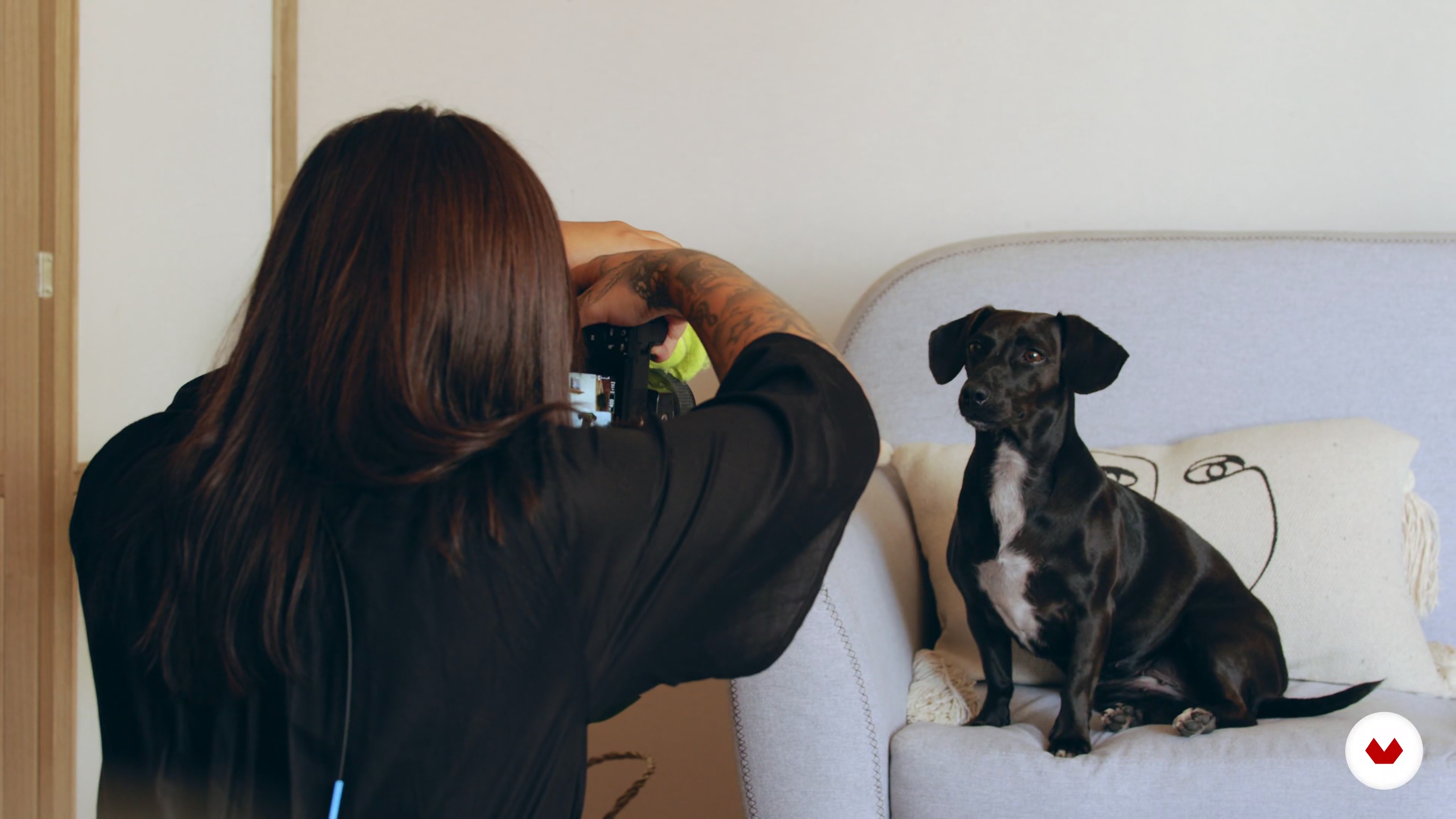
Framing
7 minutes, 25 seconds
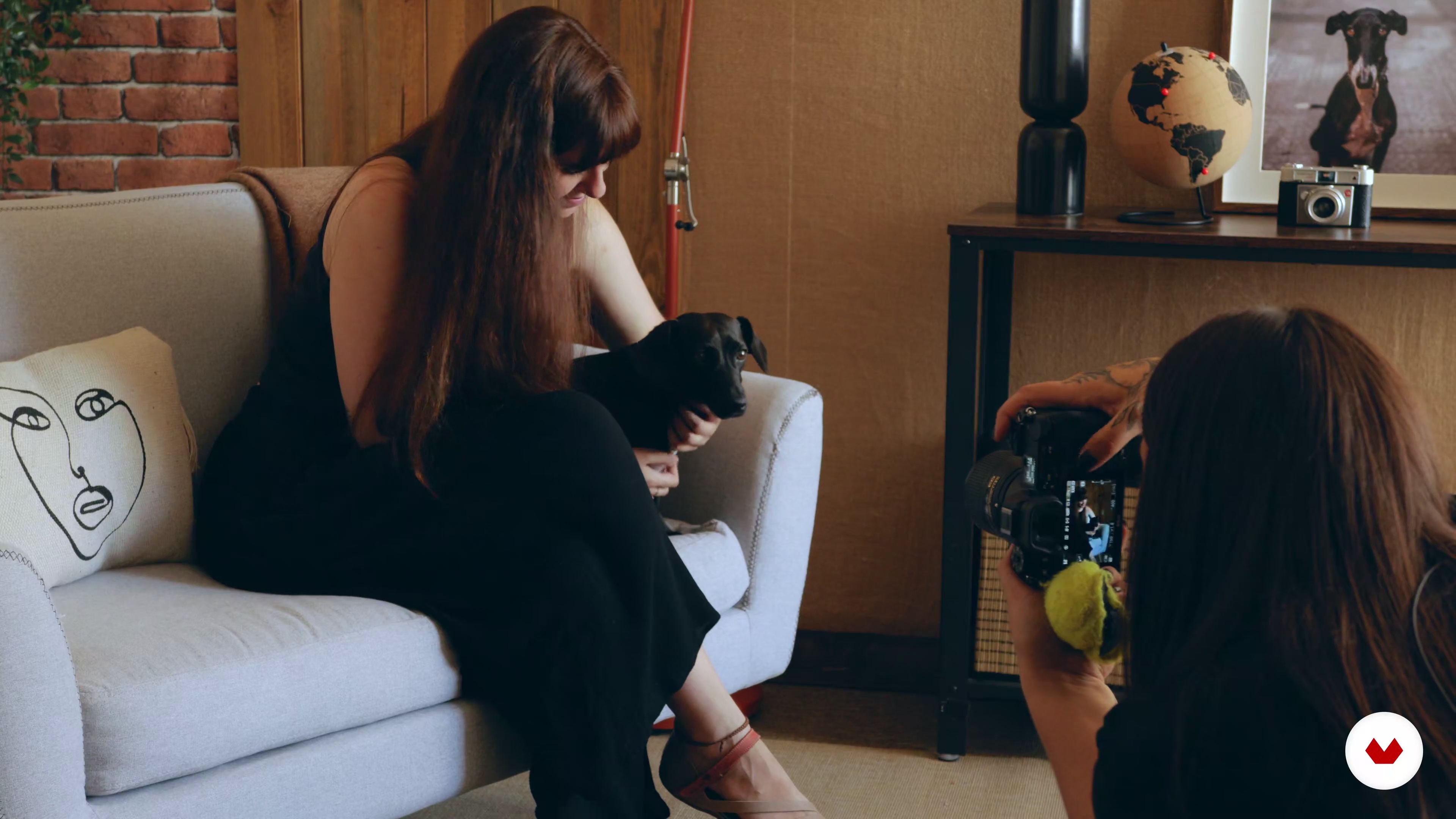
Dog plus inner person
10 minutes, 6 seconds

Postproduction of photos on computer 1
6 minutes, 37 seconds
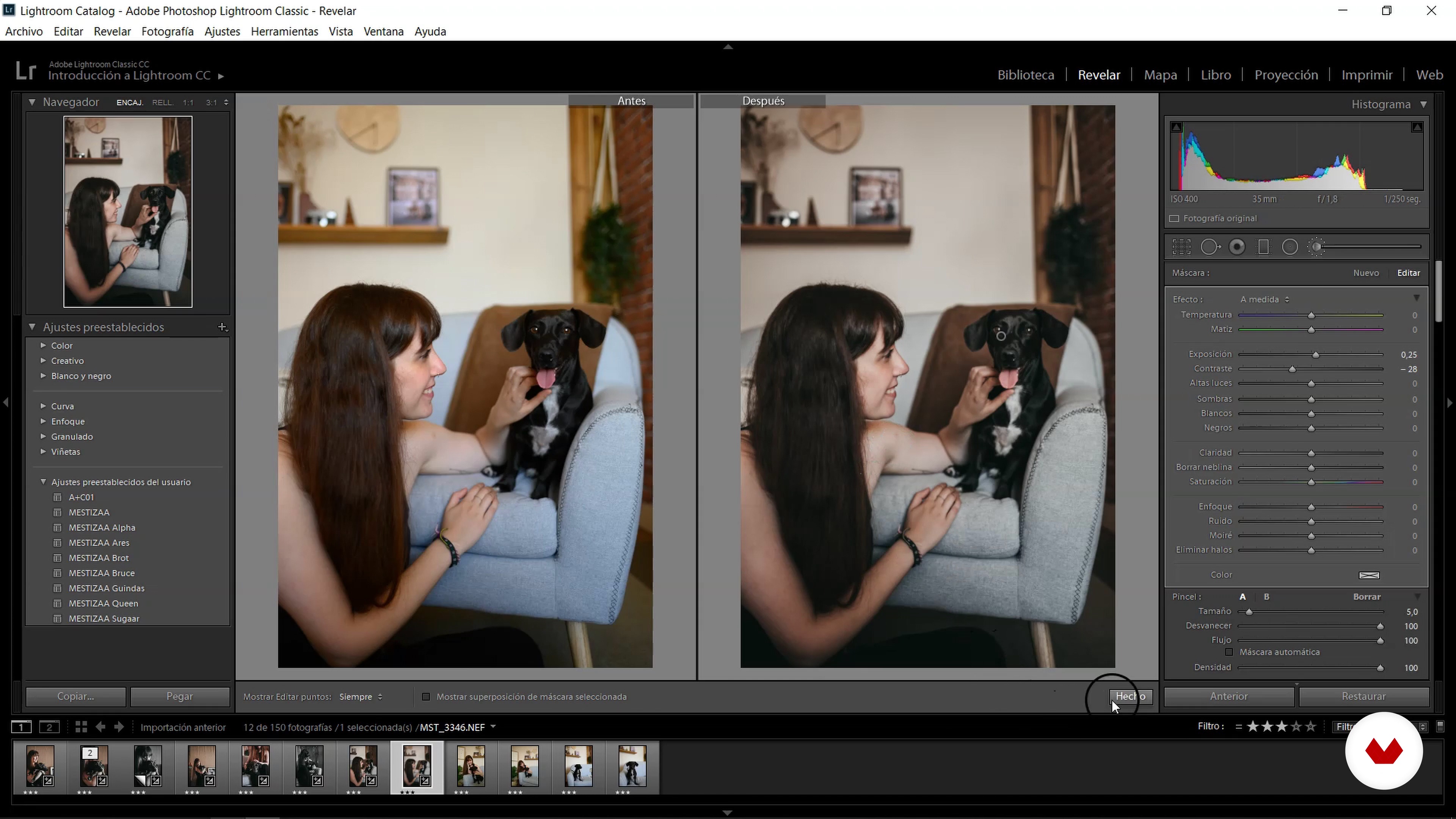
Postproduction of photos on computer 2
15 minutes, 22 seconds
What's included in this course?
Start the course by learning about Maider Sierra’s experience as a dog photographer and how she started her personal project: Mestizaa. She shows you her main references within the canine photography space and tells you more about what you’re about to learn in the course.
In the second unit, see how to prepare your work material and dogs to carry out your photoshoot, learning some tricks to make the process easier. Create your own style by choosing lights, colors, and specific locations, and see how to create a mood board to find inspiration.
Begin the pre-production phase and learn how to work with natural light, seeing some tricks to adapt to different situations and obtain the best results. Maider shows you the different types of frames you can use depending on the size and number of dogs that you include.
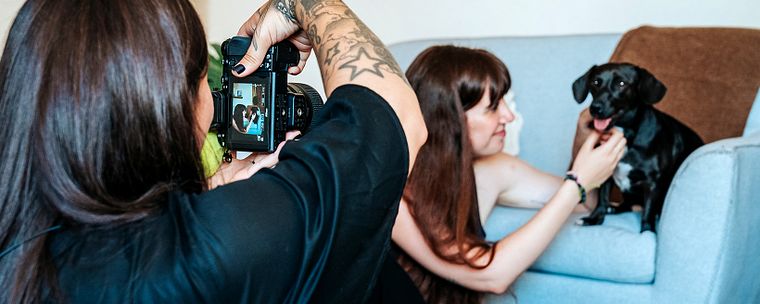
Next, it’s time to get started on your photos! See how Maider works with a hand-held camera in two sessions: one with an interior location and another with an extra protagonist. Then, see how to take street-style photos outdoors. In each session, see how to obtain the best light, frame, and get useful advice on how to interact with the dog and person that accompanies it.
In the last unit, learn how to choose the best photos and edit them, both on your phone and computer, with Adobe Lightroom and other apps. Finally, Maider explains how to share your photos on Instagram to maximize your potential new clients.
What is this course's project?
Carry out a photoshoot with your own style and post it on Instagram, achieving harmony in your feed with your dog as your main protagonist.
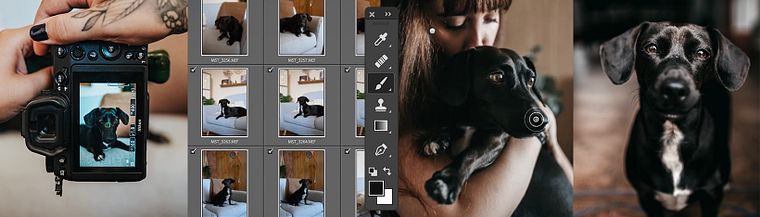
Projects by course students


Who is this online course for?
For all those interested in animal photography.
Requirements and materials
No previous photography experience is required, but if you want to do a professional photoshoot, basic knowledge in photography will be useful, as well as a computer with Alien Skin and Adobe Lightroom.
As for materials, you’ll need a phone or camera, and last but not least, a dog.
Reviews
- ivohidalgo_2089PLUS2 months ago
Llevo la mitad del curso y me he aprendido muchisimo
- 2 months ago
ottimo corso
- 4 months ago
Achei o curso muito interessante e com informações novas para aprimorar a fotografia de cães. Gostei especialmente da parte sobre paleta de cores, porque me ajudou a pensar melhor na identidade visual do meu próprio trabalho. A professora usa tons ocres, marrons e branco de forma muito bonita; no meu caso, isso me fez perceber que minha paleta dourada com verde profundo pode fortalecer ainda mais a linguagem espiritual e autoral do meu projeto com cães.
- 7 months ago
Gracias por tus consejos, fue directo y muy práctico.
Lo recomiendo
- 8 months ago
Es un muy buen curso para quienes quieren iniciarse en la fotografía de mascotas. Está bien estructurado y es claro en los conceptos. La parte de edición es básica, pero funciona muy bien para empezar y entender el proceso sin abrumarse.

Maider started off by taking pictures of families before moving onto the canine world, working with brands like Brott, Dogmade, and Indomable. In 2015, she created her personal project Mestizaa and now dedicates her undivided attention to her passion: taking pictures of dogs and their families.
Content
- U1
Introduction
- Presentation
- Influences
- What will we do in the course?
- U2
Preparation
- How to work with dogs
- Choose a style
- Mood board or inspiration
- Materials and how to prepare the camera
- U3
Photo preproduction
- How to choose the type of light
- Framing
- U4
Photoshoot
- Indoor dog
- Dog plus inner person
- Street style
- U5
Postproduction
- Postproduction of photos on computer 1
- Postproduction of photos on computer 2
- Photo selection and mobile retouching
- How to get the most out of your Instagram feed
- FP
Final project
- Lifestyle Dog Photography
What to expect from a Domestika course
Learn at your own pace
Enjoy learning from home without a set schedule and with an easy-to-follow method. You set your own pace.
Learn from the best professionals
Learn valuable methods and techniques explained by top experts in the creative sector.
Meet expert teachers
Each expert teaches what they do best, with clear guidelines, true passion, and professional insight in every lesson.
Certificates
PLUSIf you're a Plus member, get a custom certificate signed by your teacher for every course. Share it on your portfolio, social media, or wherever you like.
Get front-row seats
Videos of the highest quality, so you don't miss a single detail. With unlimited access, you can watch them as many times as you need to perfect your technique.
Share knowledge and ideas
Ask questions, request feedback, or offer solutions. Share your learning experience with other students in the community who are as passionate about creativity as you are.
Connect with a global creative community
The community is home to millions of people from around the world who are curious and passionate about exploring and expressing their creativity.
Watch professionally produced courses
Domestika curates its teacher roster and produces every course in-house to ensure a high-quality online learning experience.
FAQs
You’ll learn professional techniques for photographing dogs—from preparation and location scouting to composition, natural light management, and image editing—using both DSLR cameras and smartphones, achieving expressive portraits and visual consistency for social media or personal projects.
This course is designed for people with basic photography knowledge who want to refine their skills in dog portraiture and dog photography in various settings. You don’t need to be an expert, but a grasp of fundamental photography concepts is recommended.
You can take full advantage of the course whether you have a DSLR or just a smartphone, as it covers specific techniques and settings for both types of equipment, along with editing platforms suited to each.
You’ll need a DSLR or a smartphone with a good camera, access to editing apps like Lightroom or VSCO, an internet connection, and ideally some basic accessories like light diffusers or simple backdrops.
The course teaches you how to read a dog’s character, pick locations that highlight them, use natural or diffused light, and direct the session to capture authentic, expressive photos that reveal their unique personality.
You’ll learn to work with natural and diffused light, select color palettes, find suitable backgrounds, frame shots based on the dog’s size, and create appealing compositions both outdoors and in urban or studio environments.
Yes, the course covers editing in apps like VSCO, Lightroom, and Canva, explaining how to adjust light, color, and aesthetic cohesion to produce professional-looking images right from your phone.