Animated Micro-Stories with After Effects
A course by Sociedad FantasmaAnimation and illustration study
A course by Sociedad Fantasma, Animation and illustration study

Learn the secrets to storytelling, character design, and motion graphics
Want to captivate your audience with a compelling story? Learn how alongside Sociedad Fantasma, a studio specialized in illustration and 2D animation founded by Carlos Rupit, Gabriel Pichardo, and Lizeth Rodríguez. The trio has created visually stunning branded content for the likes of Google, Gatorade, Pepsi, Jose Cuervo, and more.
In this online course, they teach you the fundamentals of storytelling, character design, and 2D animation with After Effects to bring your ideas to life. Discover the art of visual storytelling and how you can use it to connect with your audience on multiple levels.
If you want to learn more with Sociedad Fantasma, check out their course Design of Animated Stickers for Social Networks, where they show you how to create a set of original stickers for Instagram Stories using Adobe Animate.
What will you learn in this online course?
26 lessons & 17 downloads
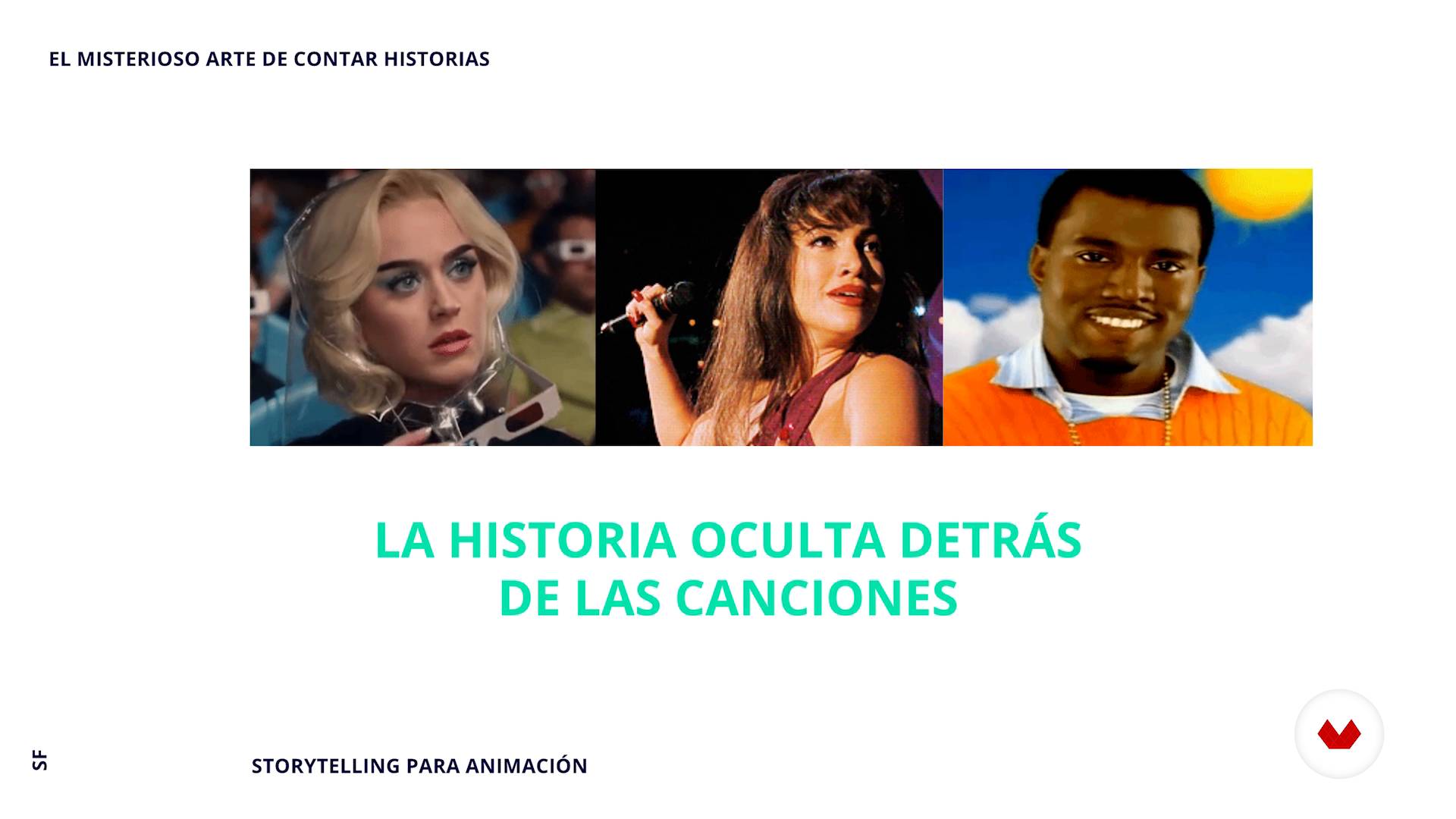
Storytelling
5 minutes, 0 seconds
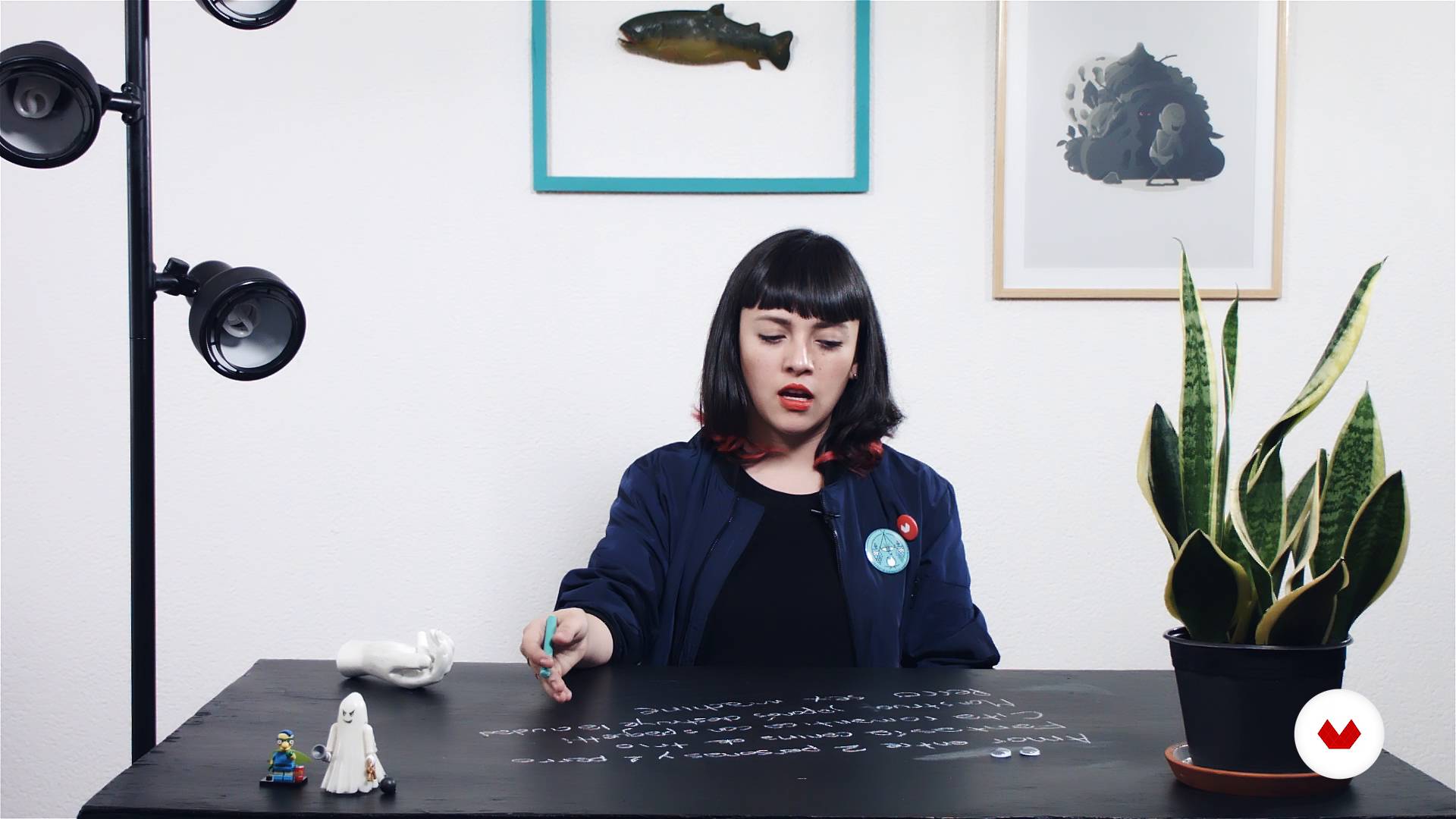
The history
11 minutes, 17 seconds
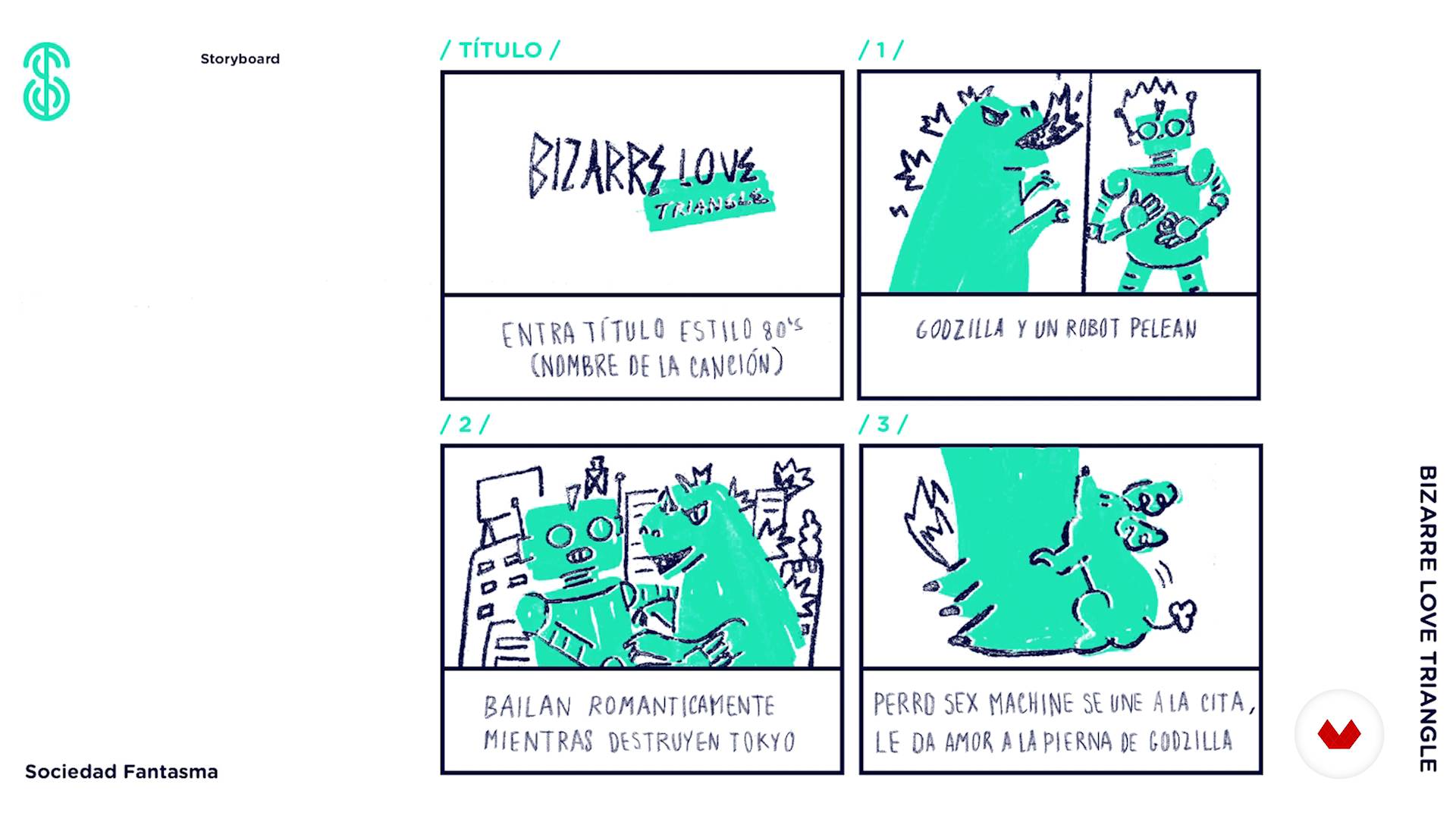
Storyboard
6 minutes, 34 seconds
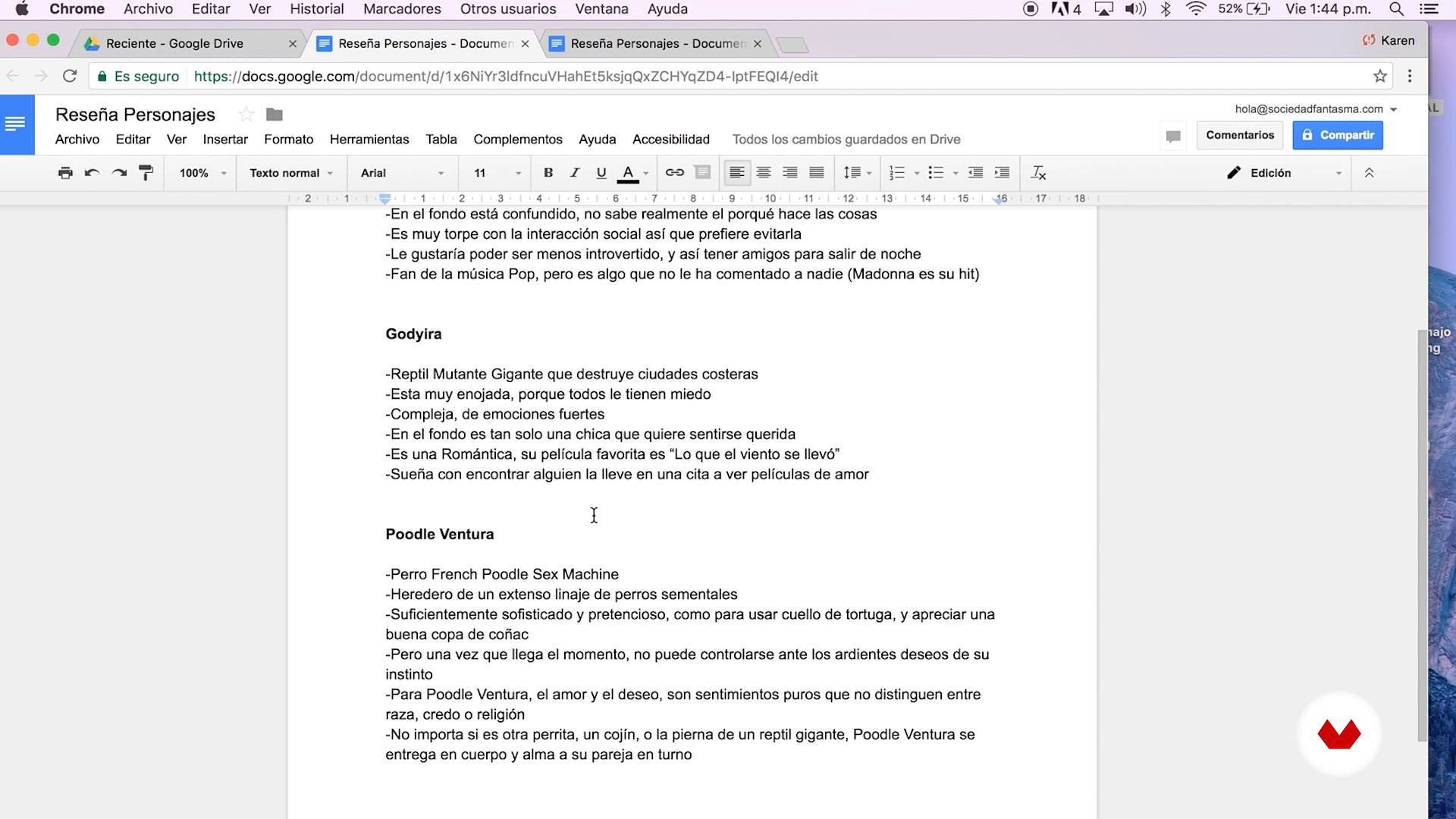
The star
16 minutes, 11 seconds
A star is born - Part I
17 minutes, 35 seconds
A star is born - Part II
17 minutes, 36 seconds
What's included in this course?
Begin by getting to know the members of Sociedad Fantasma as they tell you about who they are and their philosophy as a studio. They also share how some of their biggest influences have shaped their work.
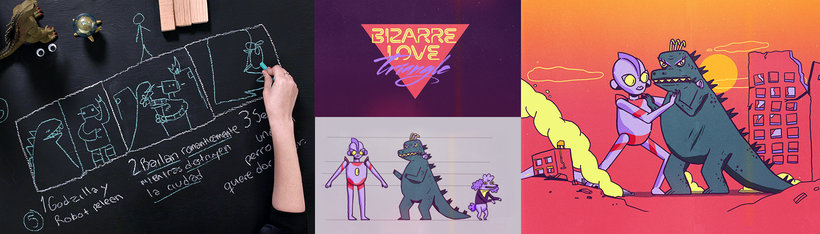
Continue by laying the groundwork for your micro-story. Extract key concepts from the client brief and put together a mood board to define the look and feel of your animated piece before mapping out its structure in three acts. Develop the concept for your main character and determine what After Effects assets you need.
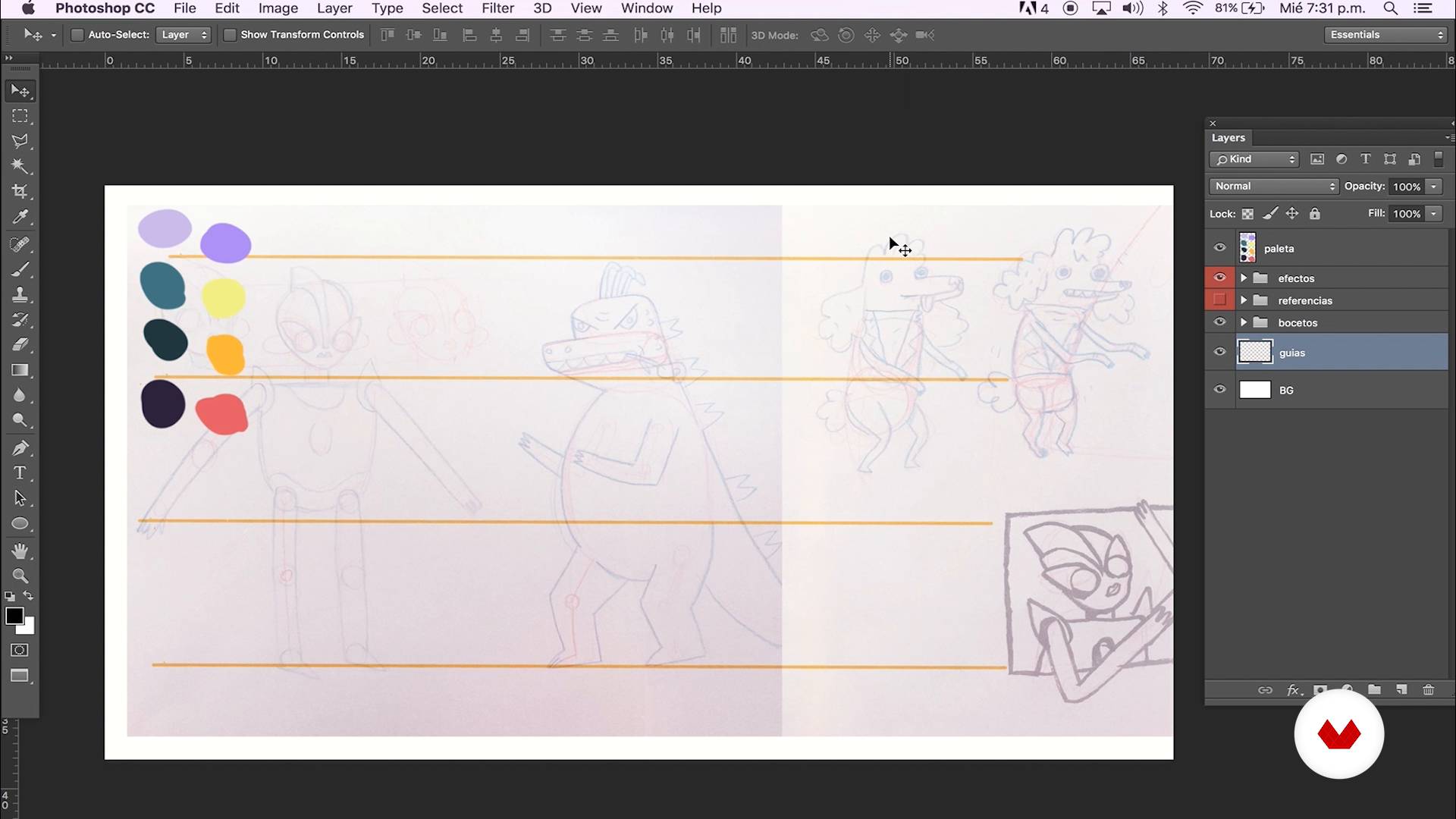
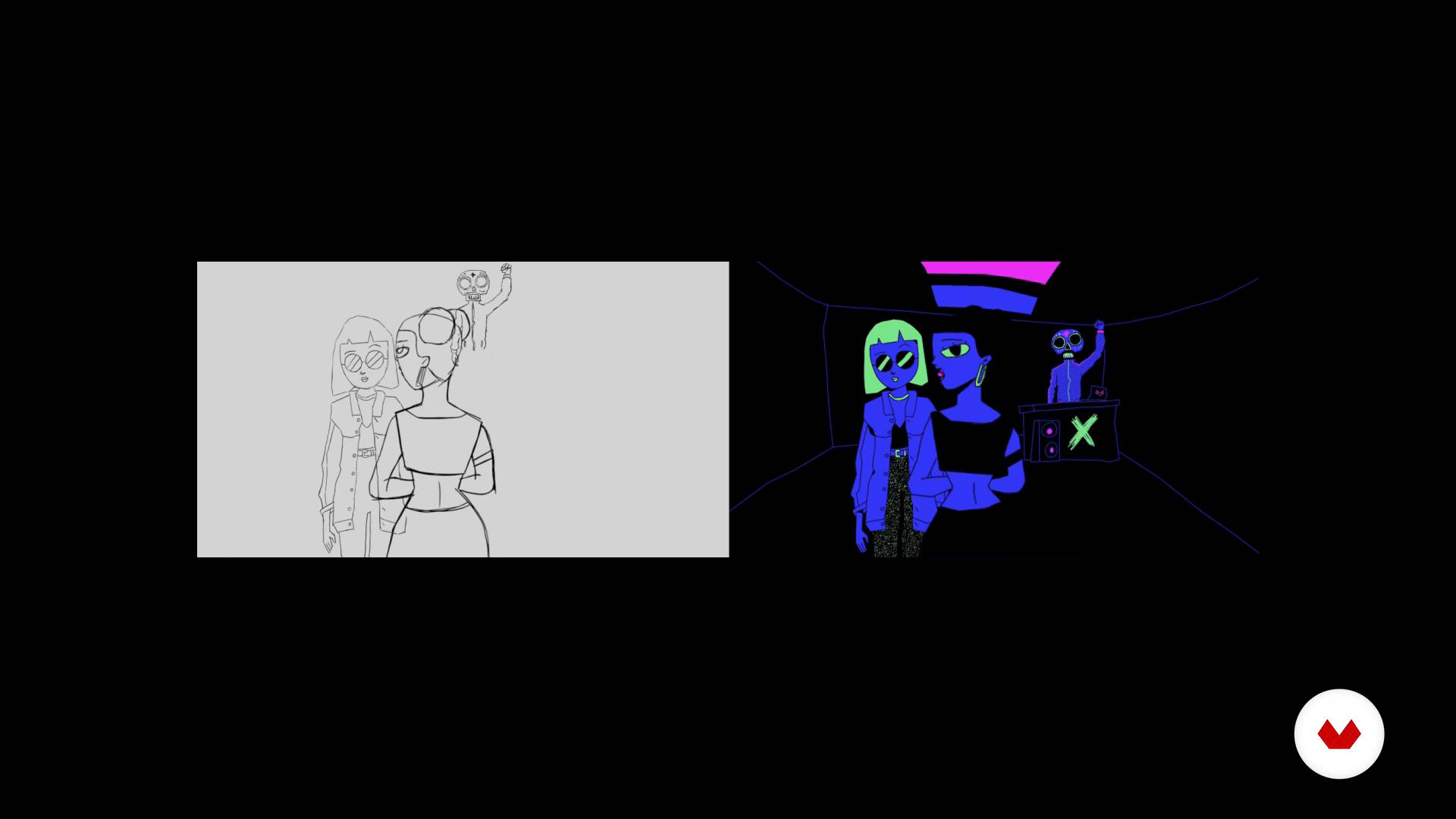
Next, your teachers guide you through the character design process, from the first sketches and the style sheet to their final form ready for animation.
Now it's time to set your characters in motion! The Sociedad Fantasma team teaches you some basic concepts such as precomposing, parenting, and what animation curves are used for.
Then, learn all about rigging your character, setting keyframes for their movements, and how to make your animation flow seamlessly with tweening tricks.
Wrap up the course by creating a background for your scene, followed by the final render.
Recommended software & tools for this course
What is this course's project?
Create and animate a micro-story from your imagination.
Projects by course students


Who is this online course for?
Animators, designers, and illustrators who want to learn Sociedad Fantasma's creative process and bring their stories to life.
Requirements and materials
Basic notions of Adobe After Effects, Illustrator, and Photoshop are necessary for this course.
In terms of materials, you need a pencil and paper to sketch your ideas, a computer with After Effects, Illustrator, and Photoshop, and, most importantly, a story you can't wait to tell the world.

Reviews
- 4 months ago
Excellent course!
- 8 months ago
Excellent course!
- 1 year ago
¡Excelente Curso!!!!, tengo varios cursos de Domestika y me parece que este está ubicado en el primer puesto, espero una segunda parte.
- 1 year ago
A great course for animators👍👏
- 2 years ago
Aunque se requieren conocimientos básicos, es muy divertido este curso

His work philosophy is based on working with highly talented creatives, no matter where they live or their time zone, creating memorable projects for their clients.
Some of its clients include PayPal, Google, Powerade, Nike, Gatorade, Pepsi, Evian or Tequila José Cuervo.
Content
- U1
Introduction
- Presentation
- Influences
- U2
Storytelling
- Storytelling
- The history
- Storyboard
- U3
Character design
- The star
- A star is born - Part I
- A star is born - Part II
- It's Alive - Part I
- It's alive - Part II
- U4
Animation
- Plan the animation
- Basic concepts of animation - Part I
- Basic concepts of animation - Part II
- Rigging - Part I
- Rigging - Part II
- Rigging - Part III
- Character animation (Gojira) - Part I
- Character animation (Gojira) - Part II
- Character animation (Ultraman) - Part I
- Character animation (Ultraman + Gojira) - Part II
- Character animation (Puppy)
- U5
Final retouching and exit
- Composition of the Scene
- Animated details I
- Animated details II
- Adjusting the camera
- Project output
- FP
Final project
- Microhistories animated with After Effects
What to expect from a Domestika course
Learn at your own pace
Enjoy learning from home without a set schedule and with an easy-to-follow method. You set your own pace.
Learn from the best professionals
Learn valuable methods and techniques explained by top experts in the creative sector.
Meet expert teachers
Each expert teaches what they do best, with clear guidelines, true passion, and professional insight in every lesson.
Certificates
PLUSIf you're a Plus member, get a custom certificate signed by your teacher for every course. Share it on your portfolio, social media, or wherever you like.
Get front-row seats
Videos of the highest quality, so you don't miss a single detail. With unlimited access, you can watch them as many times as you need to perfect your technique.
Share knowledge and ideas
Ask questions, request feedback, or offer solutions. Share your learning experience with other students in the community who are as passionate about creativity as you are.
Connect with a global creative community
The community is home to millions of people from around the world who are curious and passionate about exploring and expressing their creativity.
Watch professionally produced courses
Domestika curates its teacher roster and produces every course in-house to ensure a high-quality online learning experience.
FAQs
You’ll learn how to plan movements, apply animation principles, rig characters, and control 2D animations using After Effects and Duik—streamlining organization, control, and expressiveness in your animations.
This is an intermediate-level course; basic After Effects skills and some knowledge of digital animation are needed to get the most out of it.
You’ll need After Effects installed, access to Duik, and basic program knowledge. Adobe Photoshop or Illustrator is also recommended for preparing characters.
Key principles like anticipation, timing, secondary action, exaggeration, follow-through, and overlap are covered, all applied to digital character animation.
You’ll learn to create hierarchies, parent layers, set anchor points, add bones and IK controllers, and manipulate limbs with Duik for lifelike movement.
Yes, the course explains how to organize files, separate elements, and prepare characters in PSD or AI formats for smooth animation in After Effects.
Absolutely—you’ll learn to automate repeating motions using expressions and looping techniques for seamless, efficient animations.