
Storyboard Illustration with Procreate
A course by Davis LisboaStoryboard Artist
A course by Davis Lisboa, Storyboard Artist

Learn techniques to create a professional storyboard for audiovisual productions
Every great audiovisual project begins with a good idea, whether it’s for an ad, a film, an animation, or a video for social media. Davis Lisboa’s work as a professional storyboard expertise consists in transforming invisible threads of imagination into reality, creating scenes filled with shapes and colors.
In this course, Davis teaches you how to create a professional storyboard step by step, stemming from the creative interpretation of a script to the creation of contour and color in your drawings. Once you’ve completed the course, you’ll have all the knowledge you need to tell a story visually and amaze your clients.
What will you learn in this online course?
21 lessons & 46 downloads
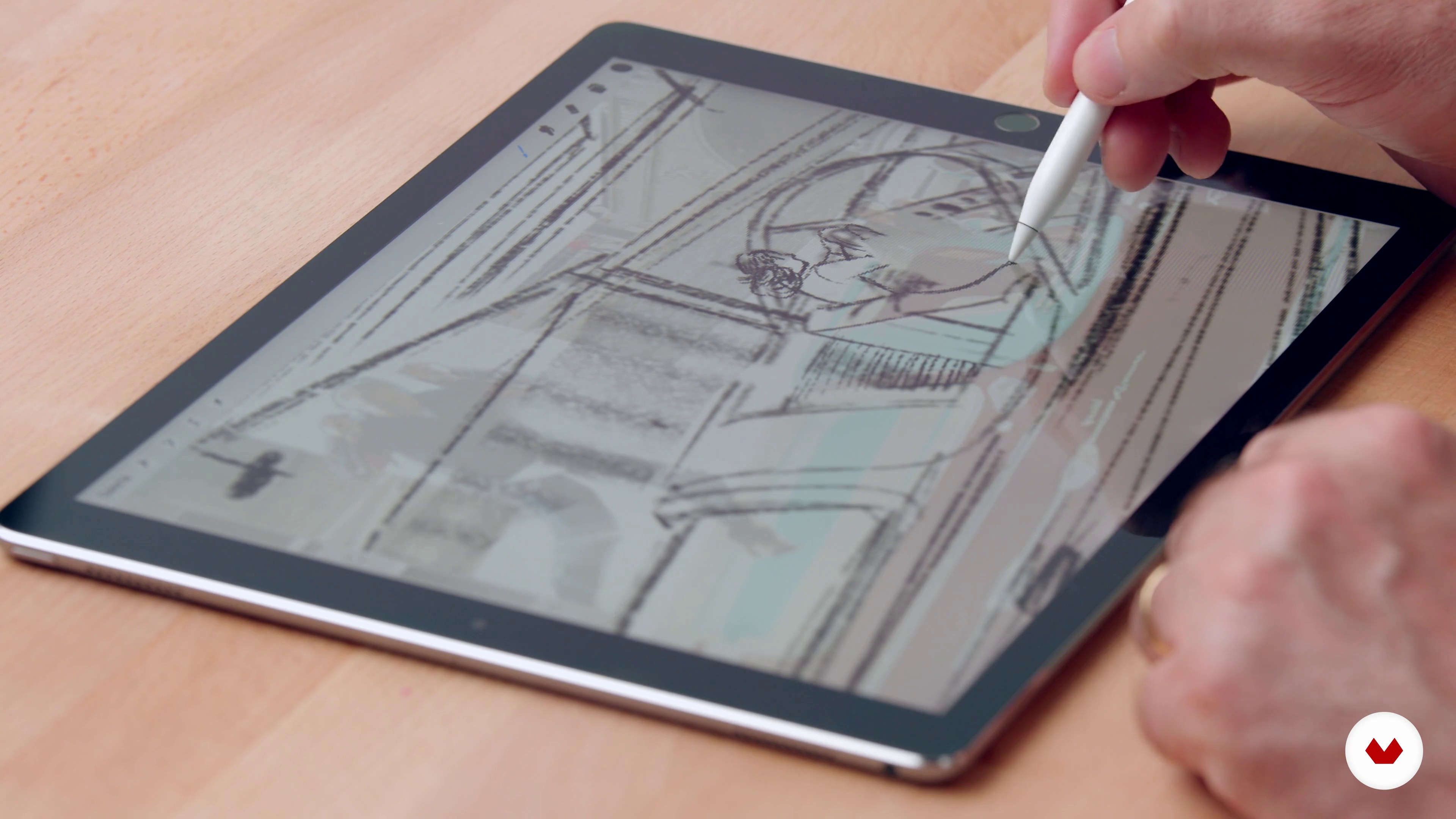
What will we do in the course?
2 minutes, 37 seconds
Story and storyboard differences for cinema and advertising
6 minutes, 39 seconds

Landmark proportions, the pentagram and the Fibonacci spiral
10 minutes, 19 seconds
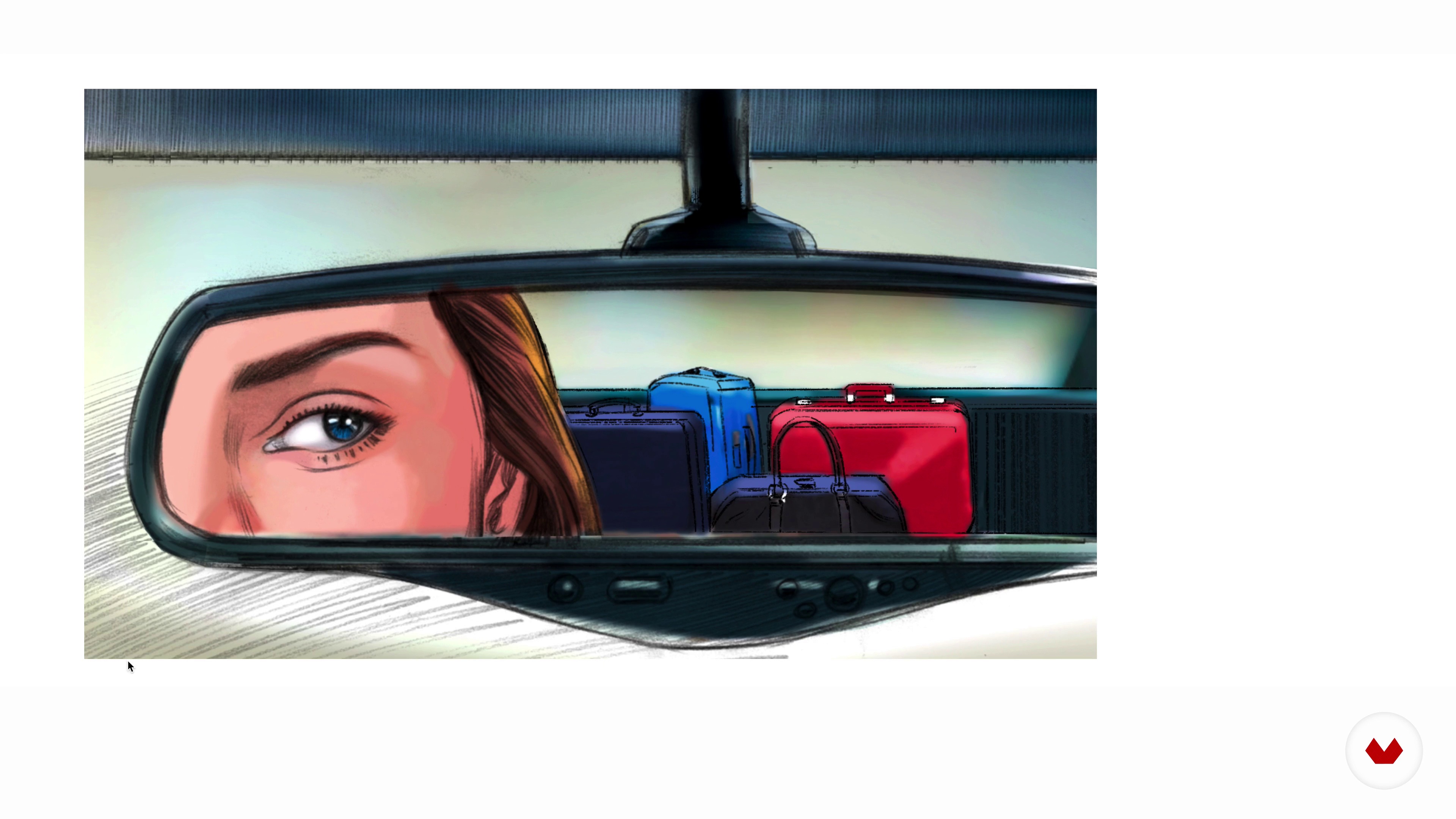
Planes, positions and camera views
14 minutes, 1 second
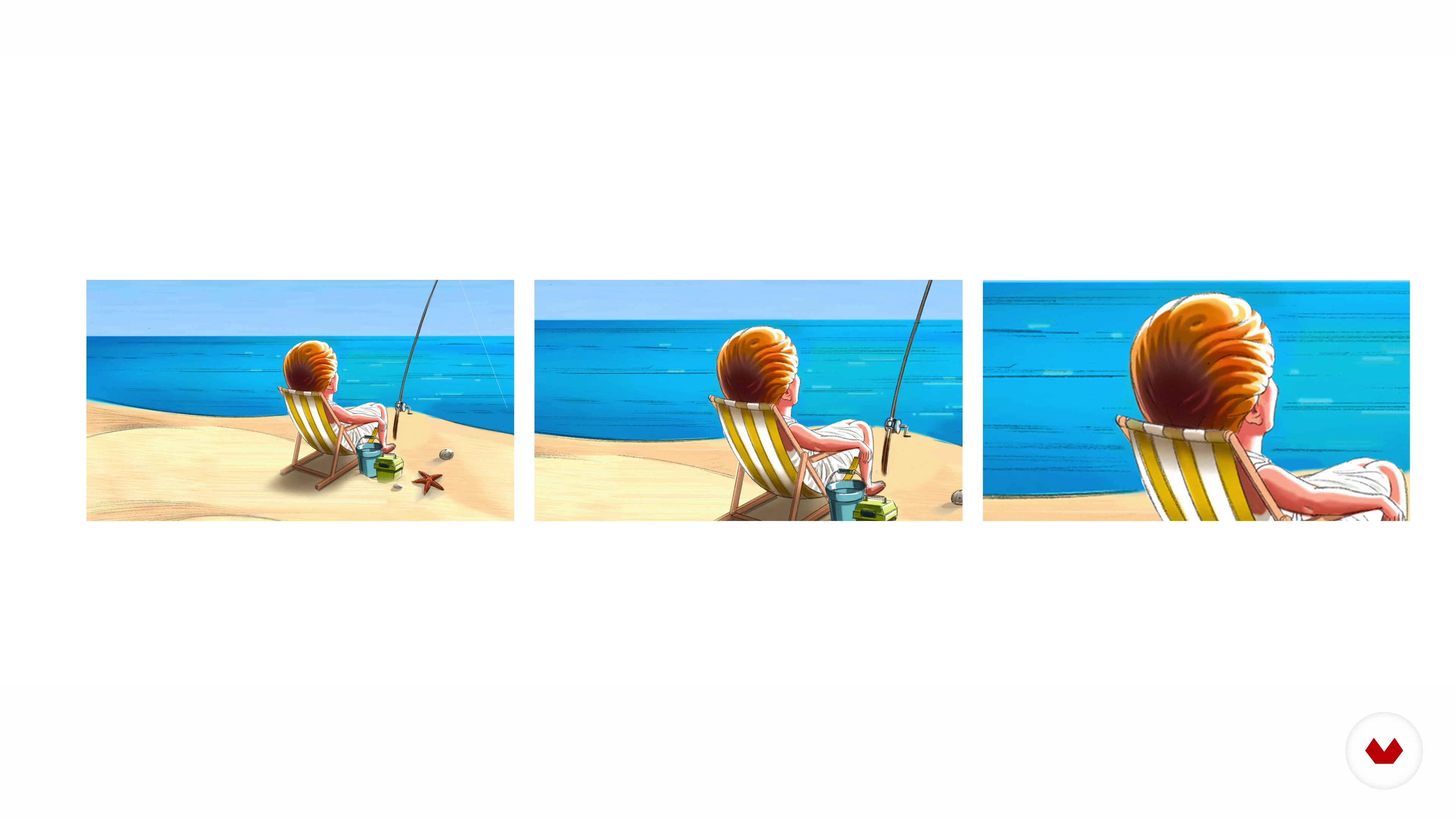
Camera angles, movements and lenses
10 minutes, 10 seconds
Script and roughs
17 minutes, 4 seconds
What's included in this course?
Start the course by getting to know your teacher, Davis Lisboa. Learn about his professional career as a storyboard artist and where he draws inspiration from before going through the basic structure of a storyboard.
Davis explains the differences between a film storyboard and an advertising storyboard, showing you different image proportions like the Fibonacci Spiral and the pentagram. Discover the elements used to build a narrative for film in your storyboard, such as frames, positioning, angles, movement, and camera angles.
Begin sketching your final project in the next unit. Learn the importance of visually interpreting a script by creating a storyboard from a script written by Davis himself, “Persecución en Venecia”.
Carry on by doing some image research and learn how to create a moodboard. Create basic digital compositions, or screencasts, in Photoshop using the references you collected in the last unit.
Next, it’s time to get to work with Procreate! Davis shows you his favorite layers and brushes. Create the outlines for your storyboard and then add colors, applying the concepts you previously learned to your storyboard.
To finish the course, learn how to export your work from Procreate to Photoshop and see how to make the finishing touches for the final edit of your project.
Recommended software & tools for this course
What is this course's project?
Learn how to create a professional storyboard from start to finish, using a script to go from sketching, to creating a moodboard, to preparing the final scenes for a client.

Projects by course students


Who is this online course for?
For students in drawing, comic design, or illustration. Storyboard artists, 2D or 3D animators, as well as professionals in the audiovisual, advertising, video art, or digital marketing industries.
Requirements and materials
To take this course, basic drawing skills and some knowledge of Adobe Photoshop and Procreate are recommended.
As for materials, you need a computer with Photoshop and an iPad with the Procreate app and a graphics tablet.

Reviews
- 4 months ago
Excelente curso, lo recomiendo, muy profesional. Me siento satisfecho con el curso.
- 8 months ago
rapaz... deve ter cursos melhores. eu nao curti muito nao o jeito desse professor ensinar. mas cm sempre ,qnd se e leigo da para s aprender muita coisa com certeza.
- 1 year ago
Más que recomendable para iniciarse en el tema.
- 1 year ago
Lo recomiendo totalmente si quieres mejorar tus habilidades.
- 2 years ago
Excelente

In 1989 he decided to launch his own studio and solidified his career by working with top-tier advertising agencies in Brazil, Spain, Germany, the United States, the UK, and Russia. Some of his major clients include: Aftershare, Contrapunto BBDO, DDB, Dommo, DoubleYou, Grey, Havas, HMG, Indira, K Factor, Lewis, MKTG, Morillas, Mr. Goldwind, Newlink, Ogilvy, & Rosàs, Saatchi & Saatchi, SantaMarta & Astorga, Shackleton, Smile, TBWA, Tiempo BBDO, Vainilla, We Are Social (Spain), Bagusat (Germany), Barbarian, The Conquistadors (USA), Cream Directors, and Meredith Collective (UK), Park Productions (Russia).
Content
- U1
Introduction
- Presentation
- Influences
- What will we do in the course?
- U2
Cinematic narration
- Story and storyboard differences for cinema and advertising
- Landmark proportions, the pentagram and the Fibonacci spiral
- Planes, positions and camera views
- Camera angles, movements and lenses
- U3
Initial Planning
- Script and roughs
- Research and mood boards
- Basic digital compositions
- U4
Realization of the storyboard
- Layers and brushes
- Contour lines 1
- Contour lines 2
- Contour lines 3
- Colorful 1
- Colorful 2
- Colorful 3
- Colorful 4
- Colorful 5
- U5
The delivery
- Export and delivery
- Errors and rectifications
- FP
Final project
- Storyboard Illustration with Procreate
What to expect from a Domestika course
Learn at your own pace
Enjoy learning from home without a set schedule and with an easy-to-follow method. You set your own pace.
Learn from the best professionals
Learn valuable methods and techniques explained by top experts in the creative sector.
Meet expert teachers
Each expert teaches what they do best, with clear guidelines, true passion, and professional insight in every lesson.
Certificates
PLUSIf you're a Plus member, get a custom certificate signed by your teacher for every course. Share it on your portfolio, social media, or wherever you like.
Get front-row seats
Videos of the highest quality, so you don't miss a single detail. With unlimited access, you can watch them as many times as you need to perfect your technique.
Share knowledge and ideas
Ask questions, request feedback, or offer solutions. Share your learning experience with other students in the community who are as passionate about creativity as you are.
Connect with a global creative community
The community is home to millions of people from around the world who are curious and passionate about exploring and expressing their creativity.
Watch professionally produced courses
Domestika curates its teacher roster and produces every course in-house to ensure a high-quality online learning experience.
FAQs
You’ll learn how to create digital storyboards from sketching to coloring, using principles of visual composition, cinematic storytelling, and tools like Procreate and Photoshop, plus how to adapt storyboards for film, advertising, and other visual projects.
This is an intermediate-level course, perfect for those with basic drawing or illustration skills who want to deepen their expertise in storyboarding and digital tools like Procreate and Photoshop.
You’ll need basic drawing knowledge, a tablet with Procreate (or a similar app), access to Photoshop, and some initial familiarity with digital illustration software.
You don’t need advanced drawing skills, but having basic drawing ability is important to make clear sketches and understand the fundamentals of sequential illustration.
Yes, the course teaches you how to adapt storyboard techniques and formats for different fields like advertising, film, and comics, preparing you to work professionally in these areas.
You’ll learn to use Procreate for illustration, outlining, and digital painting, as well as Photoshop for composition, image editing, and finalizing storyboards.
A mood board is a collection of visual references that sets the style, color palette, and mood of the project, guiding storyboard creation and ensuring visual consistency.