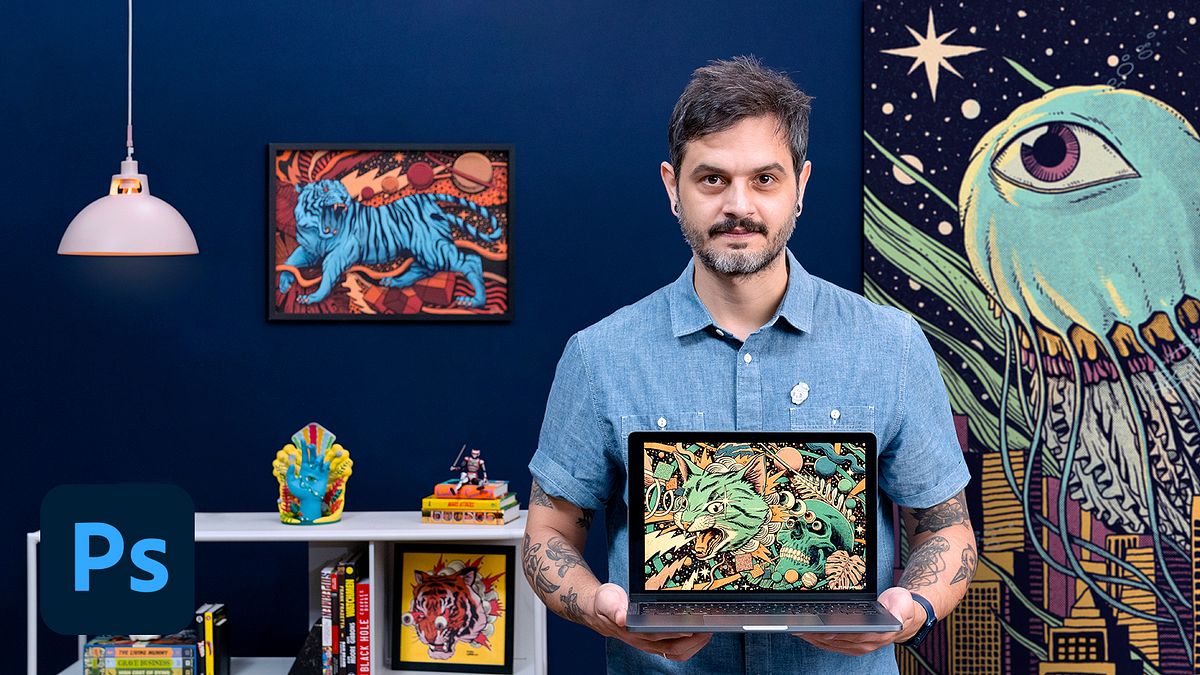
Contemporary Illustrations with a Retro Aesthetic
A course by Pedro CorreaIllustrator
A course by Pedro Correa, Illustrator

"Learn to illustrate with ink, paper, and Photoshop to create a composition reminiscent of old prints "
It is somewhere between digital and analog illustration that artist Pedro Correa finds the ideal aesthetic for his work and perfects his compositions. His success has led him to work with big names like Showtime, Heineken, UFC, and Netflix, and he has also been sponsored by Moleskine since 2017.
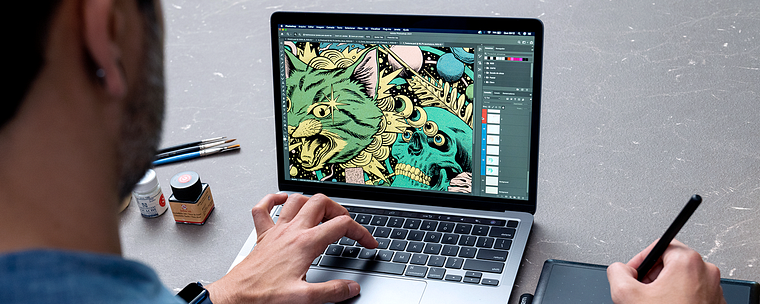
In this course, learn to compose a retro illustration using paper, ink, and digital techniques in Photoshop. With Pedro's guidance, complete a series of illustration exercises by hand to explore different materials and discover digital painting and texturing processes. By the end of the course, you'll have a professional illustration ready for printing.
What will you learn in this online course?
15 lessons & 13 downloads
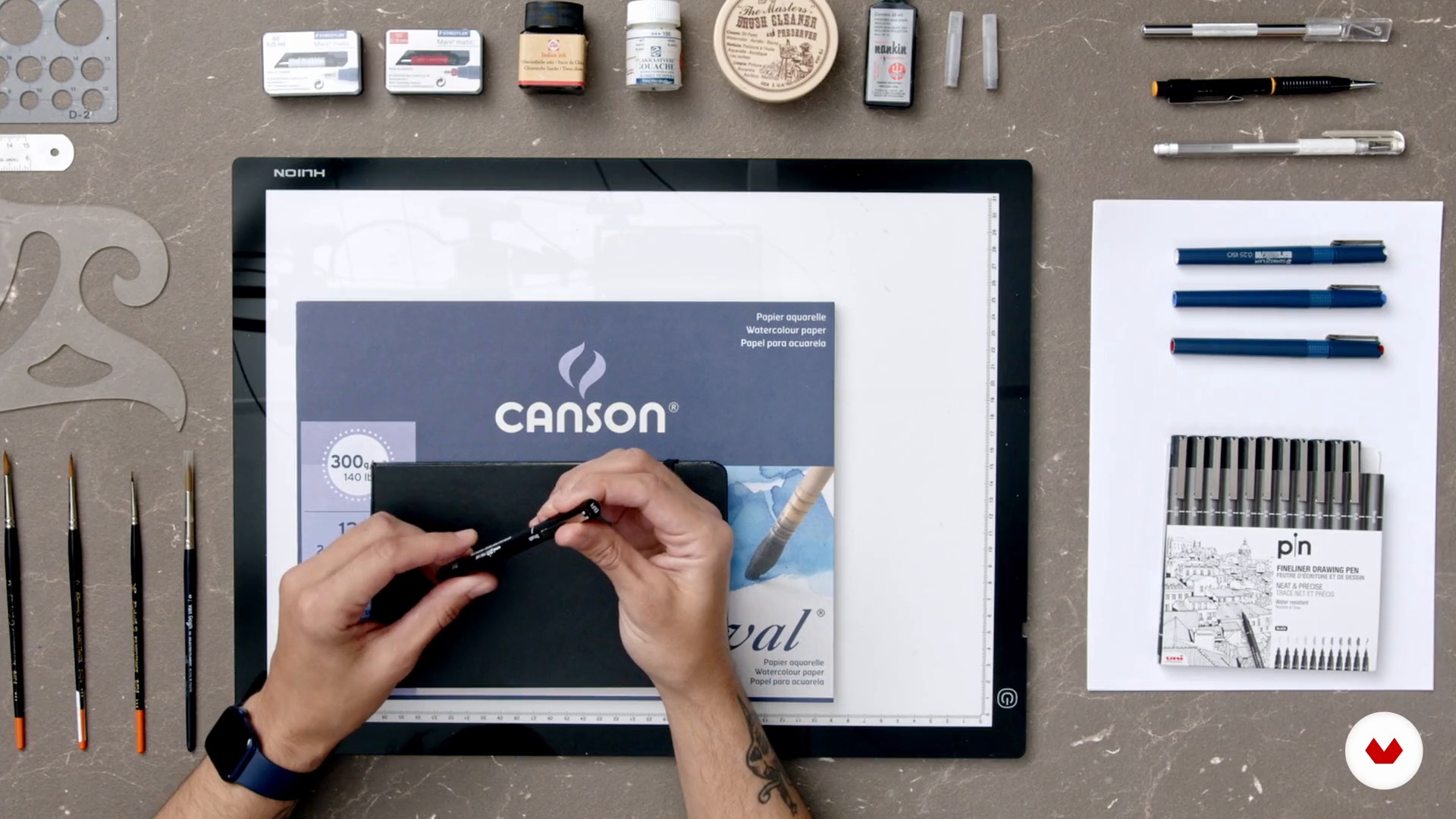
Materials
4 minutes, 53 seconds
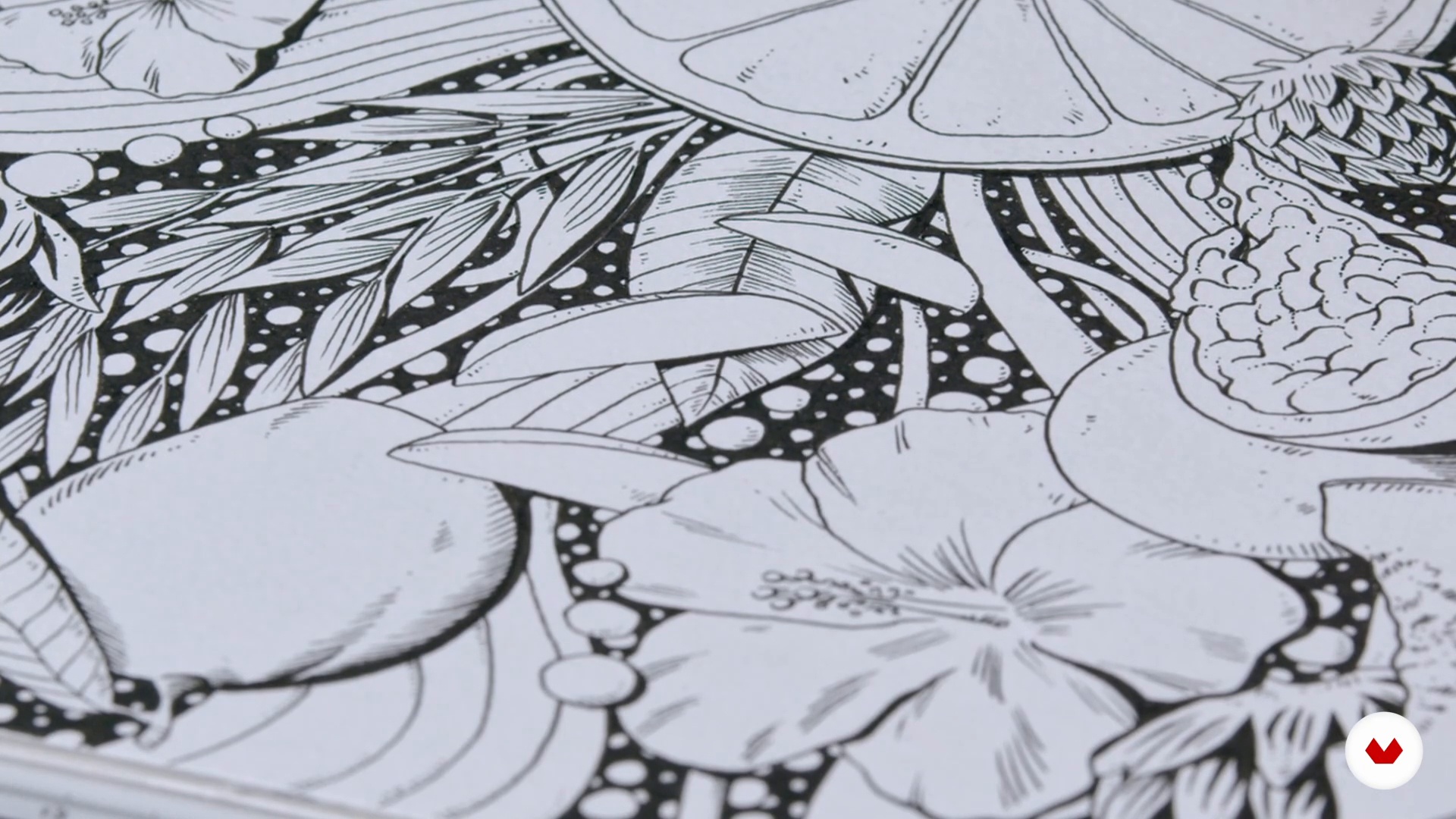
Hand drawing
12 minutes, 38 seconds
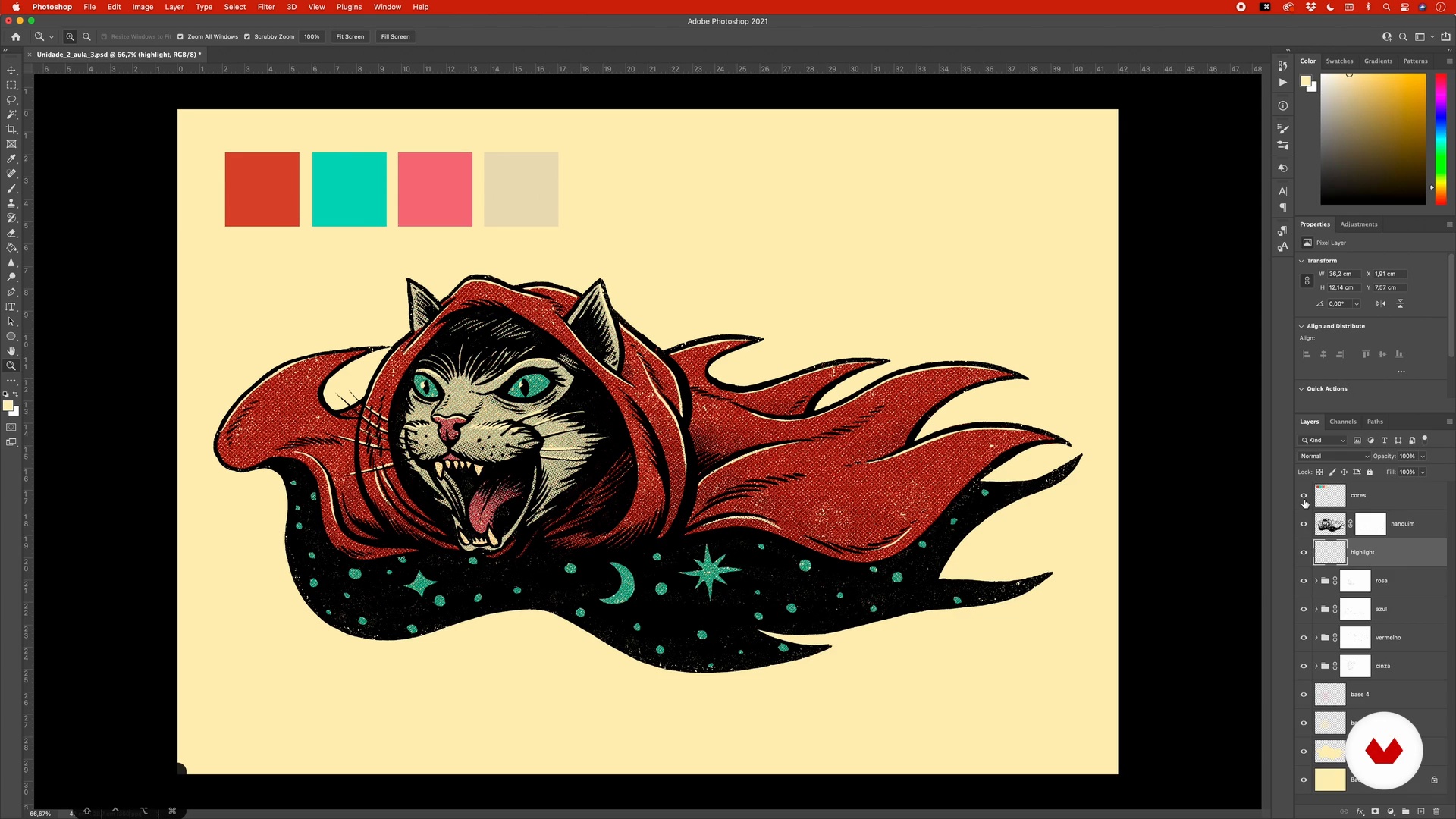
Digital painting and texture
17 minutes, 7 seconds
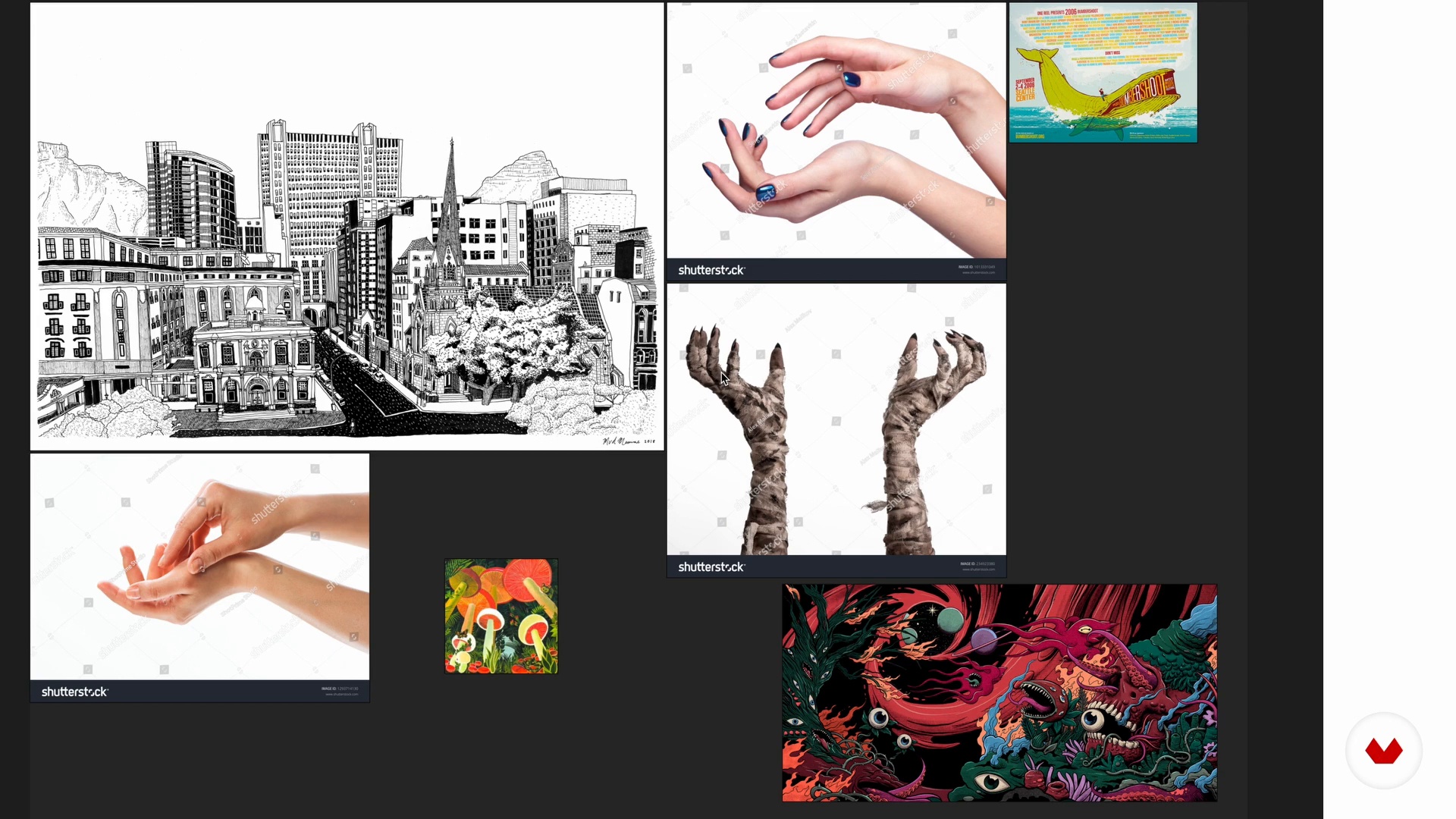
References
5 minutes, 40 seconds
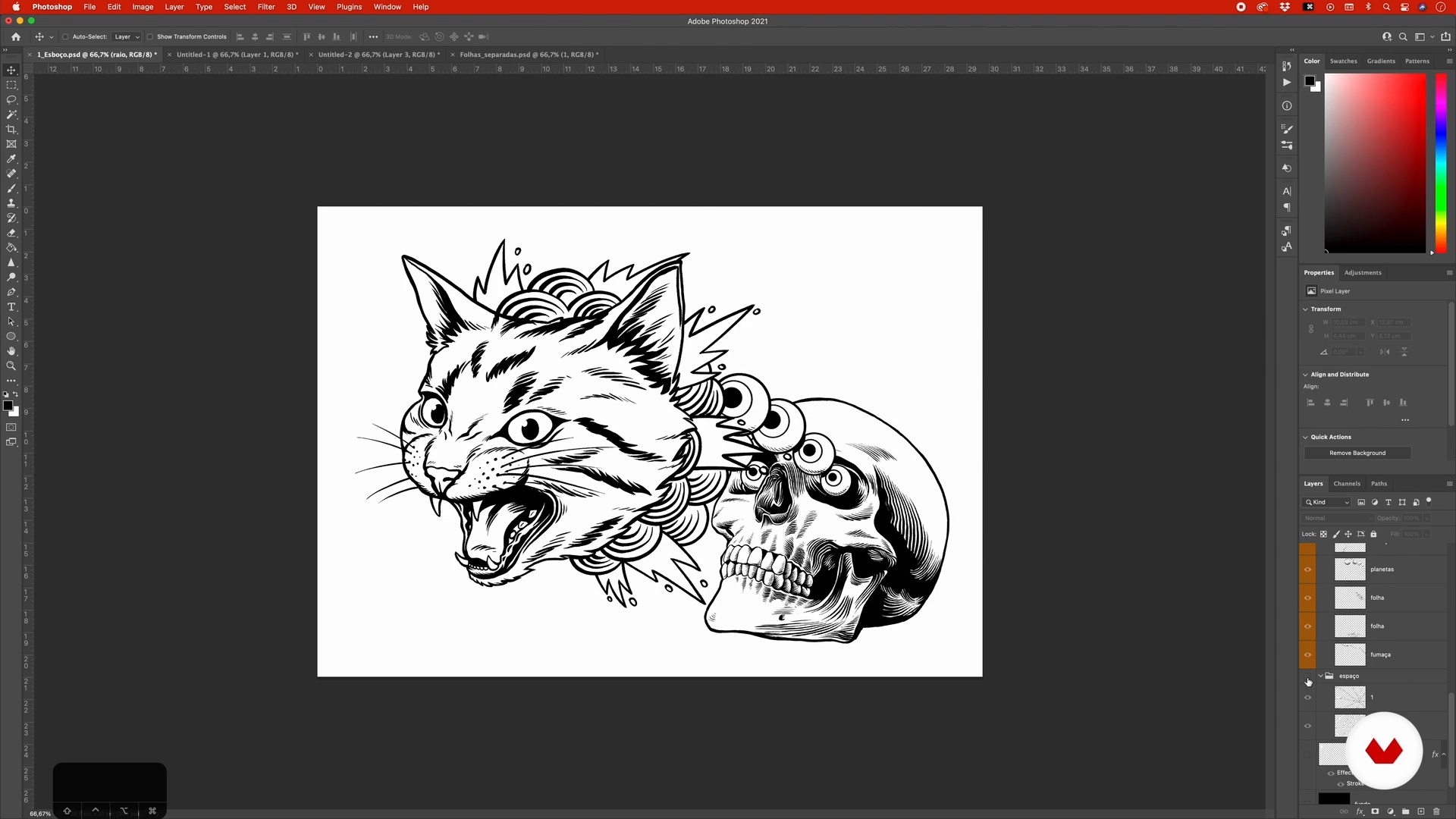
Digital sketch creation
7 minutes, 11 seconds
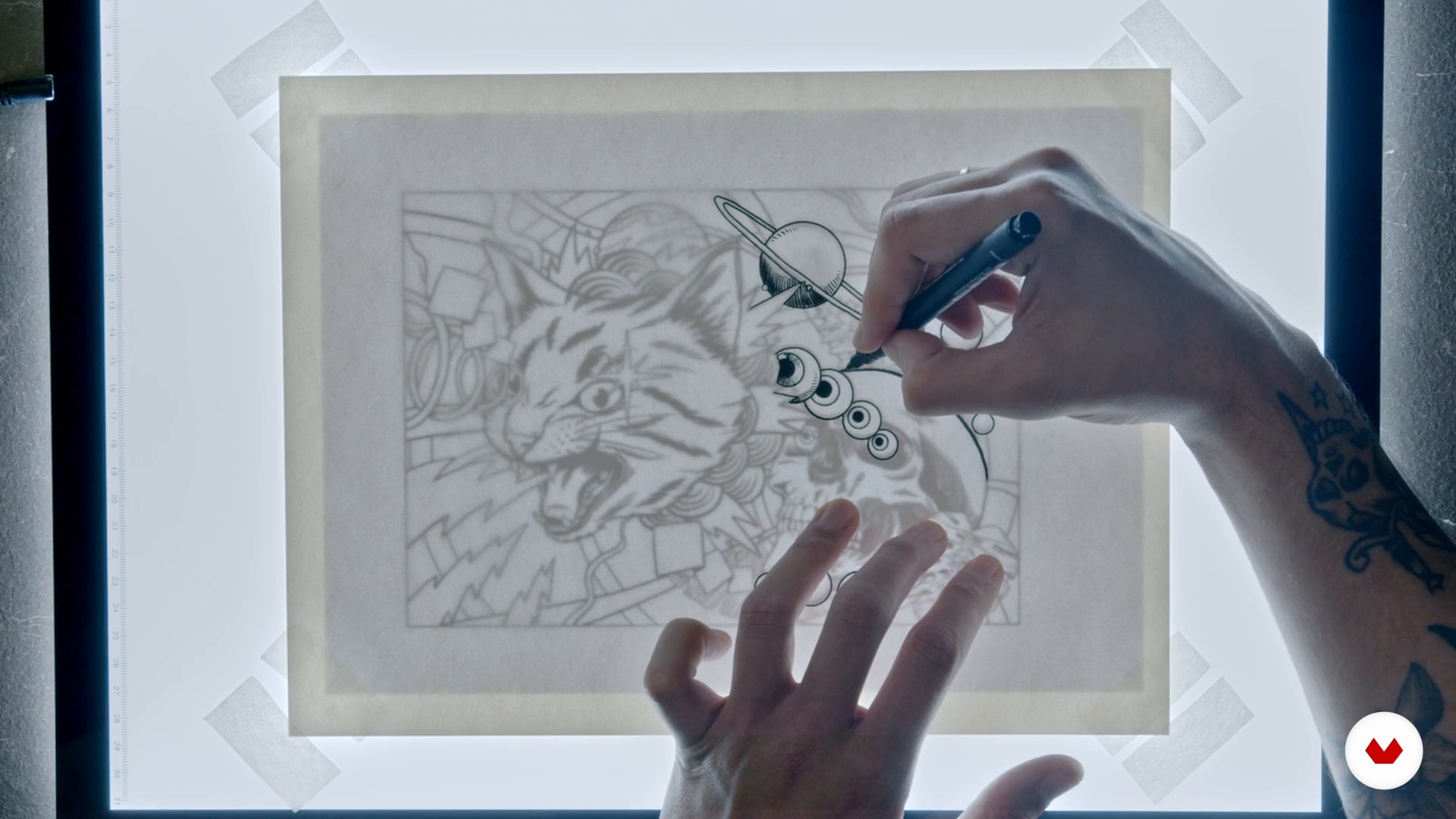
Final art: ink
11 minutes, 33 seconds
What's included in this course?
Get to know a little about Pedro Correa's career in the world of illustration and how he became internationally recognized for his work. Also hear about his main influences in the field of visual arts.
Then start to get a feel for drawing by hand, exploring everything that both white and India inks have to offer, and move on to test some digital painting and texturing processes using Brushes along with other tools and techniques in Photoshop. Pedro also shows you how to organize your creative references.
Now it's time to get to work on your final project by combining everything you've just practiced. Once you've finished your initial composition digitally, transfer it to paper and work on creating analog textures to give your piece a retro feel.
Next, digitize your piece once again to apply color in Photoshop. Pedro shows you how to add the finishing touches for yet more texture, and special effects to really make your work pop.
Wrap things up by examining other color schemes and learn to save and prepare your file for printing. Now you have a stylized, professional illustration ready to present to a client.
Recommended software & tools for this course
What is this course's project?
Create a retro composition combining analog and digital illustration and stylization techniques.
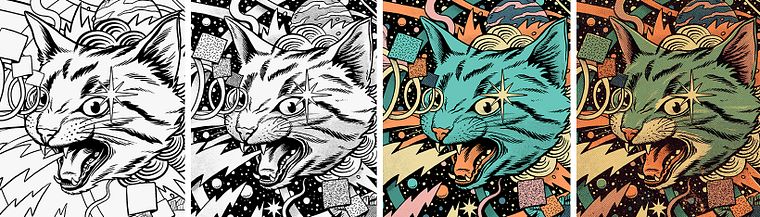
Projects by course students

Who is this online course for?
Illustrators and artists who want to add character to their compositions as well as learn manual and digital creative techniques.
Requirements and materials
Basic knowledge of illustration and Photoshop is essential for this course.
In terms of materials, you need watercolor paper, sulfite paper, India ink for pens and brushes, rulers, a light table, a scanner, and a computer with Adobe Photoshop installed.
Reviews
- 10 months ago
Muy bueno
- 10 months ago
Excelente, ótima a didática do Pedro. Passos claros e bem explicados. Eu já conhecia o trabalho dele, e fiz esse curso para aprender como chegar nessa estética retrô.
- 1 year ago
no puedo descargar los pinceles
- 2 years ago
Muy interesante
- 2 years ago
Excellent course, met all my expectations and helped me a lot!

He has worked on projects for big names such as UFC, Showtime, FX, Heineken, Tiger Beer, Netflix, Ford Motors, Sky TV, Pizza Hut, uni-ball, Sector9, Landyachtz, Rolling Stone, High Times Magazine, and The Intercept. He has been sponsored by Moleskine since 2017.
Content
- U1
Introduction
- Presentation
- Influences
- U2
Materials and preparation
- Materials
- Hand drawing
- Digital painting and texture
- References
- U3
From digital sketch to ink
- Digital sketch creation
- Final art: ink
- Analog textures
- U4
From hand drawing to digital
- File preparation and shadows
- Digital colorization
- Digital textures
- Retouching
- U5
Preparing the file for printing
- Saving the file for printing
- Explore other color options
- FP
Final project
- Contemporary Illustrations with a Retro Aesthetic
What to expect from a Domestika course
Learn at your own pace
Enjoy learning from home without a set schedule and with an easy-to-follow method. You set your own pace.
Learn from the best professionals
Learn valuable methods and techniques explained by top experts in the creative sector.
Meet expert teachers
Each expert teaches what they do best, with clear guidelines, true passion, and professional insight in every lesson.
Certificates
PLUSIf you're a Plus member, get a custom certificate signed by your teacher for every course. Share it on your portfolio, social media, or wherever you like.
Get front-row seats
Videos of the highest quality, so you don't miss a single detail. With unlimited access, you can watch them as many times as you need to perfect your technique.
Share knowledge and ideas
Ask questions, request feedback, or offer solutions. Share your learning experience with other students in the community who are as passionate about creativity as you are.
Connect with a global creative community
The community is home to millions of people from around the world who are curious and passionate about exploring and expressing their creativity.
Watch professionally produced courses
Domestika curates its teacher roster and produces every course in-house to ensure a high-quality online learning experience.
FAQs
This is an intermediate-level course, perfect for those with basic knowledge of traditional or digital illustration who want to deepen their skills in vintage simulation, combining analog and digital methods, and graphic effects inspired by classic comics.
You’ll need watercolor paper, ink, brushes, pens (brush, gel, disposable), templates, a craft knife, and a lightbox for manual techniques. For digital work, having a tablet, Photoshop or equivalent software, and access to image libraries is recommended.
You’ll learn to blend analog and digital techniques, simulate vintage textures, apply four-color printing effects, create original compositions, organize references, color digitally, and prepare files for print or social media.
Yes, the course teaches how to simulate print textures, registration errors, and retro effects typical of old comics using digital tools like Photoshop, plus how to mix manual techniques to enrich the final piece.
The course covers creating halftones by hand with traditional materials and shows how to apply and manipulate digital halftones to add shadows, volume, and classic comic effects.
Yes, the techniques you develop can be applied to various formats like covers, posters, editorial illustrations, and social media content, focusing on original compositions and strong visual impact.
The course explores comic styles from the 1930s to the 1970s, vintage sci-fi, cosmic illustration, and references artists like Wallace Wood, encouraging analysis of retro aesthetics and visual originality.