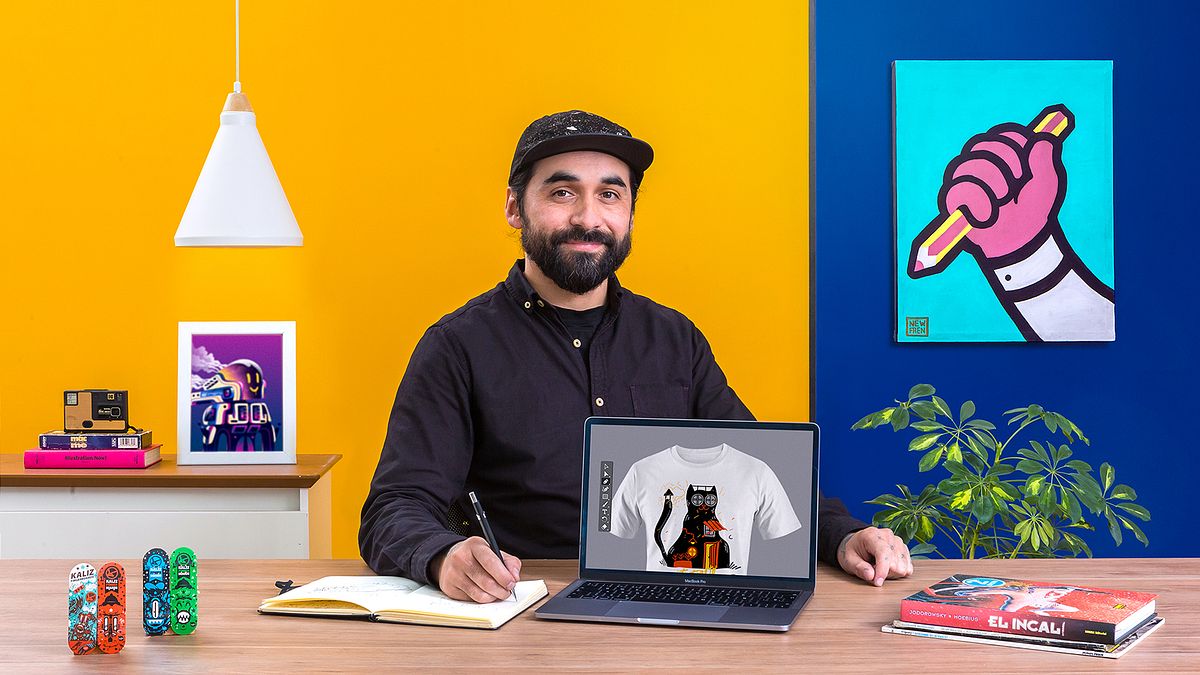
Illustrated T-Shirts: Create Your Collection
A course by Cristobal OjedaIllustrator and Designer
A course by Cristobal Ojeda, Illustrator and Designer

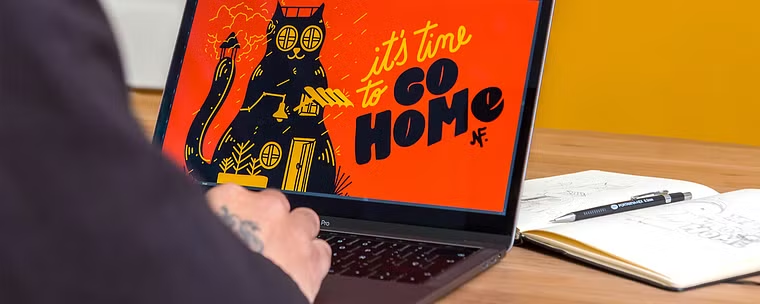
Learn how to create a collection of illustrated T-shirts using Illustrator, from the concept and design to printing
Want to create your first collection of illustrated T-shirts? Get inspired and bring your ideas to life with Cristóbal Ojeda, designer and illustrator who has worked with brands like Nike, Chevrolet, and Lollapalooza Chile.
Discover how to search for references, conceptualize a T-shirt line, and create the illustrations (focusing on composition and color) as well as what technical aspects you need to consider before printing. Learn everything you need to know to get professional results while using simple techniques in Illustrator.
What will you learn in this online course?
12 lessons & 13 downloads
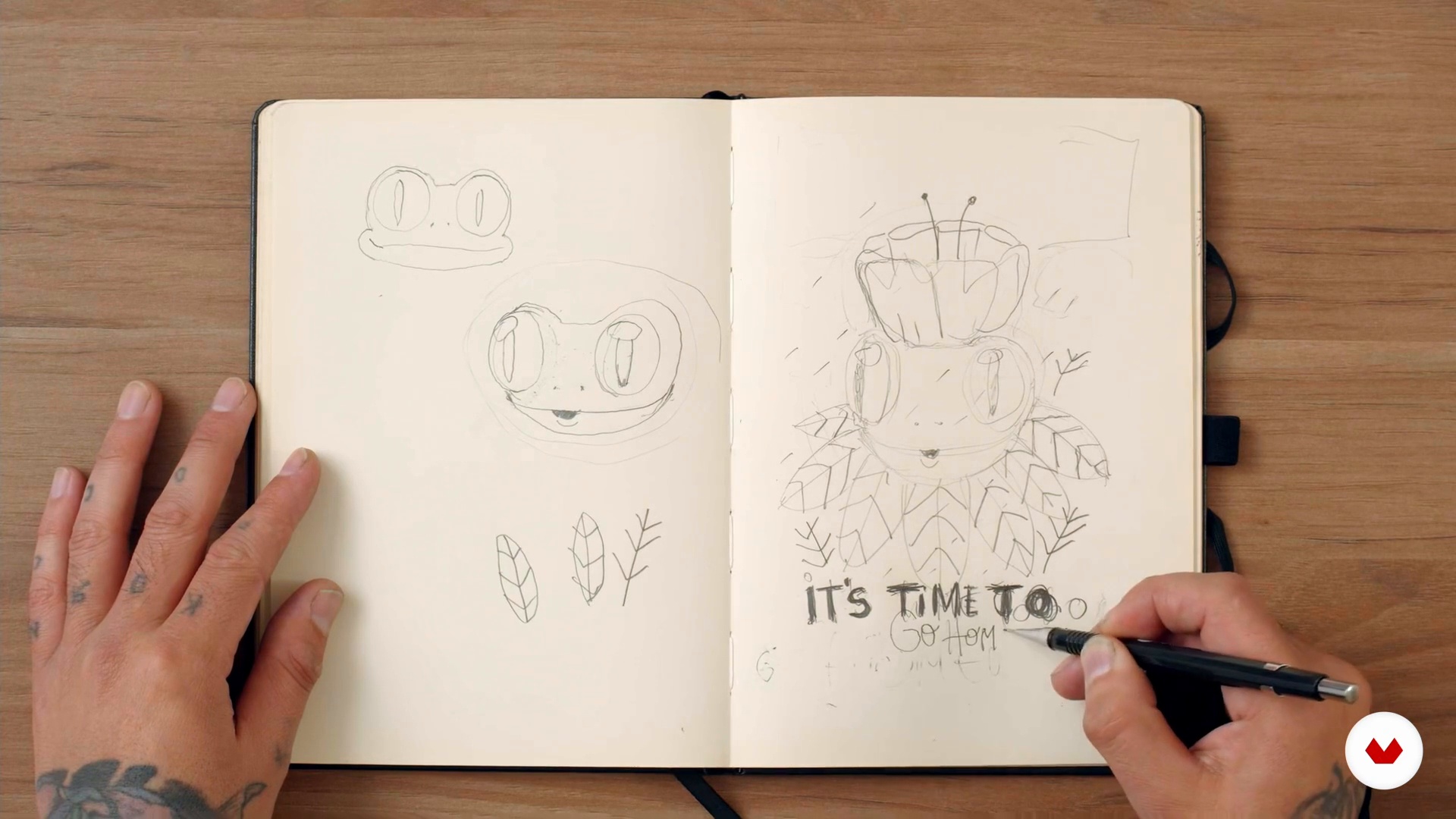
Base sketch and typography
17 minutes, 46 seconds
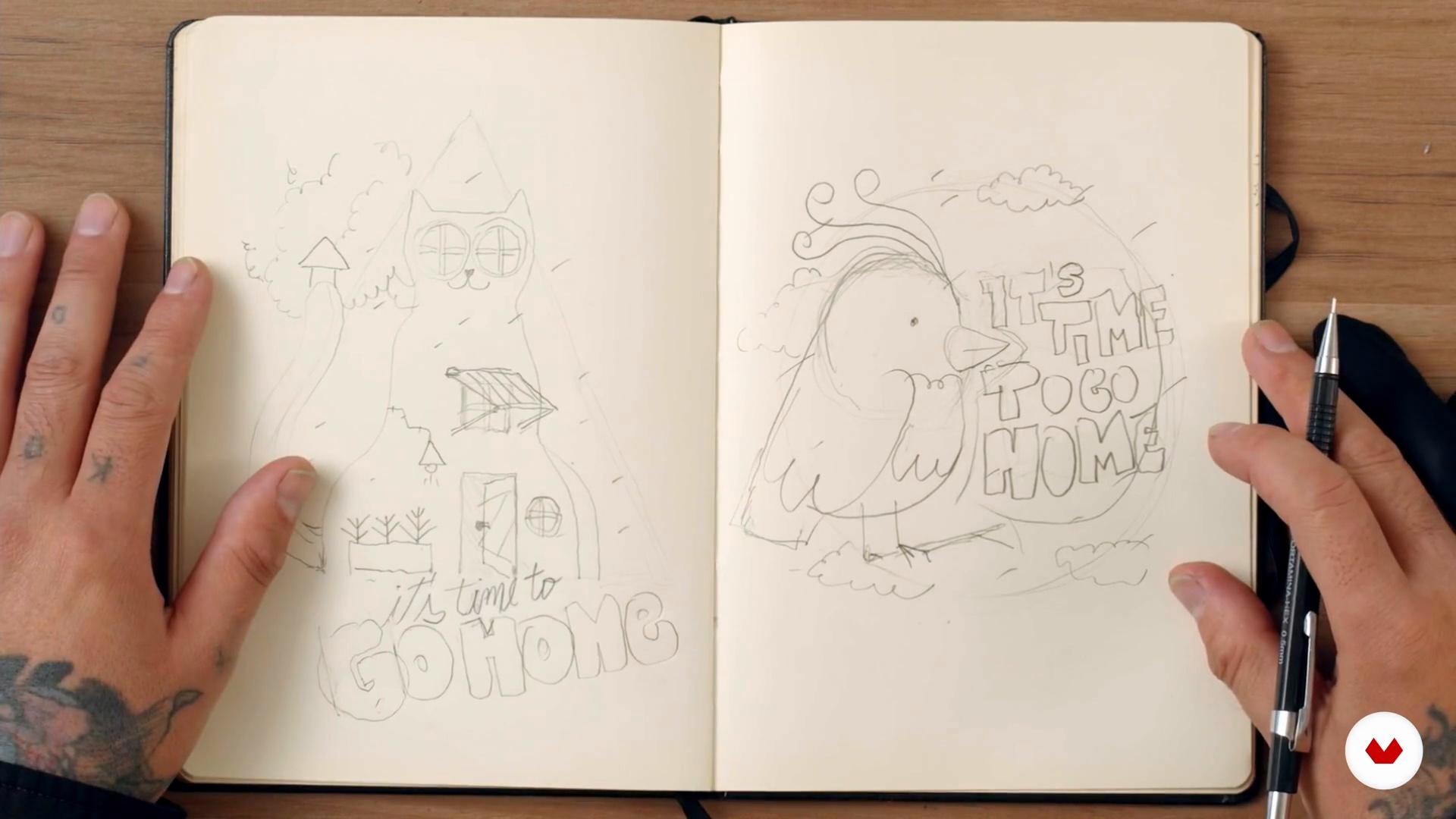
T-shirt line sketches
12 minutes, 34 seconds
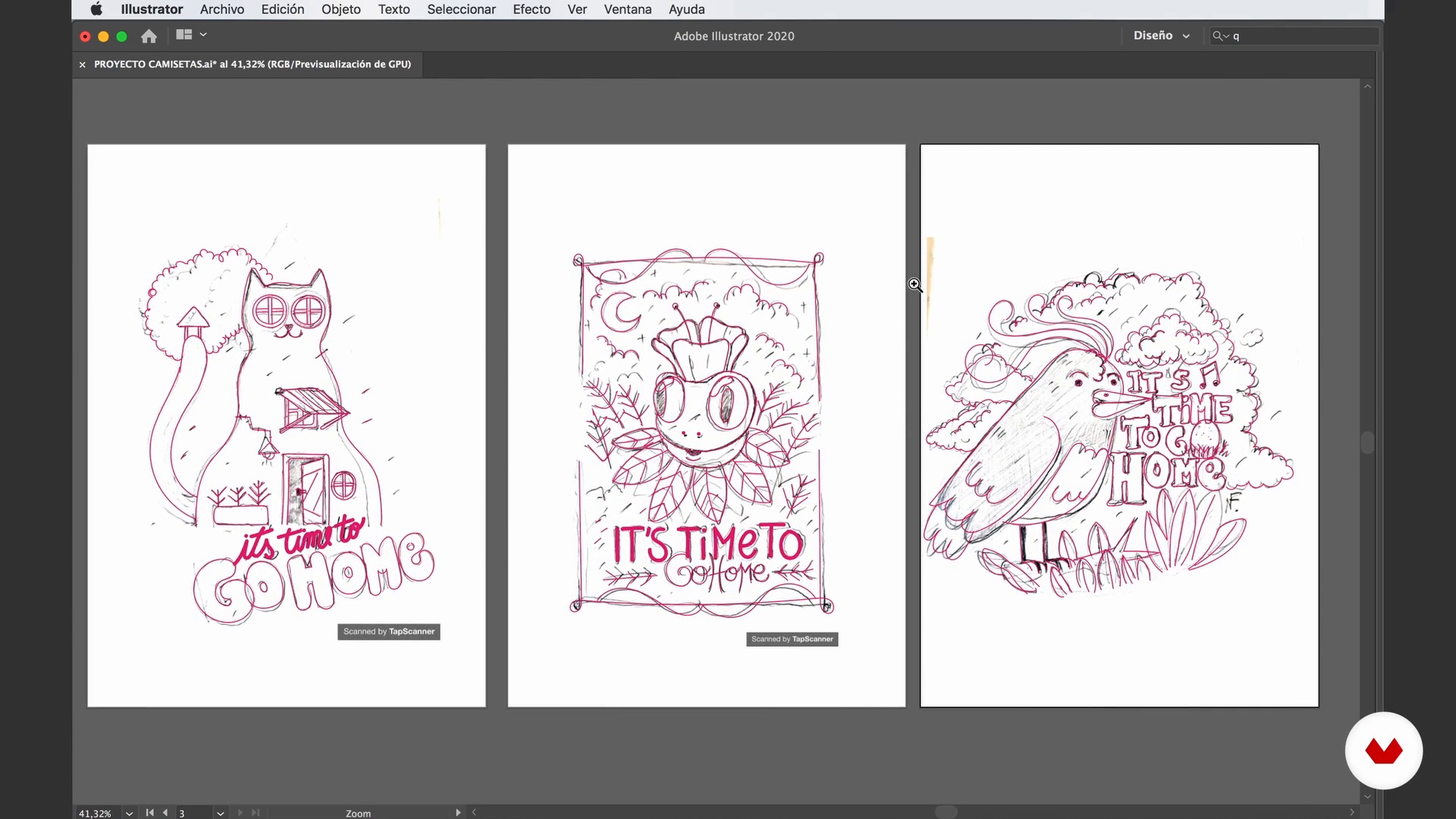
Vectorized
15 minutes, 21 seconds
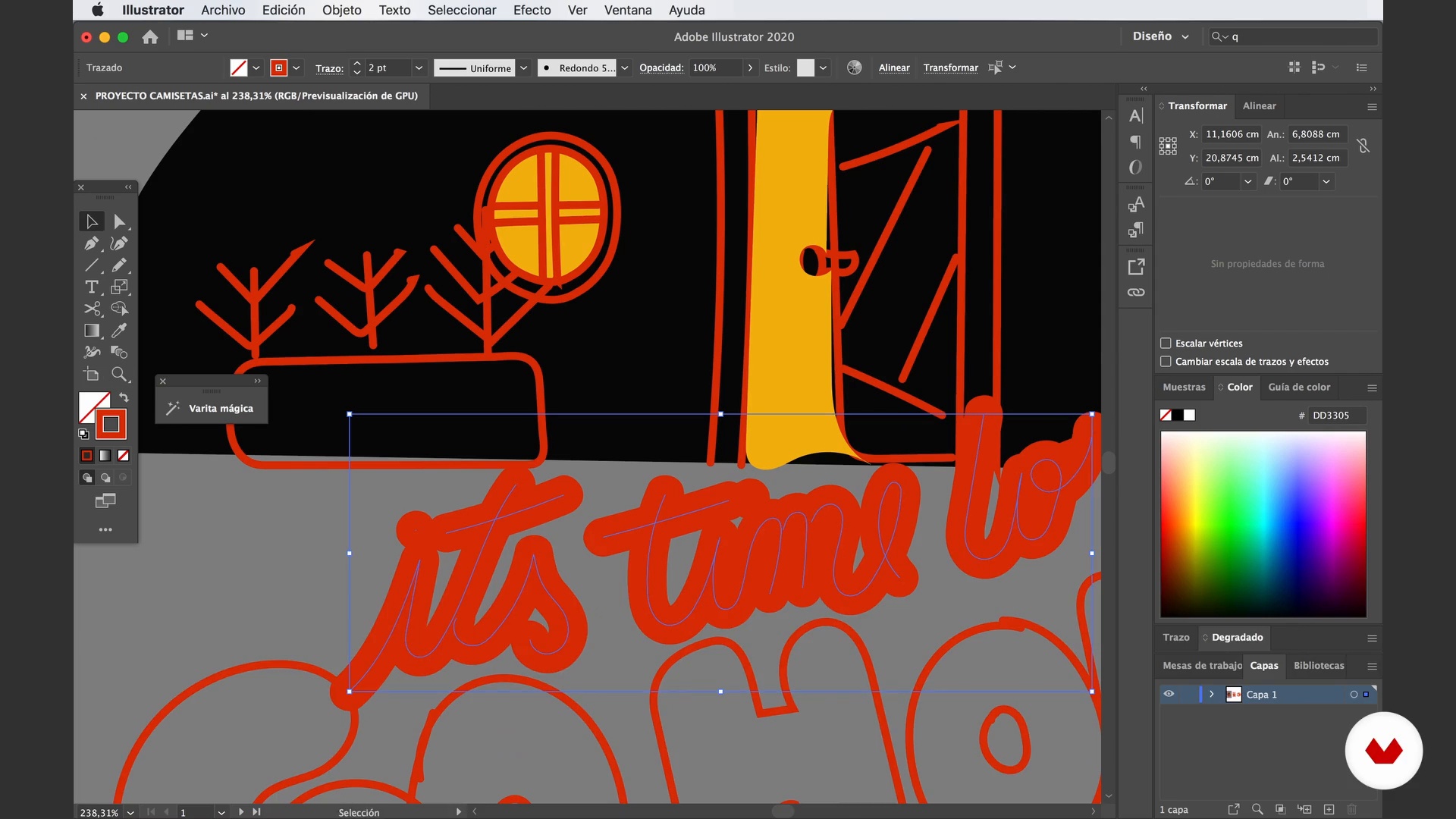
Incorporation of color 1
17 minutes, 59 seconds
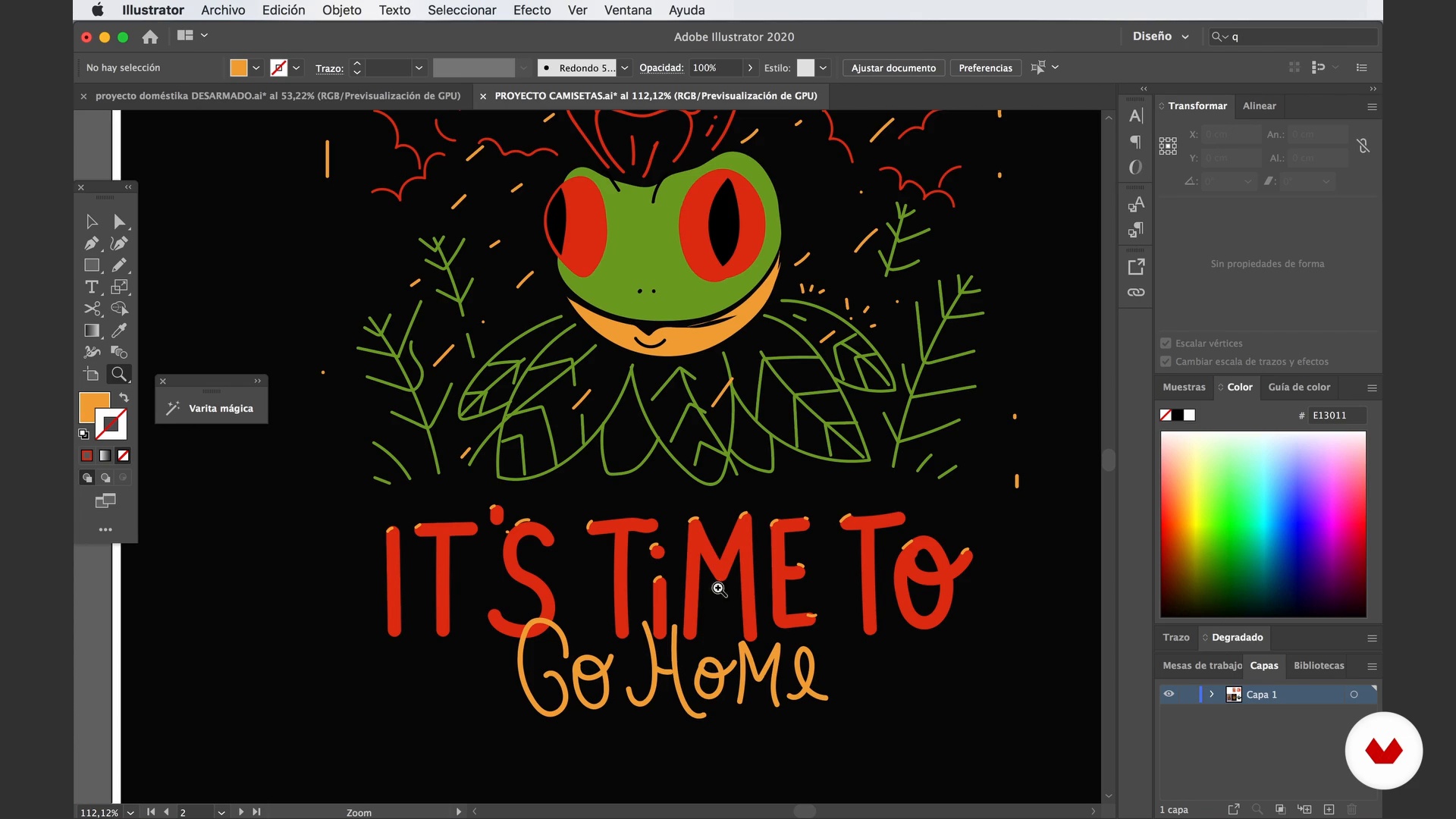
Incorporation of color 2
7 minutes, 7 seconds
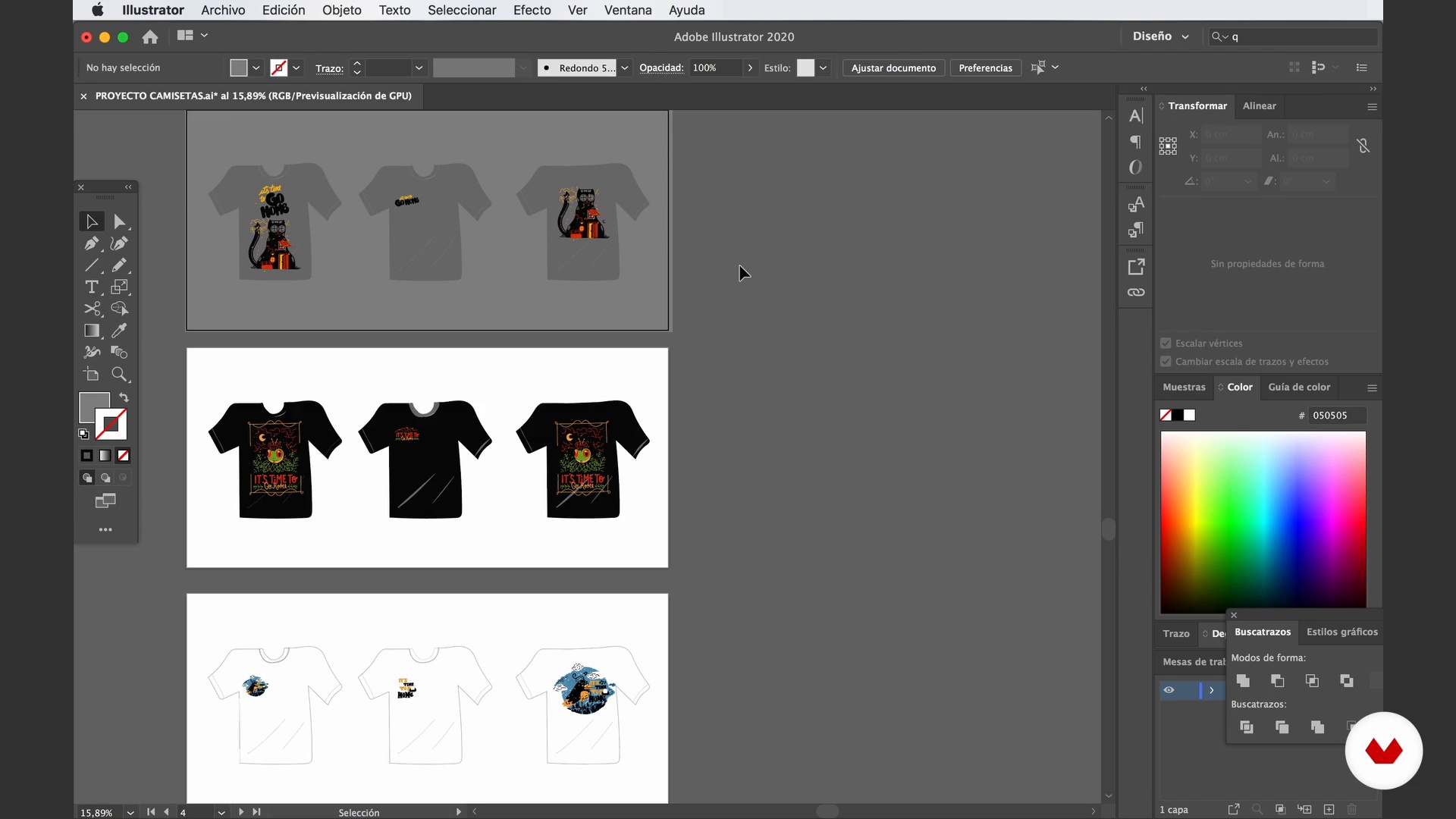
Final fixes
8 minutes, 35 seconds
What's included in this course?
Kick off the course with an introduction from Cristóbal Ojeda, who tells you about his most prominent work and his biggest influences, from cartoon-style illustration to the world of design.
Dive right into your project and see how to search for references and develop the concept for your collection. Then, Cristóbal explains how to draw your first sketch and gives you some tips on how to add typography and match it to your design.
Once you finish the original design, draw two more sketches that include certain elements from the first one ... and with that you have your first T-shirt line!
Now move on to the digital phase of your project. Begin with the vectoring process in Illustrator (or a similar vector program) and trace over your sketches to create the definitive digital versions. Explore different color options and how to apply them, and then learn how to arrange your designs and put them on T-shirts.
To tie everything together, learn about all the technical aspects you need to consider before sending your designs off for printing and how to make adjustments based on the type of printing you've chosen. Finally, it's the moment you've been waiting for: review your printed designs and analyze how they turned out!
Recommended software & tools for this course
What is this course's project?
Illustrate your own T-shirt collection by creating three designs with a coherent style, color scheme, and concept to go on a black, white, and grey T-shirt. By the end, you'll have ready-to-print files with professional-looking designs.
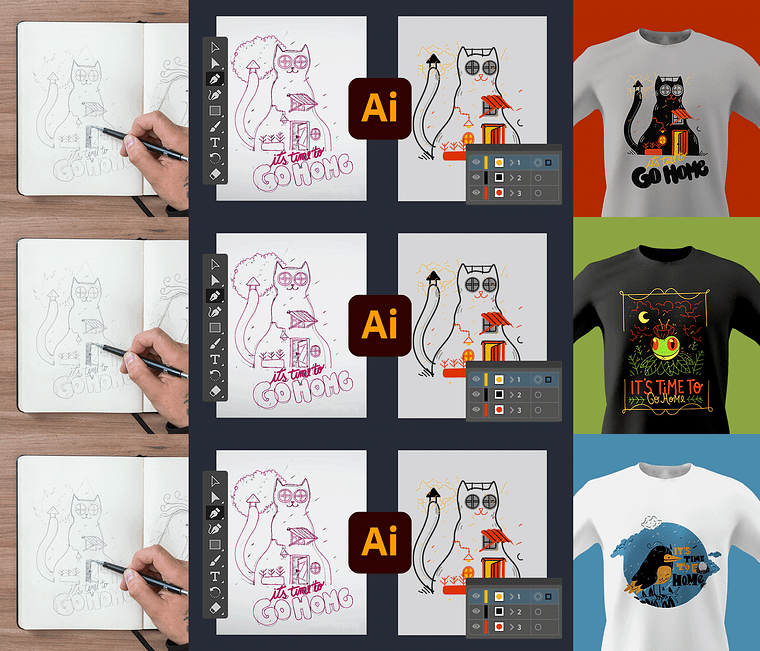
Projects by course students

Who is this online course for?
Designers, illustrators, and anyone who wants to see their designs on T-shirts.
Requirements and materials
You need a working knowledge of Adobe Illustrator.
The material list for this course includes a regular or mechanical pencil, a notebook or some blank sheets of paper, an eraser, a computer with Illustrator (or a similar vector program), and a graphics tablet for drawing.
Reviews
- 1 month ago
Gostei muito de ver o processo de criação. As dicas foram muito importantes para mim.
- 3 months ago
me gusto mucho un gran artista el Profesor mostro su tecnica con maestria y es facil de seguir
- 5 months ago
very good
- 1 year ago
This course is practical, easy to follow, and very useful. I learned step by step how to develop ideas, build a collection, and prepare print-ready files for t-shirts. Clear, detailed, and straight to the point — thank you to the teacher!
- 1 year ago
muy fácil de entender 10 de 10

With more than ten years of experience in design and nearly a lifetime's worth in illustration, he has collaborated with major brands like Nike, Chevrolet, and Lollapalooza Chile, as well as other smaller brands around the world.
Content
- U1
Introduction
- Presentation
- Influences
- U2
Start drawing
- References and conceptualization
- Base sketch and typography
- T-shirt line sketches
- U3
Digitization of sketches
- Vectorized
- Incorporation of color 1
- Incorporation of color 2
- Composition
- Final fixes
- U4
File Preparation and Printing
- Preparing files for printing
- Review and possibilities
- FP
Final project
- Illustration design on t-shirts
What to expect from a Domestika course
Learn at your own pace
Enjoy learning from home without a set schedule and with an easy-to-follow method. You set your own pace.
Learn from the best professionals
Learn valuable methods and techniques explained by top experts in the creative sector.
Meet expert teachers
Each expert teaches what they do best, with clear guidelines, true passion, and professional insight in every lesson.
Certificates
PLUSIf you're a Plus member, get a custom certificate signed by your teacher for every course. Share it on your portfolio, social media, or wherever you like.
Get front-row seats
Videos of the highest quality, so you don't miss a single detail. With unlimited access, you can watch them as many times as you need to perfect your technique.
Share knowledge and ideas
Ask questions, request feedback, or offer solutions. Share your learning experience with other students in the community who are as passionate about creativity as you are.
Connect with a global creative community
The community is home to millions of people from around the world who are curious and passionate about exploring and expressing their creativity.
Watch professionally produced courses
Domestika curates its teacher roster and produces every course in-house to ensure a high-quality online learning experience.
FAQs
The course is aimed at people with intermediate knowledge in illustration or graphic design but is accessible to those with basic drawing skills and familiarity with digital tools.
You’ll need a computer, access to Adobe Illustrator or other vector illustration software, and basic tools for digital or manual sketching like a graphics tablet or scanner.
You’ll learn how to conceptualize, sketch, digitize, and prepare original illustrations for t-shirt printing, professionally integrating typography, color, and visual references.
The course covers creative processes like sketching, character development, and composition, applying digital illustration techniques to create designs ready for textile printing.
It covers everything from generating and blending concepts, using visual references, to creating manual and digital sketches focused on products like t-shirts and music covers.
You’ll learn how to find, analyze, and select relevant visual references to enrich your illustrations and create coherent, original t-shirt designs.
Yes, the course includes digitizing, vectorizing, organizing files, and technical preparation for professional textile printing.