
Pictorial Techniques for Digital Painting
A course by Javier González PachecoIllustrator
A course by Javier González Pacheco, Illustrator

Learn coloring methods to achieve a pictorial feel in your illustrations using Photoshop
Digital illustration opens up a realm of new possibilities and freedom to illustrators who want to experiment and further their abilities. When color, balance, and shape are mastered, there’s no limit to what you can achieve in digital illustration software like Adobe Photoshop to create original pictorial work.
Javier G. Pacheco is an illustrator with over ten years of experience in the field, and in this course, he shows you how to illustrate digitally by letting go of the fear of a blank digital page. Learn how to paint with illustration software just like on a physical page, with Javier’s step-by-step method to create your own stunning pictorial illustrations digitally.
What will you learn in this online course?
16 lessons & 18 downloads
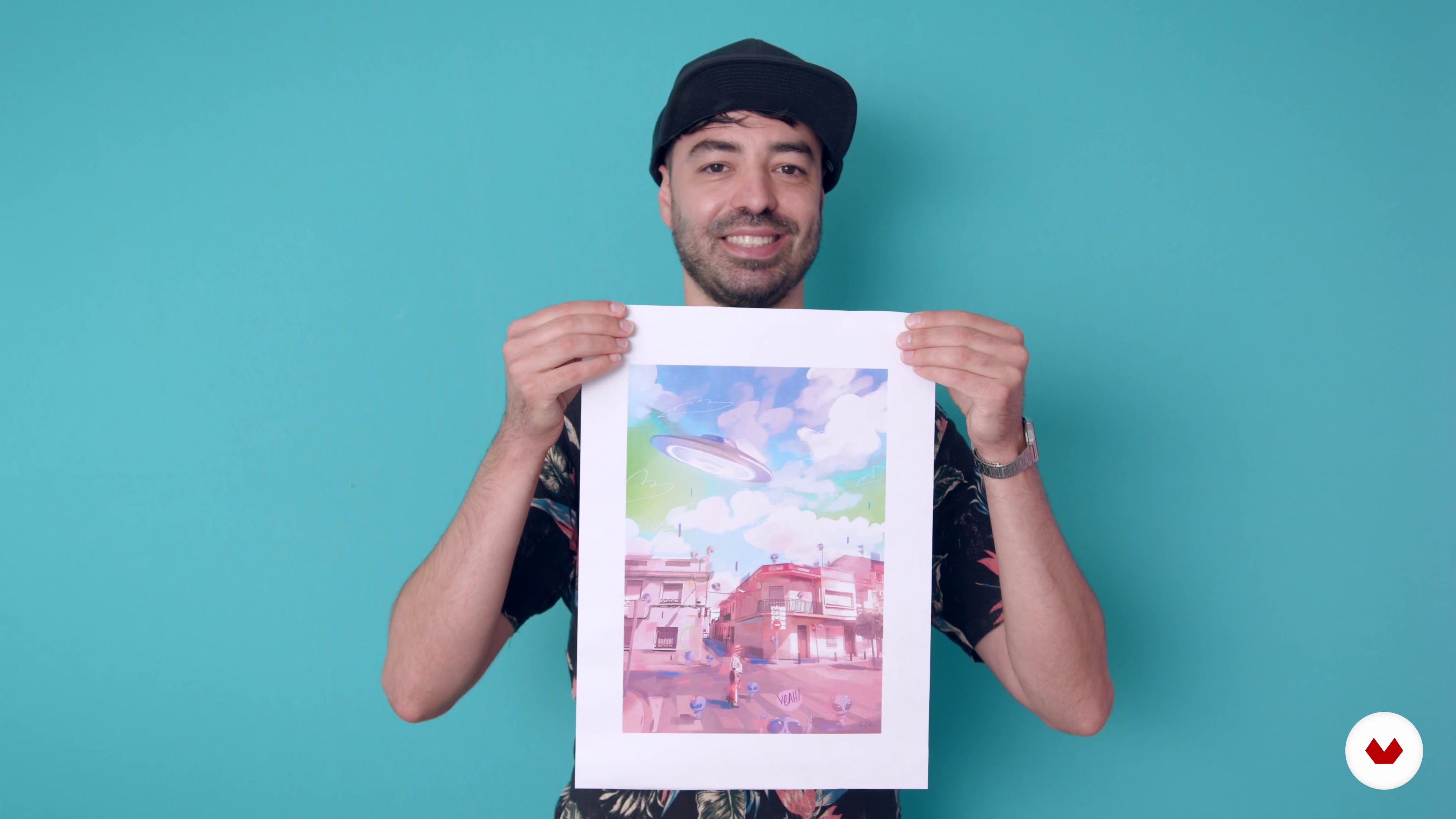
What will we do in the course?
2 minutes, 5 seconds
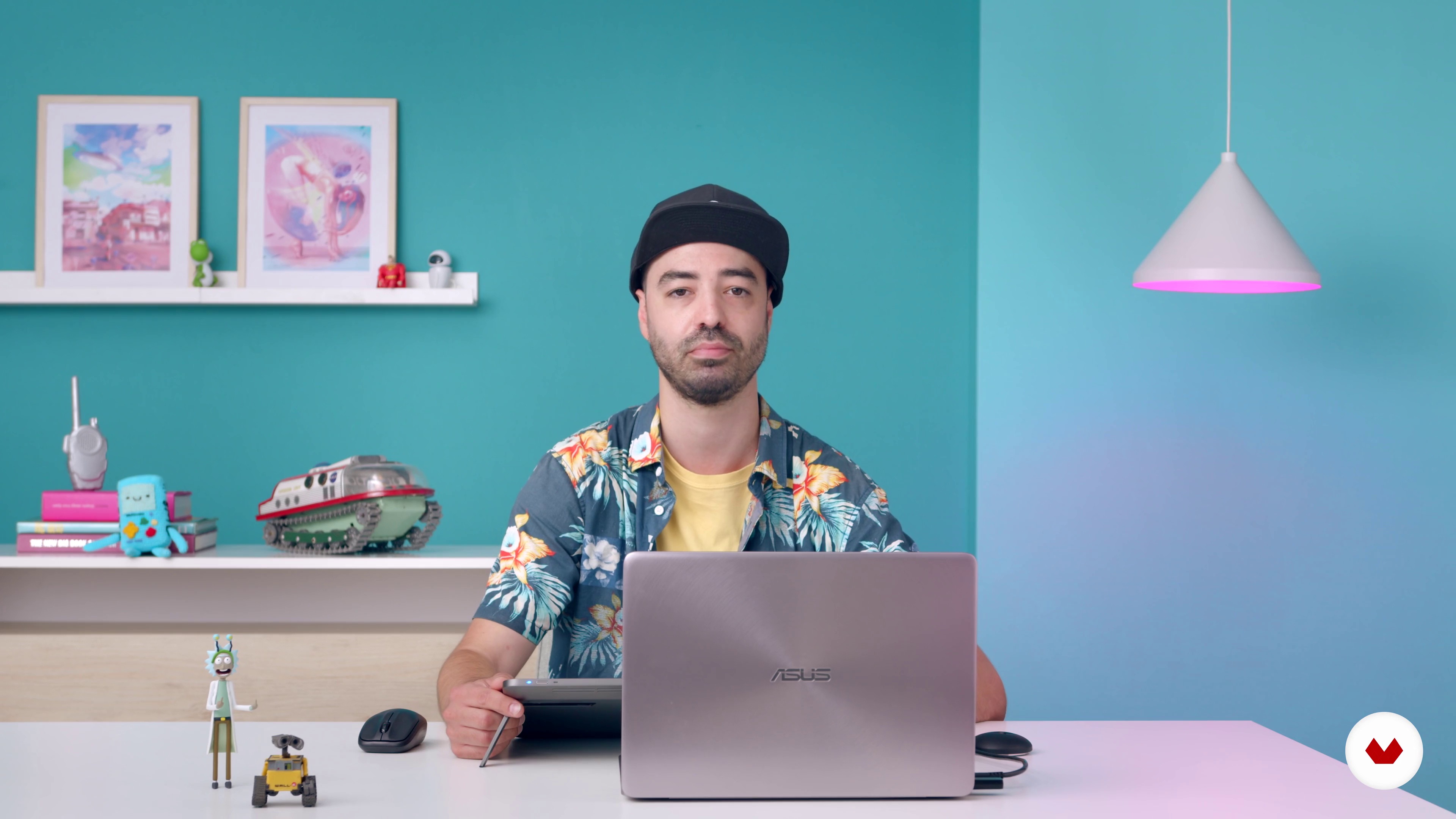
Warm up
3 minutes, 36 seconds
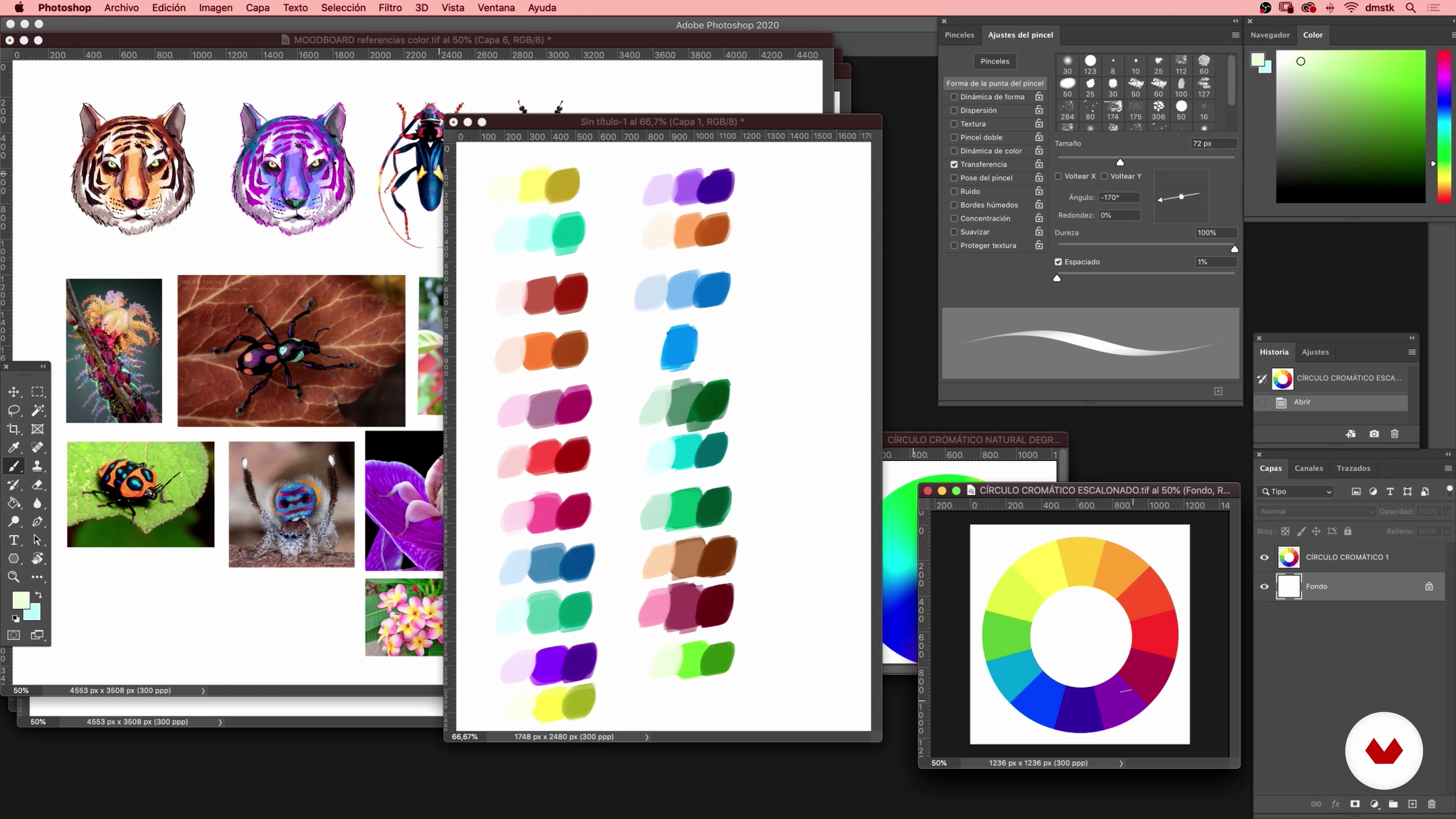
Creating the color palette
14 minutes, 12 seconds
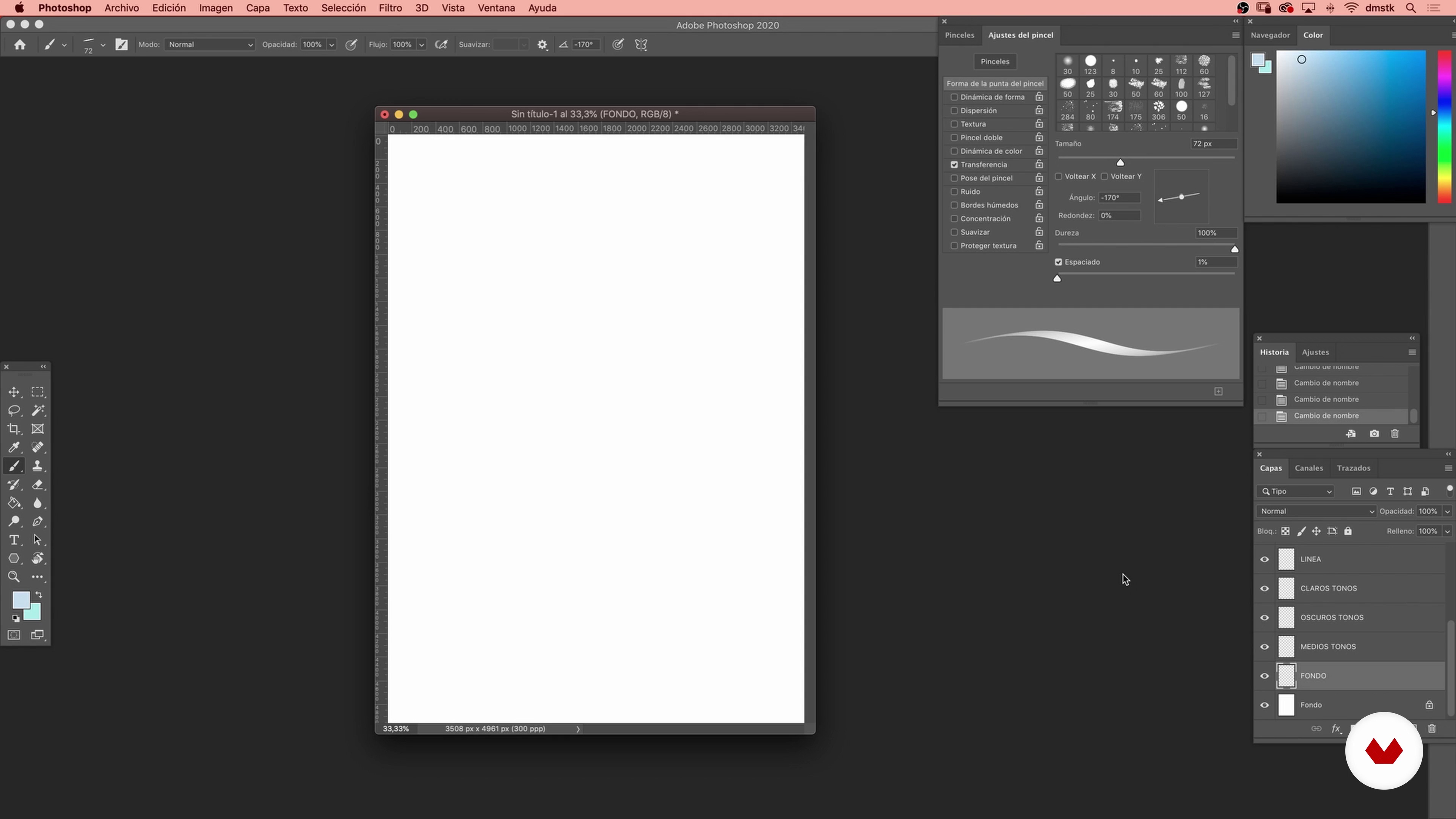
Preparing the layers
3 minutes, 33 seconds

Sketch
3 minutes, 16 seconds
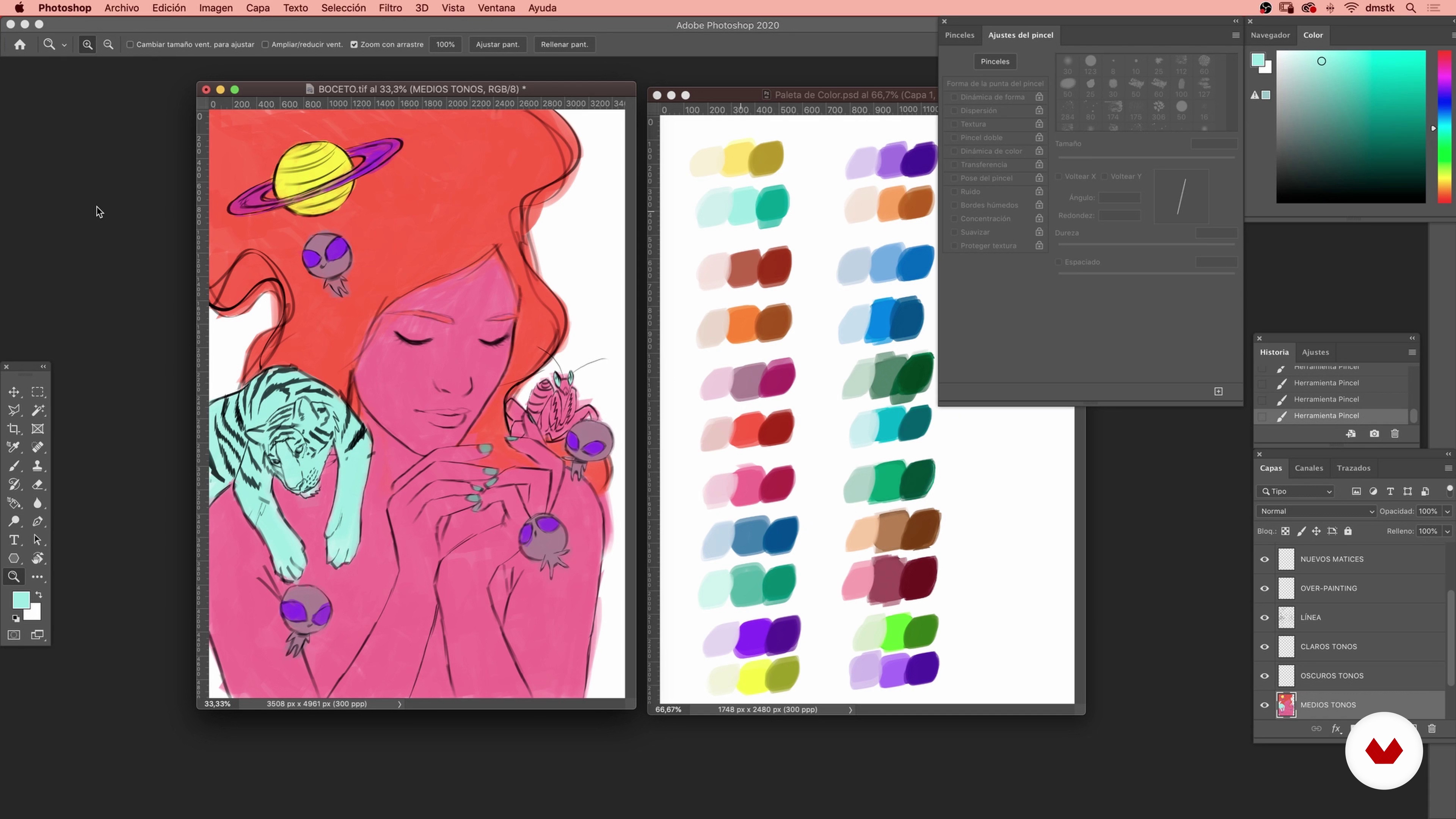
Medium tones
10 minutes, 0 seconds
What's included in this course?
Start the course by getting to know Javier, about his passion for illustration and the artists that inspire him, along with a quick recap of what you are about to do in the course.
Put pencil to paper, first with Javier’s practical exercise to warm up your hand. Then, gather some references on what you decide to illustrate, learn about color theory, and use the chromatic circle to choose your color palette. Set up your document on Photoshop and use Javer’s organized method to create a series of layers to get to work on your illustration.
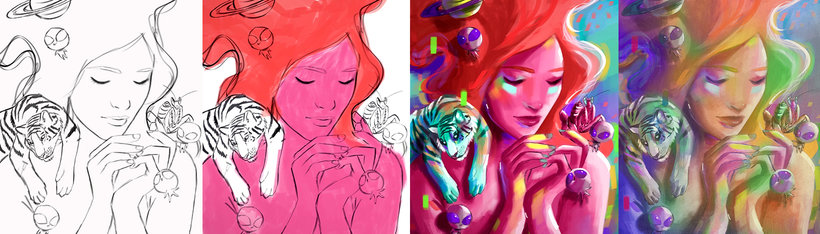
Begin sketching your illustration using Javier’s layer system, without paying much attention to the precision of your strokes, to give it a hand-drawn feel. Then, modify the parameters of your brushes like Javier’s to create interesting mid-tones for your illustration, and do the same for dark and light tones.
Move onto the background of your illustration, seeing how to contrast it with the focal element of your piece using the chromatic circle. Unite all your tones and gradually see your sketch lines disappear as you start overpainting. Add more detail such as shadows, lighting, and color to your illustration to give it depth.
See how to create textures quickly to apply to your work. Use paper and a paintbrush to splash strokes of acrylic on your page, then scan and import them to Photoshop and apply them to your illustration. Finally, learn how to prepare your document for Art Prints for optimal quality and an original feel.
Recommended software & tools for this course
What is this course's project?
Create a pictorial illustration using Adobe Photoshop, and learn how to print your work for high-quality art prints.
Projects by course students


Who is this online course for?
For all those that enjoy painting, drawing, creating, and prefer to express their creativity with color and shape than through drawing.
Requirements and materials
To take this course, you need basic illustration or drawing skills and know how to use the tools to illustrate on Adobe Photoshop.
you need a computer with Adobe Photoshop, a graphics tablet, and it is recommended but not obligatory to have a pencil, watercolor paper (from 190g to 300g), a flat-end paintbrush, acrylic paint (one color is enough), and a container for watering down your paintbrushes.

Reviews
- 11 months ago
Corso splendido! ⭐⭐⭐⭐⭐
- 1 year ago
Me ayudó a darle un mejor orden a las capas y me gustó mucho la forma en la que aplica el color a la ilustración, todo muy práctico y claro. Me encantó!
- 2 years ago
buenisimo, mas conocimiento para todo lo que es arte digital
- 2 years ago
Muy buen curso, Javier domina el tema y trasmite sus conocimientos perfectamente.
- 3 years ago
consigliato come corso beginners!!!!

He obtained his first art degree in Escuela de Artes Antonio López in Tomelloso, Spain, and furthered his studies at Escuela de Arte de Toledo with a Higher-level degree in Illustration. He then started his first art and design studio with a close friend, where he was able to apply his traditional and digital illustrations to products, posters, branding projects, and more.
After several years working at his own studio, Javier went on to working with renowned fashion brands in Barcelona, Spain. Today, Javier is a freelance illustrator, with exhibitions of his work in countries like France, Mexico, Taiwan, Canada, Italy, and more, and has published his own Art Book with Omniki Ediciones.
Content
- U1
Introduction
- Presentation
- Influences
- What will we do in the course?
- U2
Preparation
- Warm up
- Creating the color palette
- Preparing the layers
- U3
We start painting!
- Sketch
- Medium tones
- Dark tones
- Clear tones
- U4
Detailing and defining
- Background
- Overpainting 1
- Overpainting 2
- Details
- U5
Texture, corrections and color variations
- Texture and color variations
- Prepare your work for printing (art print)
- FP
Final project
- Keys to digital coloring
What to expect from a Domestika course
Learn at your own pace
Enjoy learning from home without a set schedule and with an easy-to-follow method. You set your own pace.
Learn from the best professionals
Learn valuable methods and techniques explained by top experts in the creative sector.
Meet expert teachers
Each expert teaches what they do best, with clear guidelines, true passion, and professional insight in every lesson.
Certificates
PLUSIf you're a Plus member, get a custom certificate signed by your teacher for every course. Share it on your portfolio, social media, or wherever you like.
Get front-row seats
Videos of the highest quality, so you don't miss a single detail. With unlimited access, you can watch them as many times as you need to perfect your technique.
Share knowledge and ideas
Ask questions, request feedback, or offer solutions. Share your learning experience with other students in the community who are as passionate about creativity as you are.
Connect with a global creative community
The community is home to millions of people from around the world who are curious and passionate about exploring and expressing their creativity.
Watch professionally produced courses
Domestika curates its teacher roster and produces every course in-house to ensure a high-quality online learning experience.
FAQs
You’ll learn how to create digital illustrations with a painterly finish, use custom color palettes, apply contrast and volume techniques, and simulate traditional styles using advanced Photoshop tools.
This course is designed for intermediate learners, so it’s best to have basic Photoshop skills and drawing fundamentals before starting.
You’ll need a computer with Photoshop installed and either a graphics tablet or mouse. Having photo references and internet access for extra resources is also recommended.
The course covers techniques for selecting and combining color ranges, applying light and dark tones, digital brushwork, creating shadows, and simulating traditional textures digitally.
This course prepares you to create professional illustrations ready for print, book covers, fashion prints, and to promote your work on platforms like Behance and Instagram.
Yes, you’ll learn how to structure, name, and organize layers efficiently to make editing easier and achieve professional finishes in your illustrations.
The course includes methods to simulate traditional brushstrokes and textures using custom tools and brush settings in Photoshop.