Digital Illustration of Patterns for Products
A course by Car PintosGraphic Designer and Illustrator
A course by Car Pintos, Graphic Designer and Illustrator

Design colorful and organic patterns using Procreate and Photoshop to develop a collection of products in your style
Patterns are a form of expression that allows us to decorate surfaces and products in a colorful, attractive, and original way. Inspired by nature, graphic designer and illustrator Car Pintos creates patterns full of life and color that she applies to fabrics, wallpaper, tableware, and books, among others.
In this course, learn how to create patterns digitally to generate organic, vibrant, and colorful patterns using Procreate and Photoshop. Apply your patterns to a collection of products that reflects your personal style.
What will you learn in this online course?
13 lessons & 19 downloads
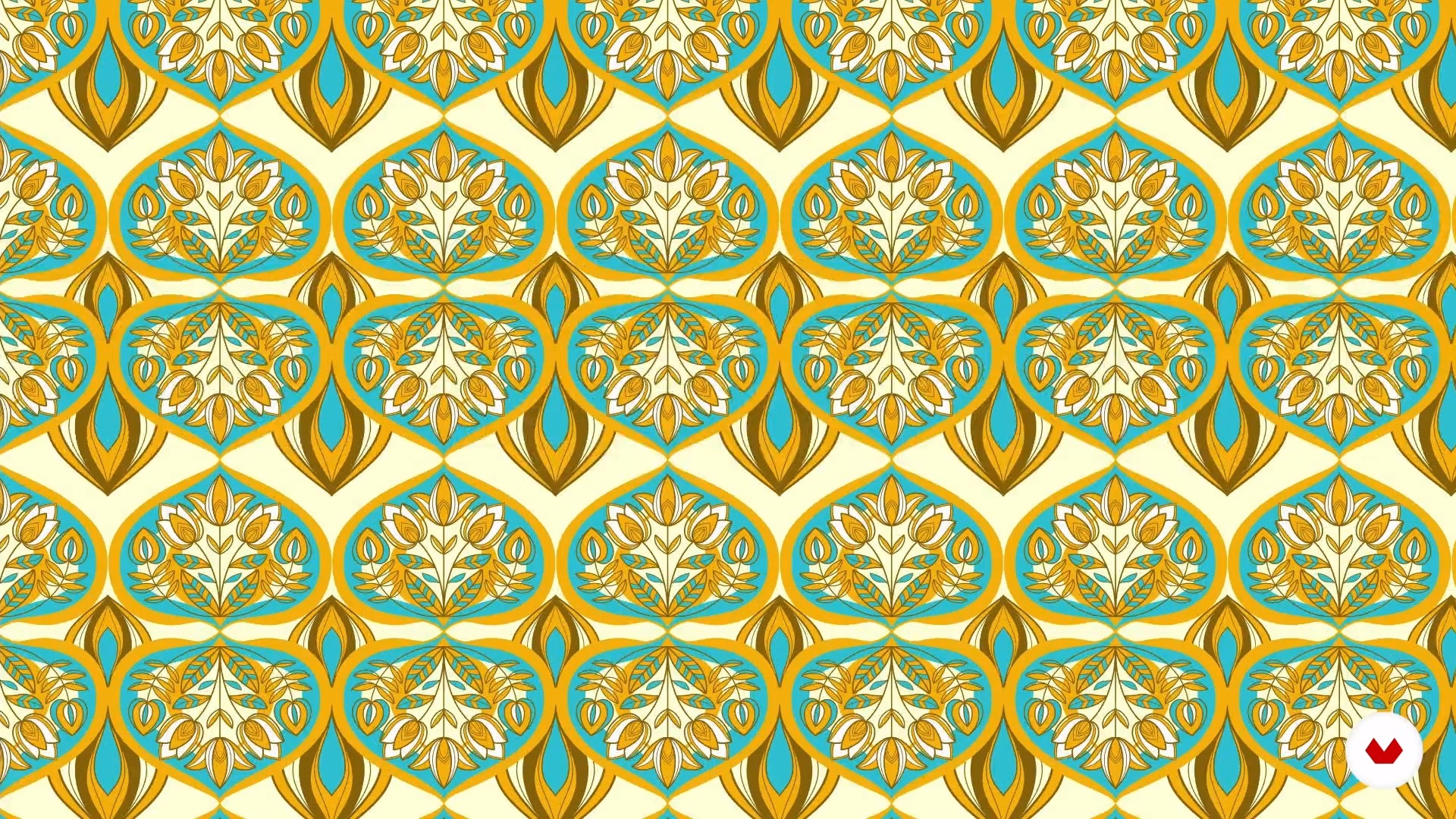
What is a pattern?
8 minutes, 56 seconds
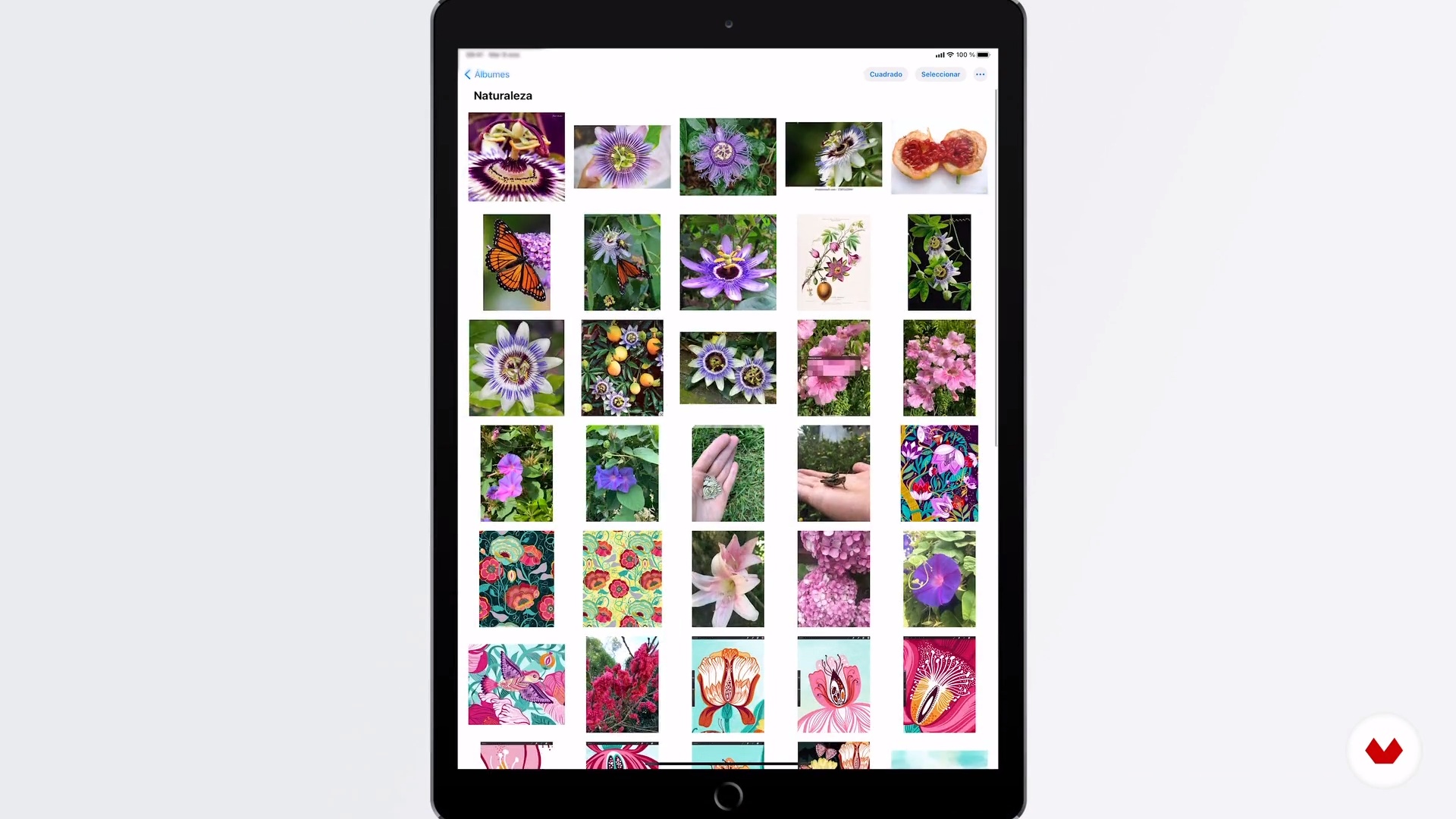
Definition of the universe, inspiration and search
12 minutes, 24 seconds
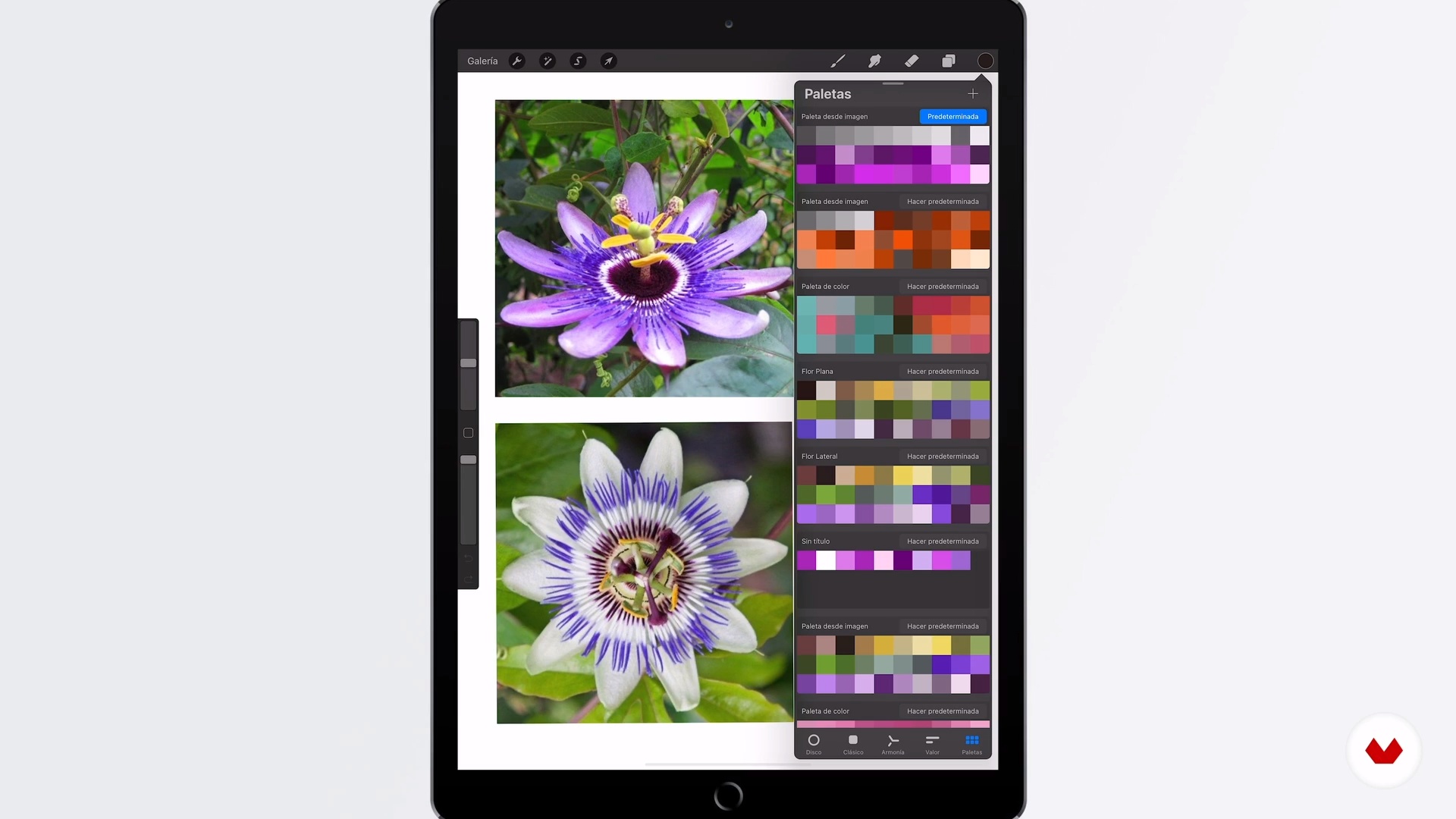
Create color palettes
5 minutes, 21 seconds
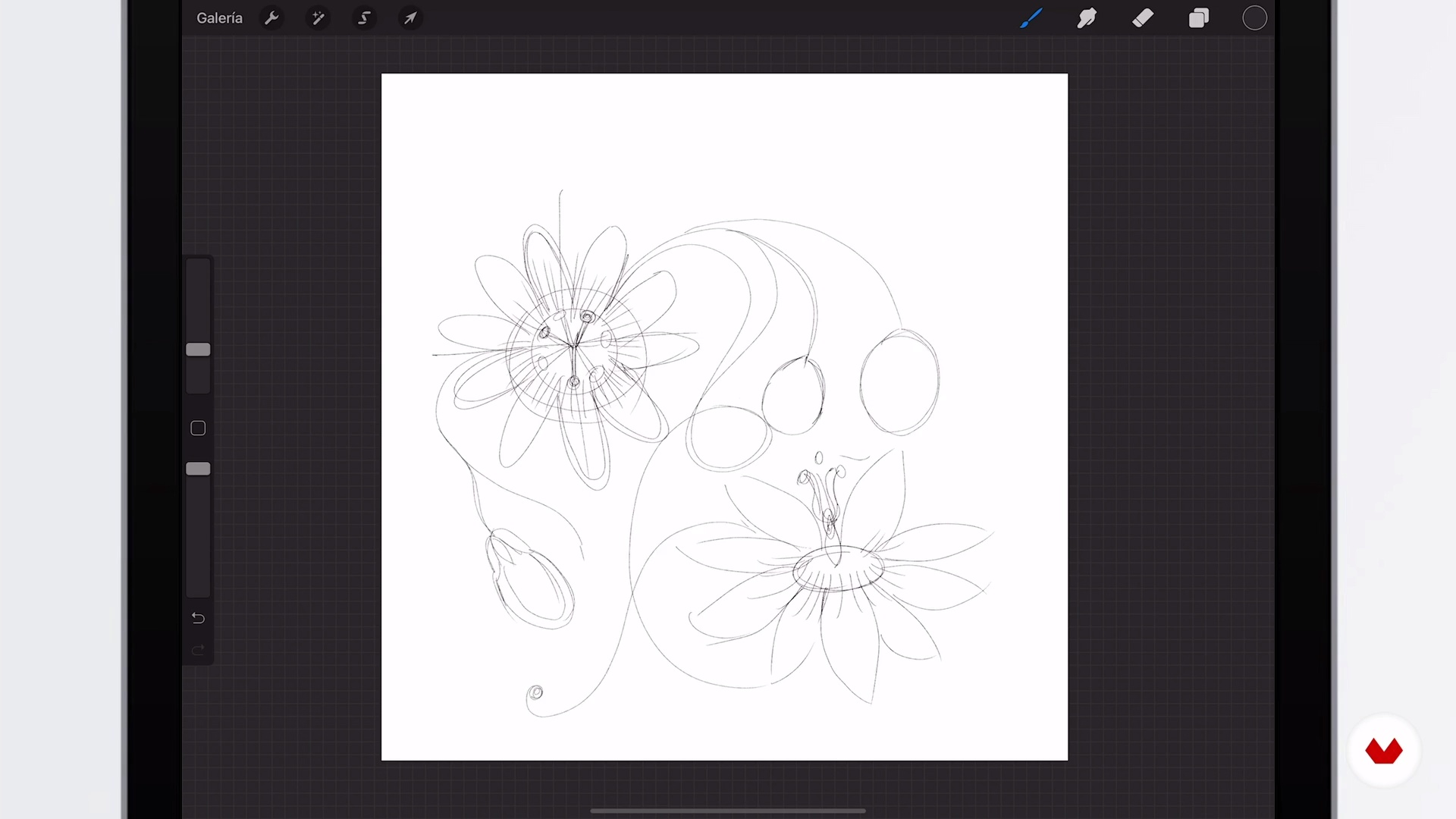
Sketch
8 minutes, 2 seconds
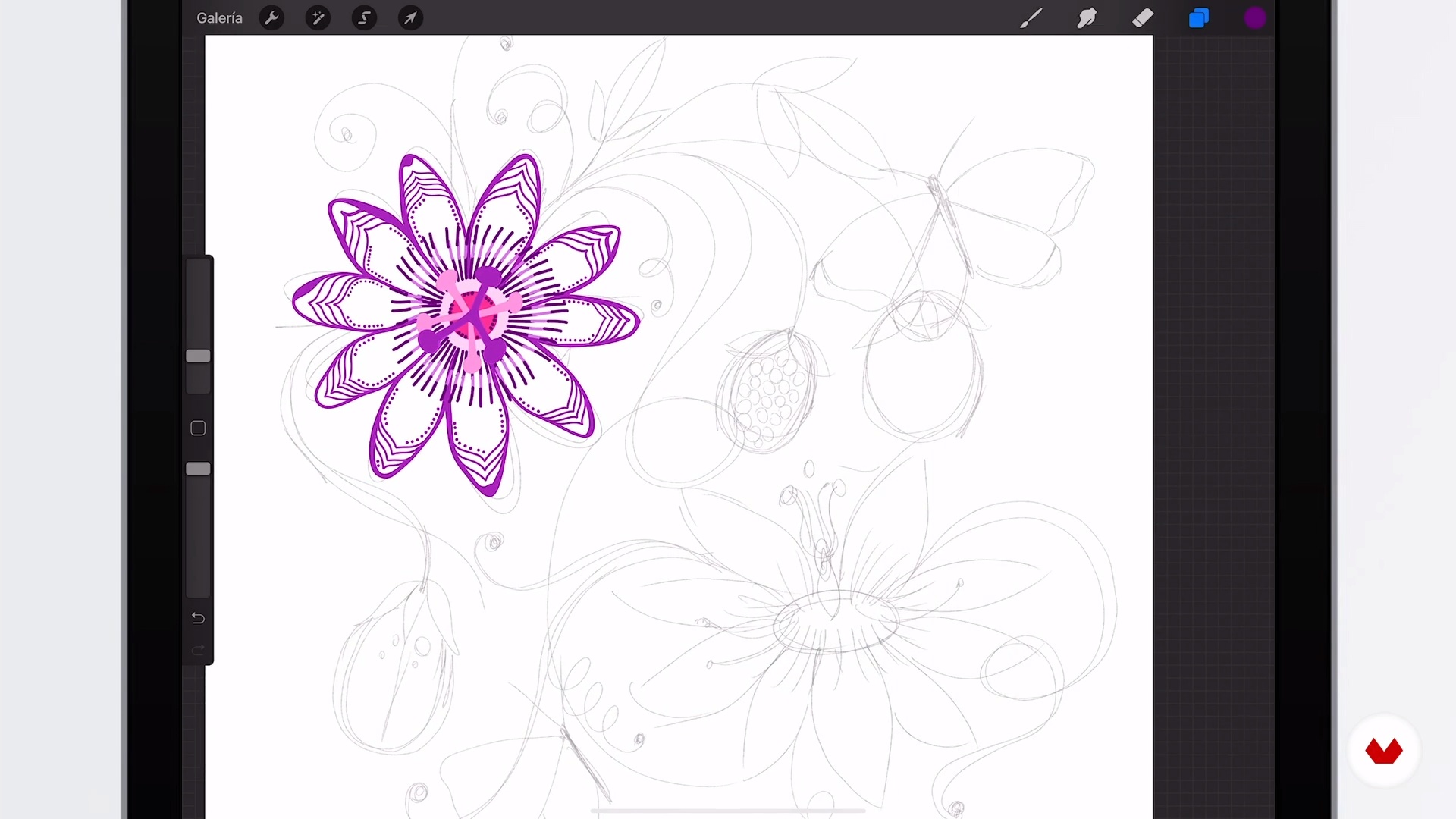
Main Illustration 1
18 minutes, 47 seconds
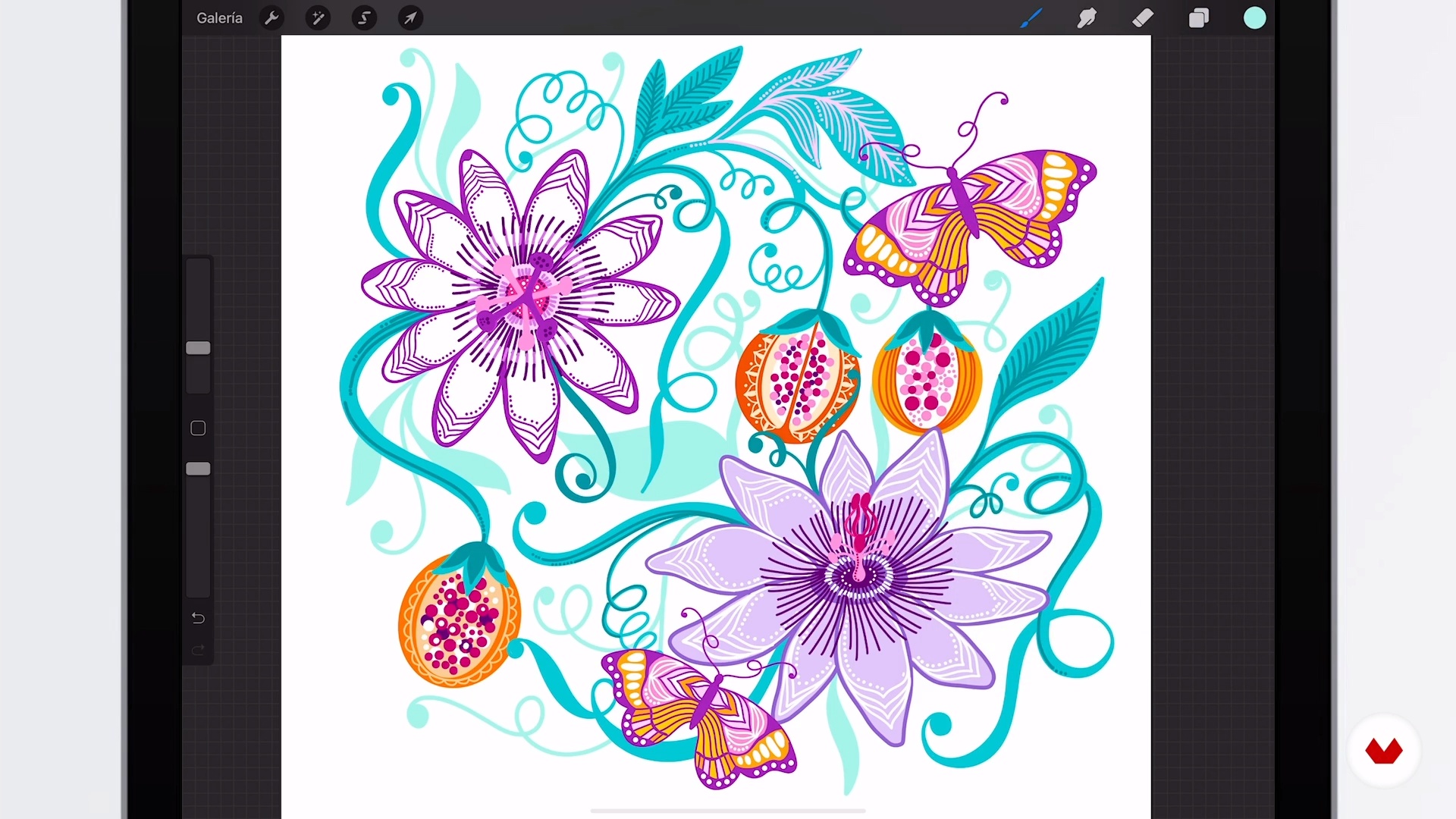
Main Illustration 2
20 minutes, 23 seconds
What's included in this course?
Start by meeting your teacher, Car Pintos. She talks about her journey through the world of design and illustration and shows you her most outstanding works. She also shares the sources of inspiration that have driven her to create throughout her career.
Learn what patterns are and what they are used for by analyzing various examples. With the goal of helping you define a universe to work with, Car shares some tips on finding creative triggers and putting your ideas on paper. See different ways to create color palettes and prepare one for your final project.
Then it's time to flow and sketch! Create sketches on your iPad to start. Car shows you step by step how to turn them into your main piece and fill it with color with Procreate. Bring different patterns to life with your illustrations.
Then design a product mock-up with your prints. Once it's ready, prepare a presentation to show the world the unique pieces that reflect your personal style.
Recommended software & tools for this course
What is this course's project?
Create a main pattern and secondary patterns to develop a collection of products that reflects your personal style.
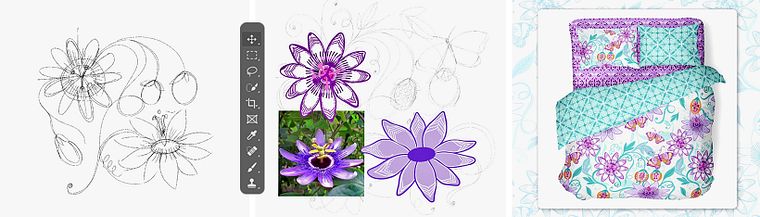
Projects by course students
Who is this online course for?
This course is for anyone interested in learning how to create patterns digitally and explore the possibilities of color and natural universes to enhance their personal style.
Requirements and materials
To take this course, you need basic knowledge of Procreate and Photoshop.
You also need a computer, iPad, and the programs mentioned above.
Reviews
- 7 months ago
Demasiado bueno y útil!
- 8 months ago
Um curso super agradável, com uma professora que explica de forma clara e envolvente.
- hilofozPLUS9 months ago
I am very disappointed that whoever is running this is chasing to use AI. It is insulting, rude, does not work. It makes one think, what is the point? I may as well communicate with myself. The course itself is OK, translation is poor, explanations not that clear. Yes, I have learned some interesting techniques, but because of the AI it is impersonal. Also files have been left out. Because of this, I will not recommend this course.
- marlyn_ossesPLUS9 months ago
Me encanto¡ supero lo que esperaba encontrar, muy bien explicado y buena tecnica.
- 10 months ago
Um curso prático e bem estruturado, professora muito simpática. Gostei

Her specialty is creating patterns full of color and organic shapes. Her work has spanned several countries in America and Europe, and she has worked for brands such as Amazónica, Edding, Coca-Cola, Arcor, Danone, and Havanna, among others. Her illustrations can be found on products such as backpacks, coffee makers, blenders, wallpaper, tableware, notebooks, fabrics, puzzles, art prints, books, and more.
Content
- U1
Introduction
- Presentation
- Influences
- U2
Your universe
- What is a pattern?
- Definition of the universe, inspiration and search
- Create color palettes
- U3
Illustration
- Sketch
- Main Illustration 1
- Main Illustration 2
- Secondary illustrations
- Creation of the main pattern
- Creation of secondary patterns
- U4
The collection
- Mock-ups
- How to display our product?
- FP
Final project
- Digital illustration of patterns for products
What to expect from a Domestika course
Learn at your own pace
Enjoy learning from home without a set schedule and with an easy-to-follow method. You set your own pace.
Learn from the best professionals
Learn valuable methods and techniques explained by top experts in the creative sector.
Meet expert teachers
Each expert teaches what they do best, with clear guidelines, true passion, and professional insight in every lesson.
Certificates
PLUSIf you're a Plus member, get a custom certificate signed by your teacher for every course. Share it on your portfolio, social media, or wherever you like.
Get front-row seats
Videos of the highest quality, so you don't miss a single detail. With unlimited access, you can watch them as many times as you need to perfect your technique.
Share knowledge and ideas
Ask questions, request feedback, or offer solutions. Share your learning experience with other students in the community who are as passionate about creativity as you are.
Connect with a global creative community
The community is home to millions of people from around the world who are curious and passionate about exploring and expressing their creativity.
Watch professionally produced courses
Domestika curates its teacher roster and produces every course in-house to ensure a high-quality online learning experience.
FAQs
This course teaches you how to create digital patterns and artistic illustrations, and how to apply them to products like packaging, textiles, and stationery using Procreate and Photoshop.
You don’t need advanced experience, but basic knowledge of illustration and digital tools like Procreate or Photoshop is recommended.
You’ll learn how to create digital patterns and textures, design illustrations for products, develop themed universes, manage color palettes, and prepare professional mockups.
You’ll need a tablet with Procreate, a computer with Photoshop, internet access, and basic drawing materials if you want to experiment with hand sketches too.
The course shows you how to adapt and export patterns for different formats, apply them to mockups, and simulate their use on products like notebooks, textiles, and packaging.
Yes, you’ll learn how to research references, analyze works by artists like Frida Kahlo, find inspiration in nature, and define your own thematic universes.
Yes, you’ll do practical exercises in both programs to create sketches, main and secondary illustrations, and production-ready patterns.