Mixed Media Animation in Procreate
A course by Caroline KjellbergFreelance Motion Designer and Illustrator
A course by Caroline Kjellberg, Freelance Motion Designer and Illustrator

Learn how to tell powerful visual stories through frame by frame animations on your iPad Pro
Animation is a fun way of creating narratives, expressing yourself and quickly catching the viewer’s eye. Motion designer and animator Caroline Kjellberg uses it to help brands stand out on different platforms and tell stories which can take the world to a happier frequency. She’s worked for international names like Beats by Dre and Adobe and is on a mission to make the internet a more playful place through innovative animations.
In this course, Caroline will teach you the fundamentals of frame by frame animation with Procreate for iPad Pro. Learn the tools you need to design engaging animations, from creating a storyboard through to shooting your sequence and design a mixed media looping animation of your own that’s ready to share online.
What will you learn in this online course?
32 lessons & 35 downloads
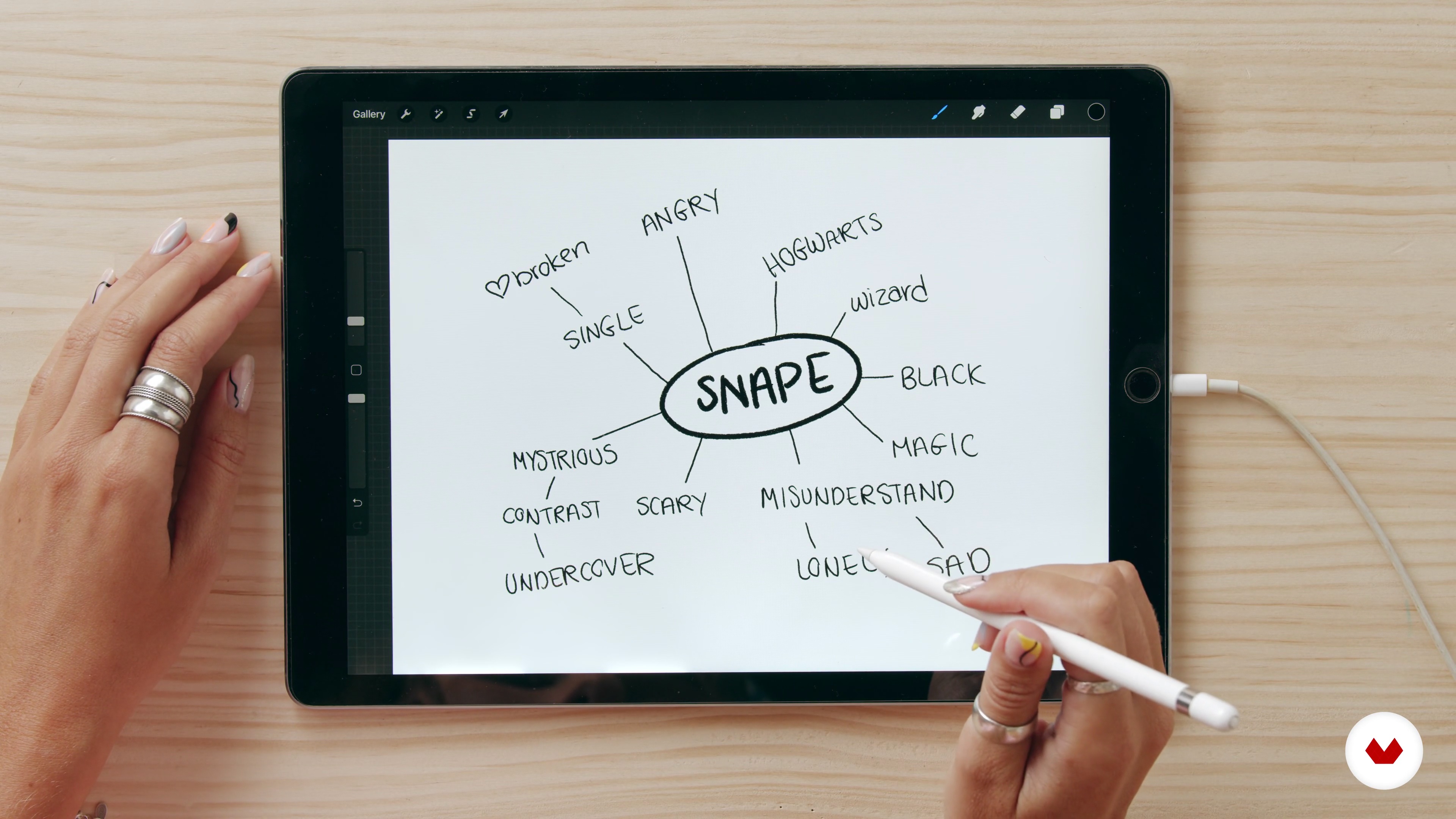
Brand Research 1
13 minutes, 0 seconds
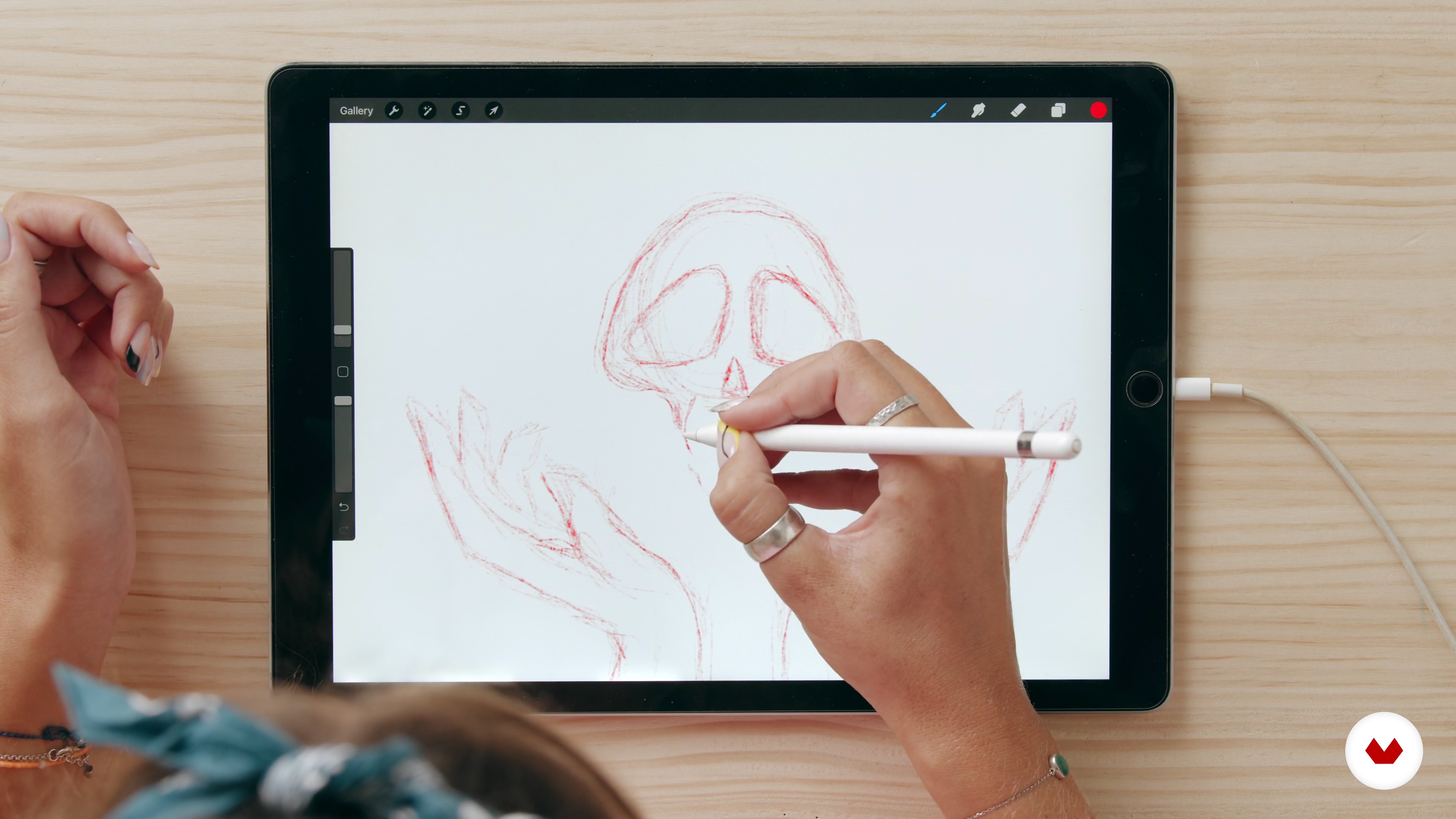
Start Sketching 1
14 minutes, 20 seconds
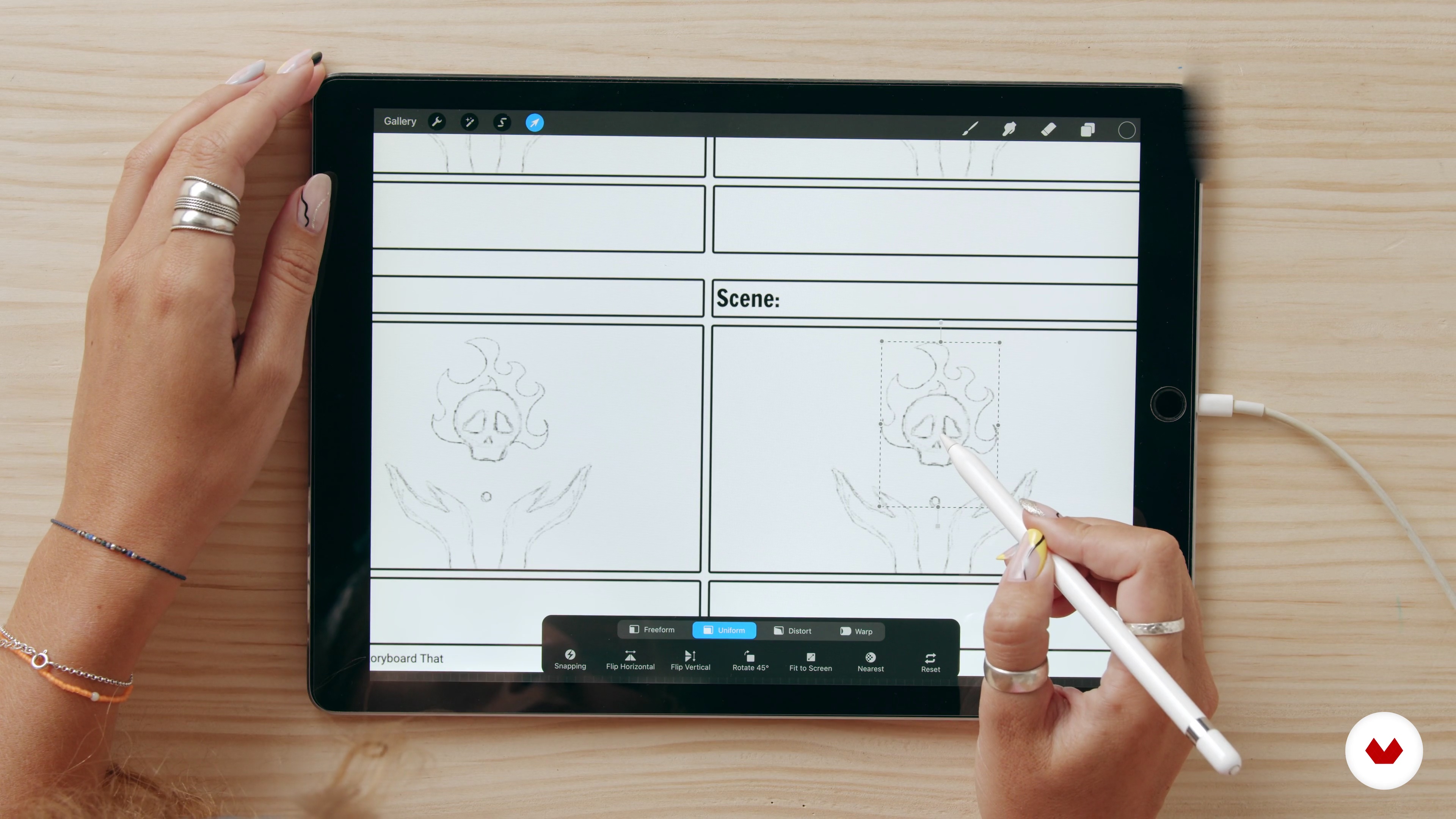
Draw the Storyboard 1
14 minutes, 46 seconds
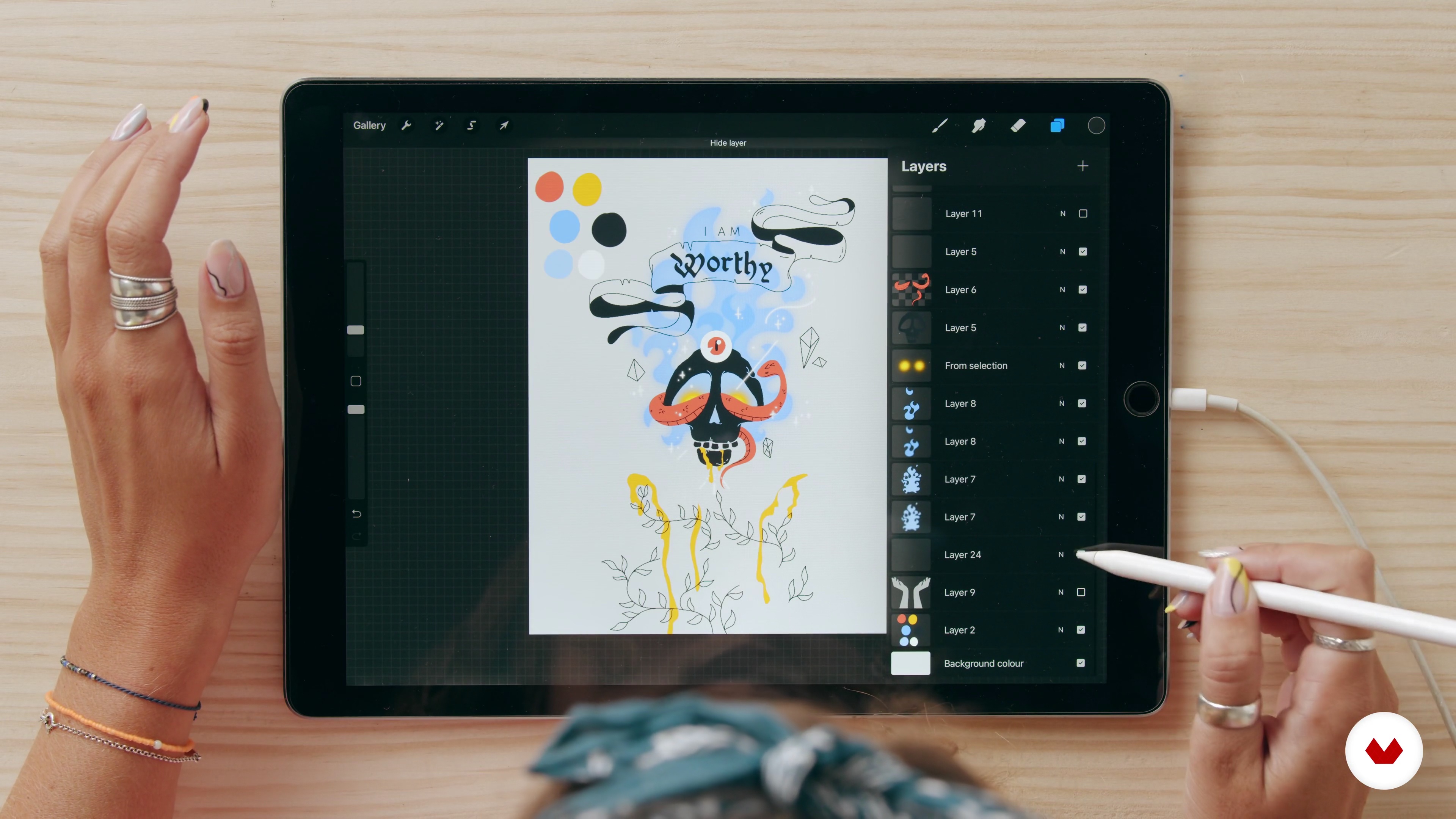
Overview and Animation Setup in Procreate
11 minutes, 4 seconds
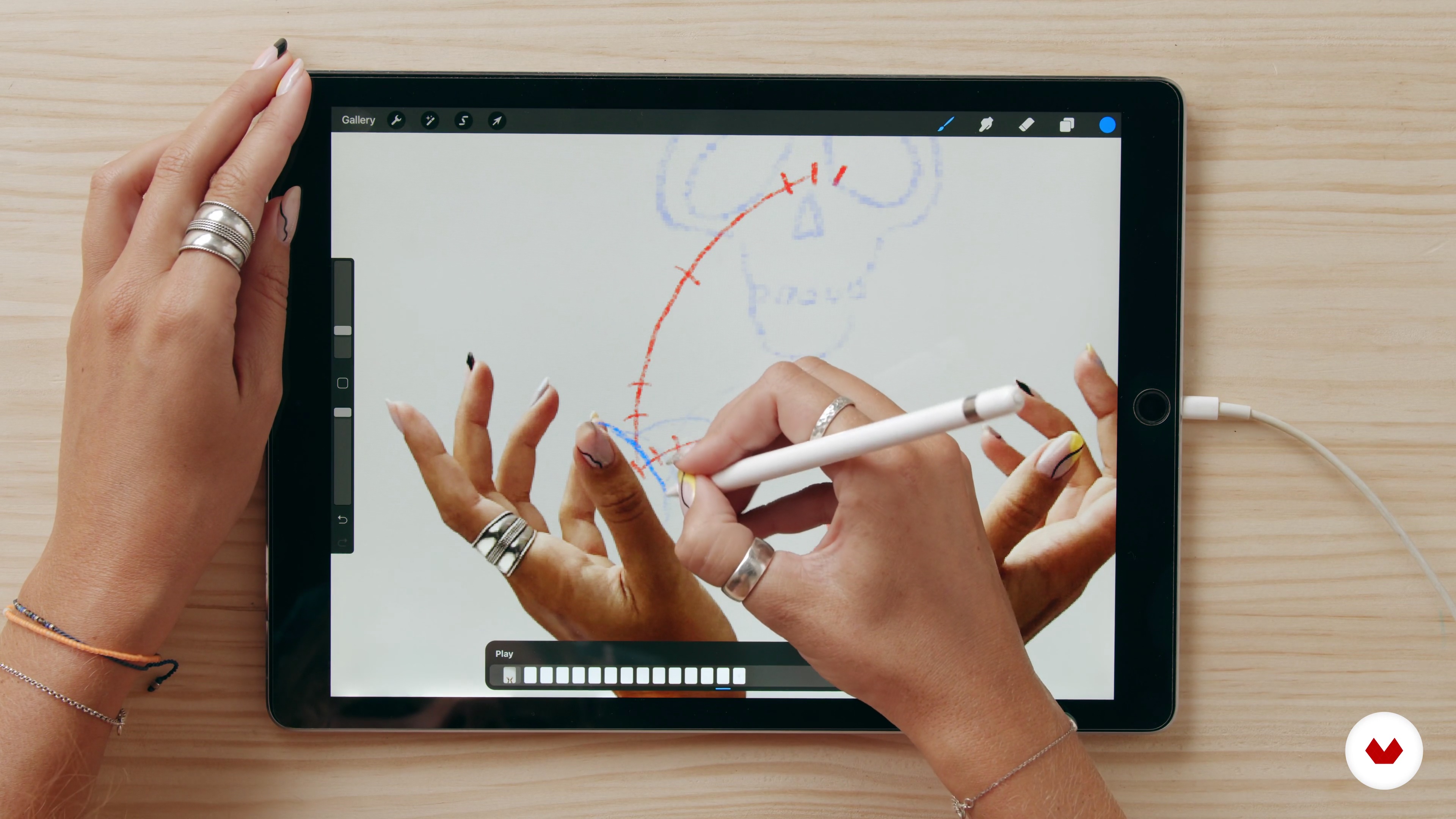
Rough Animation 1
16 minutes, 45 seconds
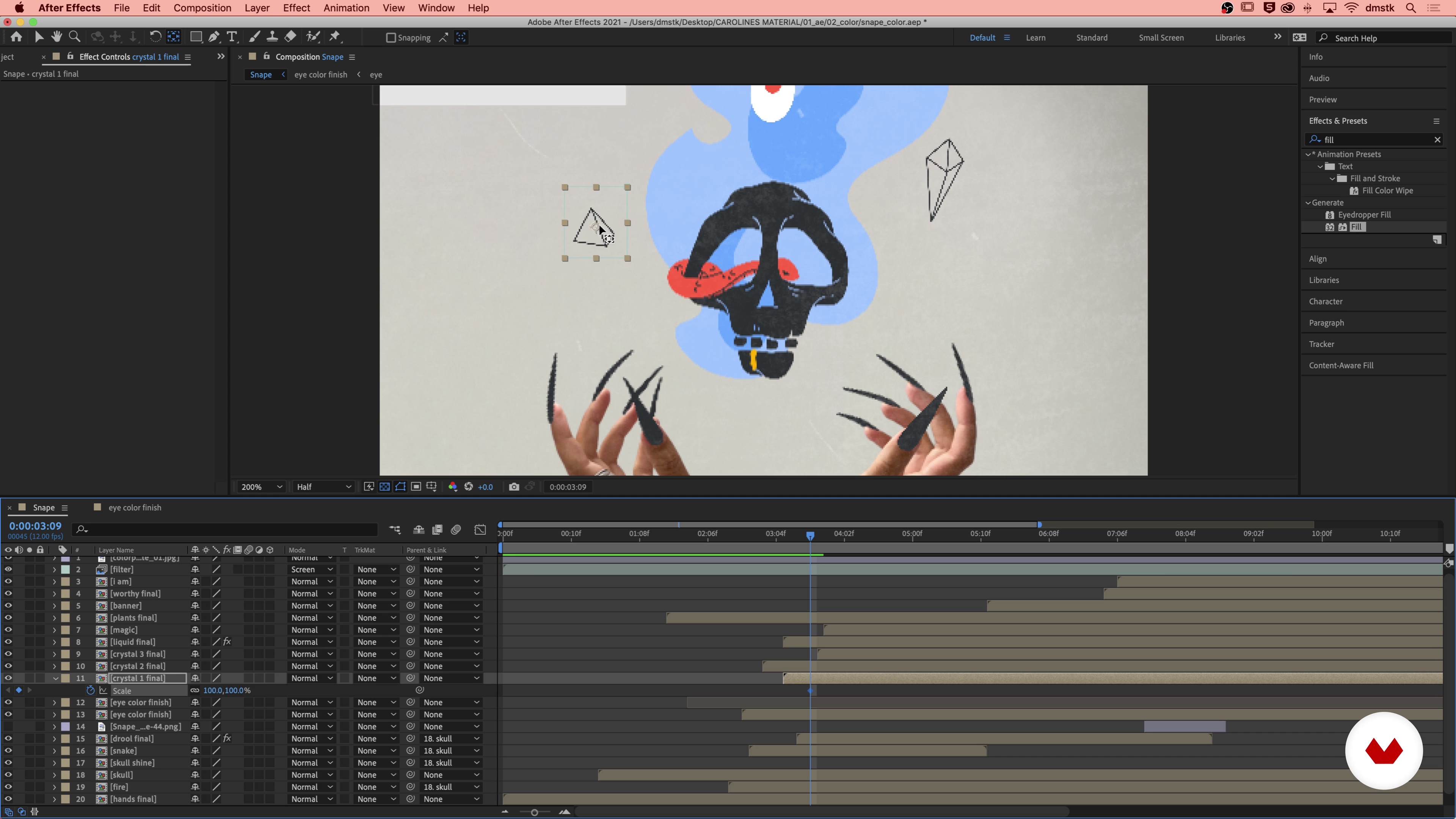
Level up with Effects 1
15 minutes, 27 seconds
What's included in this course?
Start by hearing about Caroline’s journey to becoming an animator. She shares some of her greatest inspirations from childhood to the present day and discusses how these could help you to develop your own animation style.
Find out more about different forms of animation and their history before diving into client briefs, what makes a good one, and how to respond to it properly. Then hear from Caroline on how to plan a healthy workflow for frame by frame animation, from brand research and storyboarding to shooting your stop-motion sequence.
Learn everything you need to know about Procreate and setting up for a successful animation. Then delve into the twelve principles of animation for characters and typography before exploring how to color them and import each of your sub animations into Adobe After Effects to create the final composition.
Optimize your frame by frame animation with sound effects and music, then render the finished project in preparation for the client. Finally, Caroline shares her tips and tricks for sharing your animation on social media platforms like Instagram and TikTok as well as in your online portfolio
Recommended software & tools for this course
What is this course's project?
Develop a mixed-media looping animation in Procreate using edited photos and traditional animation techniques.

Projects by course students
Who is this online course for?
This course is for people who want to discover the art of drawing for frame by frame animation.
Requirements and materials
Basic knowledge of animation and drawing will be helpful.
You will need a camera or photo, iPad Pro and Apple Pencil, and the Procreate app. A photo editing program and Adobe After Effects would be beneficial.

Reviews
- 1 month ago
es interesante, creo que las tomas pueden mejorar. no necesto ver tanto dinamismo cuando ella habla si, lo interesante es verla dibujar y ver todo su proceso. Y los subtitulos y el doblaje, sobre todo en español, es horrible. Netamente tienen que mejorar eso. Por lo demás, es un buen curso.
- 3 months ago
Great course! Highly recommend!
- 3 months ago
¡Excelente! Fue increíblemente detallado y explicó cada paso del proceso con mucha claridad, lo cual fue realmente útil. ¡Genial! ¡Muchas gracias!
- 3 months ago
really impressed with the scope and length of content and extensive additional resources! excited about this class!
- 4 months ago
greate course

Since then, she has worked with international brands including Visit California, Beats by Dre, Carlsberg, and UNIQLO, creating everything from music videos to gifs. She believes the main ingredients needed to become a good animator are passion and fun, and she's committed to finding new ways to tell stories by changing the way we create content in an ever-evolving digital world.
Content
- U1
Introduction
- About Me
- Influences
- U2
Receiving a Client Brief and How to Respond
- What Is Animation?
- Receiving a Client Brief
- Brand Research 1
- Brand Research 2
- Start Sketching 1
- Start Sketching 2
- Finding a Colour Palette 1
- Finding a Colour Palette 2
- Draw the Storyboard 1
- Draw the Storyboard 2
- Working with Photography 1
- Working with Photography 2
- U3
Animation in Procreate and Adobe After Effects
- Overview and Animation Setup in Procreate
- Rough Animation 1
- Rough Animation 2
- Rough Animation 3
- Rough Animation 4
- Rough Animation 5
- Rough Animation 6
- Colour Animation 1
- Colour Animation 2
- Colour Animation 3
- Type Animation and Filters 1
- Type Animation and Filters 2
- U4
Polish Your Animation and Deliver
- Level up with Effects 1
- Level up with Effects 2
- Level up with Effects 3
- Add Simple Sound Effects and Music 1
- Add Simple Sound Effects and Music 2
- Share the Final Product
- FP
Final project
- Mixed Media Animation in Procreate
What to expect from a Domestika course
Learn at your own pace
Enjoy learning from home without a set schedule and with an easy-to-follow method. You set your own pace.
Learn from the best professionals
Learn valuable methods and techniques explained by top experts in the creative sector.
Meet expert teachers
Each expert teaches what they do best, with clear guidelines, true passion, and professional insight in every lesson.
Certificates
PLUSIf you're a Plus member, get a custom certificate signed by your teacher for every course. Share it on your portfolio, social media, or wherever you like.
Get front-row seats
Videos of the highest quality, so you don't miss a single detail. With unlimited access, you can watch them as many times as you need to perfect your technique.
Share knowledge and ideas
Ask questions, request feedback, or offer solutions. Share your learning experience with other students in the community who are as passionate about creativity as you are.
Connect with a global creative community
The community is home to millions of people from around the world who are curious and passionate about exploring and expressing their creativity.
Watch professionally produced courses
Domestika curates its teacher roster and produces every course in-house to ensure a high-quality online learning experience.
FAQs
Frame-by-frame animation in Procreate involves drawing each animation frame by hand, allowing for expressive and unique motion. Learning this technique gives you creative control over your animations and is essential for creating custom, engaging visuals.
This course is designed for intermediate learners. Basic familiarity with digital illustration or animation is helpful, but you do not need advanced experience to get started.
You’ll need an iPad with Procreate, an Apple Pencil, and access to Adobe After Effects and Photoshop. A camera or photo library is also recommended for mixed media projects.
You’ll learn to combine hand-drawn animation, photos, and digital effects in Procreate. The course covers storyboarding, frame planning, animation techniques, integrating photographs, and enhancing projects with post-production effects.
The course teaches you to analyze client briefs, clarify requirements, prepare proposals, and communicate effectively throughout the animation process, ensuring your projects meet client expectations.
Yes, the course covers exporting Procreate animations as PNG sequences and importing them into After Effects for advanced editing, compositing, and adding effects.
Yes, you’ll learn techniques for seamless looping animations and animating typography frame-by-frame, including adding grainy filters and unique motion styles.