
Advanced Techniques for Vectorial Illustration
A course by RafahuCreative Director, Illustrator, and Animator
A course by Rafahu, Creative Director, Illustrator, and Animator

Learn to use effects for lighting, color, and texture to bring your illustrations to the next level
Rafahu—art director, illustrator, and animator who has worked for brands such as Nike, Penguin Random House, and José Cuervo, among others—teaches you advanced Illustrator techniques. Learn to generate advanced brushes, design vector textures, explode 3D objects, and carry out light studies for your illustrations in Illustrator.
The goal is to make the most of the software's possibilities and demonstrate that incredible illustrations can be created with simple vectors.
What will you learn in this online course?
25 lessons & 13 downloads
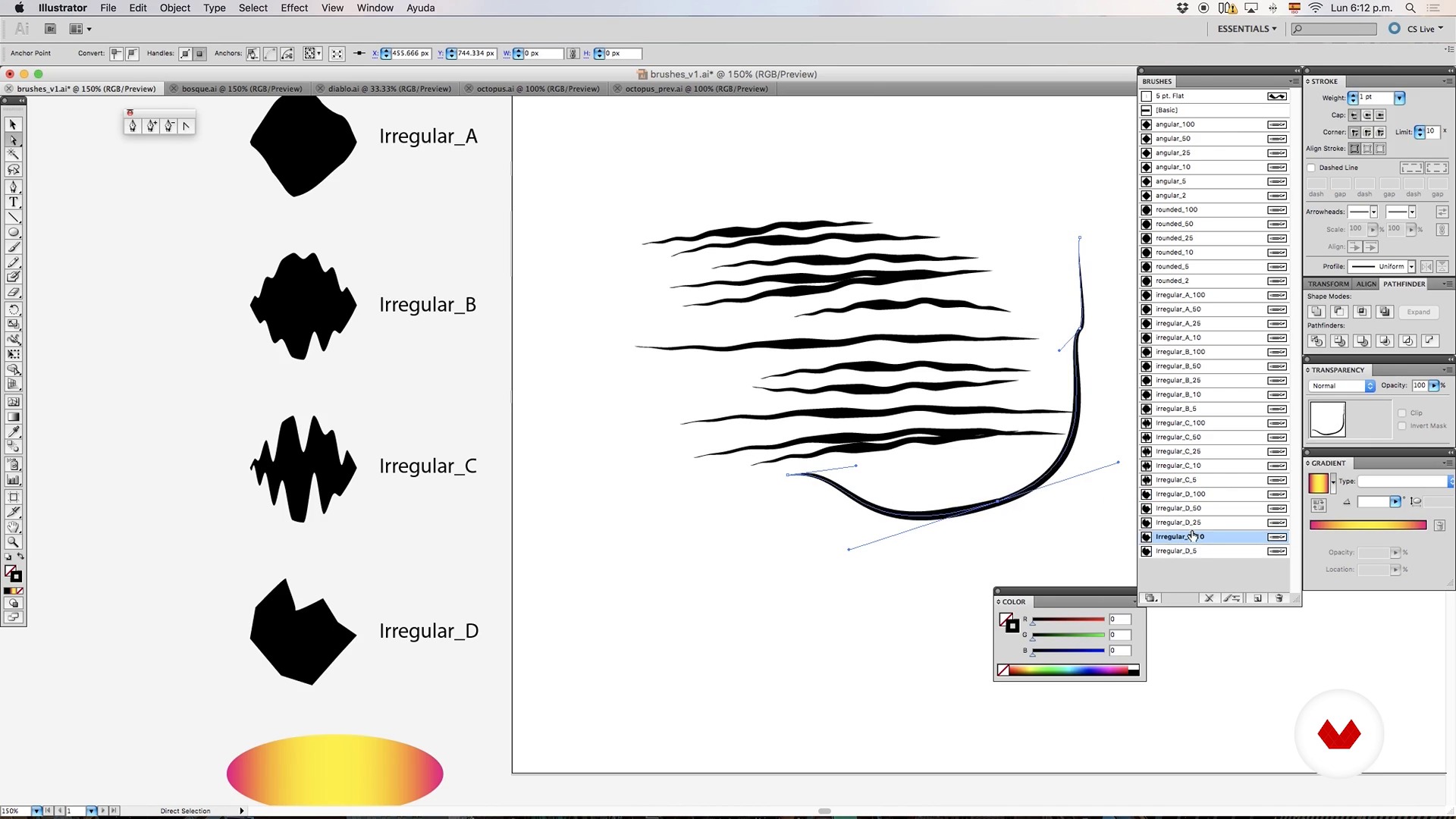
Millennial brushes in illustrator
16 minutes, 42 seconds
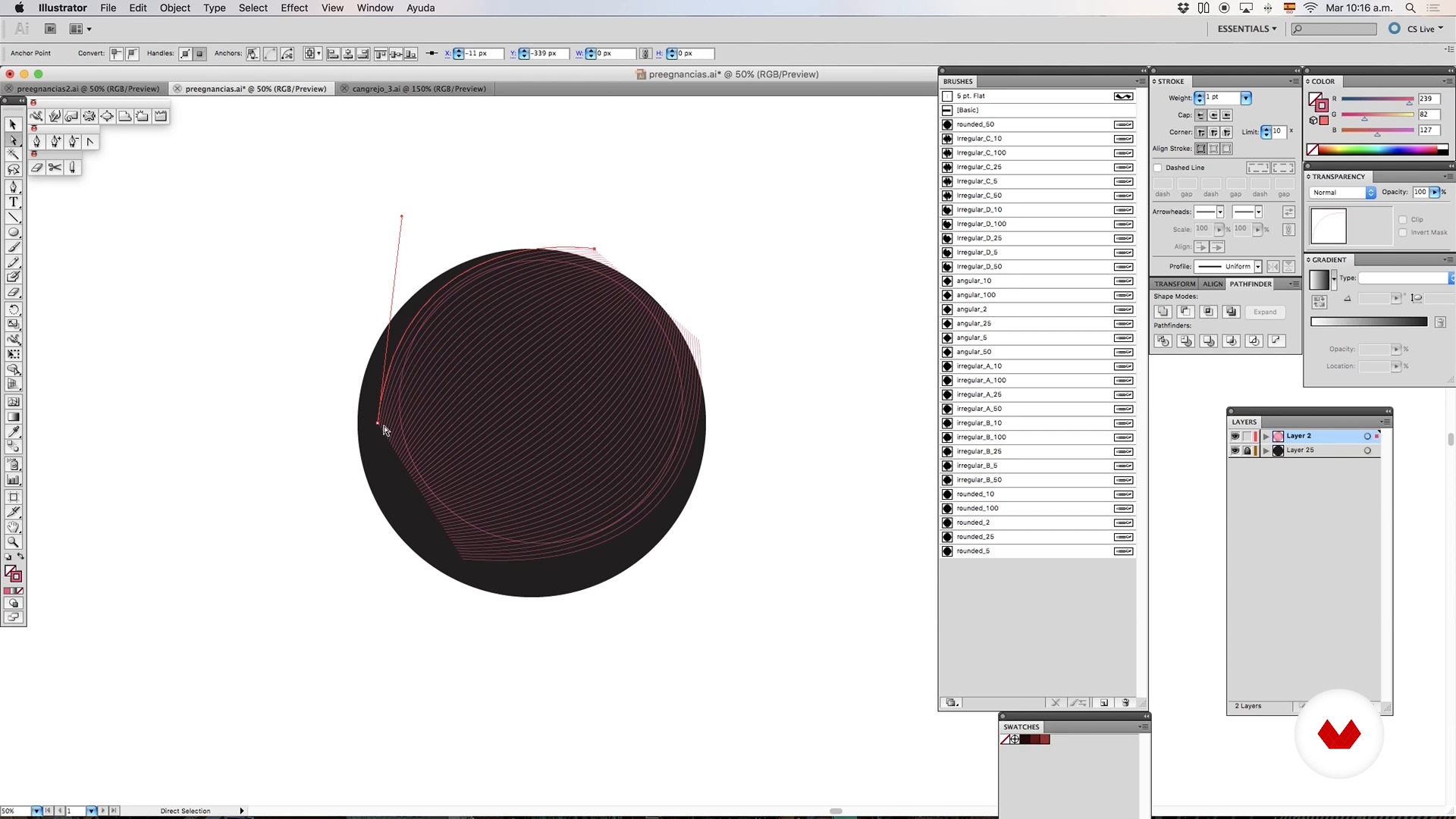
Brushes and mixtures - Part I
8 minutes, 33 seconds
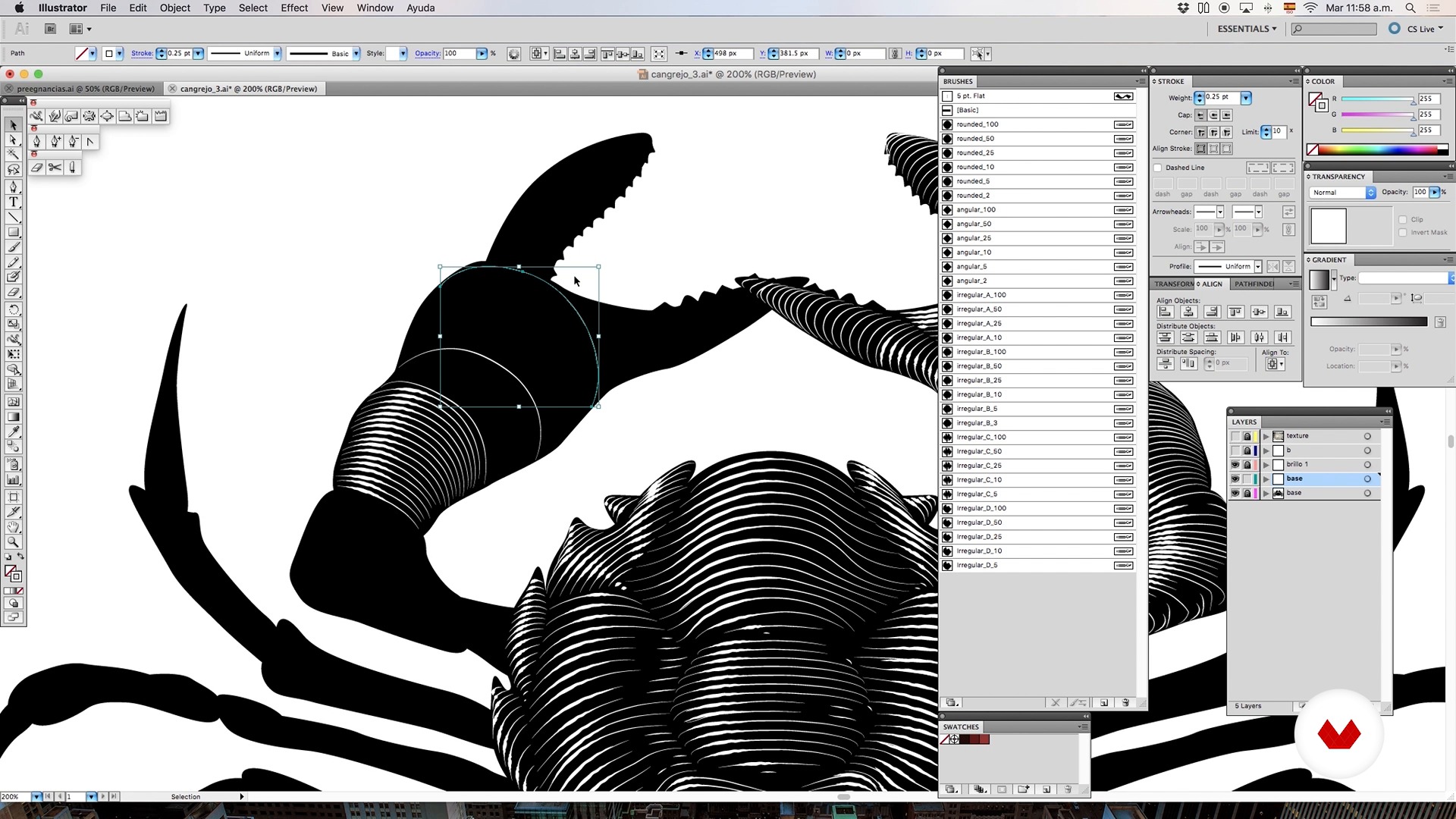
Brushes and blends - Part II
5 minutes, 1 second
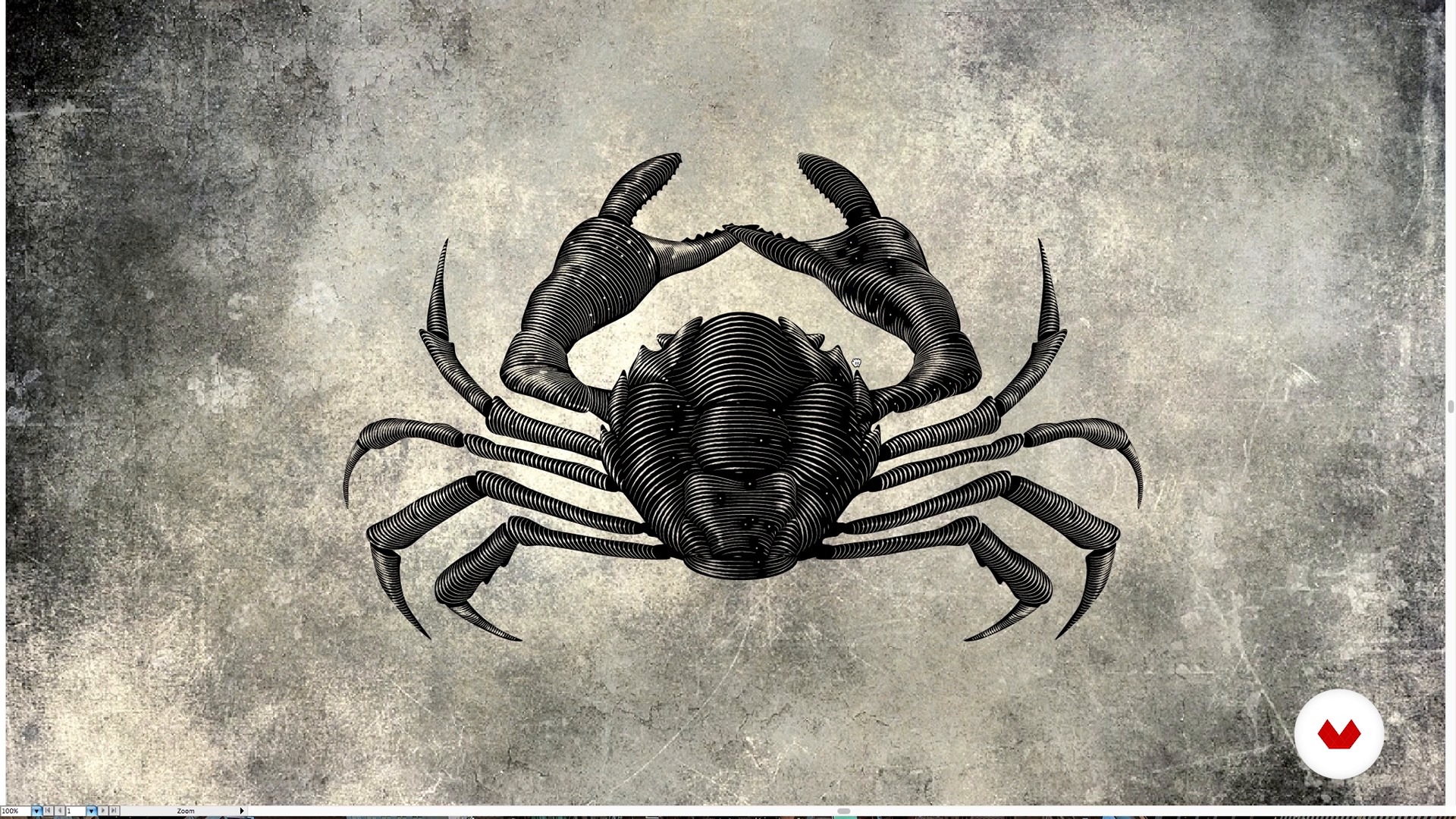
Brushes and blends - Part III
1 minute, 18 seconds
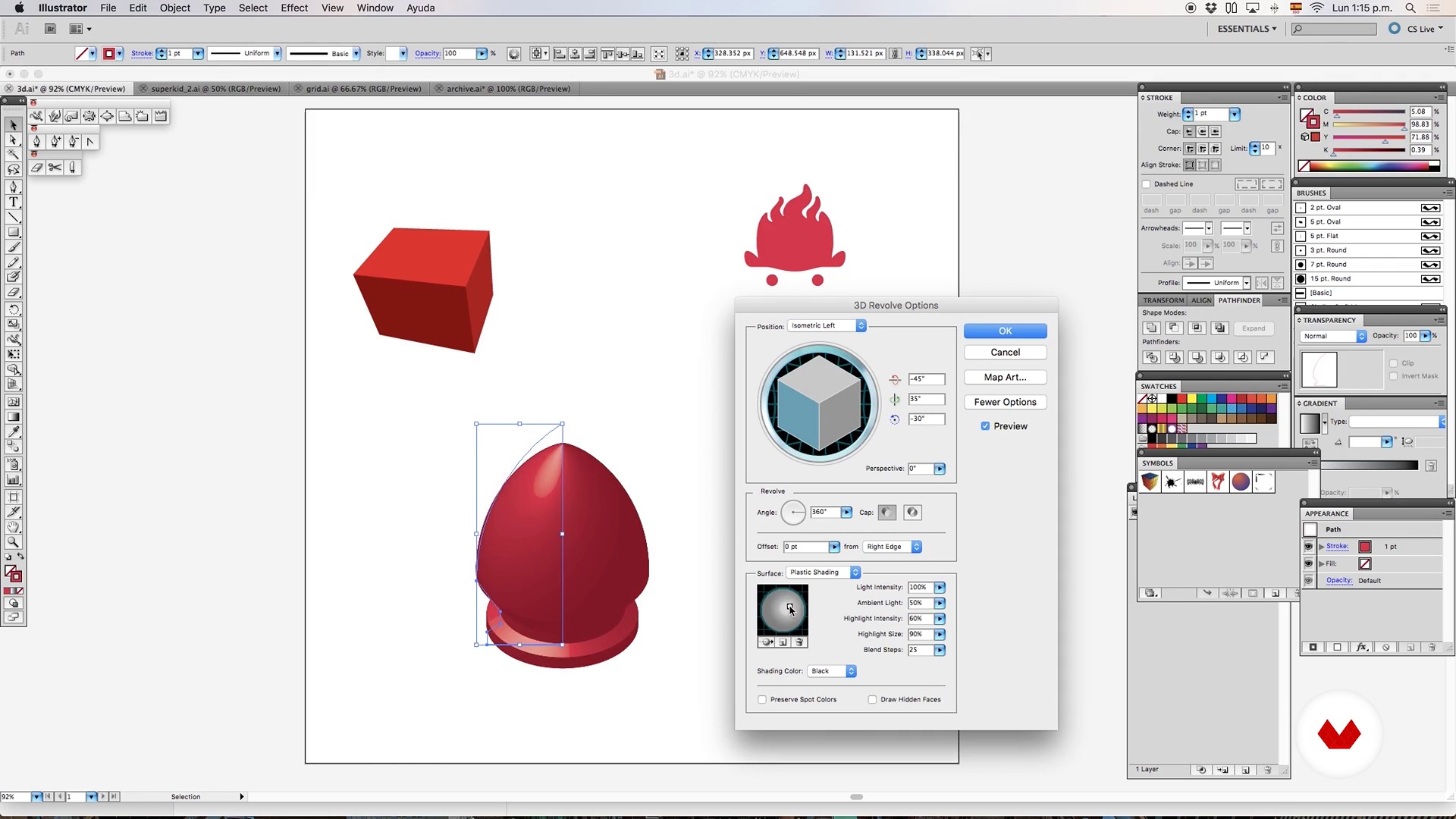
3D object - Part I
6 minutes, 15 seconds
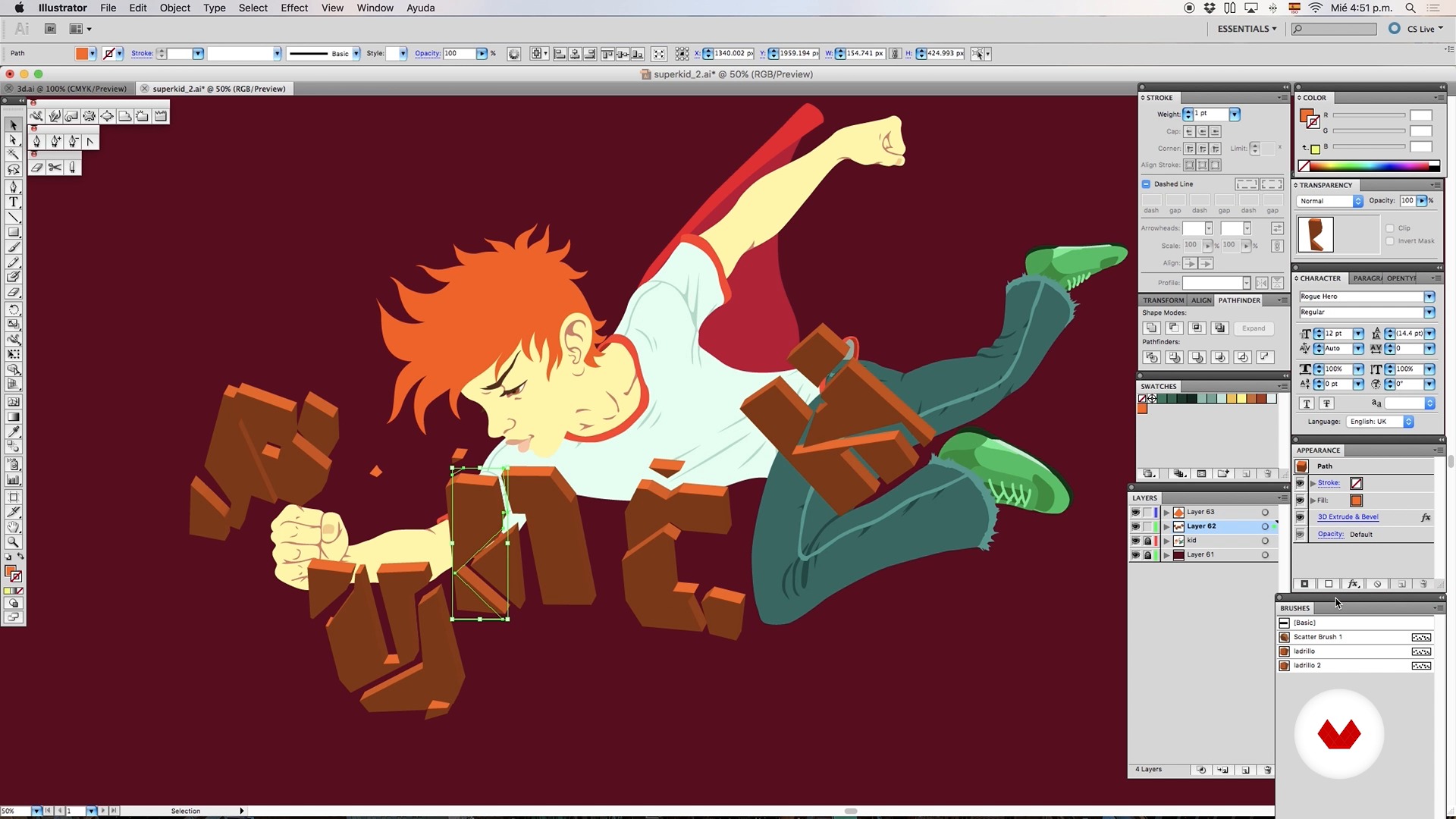
3D object - Part II
6 minutes, 42 seconds
What's included in this course?
Begin by learning about Rafahu's work and artistic influences, such as comics, horror literature, and B movies.
Discover advanced tools in Illustrator such as brushes that emulate ink or engraving (and that can save you a lot of time when creating a complex illustration) and how to combine brushes with a blend object.
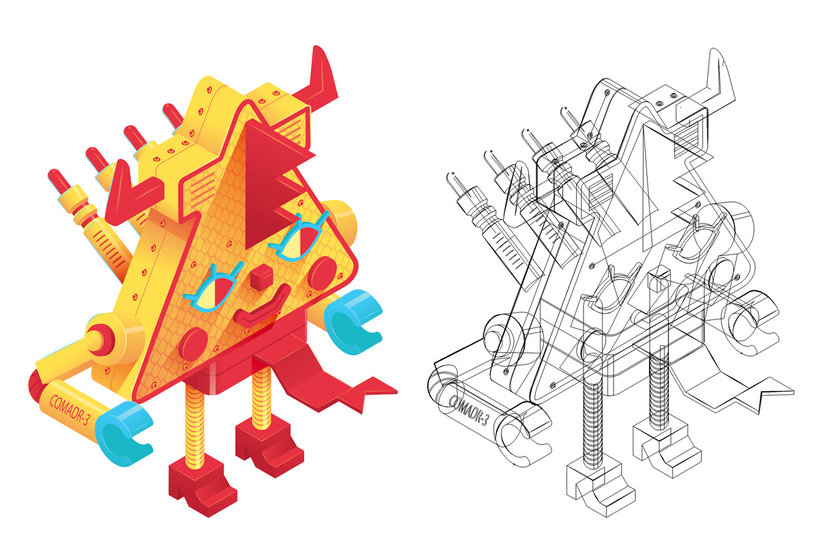
Create the first sketches of your mecha/kaiju (a fantastic creature that is half monster, half robot) using 3D objects, brushes, and blends.
Later, learn to master lighting and color by making good use of gradients, generating custom textures, and creating a fictional lighting set to illuminate the scene.
At this point, it is time to add volume, texture, and special effects to your mecha/kaiju.
Finally, add some final details with Photoshop to make your terrifying mecha/kaiju ready to fight.
Recommended software & tools for this course
What is this course's project?
The project consists of designing a giant mecha/kaiju, a fantastic creature that is a mixture between a monster and a robot that is used to fight.

Projects by course students


Who is this online course for?
This course is for designers, artists, and illustrators who want to learn about Rafahu's work process and delve into new professional illustration techniques.
Requirements and materials
You need to have previous knowledge of drawing and an intermediate understanding of Illustrator and Photoshop.

Reviews
- cc_claudiacampusPLUS8 months ago
Bellissimo
- 11 months ago
Excelente curso!
- alaan_gsa9PLUS1 year ago
he visto el indice de contenido y me parece bueno. Lo que me llamó la atención del curso fue el estilo un poco sombrio del profesor
- 1 year ago
Buen curso
- 2 years ago
10/10

In addition to his career as an art director, he fulfills his passion for illustration by developing personal projects. He also collaborates on publications such as Picnic, Quo, and La Peste and holds exhibitions throughout Mexico, such as Puro Machín, The End, and 5 Diablos en la ciudad.
Although he really likes digital illustration, he does not minimize the importance of traditional techniques. Another one of his biggest passions is animation, which he has combined with illustration for projects like Nodoodles and The Psychotoons, among others.
He has always considered himself a huge geek and fan of anime, comics, horror literature, B movies, and fantasy. "I think we should look for inspiration not only in design, but in everything that surrounds us. A Lovecraft horror story can be a great source of inspiration and paranoia," he admits. He wants his illustrations to tell a story. He likes to think that they are real worlds full of details and meanings that can be revealed upon a second reading.
Content
- U1
Hello!
- This is me
- Inspiracy
- U2
Advanced tools in Illustrator
- Millennial brushes in illustrator
- Brushes and mixtures - Part I
- Brushes and blends - Part II
- Brushes and blends - Part III
- 3D object - Part I
- 3D object - Part II
- The gradient is your friend ... if you know how to use it;)
- Advanced textures with illustrator
- U3
Your personal army of Mini Mechas-kaiju
- Mini wicks-kaiju - 3D Object - Part I
- Mini wicks-kaiju - 3D object - Part 2
- Mini wicks-kaiju - Texture
- Mini wicks-kaiju - Lighting - Part I
- Mini wicks-kaiju - Lighting - Part II
- U4
Giant mecha-kaiju
- Generation of base volume for our Mecha-Kaiju - Part I
- Generation of base volume for our Mecha-Kaiju - Part II
- Generation of base volume for our Mecha-Kaiju - Part III
- Generation of base volume for our Mecha-Kaiju - Part IV
- Vector textures of hell!
- Lighting sources for the scene of our Mecha-Kaiju - Part I
- Lighting sources for the scene of our Mecha-Kaiju - Part II
- Lighting sources for the scene of our Mecha-Kaiju - Part III
- Special effects in Illustrator
- Finishing in Photoshop
- FP
Final project
- Vector illustration advanced techniques
What to expect from a Domestika course
Learn at your own pace
Enjoy learning from home without a set schedule and with an easy-to-follow method. You set your own pace.
Learn from the best professionals
Learn valuable methods and techniques explained by top experts in the creative sector.
Meet expert teachers
Each expert teaches what they do best, with clear guidelines, true passion, and professional insight in every lesson.
Certificates
PLUSIf you're a Plus member, get a custom certificate signed by your teacher for every course. Share it on your portfolio, social media, or wherever you like.
Get front-row seats
Videos of the highest quality, so you don't miss a single detail. With unlimited access, you can watch them as many times as you need to perfect your technique.
Share knowledge and ideas
Ask questions, request feedback, or offer solutions. Share your learning experience with other students in the community who are as passionate about creativity as you are.
Connect with a global creative community
The community is home to millions of people from around the world who are curious and passionate about exploring and expressing their creativity.
Watch professionally produced courses
Domestika curates its teacher roster and produces every course in-house to ensure a high-quality online learning experience.
FAQs
This course is designed for intermediate Illustrator users looking to refine their skills with brushes, blends, texturing, and basic 3D vector modeling to create complex, professional illustrations.
Basic experience with Illustrator is required, including layer management, paths, and main tools. Advanced 3D knowledge isn’t necessary, but familiarity with the interface and basic functions is expected.
You’ll learn how to create and apply custom brushes, advanced blends, volume effects, highlights, shadows, vector textures, and basic 3D modeling for dynamic, realistic illustrations.
You’ll need Adobe Illustrator (preferably the latest version), a compatible computer, and optionally a graphics tablet for more precise digital drawing.
Select the stroke you want and pick a brush from the brushes palette. The stroke will take on the brush style, letting you create unique textures and effects in your artwork.
Select the blend and use the 'Expand' option. This turns each intermediate step into an individually editable object, making precise adjustments and details easier.
Blends are created between strokes of varying thickness and color, and linear or radial gradients are applied to simulate highlights, volume, and realistic light transitions.