Digital Collage in Photoshop: Composition and Visual Effects
A course by Nick PedersenPhotographer and Digital Artist
A course by Nick Pedersen, Photographer and Digital Artist

Create fantastic worlds with a meaningful message through montage and retouching
“My artwork is primarily inspired by my experience with nature and environmentalism, motivated by my concern for the future due to the effects of climate change, pollution, deforestation and other environmental impacts humans have had on the planet.”
Nick Pedersen is a digital artist and illustrator who uses collage to depict the modern conflicts of man and nature. In this course, he teaches how to create elaborate, realistic digital compositions with a strong and meaningful message. Using Photoshop, learn Nick’s professional techniques for creating award-winning digital collages for brands like Adobe, Vogue, and Patagonia.
What will you learn in this online course?
14 lessons & 21 downloads
What Will We Do in the Course?
3 minutes, 35 seconds
Concept
9 minutes, 31 seconds
Composition
8 minutes, 51 seconds
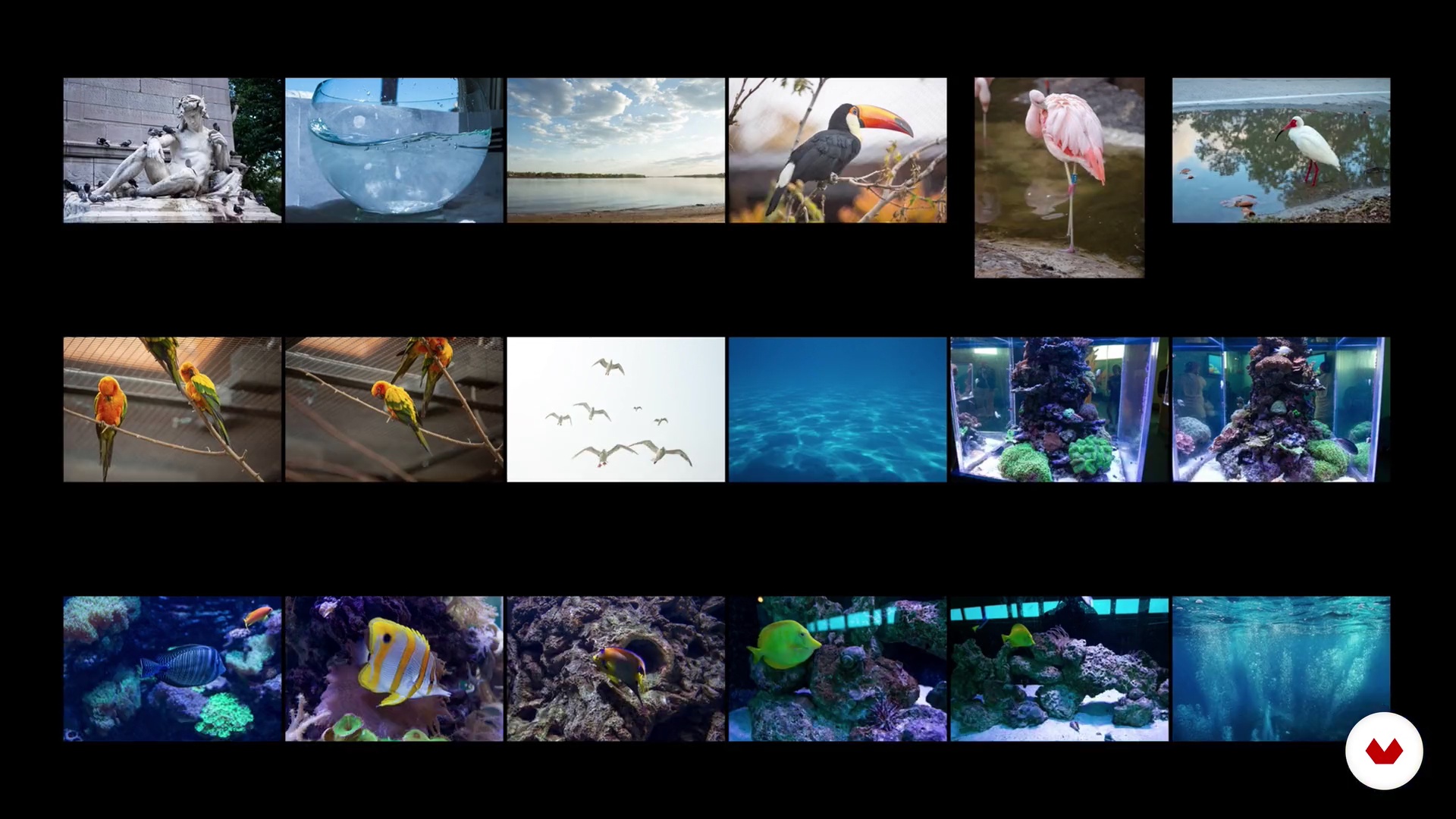
Source Material
10 minutes, 28 seconds
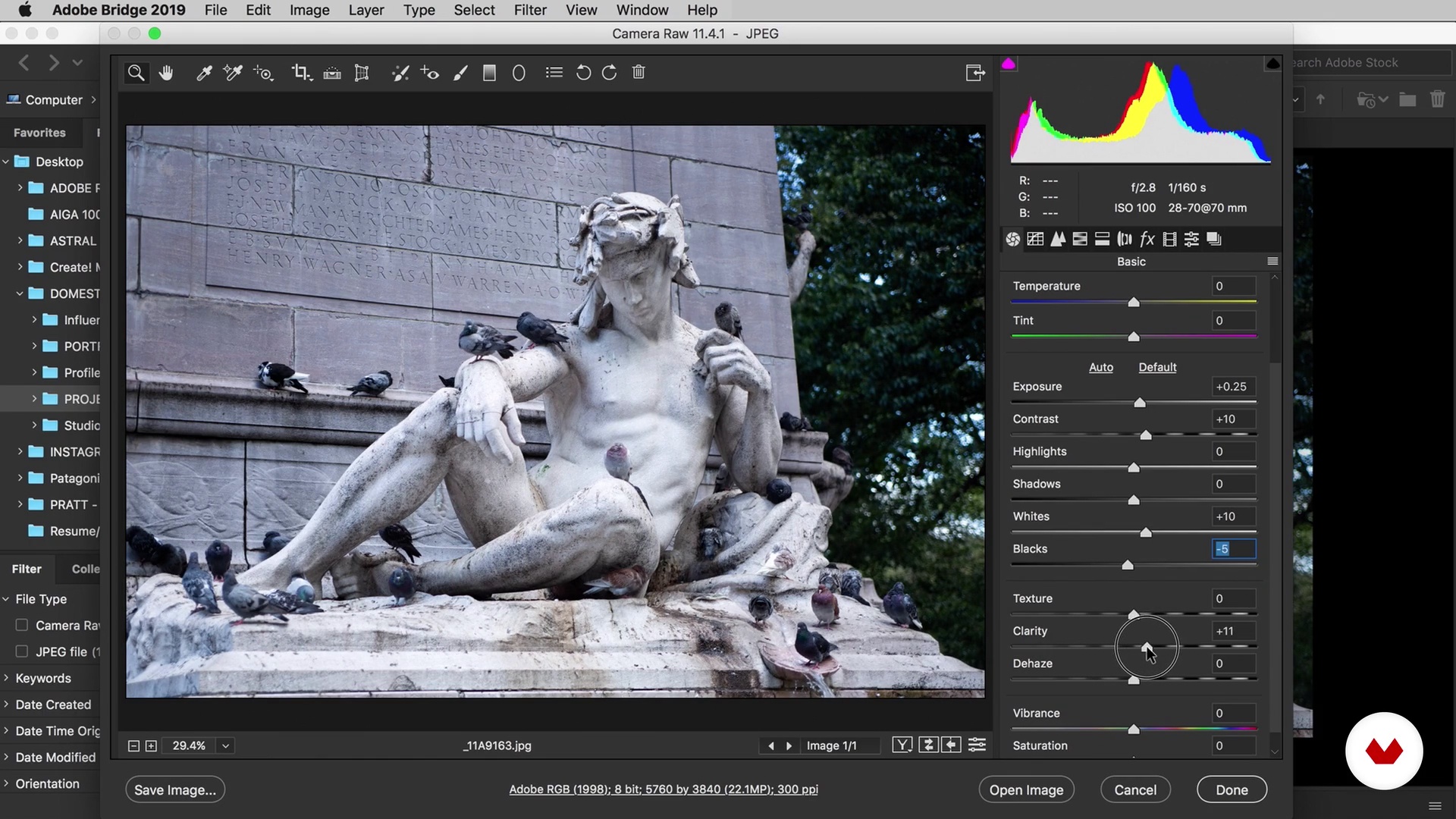
Workspace
16 minutes, 18 seconds
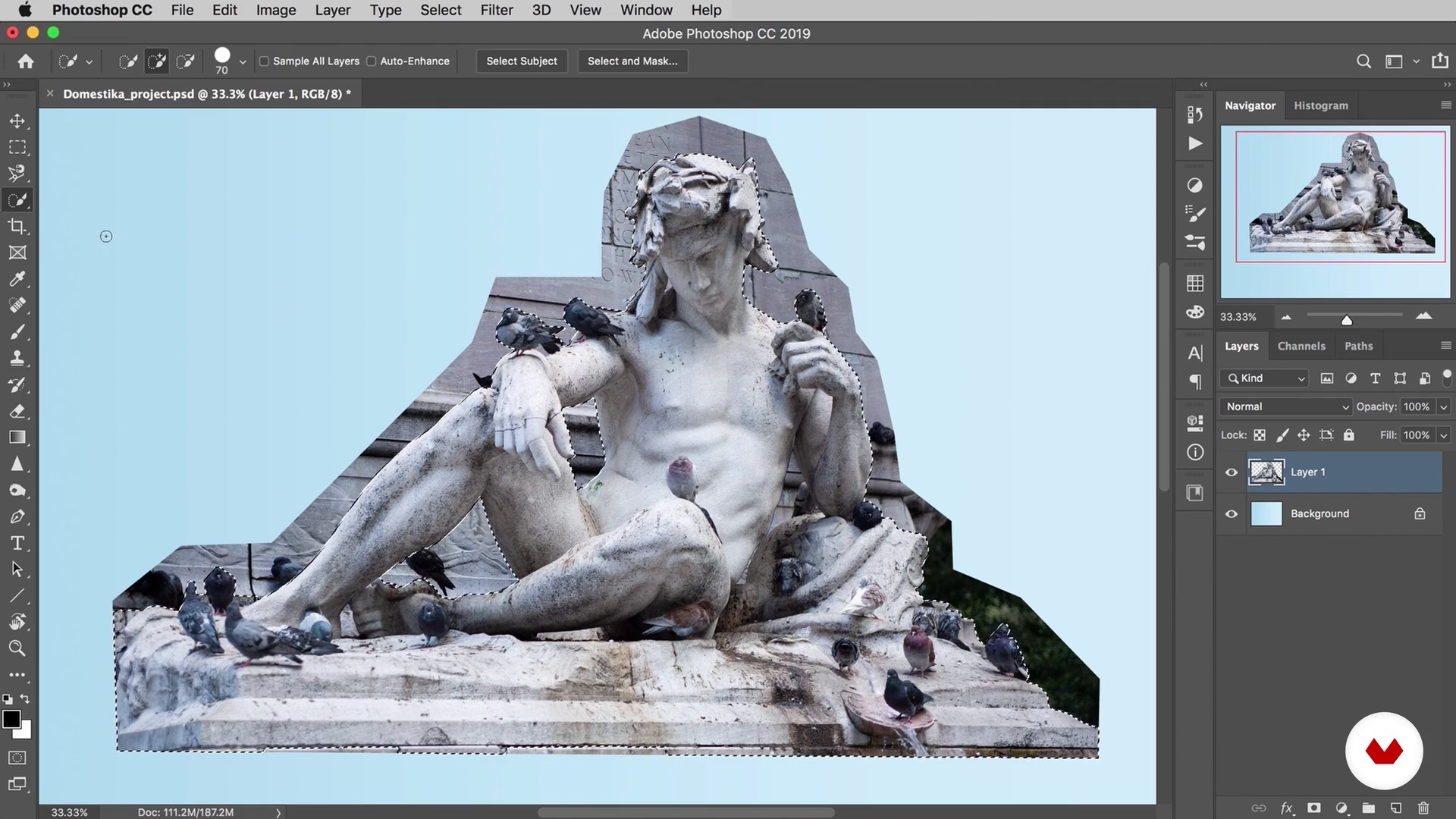
Selections
13 minutes, 30 seconds
What's included in this course?
Start your course by meeting Nick and learning about his experience as an artist. He takes you through some of his most interesting projects and presents you to a few of his favorite artists in the fields of photography, digital imaging, and contemporary art. Then, learn about the general structure of this course and get prepped for your digital collage.
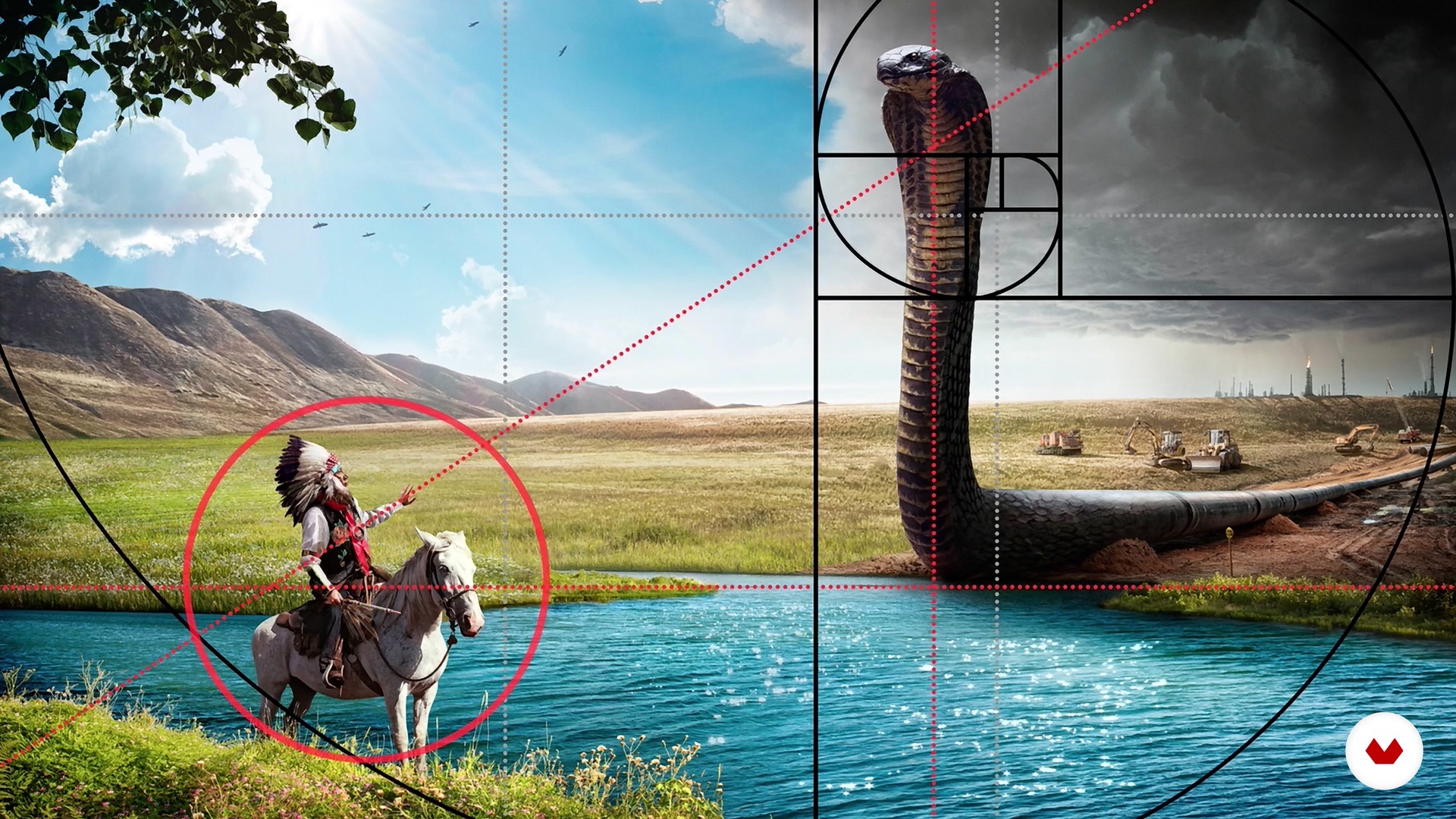
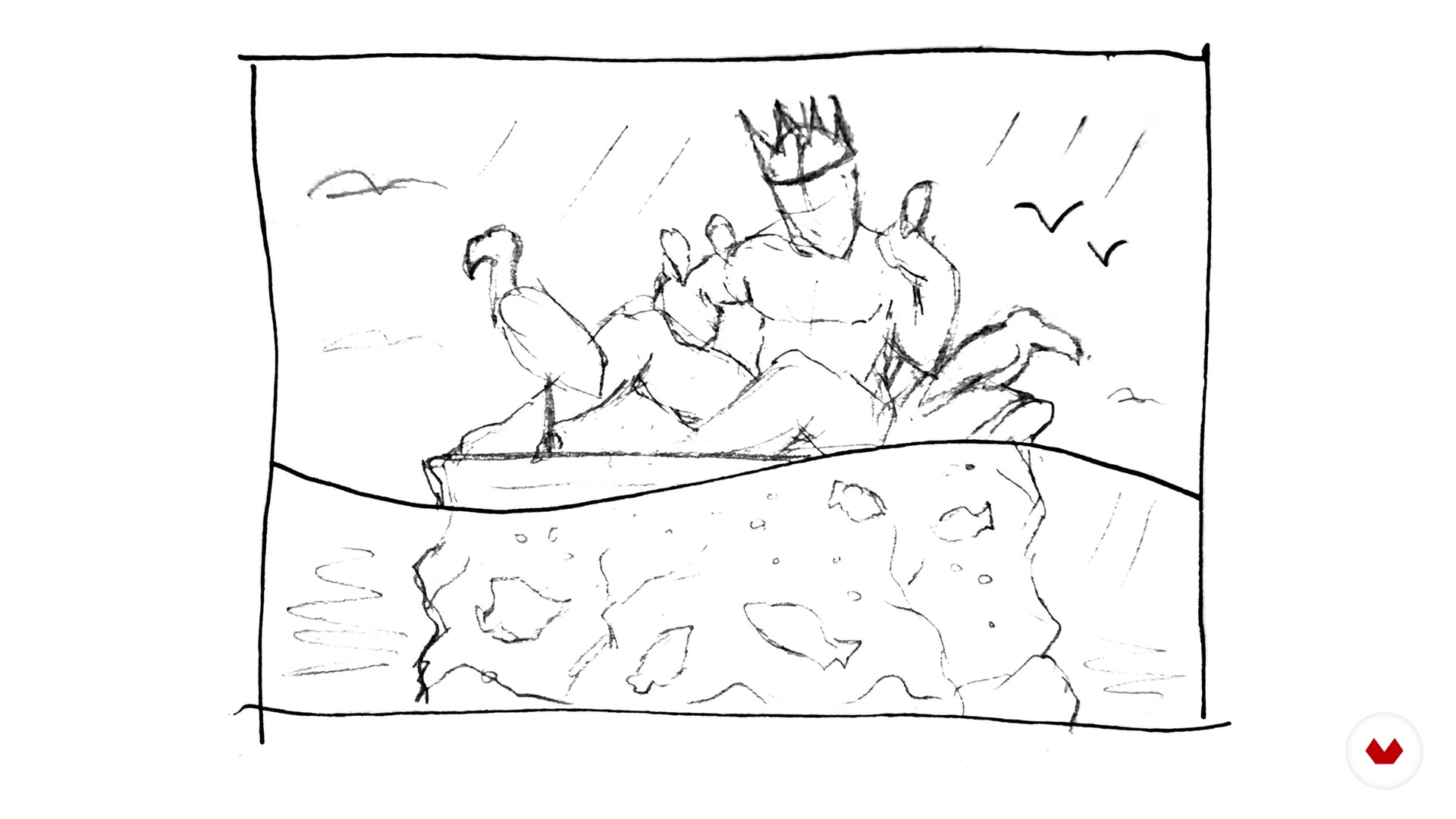
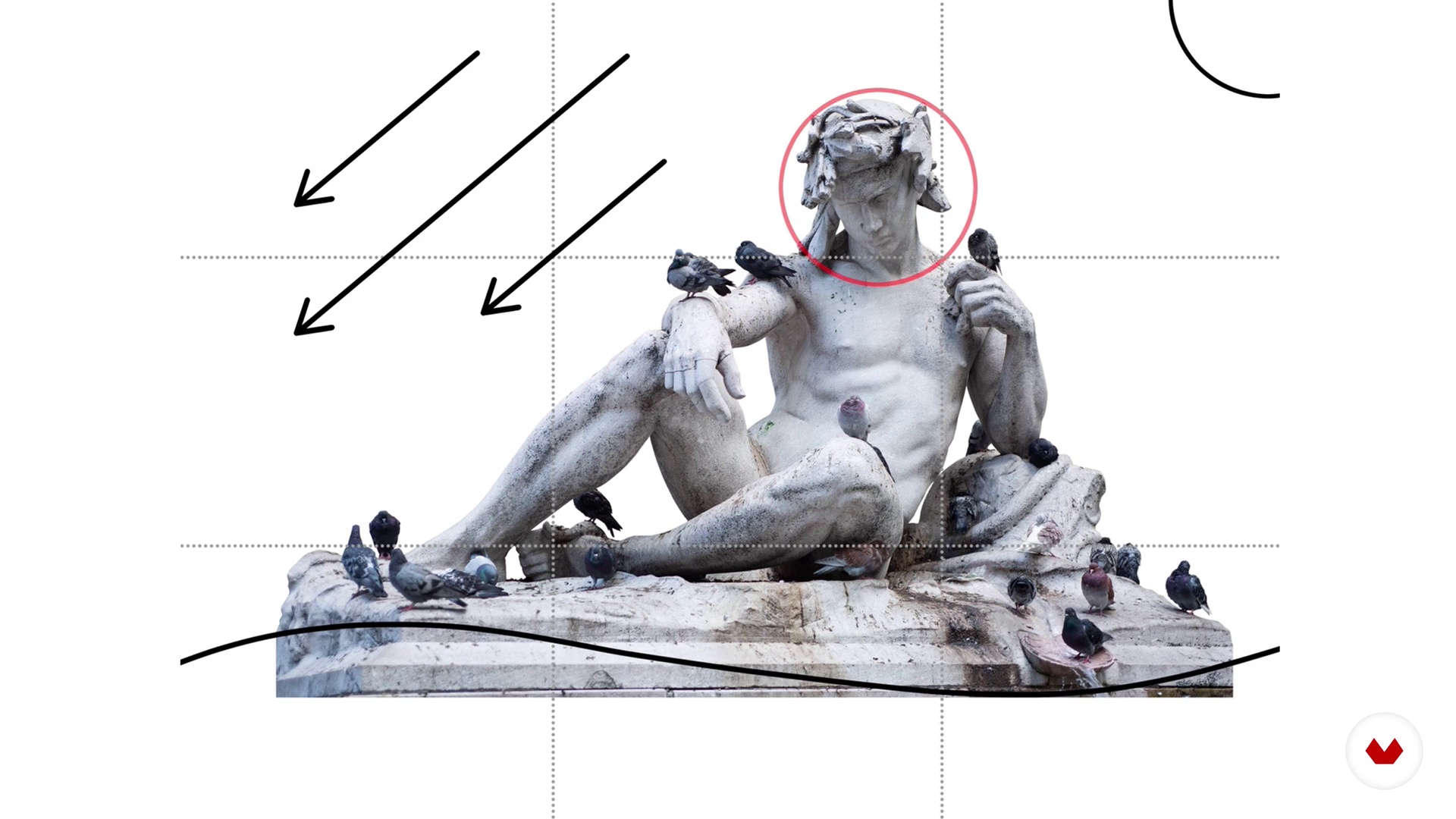
Discover how to add messages and meaning to your images and learn how to start building a concept by making sketches and a moodboard. Explore some essential concepts for photography and collage like the rule of thirds and the golden ratio. Nick shows you where to gather high-quality source material and how to organize and edit your visual resources.
Take a look at the Photoshop workspace, see how to set up a background template, and learn how to import images with Camera Raw. Practice some different techniques for making selections and separating an image from its background using layer masks. Then, see how to build and compose your layers to create a complete layout for your collage.
In the final unit, focus on using retouching techniques to add depth, dimension, and unique finishing touches to your image. Take a look at some useful repair tools and filters before seeing how to use adjustment layers for color, contrast, and lighting. Discover how to apply special effects using blending modes for shadows, highlights, and other techniques for enhancing your project. Close the course by learning how Nick finishes his images and prepares them for different mediums, from social media to large-scale prints.
Recommended software & tools for this course
What is this course's project?
Create a unique, eye-catching digital collage using your own photographs or images from online resources.

Projects by course students


Who is this online course for?
This course is for photographers, designers, illustrators, and aspiring digital artists who are interested in learning the basics of high-end compositing and retouching.
Requirements and materials
To take this course, you will need some basic knowledge of digital photography and image handling (importing, organizing, etc.). Notions of Adobe Photoshop are also nice to have.
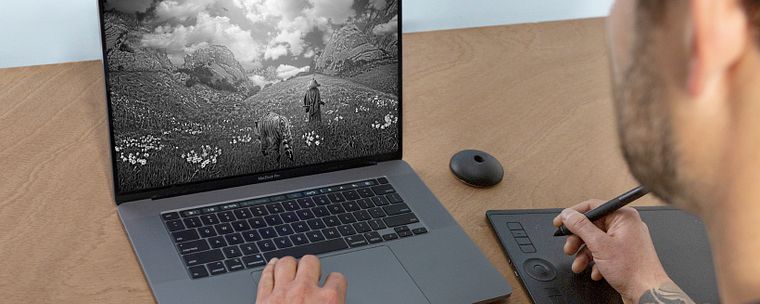
You will need a computer with Photoshop installed. Adobe Bridge, Lightroom, and a graphics tablet are also recommended, but not essential.
Reviews
- 5 months ago
EXELENTE
- 6 months ago
Useful and informative.
- 6 months ago
This kickstarted my journey as an artist! Amazing course you learn everything you need
- masterdircomPLUS7 months ago
El curso se ve bastante bien.
- 8 months ago
Sehr interessant und lässt sich teilweise auch mit Procreate bearbeiten falls man keinen Zugriff auf PS hat!

He has published two artist books featuring his long-term personal projects, Sumeru and Ultima. His award-winning images have allowed him to work on commercial projects for companies like Adobe, Patagonia, and the Nature Conservancy. His work has also been featured in publications like Vogue, Create Magazine, Juxtapoz, Hi-Fructose, Photoshop User, and After Capture.
Content
- U1
Introduction
- Introduction
- Influences
- What Will We Do in the Course?
- U2
Pre-Planning
- Concept
- Composition
- Source Material
- U3
Compositing
- Workspace
- Selections
- Layers and Masks
- Complete Layout
- U4
Retouching
- Adjustments
- Light and Shadow
- Special Effects
- Final Touches
- FP
Final project
- Digital Collage in Photoshop: Composition and Visual Effects
What to expect from a Domestika course
Learn at your own pace
Enjoy learning from home without a set schedule and with an easy-to-follow method. You set your own pace.
Learn from the best professionals
Learn valuable methods and techniques explained by top experts in the creative sector.
Meet expert teachers
Each expert teaches what they do best, with clear guidelines, true passion, and professional insight in every lesson.
Certificates
PLUSIf you're a Plus member, get a custom certificate signed by your teacher for every course. Share it on your portfolio, social media, or wherever you like.
Get front-row seats
Videos of the highest quality, so you don't miss a single detail. With unlimited access, you can watch them as many times as you need to perfect your technique.
Share knowledge and ideas
Ask questions, request feedback, or offer solutions. Share your learning experience with other students in the community who are as passionate about creativity as you are.
Connect with a global creative community
The community is home to millions of people from around the world who are curious and passionate about exploring and expressing their creativity.
Watch professionally produced courses
Domestika curates its teacher roster and produces every course in-house to ensure a high-quality online learning experience.
FAQs
You'll learn how to combine photos, use layer masks, retouch images, create shadows and highlights, organize layers, and export finished digital collages in Photoshop to achieve photorealistic and creative results.
Yes, this course is designed for intermediate users who already have a basic understanding of Photoshop tools and want to advance their compositing, retouching, and digital collage skills.
You should have a foundational knowledge of Photoshop, such as working with layers, making basic selections, and using adjustment tools, as this course builds on those essentials.
You'll need Adobe Photoshop (preferably the latest version), a computer capable of running it smoothly, and a camera or access to high-resolution images for source material.
You'll use blending modes, adjustment layers, gradients, and selective masking in Photoshop to sculpt highlights and shadows, ensuring depth and a natural look in your digital collage.
Key steps include creating a mood board, gathering and editing source images, sketching ideas, and planning compositional elements before starting the Photoshop workflow.
Yes, the course covers advanced selection techniques using tools like the Pen Tool, Quick Selection Tool, and refining edges for precise cutouts.