
Introduction to Picturebook Creation
A course by Ricard López IglesiasPainter and illustrator
A course by Ricard López Iglesias, Painter and illustrator

Learn how to combine illustration with text to create unique stories by applying manual and digital techniques
In contrast to a story, a picture book can fully narrate a story through images, with text that works more like an ally, to complement and integrate the illustrations. But what about all the other singularities that make up a picture book? Illustrator Ricard López explains them all at the start of the course and guides you through each step so that you carry out your picture book project as if it was commissioned by a publisher. Ricard (who also goes by Ricardilus) has worked for major clients like Penguin Random House, Planeta, TSL Jewellery (from Hong Kong), and the National Art Museum of Cataluña, in Barcelona, Spain, among others.
In this course, learn how to create your own book using analog and digital techniques on Photoshop. See the entire process to illustrate your story, learning about the script, characters, scenes, book cover, and more, and learn how to create your own watercolor, pencil, or other textured paintbrushes.
This is Ricard’s second course, in the first one Illustration Techniques with Digital Watercolor he shows you different illustration techniques to create unique digital watercolor portraits on Photoshop.
What will you learn in this online course?
28 lessons & 13 downloads
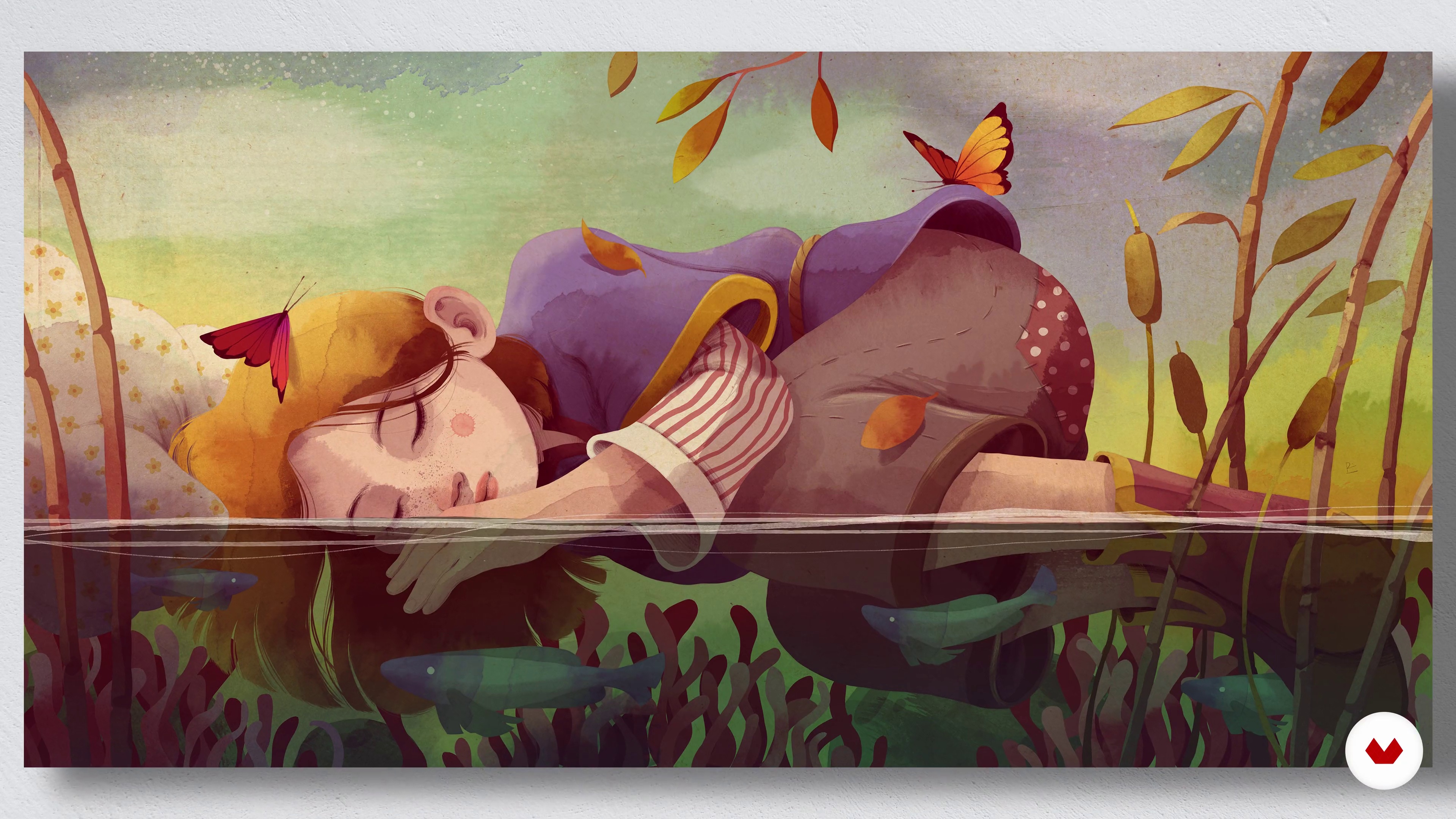
What will we do in the course?
1 minute, 36 seconds
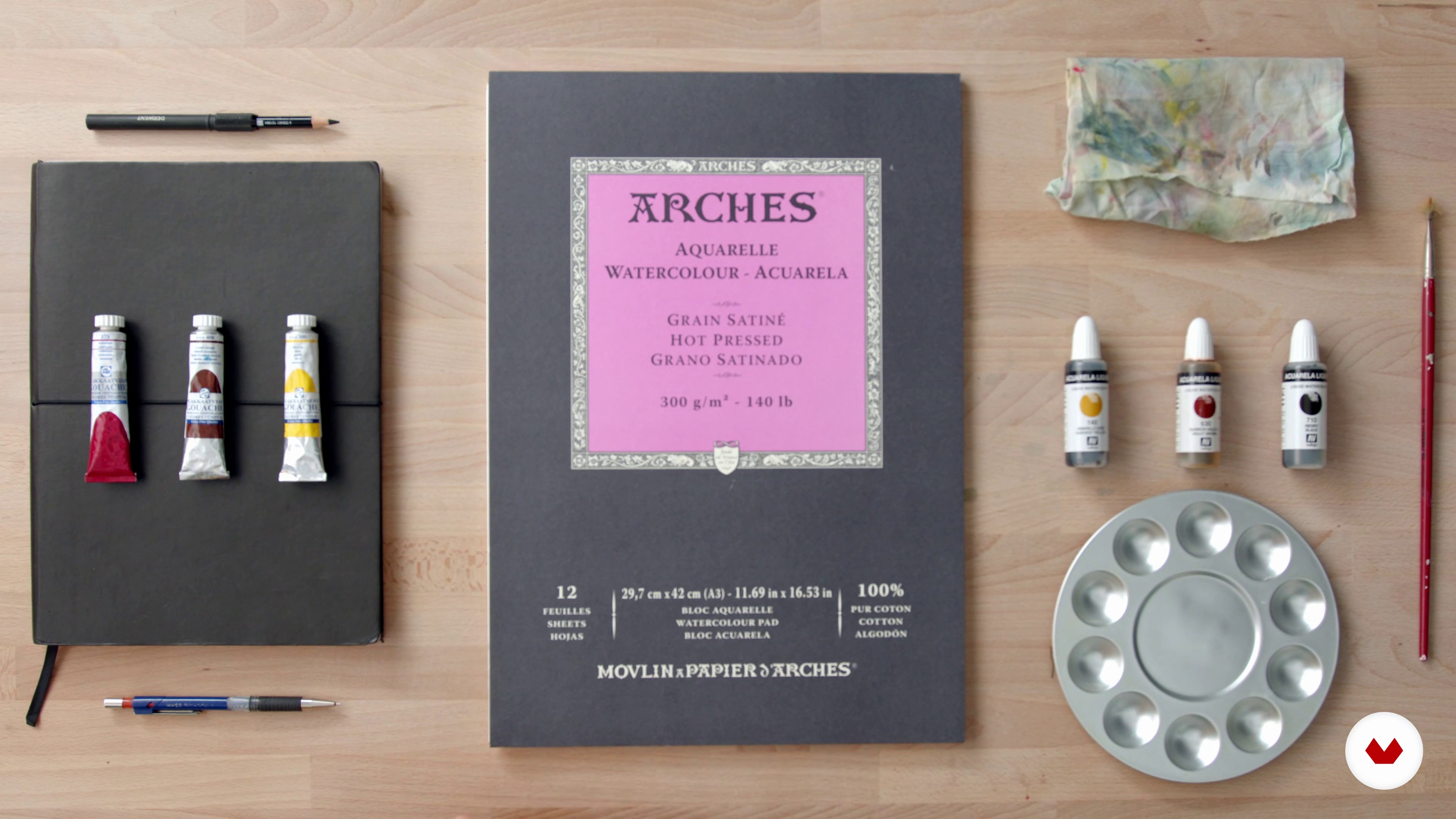
Let's get to know the materials
2 minutes, 43 seconds
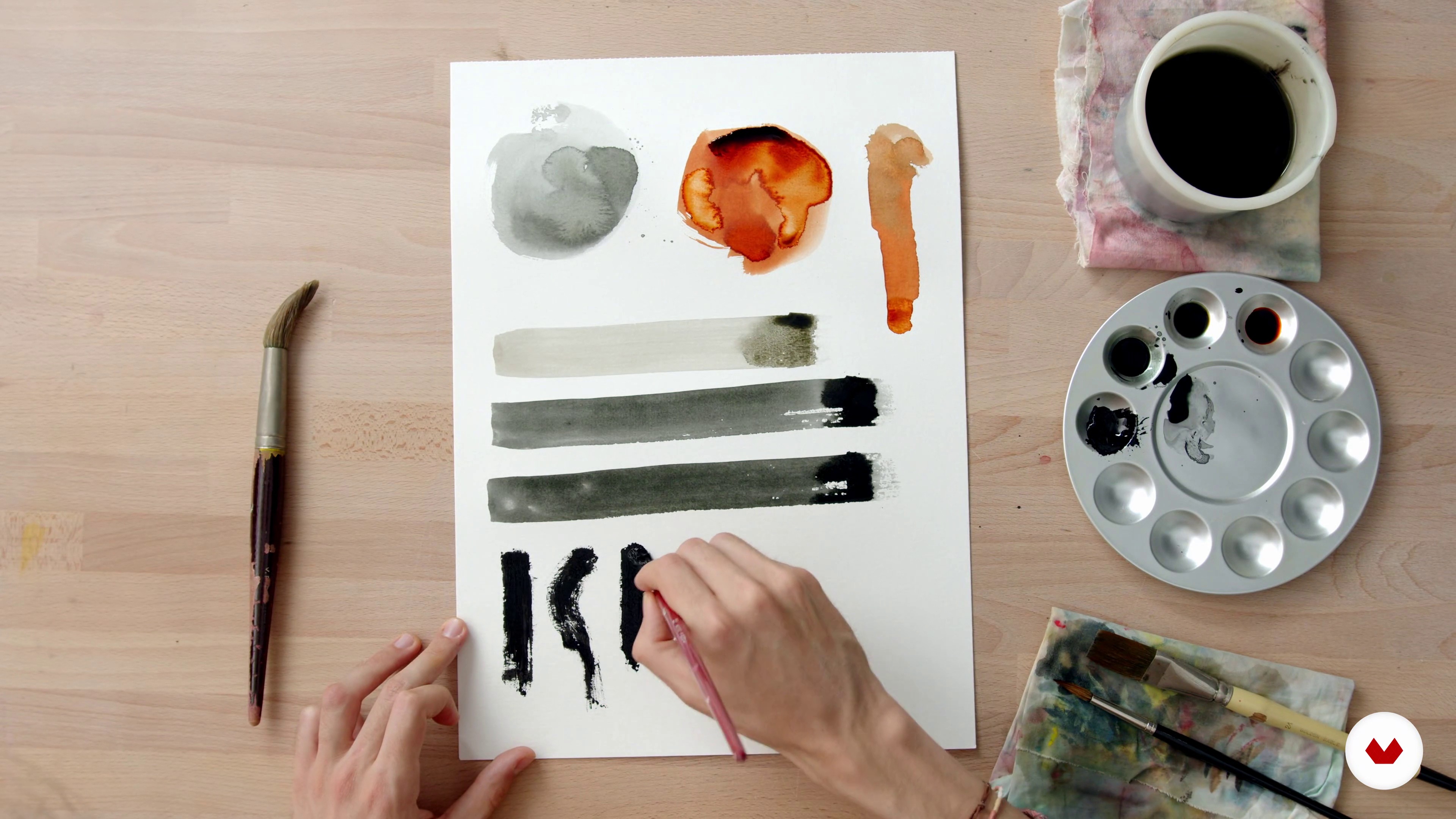
Creating our own brushes 1 (analog part)
14 minutes, 19 seconds
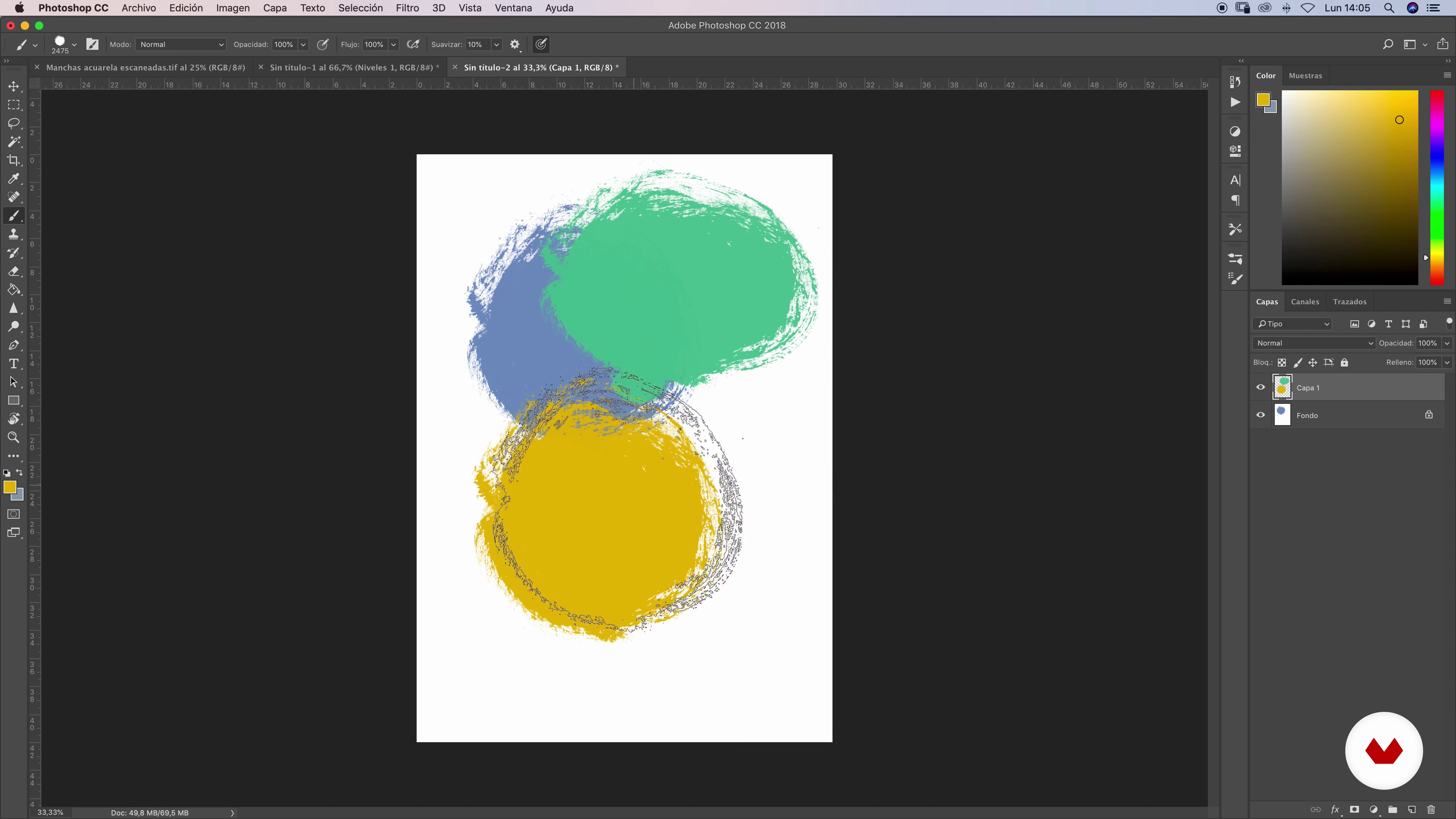
Creation of our own brushes 2 (digital part)
18 minutes, 3 seconds
The commission
16 minutes, 56 seconds
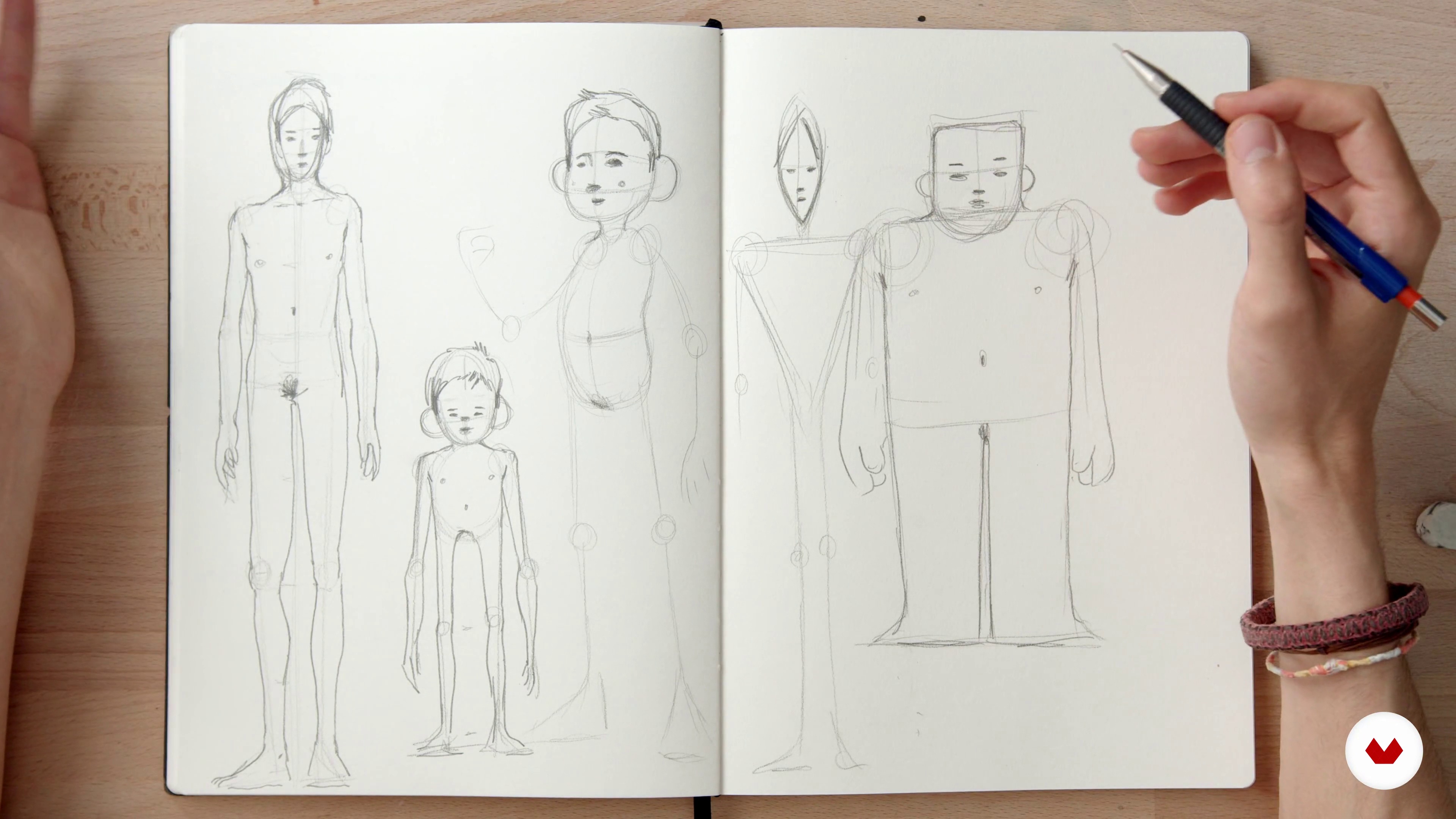
Character Creation 1
15 minutes, 36 seconds
What's included in this course?
Ricard López, also known as Ricardilus, starts by telling you how he started out in illustration professionally and shows you some of his projects and sources of inspiration. Then he shows you all the differences between a story and a picture book.
Learn how to create your own watercolor, gouache, or other textured paintbrushes you want on Photoshop and see how to work with them digitally to create your picture book.
See how to work on an editorial project professionally. First, by selecting a well-known story. Ricard gives you some tips and tricks to create your characters to start sketching your own and define your main character. Create the script for your book and work on the storyboard by sketching out the possible scenes and compositions of your story, while taking some important guidelines into account.
Ricard goes into the specifics of designing your book cover, analyze some good examples, and get his expert advice to create your own professional, eye-catching book cover.
Digitize your manual sketches and refine your line work on Photoshop. Learn how to add color to your work by creating a color palette and use the tools you created at the beginning of the course. Lastly, integrate text to your illustrations and add filters and textures to harmonize your work and give it an analog look and feel.
Recommended software & tools for this course
What is this course's project?
Design your own picture book, creating a character proposal and all the illustration content in an elegant, original, and professional way to include in your portfolio.

Projects by course students


Who is this online course for?
This course is for anyone passionate about picture books or those who want to learn about how to make one of their own.
Requirements and materials
Basic drawing and Photoshop skills are required to take this course.
As for materials, you will need: watercolor paper, a sketchbook or paper to sketch your illustrations, paintbrushes, pencils, and an eraser, watercolor paint, India ink, gouache or any other liquid pigment (one type is enough), as well as a computer with Adobe Photoshop, a graphics tablet, and a scanner or camera.

Reviews
- 2 months ago
Well-structured course, with lots of attention to details!
- 9 months ago
Excelente
- kimi_11PLUS11 months ago
I really like how the instructor presents the course material and techniques. It is a great start into creation of picture books!
- 11 months ago
Excelente curso, me sirvió mucho!
- 11 months ago
Fantastico! Muy bien explicado!

He started with Fine Art studies for one year, which he later changed for Higher Level studies in Animation and 3D at EASD Pau Gargallo, in Barcelona, Spain, as he always loved the idea of bringing his drawings to life. During that time, he also took several illustration courses and completed his studies with a short animated film (La Folie), for which he was selected and rewarded by many renowned competitions. He then studied Graphic Arts at the Escuela Joso in Barcelona and graduated in 2017. Currently, he devotes all his professional energy into illustration, alternating many different types of projects that all relate to art in some shape or form.
His illustrations are usually based on the female figure, although he strongly believes that a good illustrator should never stay within a particular style, and is always looking for new areas and techniques to learn and include in his work. This has secured a long list of major clients for Ricard, including Penguin Random House, Planeta, TSL Jewellery (Hong Kong), Joyería Suárez, SofarSounds, or the National Art Museum of Cataluña (MNAC), in Barcelona, Spain.
Content
- U1
Introduction
- Presentation
- Influences
- What will we do in the course?
- U2
Preparing the backpack
- Let's get to know the materials
- Creating our own brushes 1 (analog part)
- Creation of our own brushes 2 (digital part)
- U3
We plan the excursion
- The commission
- Character Creation 1
- Character Creation 2 (frist part)
- Creation of characters 2 (second part)
- Storyboard 1
- Storyboard 2 (first part)
- Storyboard 2 (part two)
- Tips for deck
- U4
Final art_ok_definitivo_3.psd
- Preparing the canvas
- Line 1
- Line 2
- Line 3
- Color 1 (part one)
- Color 1 (second part)
- Color 1 (part three)
- Color 1 (part four)
- Color 2 (first part)
- Color 2 (second part)
- Color 2 (part three)
- Final text and adjustments
- U5
Export and conclusions
- Export your work for printing
- Conclusions and tips to enter the professional world: the portfolio
- FP
Final project
- Introduction to Picturebook Creation
What to expect from a Domestika course
Learn at your own pace
Enjoy learning from home without a set schedule and with an easy-to-follow method. You set your own pace.
Learn from the best professionals
Learn valuable methods and techniques explained by top experts in the creative sector.
Meet expert teachers
Each expert teaches what they do best, with clear guidelines, true passion, and professional insight in every lesson.
Certificates
PLUSIf you're a Plus member, get a custom certificate signed by your teacher for every course. Share it on your portfolio, social media, or wherever you like.
Get front-row seats
Videos of the highest quality, so you don't miss a single detail. With unlimited access, you can watch them as many times as you need to perfect your technique.
Share knowledge and ideas
Ask questions, request feedback, or offer solutions. Share your learning experience with other students in the community who are as passionate about creativity as you are.
Connect with a global creative community
The community is home to millions of people from around the world who are curious and passionate about exploring and expressing their creativity.
Watch professionally produced courses
Domestika curates its teacher roster and produces every course in-house to ensure a high-quality online learning experience.
FAQs
You’ll learn mixed traditional and digital techniques to create picture books, how to plan storyboards, illustrate female figures, combine text and image, create realistic textures, and prepare files for editorial projects.
The course is designed for intermediate level, so it’s best to have basic drawing or illustration skills and some experience with digital tools like Photoshop.
You’ll need materials like gouache, aniline dyes, watercolor paper, brushes, and access to Photoshop. A scanner is also recommended to digitize your traditional illustrations.
Yes, the course covers both traditional and digital techniques, with a focus on integrating the two, so you can benefit from lessons on digitizing and creating brushes in Photoshop.
A storyboard is a visual planning tool that helps organize the narrative and sequence of scenes in a picture book, allowing you to structure the story and lay out content graphically.
Yes, the course includes techniques for drawing and styling female figures, from realistic to manga styles, and how to capture movement and expression in your characters.
You’ll learn how to incorporate animation concepts of movement and storytelling into your illustrations, creating dynamic and visually engaging picture books.