Portrait Illustrated with Photoshop
A course by Oscar GiménezIllustrator
A course by Oscar Giménez, Illustrator

Learn foolproof techniques for digital illustration to create portraits with personality
Illustrator Óscar Giménez teaches you how to create unique and personalized portraits from photographs and multiple references. Achieve that and more through digital illustration techniques and tools developed by Giménez himself throughout his career, which you can apply to any other type of project.
Start thinking about your favorite famous person because it's time to learn to portray them like you never imagined before! This course is the perfect complement to Illustration for Music Lovers, Óscar's previous course, which explains how to illustrate a high-impact poster for a concert.
What will you learn in this online course?
17 lessons & 8 downloads
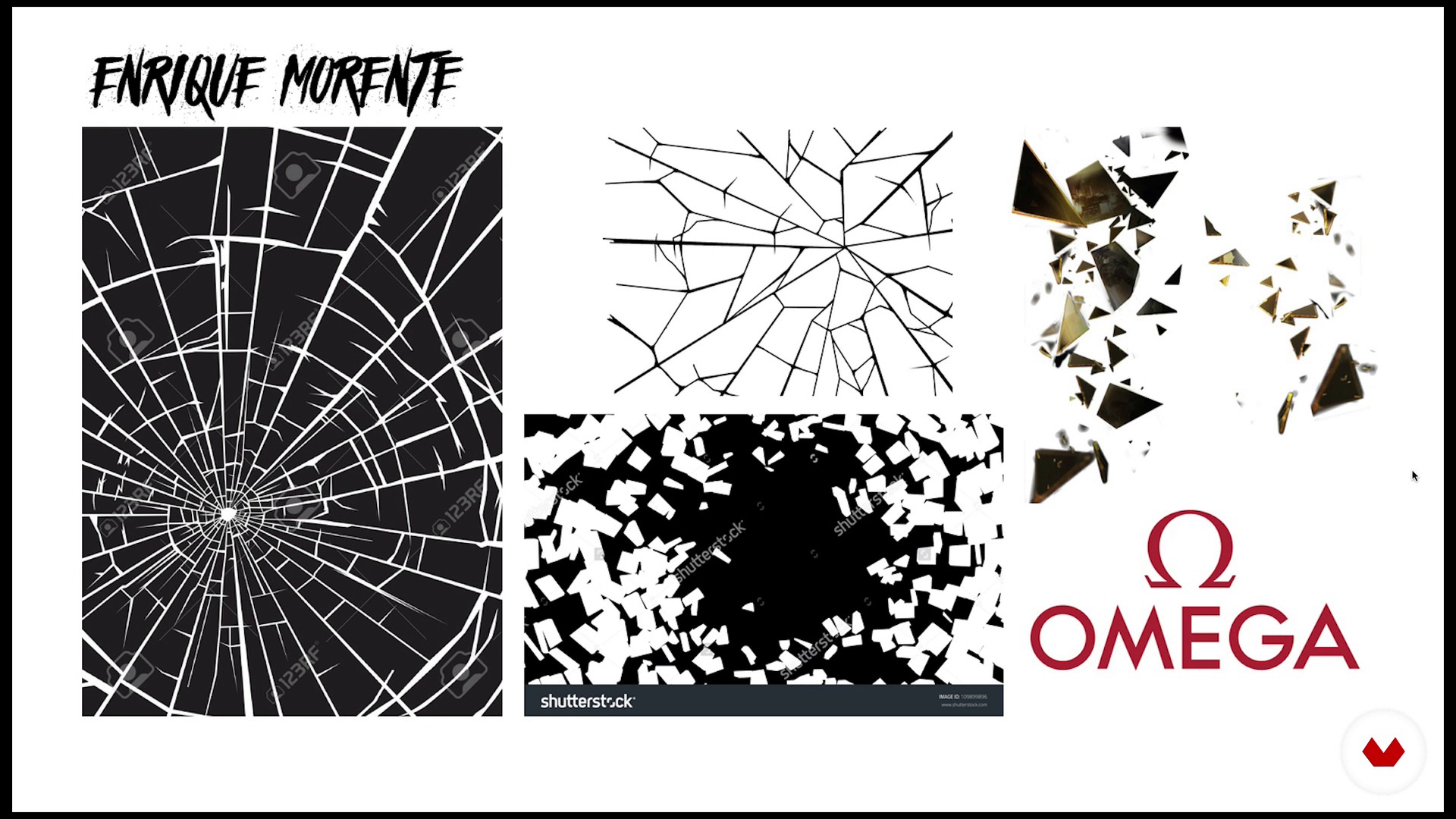
Theory of portrait composition
17 minutes, 34 seconds
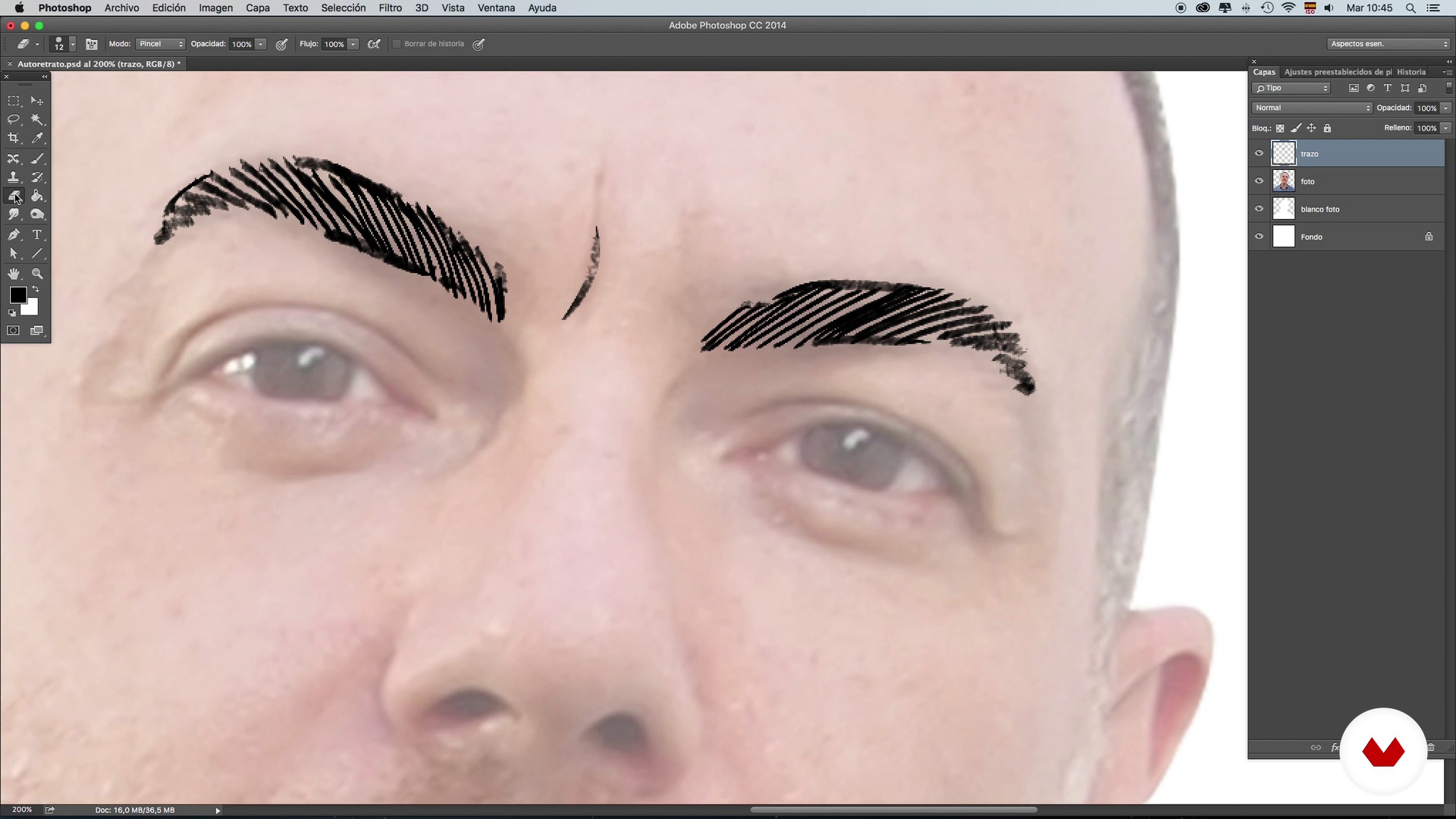
Brushes: Stroke and shading techniques - Self-portrait - Part 1
15 minutes, 48 seconds
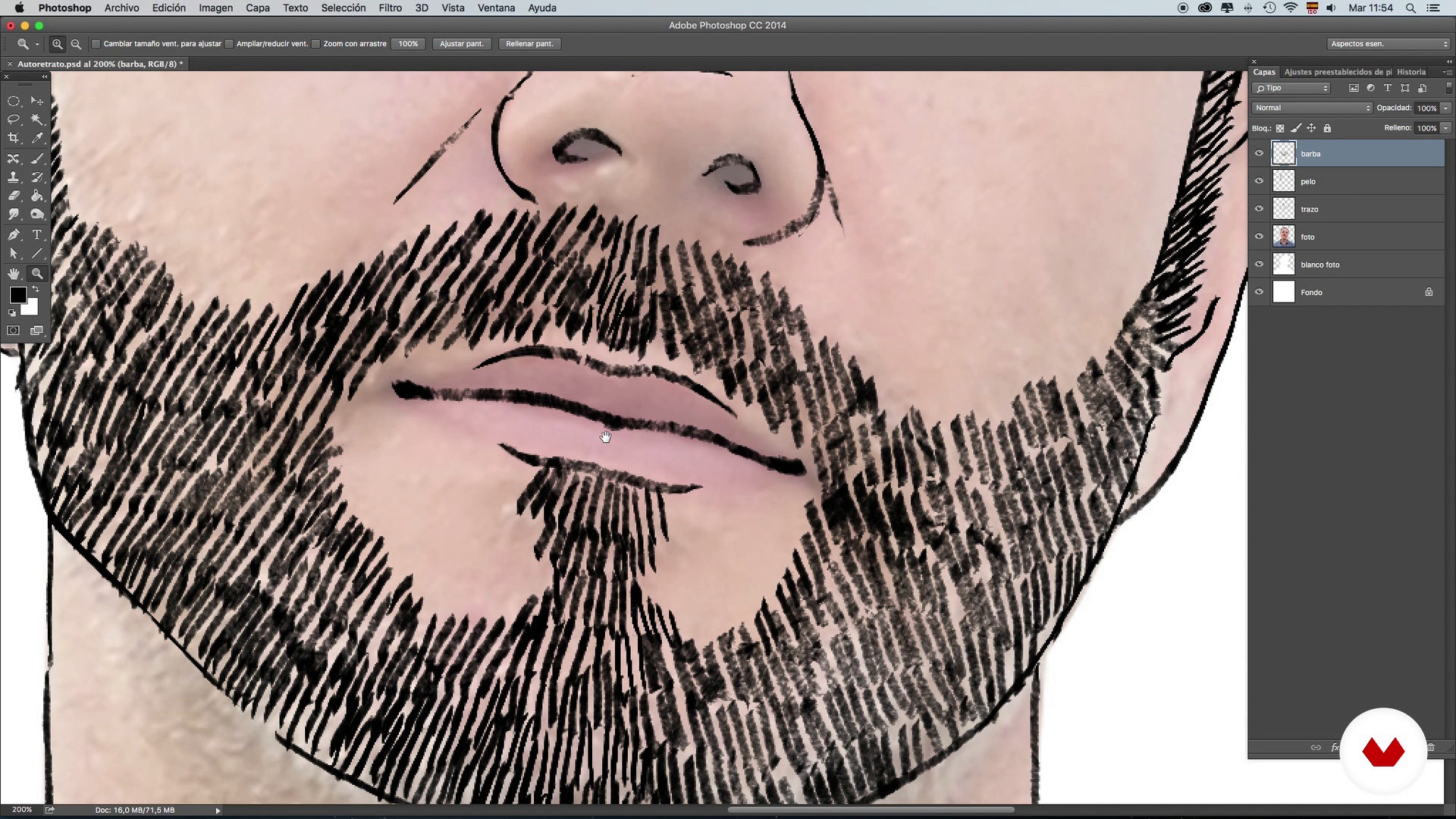
Brushes: Stroke and shading techniques - Self-portrait - Part 2
14 minutes, 59 seconds
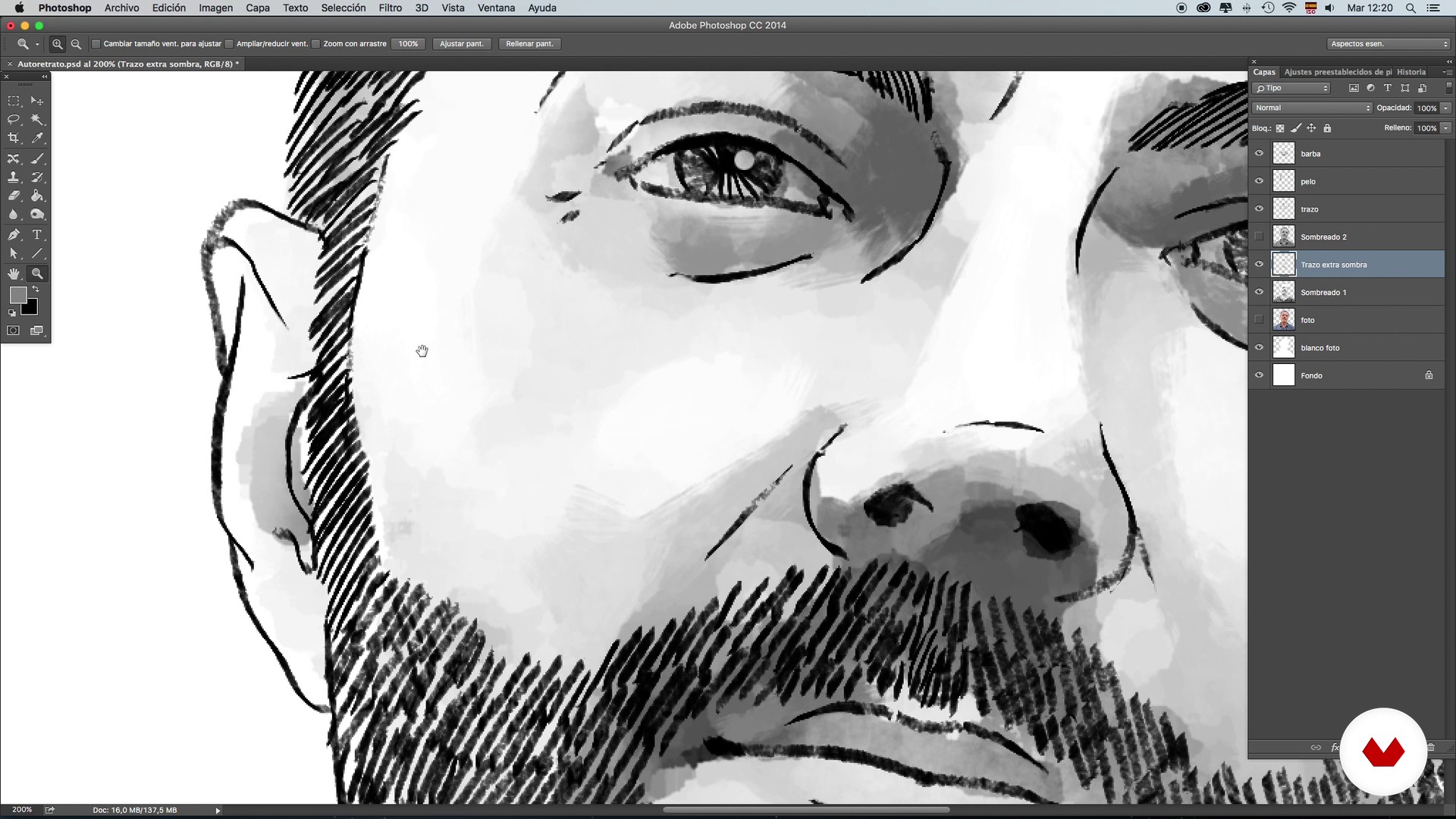
Brushes: Stroke and shading techniques - Self-portrait - Part 3
16 minutes, 40 seconds
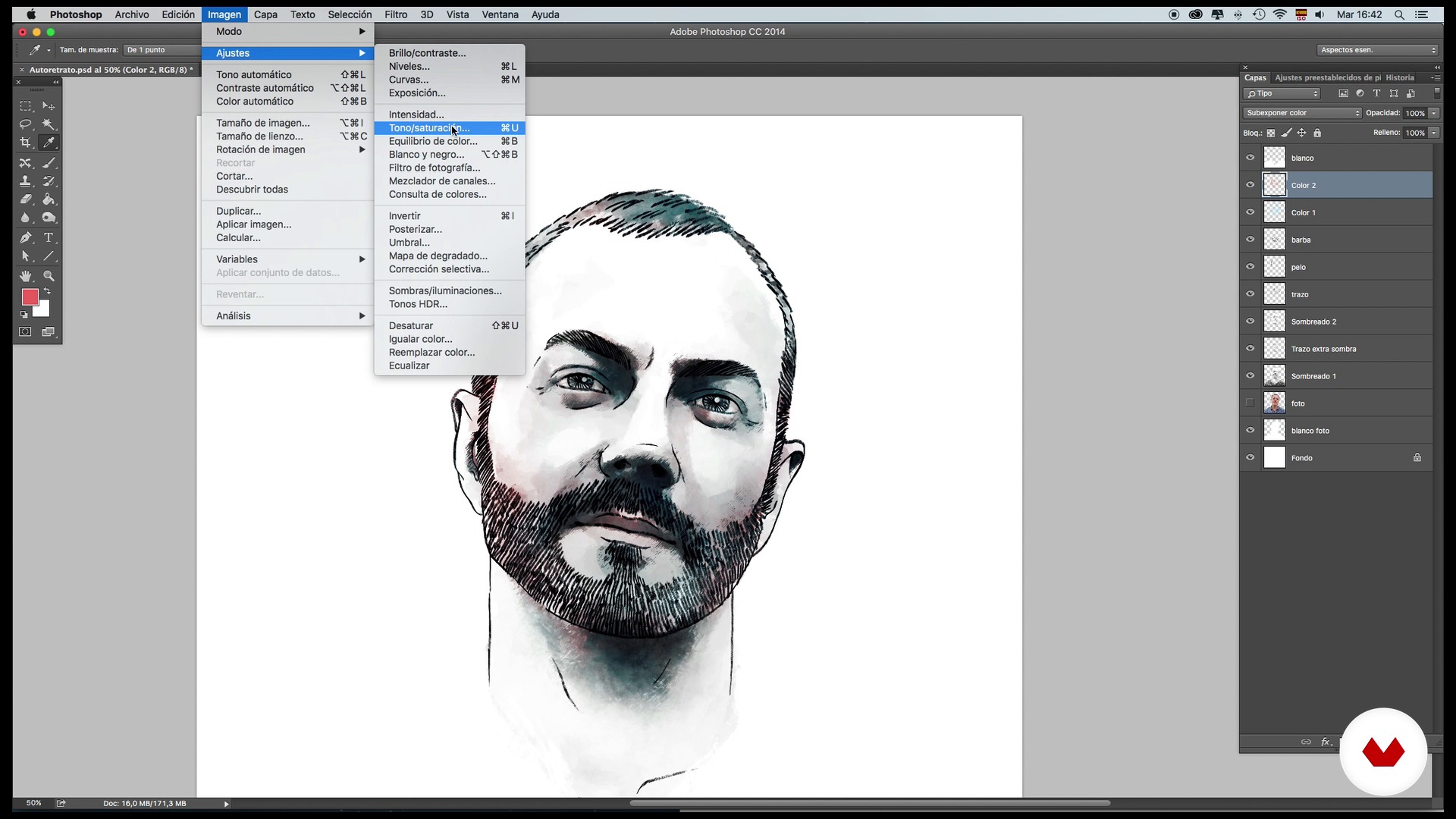
Brushes: Color and retouching techniques - Self-portrait - Part 1
15 minutes, 52 seconds
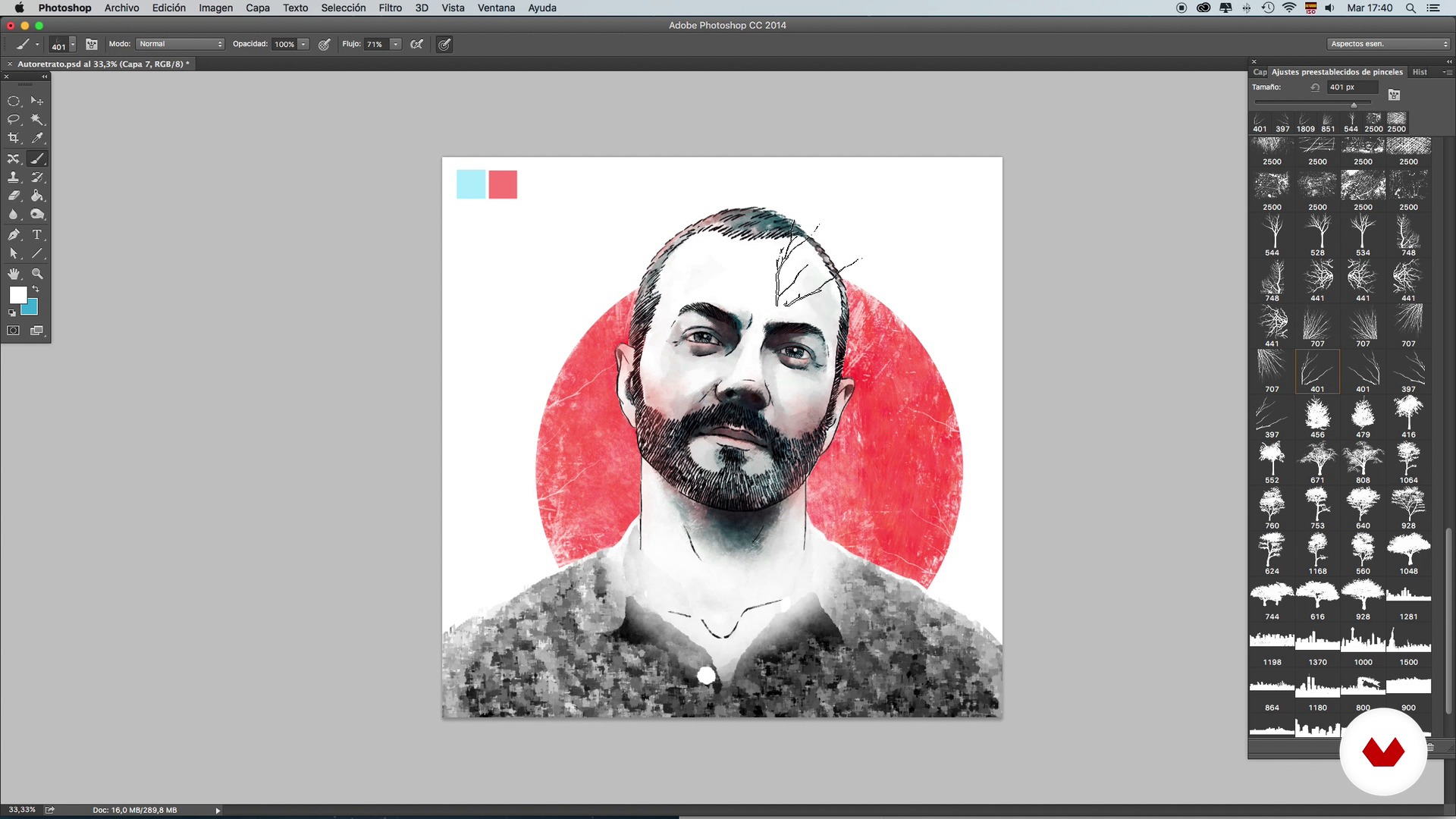
Brushes: Color and retouching techniques - Self-portrait - Part 2
20 minutes, 47 seconds
What's included in this course?
Start by learning about the work and influences of Óscar Giménez–an illustrator who describes himself as forever dissatisfied. After 13 years in the profession, however, he no longer believes in perfectionism, but rather in dedication.
Next, learn the basics of composition, brushes, strokes, shading, color, and retouching. Practice these first on your own self-portrait so that you become more comfortable with the tools, then, once you have decided who the famous person you want to illustrate is, start the documentation phase, searching for reference and composition images for the main portrait.
When you have your character fully defined with shadows and color, add new elements to enrich your illustration, a background to give more personality to the work, and the finishing touches.

Recommended software & tools for this course
What is this course's project?
Create a portrait of your favorite famous person from the information collected about them and visual references. In this project, apply all the techniques learned on composition, use of color, and integration of the character in their world.
Projects by course students


Who is this online course for?
Illustration and design lovers and professionals who are interested in learning new techniques and methods to apply to illustrated portraits and to any other project.
Requirements and materials
You need to have previous knowledge of Photoshop, a computer, and a graphics tablet. You don't need to know how to draw.

Reviews
- 4 months ago
Curso muito bom mesmo. Aprende-se ferramentas muito interessantes dentro do Photoshop que serão muito úteis em nossas próprias artes.
- 1 year ago
Excelente curso más con el mismo profesor
- 1 year ago
Ottimo corso e ottimo l'insegnante..consigliatissimo
- goutamPLUS1 year ago
Totally recommended
- 2 years ago
Excelente curso y con buenos consejos para las herramientas del programa.

He has worked in all areas of the profession for magazines like Rolling Stone, Playboy, and Yorokobu, publishers like Penguin and Planeta, and record companies like Universal Music. He has also worked for newspapers like El País, Expansión and Fomento, advertising agencies, promoters, and producers (Telecinco).
In recent years he has specialized in music illustration thanks to a personal project of concert illustrations compiled in the book Sold Out. During this project, he developed a taste for illustrated portraits capturing groups and musicians that also led to other commissions to illustrate all kinds of characters.
Finally, Yorokobu magazine decided to open a regular section called Rock n' Draw in which Óscar creates a musical portrait every two weeks.
His portraits are no ordinary portraits. They seek to capture the essence of the character and make a unique illustration that reflects their world.
Content
- U1
Presentation and references
- Presentation
- Referents and project
- U2
Composition, tools and techniques
- Theory of portrait composition
- Brushes: Stroke and shading techniques - Self-portrait - Part 1
- Brushes: Stroke and shading techniques - Self-portrait - Part 2
- Brushes: Stroke and shading techniques - Self-portrait - Part 3
- Brushes: Color and retouching techniques - Self-portrait - Part 1
- Brushes: Color and retouching techniques - Self-portrait - Part 2
- U3
Documentation and preparation of the main portrait
- Search for images and information
- Basic composition and main line 1
- Basic composition and main line 2
- Application of shading 1
- Application of shading 2
- Application of color
- U4
Integration of references and background
- Adding references I
- Adding references II
- Background and final touches
- FP
Final project
- Portrait illustrated with Photoshop
What to expect from a Domestika course
Learn at your own pace
Enjoy learning from home without a set schedule and with an easy-to-follow method. You set your own pace.
Learn from the best professionals
Learn valuable methods and techniques explained by top experts in the creative sector.
Meet expert teachers
Each expert teaches what they do best, with clear guidelines, true passion, and professional insight in every lesson.
Certificates
PLUSIf you're a Plus member, get a custom certificate signed by your teacher for every course. Share it on your portfolio, social media, or wherever you like.
Get front-row seats
Videos of the highest quality, so you don't miss a single detail. With unlimited access, you can watch them as many times as you need to perfect your technique.
Share knowledge and ideas
Ask questions, request feedback, or offer solutions. Share your learning experience with other students in the community who are as passionate about creativity as you are.
Connect with a global creative community
The community is home to millions of people from around the world who are curious and passionate about exploring and expressing their creativity.
Watch professionally produced courses
Domestika curates its teacher roster and produces every course in-house to ensure a high-quality online learning experience.
FAQs
Conceptual portrait illustration blends artistic and symbolic techniques to create personalized portraits with storytelling. In this course, you’ll learn how to integrate visual references, apply color, composition, and texture techniques, and develop original, expressive digital portraits.
The course is designed for those with intermediate skills in digital illustration and Photoshop. It’s perfect if you already know the basics and want to deepen your skills in creating conceptual portraits and advanced techniques.
You’ll need a computer, Photoshop access, a graphics tablet (optional but recommended), and an internet connection. It’s also helpful to have reference images and digital brushes to practice the techniques taught.
You’ll learn to combine graphic elements, integrate cutouts, references, and symbols, and organize your composition using layers and selection tools in Photoshop to create unique illustrated portraits with visual harmony.
The course covers how to choose color palettes, apply color layers, use blending modes and contrasts, and create thematic atmospheres through tonal adjustments—all aimed at enhancing the portrait’s narrative.
You’ll discover how to research, select, and incorporate cultural, biographical, and symbolic references to add depth and meaning, crafting personalized portraits with strong conceptual impact.
Yes, the course includes methods for applying textures, filters, custom brushes, and shading effects to achieve rich, detailed finishes in your digital portraits.